Enterprise screen examples
Enterprise screen design examples from SaaS apps. Browse examples from Dock, Outseta, The org.
Explore the examples
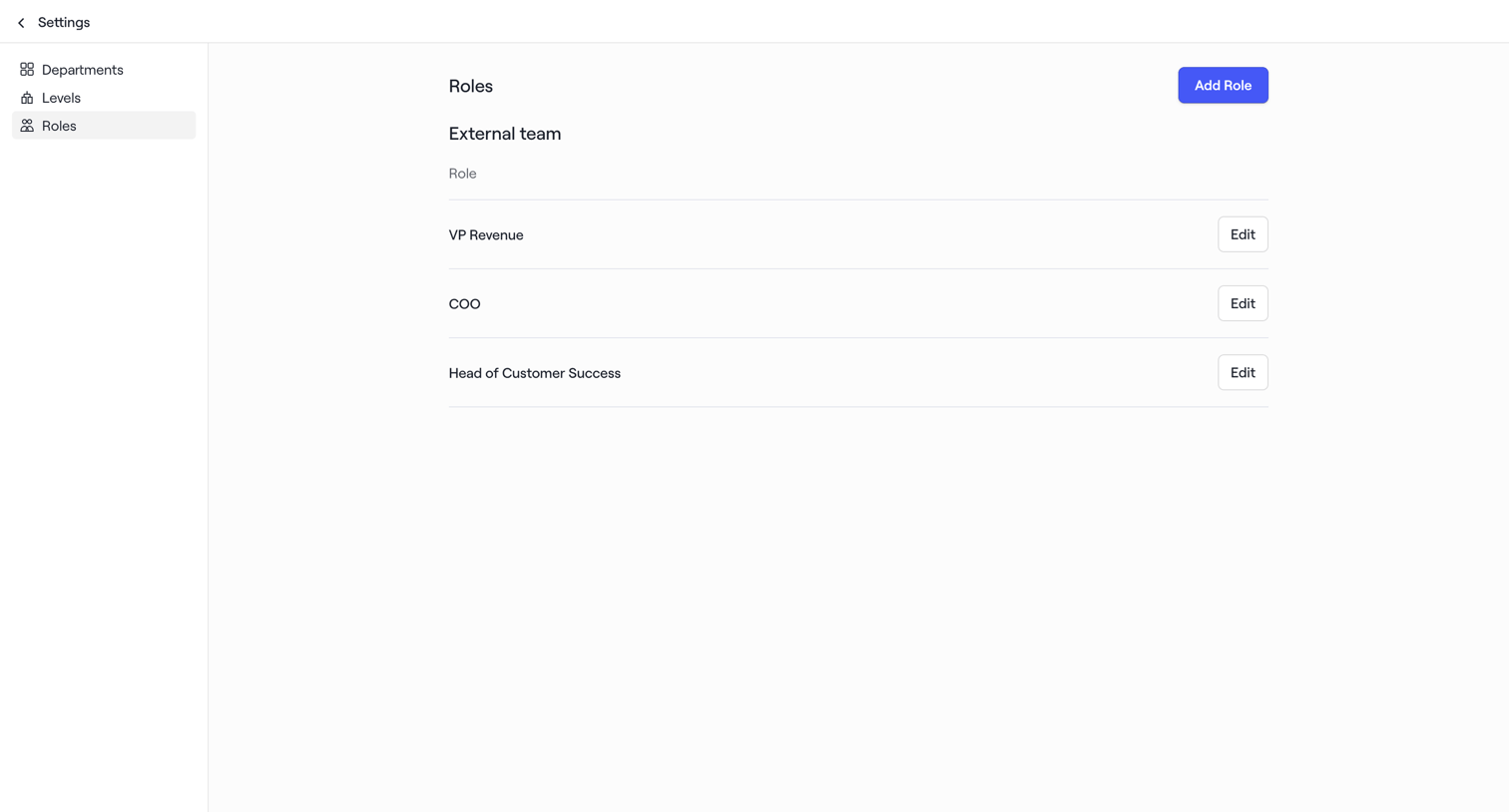

Settings page where the user manages roles for their external team, with options to add new roles or edit existing ones like VP Revenue and COO.
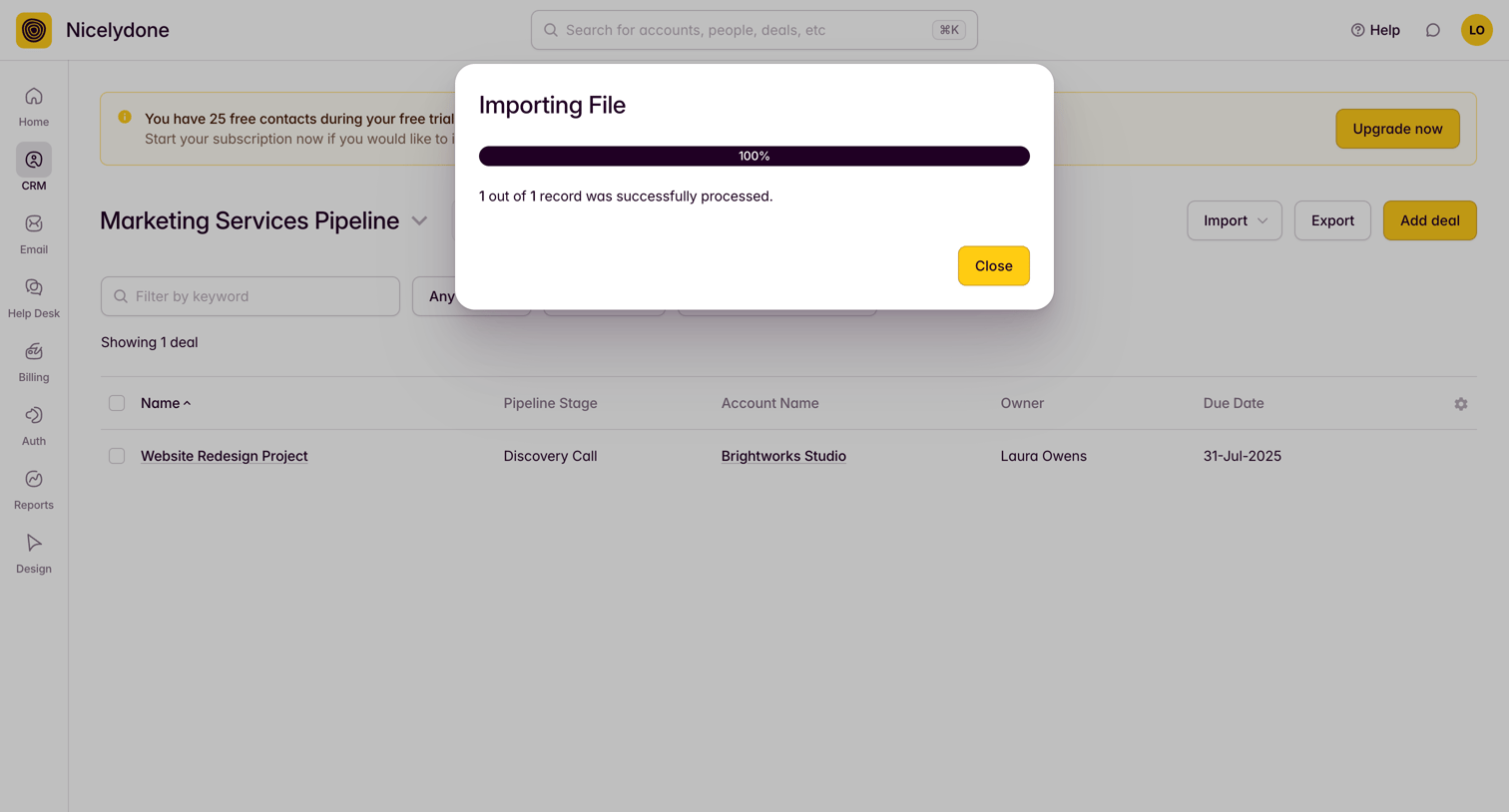

List view where a modal confirms a successful file import over a marketing services pipeline.
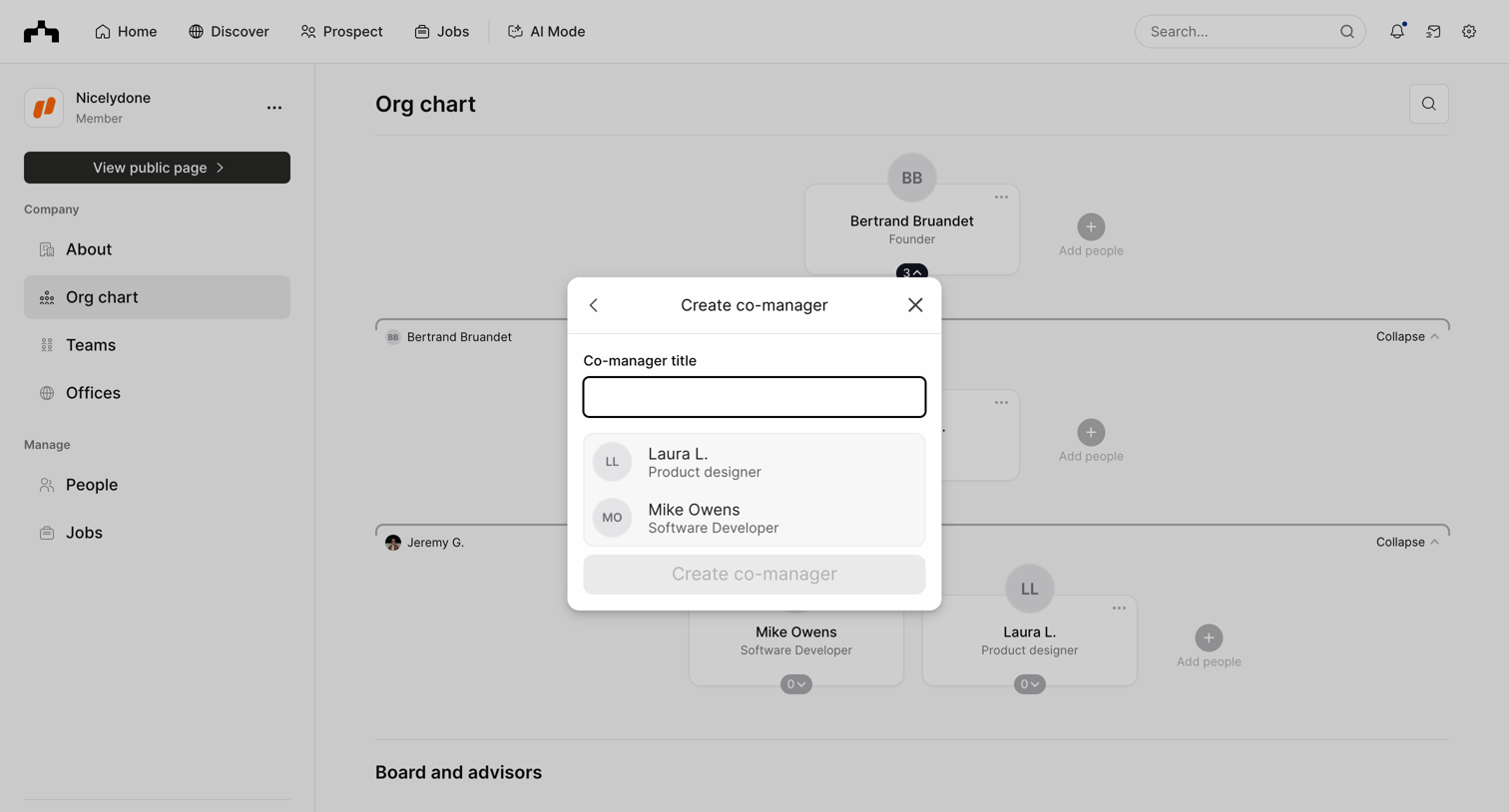

Dashboard where the user assigns a co-manager title to a selected employee within the company org chart.

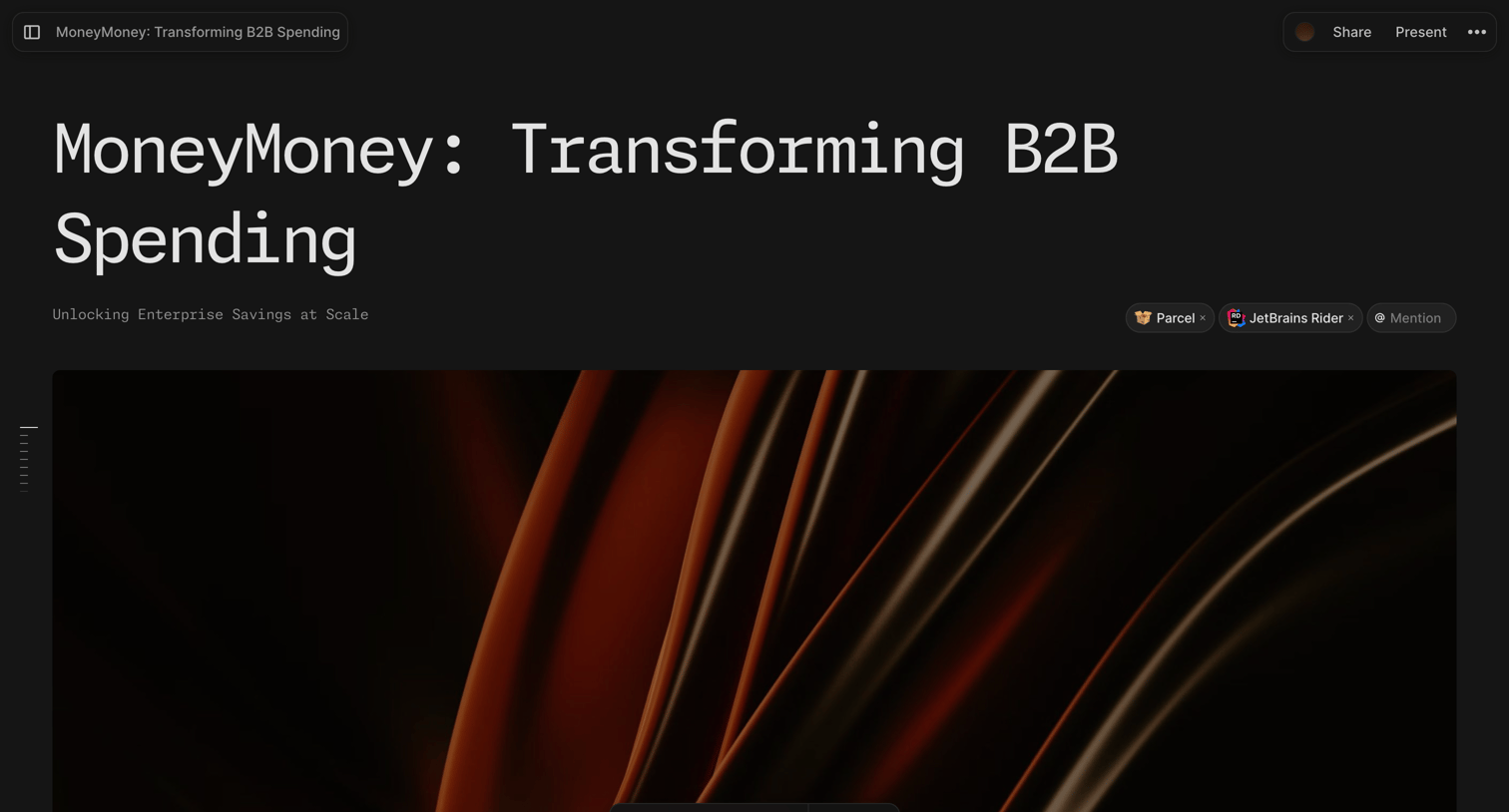

Content editor where the user is formatting a large image block using a floating toolbar in a dark-themed document.
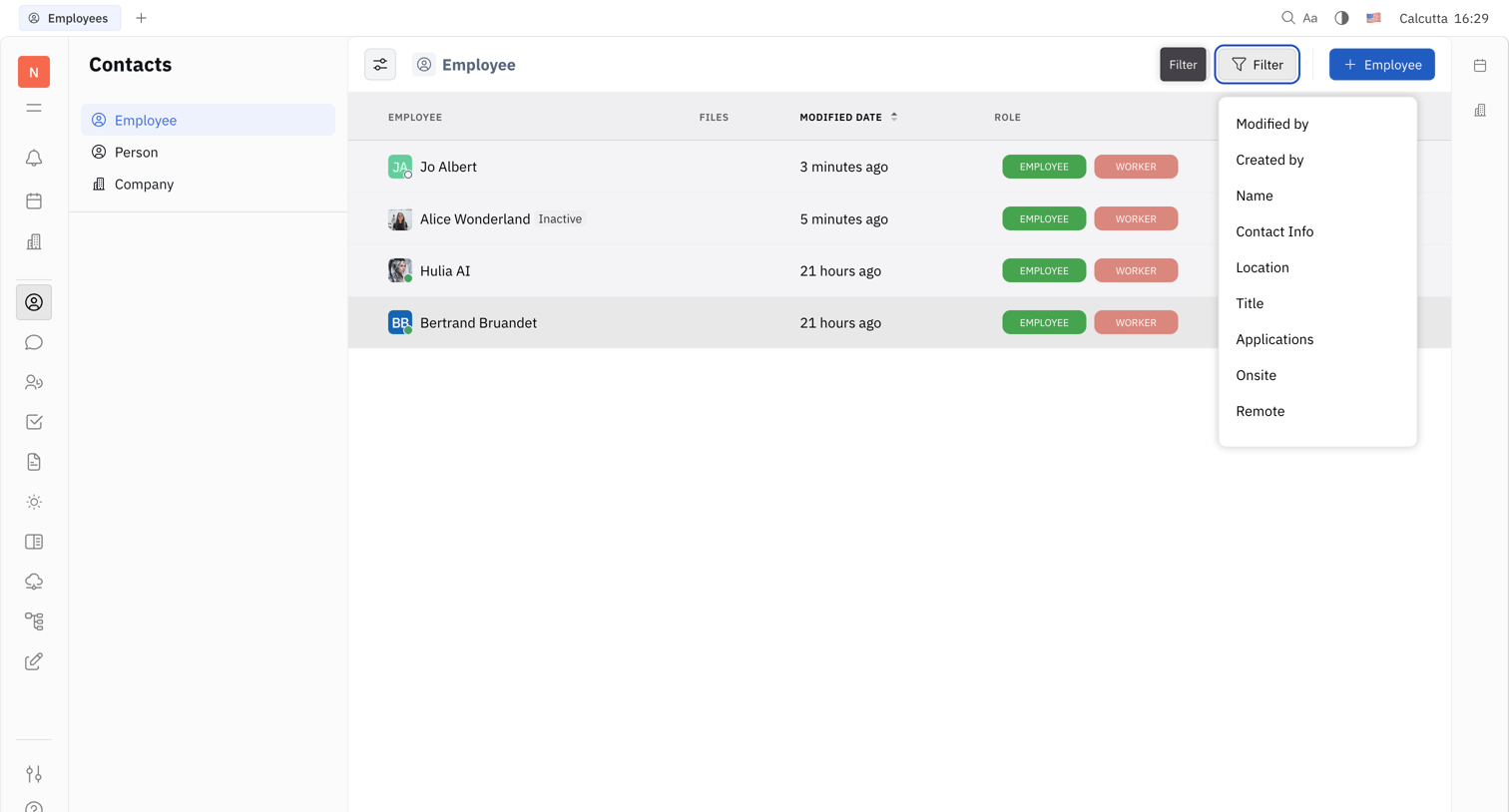

List view where the user browses and filters the employee directory within a contacts database.
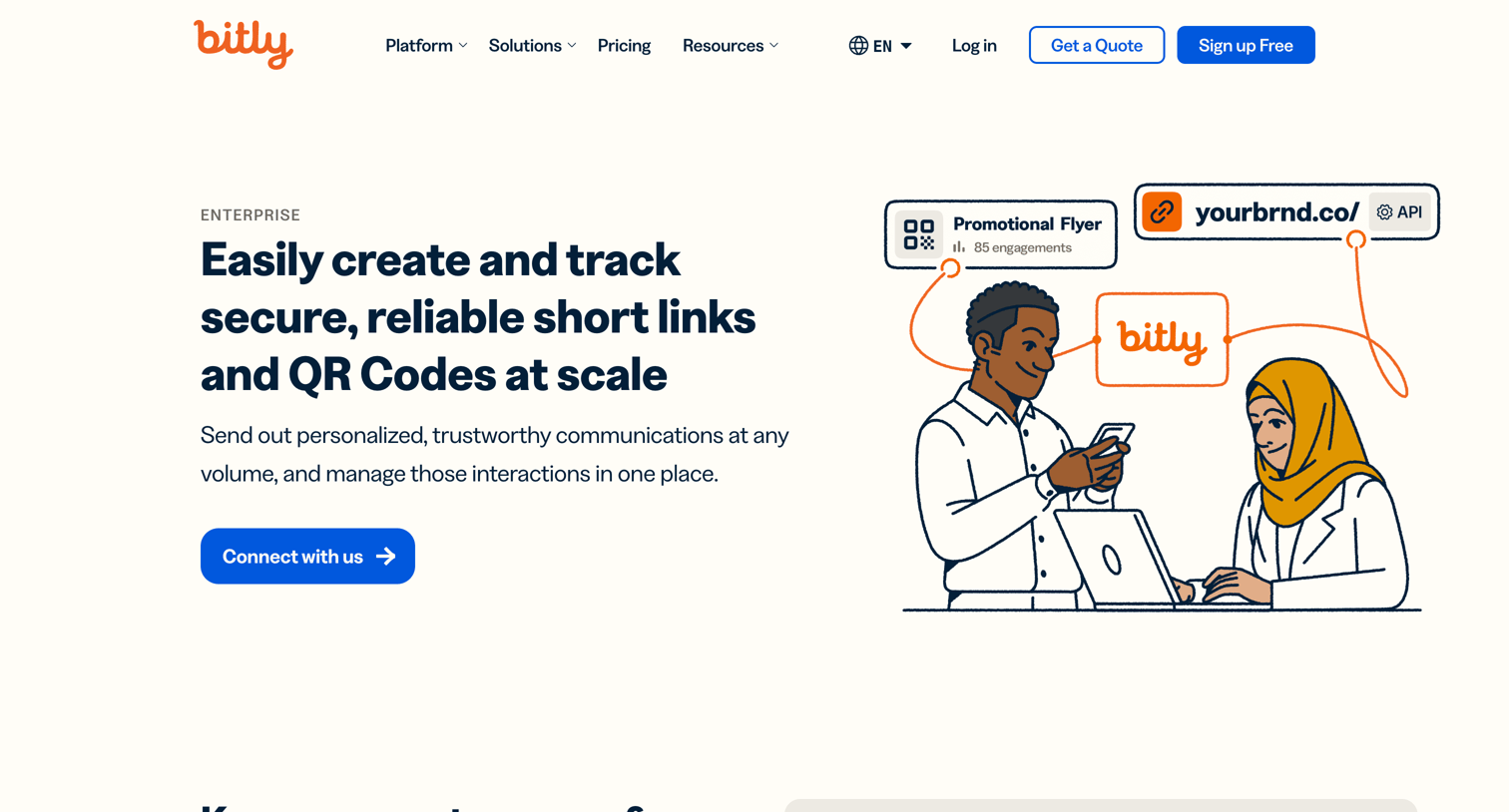

Marketing page detailing the enterprise-grade features of the Bitly platform, including secure link management, custom QR codes, and analytics, with prompts to contact sales or start for free.
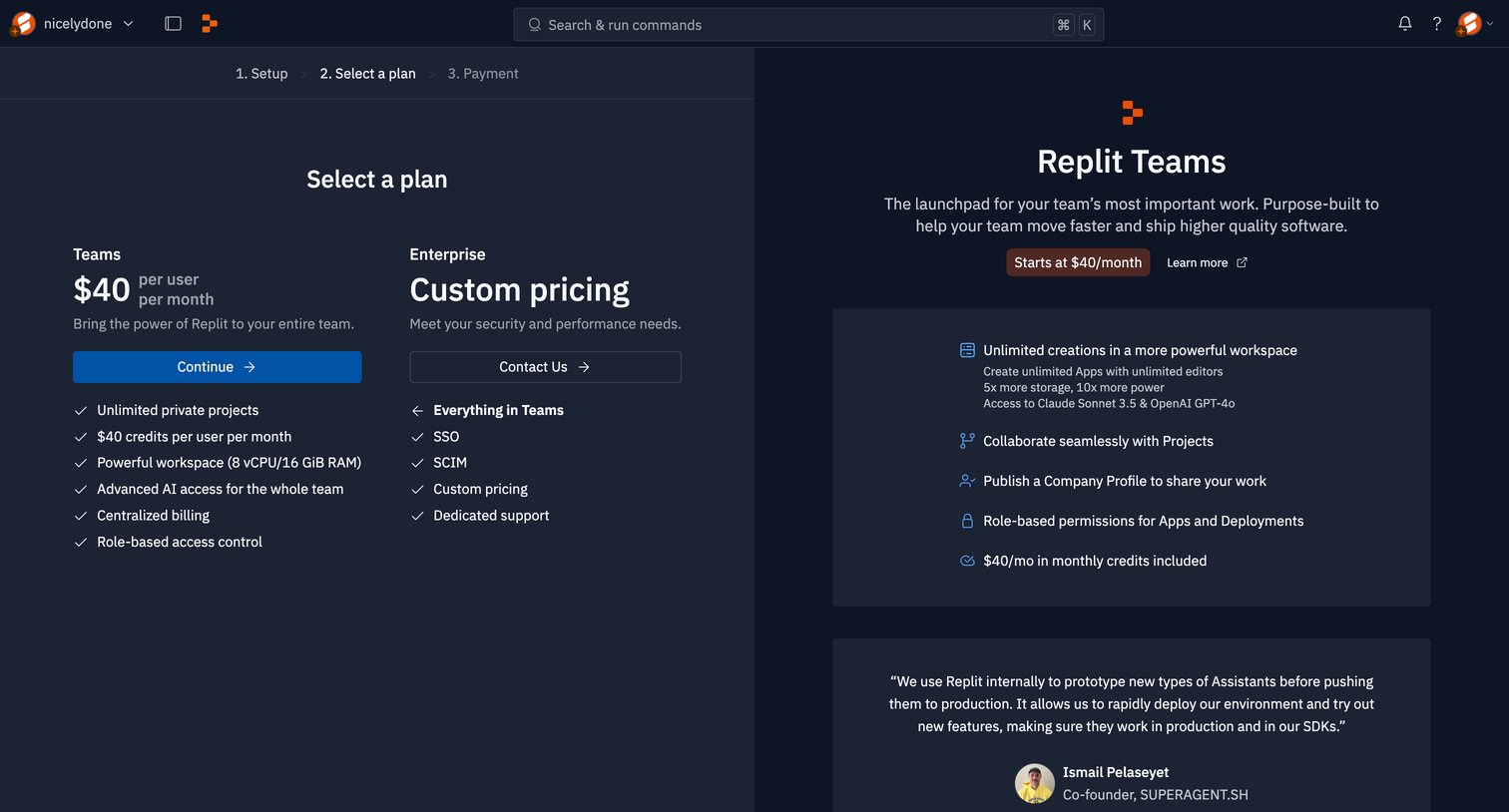

Onboarding step where the user selects a subscription plan for their new team, comparing Teams and Enterprise tiers alongside feature highlights and a customer testimonial.
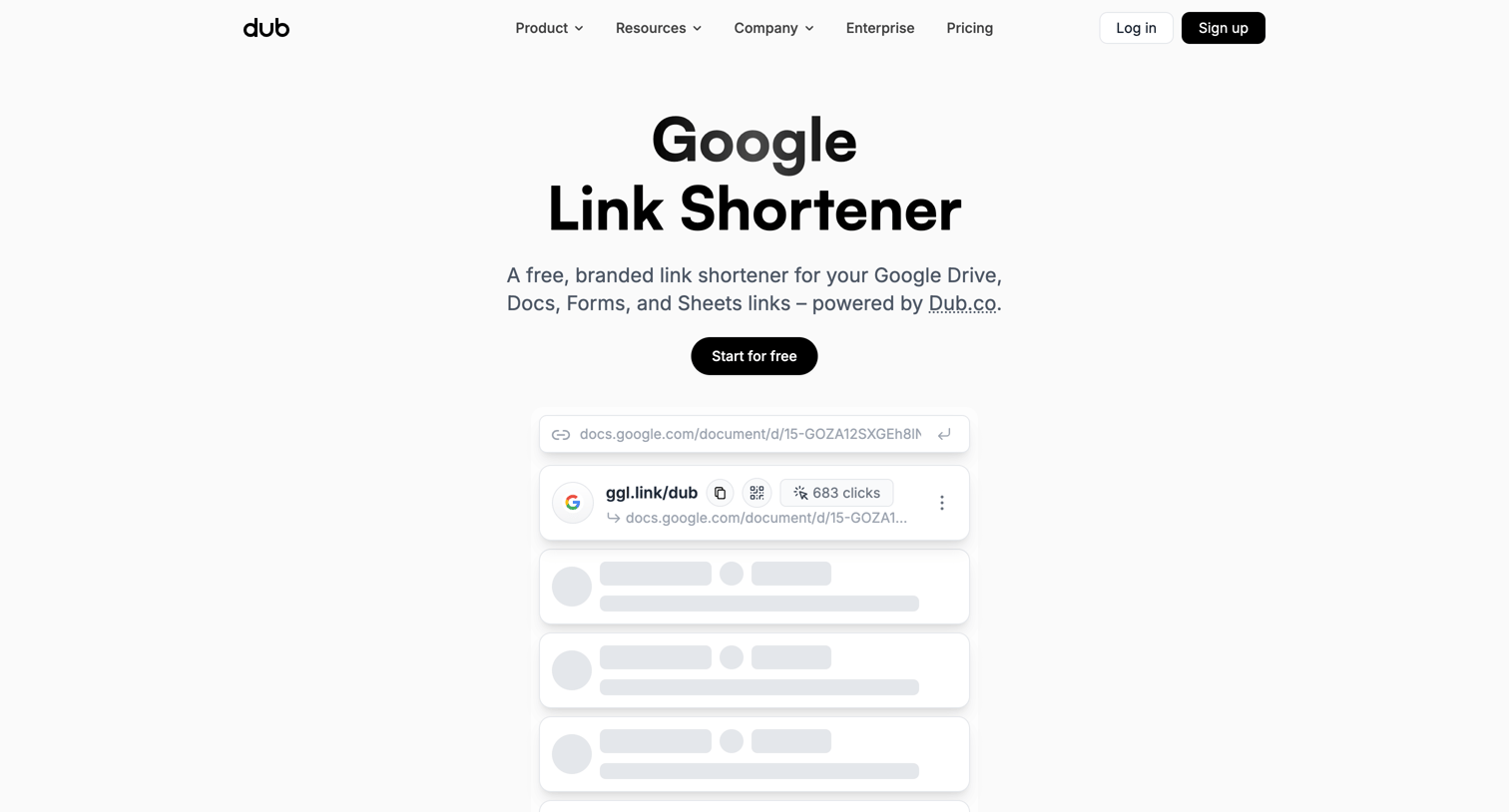

Marketing feature page pitching a Google Link Shortener tool with features like custom domains, branded QR codes, and team collaboration, supported by customer testimonials and scale metrics.
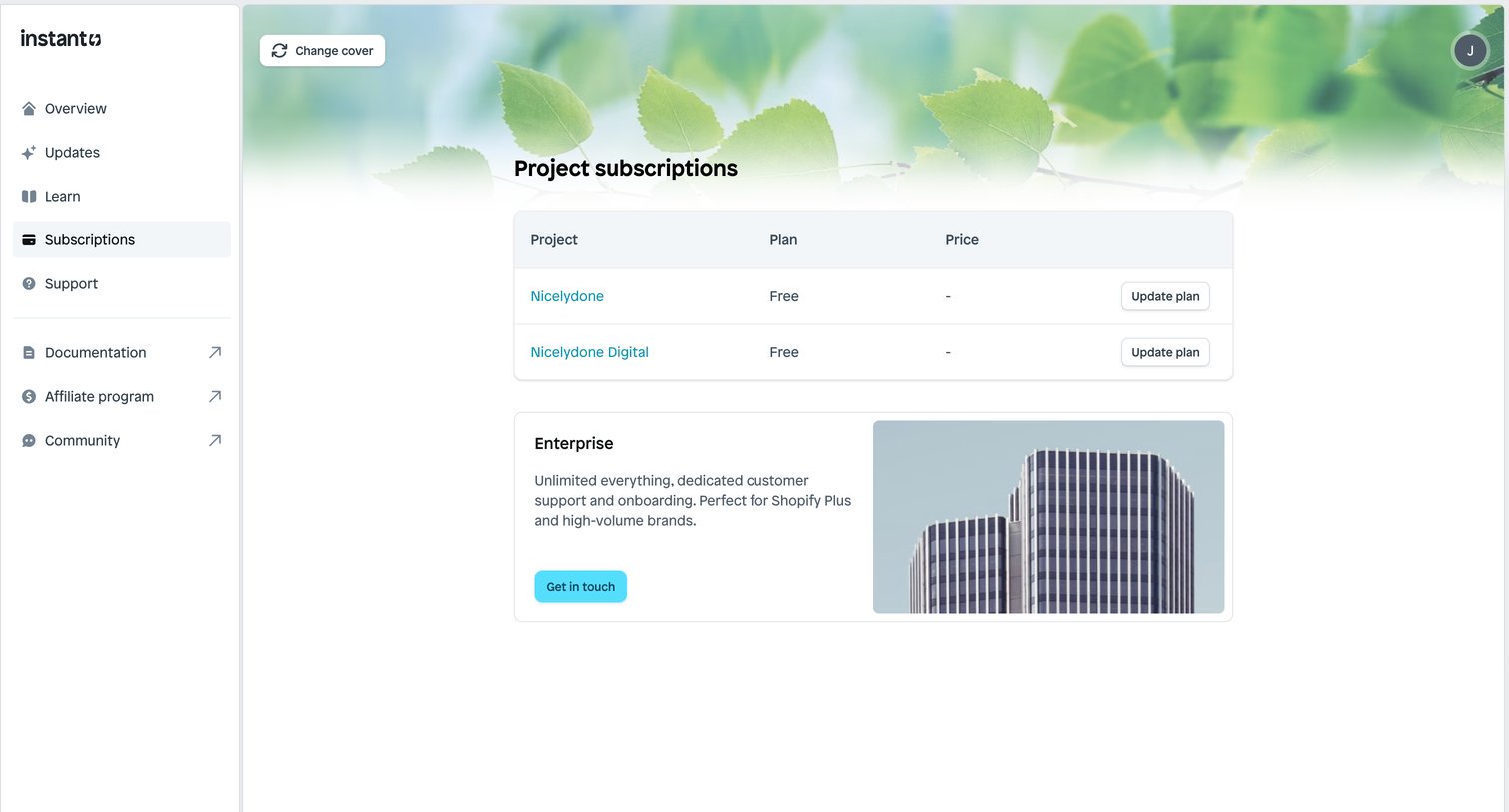

Settings page where the user manages their project subscription plans and can contact sales for an enterprise tier.
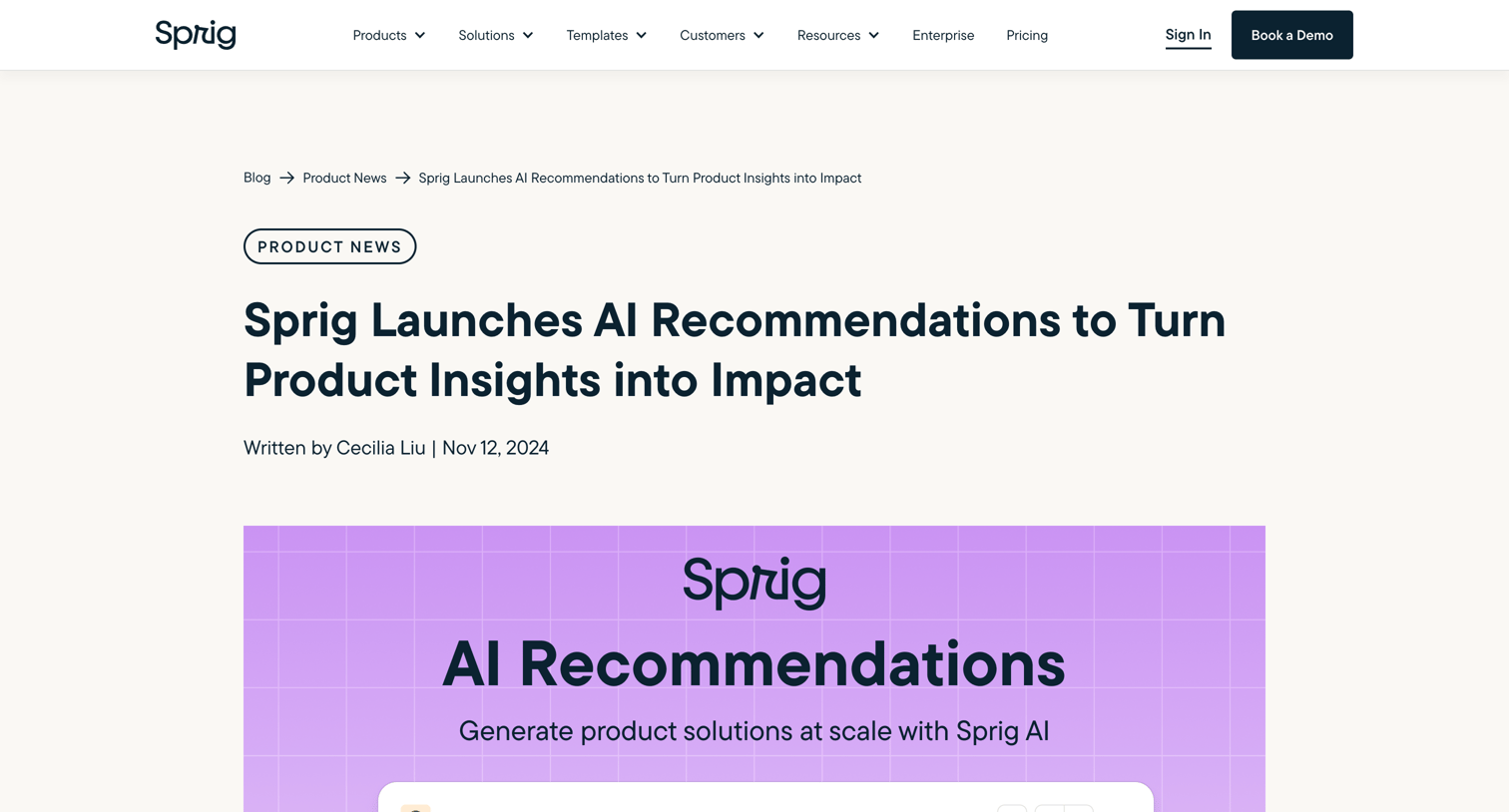

Marketing article announcing the launch of Sprig AI Recommendations, featuring a newsletter signup sidebar and related product news.
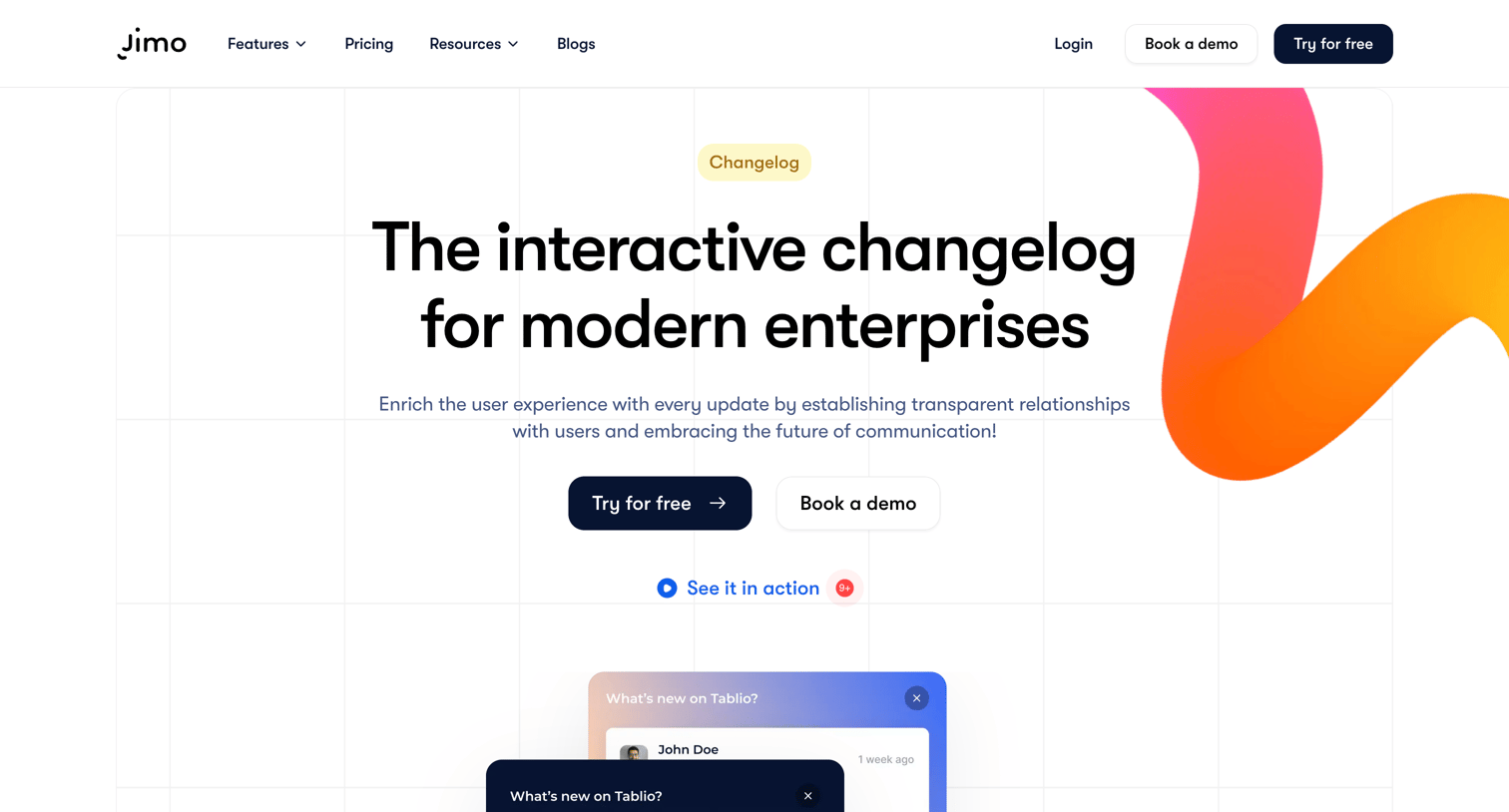

Feature page detailing an interactive changelog product with sections for bug fixes, multimedia integration, and an FAQ.
Explore the full SaaS screen library
Upgrade to unlock the full library.
Trusted by the best teams







