Edit mode screen examples
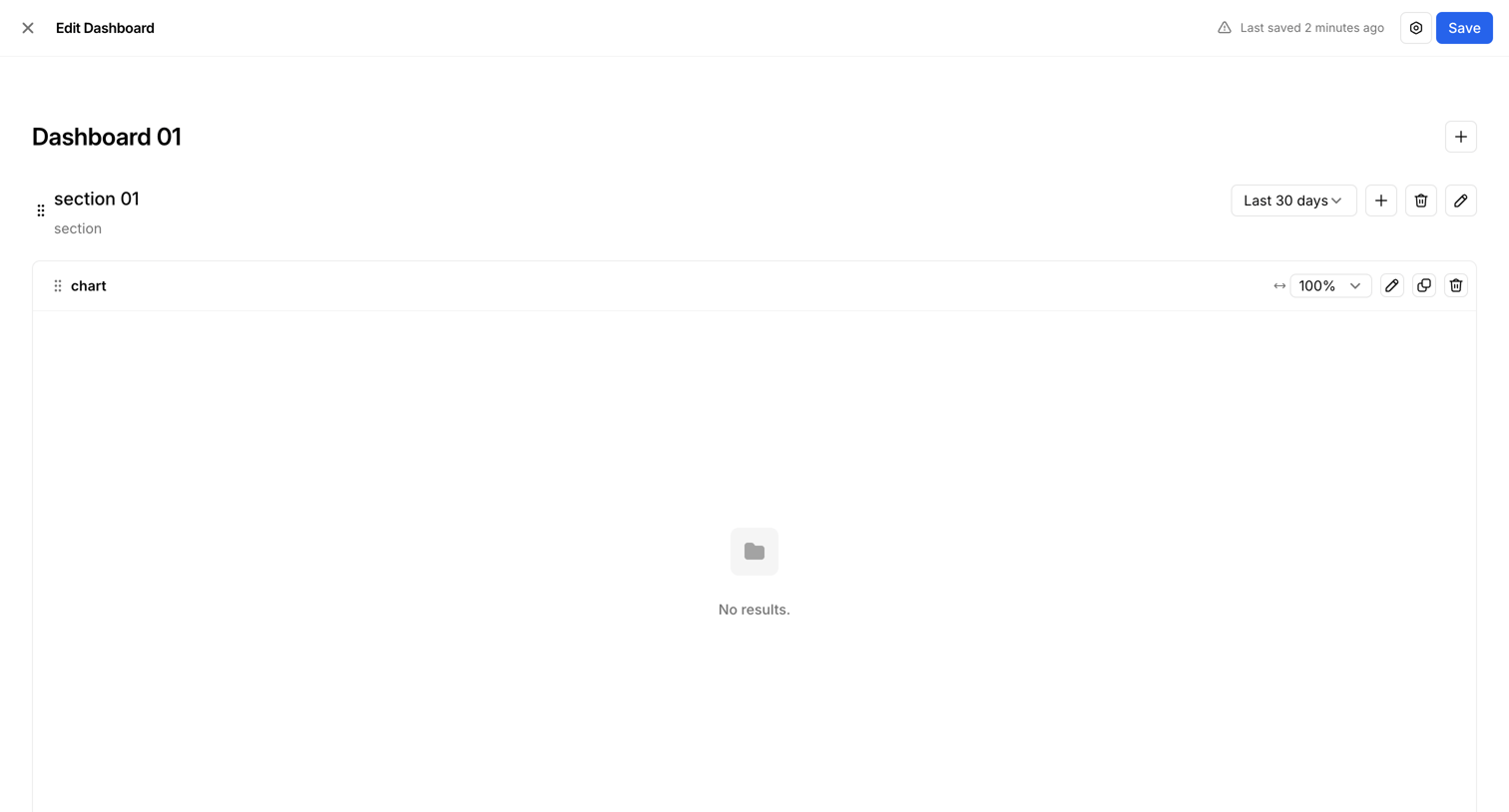
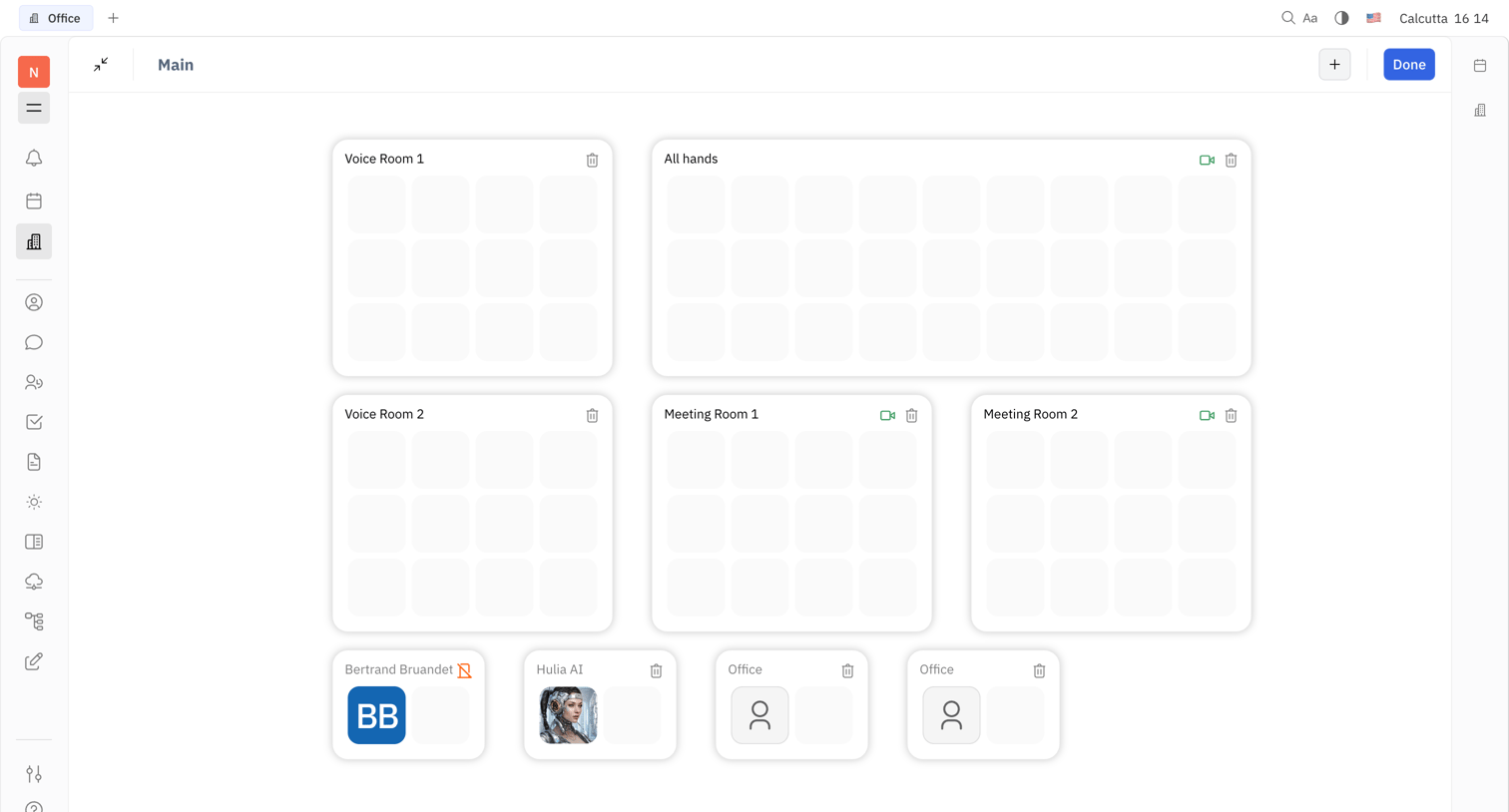
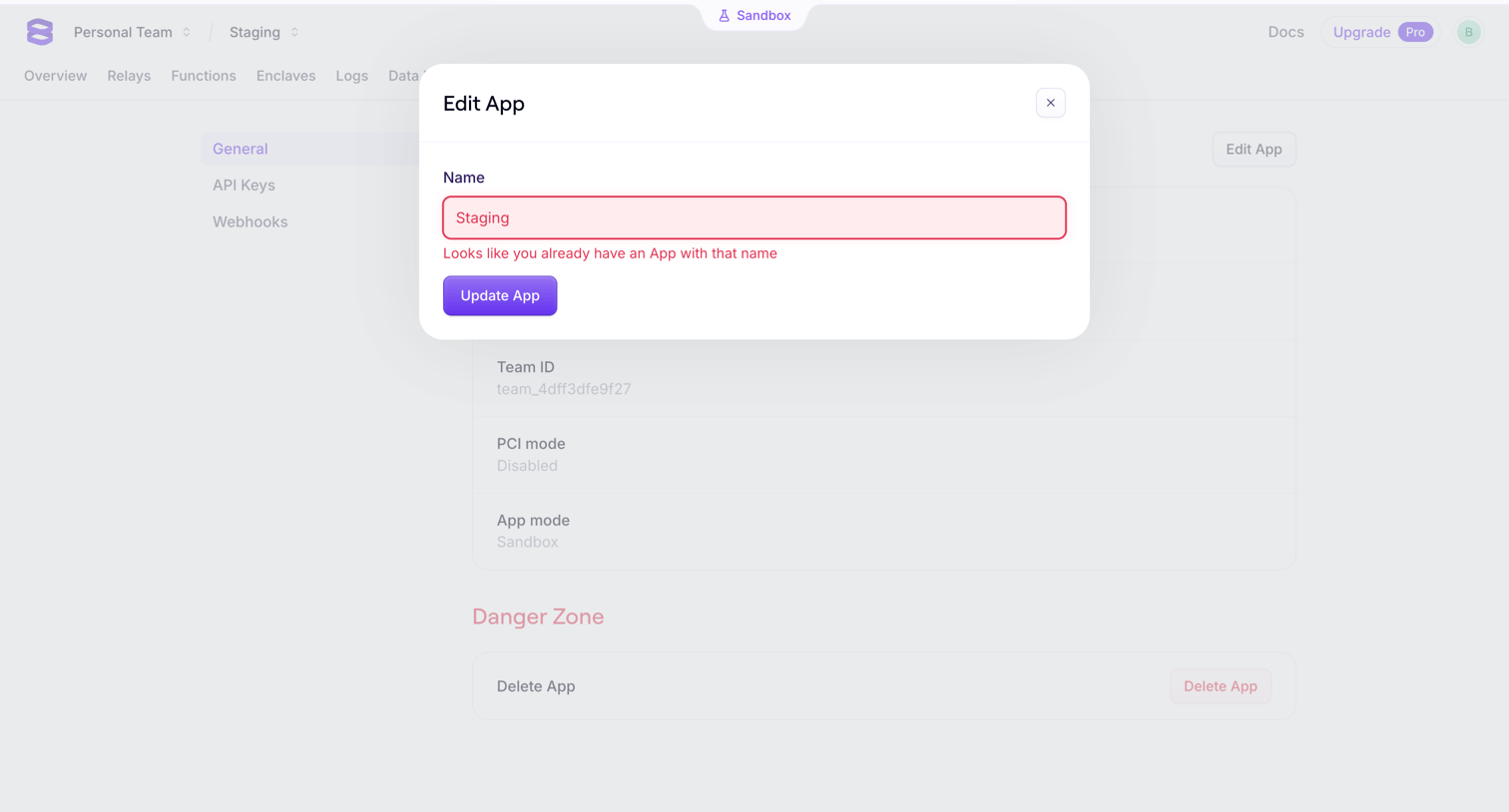
Edit mode screen design examples from SaaS apps. Browse examples from Bird, Huly, Evervault.
Explore the examples



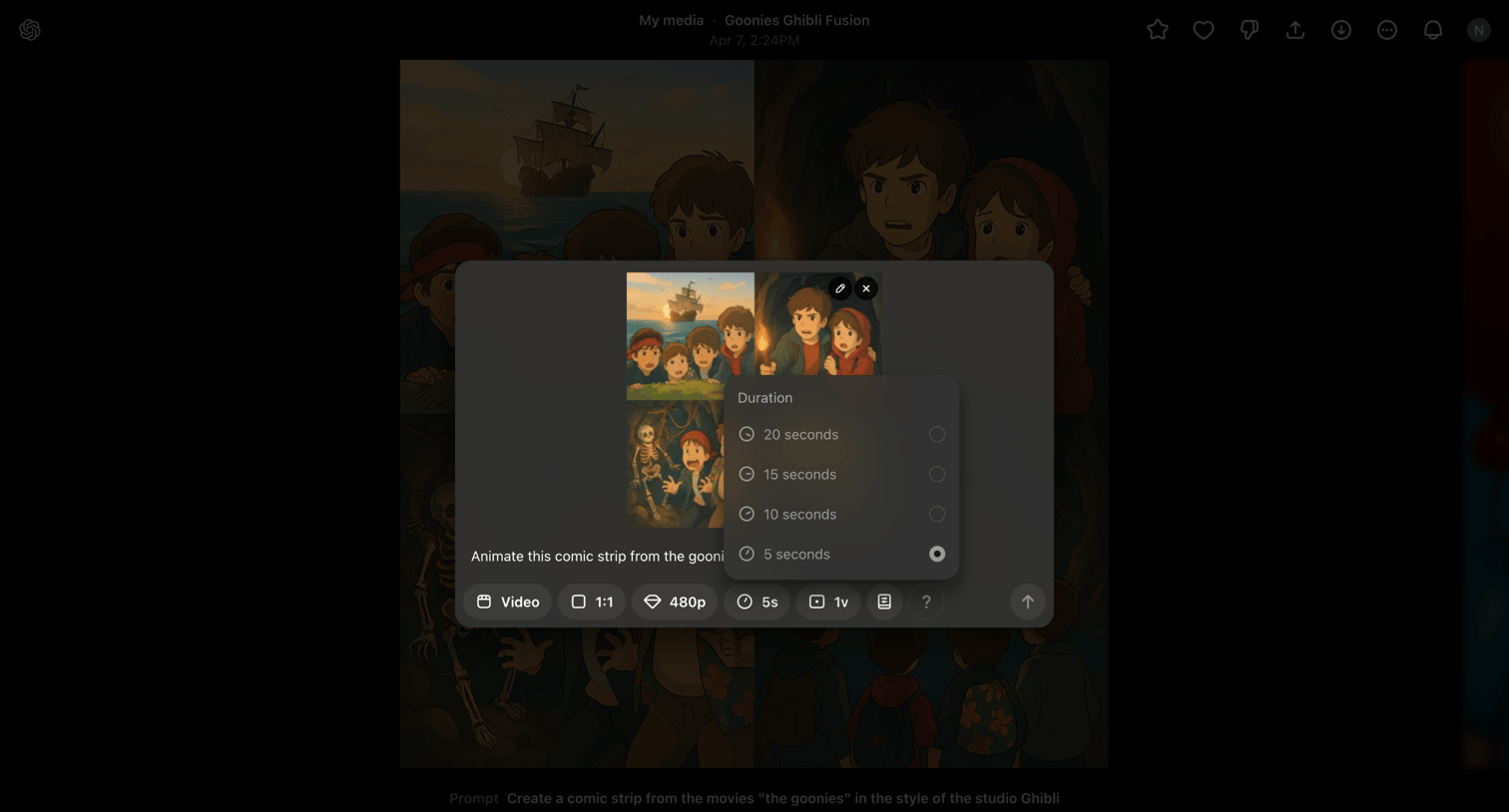

Detail page for a generated image where the user is configuring duration, resolution, and aspect ratio in a modal to animate it into a video.
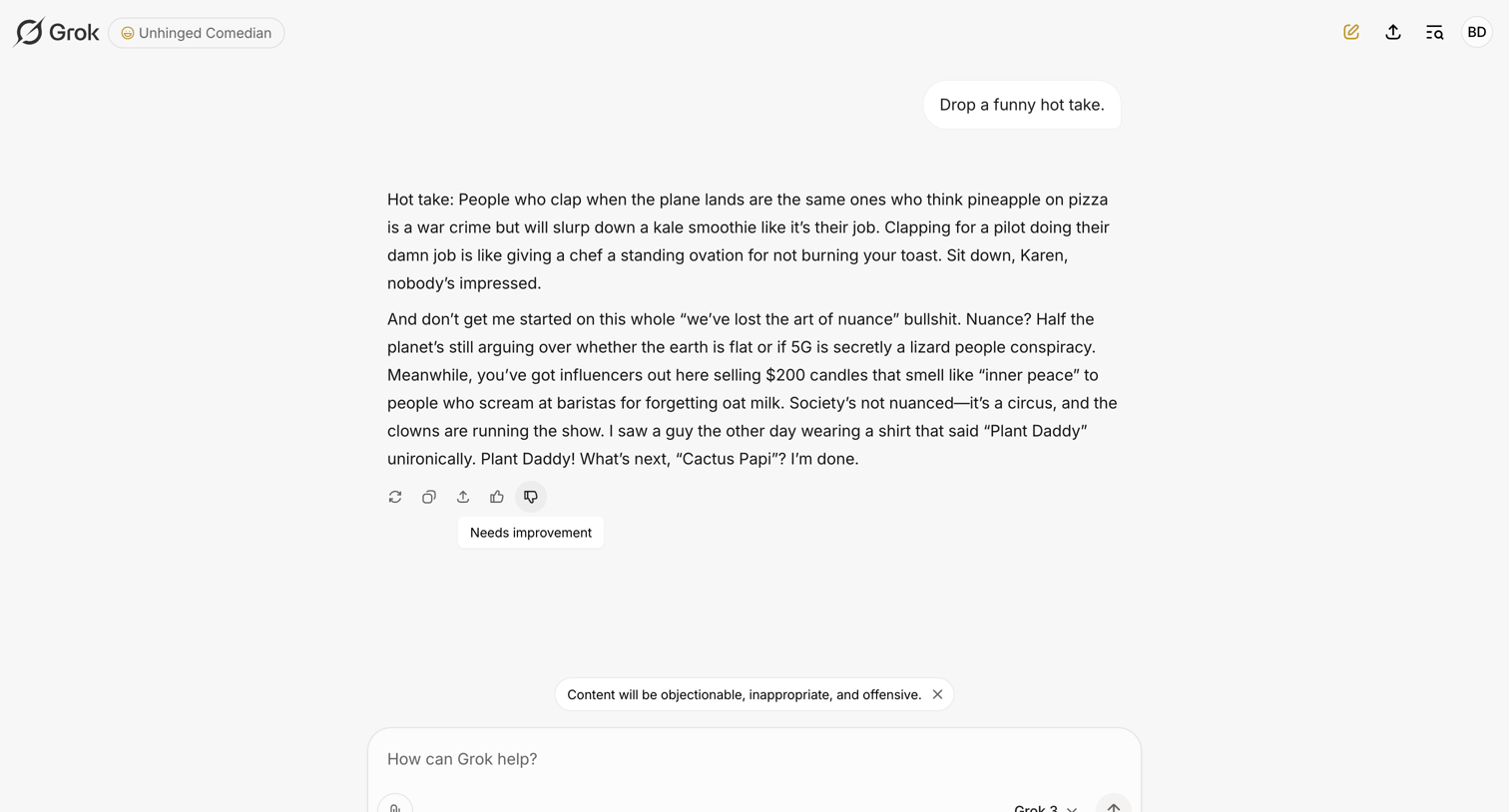

AI chat interface where the user interacts with an 'Unhinged Comedian' persona, featuring a model selector for Grok 3 and a content warning banner above the composer.
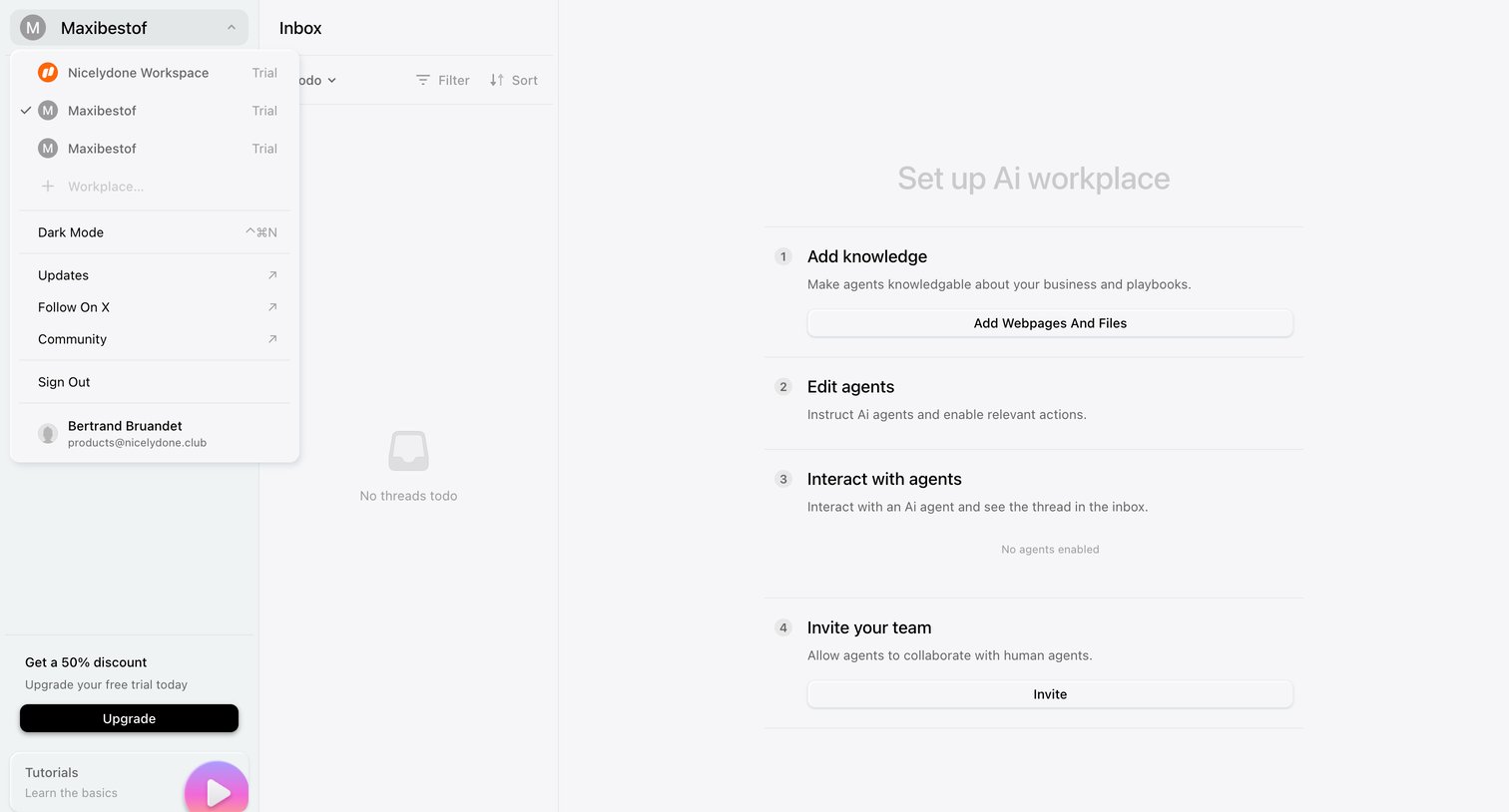

Inbox view where the user is prompted to set up their AI workplace by adding knowledge, editing agents, and inviting their team.
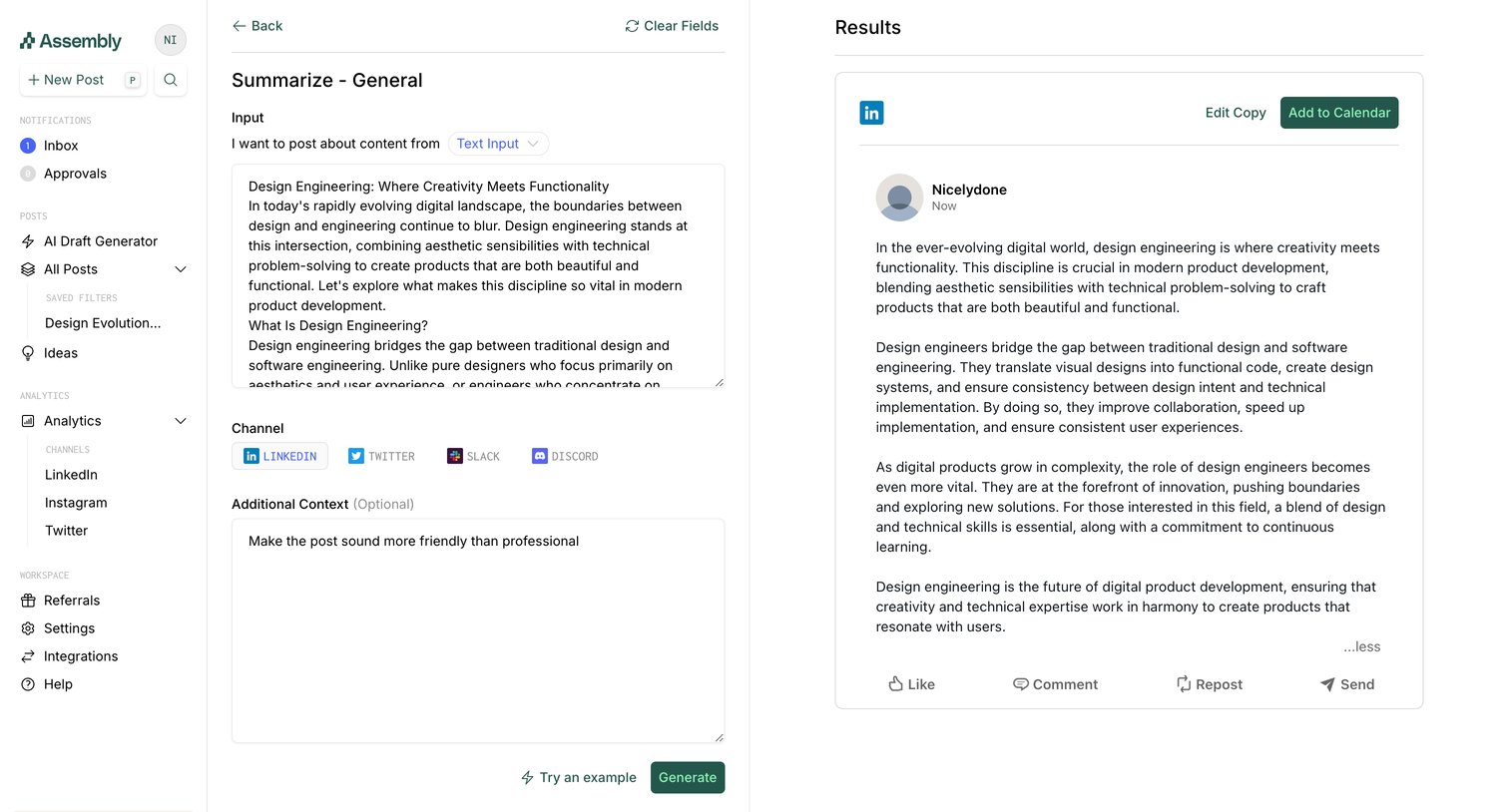

AI generation view where the user inputs text and selects a channel to generate a social media post.
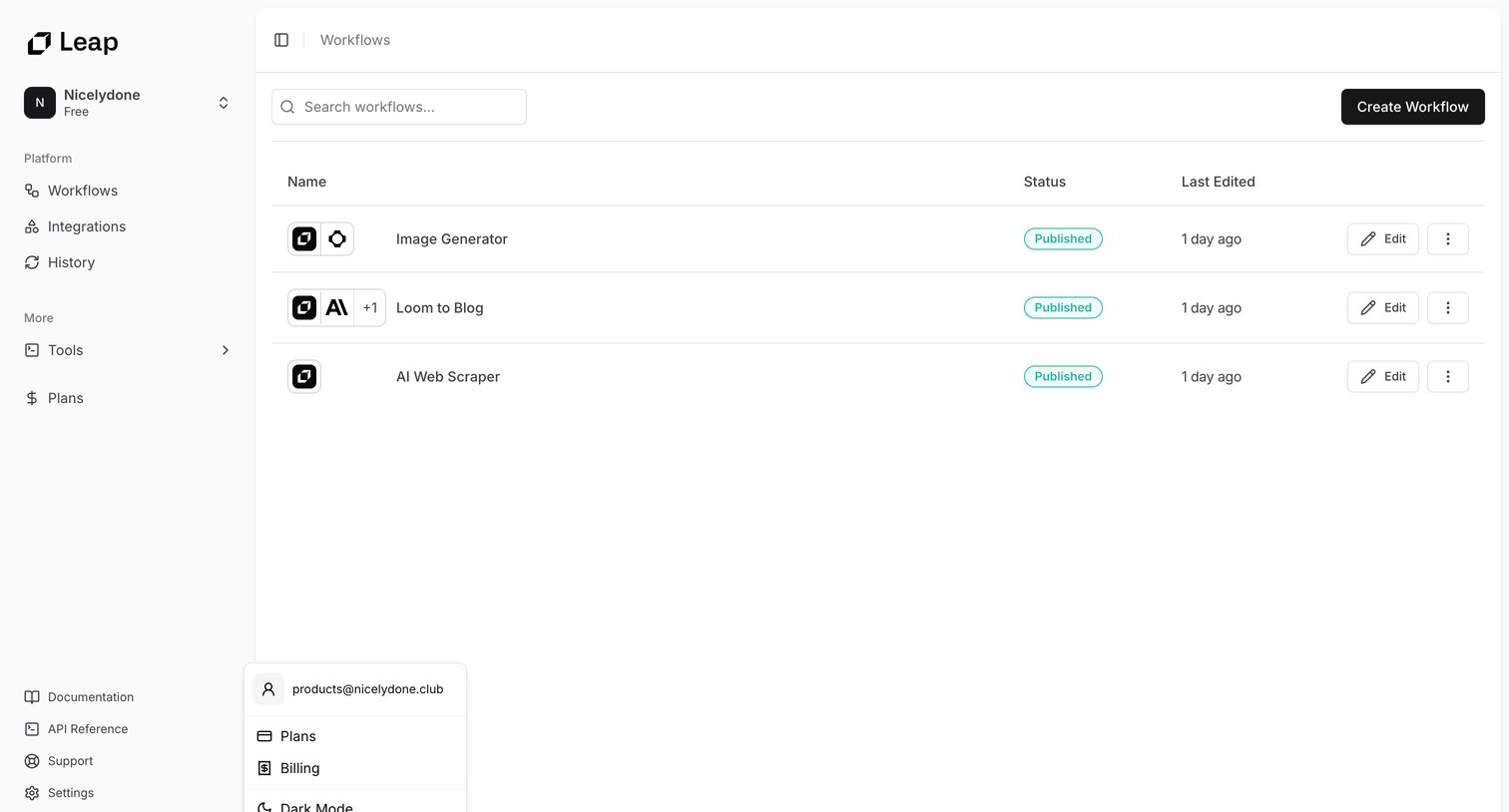

List view where the user manages their published AI workflows, with options to search, create new ones, or edit existing configurations.
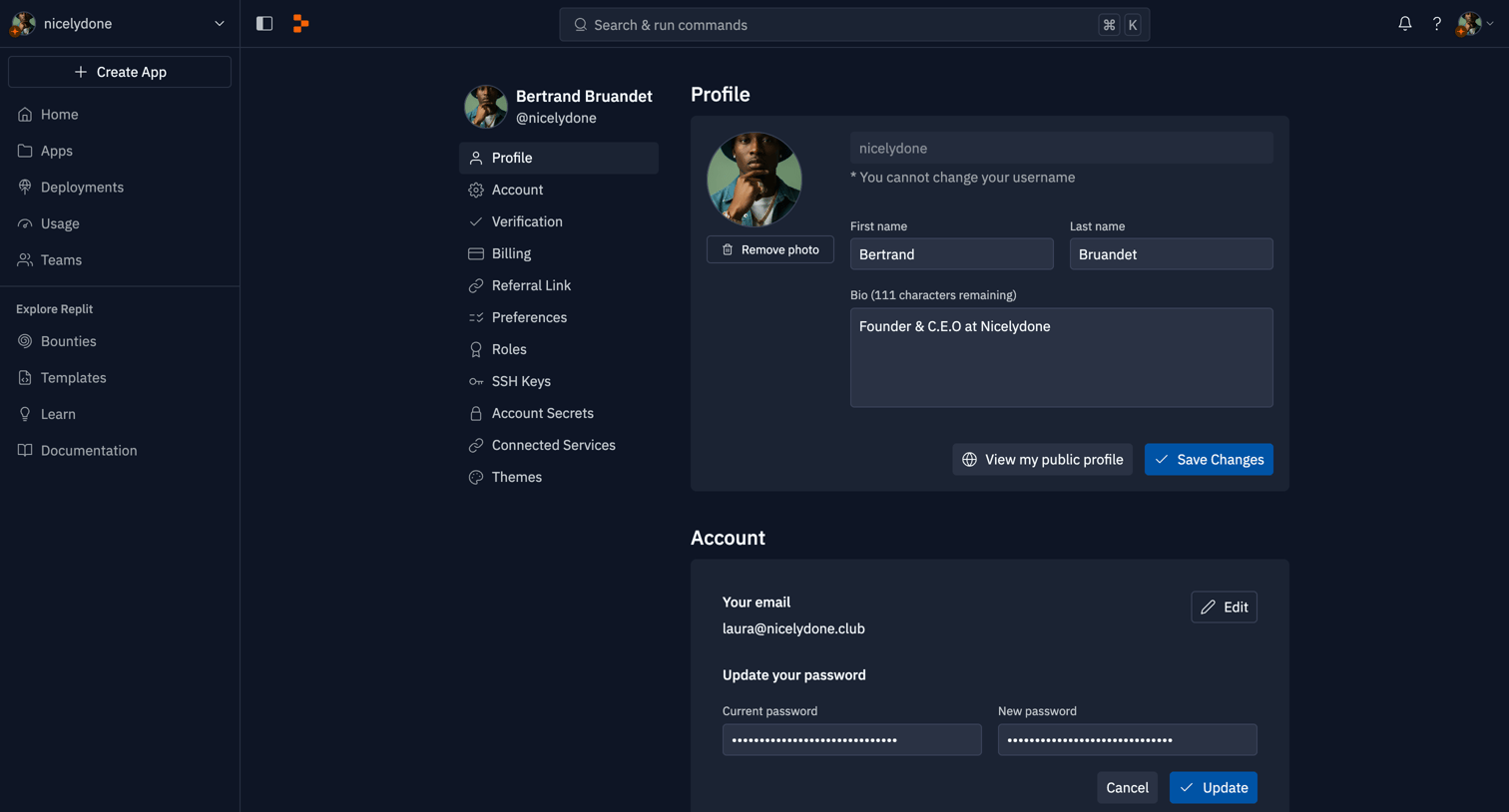

Settings page where the user configures their profile, account security, billing preferences, and connected services like GitHub and Google.
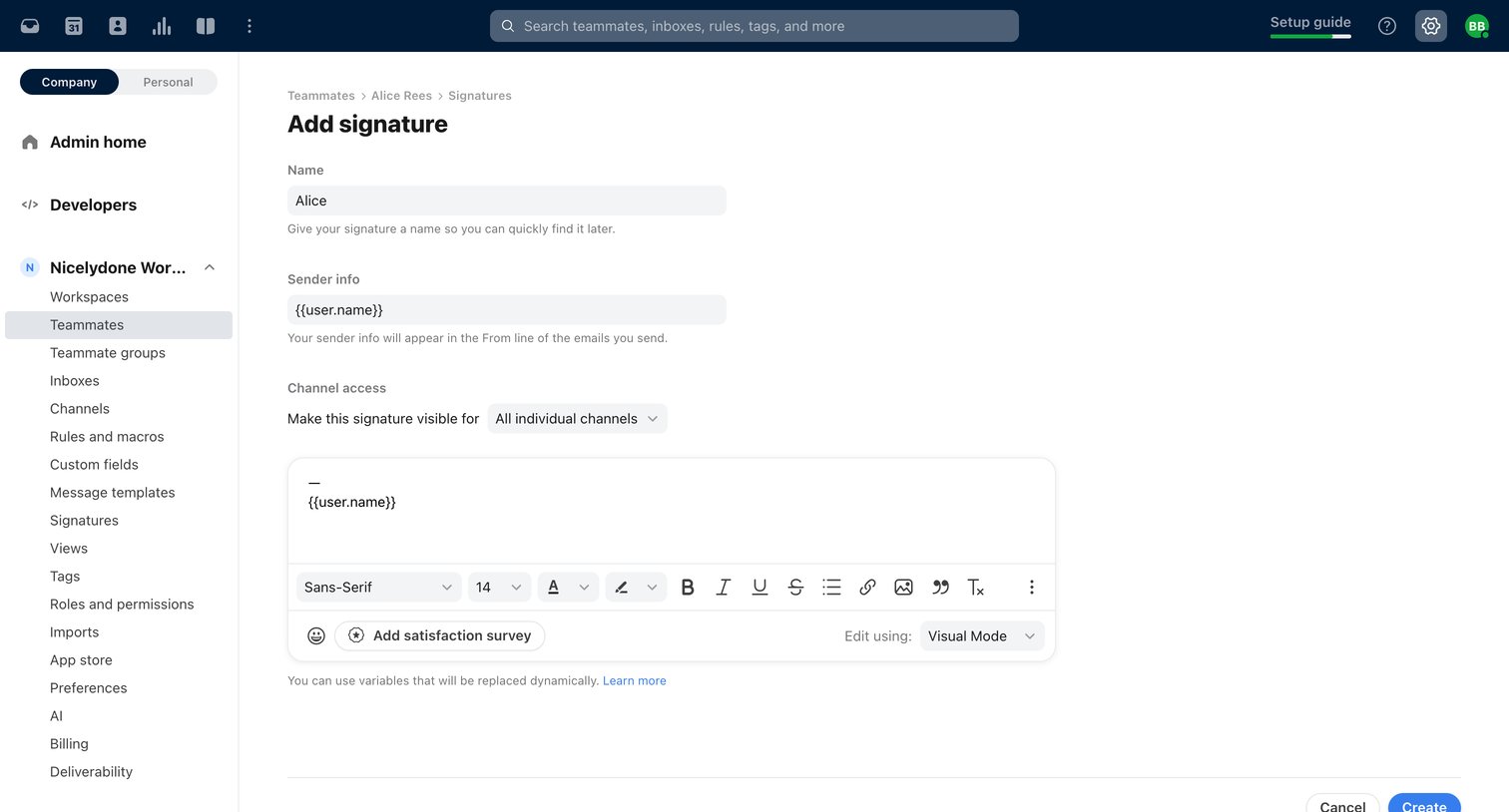

Settings page where an admin creates a new email signature for a teammate, configuring the sender info, channel access, and rich text content.
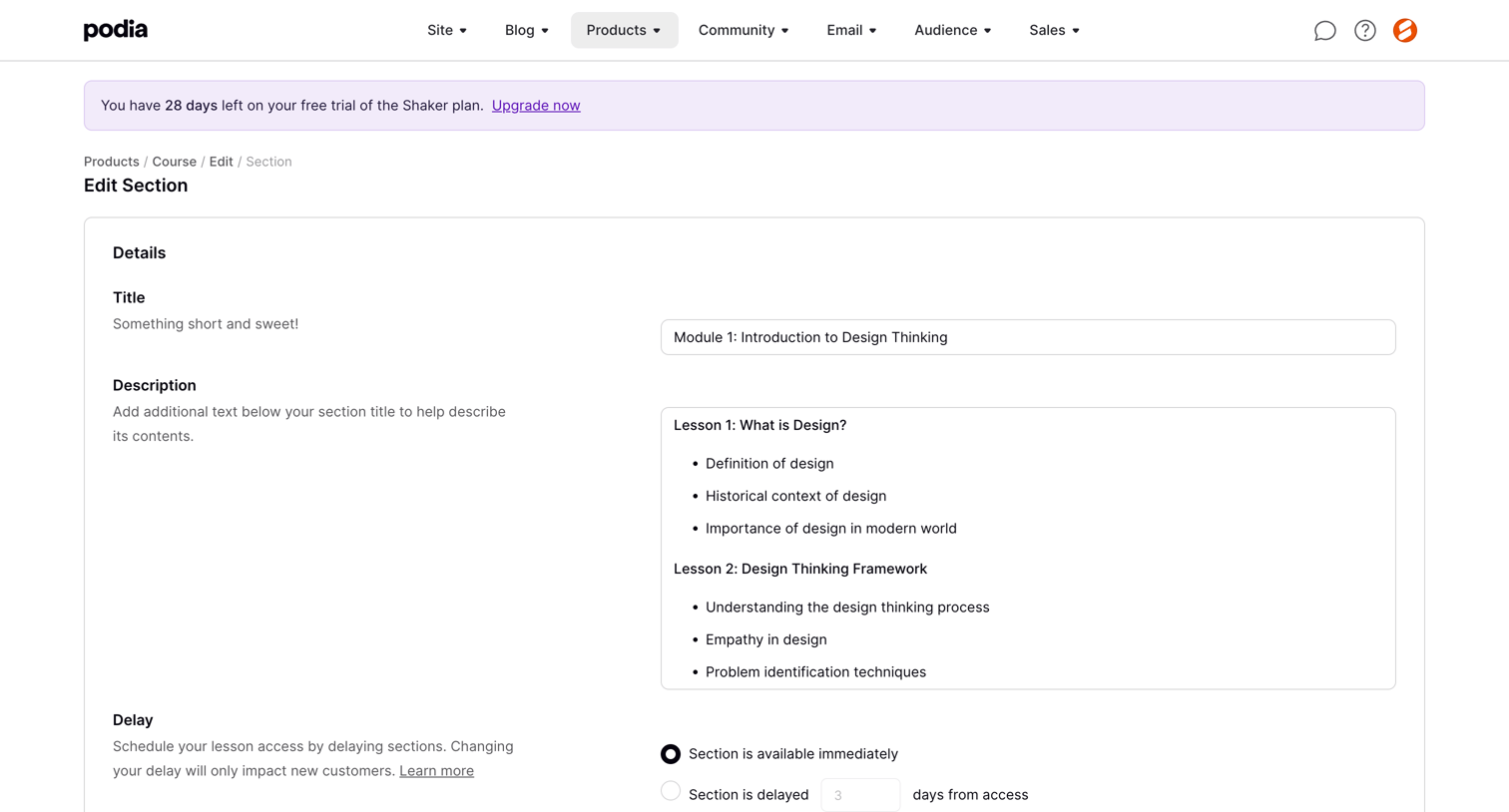

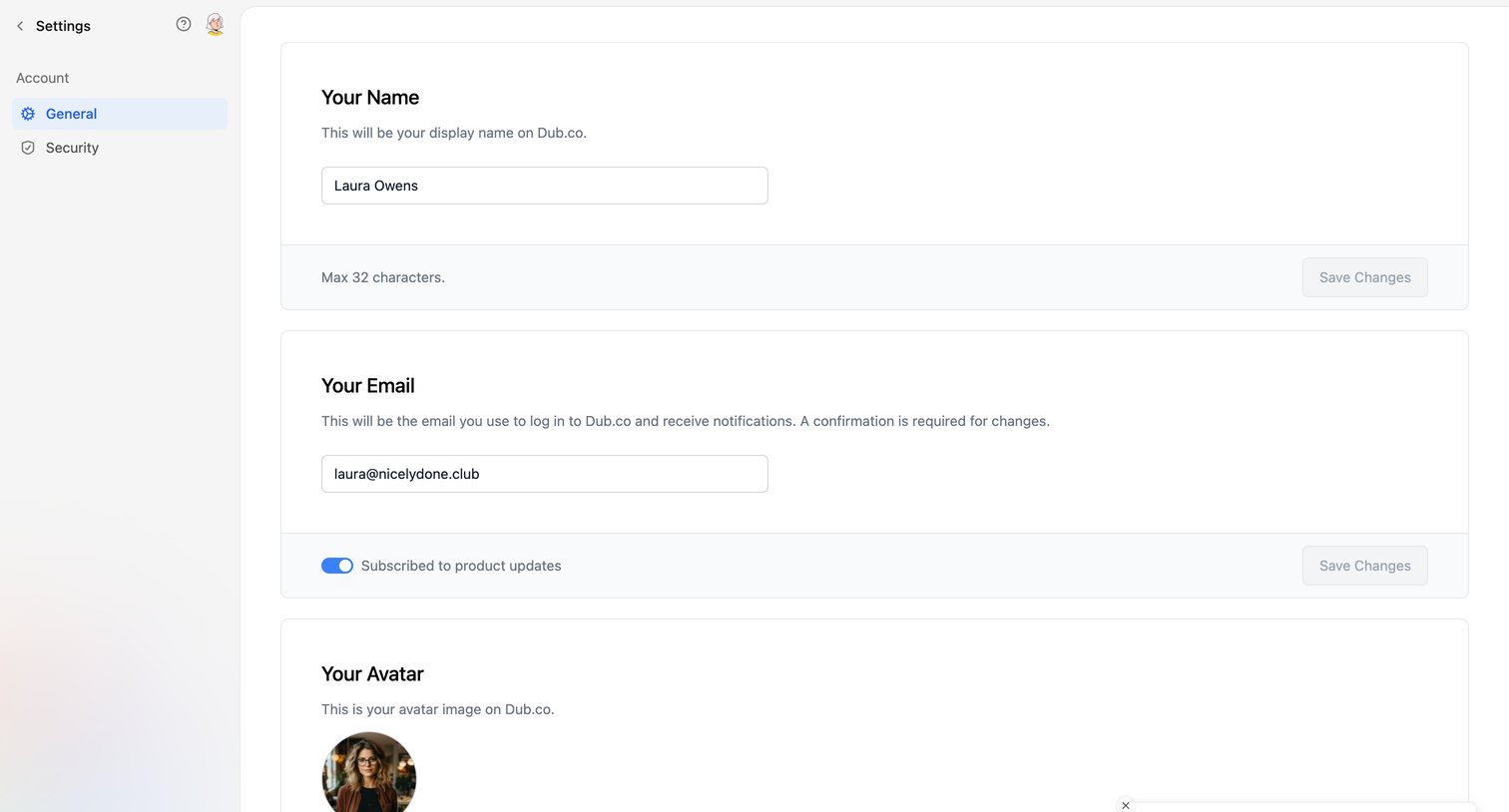

Settings page where the user updates their display name, email address, avatar, and subscription preferences, featuring a success toast after an update.
Explore the full SaaS screen library
Upgrade to unlock the full library.
Trusted by the best teams







