E-commerce screen examples
E-commerce screen design examples from SaaS apps. Browse examples from Dock, Whop, Loops.
Explore the examples
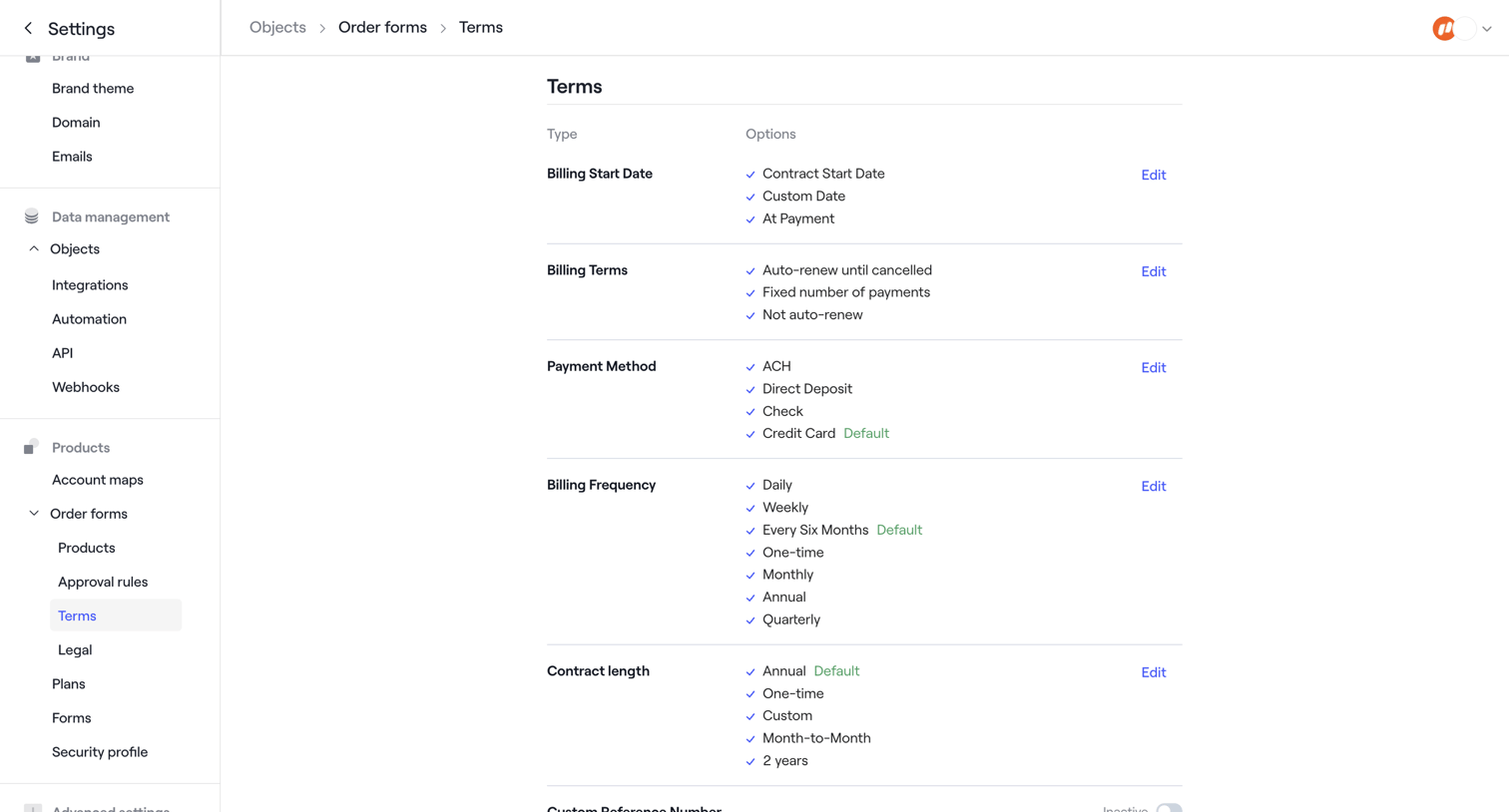

Settings page where the user configures available options for billing start dates, payment methods, and contract lengths on order forms.
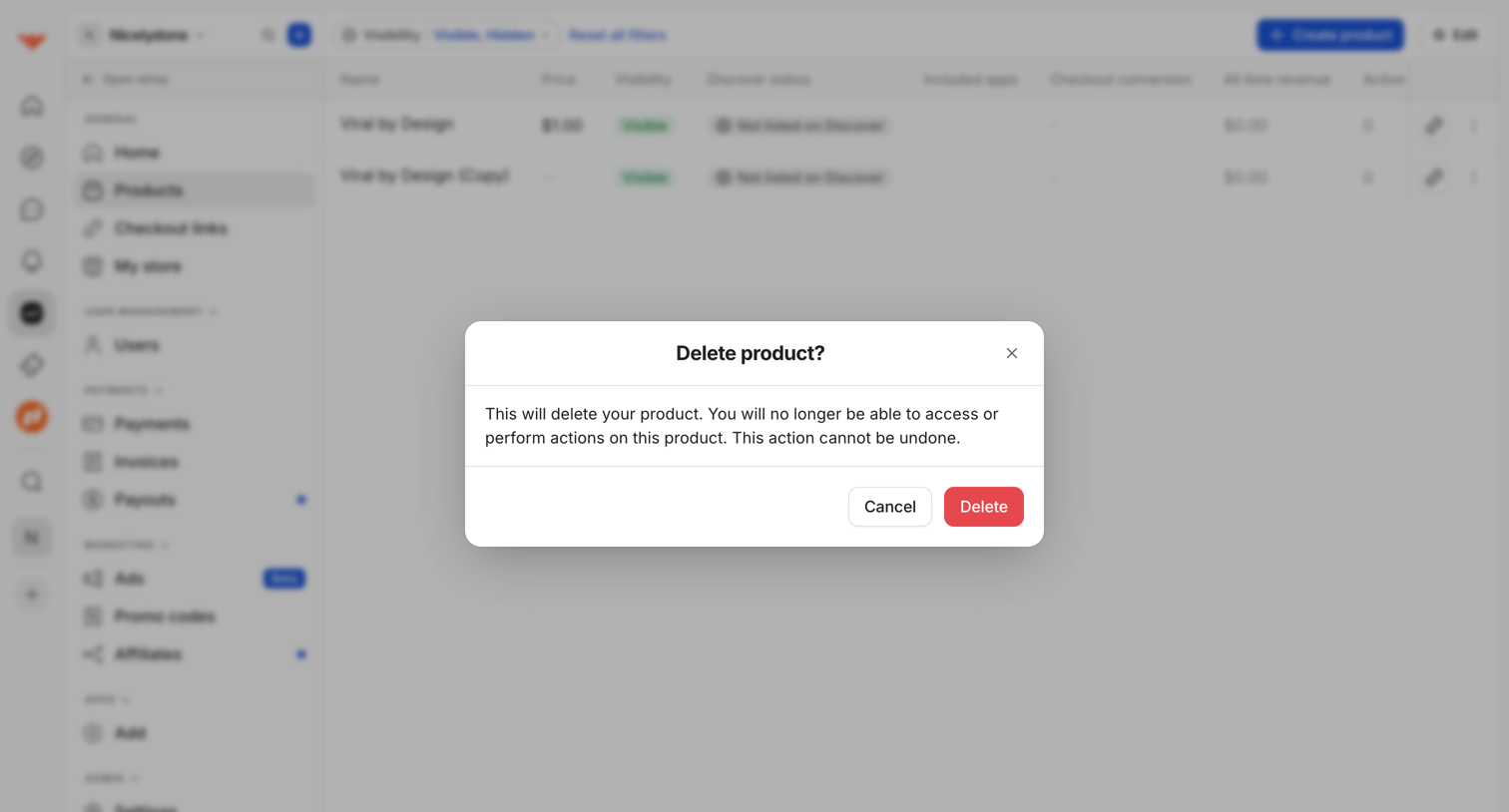

List view of digital products where a modal prompts the user to confirm the irreversible deletion of a selected product.
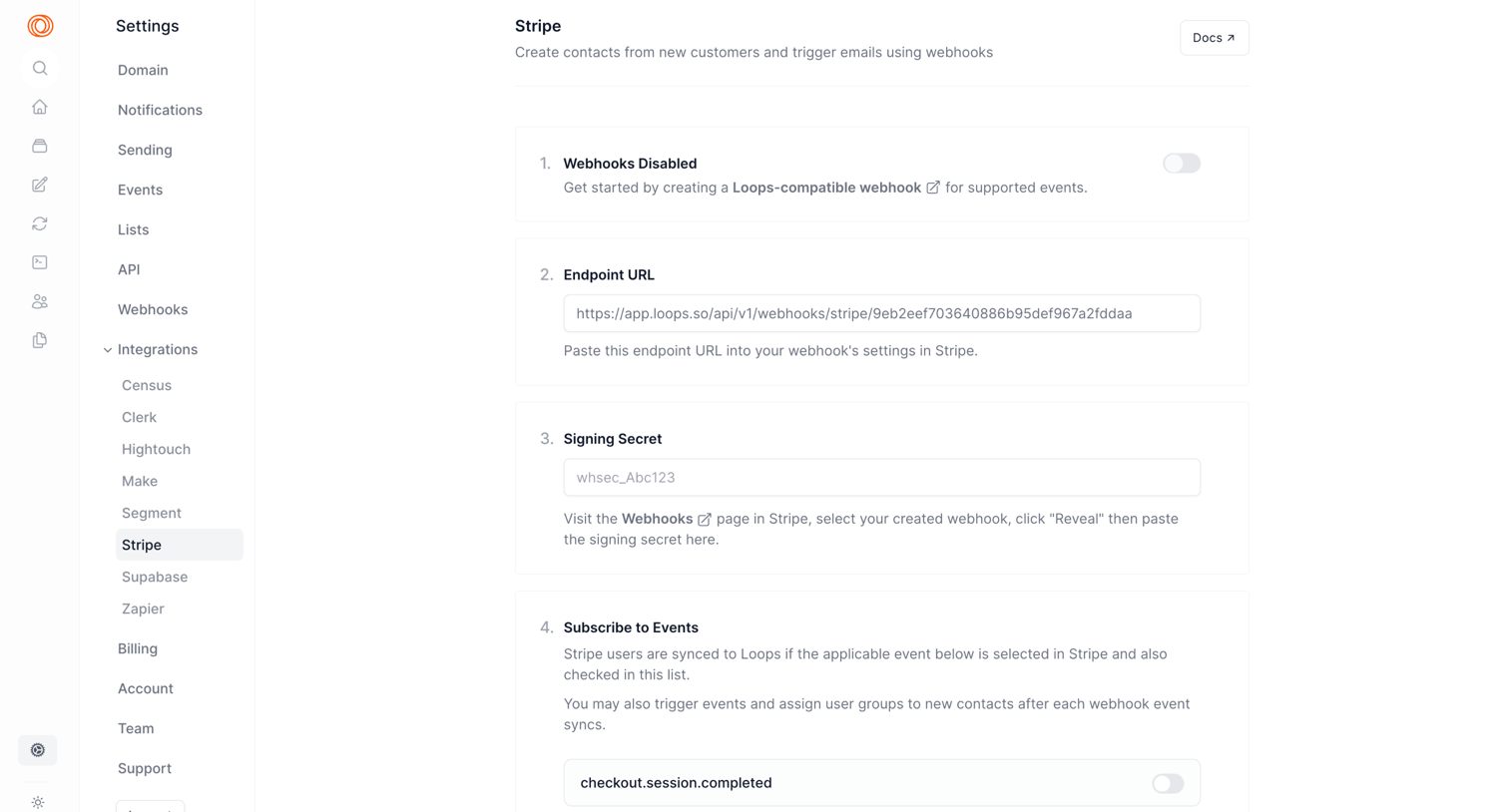

Settings page where the user configures the Stripe integration by setting up webhooks, providing a signing secret, and subscribing to specific events.
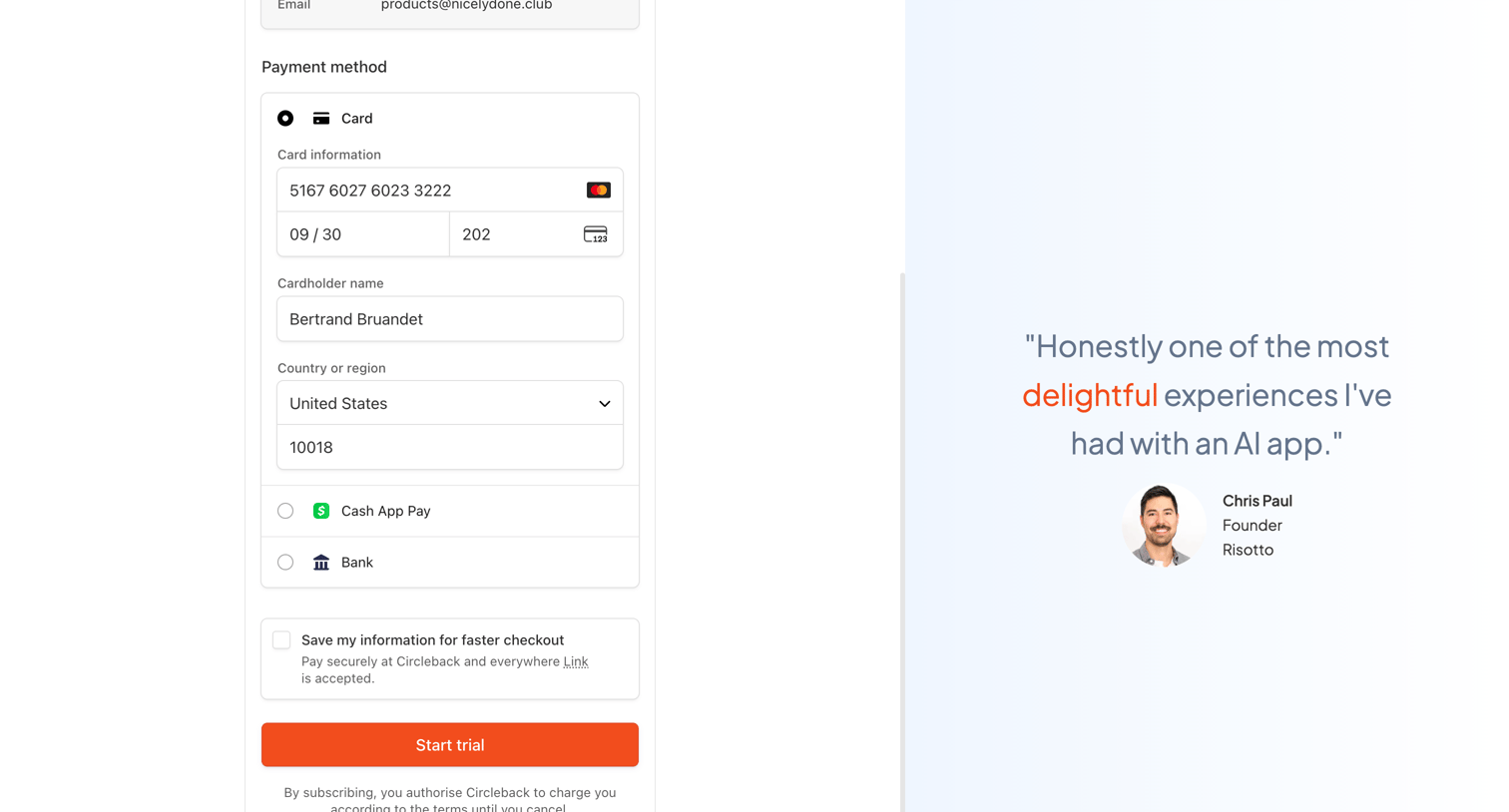

Checkout page where the user enters their credit card details to start a trial, accompanied by a prominent customer testimonial.
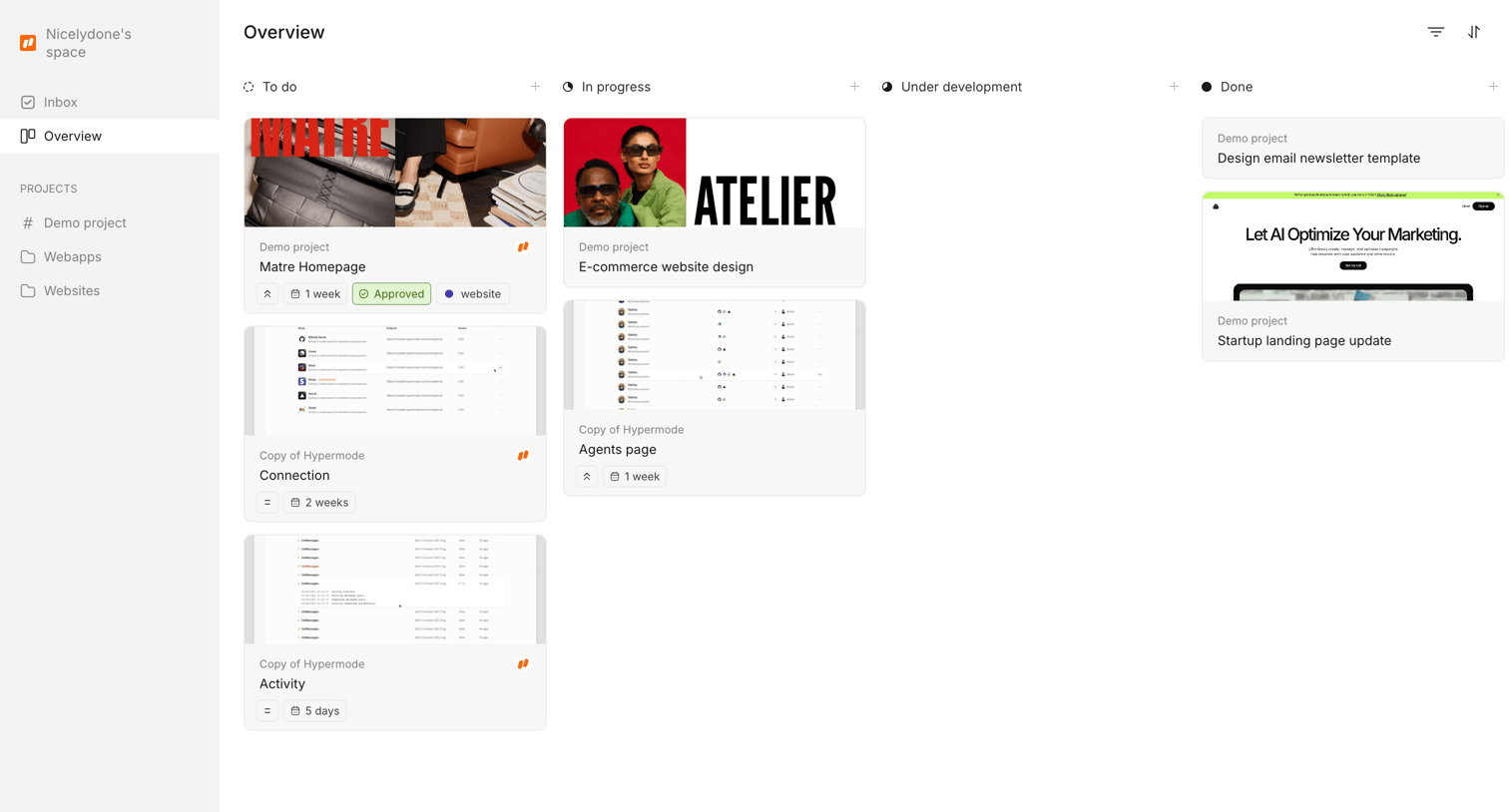

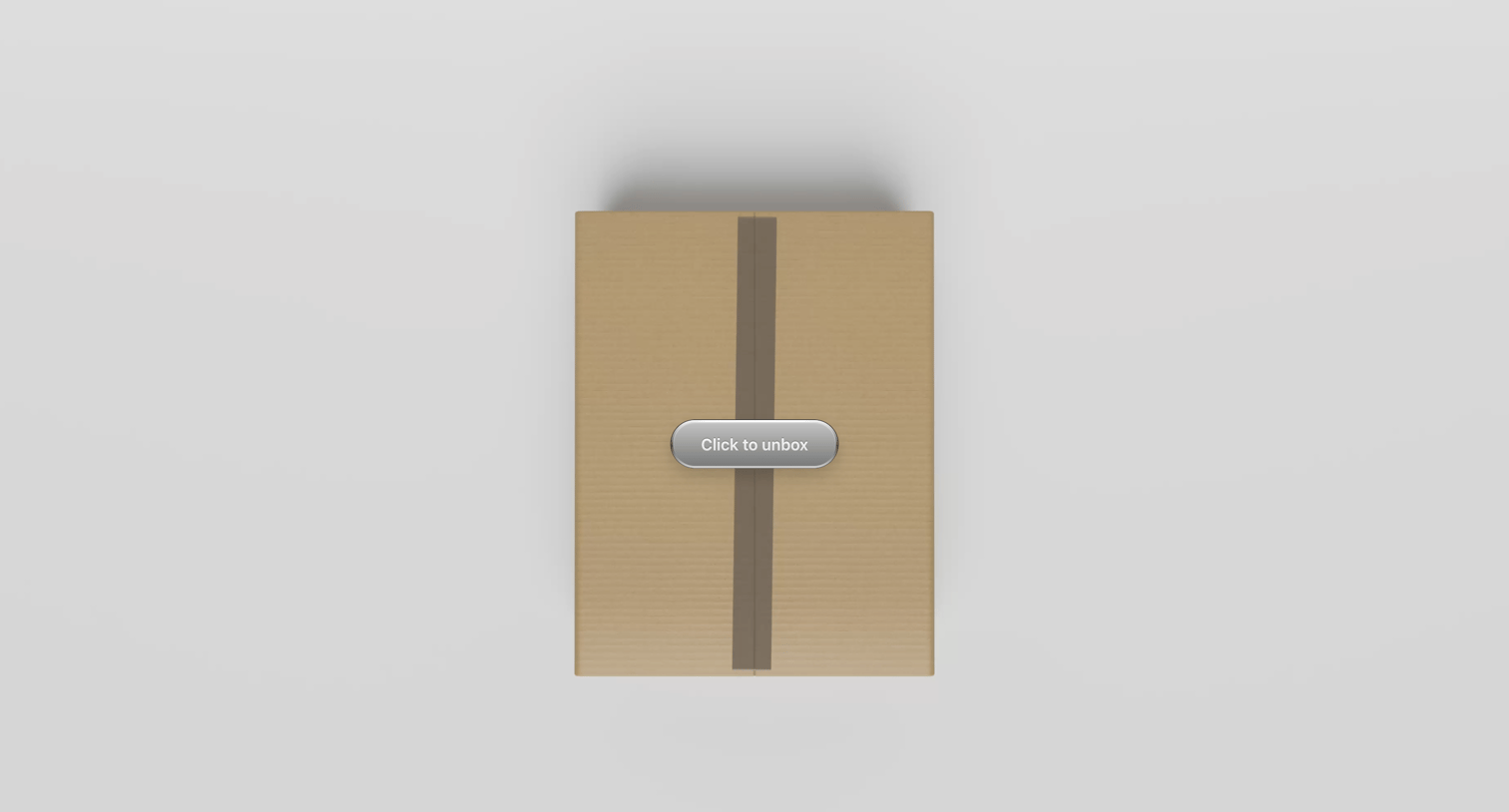

Landing page with a 3D cardboard box and a central button prompting the user to unbox.
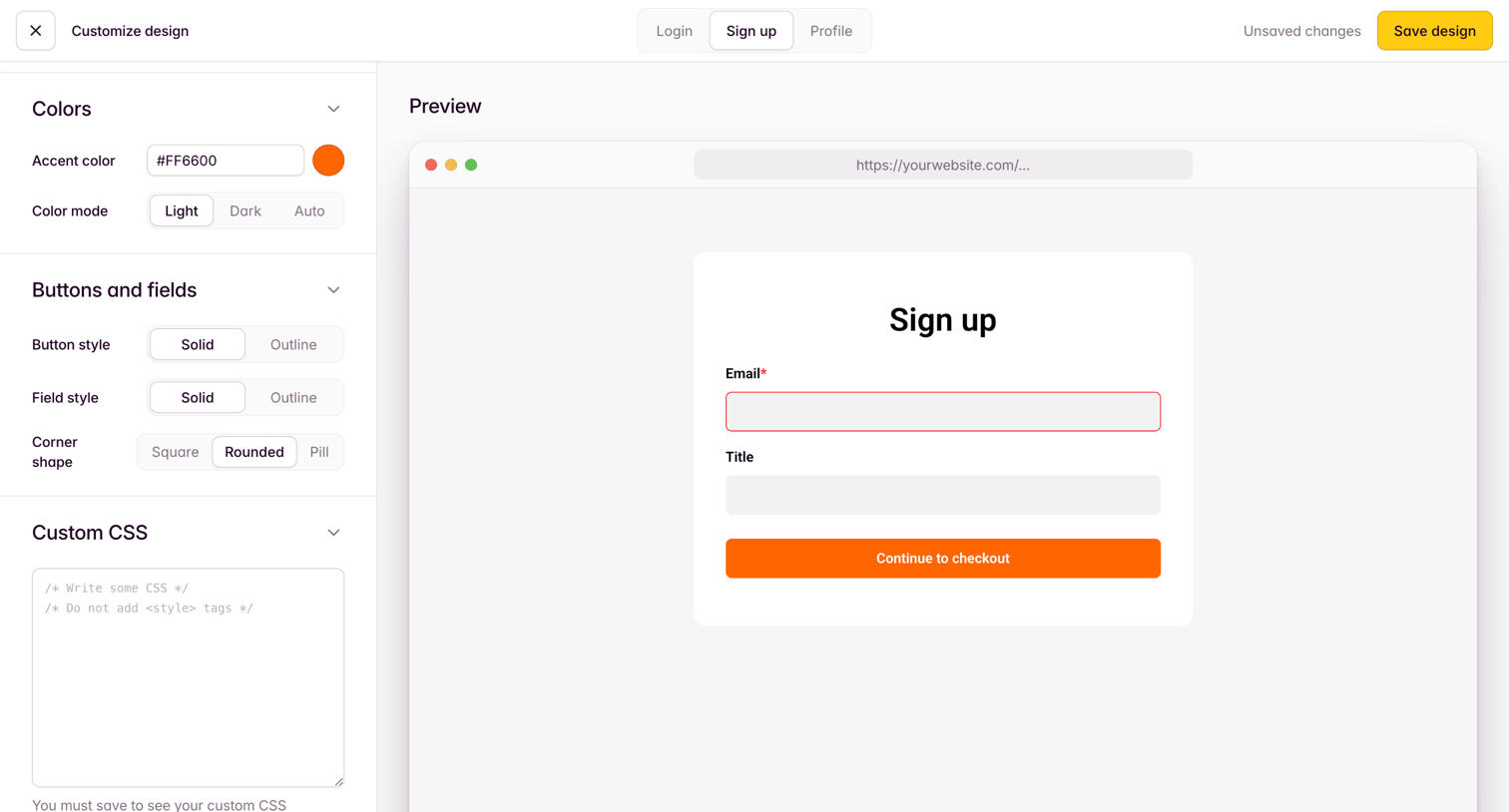

Design editor where the user customizes the appearance of a signup form by adjusting colors, button styles, and custom CSS alongside a live preview.
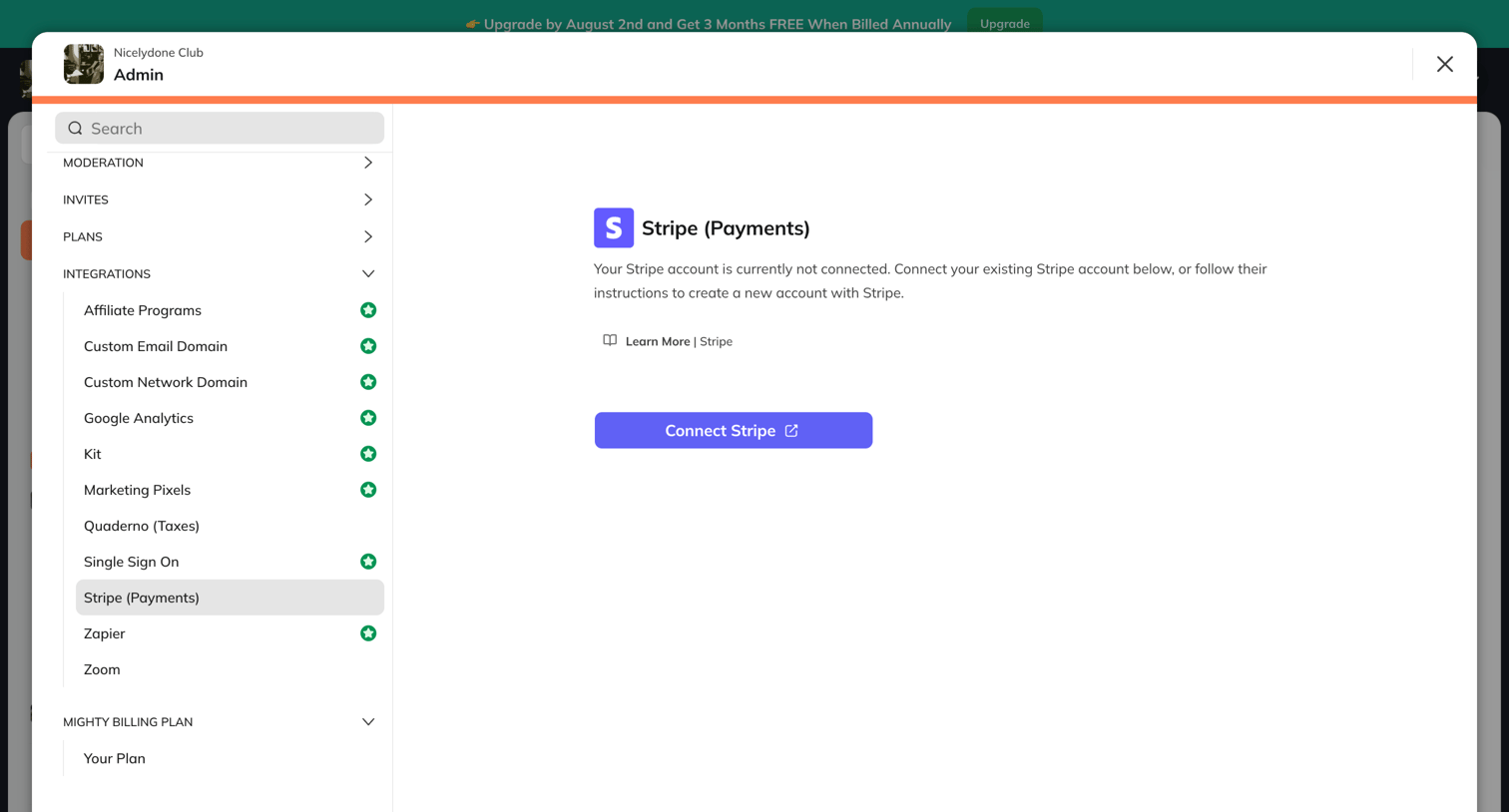

Settings modal where the admin can browse available integrations in a sidebar and is prompted to connect their Stripe account.
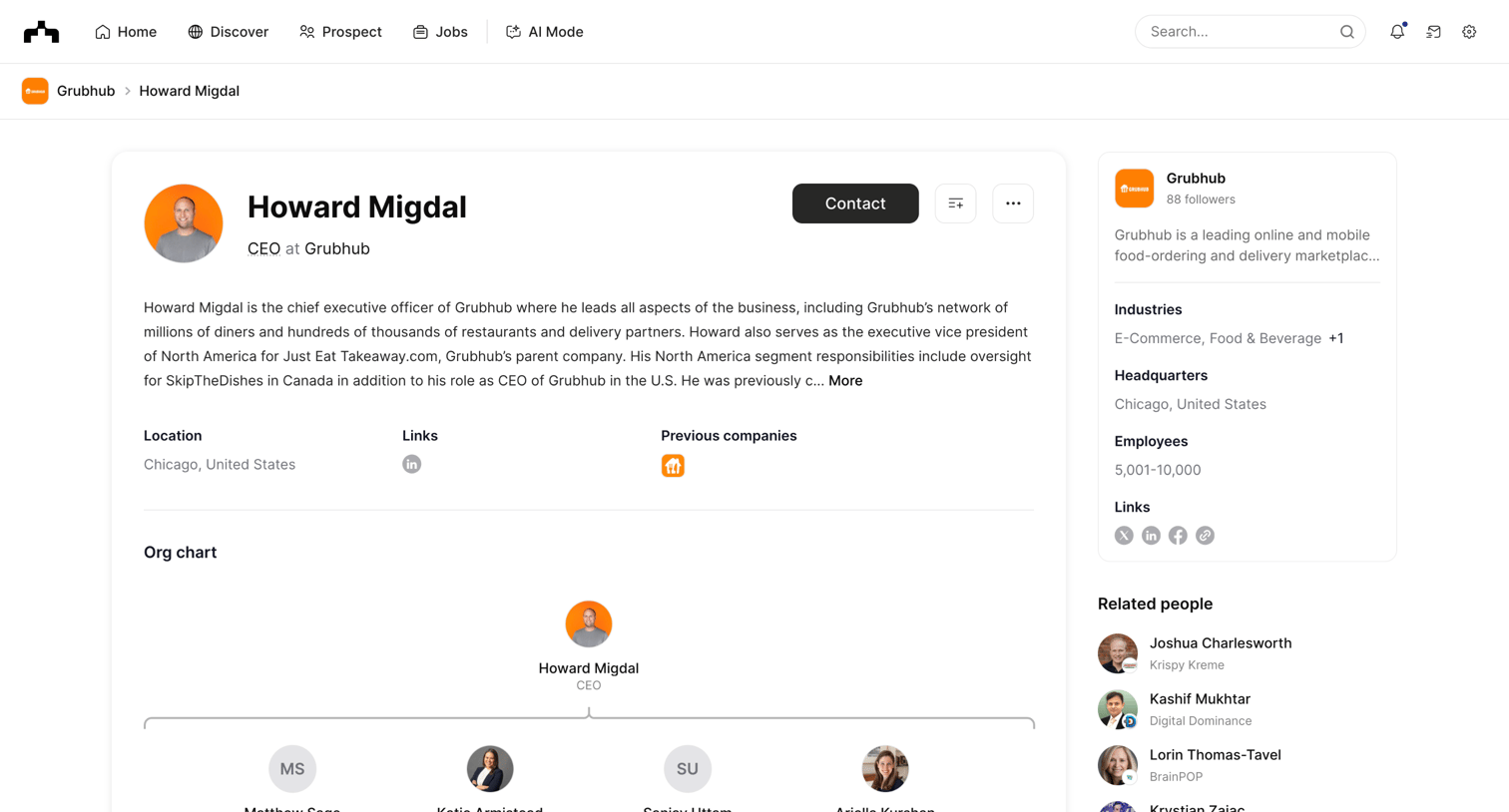

Detail page where the user views a CEO's organizational chart, leadership team, and related company context.
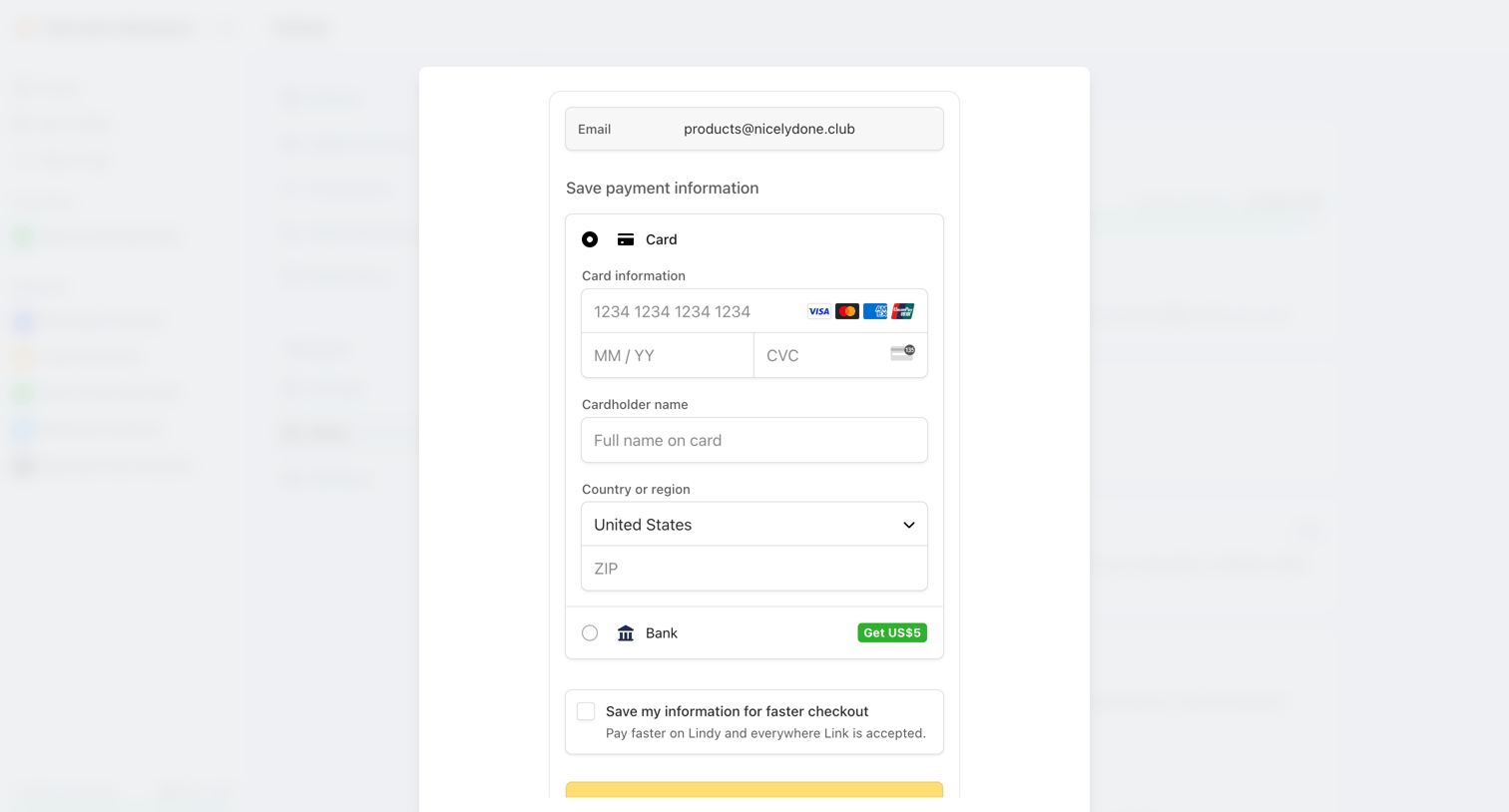

Settings modal where the user enters their credit card details or selects a bank account to save payment information.
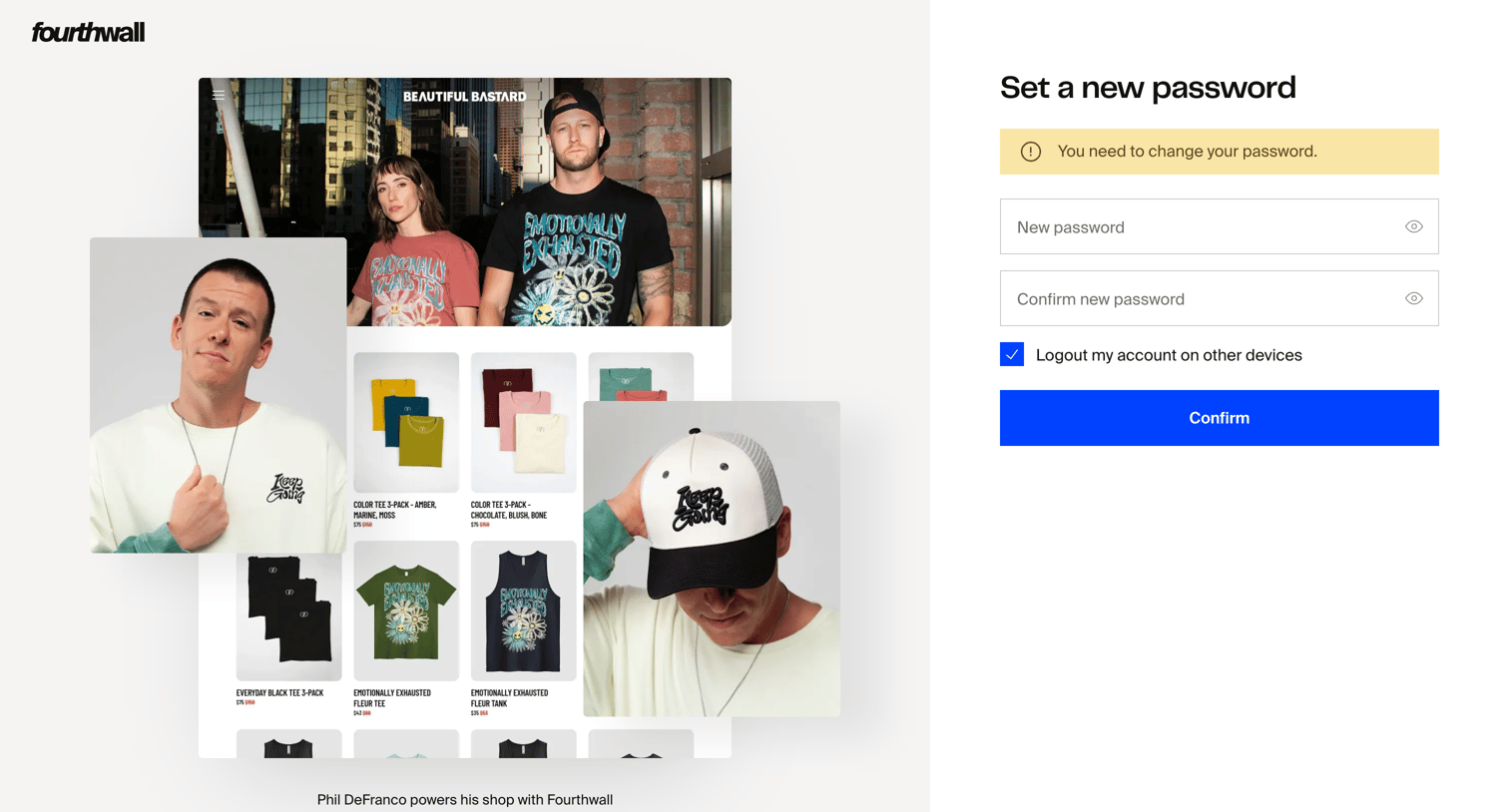

Authentication screen where the user sets a new password and can choose to log out of other devices.
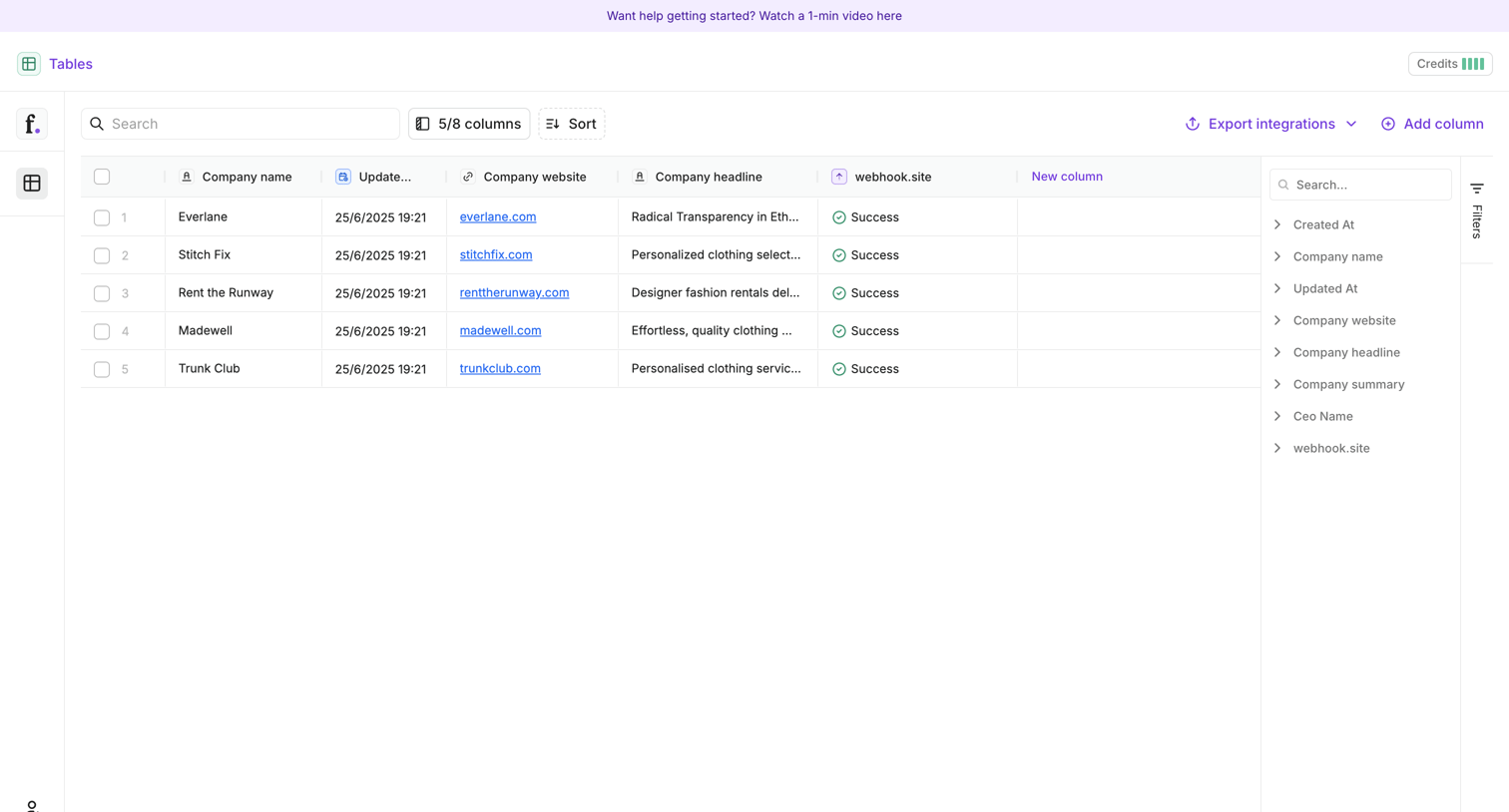

Data table view where the user manages company records, configures visible columns, and sets up export integrations.
Explore the full SaaS screen library
Upgrade to unlock the full library.
Trusted by the best teams







