Duplicate screen examples
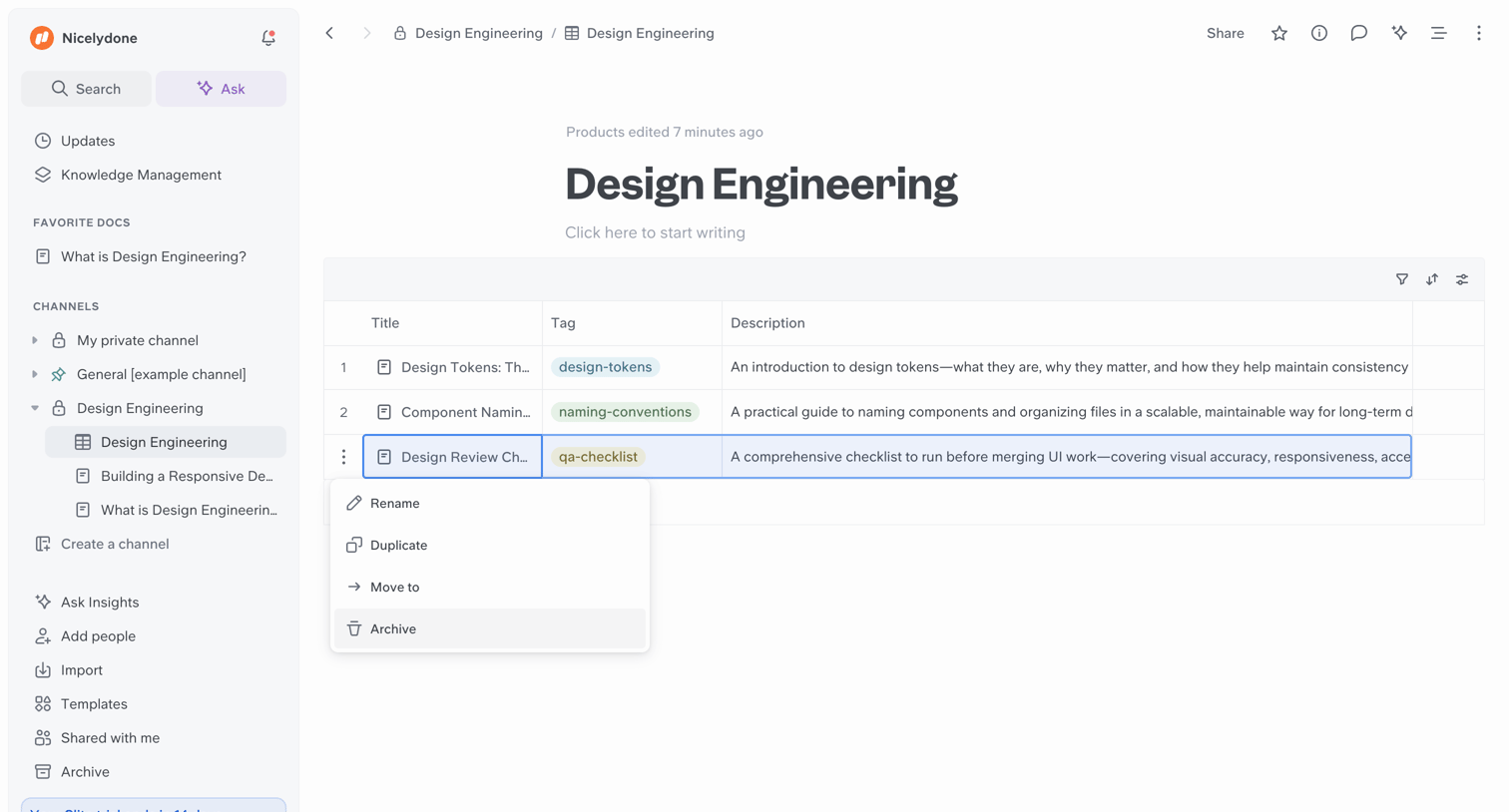
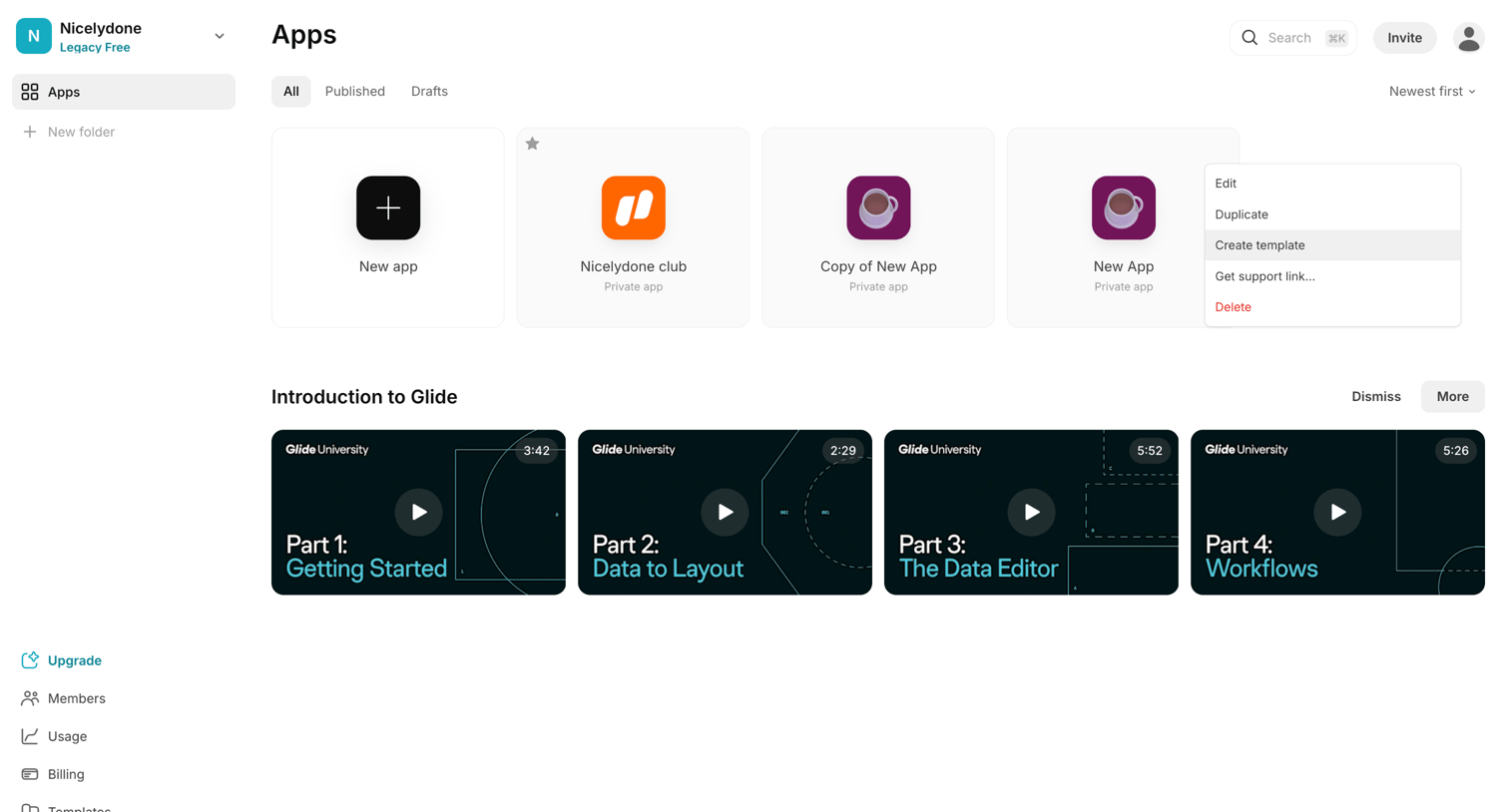
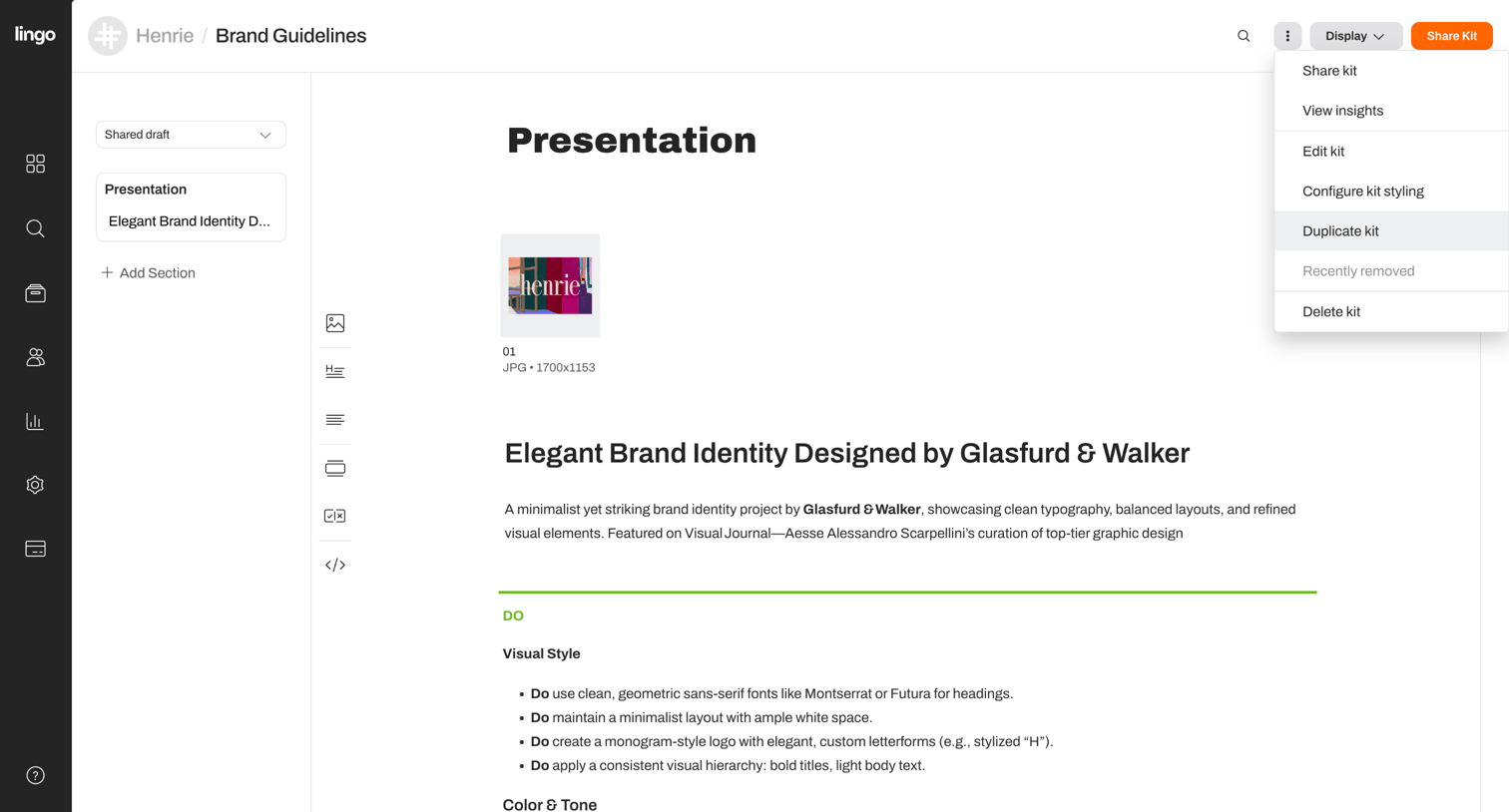
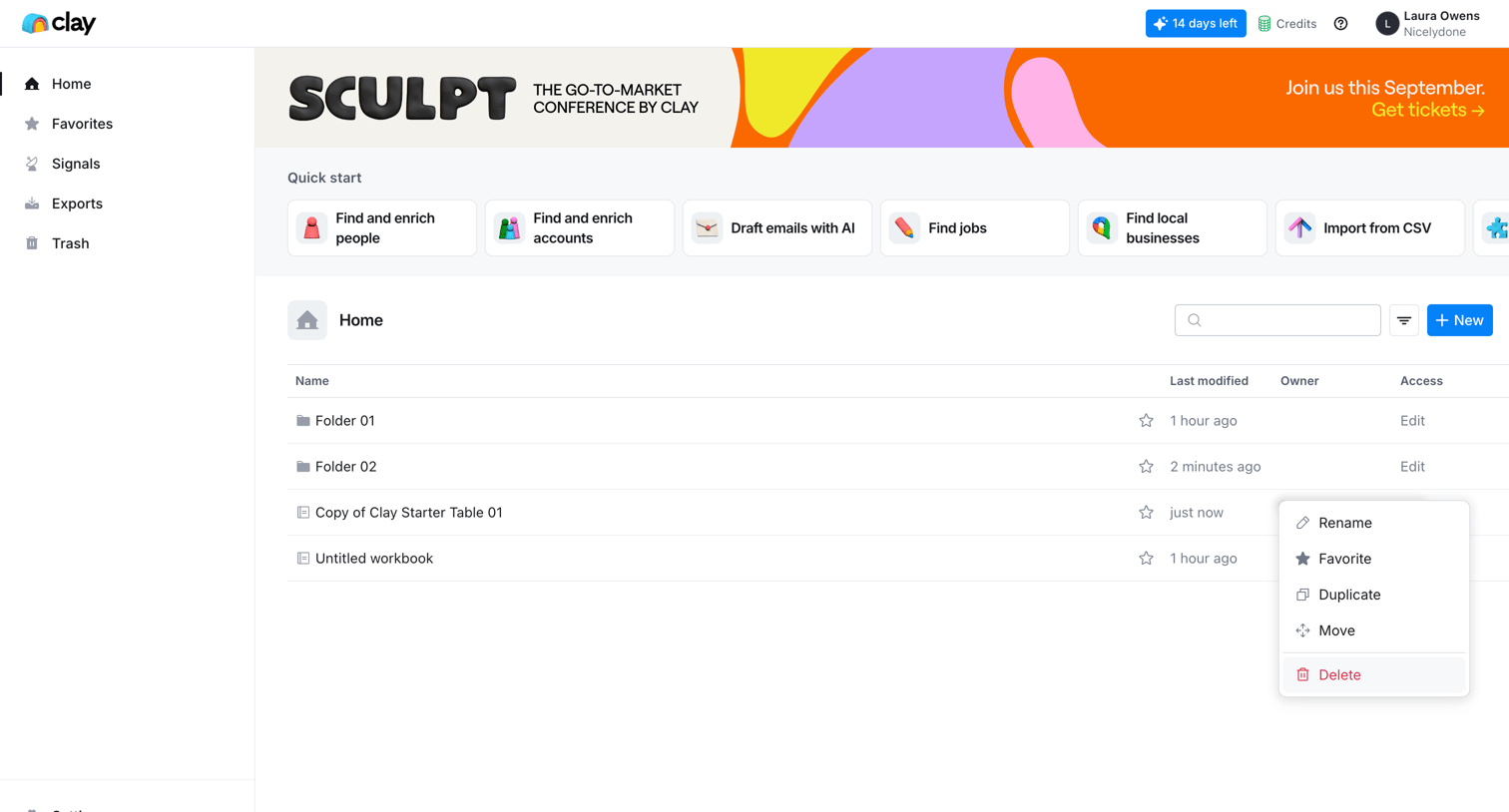
Duplicate screen design examples from SaaS apps. Browse examples from Circleback, Capsule, Slite.
Explore the examples
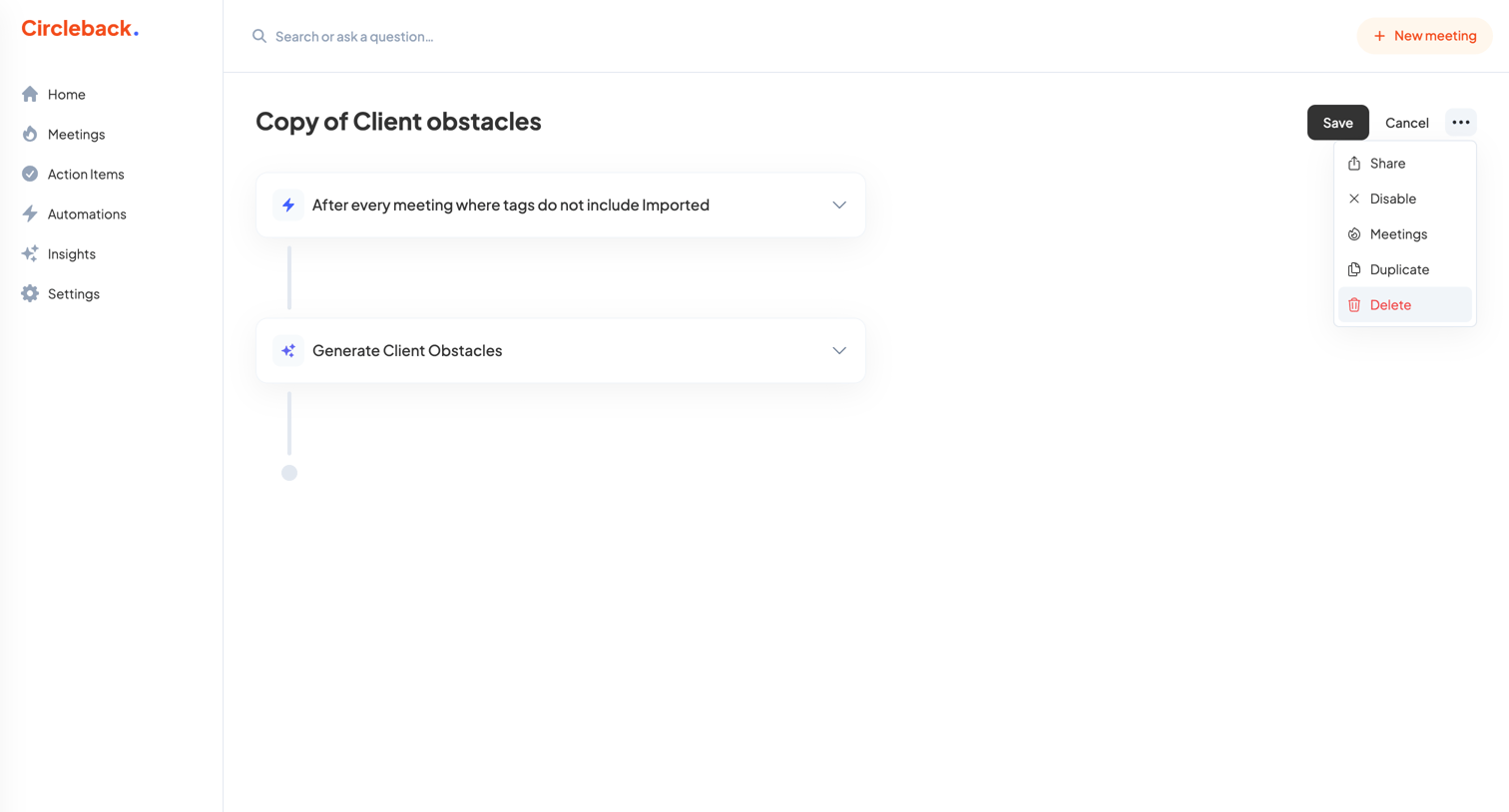

Workflow editor where the user configures an automation to generate client obstacles after every non-imported meeting.
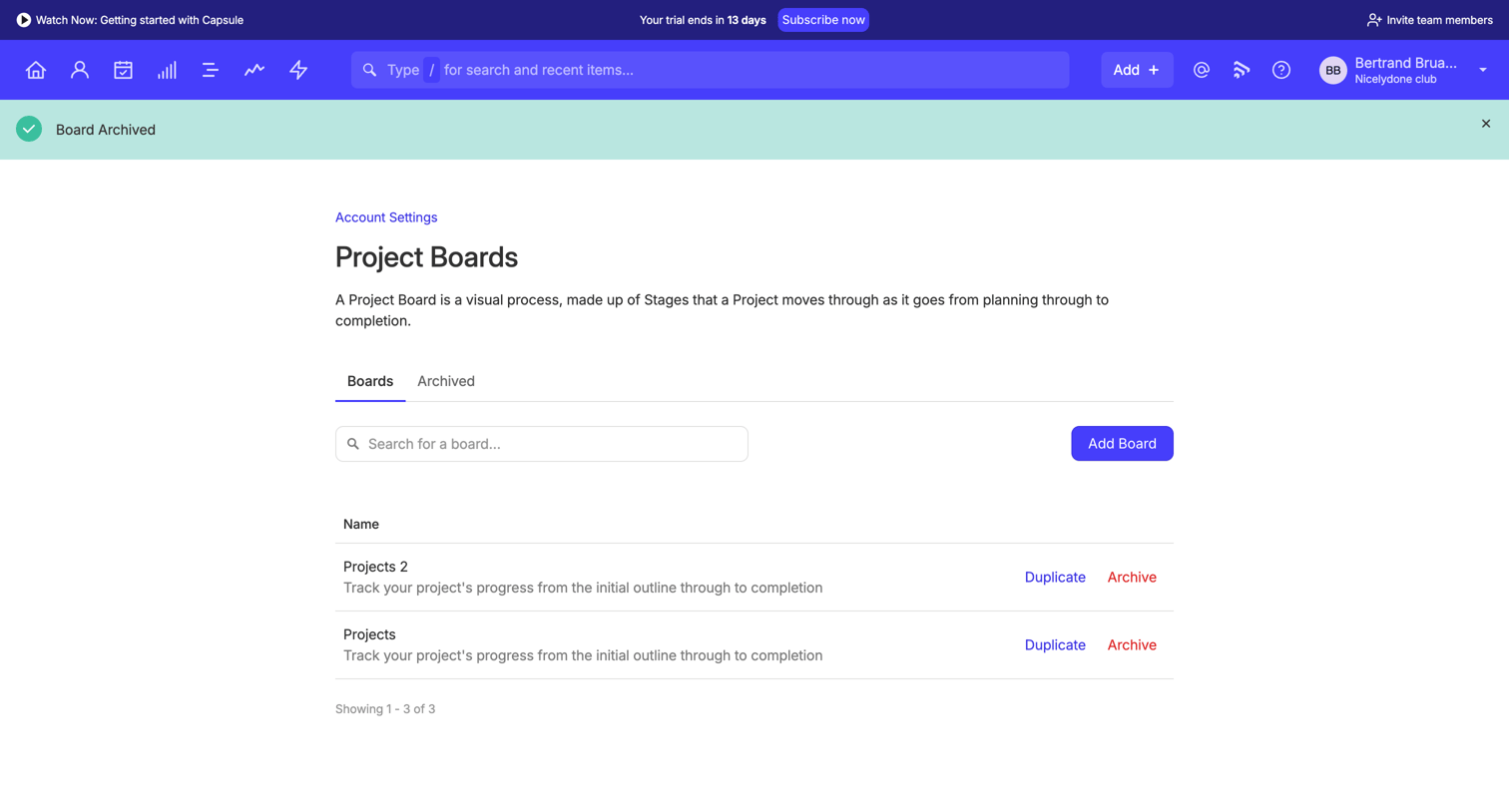


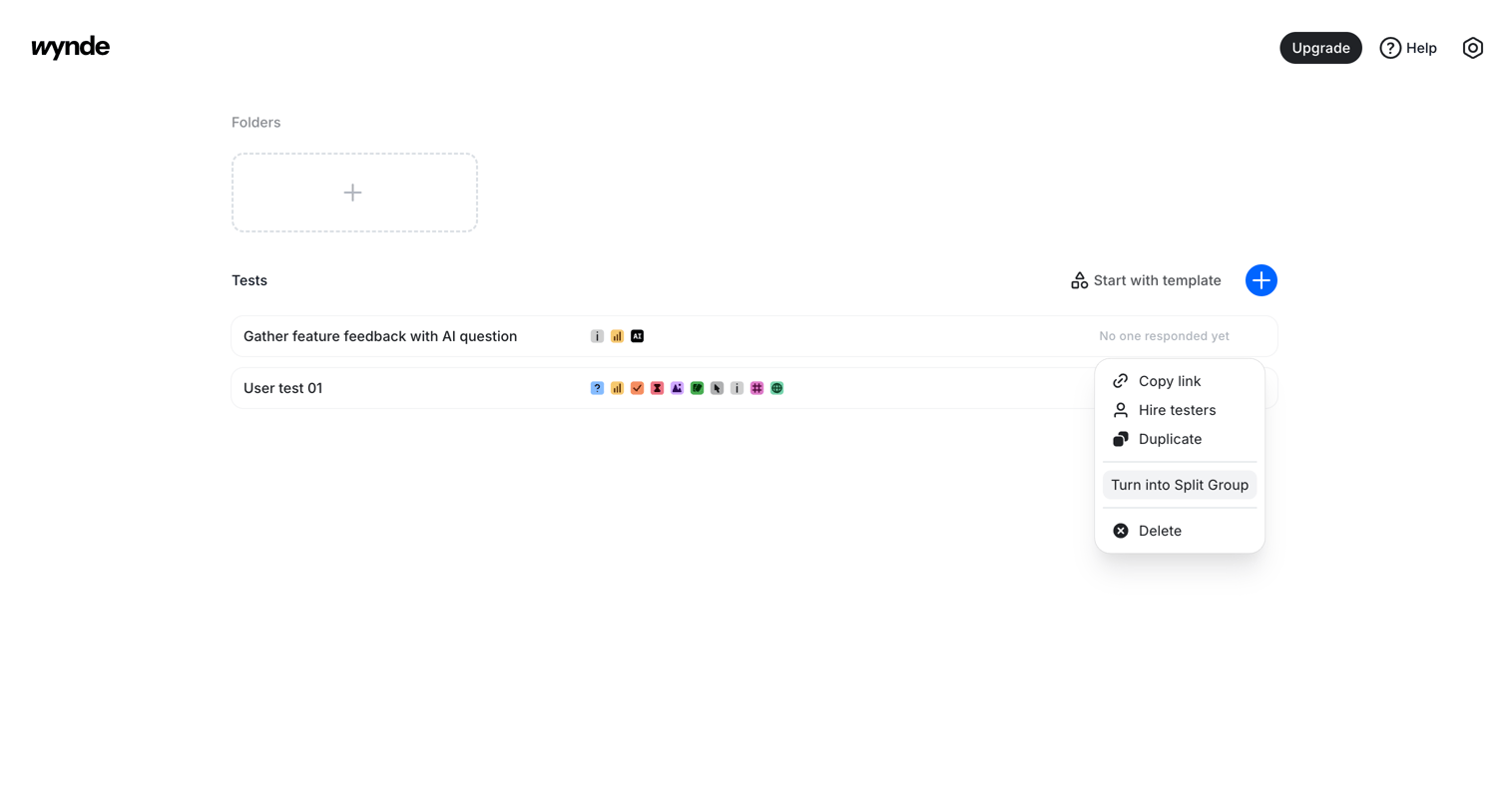

List view where the user manages folders and user tests, with options to create new ones from scratch or templates, and an open action menu for a specific test.

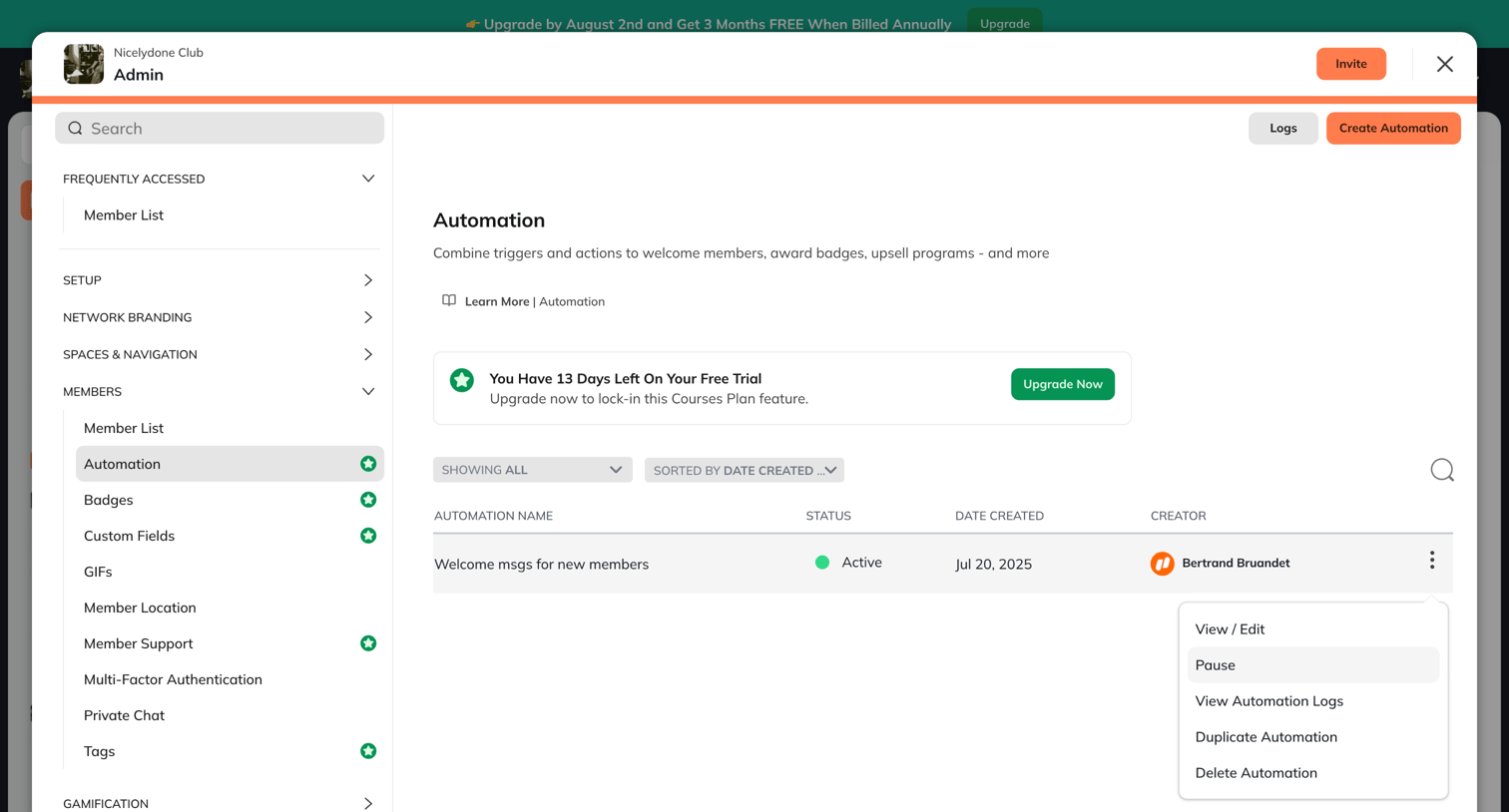

Settings modal where the admin views a list of automations, opens an action menu for a specific rule, and sees a prompt to upgrade their trial.
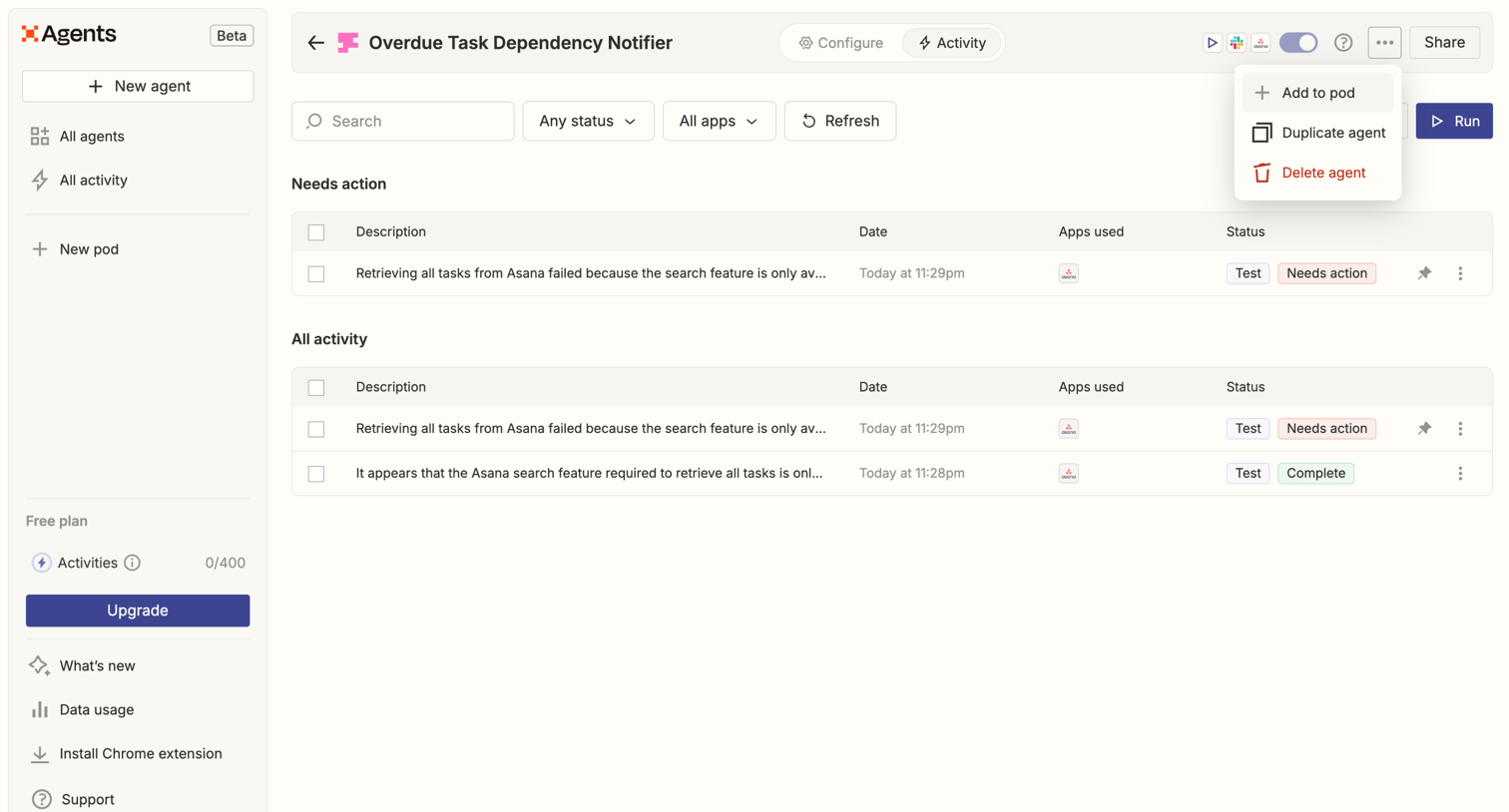

Detail page where the user monitors the execution history and errors of a specific AI agent, with a data table showing recent runs and options to filter by status or app.

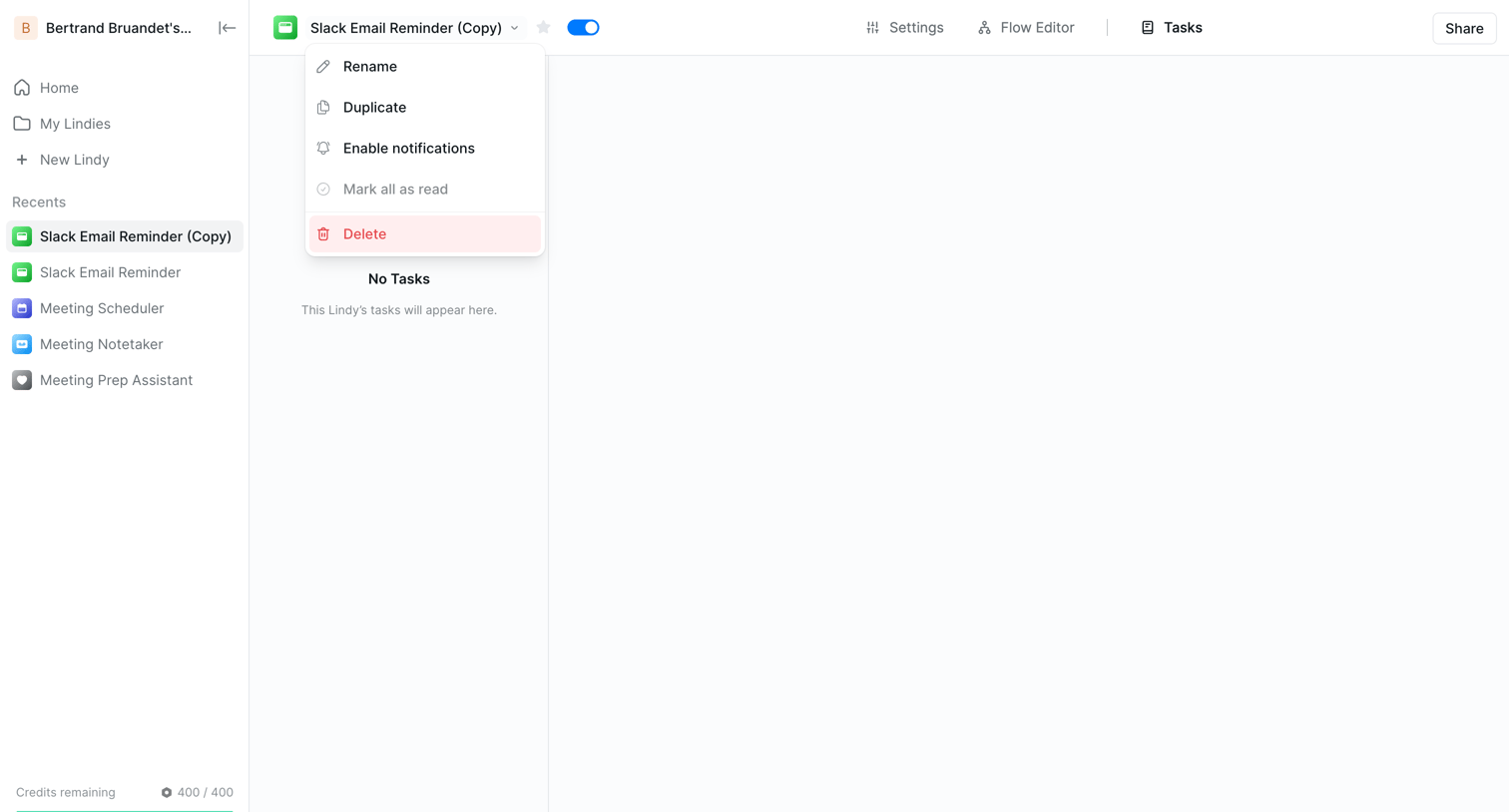

List view where the user manages tasks for a specific AI agent, currently showing an empty state with an open configuration dropdown.
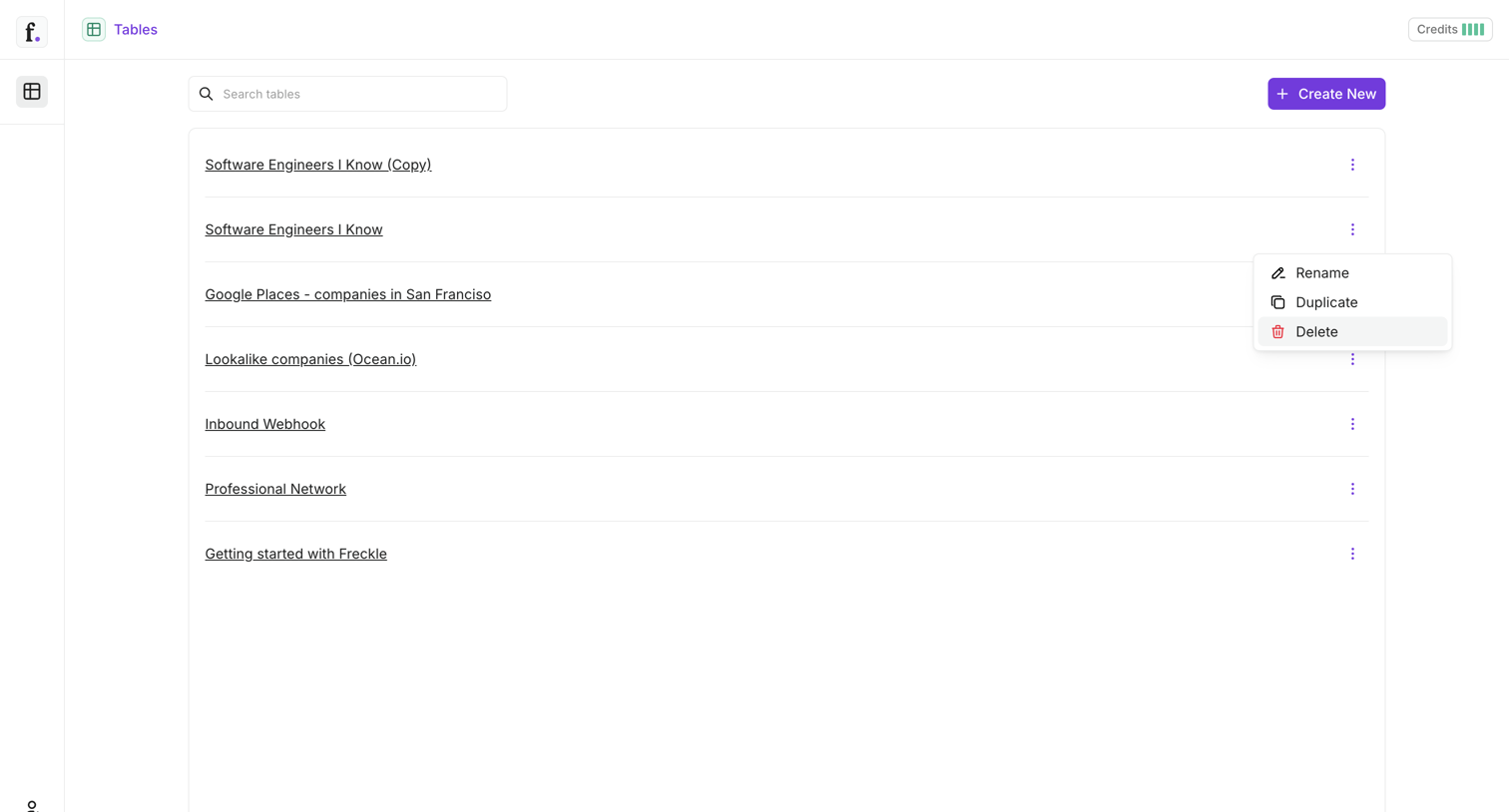

List view where the user manages their tables, with a search input and an open context menu showing options to rename, duplicate, or delete a specific table.

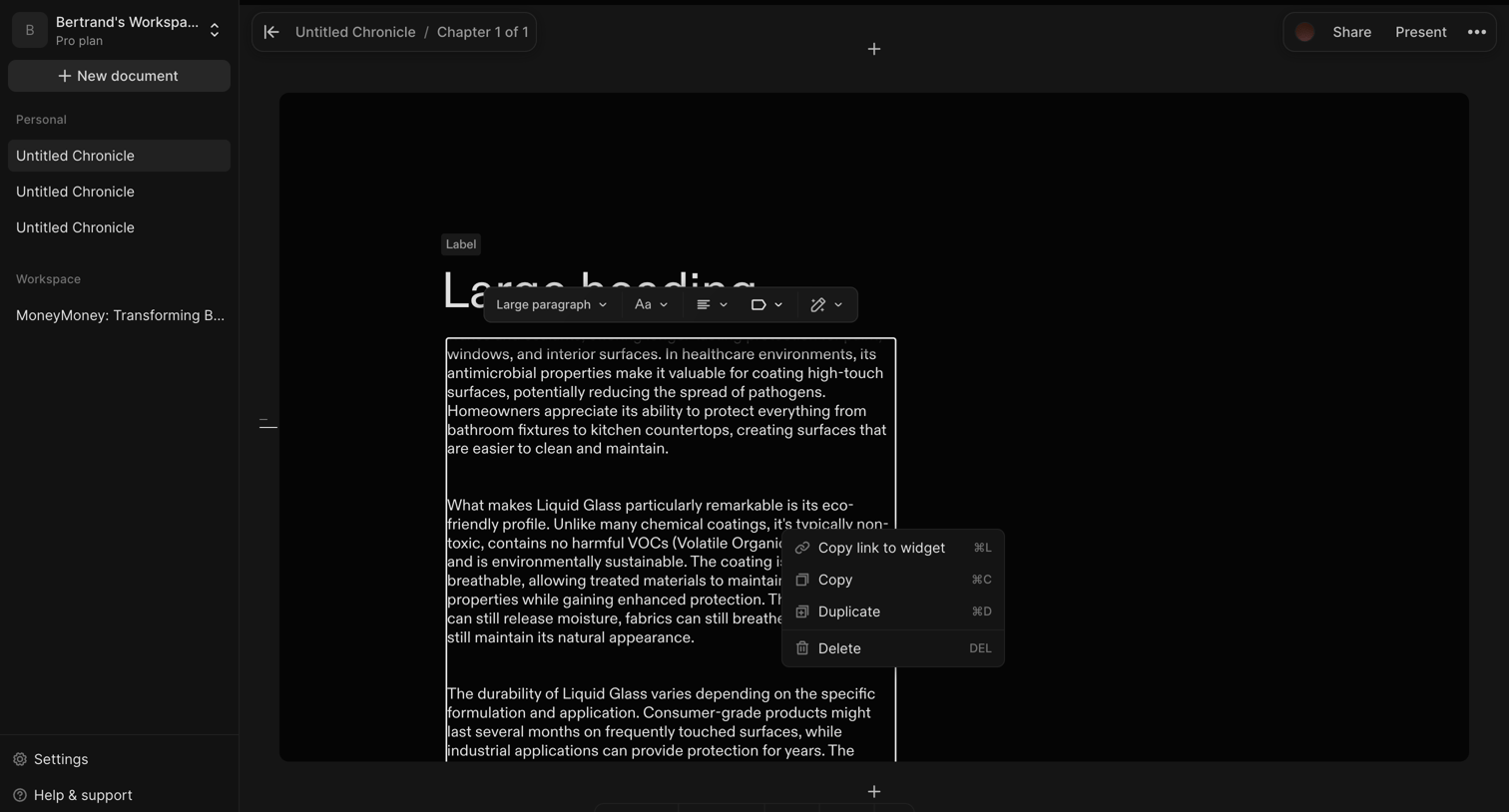

Content editor where the user is formatting a text block using a floating inline toolbar and viewing an open context menu with options to duplicate or delete the selected widget.
Explore the full SaaS screen library
Upgrade to unlock the full library.
Trusted by the best teams







