Drag & drop screen examples
Drag & drop screen design examples from SaaS apps. Browse examples from Shuttle, Bitly, Lemni.
Explore the examples
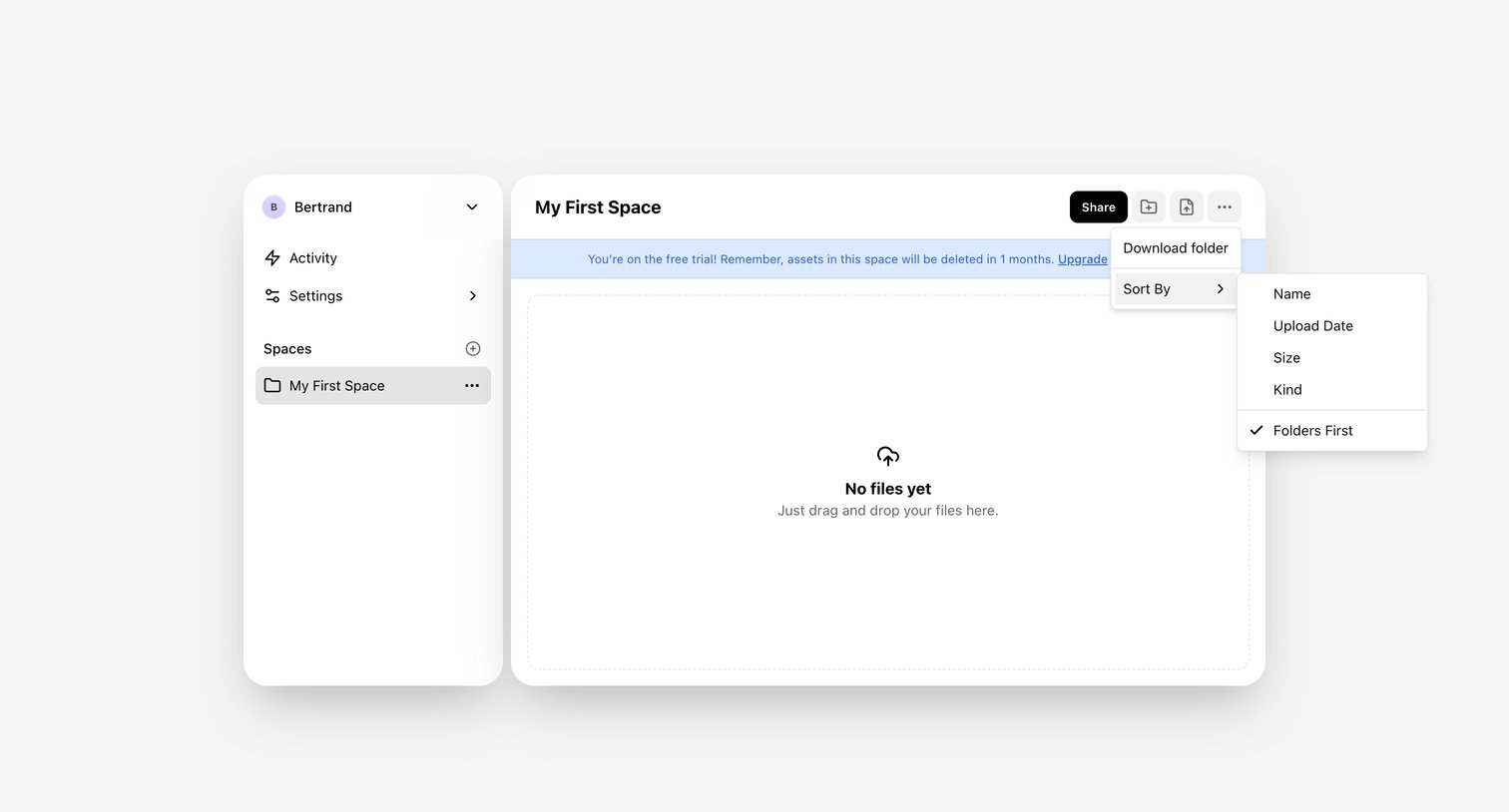

File manager view where the user sees an empty space named 'My First Space' with a drag-and-drop prompt and an active trial expiration warning.
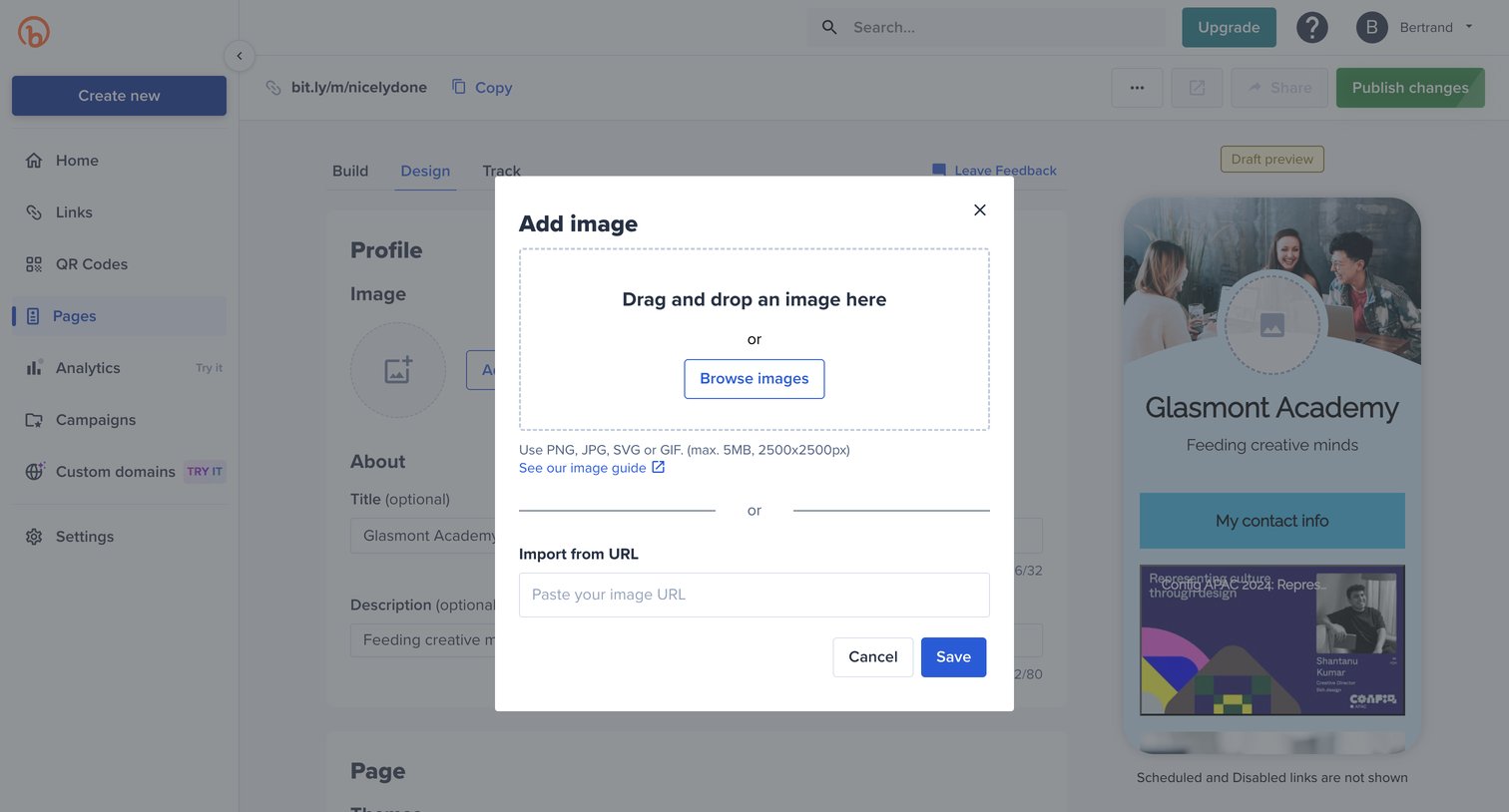

Page builder where the user uploads an image via drag-and-drop or URL to customize their profile header.
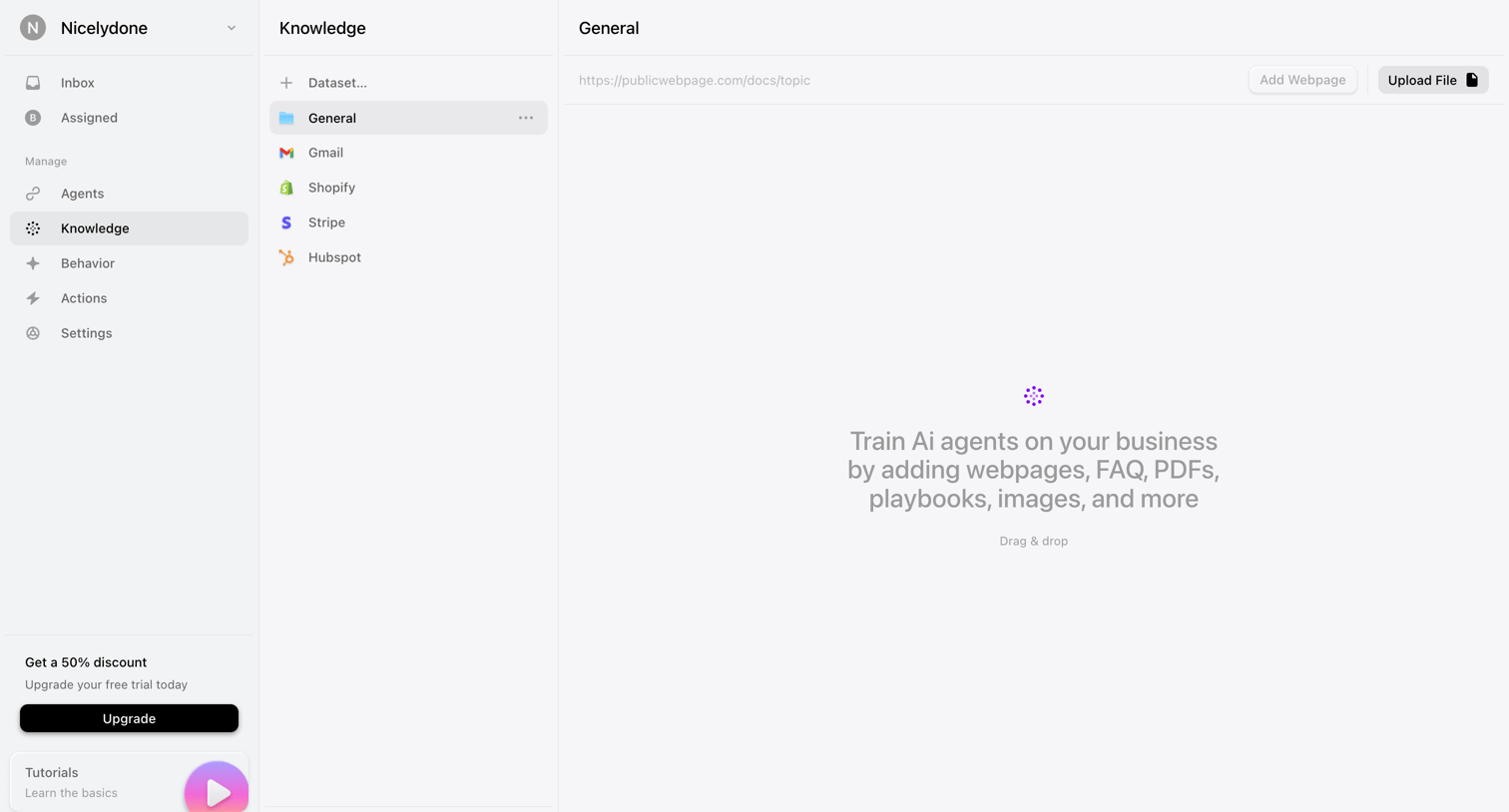

Settings page where the user manages datasets to train AI agents by adding webpages or uploading files.
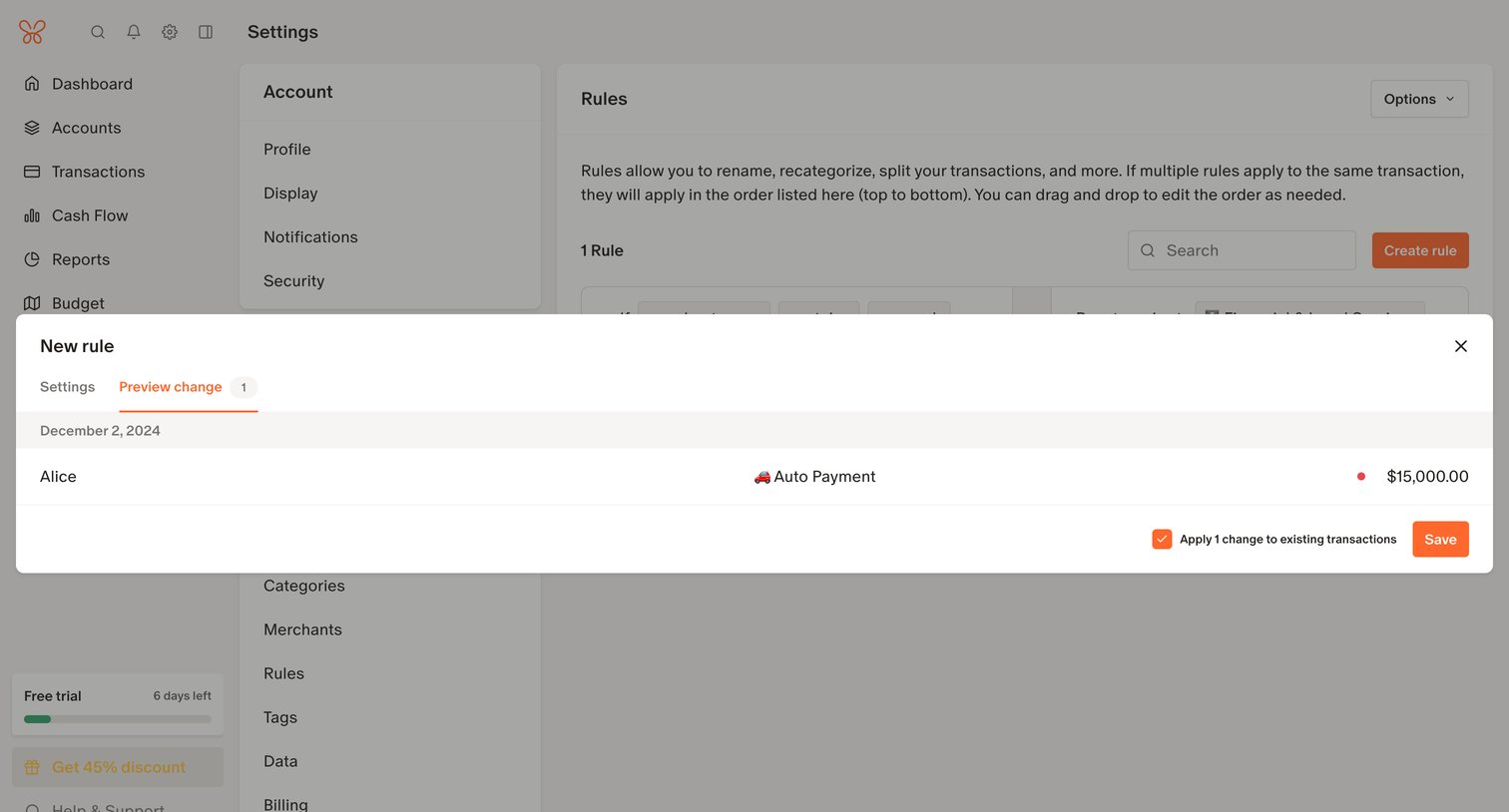

Settings page where the user previews the impact of a new transaction rule on existing records before saving.
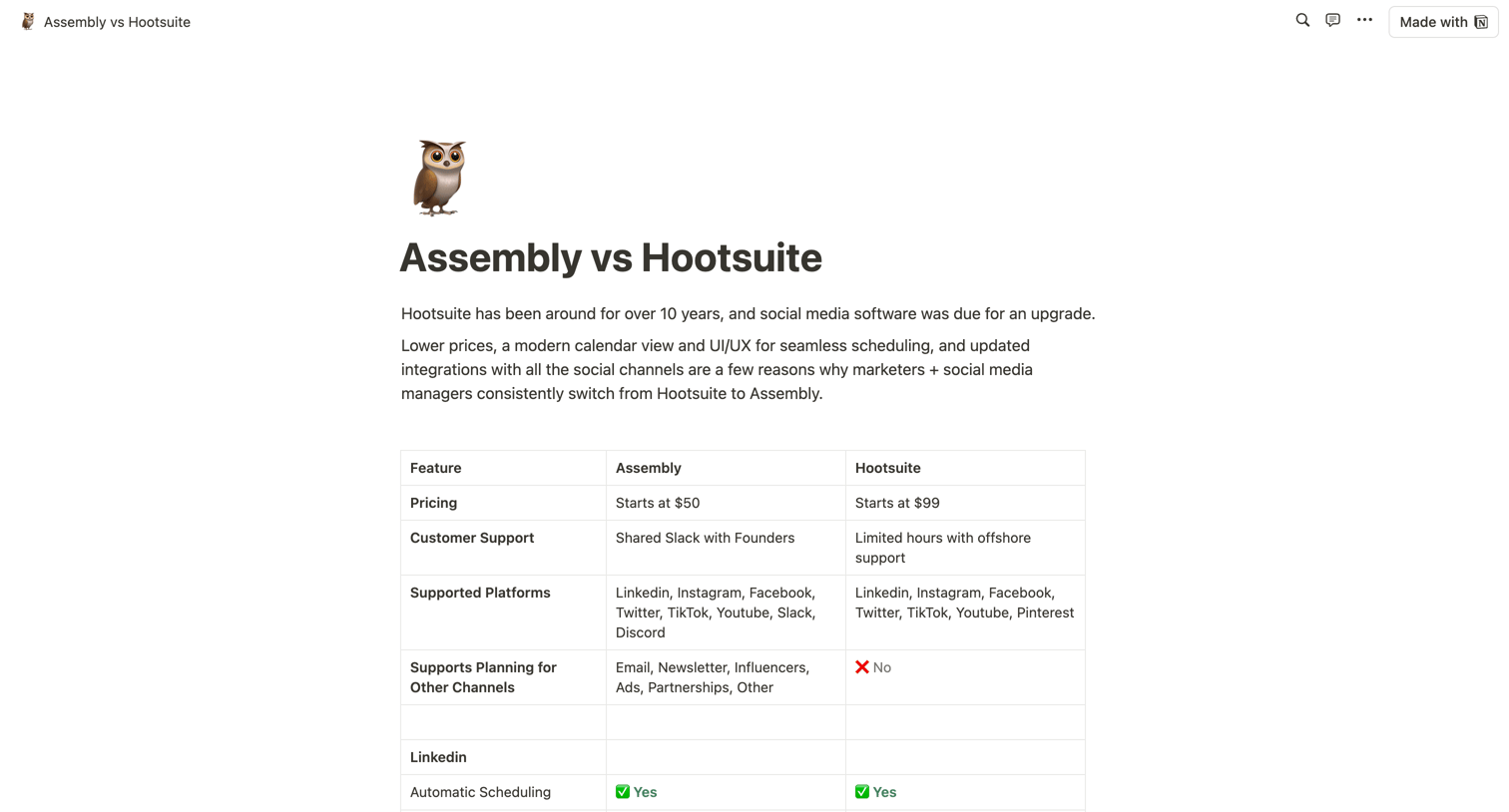

Alternative page comparing Assembly's features and pricing against Hootsuite across various social media platforms using a detailed feature matrix.
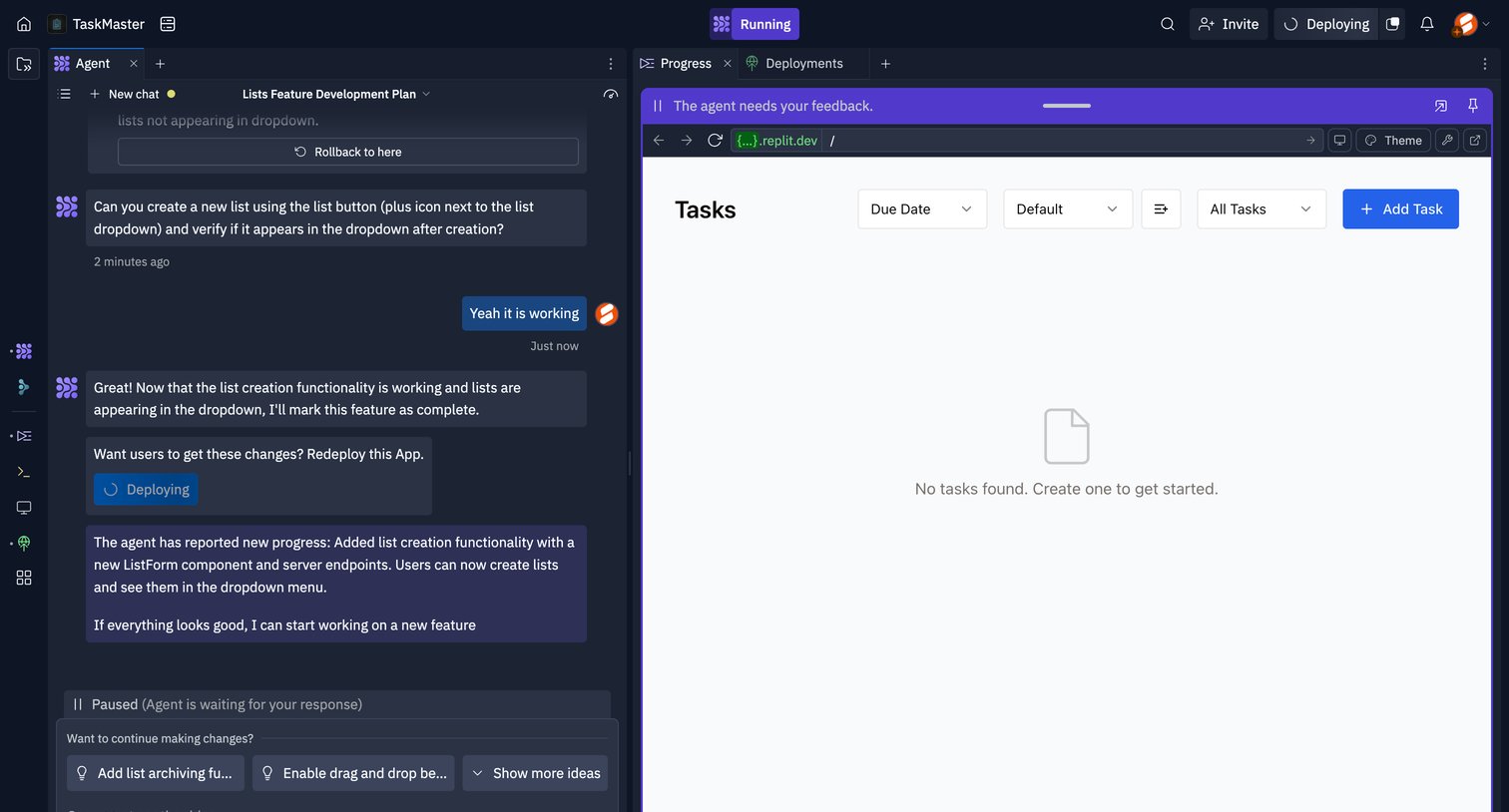

Code editor workspace where a user interacts with an AI agent to build a task management app, currently reviewing a live preview of the empty tasks list.
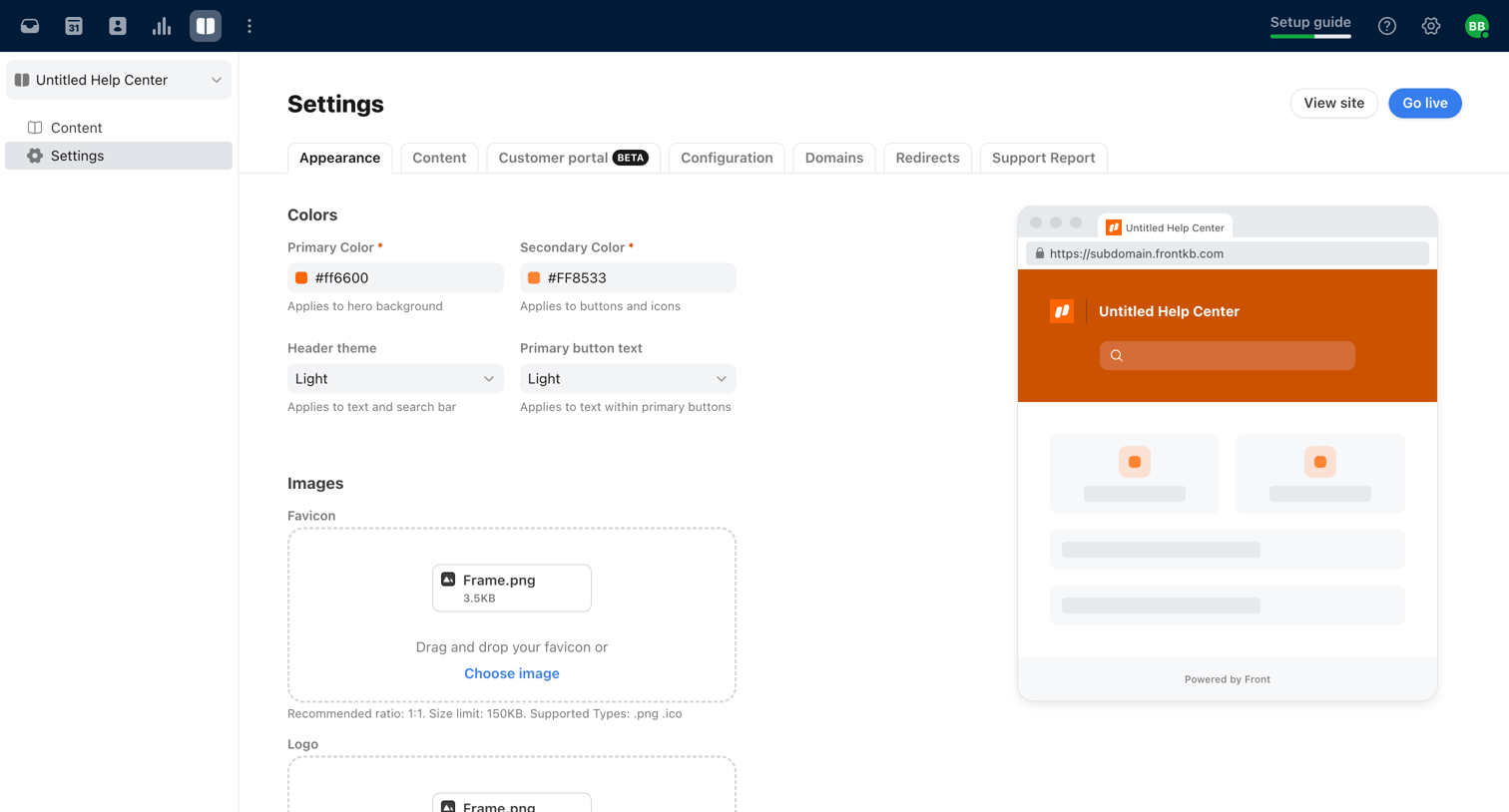

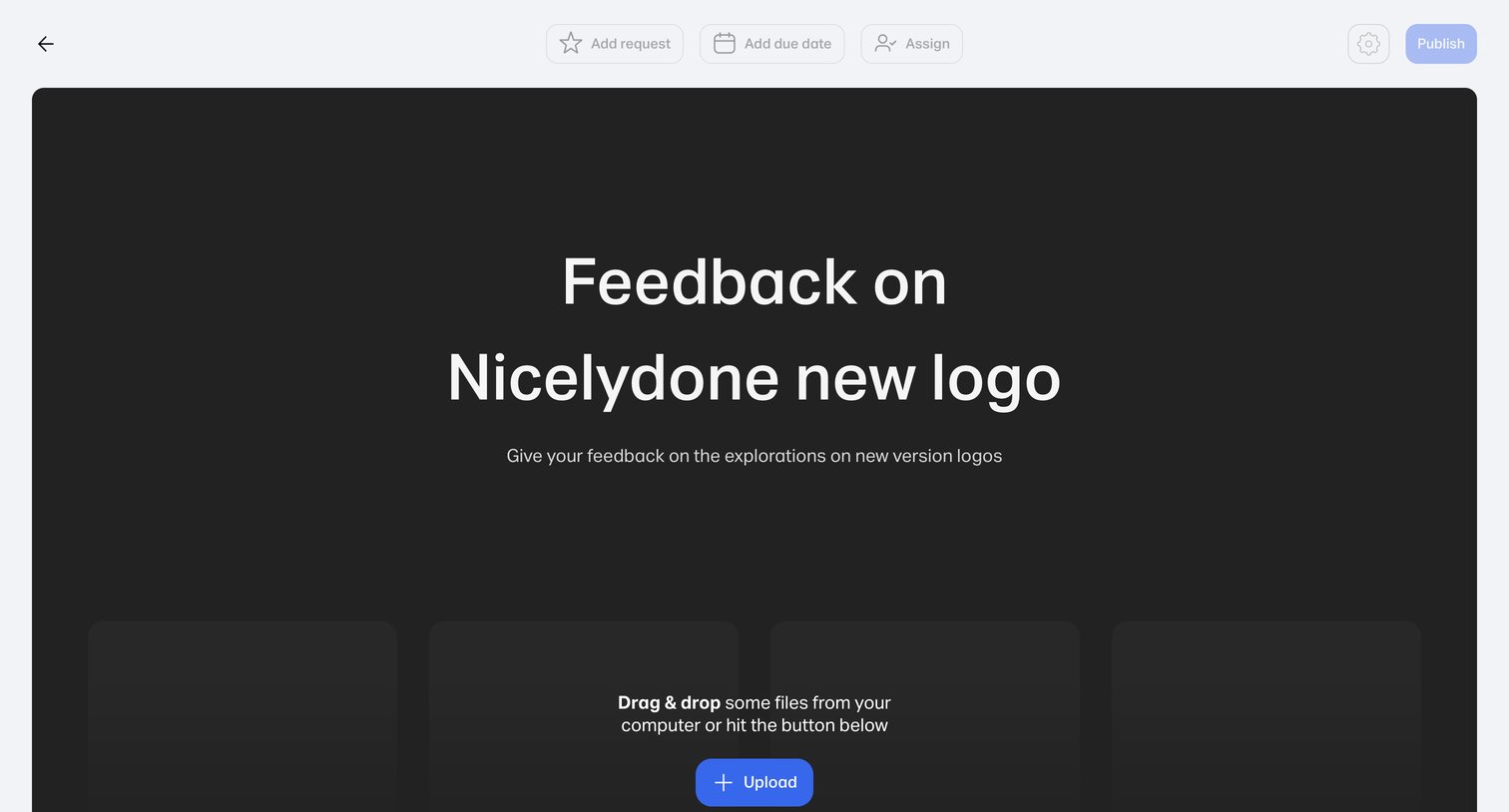

Create page where the user sets up a new feedback review by uploading files via drag and drop.
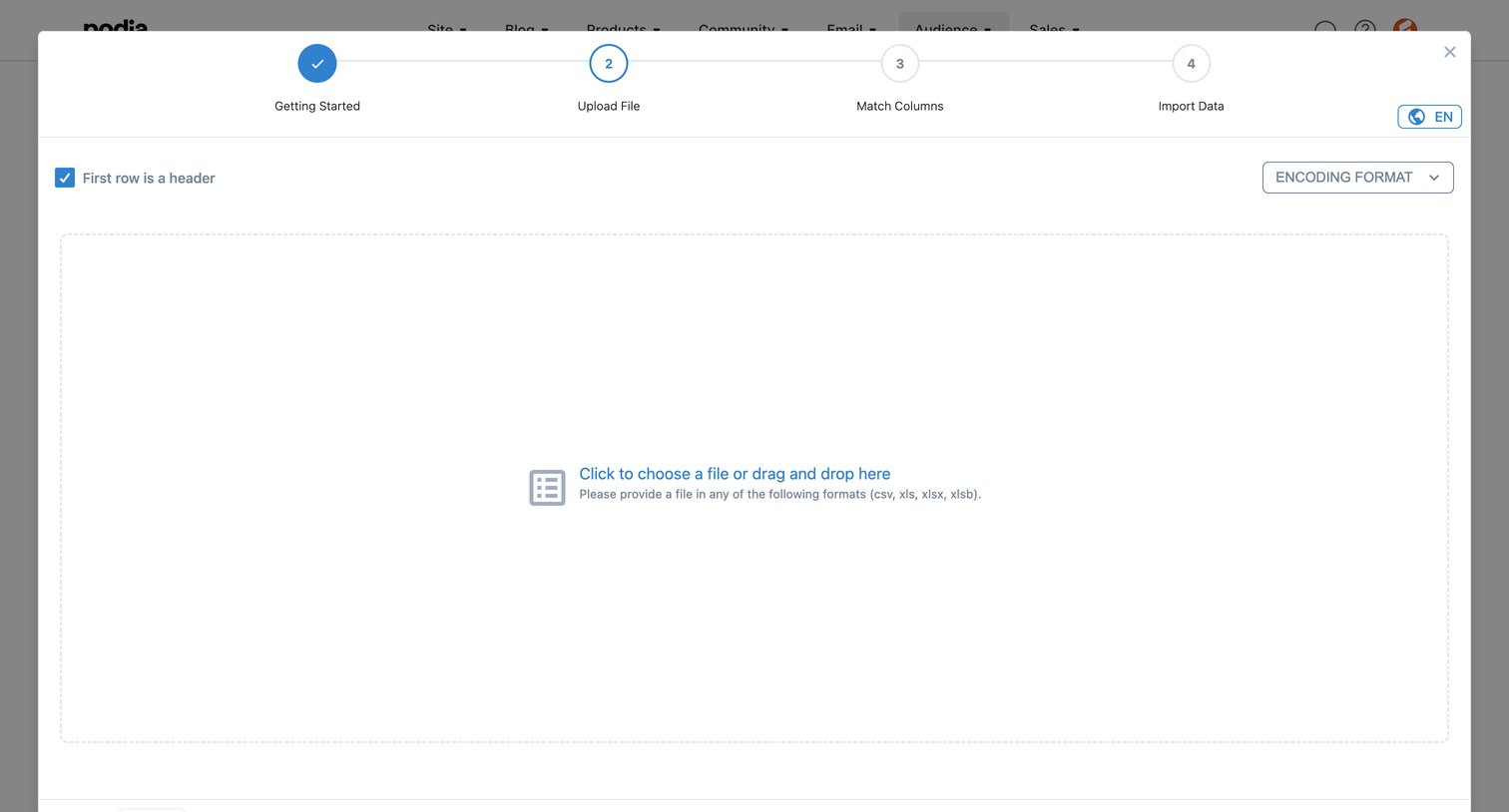

Modal where the user uploads a CSV or Excel file to import audience data, currently on the second step of a four-step wizard.
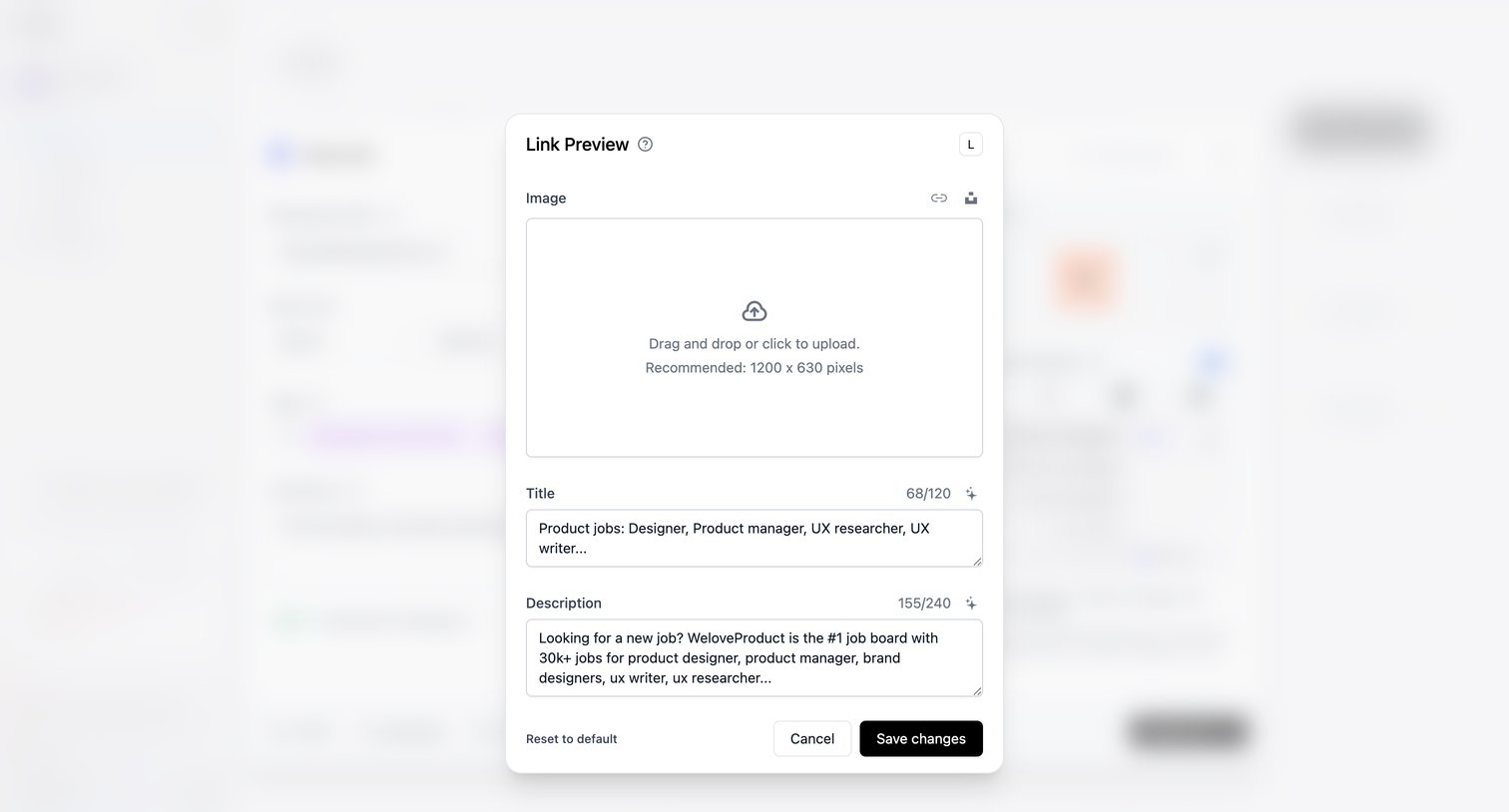

Detail page where the user edits the social media link preview image, title, and description via a modal overlay.
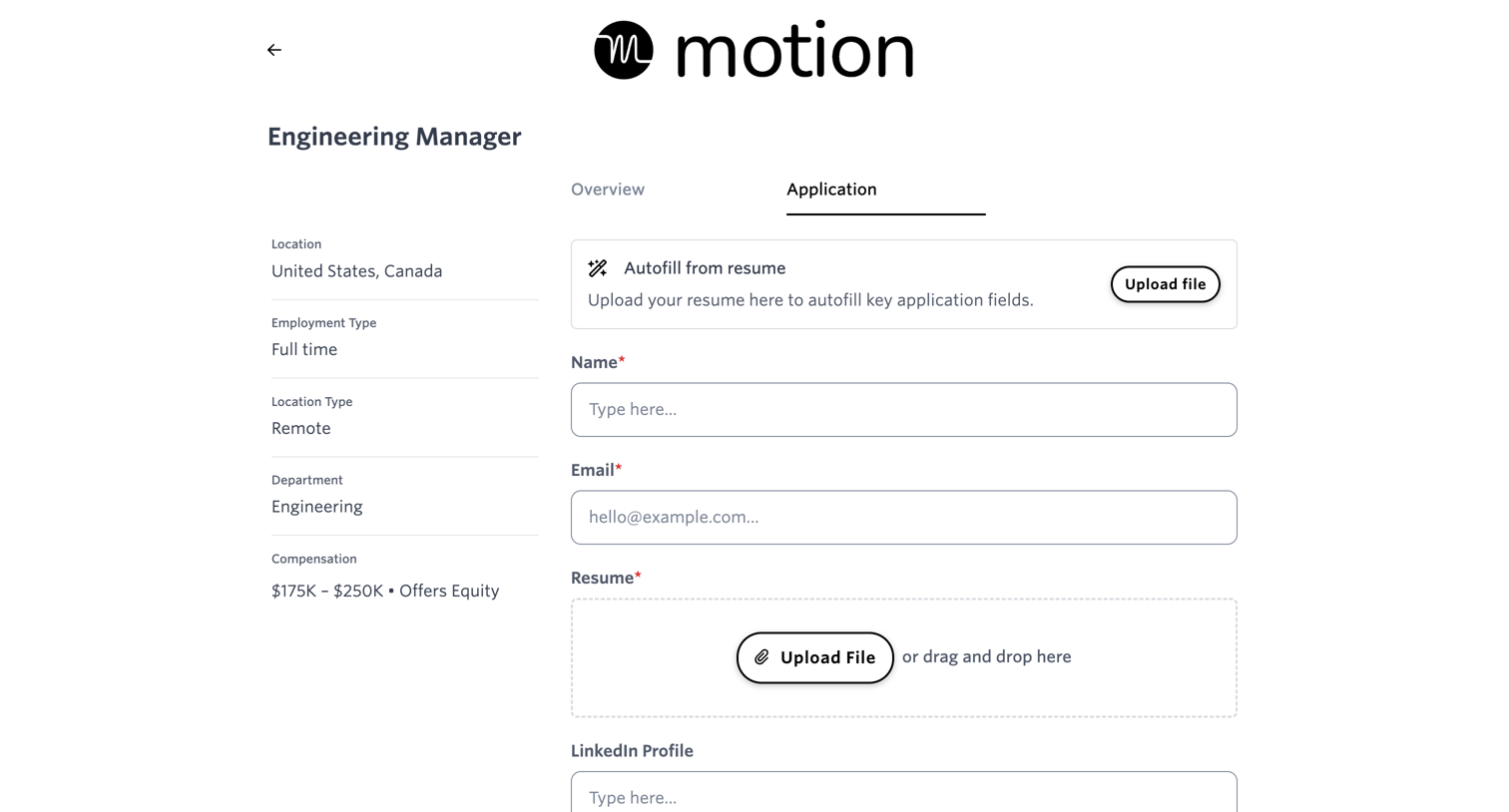

Careers page where a candidate fills out an application form, uploads a resume, and answers specific questions for an Engineering Manager role.
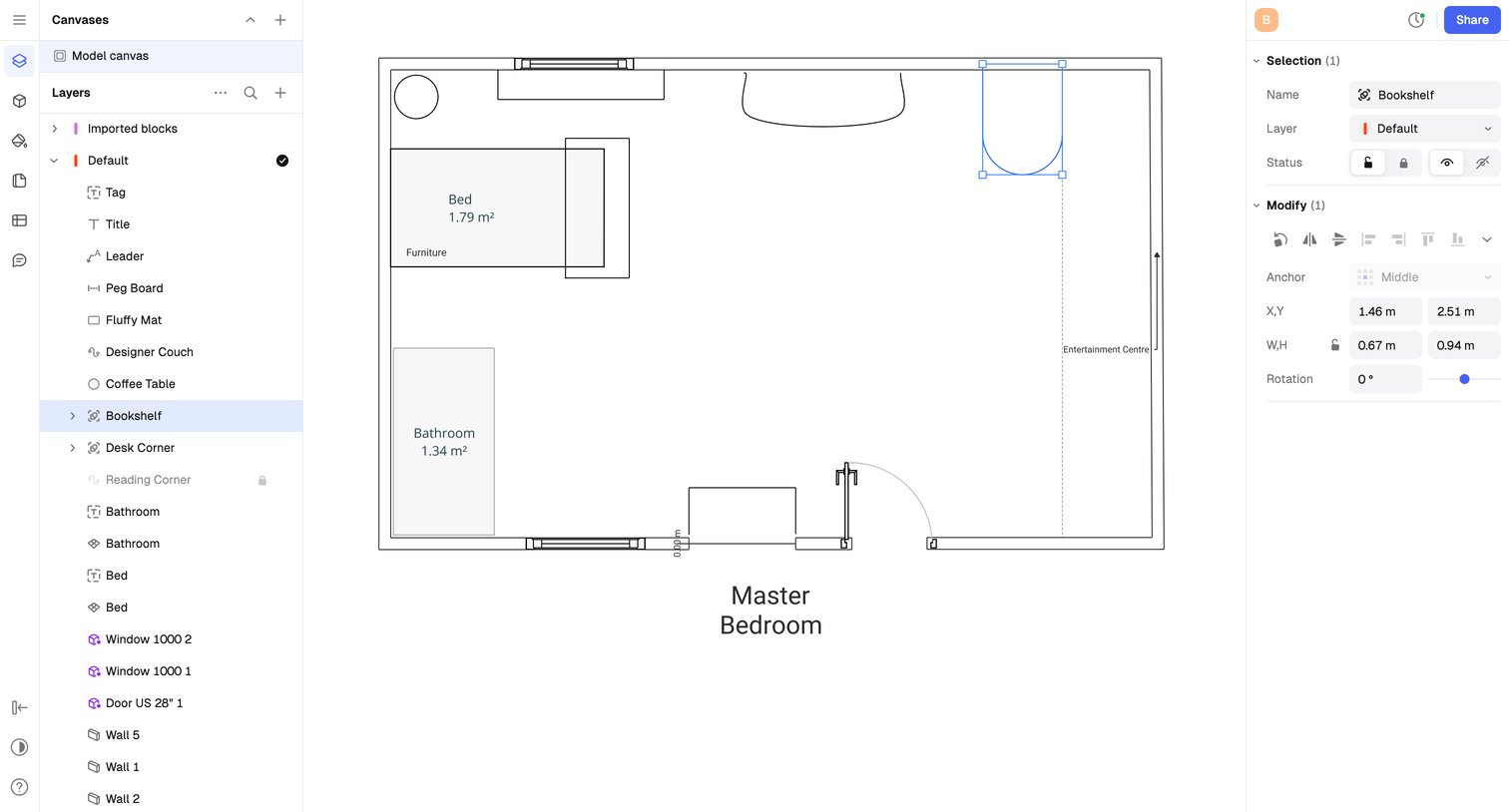

Design editor where the user modifies a master bedroom floor plan by selecting and rotating a bookshelf object via the inspector panel.
Explore the full SaaS screen library
Upgrade to unlock the full library.
Trusted by the best teams







