Drag and drop screen examples
Drag and drop screen design examples from SaaS apps. See how apps present tasks that involve dragging files or objects. Explore how drop areas, movable items, and placement cues fit into the surrounding workspace.
Explore the examples
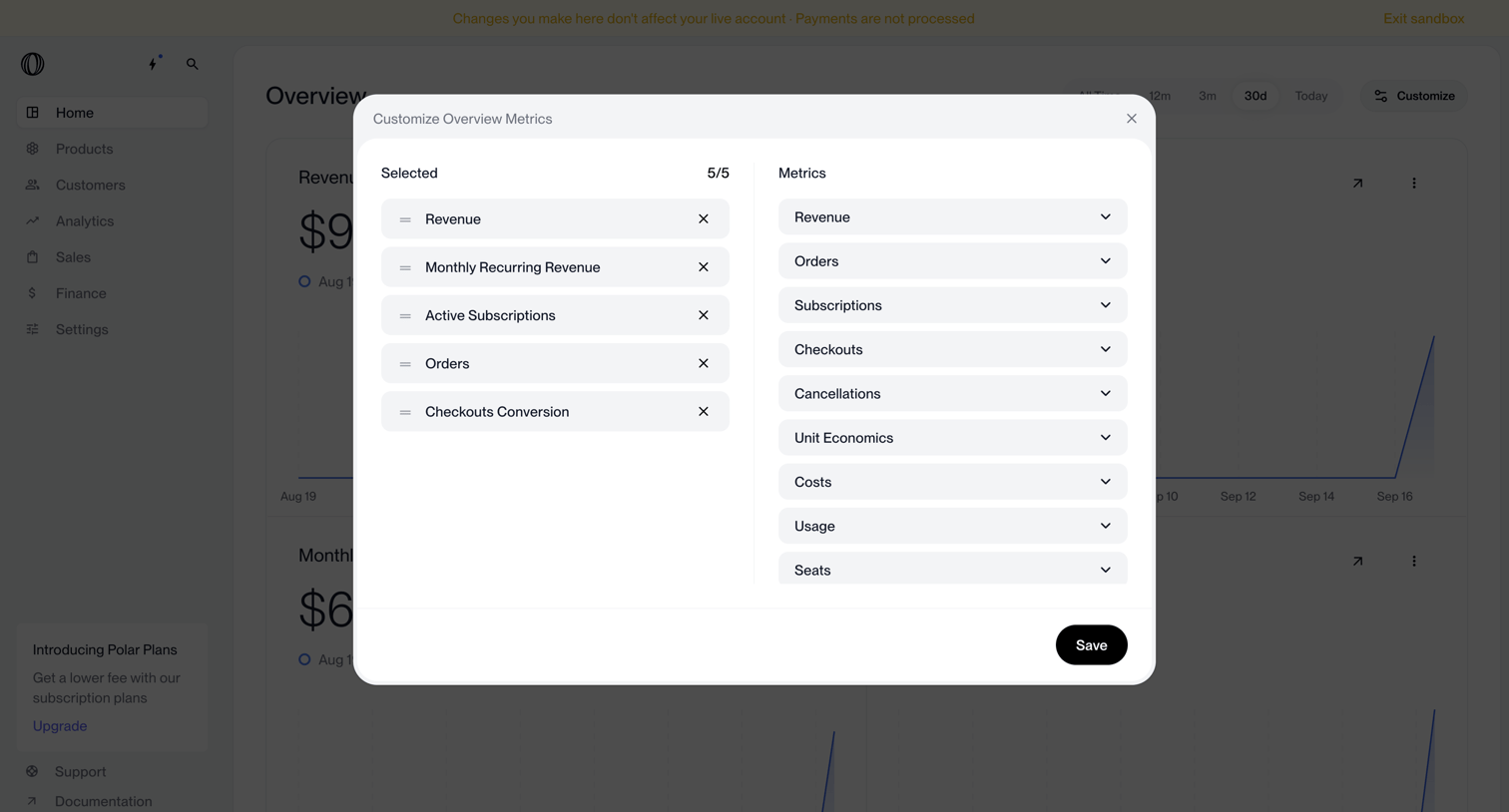

Dashboard with a modal open where the user can select and reorder up to 5 metrics to display on the overview.
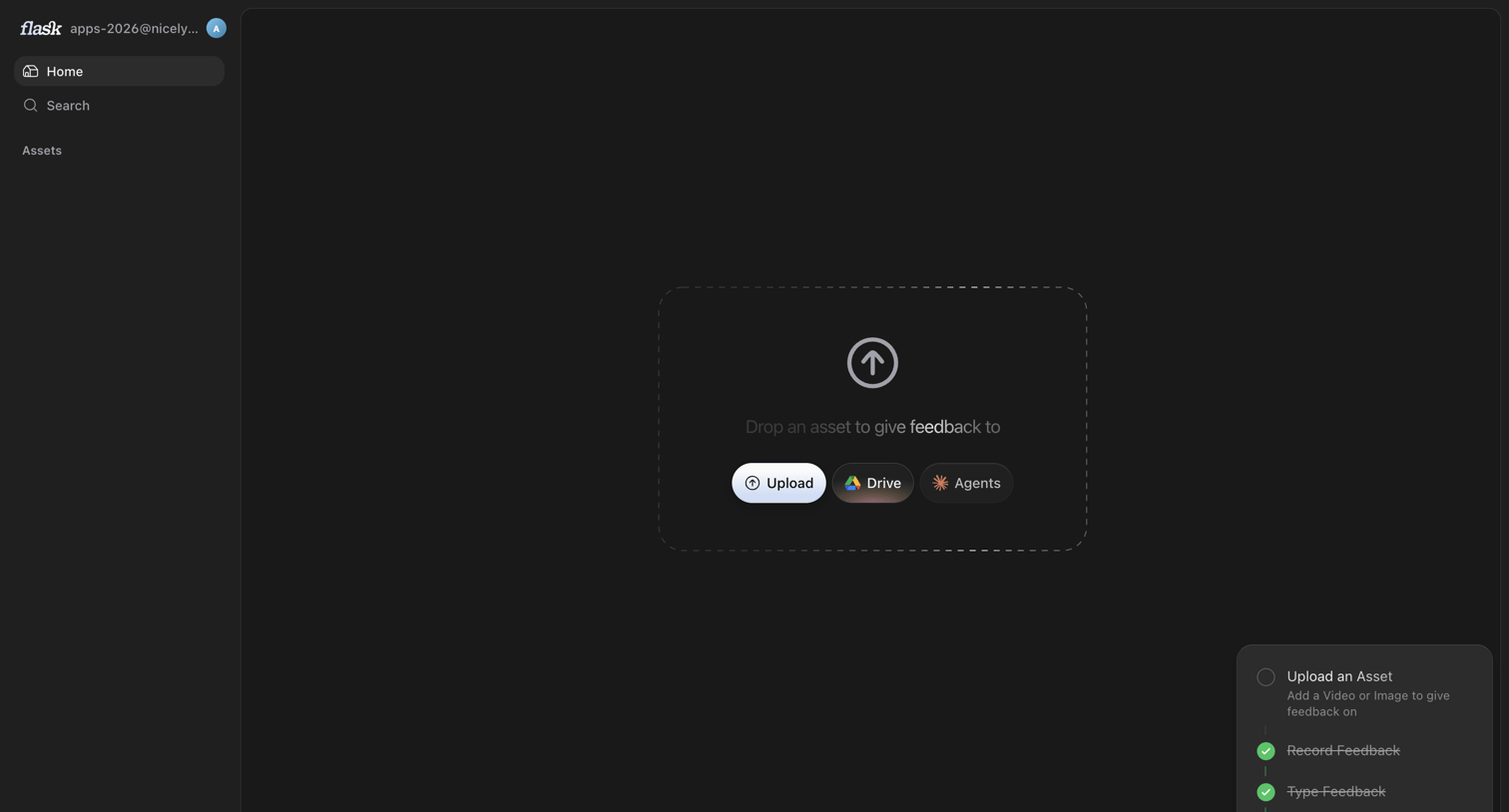

Home screen in an empty state where the user is prompted to upload an asset via local file, Google Drive, or Agents, while an onboarding checklist tracks their setup progress.
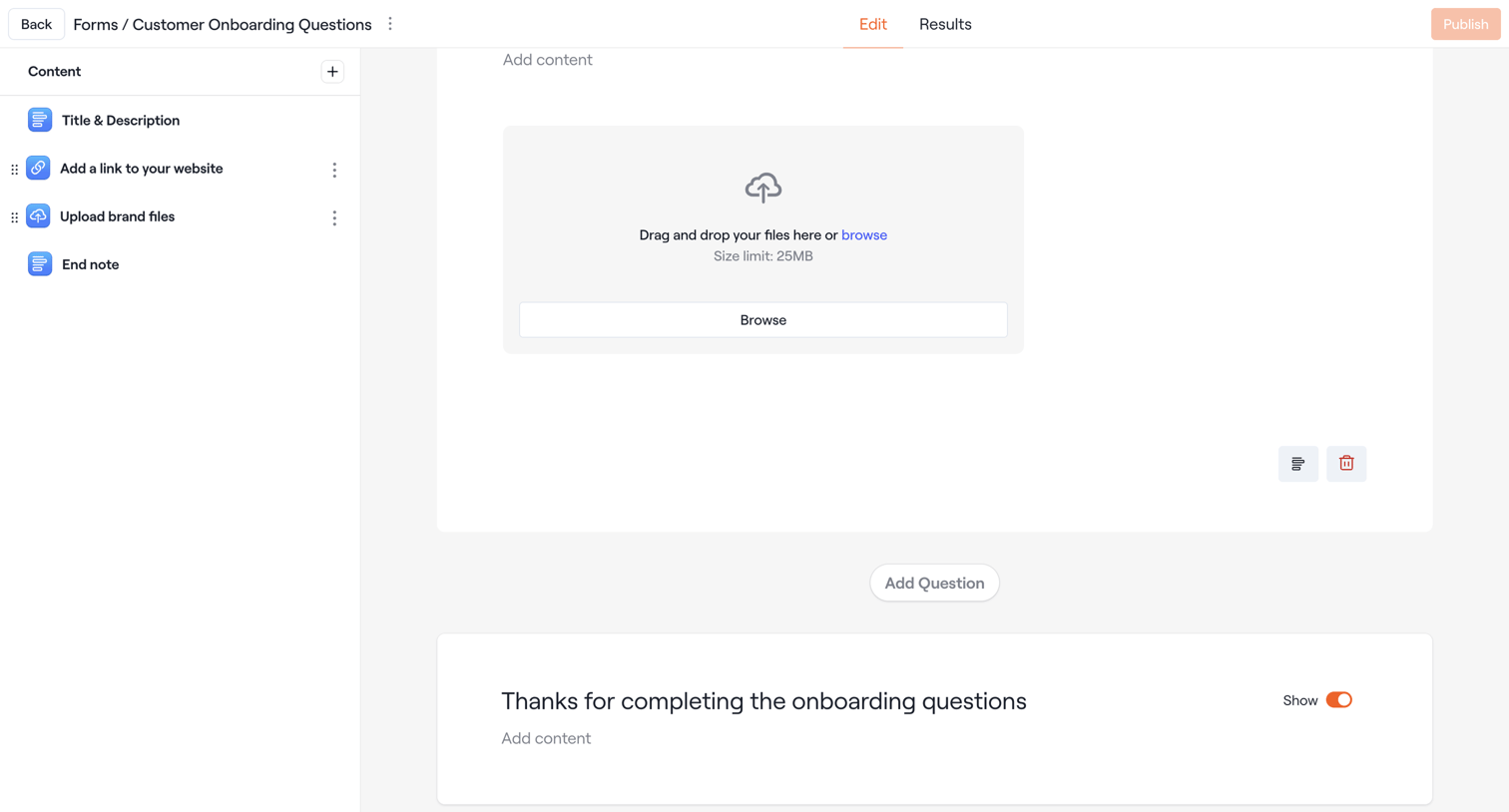

Design editor where the user configures a customer onboarding form by adding and arranging content blocks like file uploads and text.
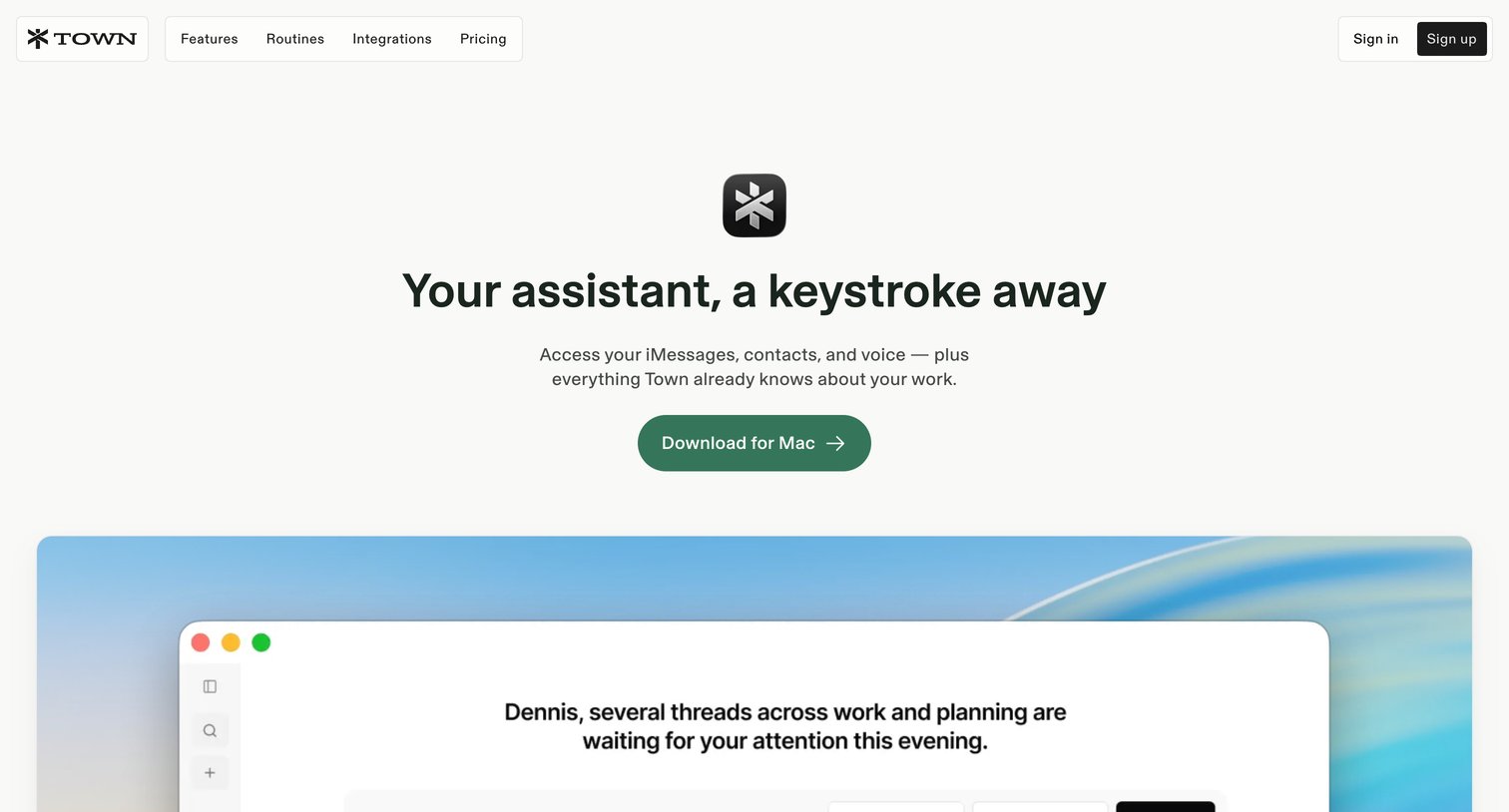

Feature page showcasing the Mac desktop application with capabilities like iMessage integration, voice recording, and native notifications.
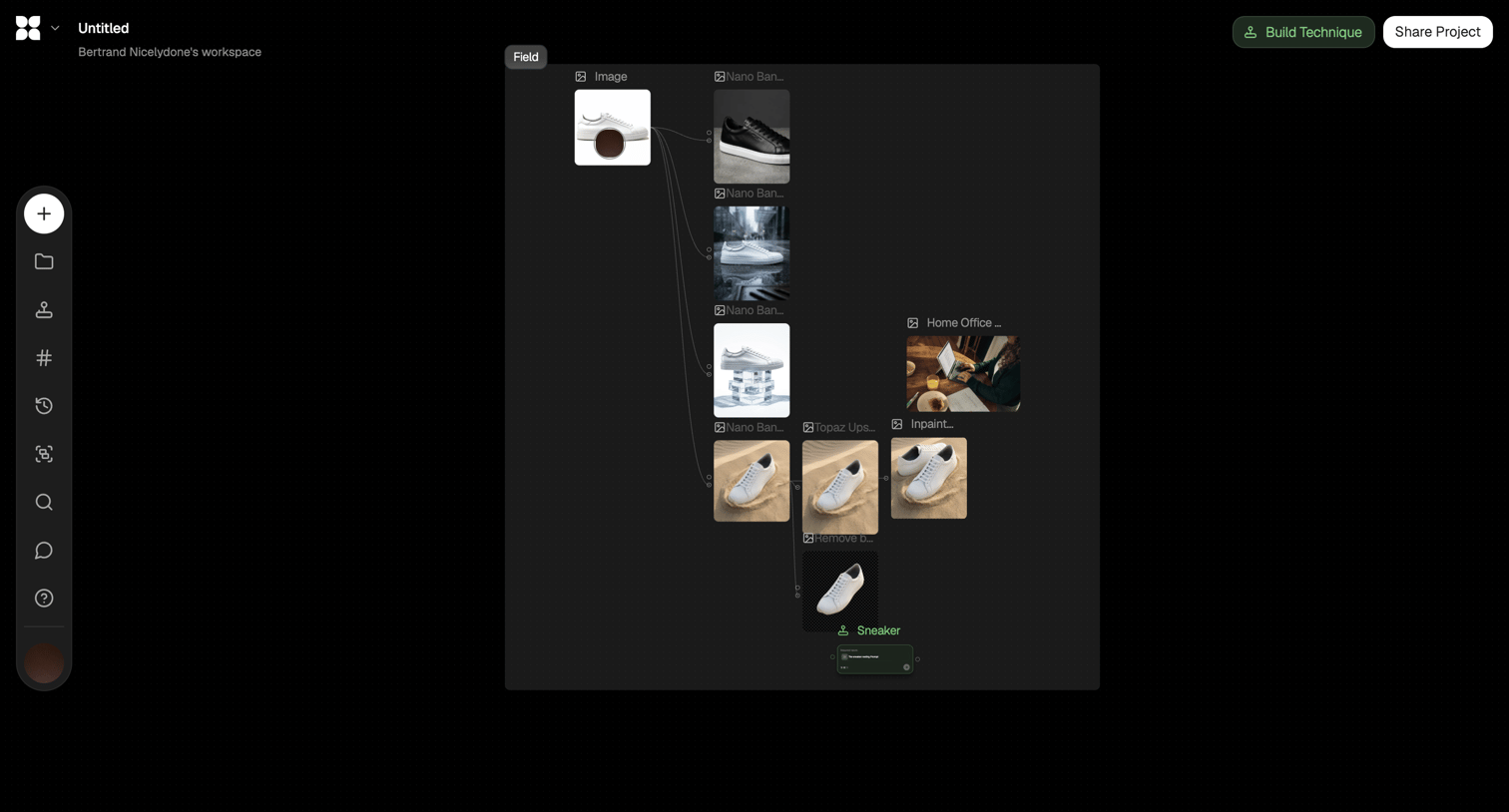

Node-based design editor where the user builds an AI image generation and transformation pipeline.
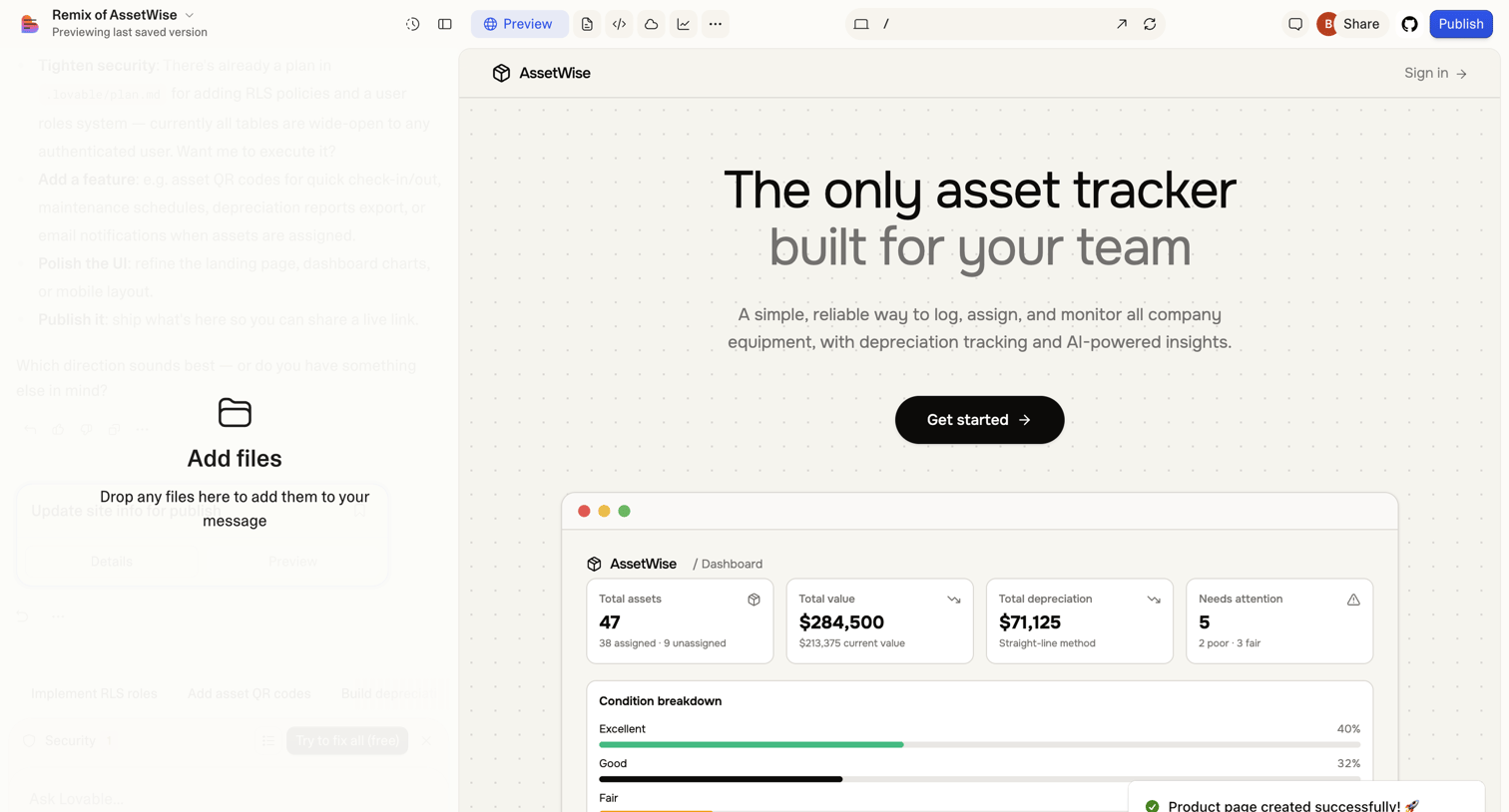

AI app builder where the user is previewing a generated asset-tracking dashboard and has a file-upload dropzone active in the chat panel.
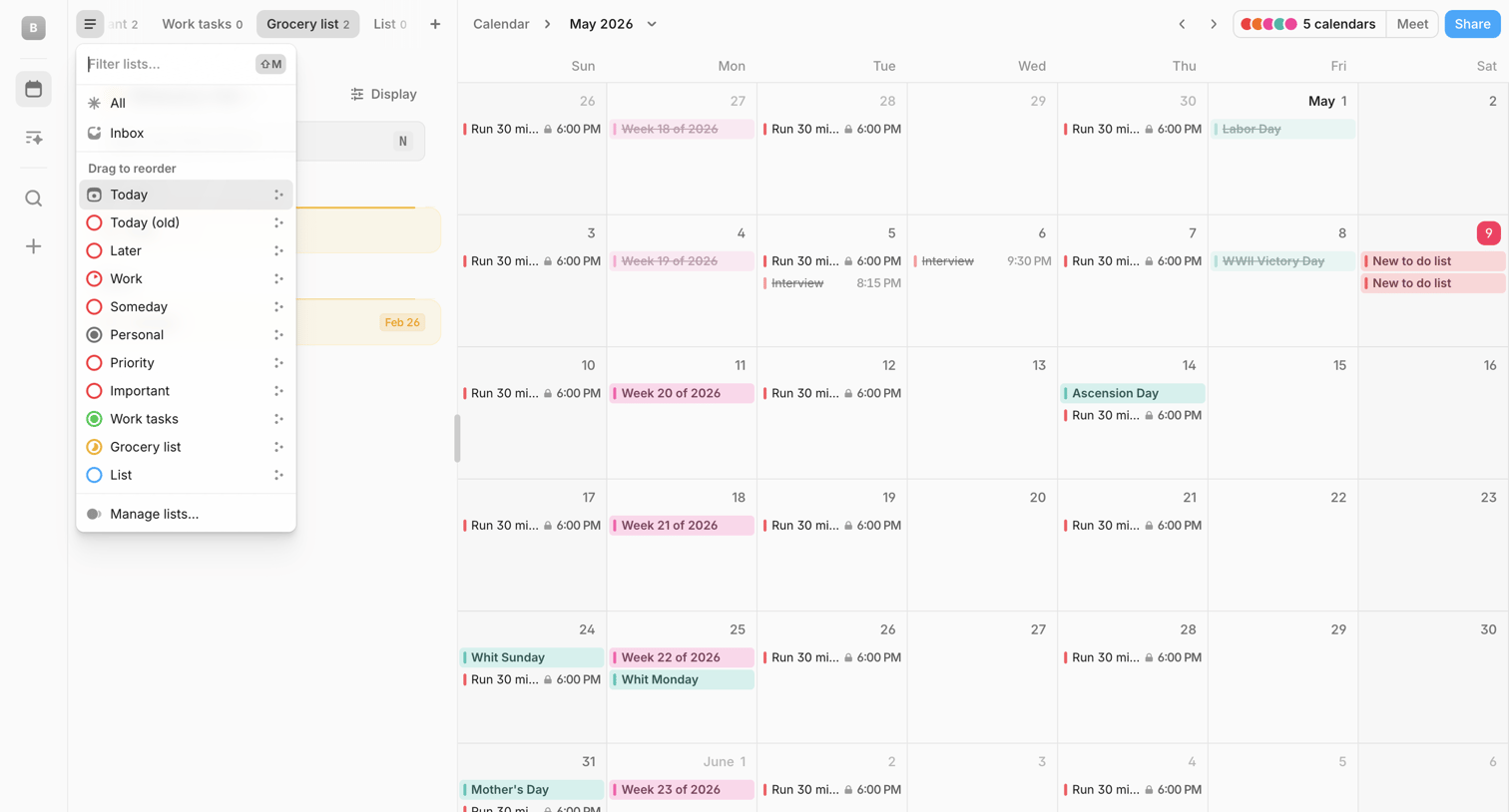

Calendar application showing a monthly view with a floating AI command bar and an open combobox for filtering and reordering task lists.
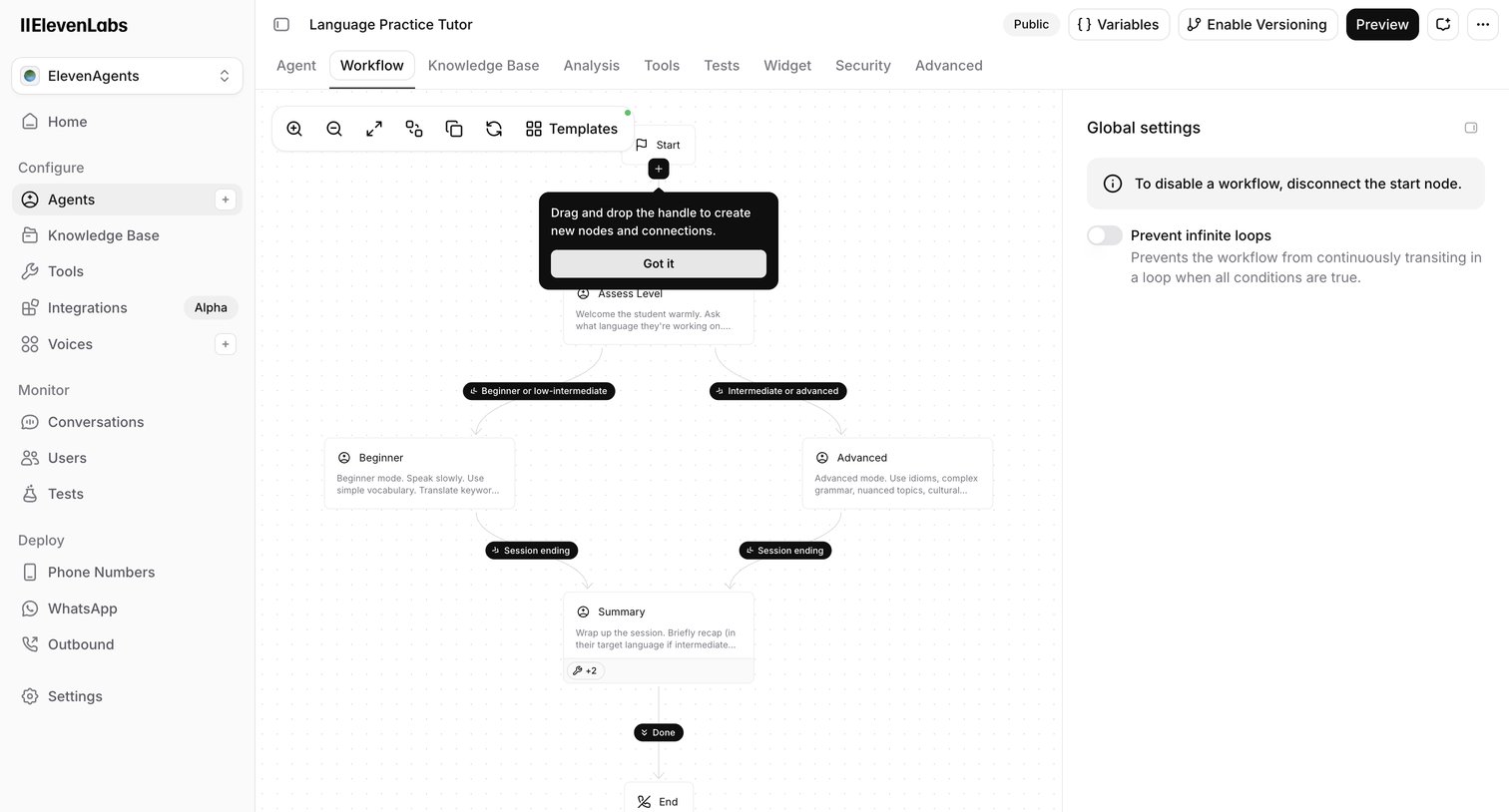

Design editor where the user builds a Language Practice Tutor agent using a node-based workflow canvas with branching logic for different skill levels.
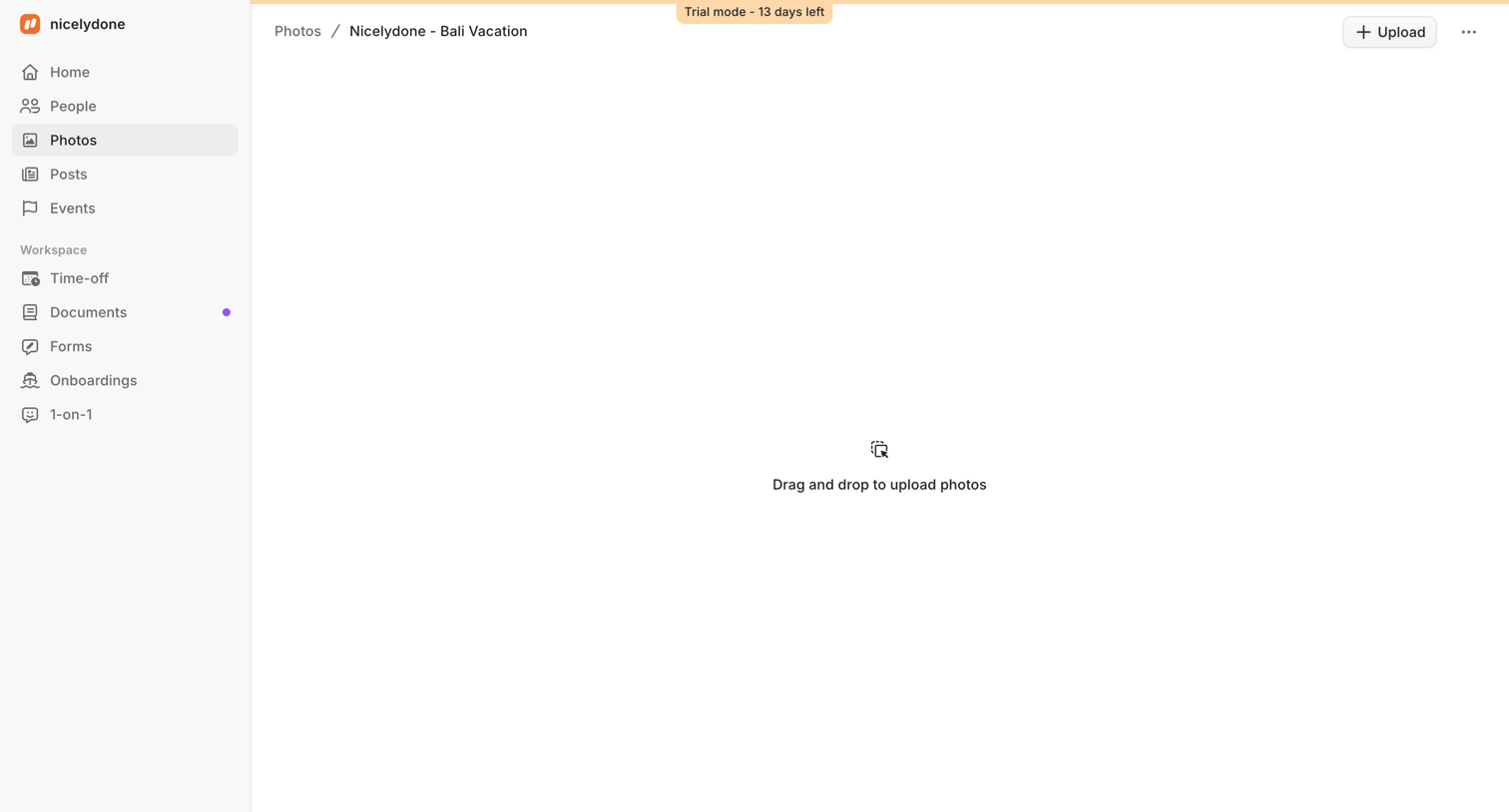

Detail page for a specific photo album where the user is prompted to drag and drop files to upload.
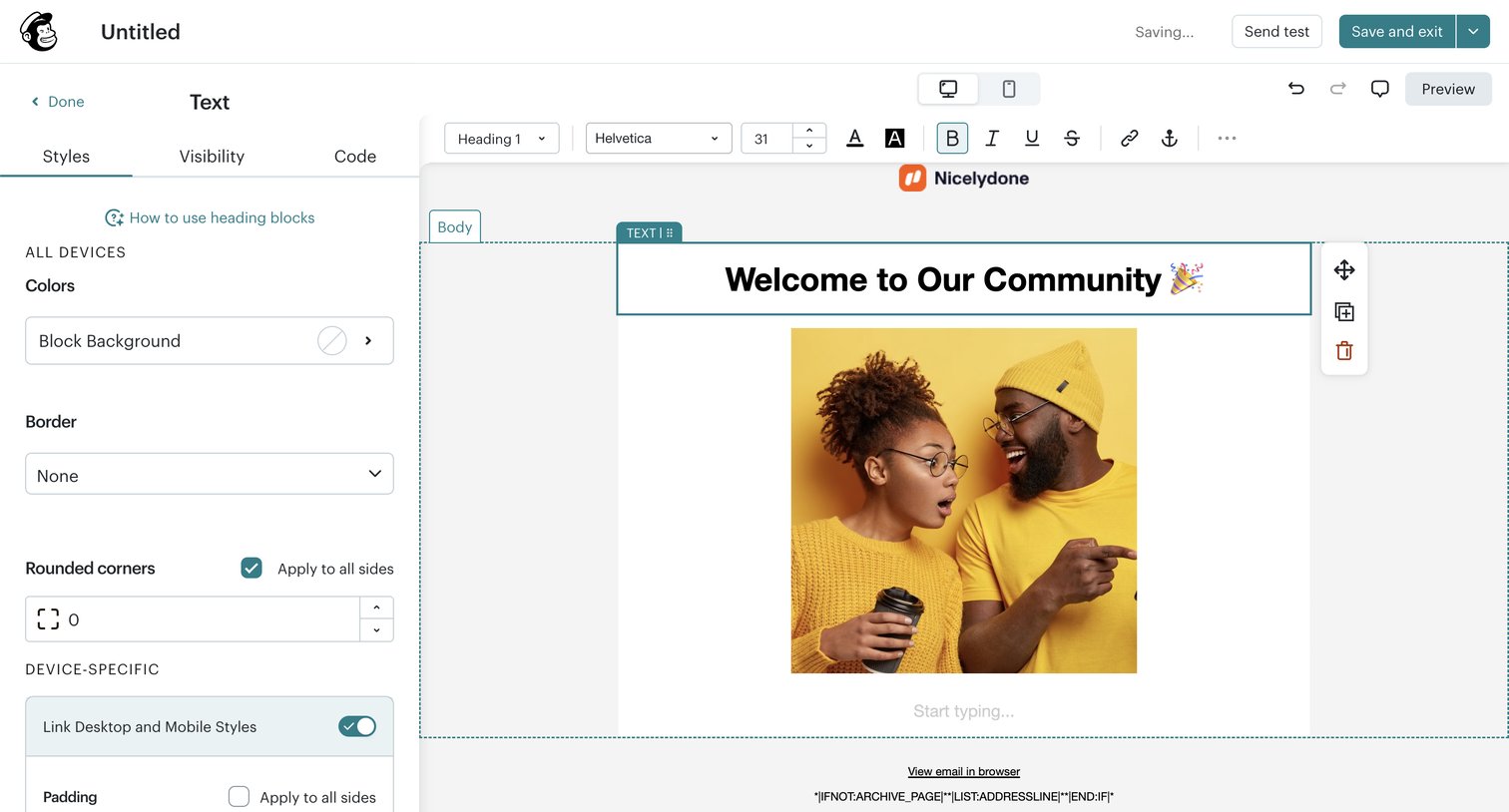

Email design editor where the user configures text block styles, padding, and colors via a left sidebar while previewing the layout on the right canvas.
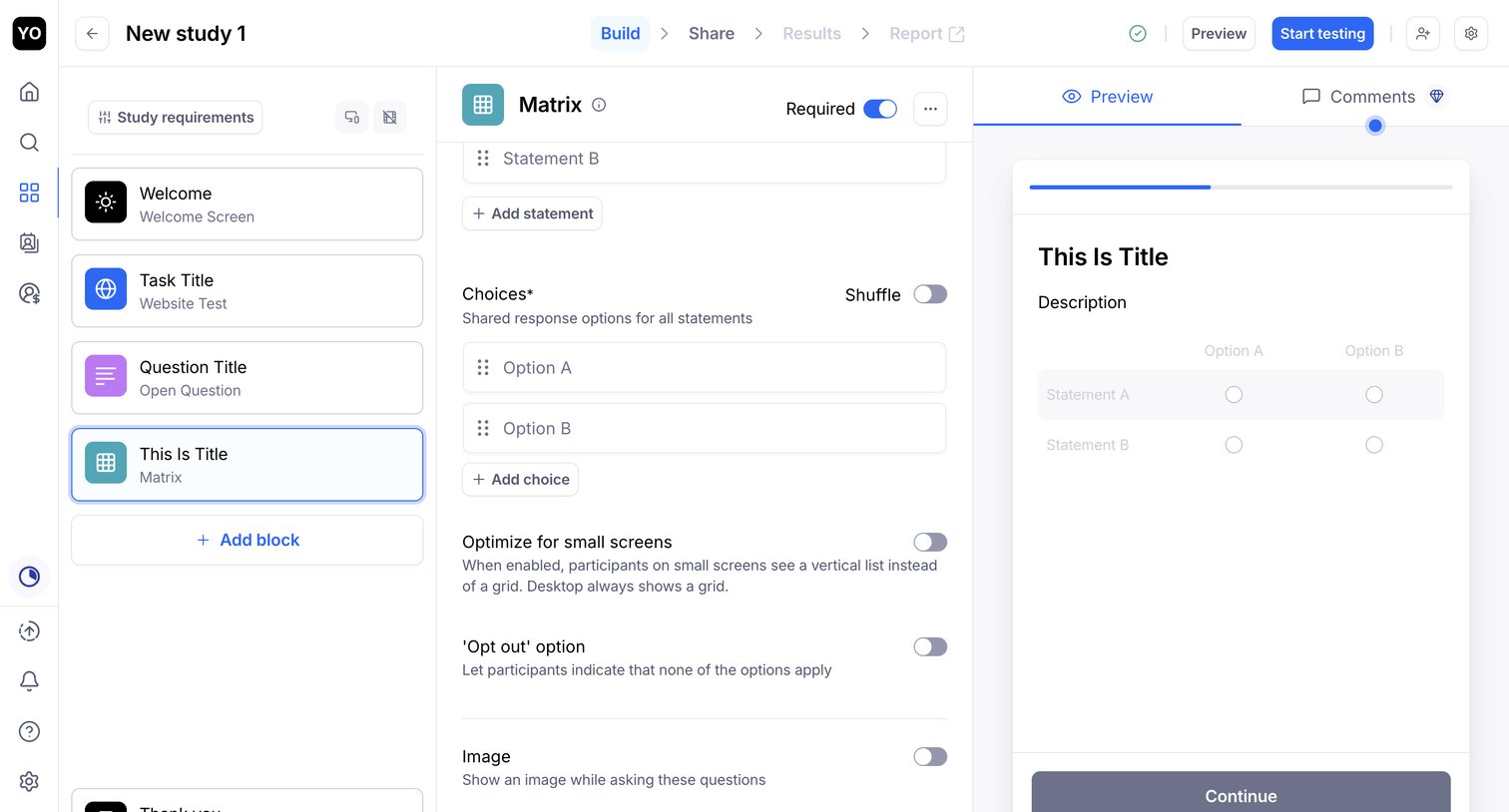

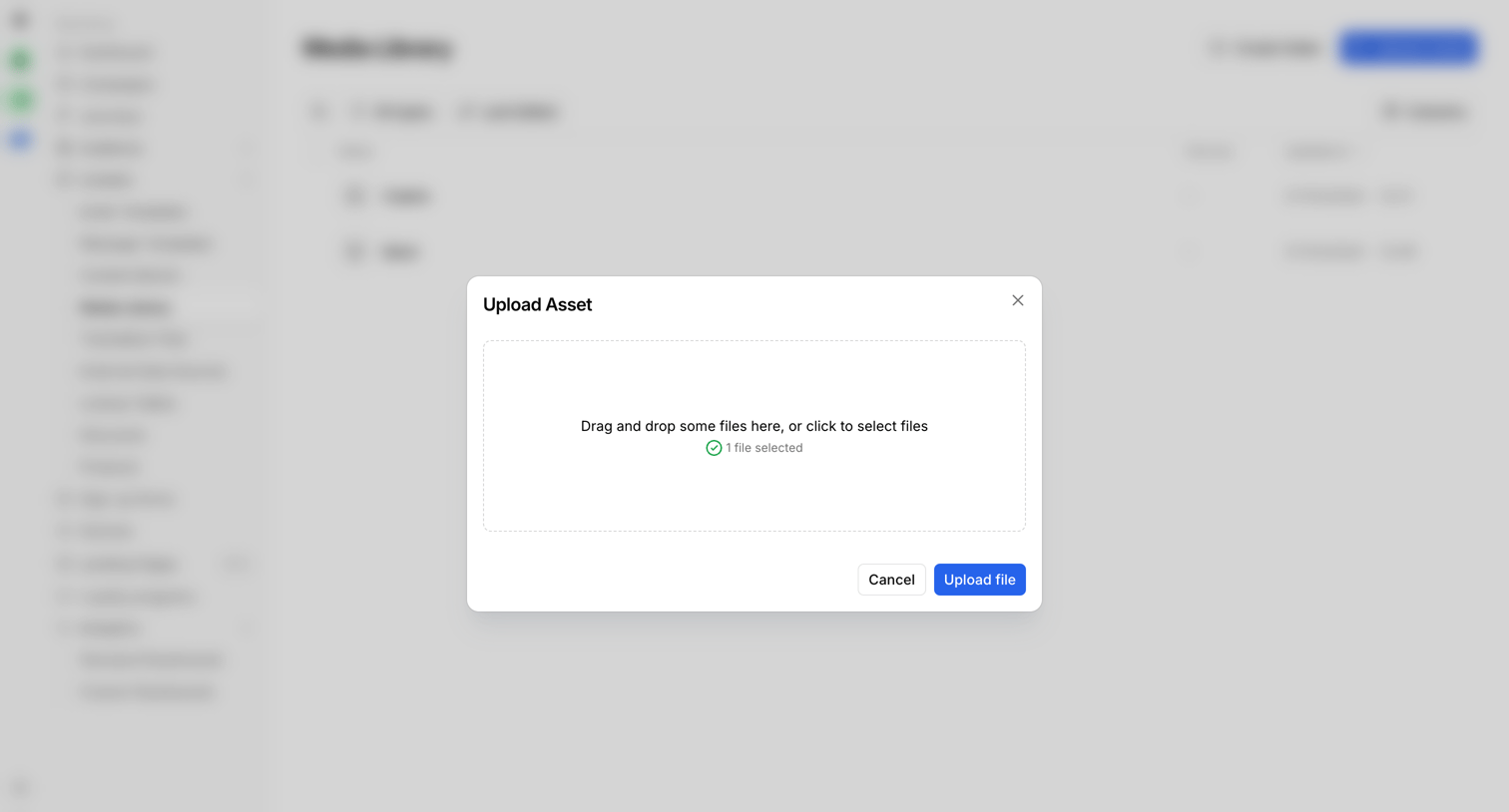

Media library where the user is uploading a new asset via a drag-and-drop modal.
Explore the full SaaS screen library
Upgrade to unlock the full library.
Trusted by the best teams








About Drag and drop
See how apps present tasks that involve dragging files or objects. Explore how drop areas, movable items, and placement cues fit into the surrounding workspace.