Desktop screen examples
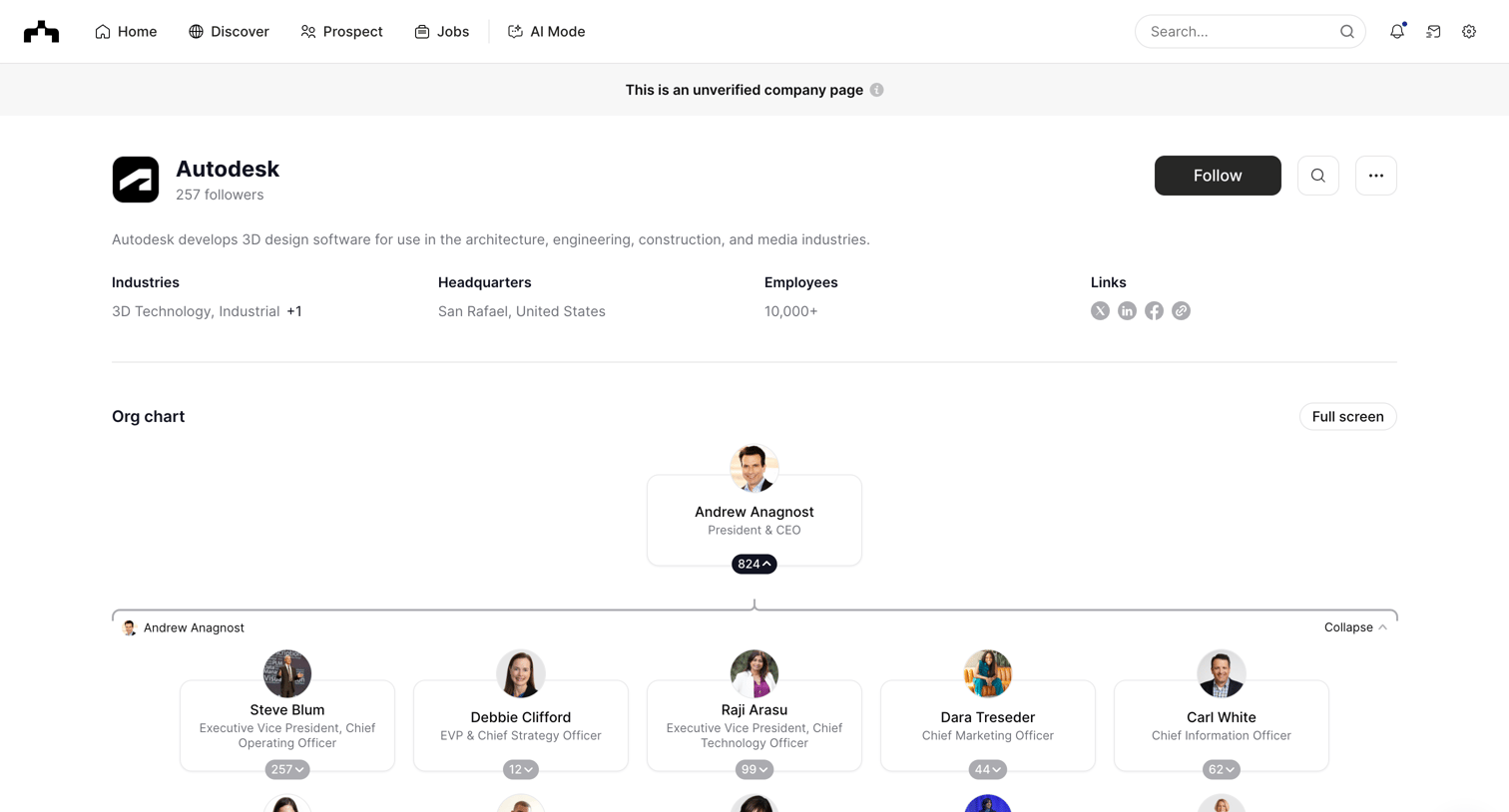
Desktop screen design examples from SaaS apps. Browse examples from The org, Creatopy, Shuttle.
Explore the examples

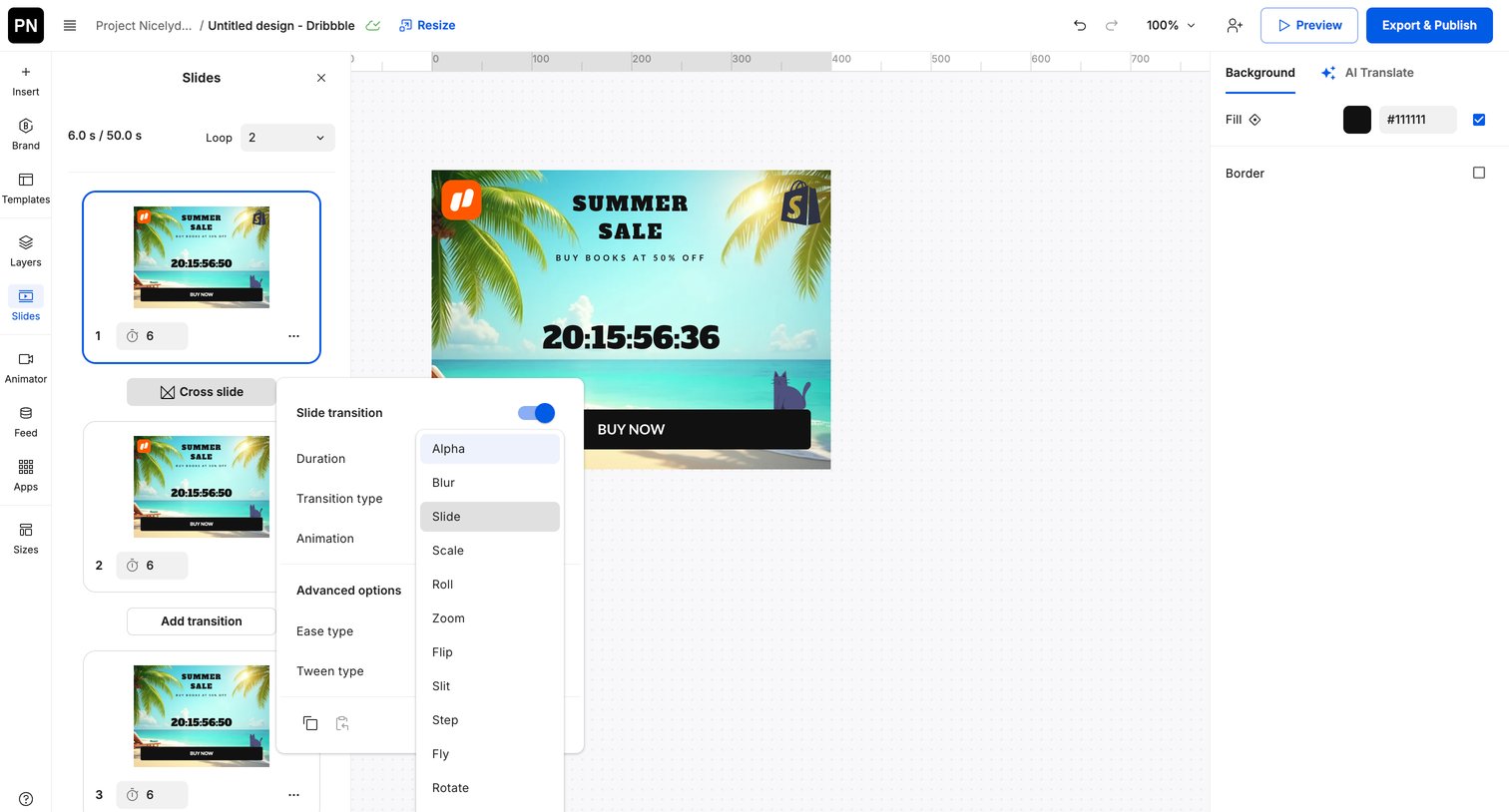

Design editor where the user configures slide transitions like duration, type, and animation for a summer sale ad.

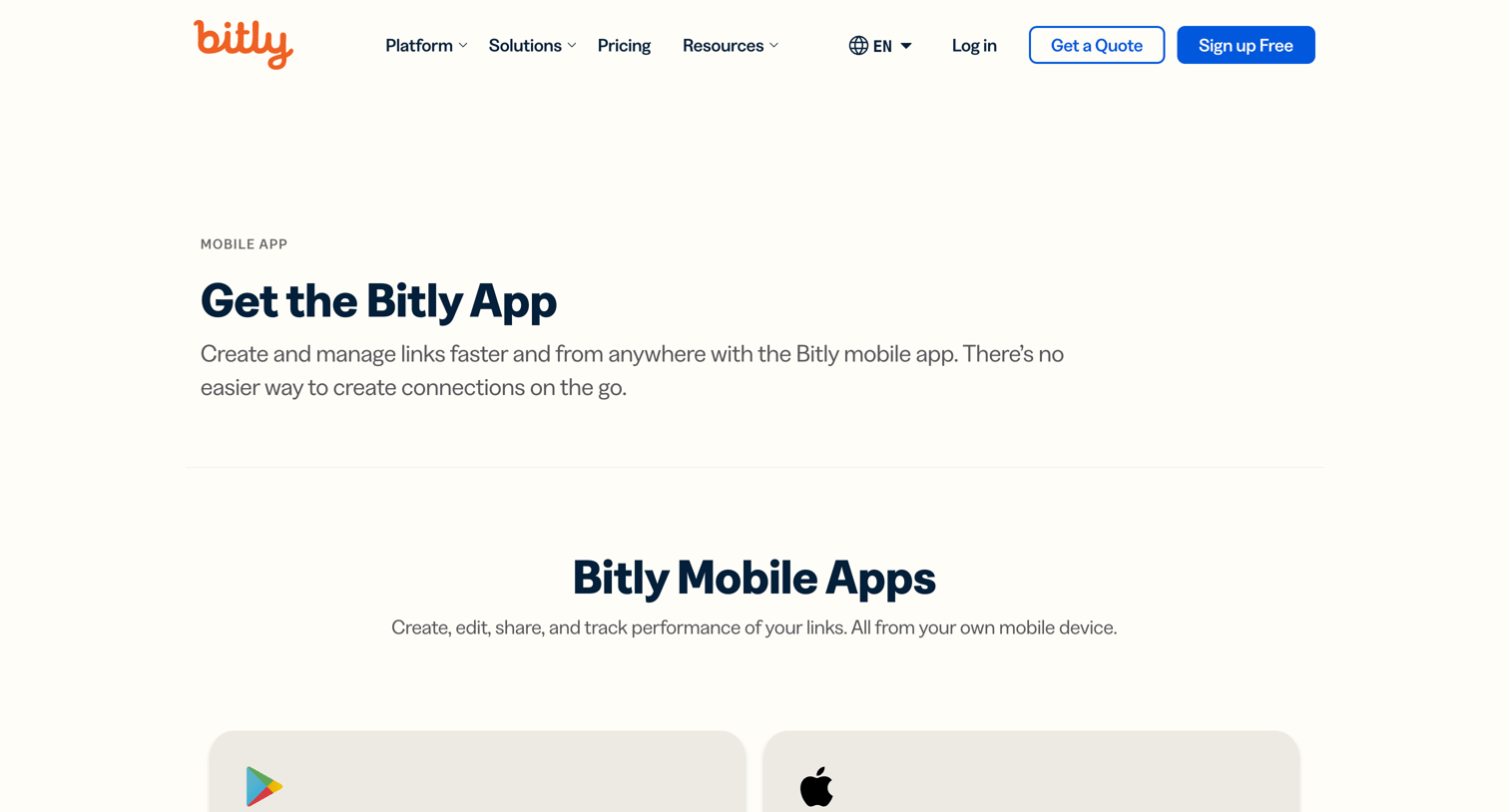

Application download page where the user can find links to install the Bitly mobile app for iOS and Android devices.
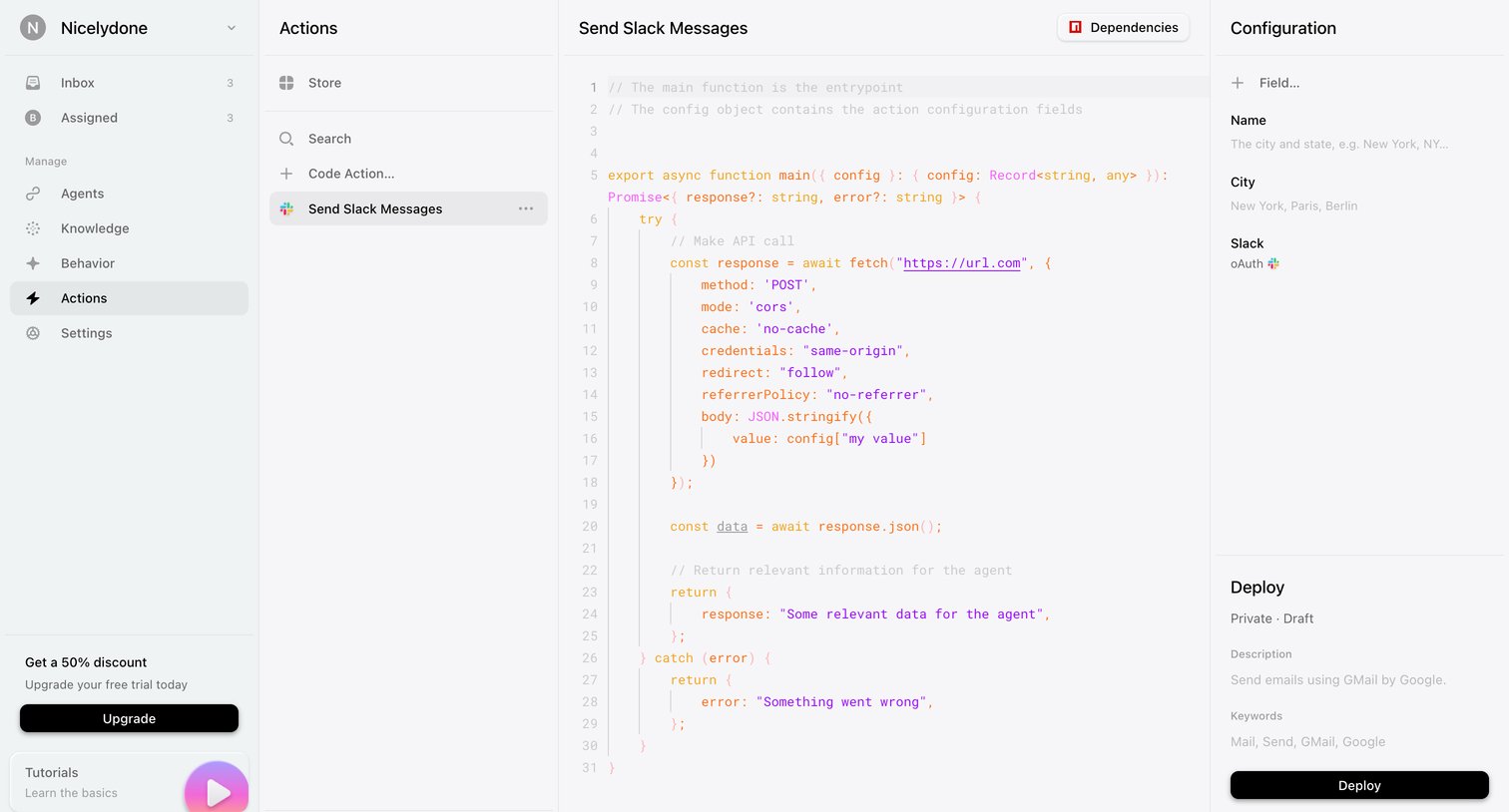

Code editor where the user configures and deploys a custom action script for sending Slack messages, including setting dependencies and input fields.
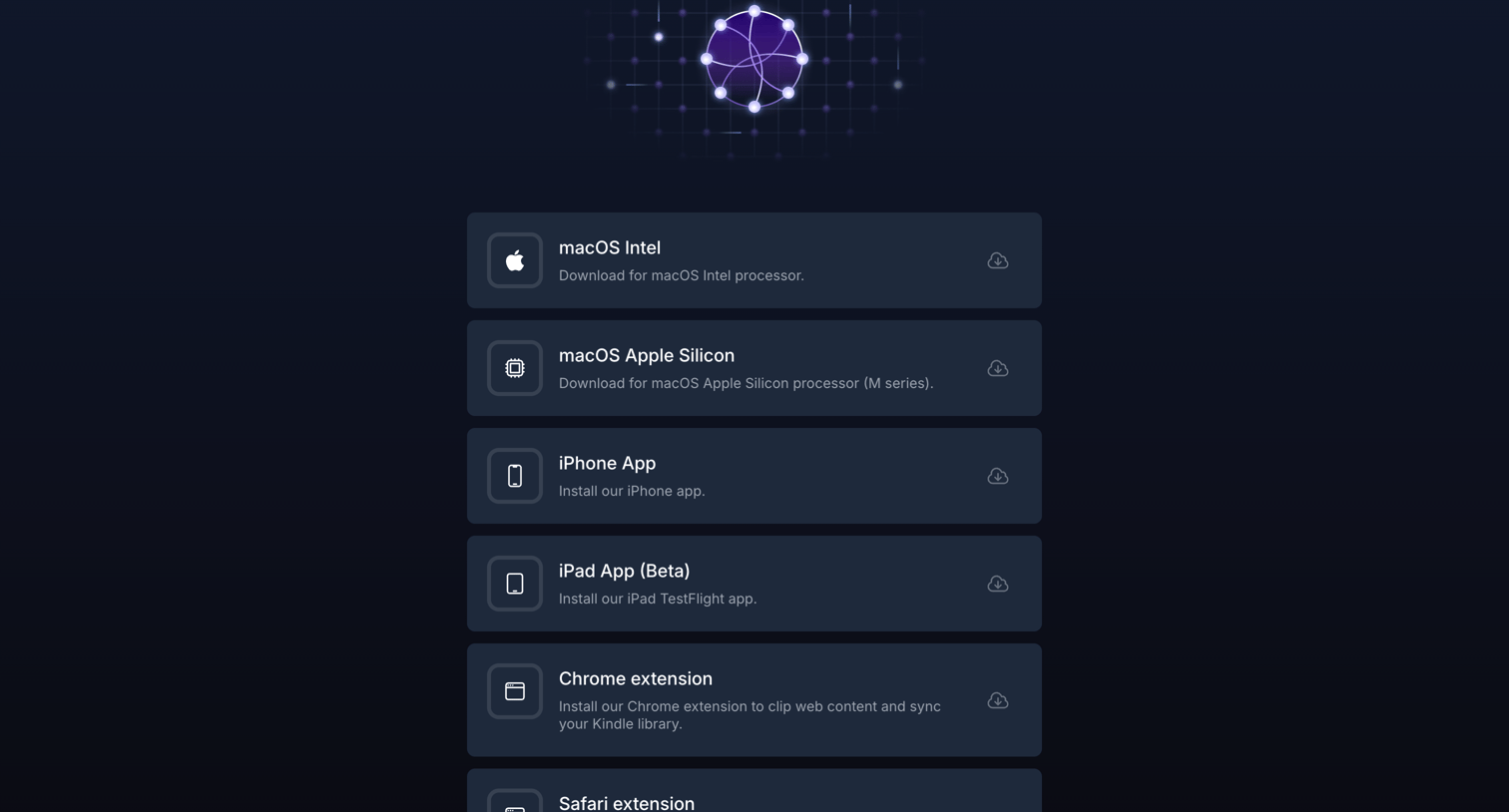

Application download page where the user selects the appropriate client for their device, including macOS, iOS, and browser extensions.
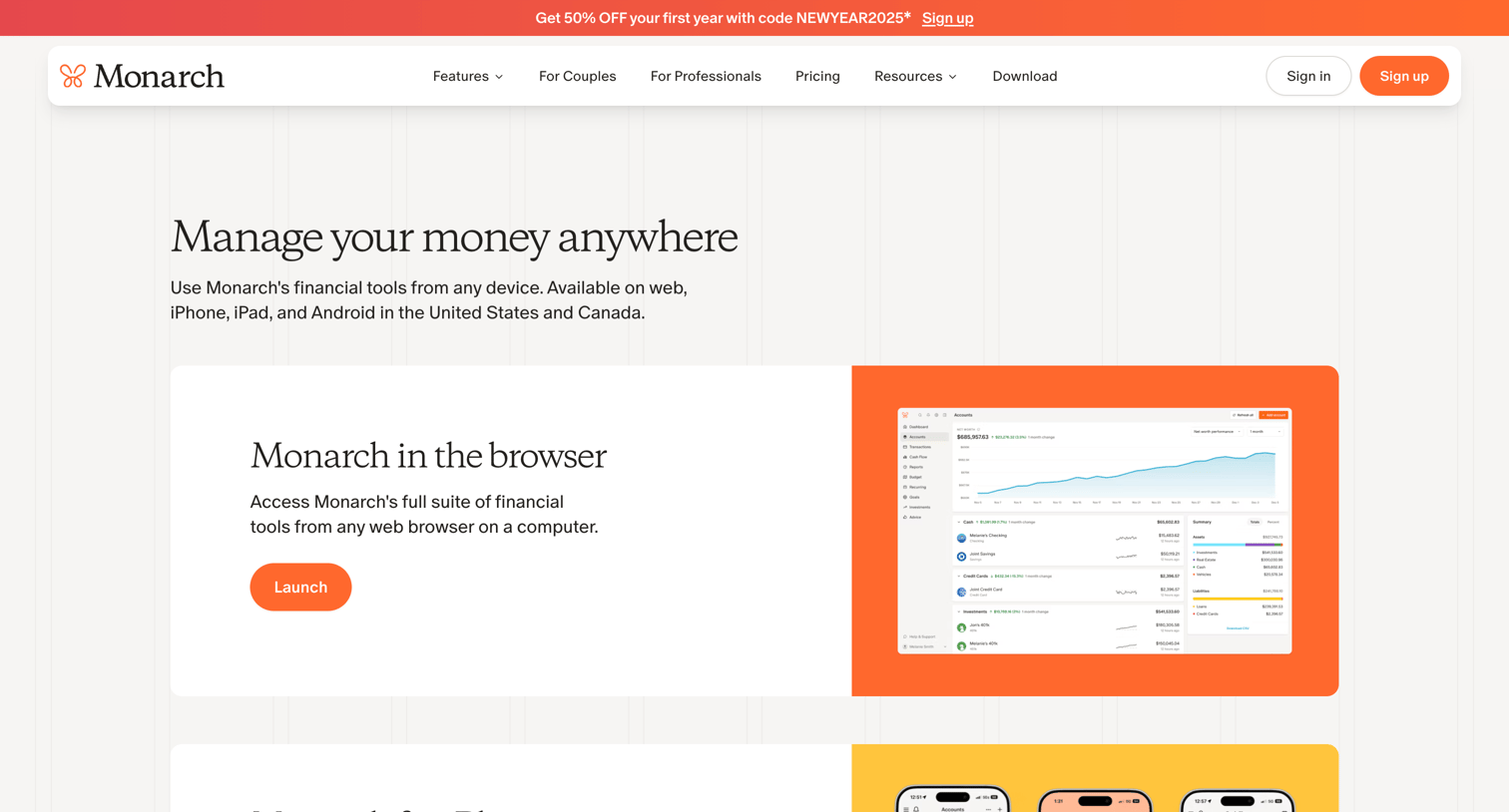

Application download page where the user can launch the web app or download mobile versions for iPhone, Android, and iPad.
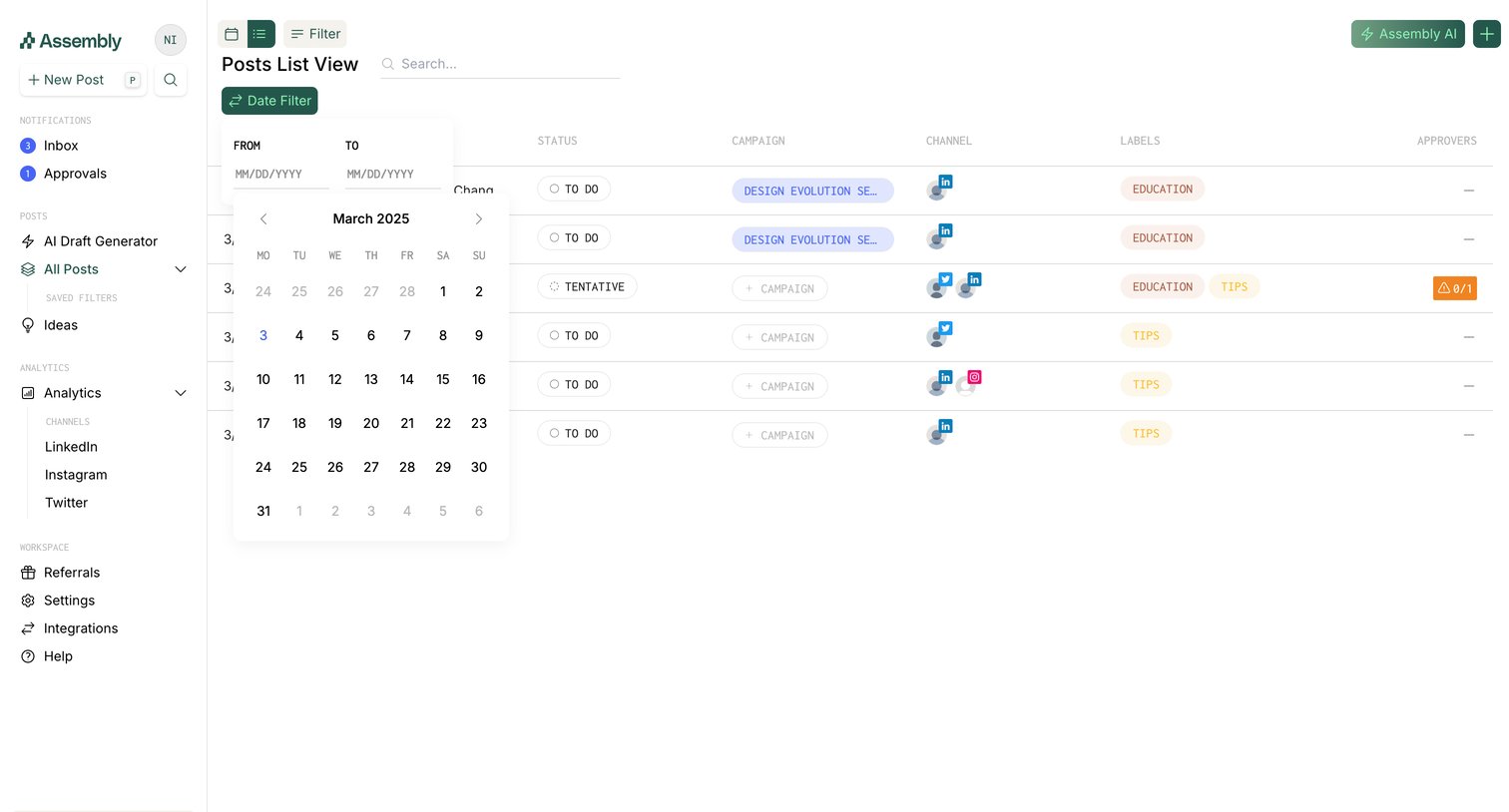

List view showing scheduled social media posts with columns for status, campaign, and channels, featuring an open date range picker.
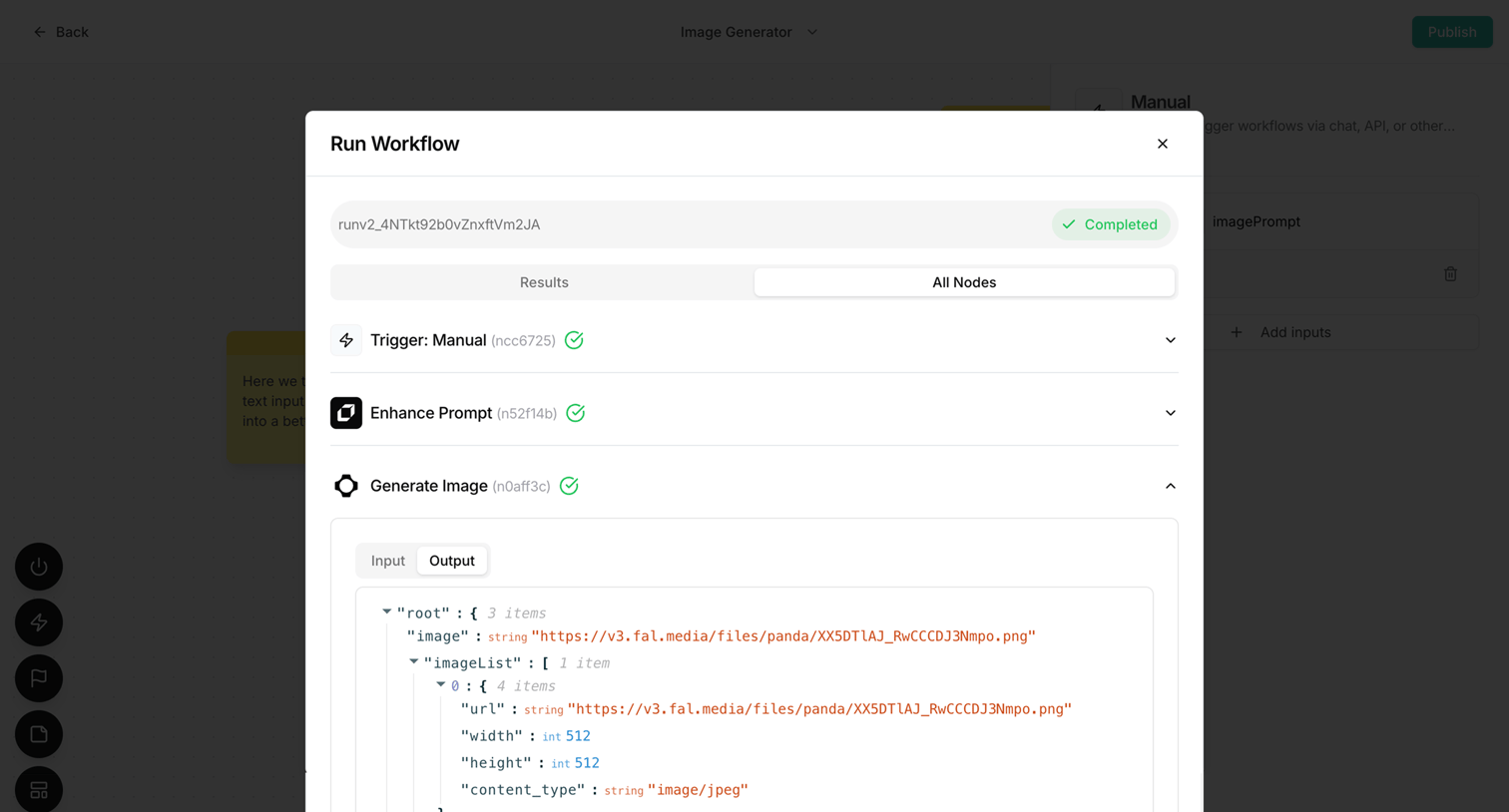

Agent trace modal where the user reviews the step-by-step JSON output and status of a completed image generation workflow.
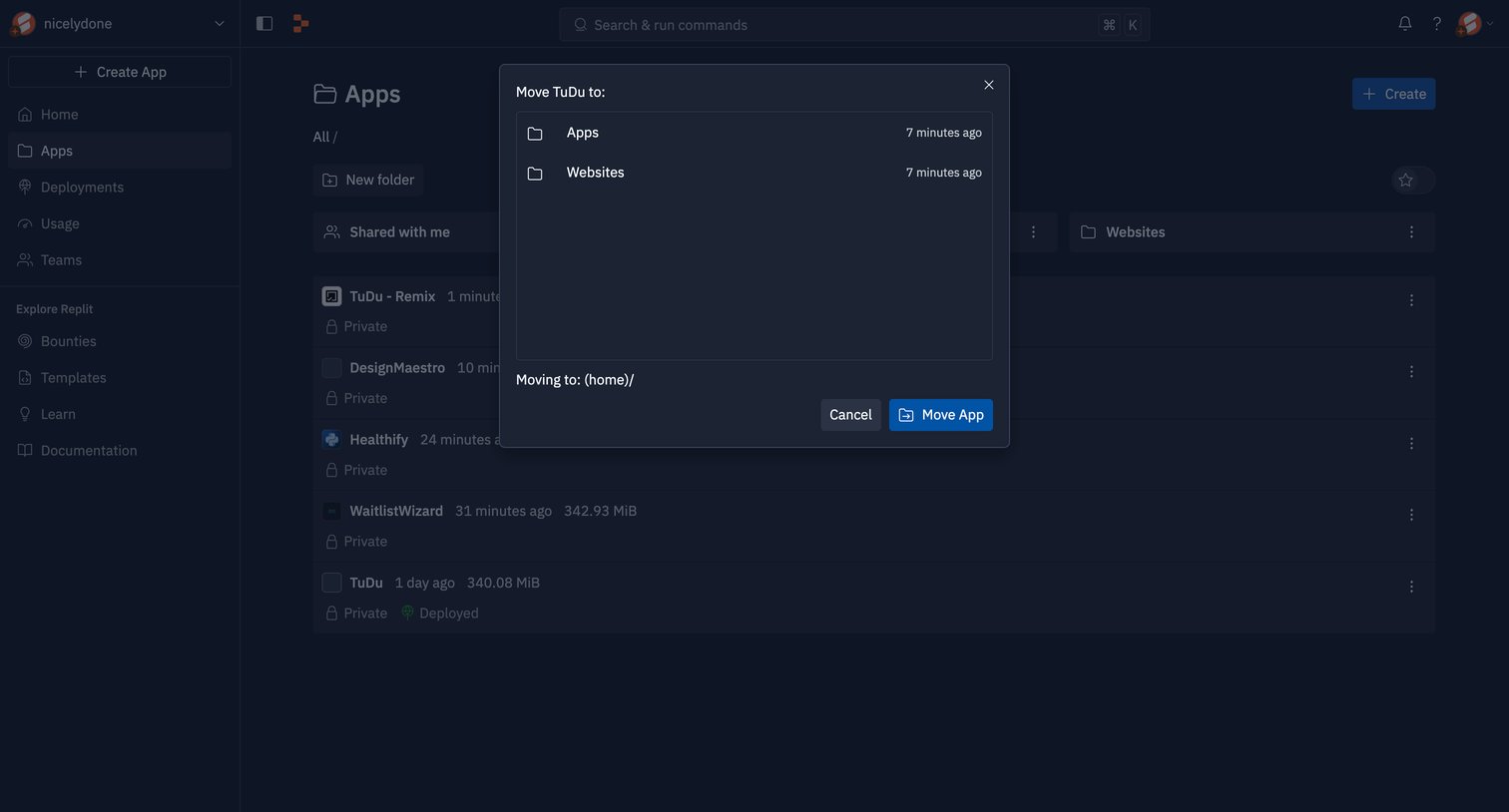

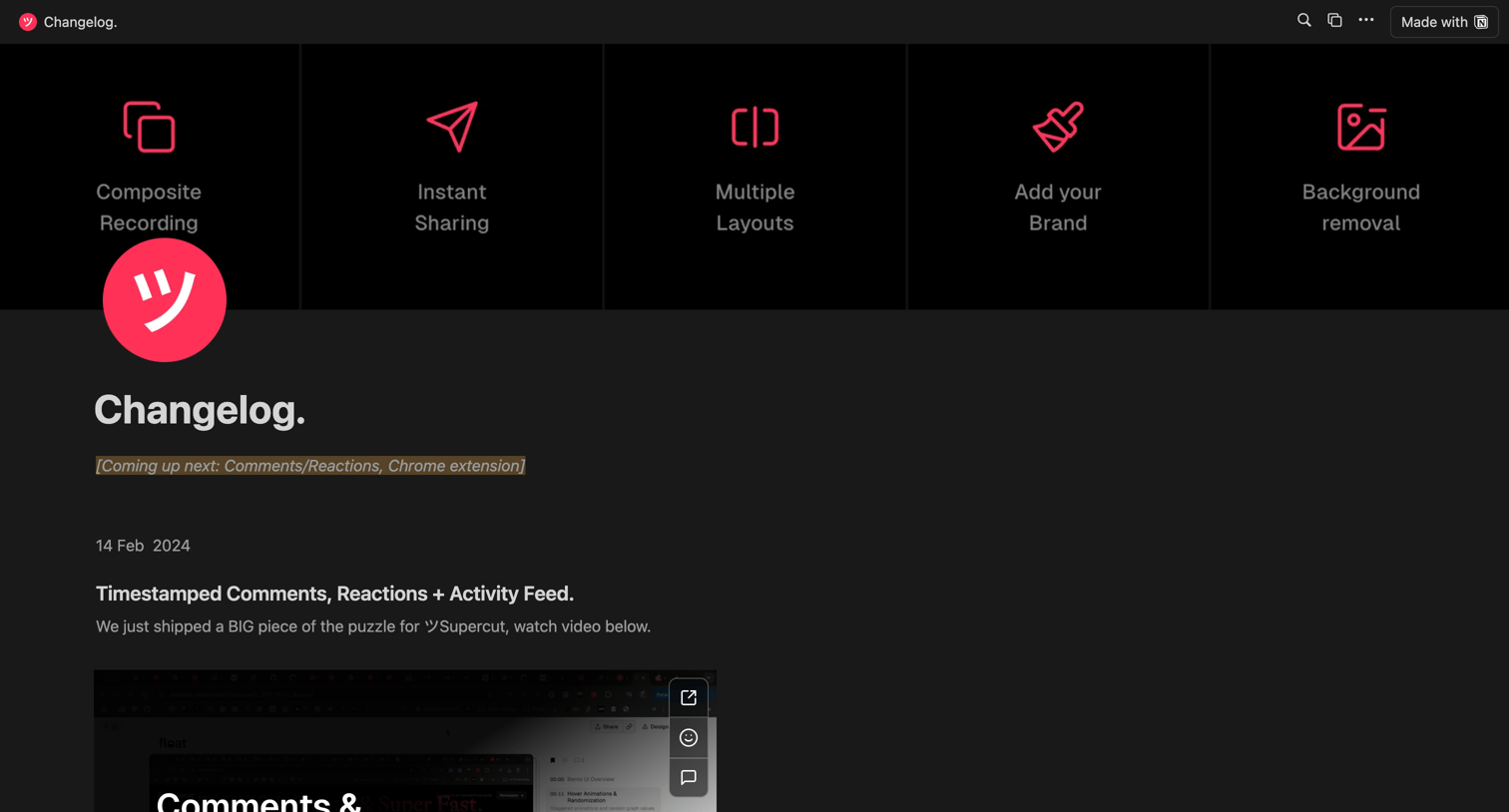

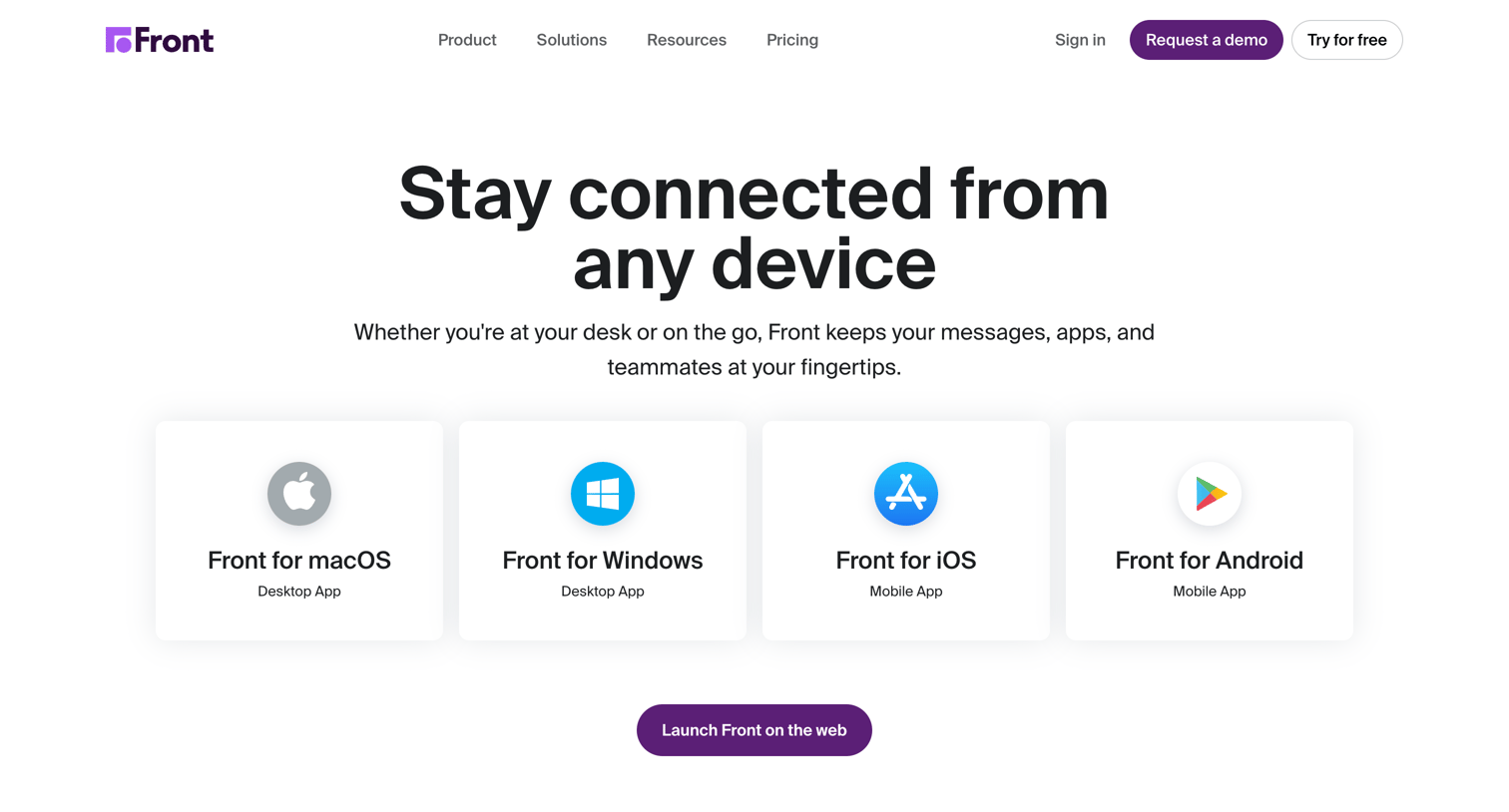

Application download page where the user can choose to install the desktop or mobile app for their specific operating system or launch the web version.
Explore the full SaaS screen library
Upgrade to unlock the full library.
Trusted by the best teams







