Database management screen examples
Database management screen design examples from SaaS apps. See how apps organize databases and their records. Explore how structure, data views, and management controls connect stored information with the tasks…
Explore the examples
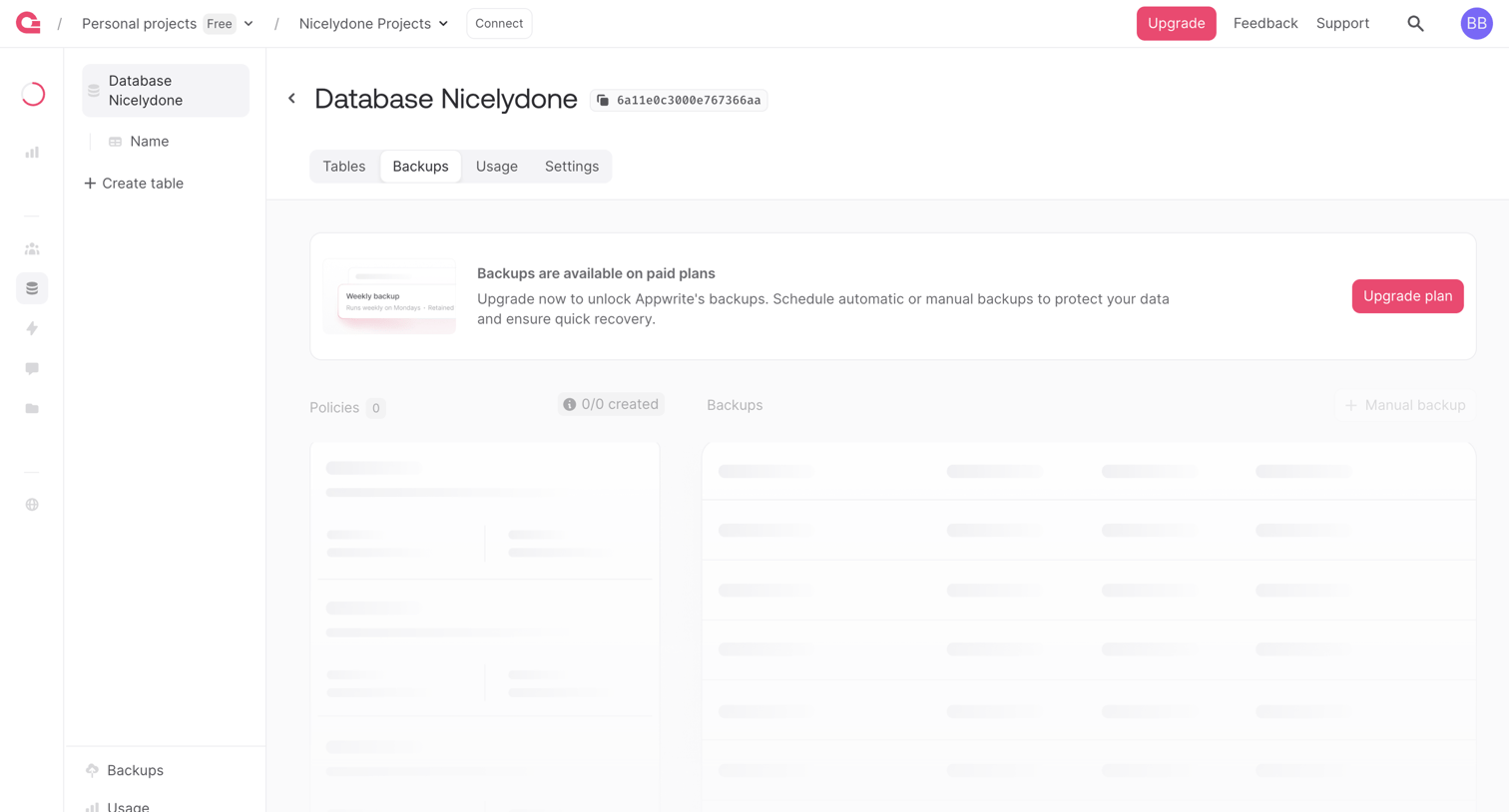

Detail page for a database where the backups tab is locked behind a paywall, prompting the user to upgrade their plan to schedule automatic or manual backups.
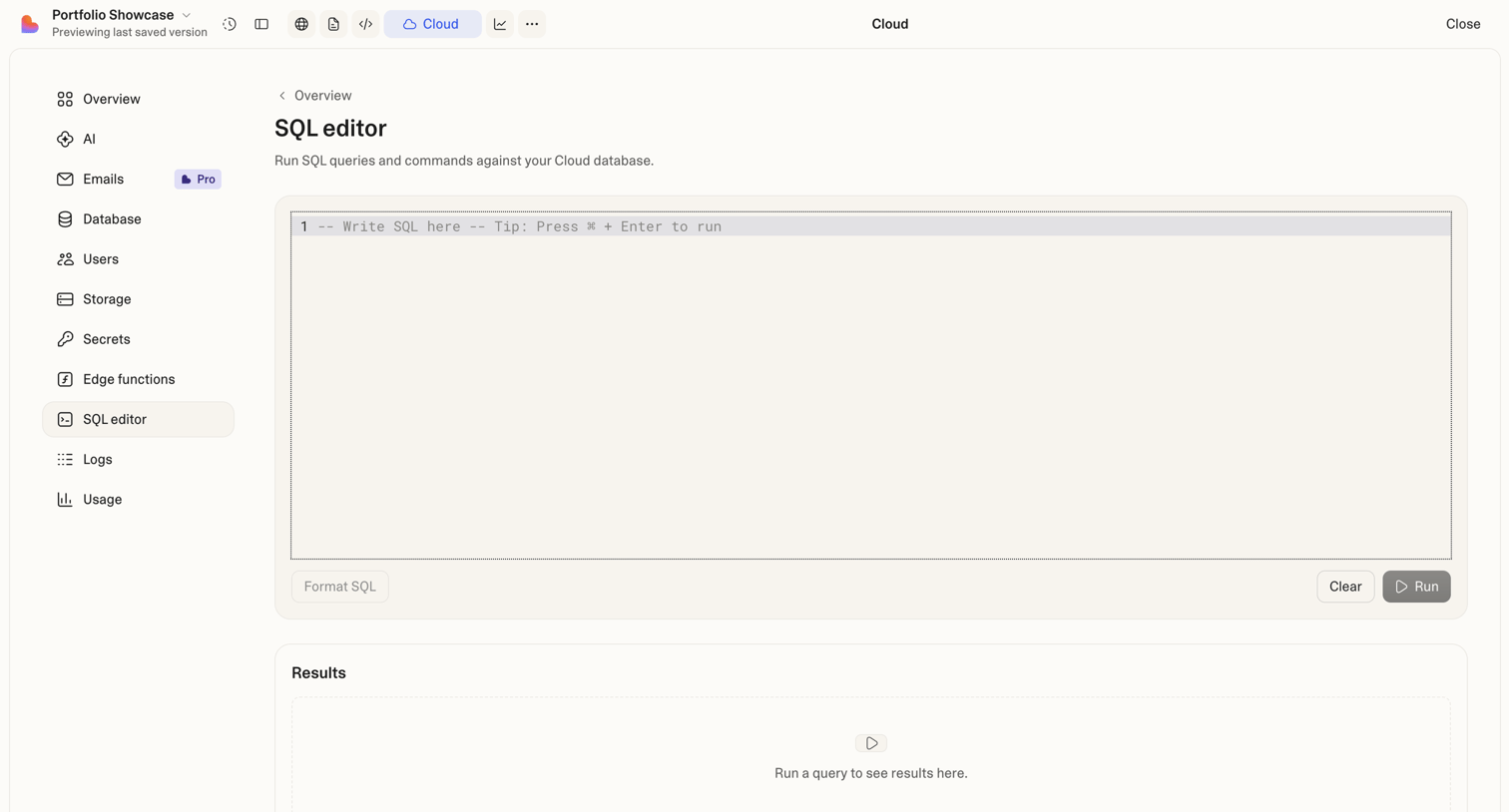

Code editor where the user writes and runs SQL queries against their cloud database, featuring a results pane.
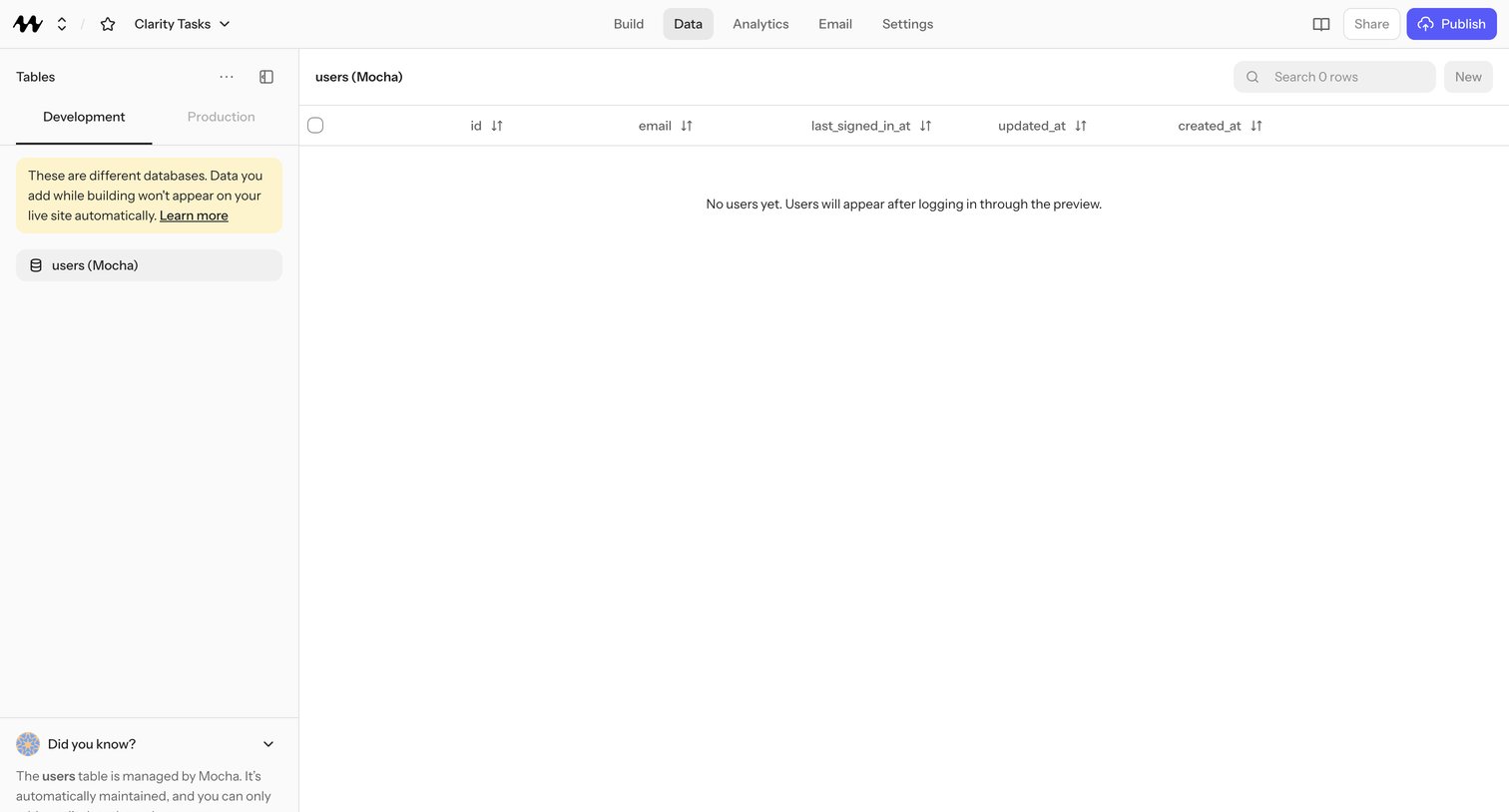

No-code app builder's data tab showing an empty users table managed by Mocha with id, email, last_signed_in_at, updated_at, and created_at columns.
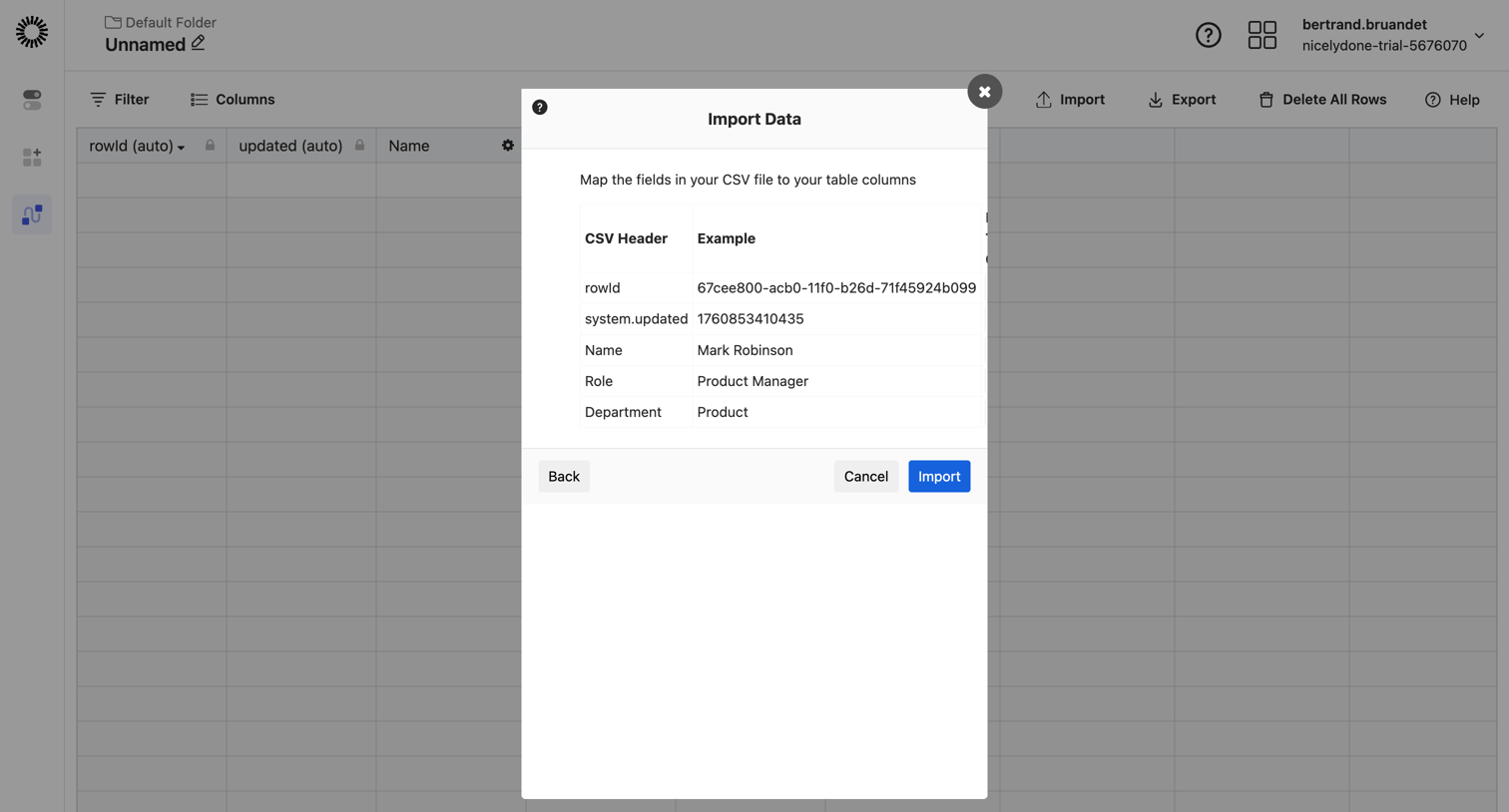

Data table view where the user maps CSV headers to table columns inside a modal to import data.
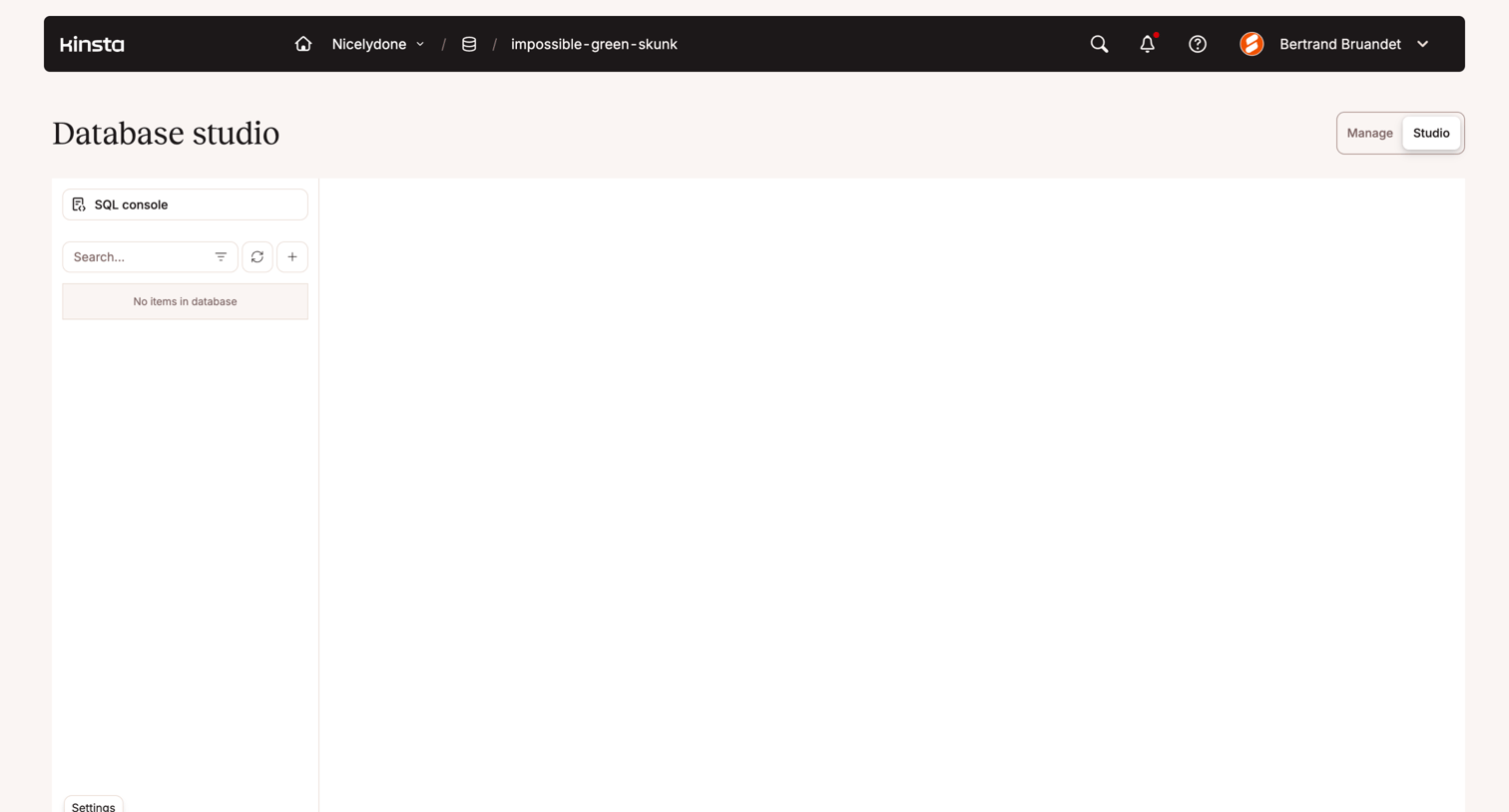

Database studio interface showing an empty state with no items found in the selected database.
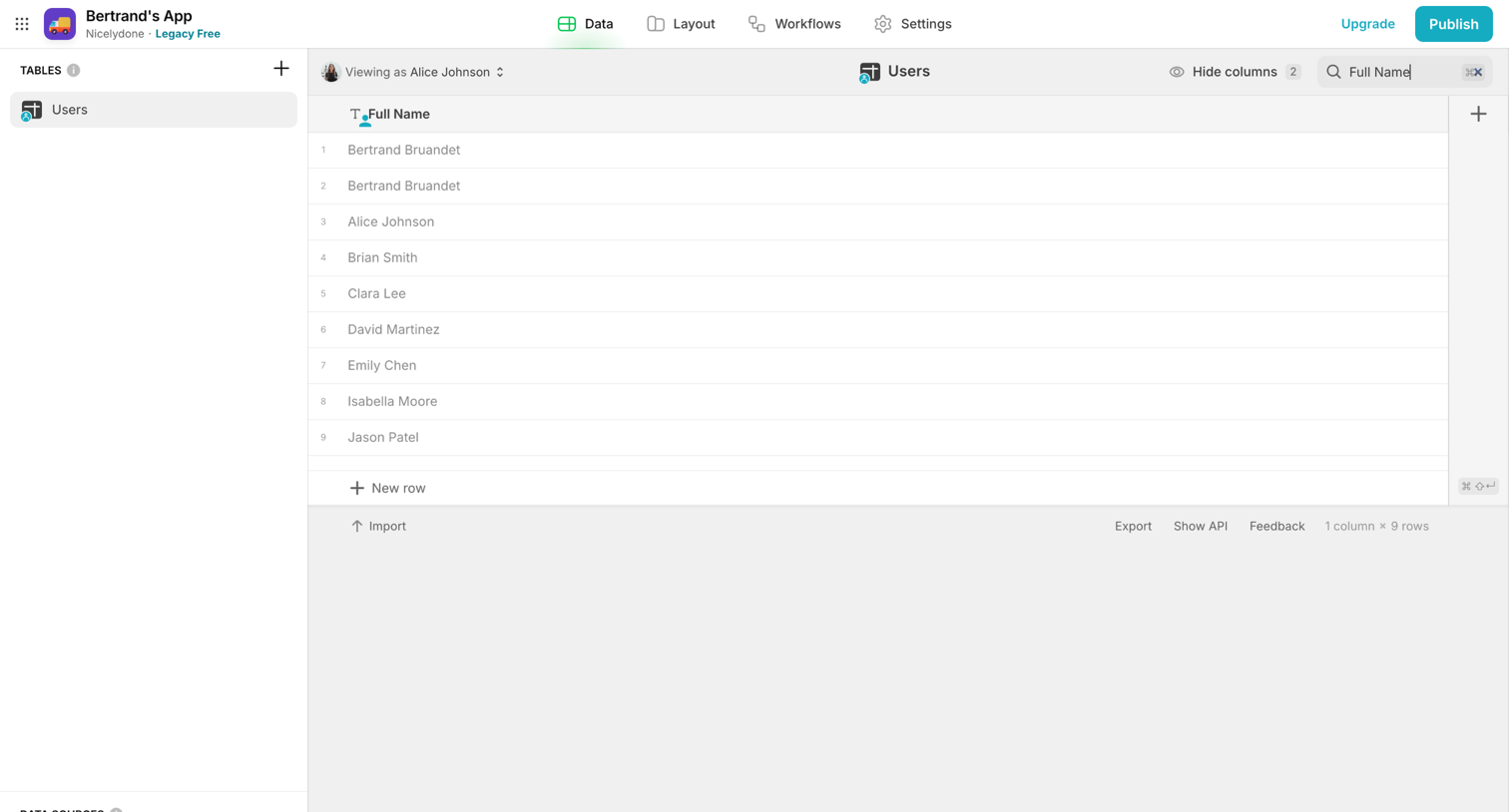

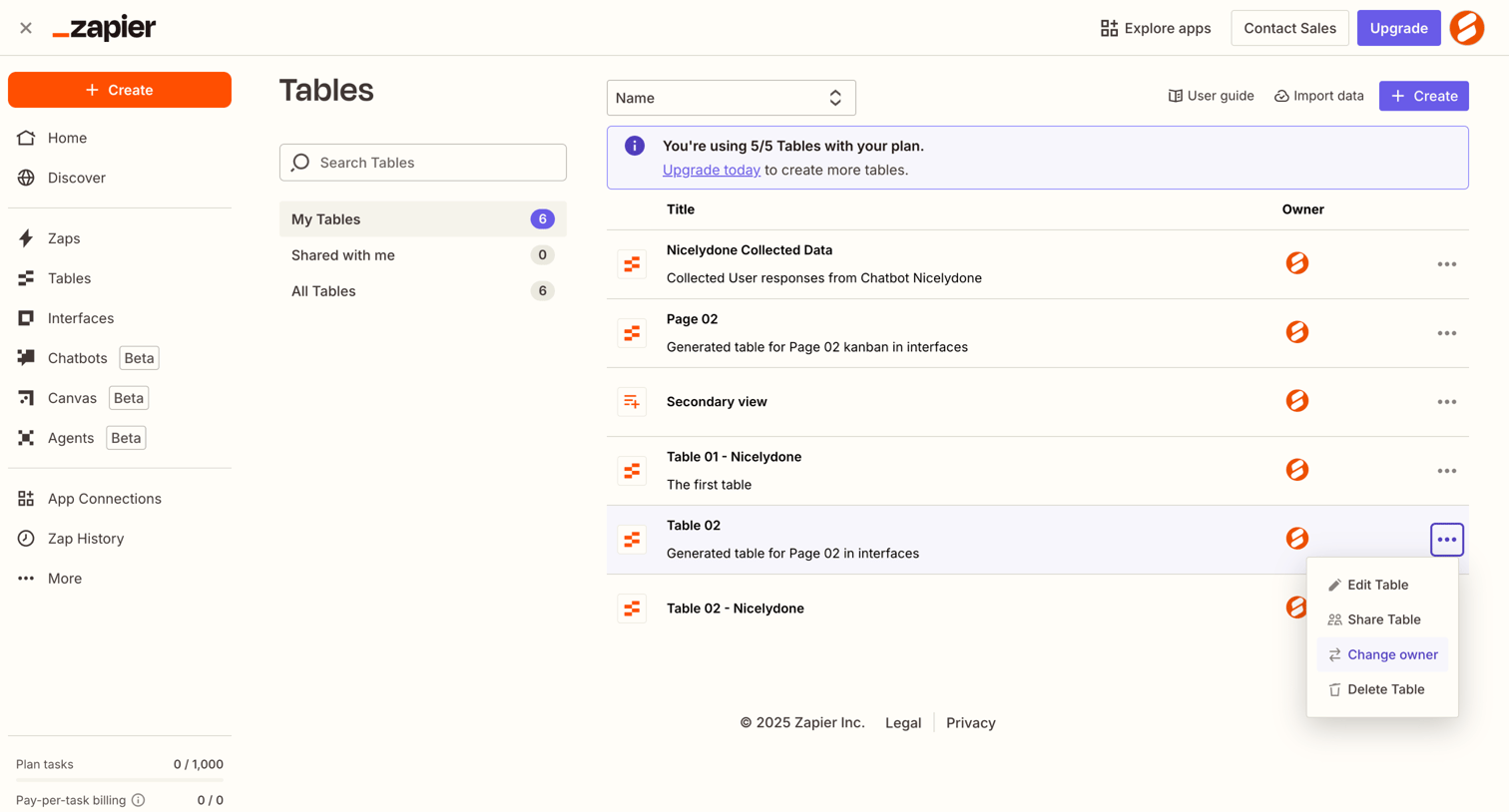

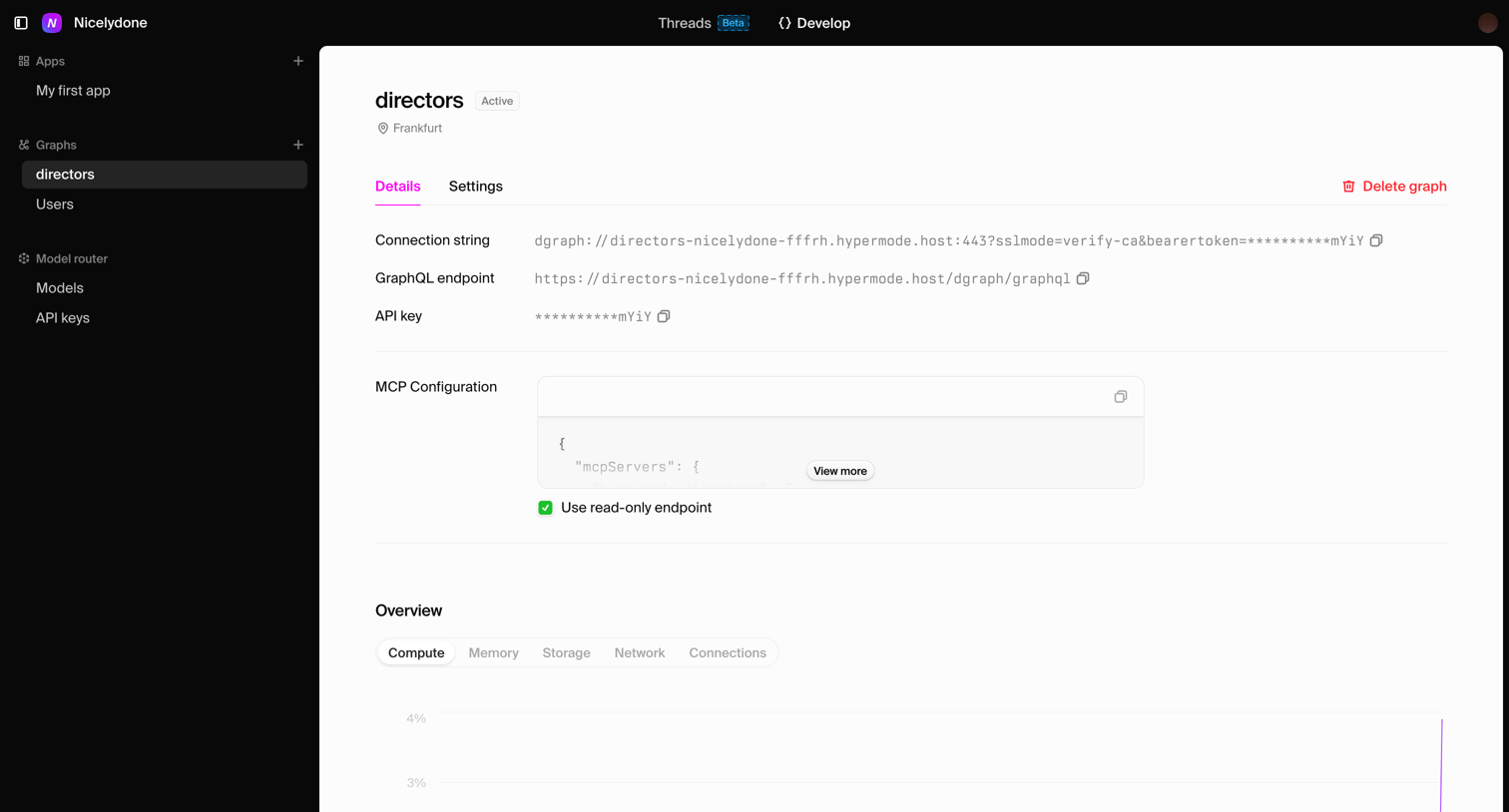

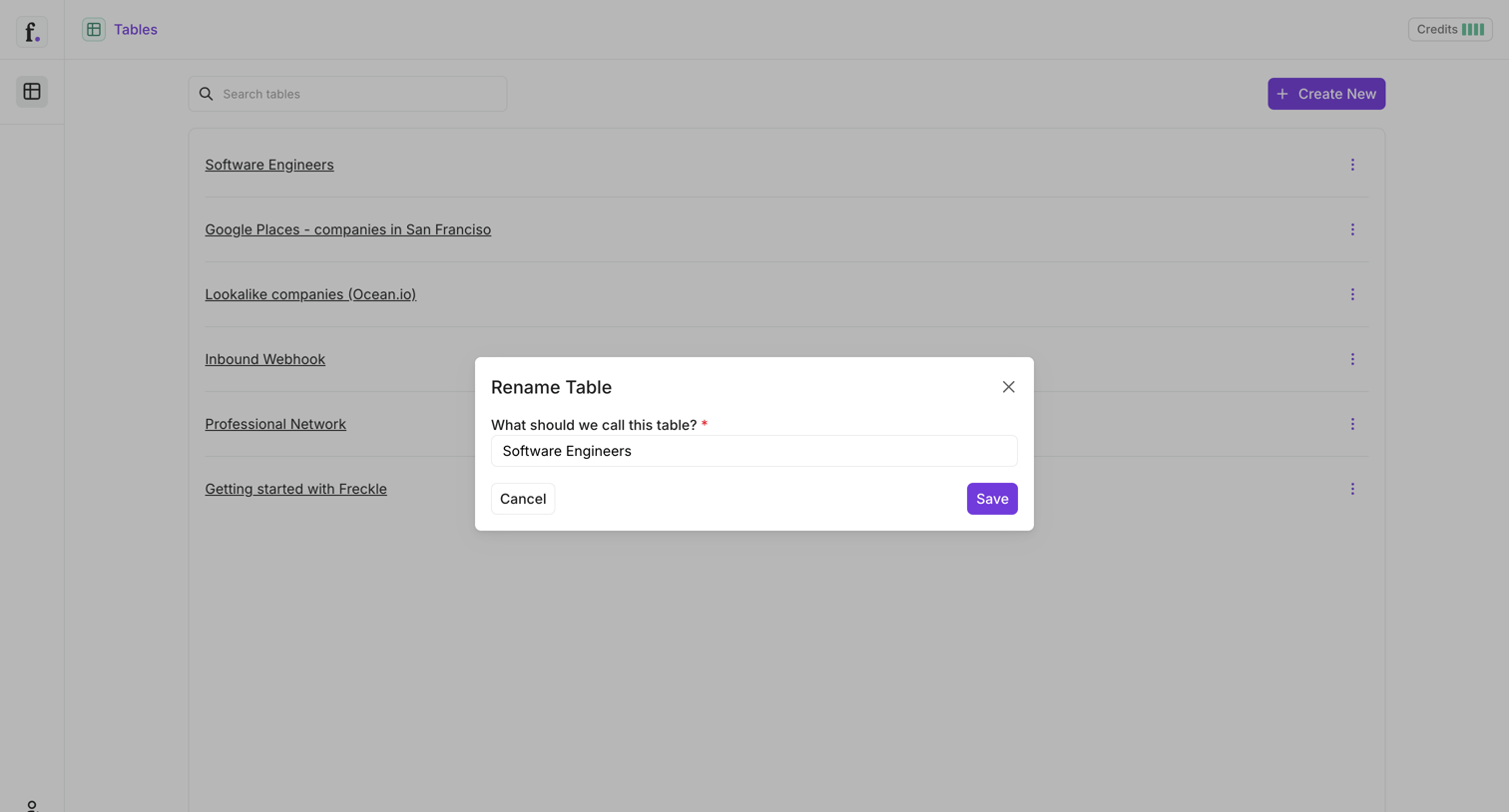

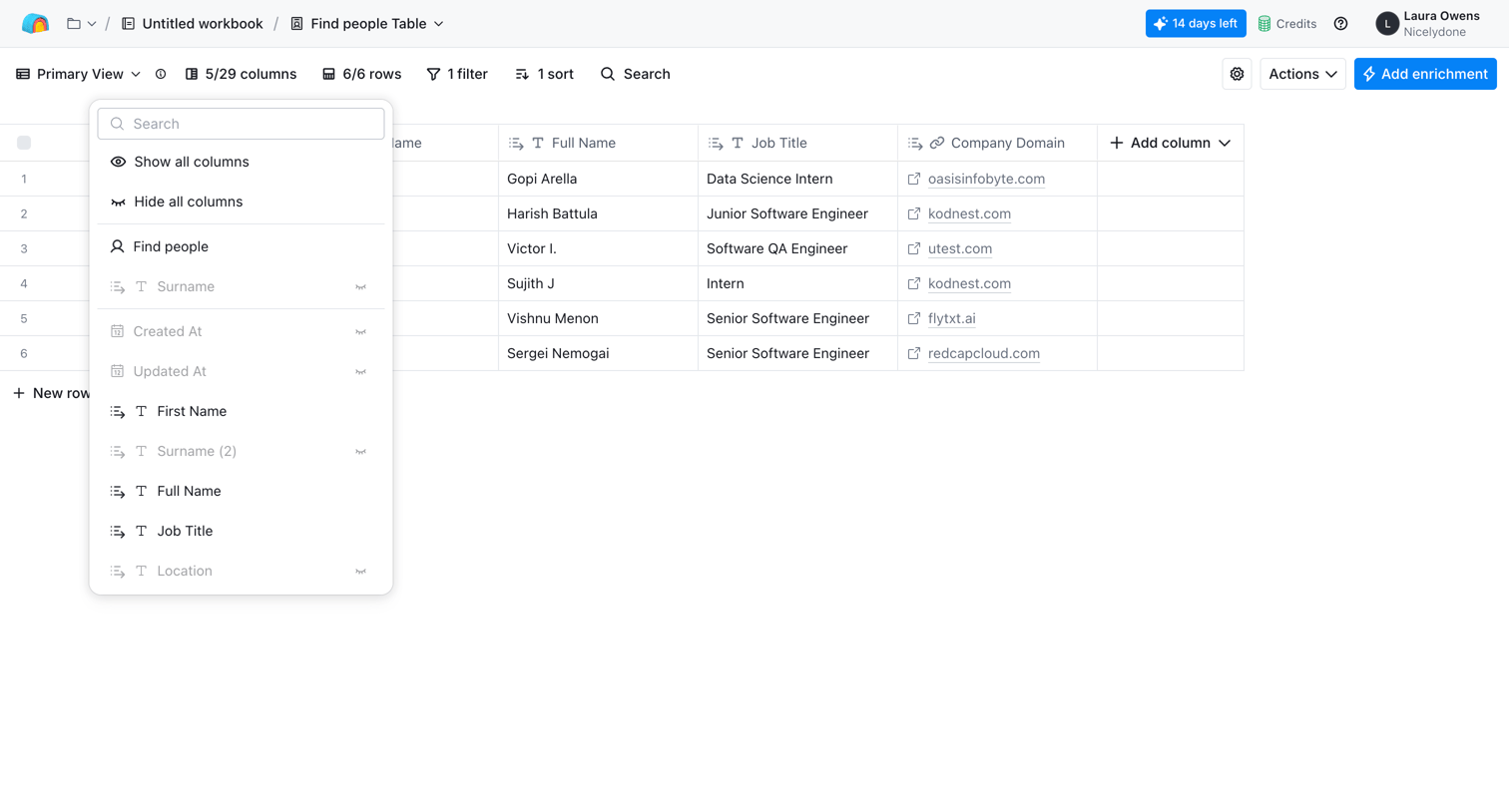

List view where the user manages a table of people with columns for name, job title, and company domain, while a column-visibility popover is open.
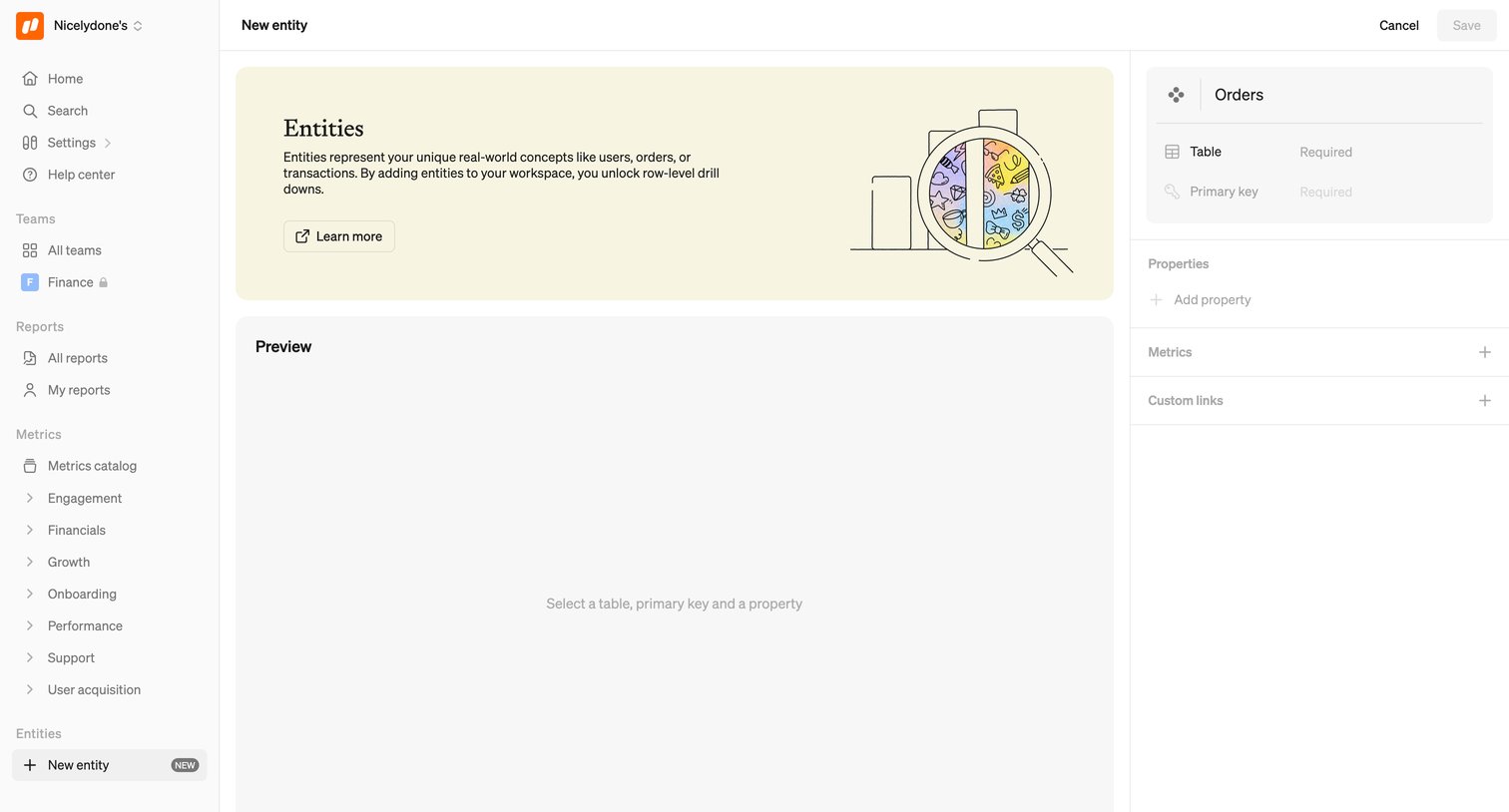

Create page where the user configures a new data entity by defining its table, primary key, and properties.
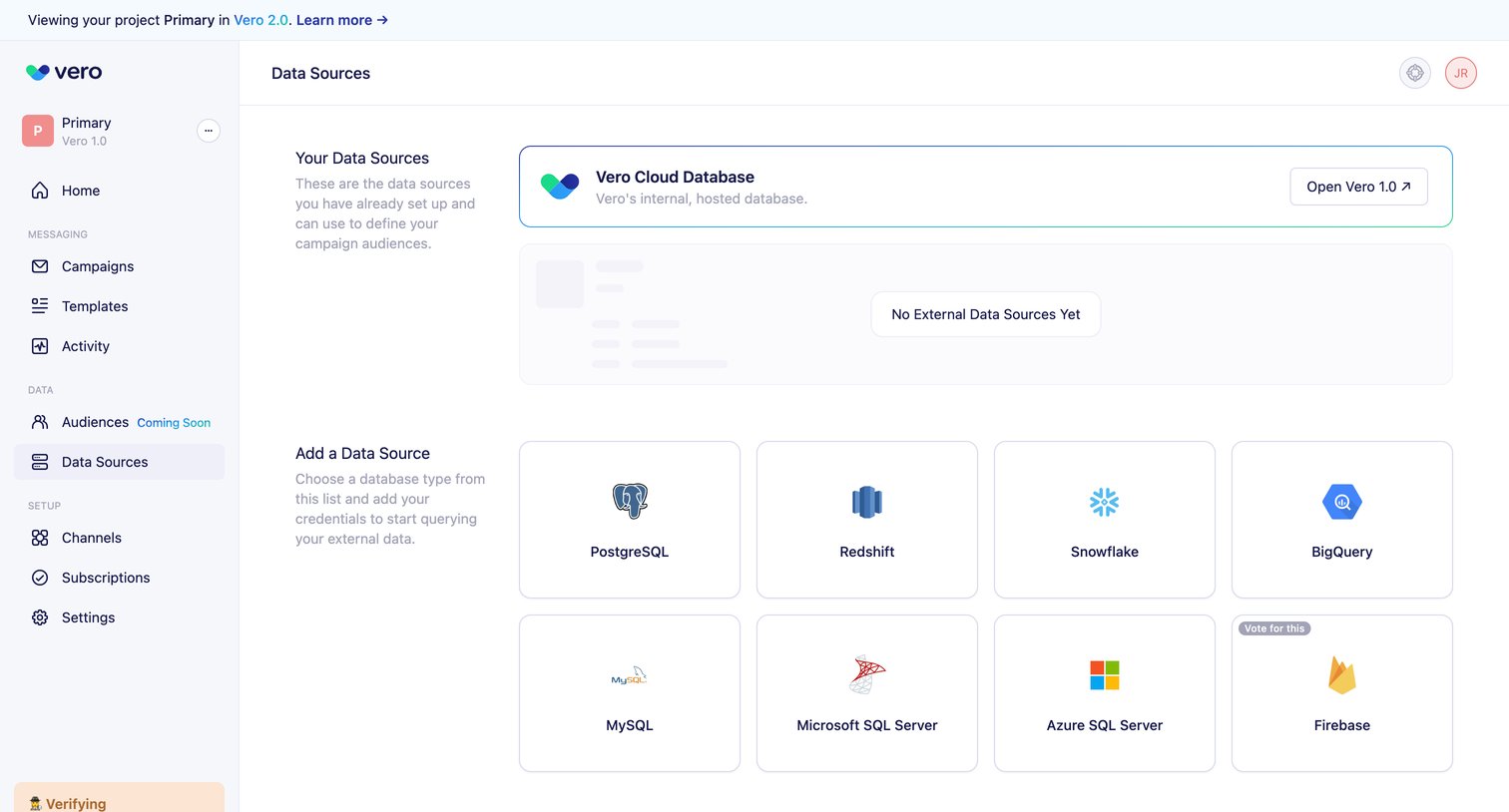

Settings page where the user manages existing data sources like Vero Cloud Database and can connect new external databases like PostgreSQL or Snowflake.
Explore the full SaaS screen library
Upgrade to unlock the full library.
Trusted by the best teams








About Database management
See how apps organize databases and their records. Explore how structure, data views, and management controls connect stored information with the tasks performed on it.