Skip to content

Dashboard notification screen examples

Dashboard notification screen design examples from SaaS apps. Browse examples from Lemni, Monarch, Assembly.

Explore the examples
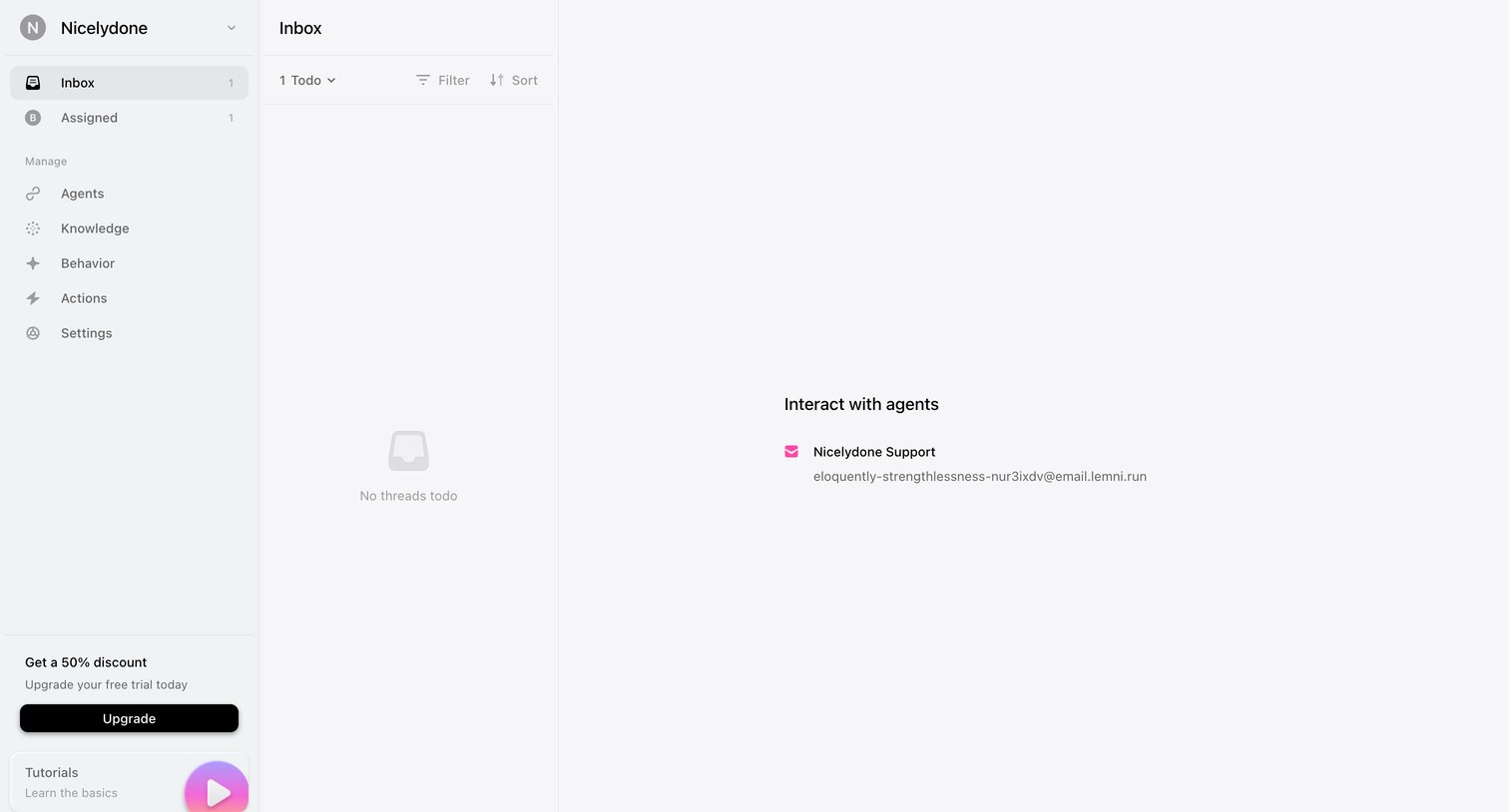
Lemni - Inbox screen
Lemni logo
Lemni

Inbox page where the user sees an empty list of threads and a prompt to interact with support agents via a specific email address.
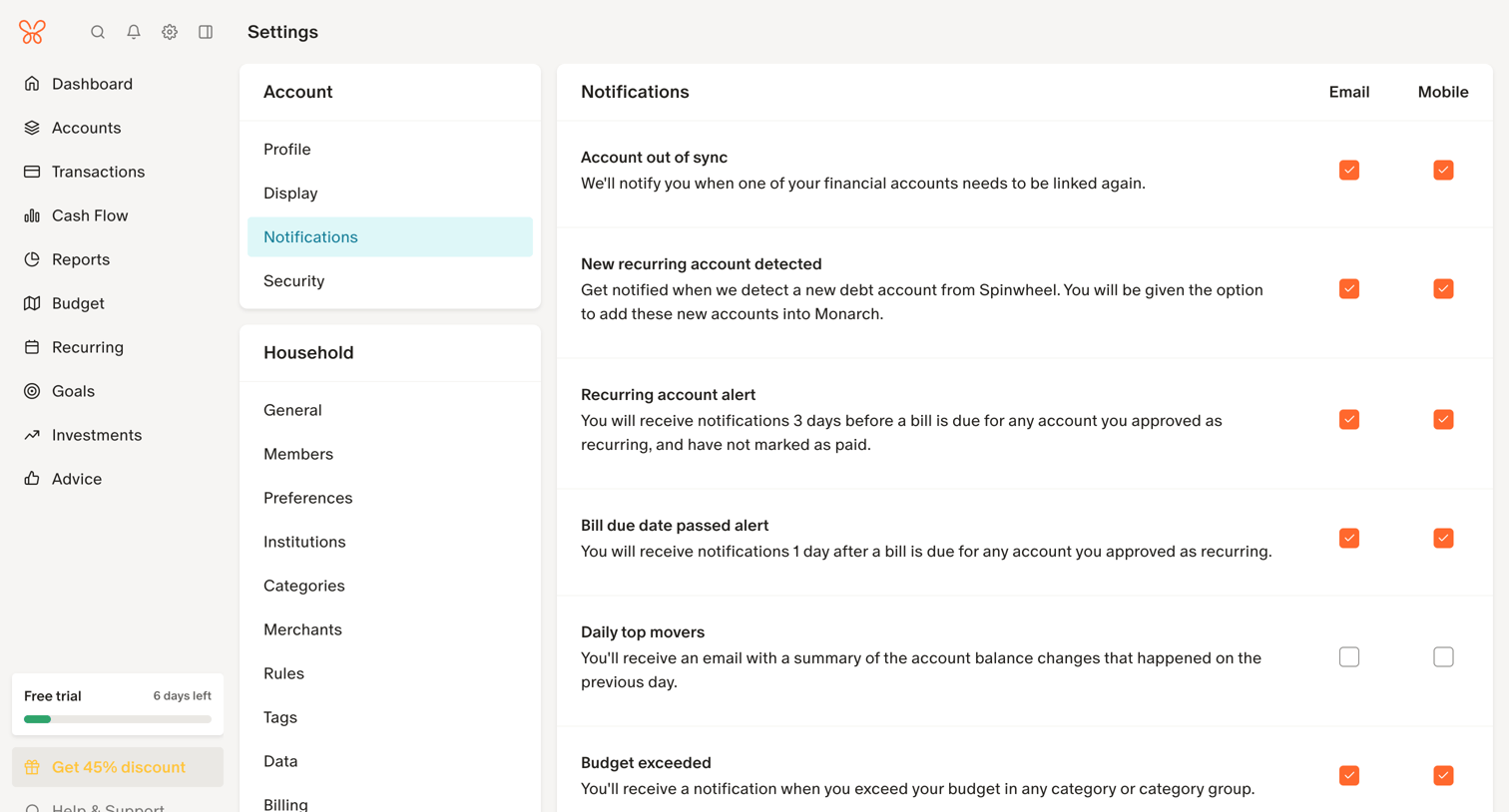
Monarch - Notification Settings screen
Monarch logo
Monarch

Settings page where the user configures email and mobile notification preferences for various account, budget, and transaction events.
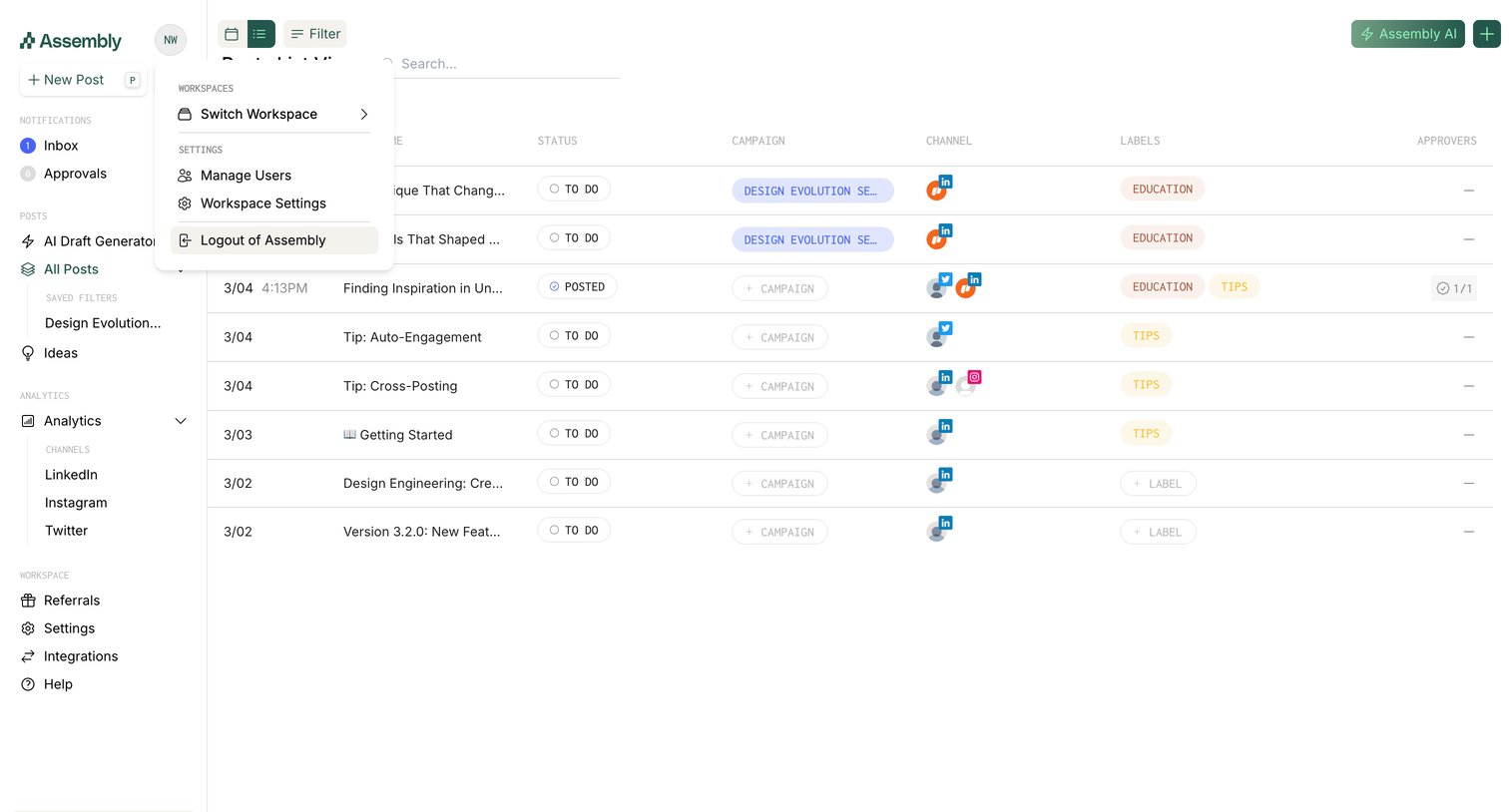

Assembly screen
Assembly logo
Assembly

Data table where the user manages social media posts, viewing their status, campaign, channels, and labels.

Replit - TaskMaster - Replit screen
Replit logo
Replit

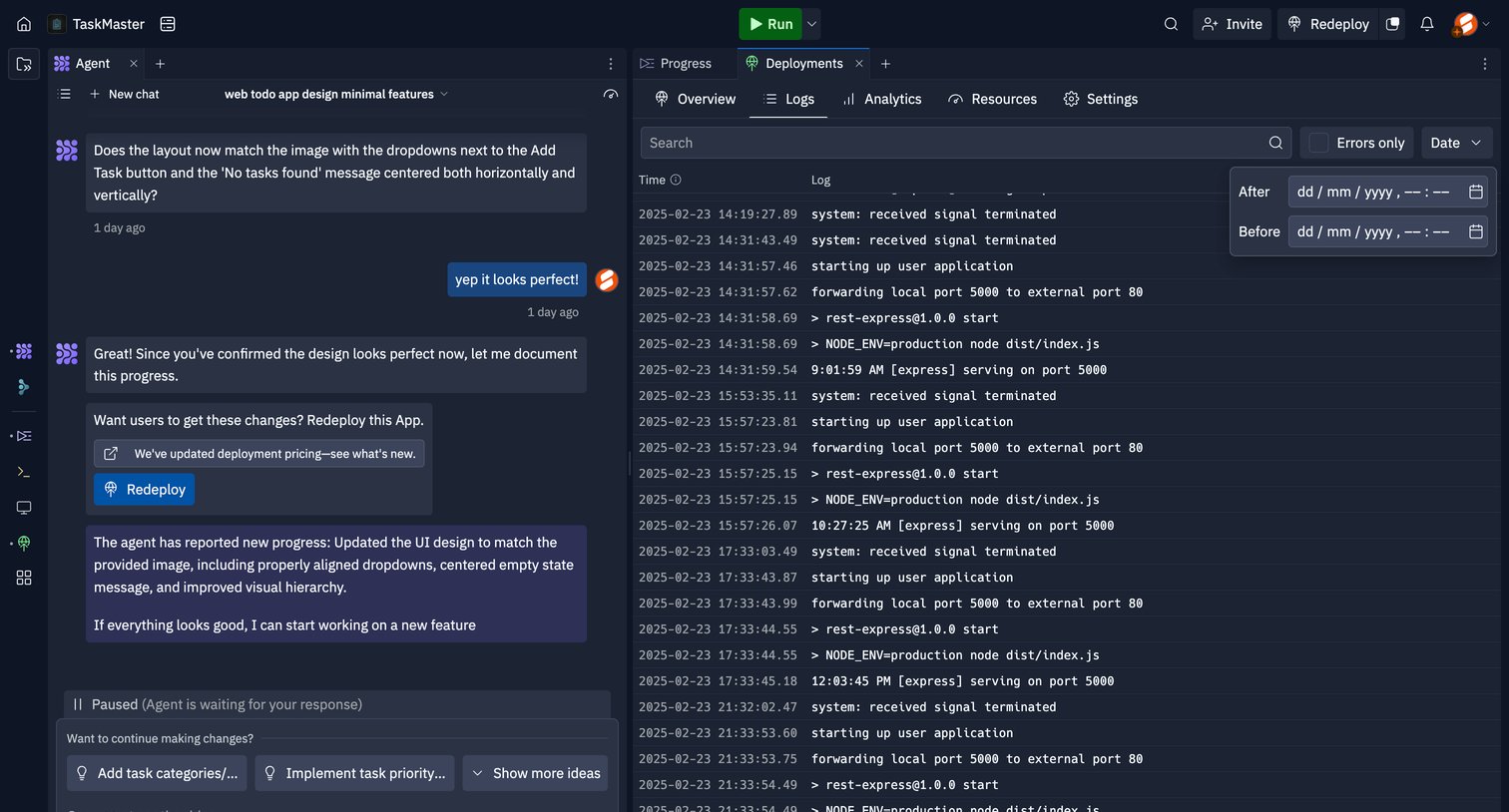
Code editor interface split between an AI agent chat for generating features and a live deployment log viewer with active date filtering.

Front - Front (3) screen
Front logo
Front

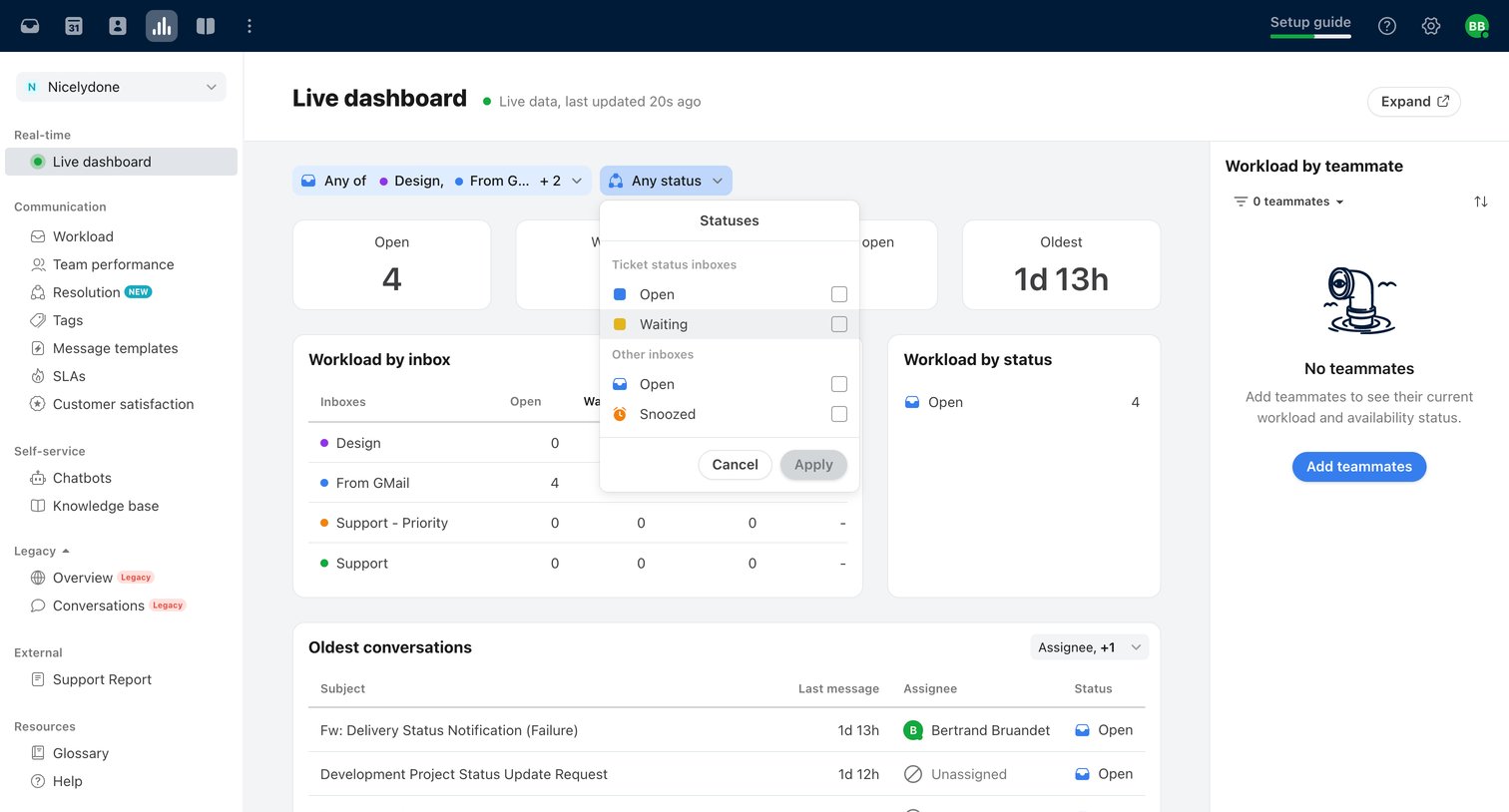
Live analytics dashboard where the user filters real-time ticket statuses and views workload distribution across inboxes and teammates.
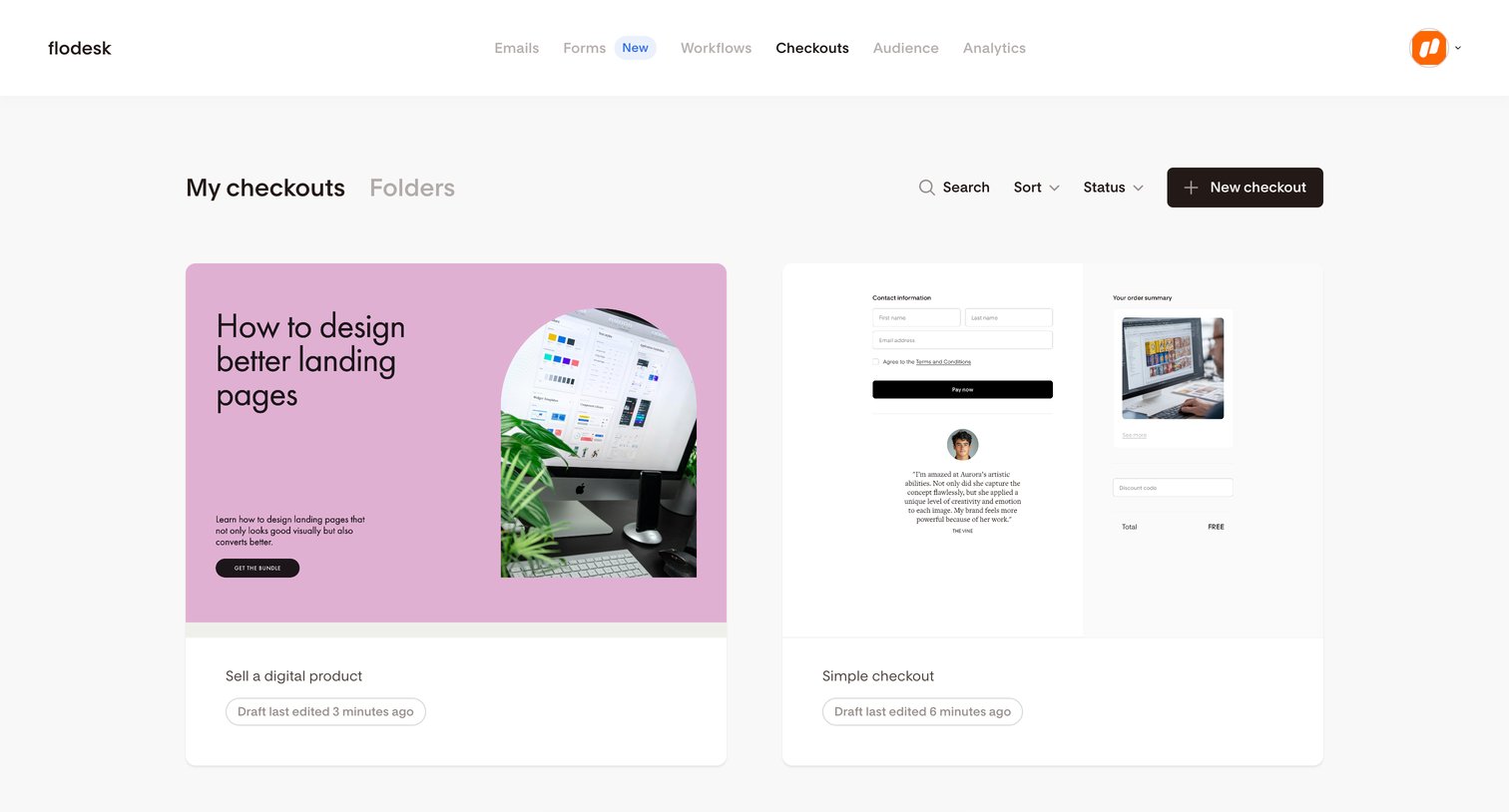

Flodesk - My checkouts | Flodesk screen
Flodesk logo
Flodesk

List view where the user manages their digital product checkouts, currently displaying two draft items and a success toast.

Podia - Podia Bertrand Bruandet screen
Podia logo
Podia

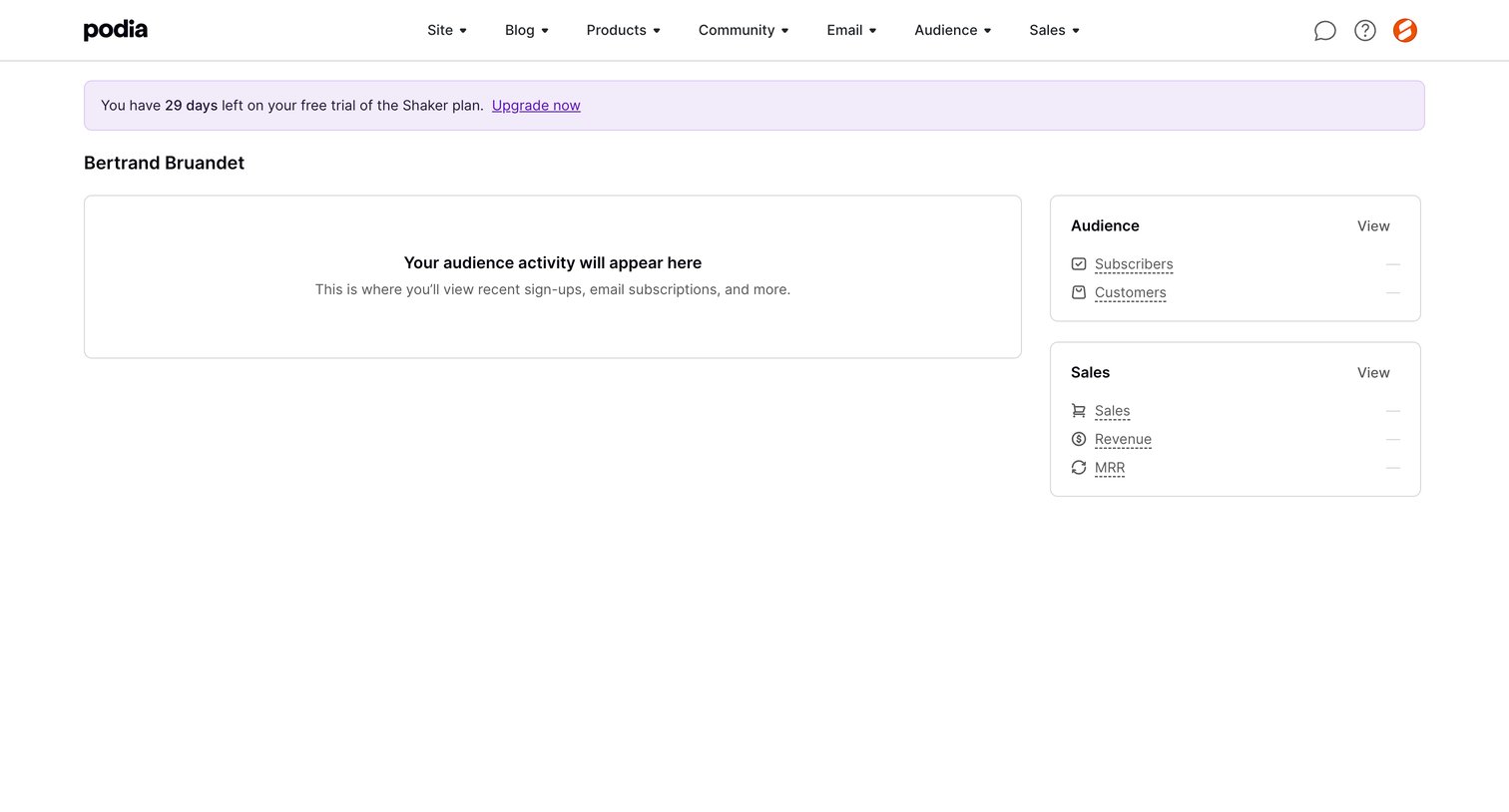
Dashboard showing an empty activity feed and zero-state metrics for audience and sales, with a prompt to upgrade from the free trial.
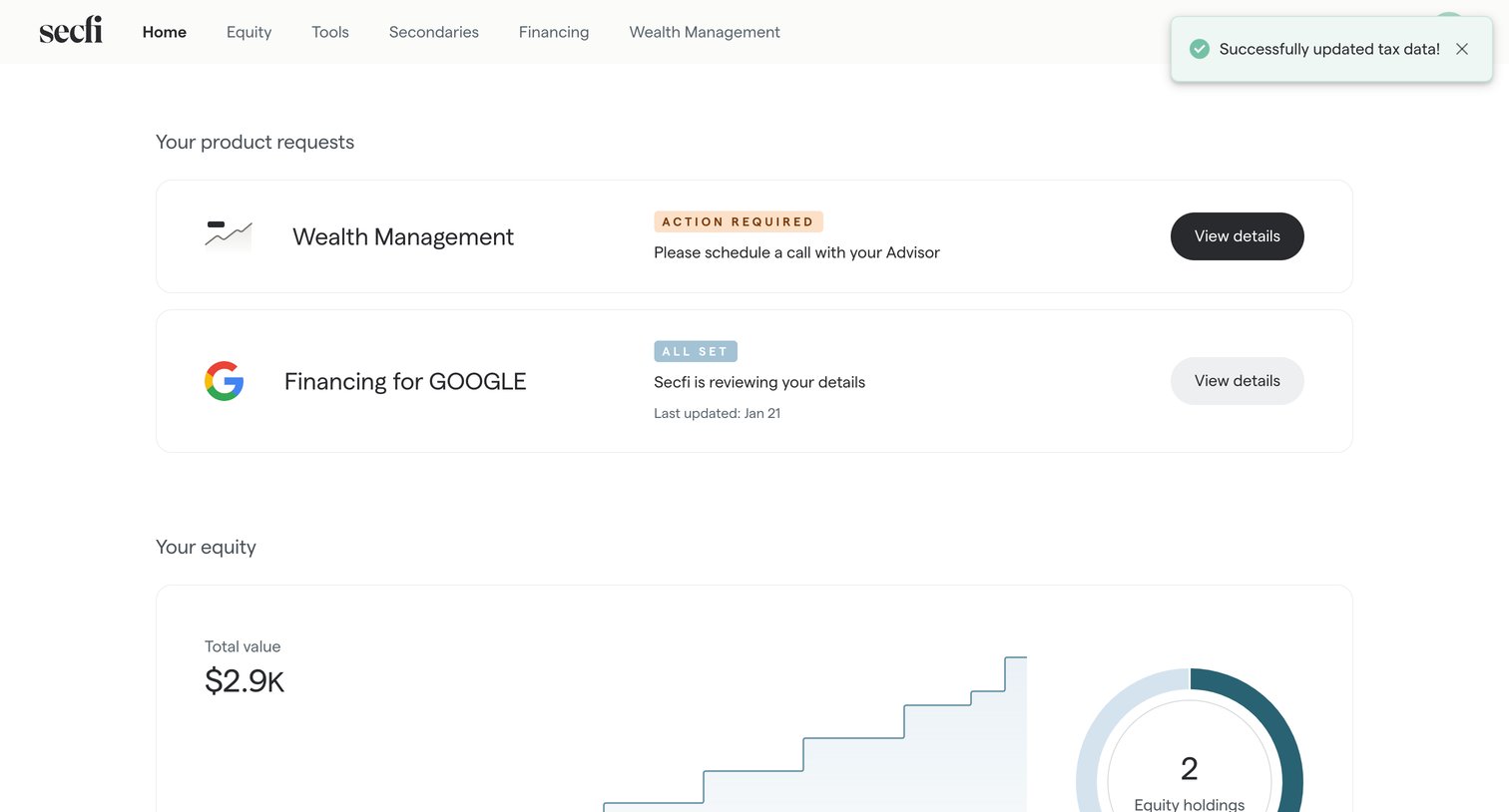

Secfi - Home | Secfi screen
Secfi logo
Secfi

Home page where the user views their pending product requests for wealth management and financing, alongside a summary of their total equity value.

Kajabi - Kajabi - adminsettingsemail_notifications screen
Kajabi logo
Kajabi

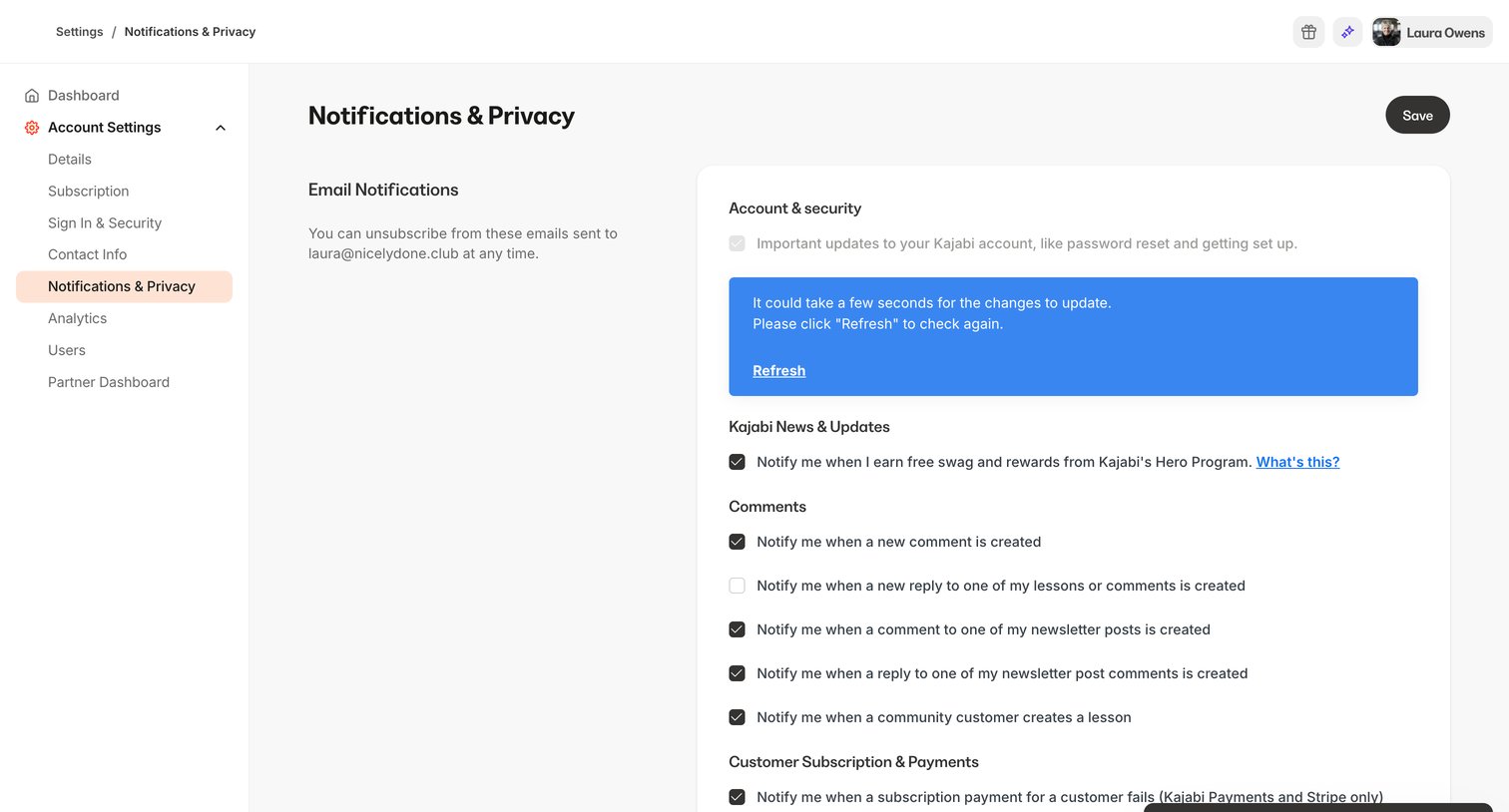
Settings page where the user configures email notification preferences for account updates, news, comments, and customer payments.
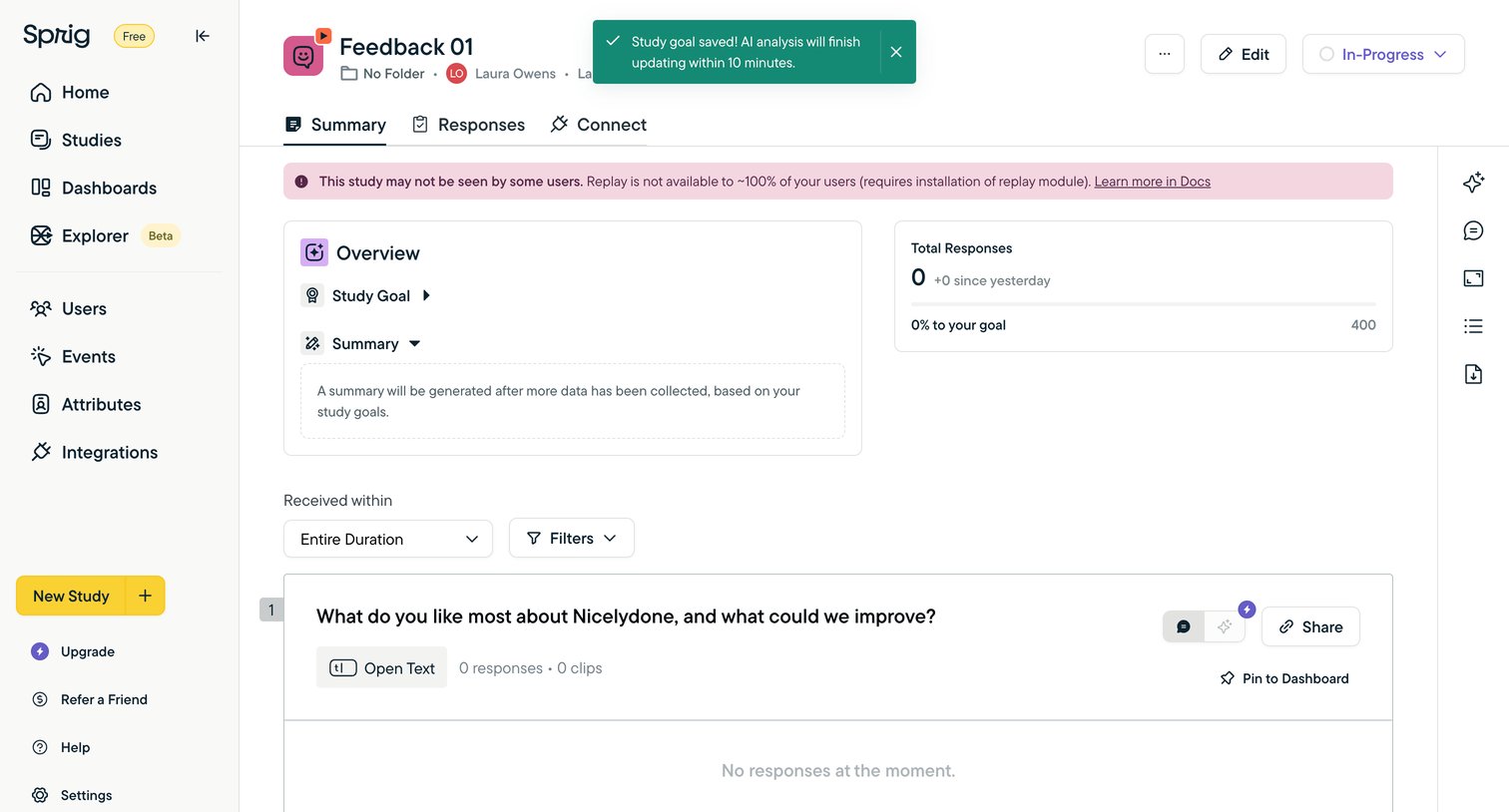

Sprig - Feedback 01 screen
Sprig logo
Sprig

Detail page for a specific feedback study showing an overview of goals, response metrics, and a list of questions waiting for user responses.

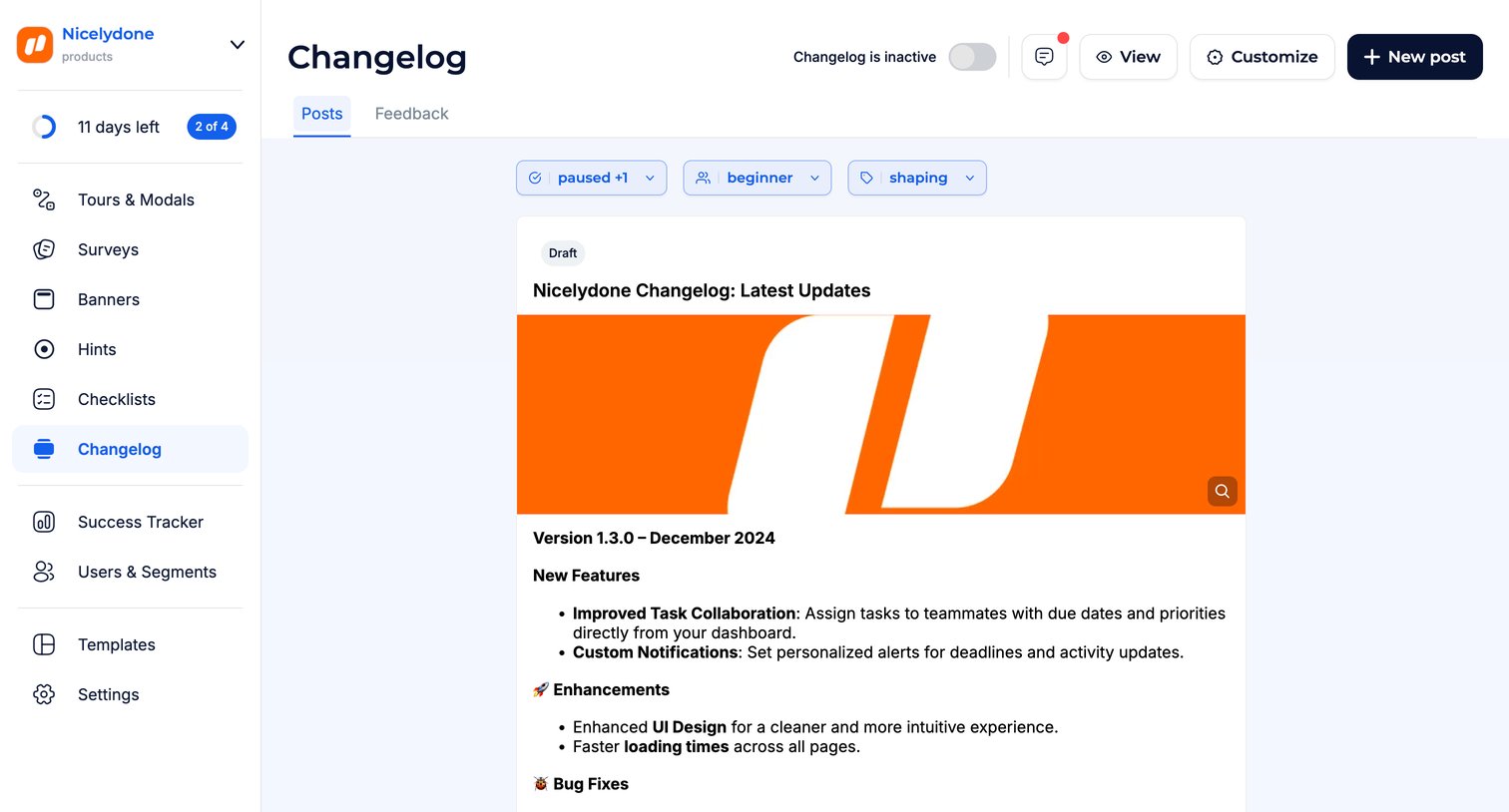
Jimo - Changelog · Jimo screen
Jimo logo
Jimo

Changelog management page where the user views draft posts, filters by audience segments, and can create new updates.
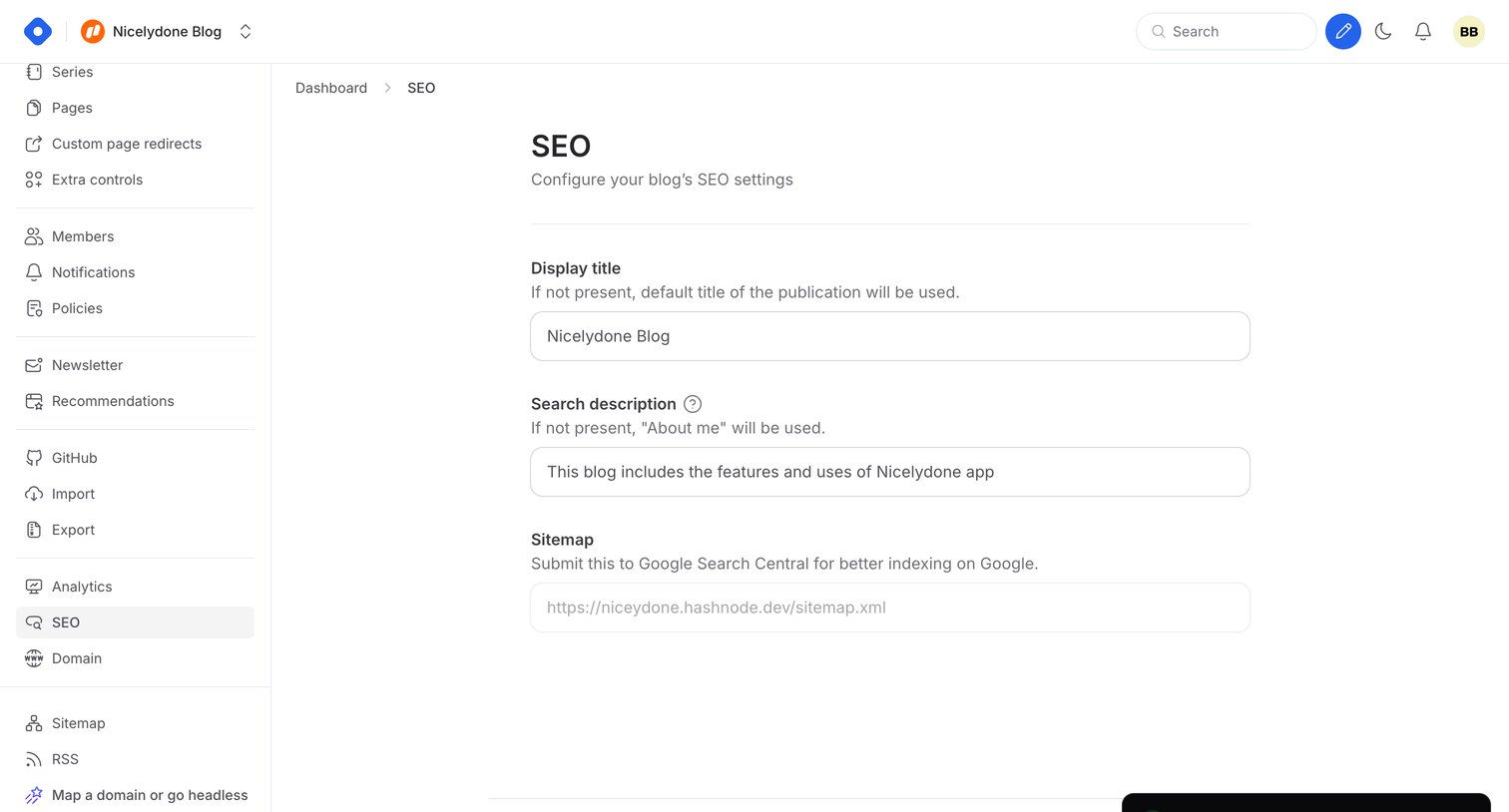

Hashnode - Dashboard - SEO screen
Hashnode logo
Hashnode

Settings page where the user configures their blog's display title, search description, and sitemap URL.

Explore the full SaaS screen library

Upgrade to unlock the full library.

Trusted by the best teams