Customize screen examples
Customize screen design examples from SaaS apps. Browse examples from Dock, Town, Navattic.
Explore the examples
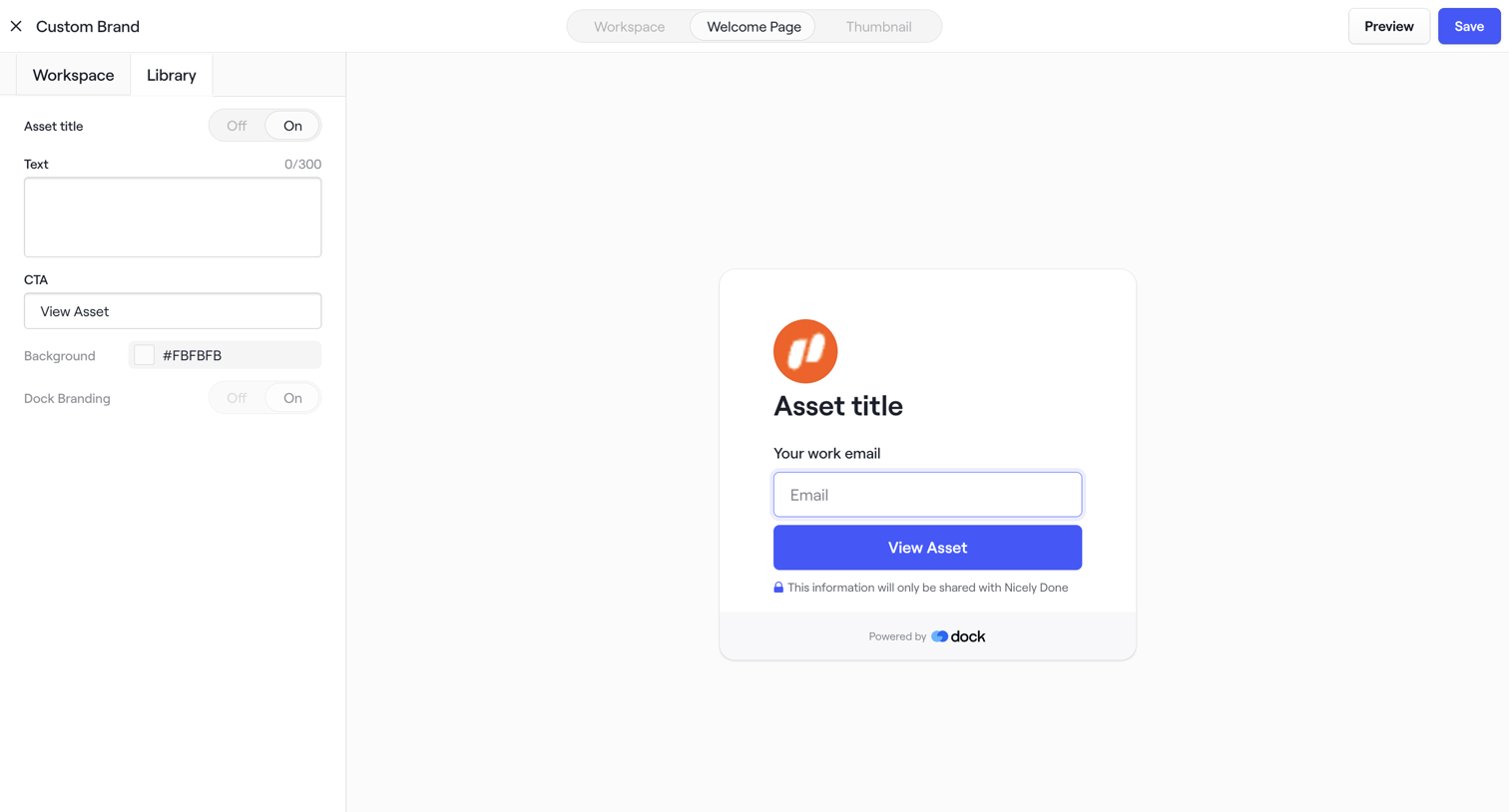

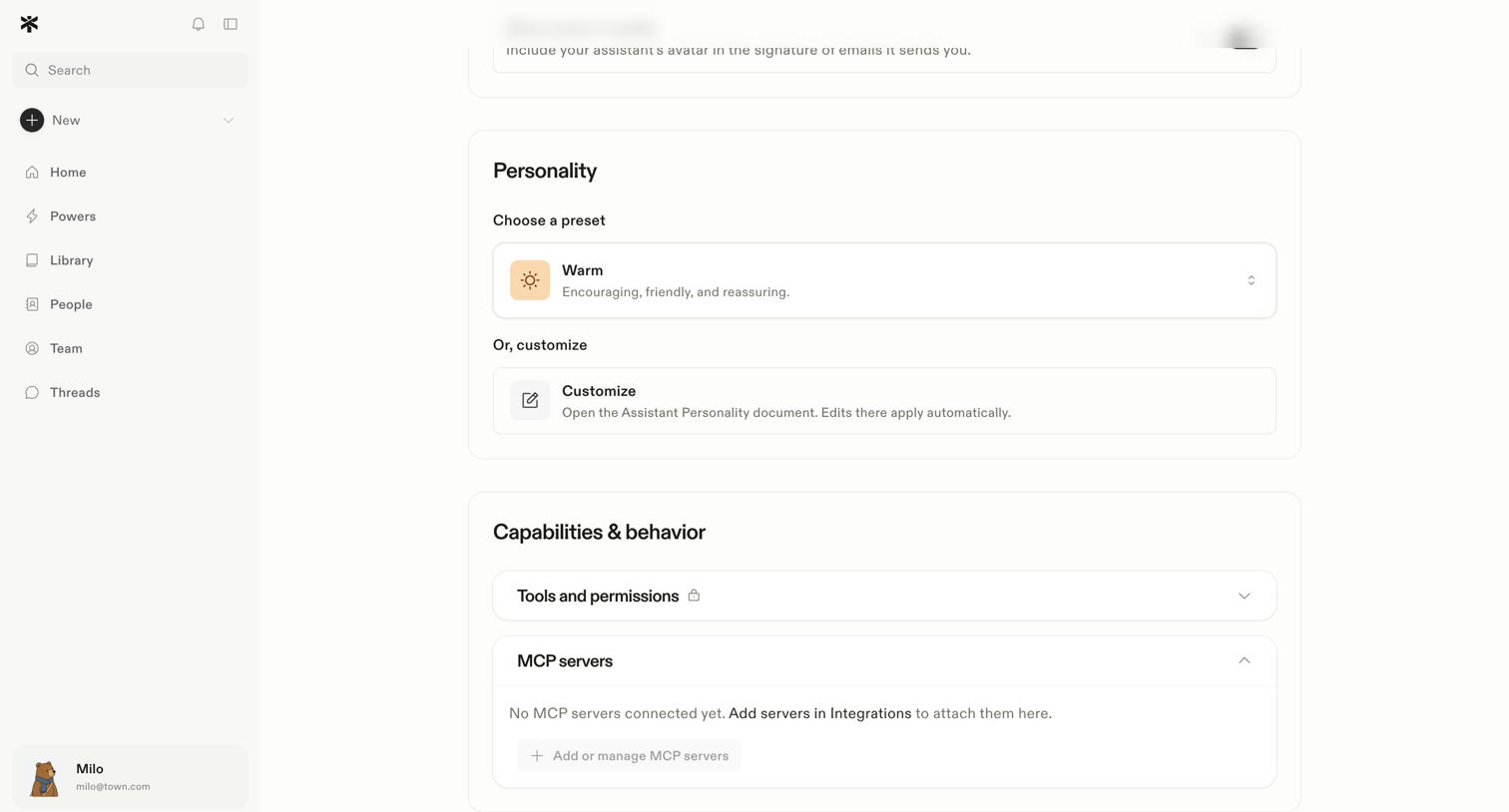

Settings page where the user configures their AI assistant's personality preset and manages its capabilities like tools and MCP servers.
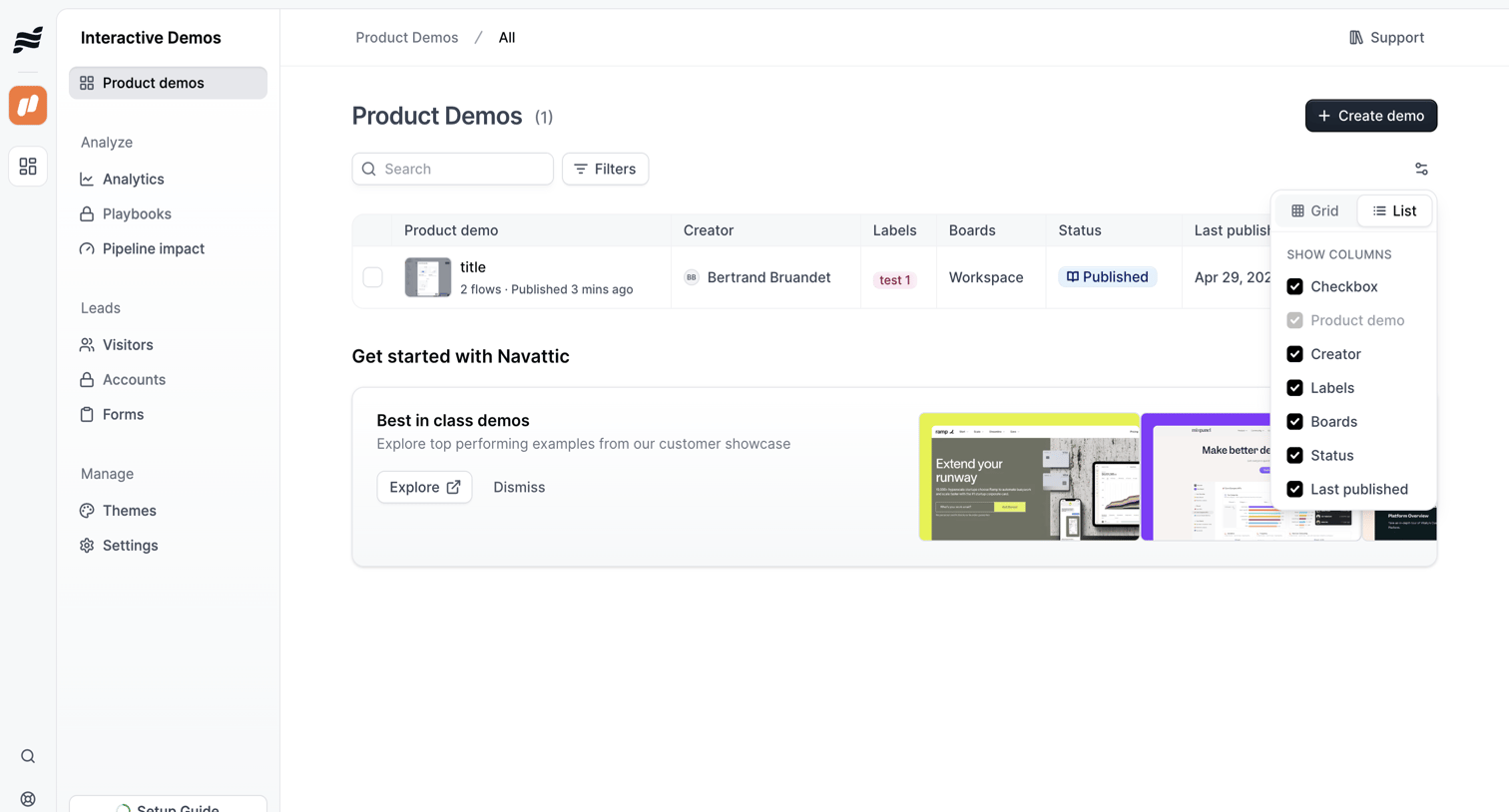

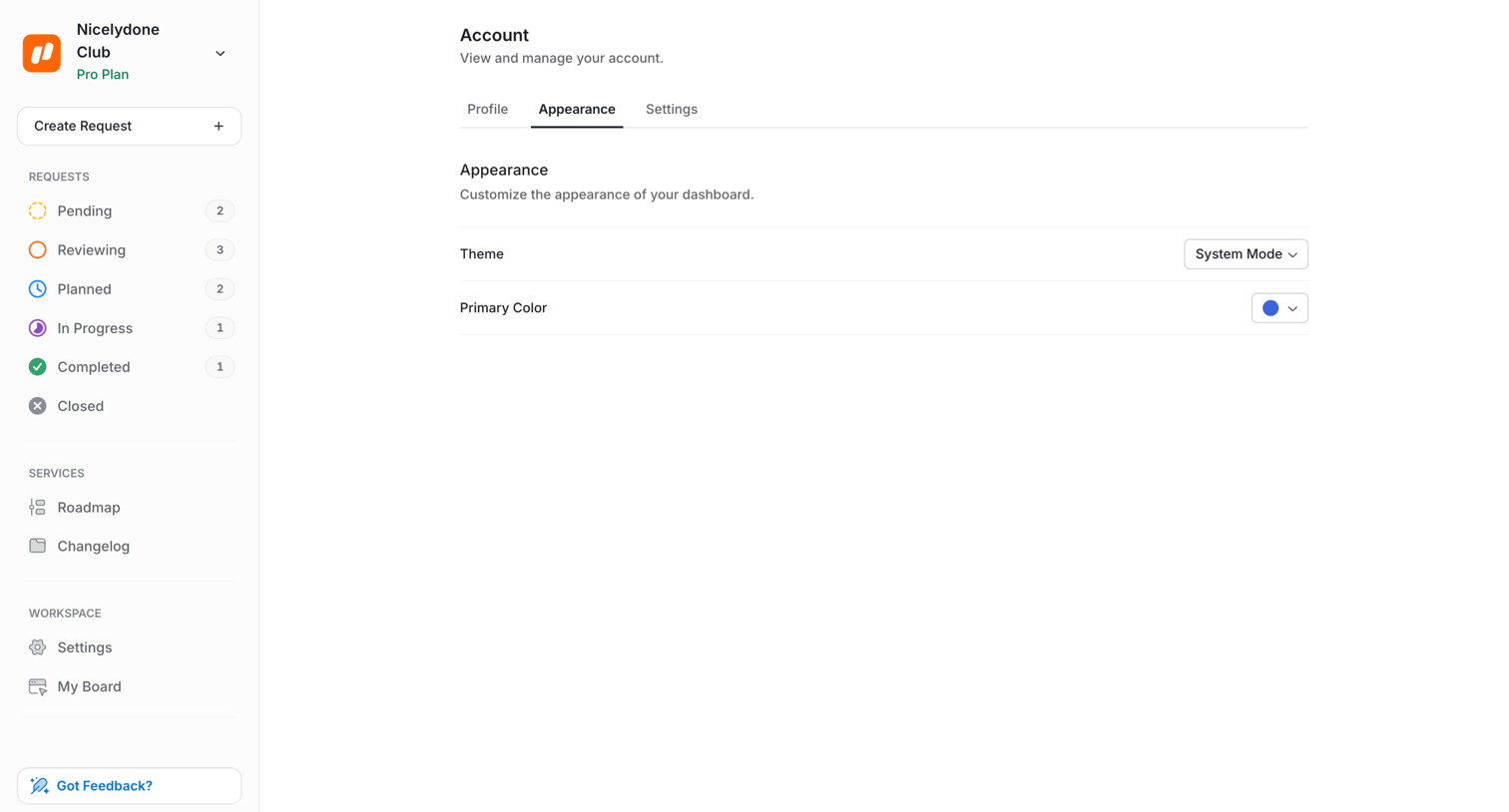

Settings page where the user customizes the dashboard theme and primary color.
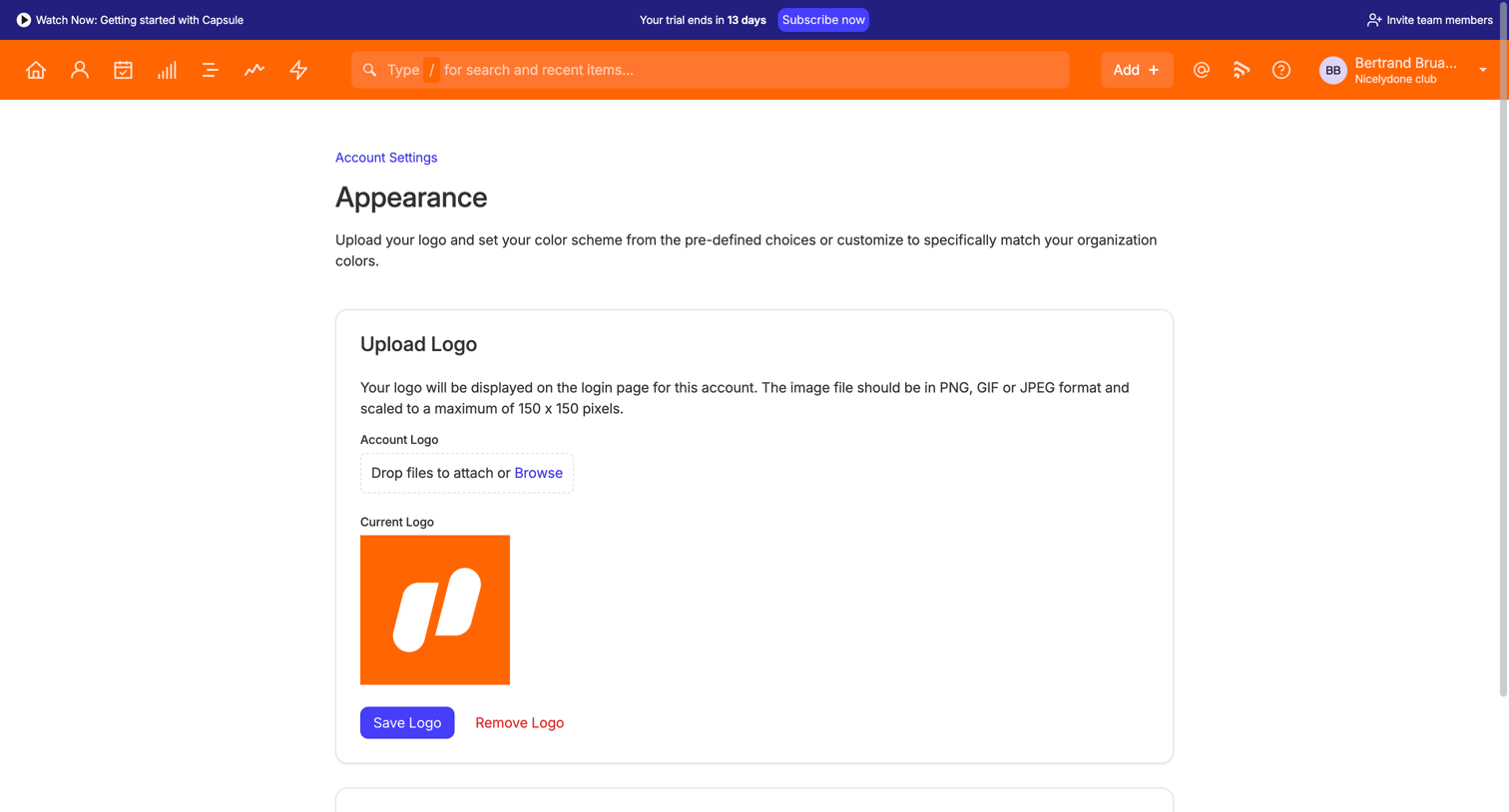

Settings page where the user uploads an account logo and selects a color scheme via predefined swatches or custom hex codes.
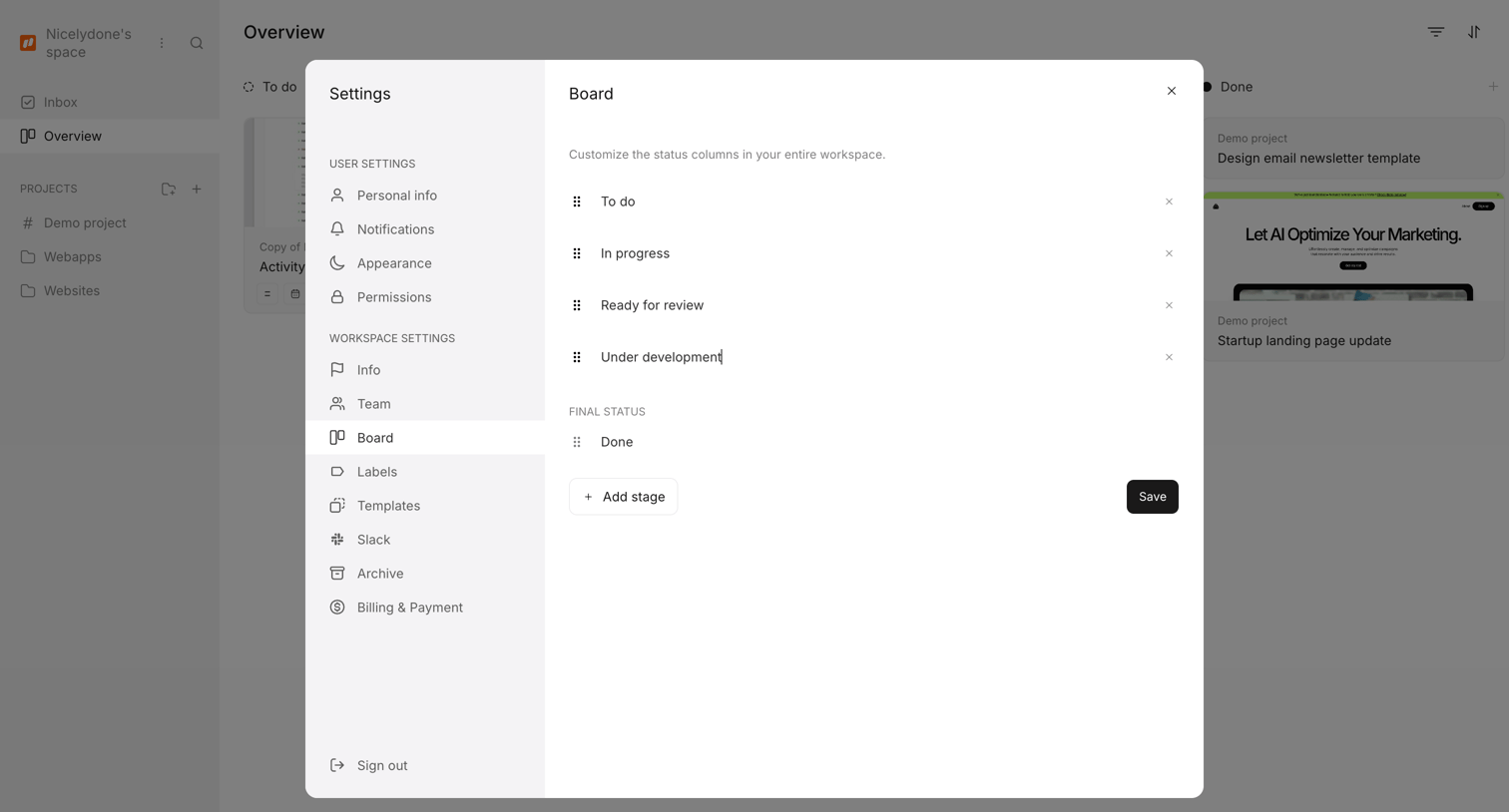

Settings modal where the user customizes the status columns for their entire workspace by adding, editing, or reordering stages.
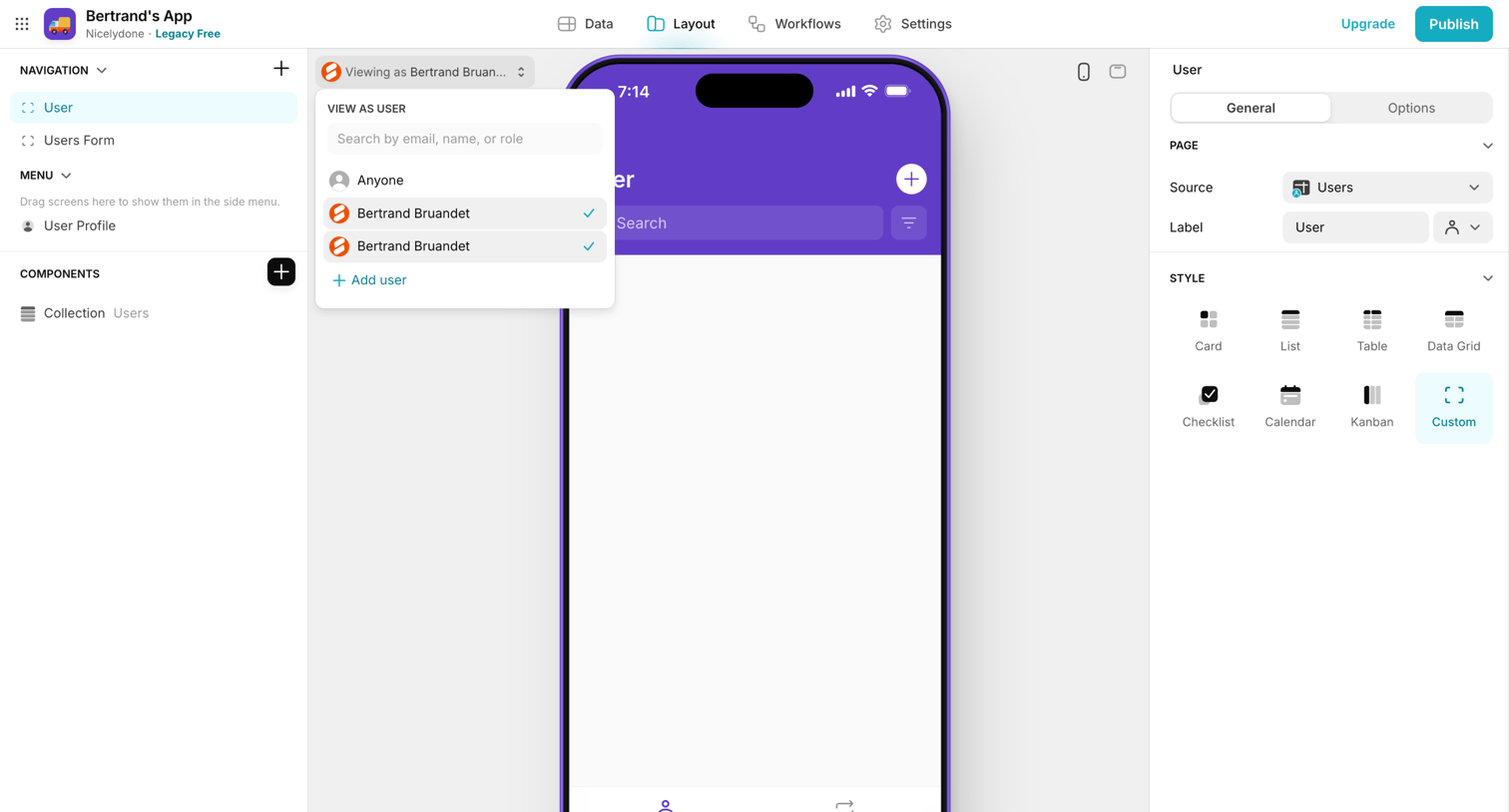

Design editor where the user configures the layout and style of a mobile app screen, including selecting a custom style and previewing the app as a specific user.
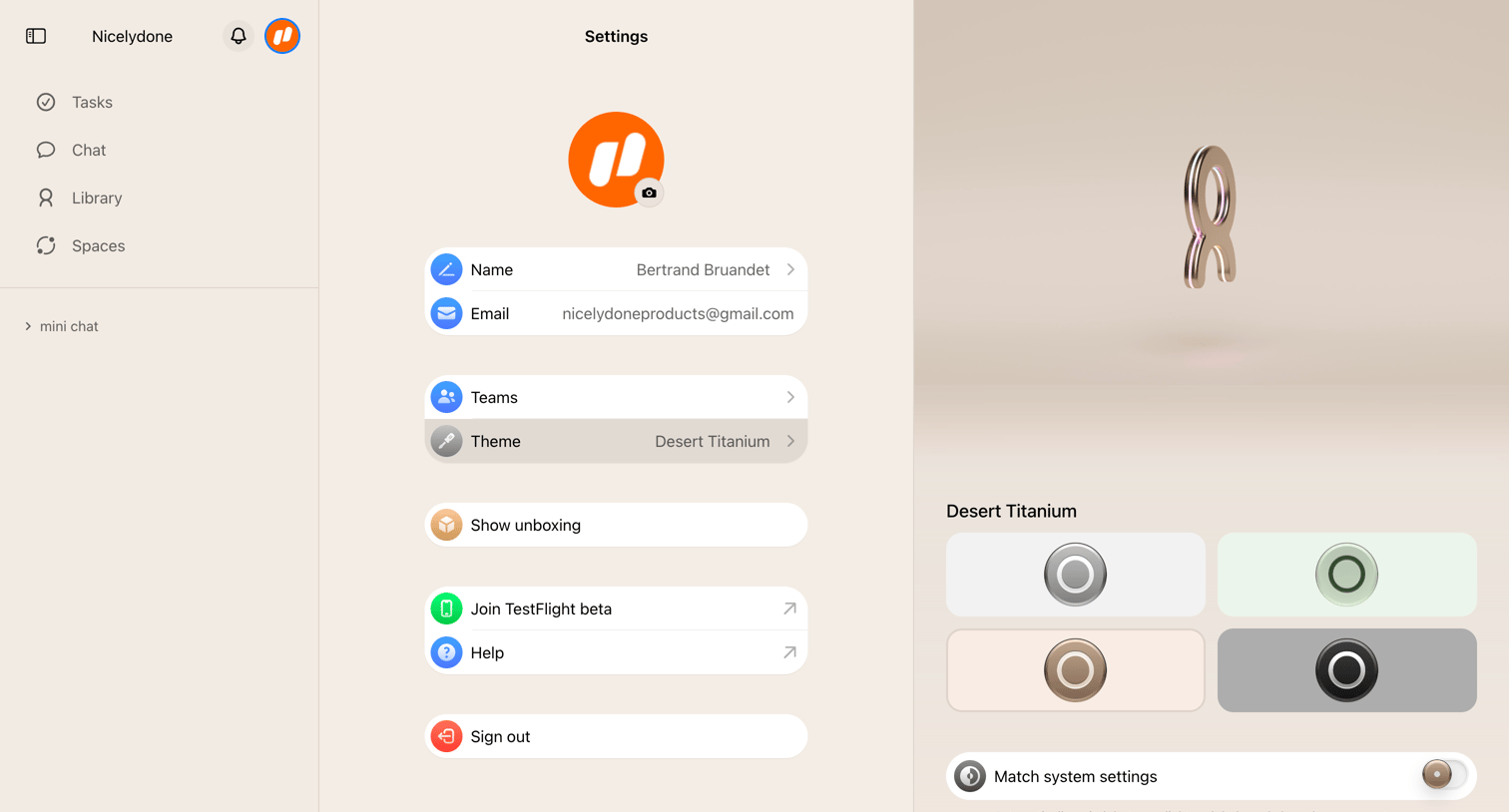

Settings page where the user configures their profile details and selects an app theme like Desert Titanium.
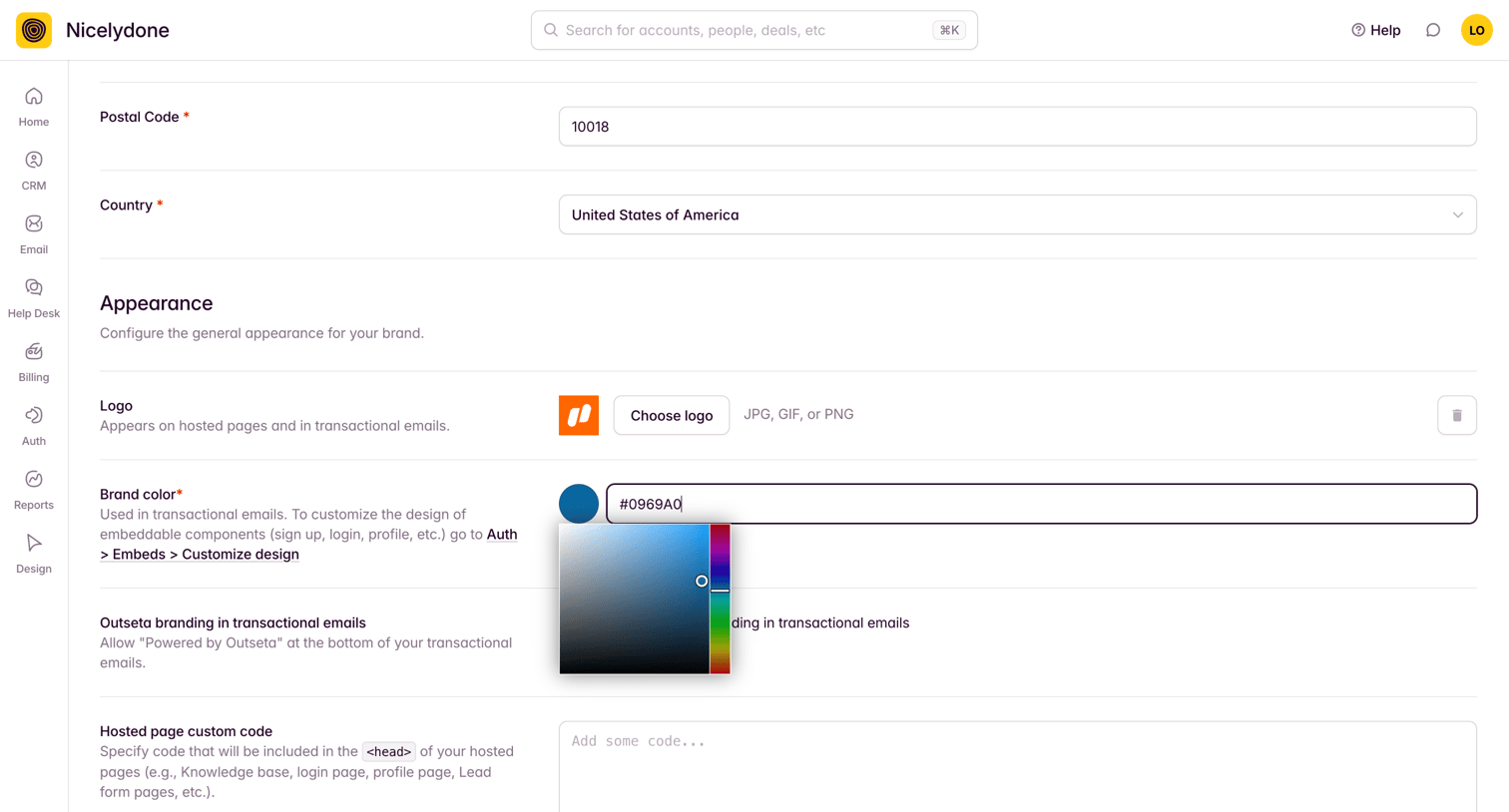

Settings page where the user configures brand appearance, including uploading a logo, selecting a brand color via a color picker, and adding custom code.
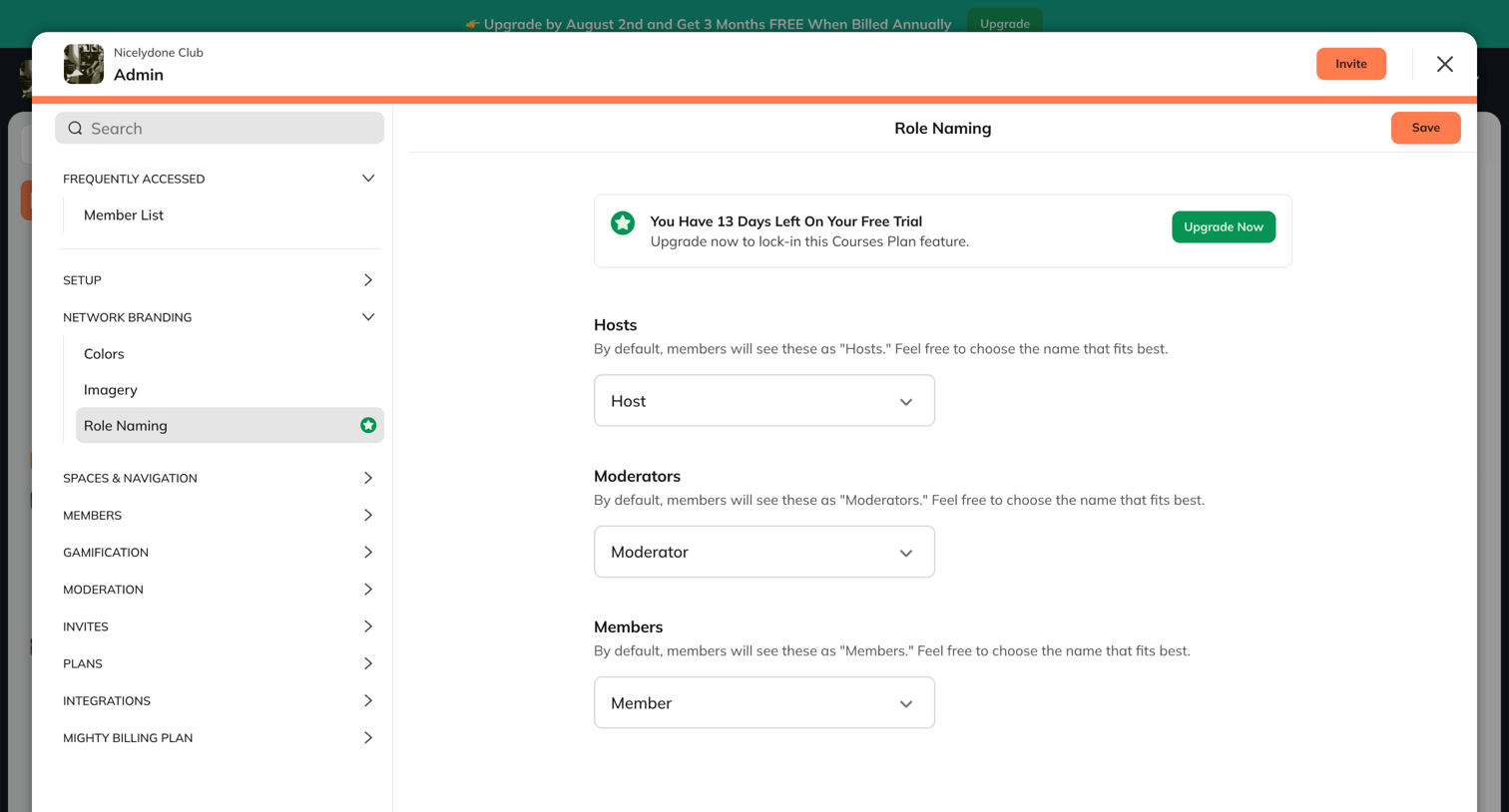

Settings modal where the user configures custom terminology for hosts, moderators, and members within their network, featuring a trial upgrade banner.
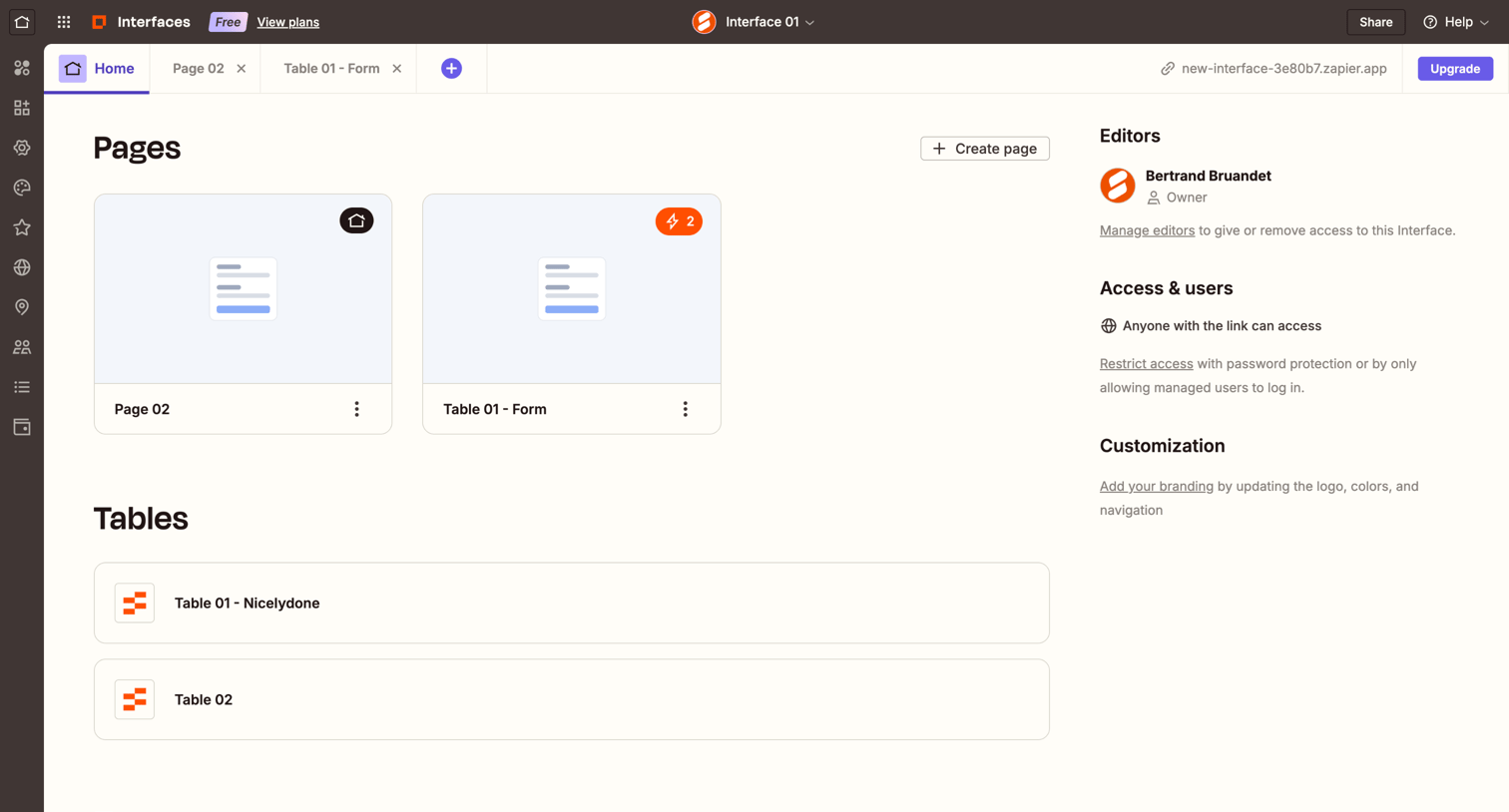

Dashboard for a no-code interface project displaying available pages, connected tables, and project settings like editors and access controls.
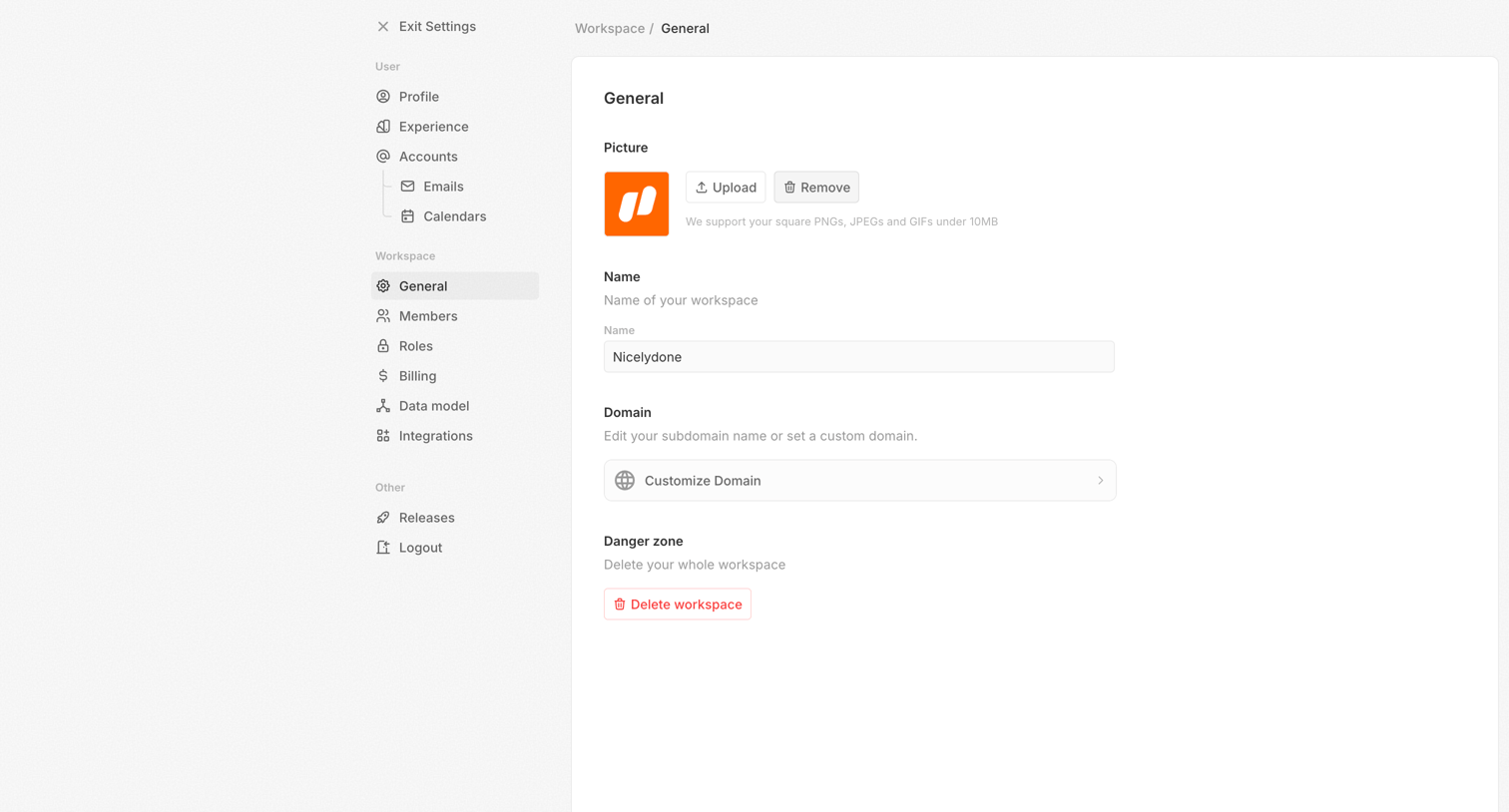

Settings page where the user configures general workspace details including the workspace picture, name, and domain, and can delete the workspace.
Explore the full SaaS screen library
Upgrade to unlock the full library.
Trusted by the best teams







