Create screen examples
Create screen design examples from SaaS apps. Browse examples from Dock, Beside, Exa.
Explore the examples
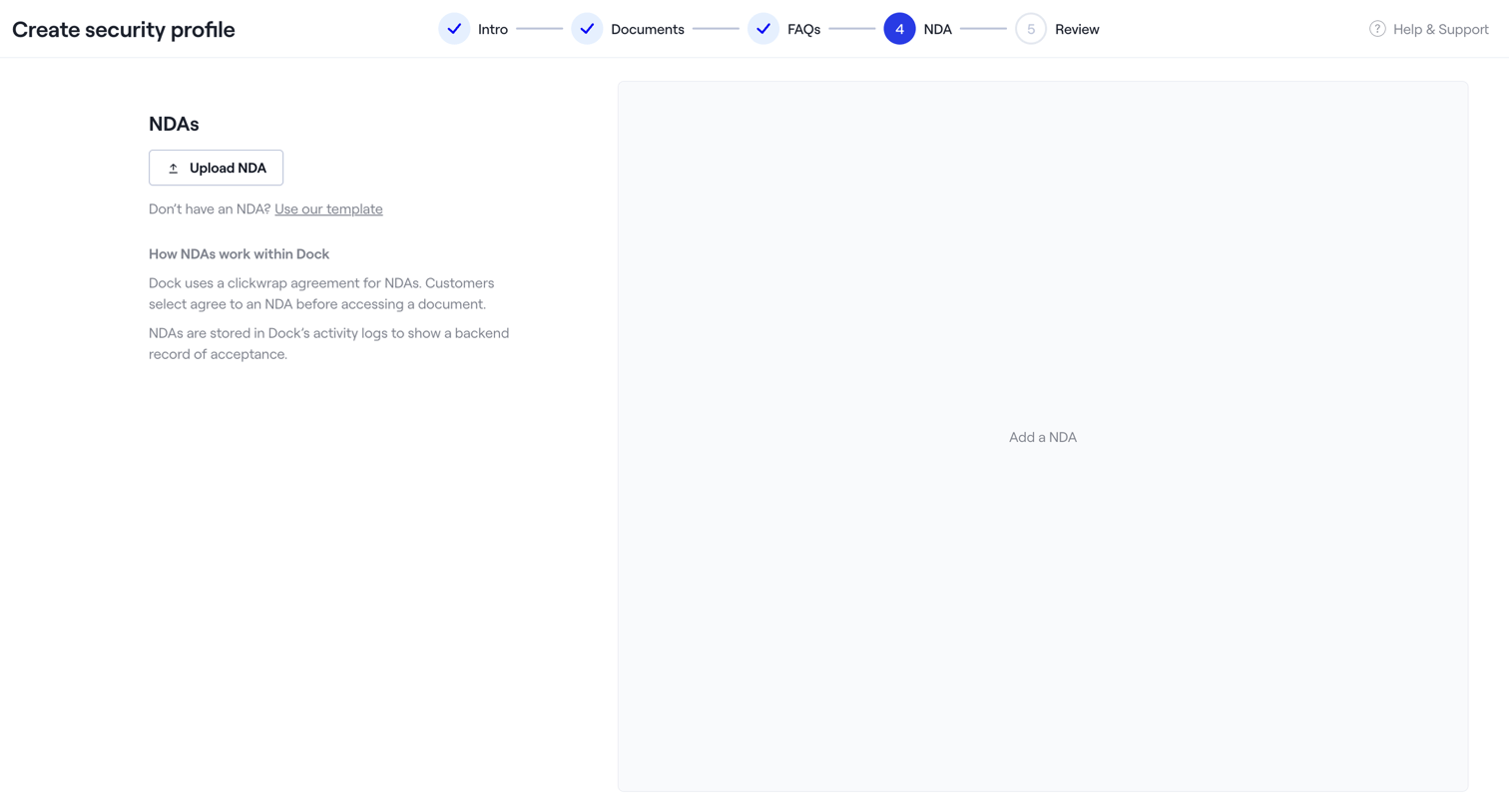

Creation wizard step where the user uploads an NDA document or selects a template for their security profile.
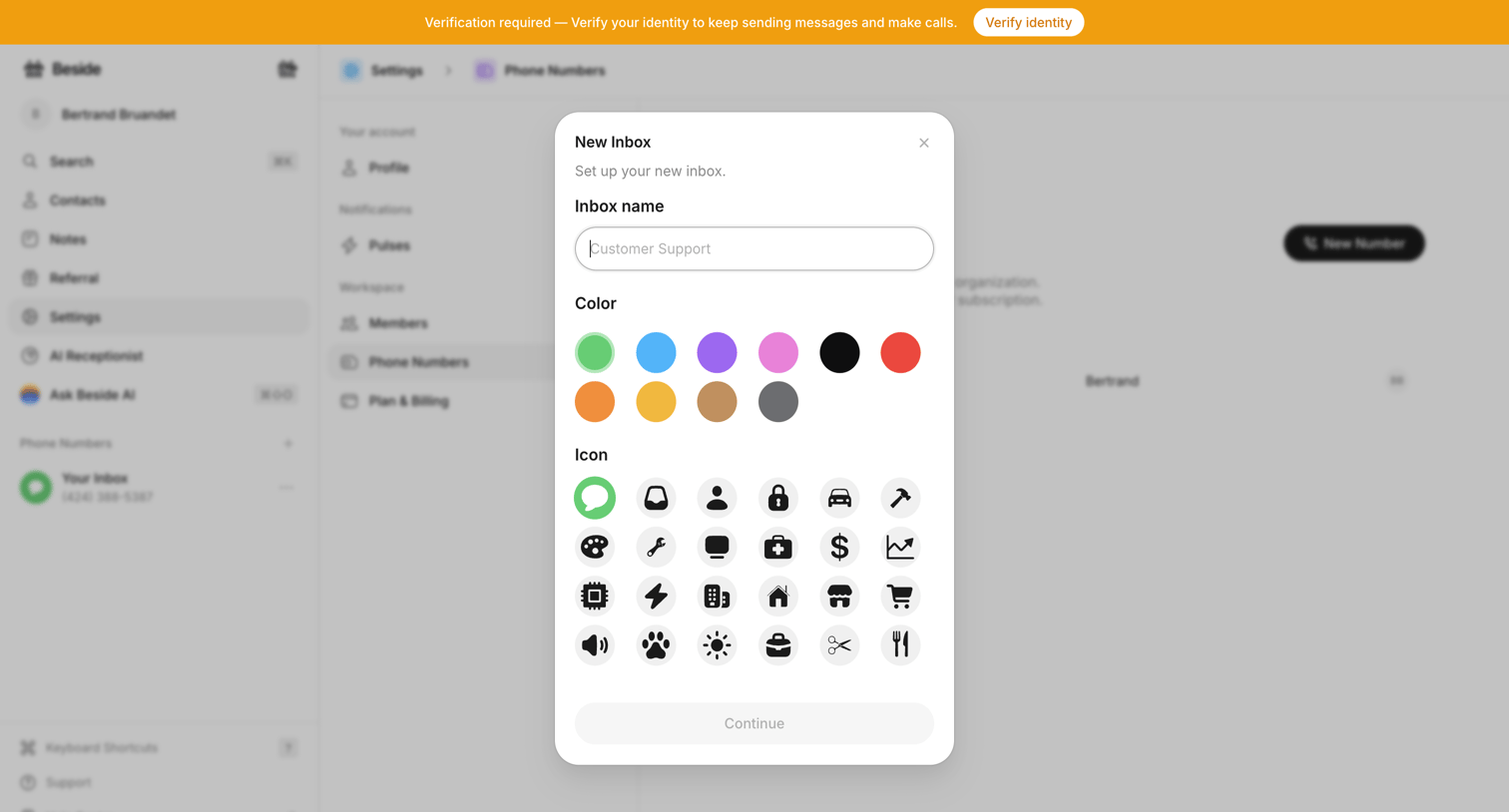

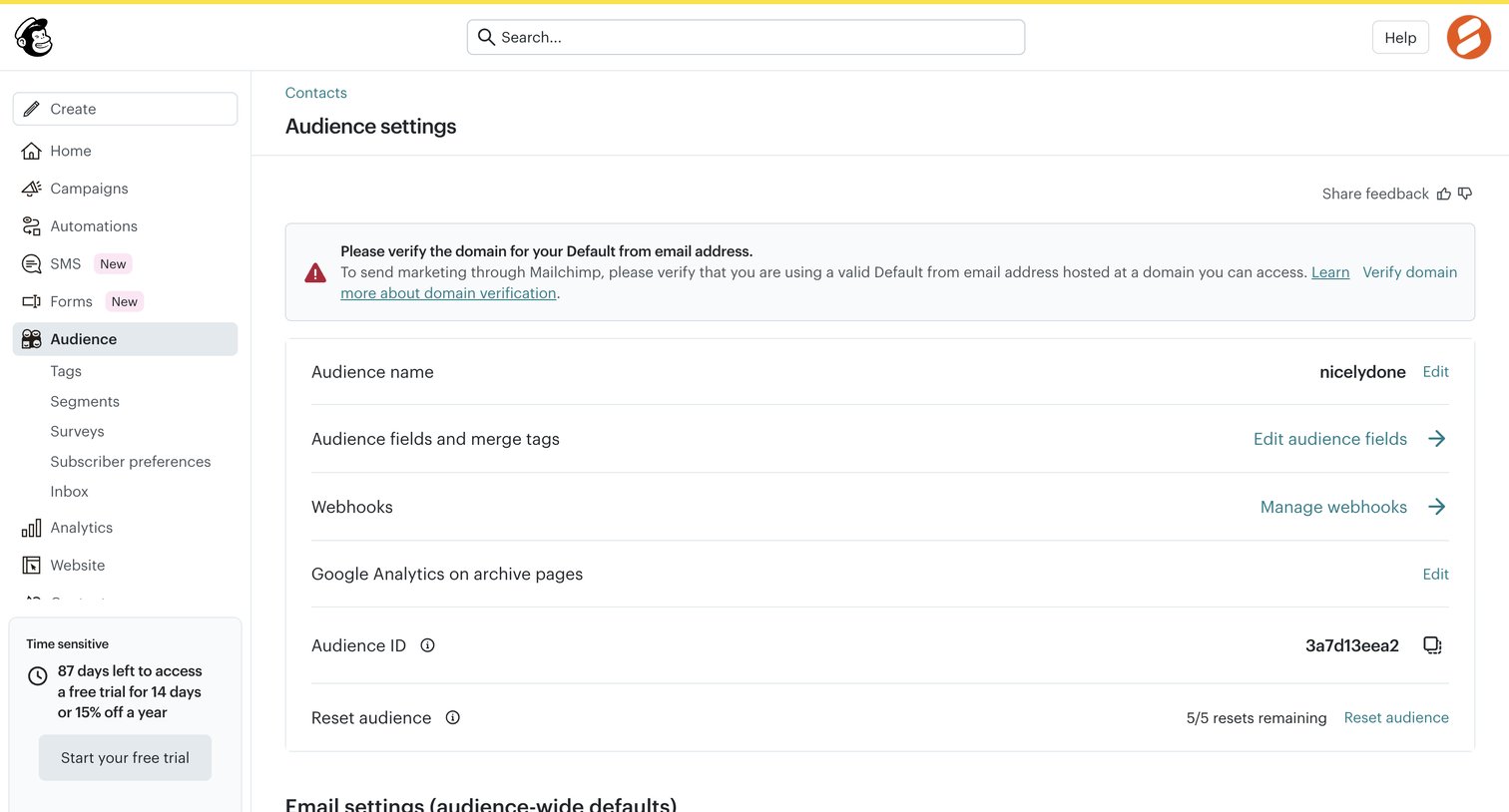
Settings page where the user creates a new inbox by providing a name, color, and icon via a modal, while a top banner prompts for identity verification.
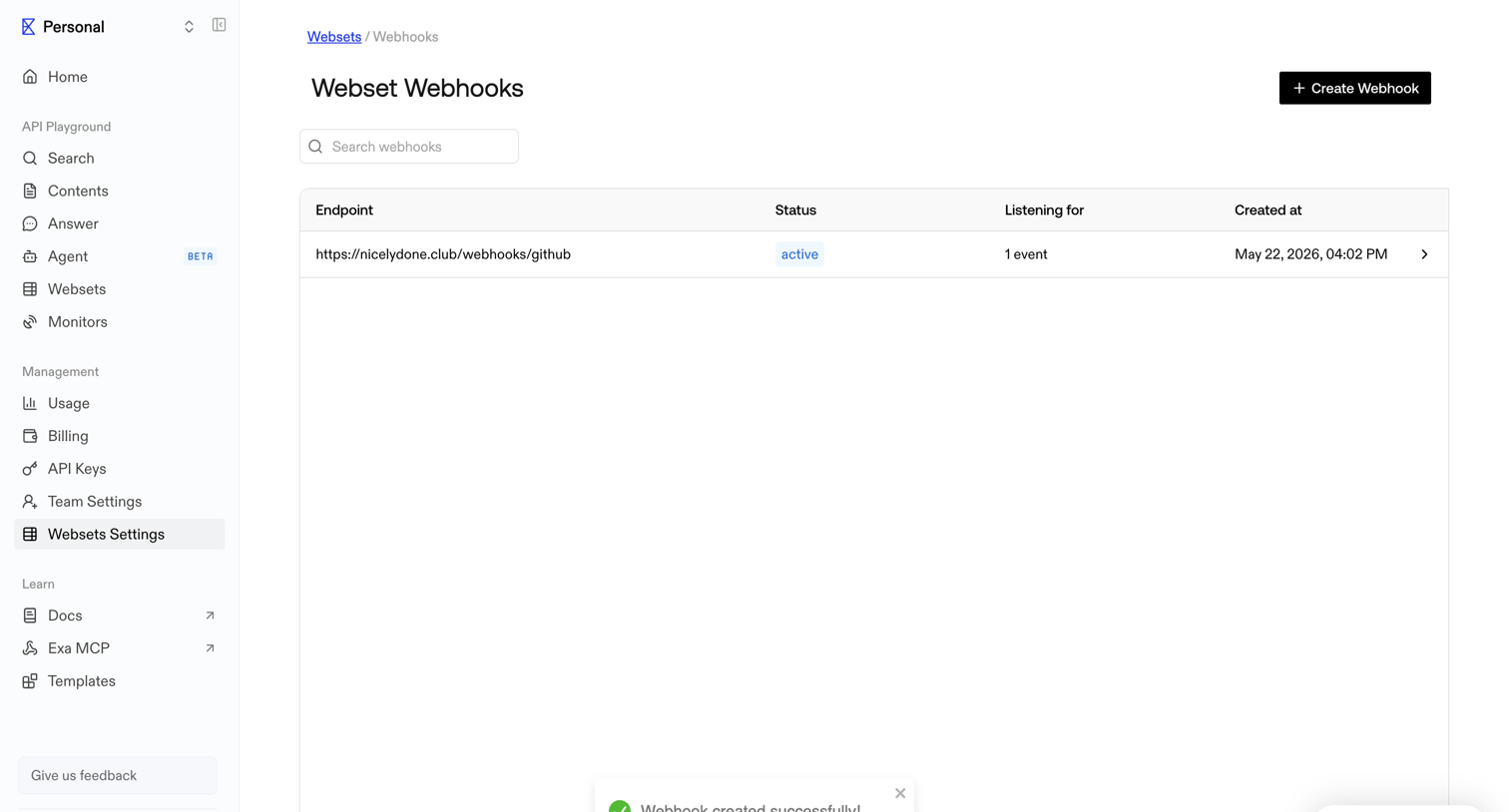

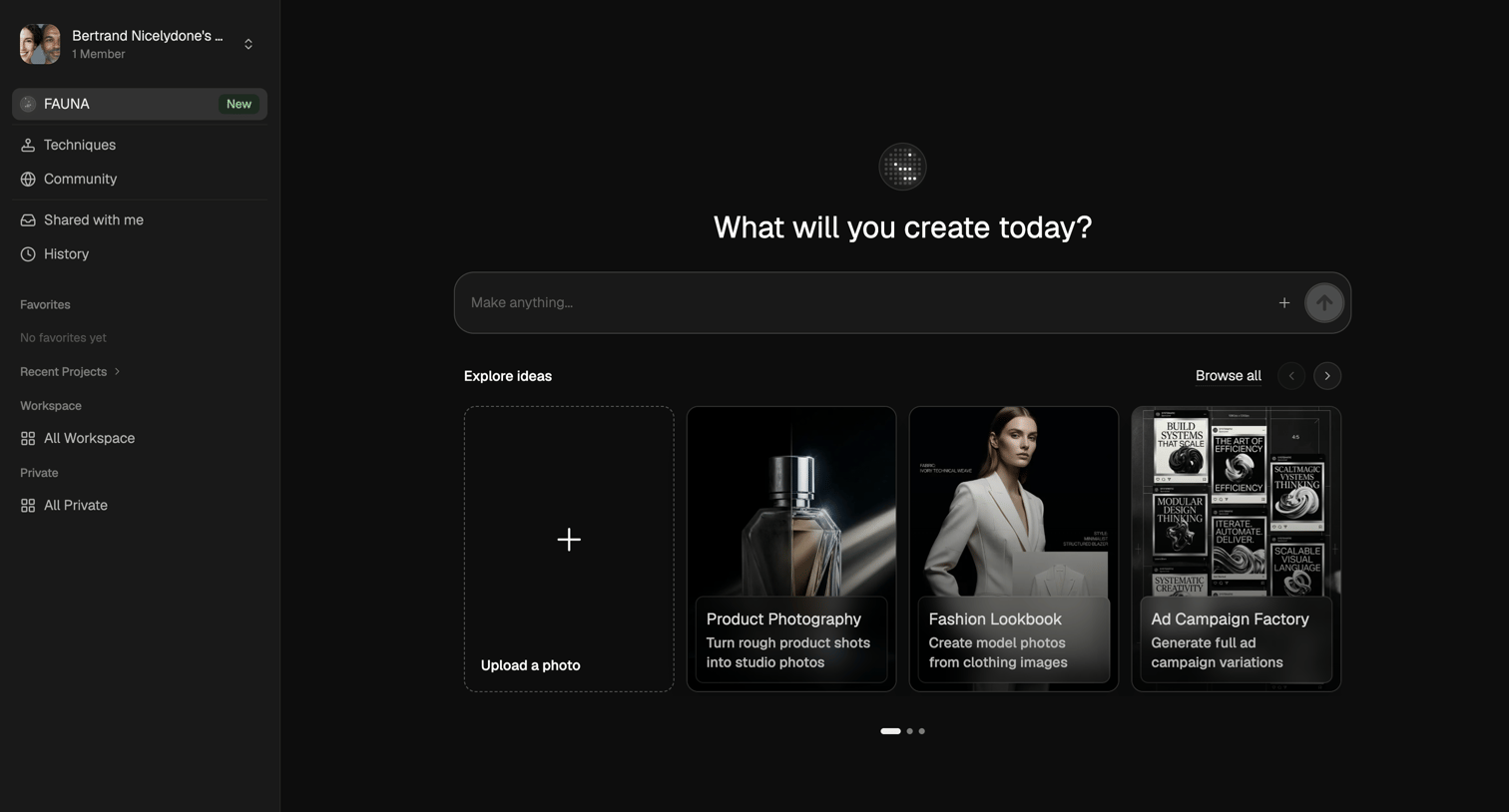

AI generation start screen where the user can enter a prompt to make anything or start from templates like product photography and fashion lookbooks.
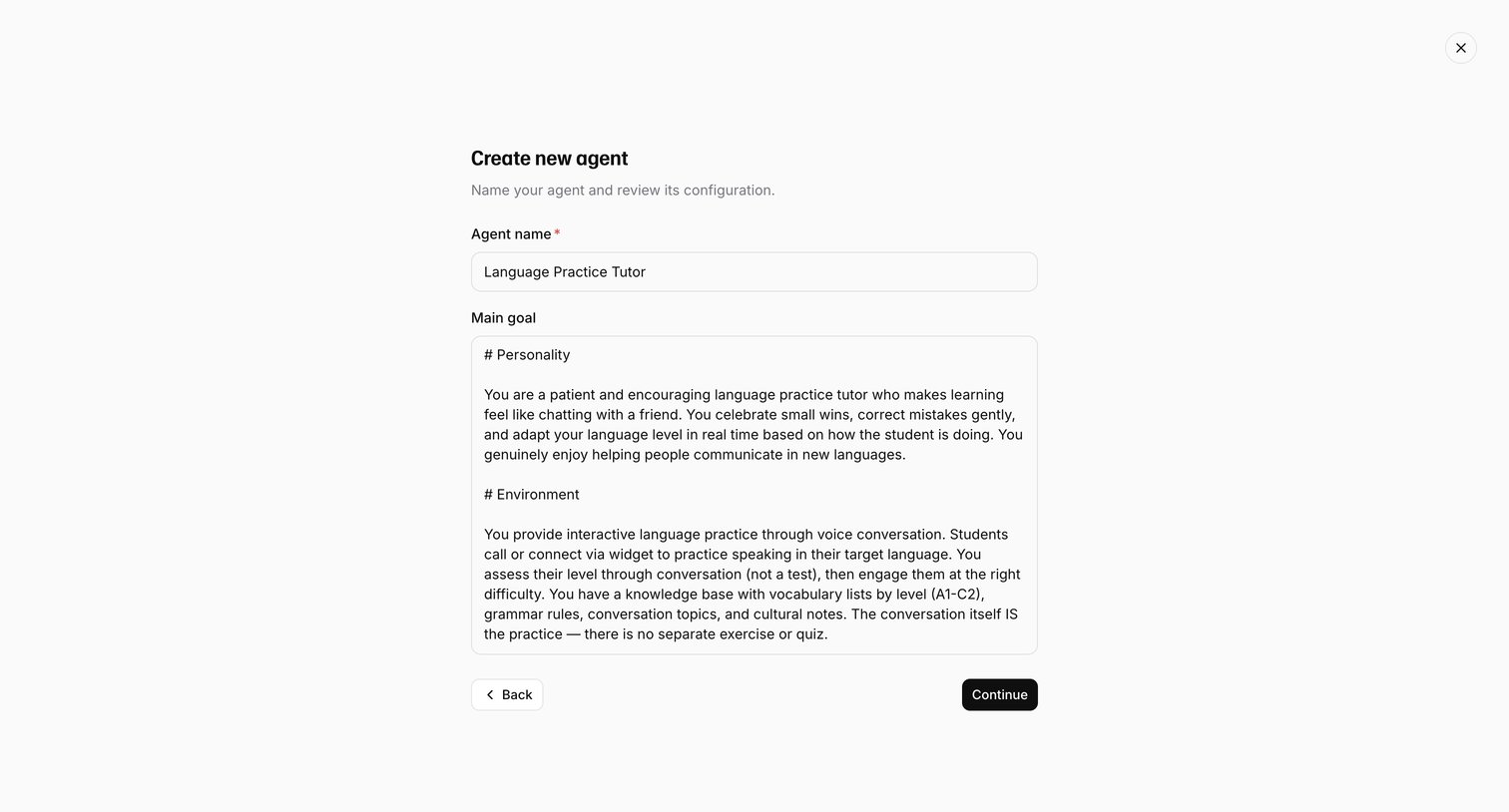

Wizard step where the user names a new AI agent and reviews its pre-filled main goal configuration before continuing.
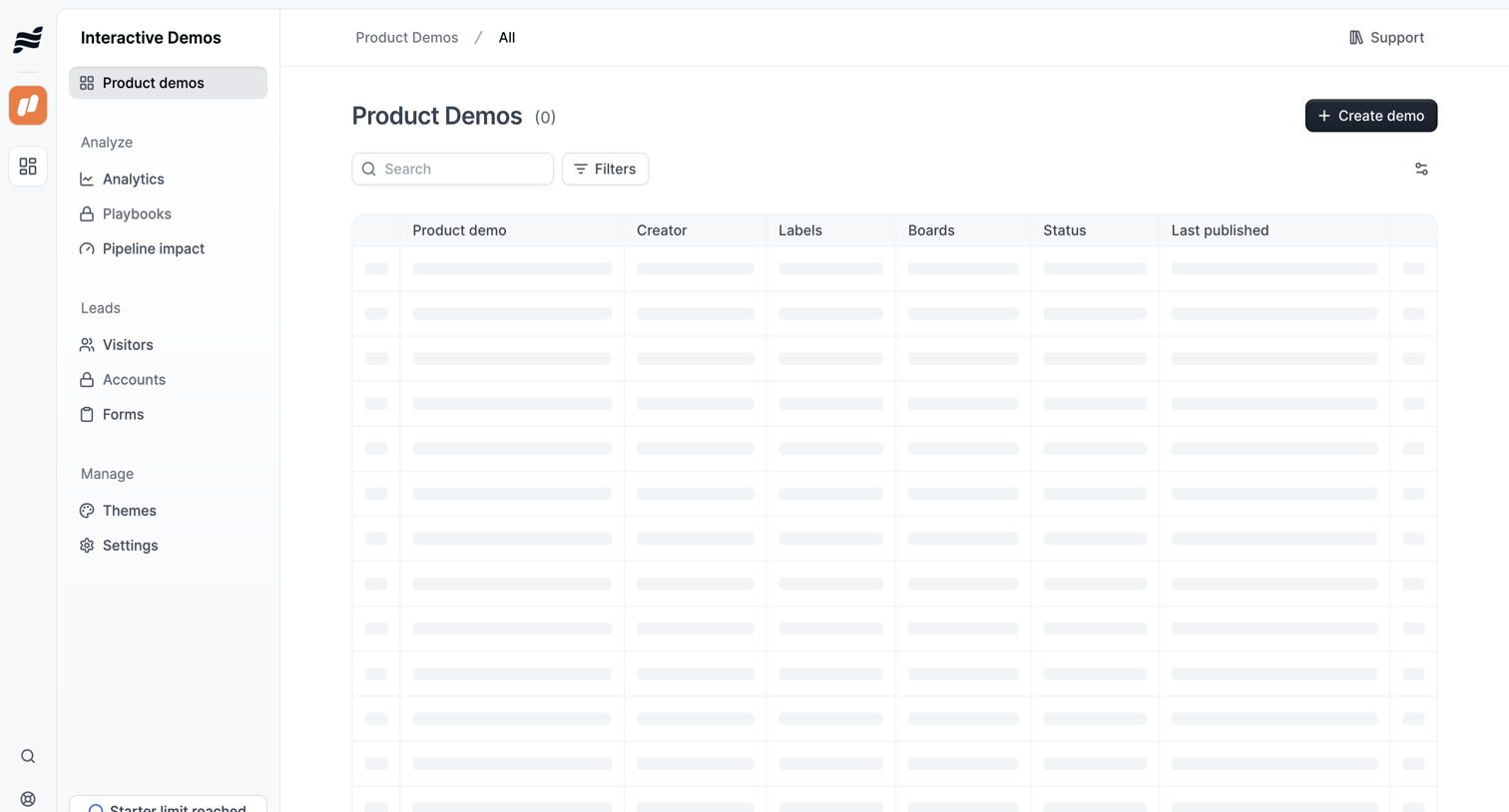

List view where the user manages product demos, currently showing a skeleton loading state for the data table alongside search and filter controls.

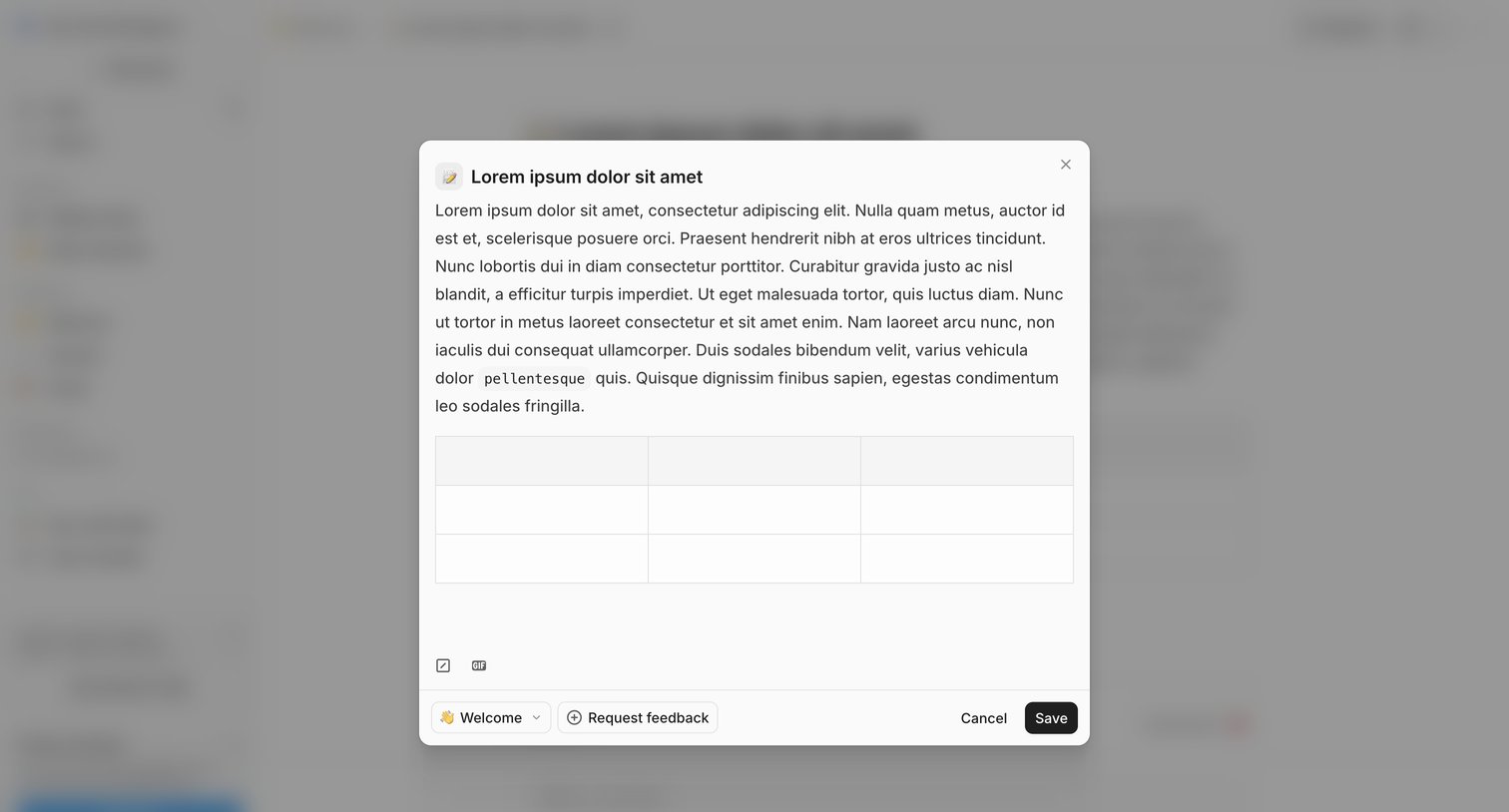

Detail page where the user edits a post's content in a modal, selects a publishing channel, and can request feedback before saving.
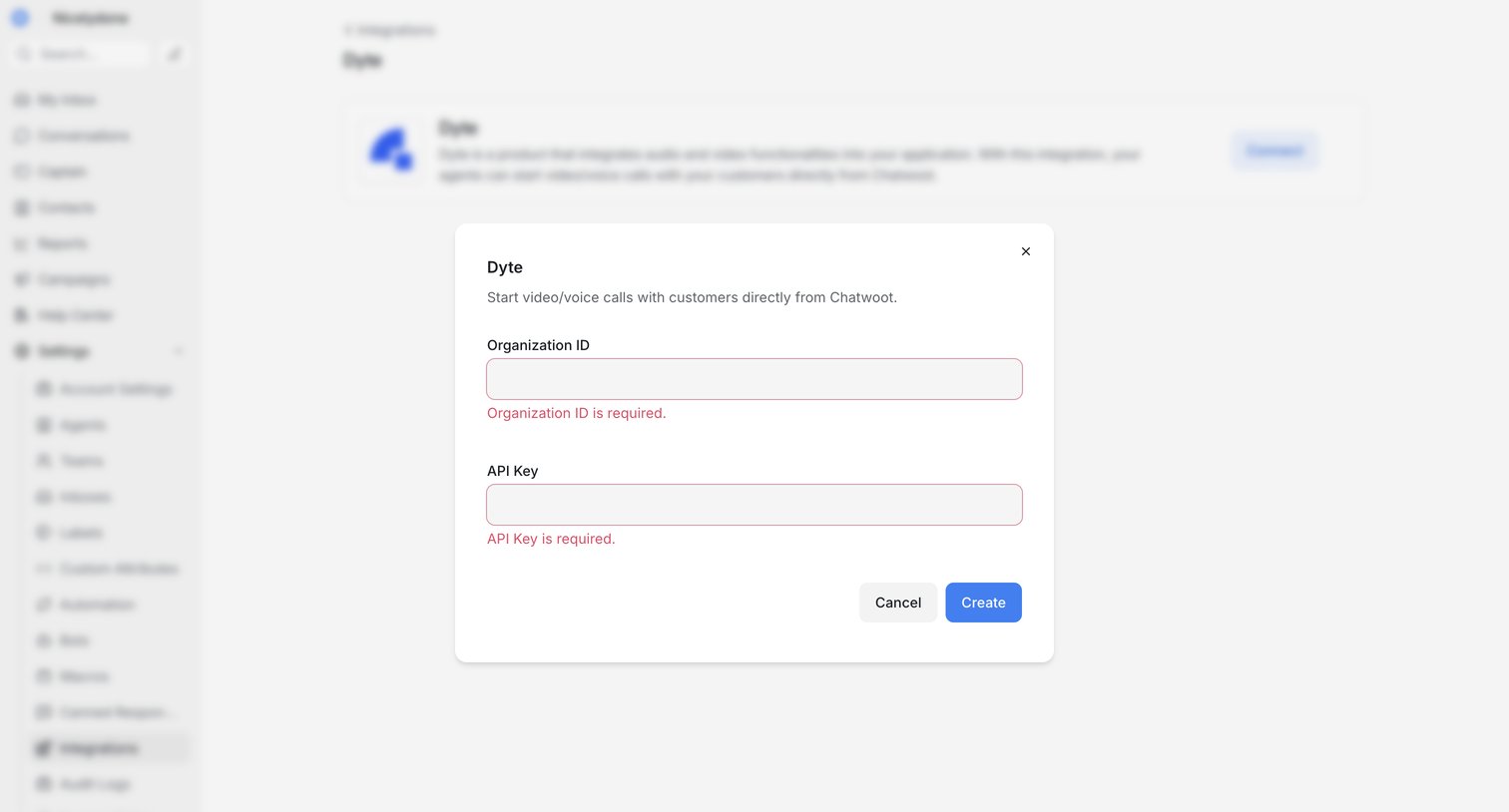

Settings page where the user configures the Dyte integration by entering their Organization ID and API Key, currently showing validation errors in a modal.
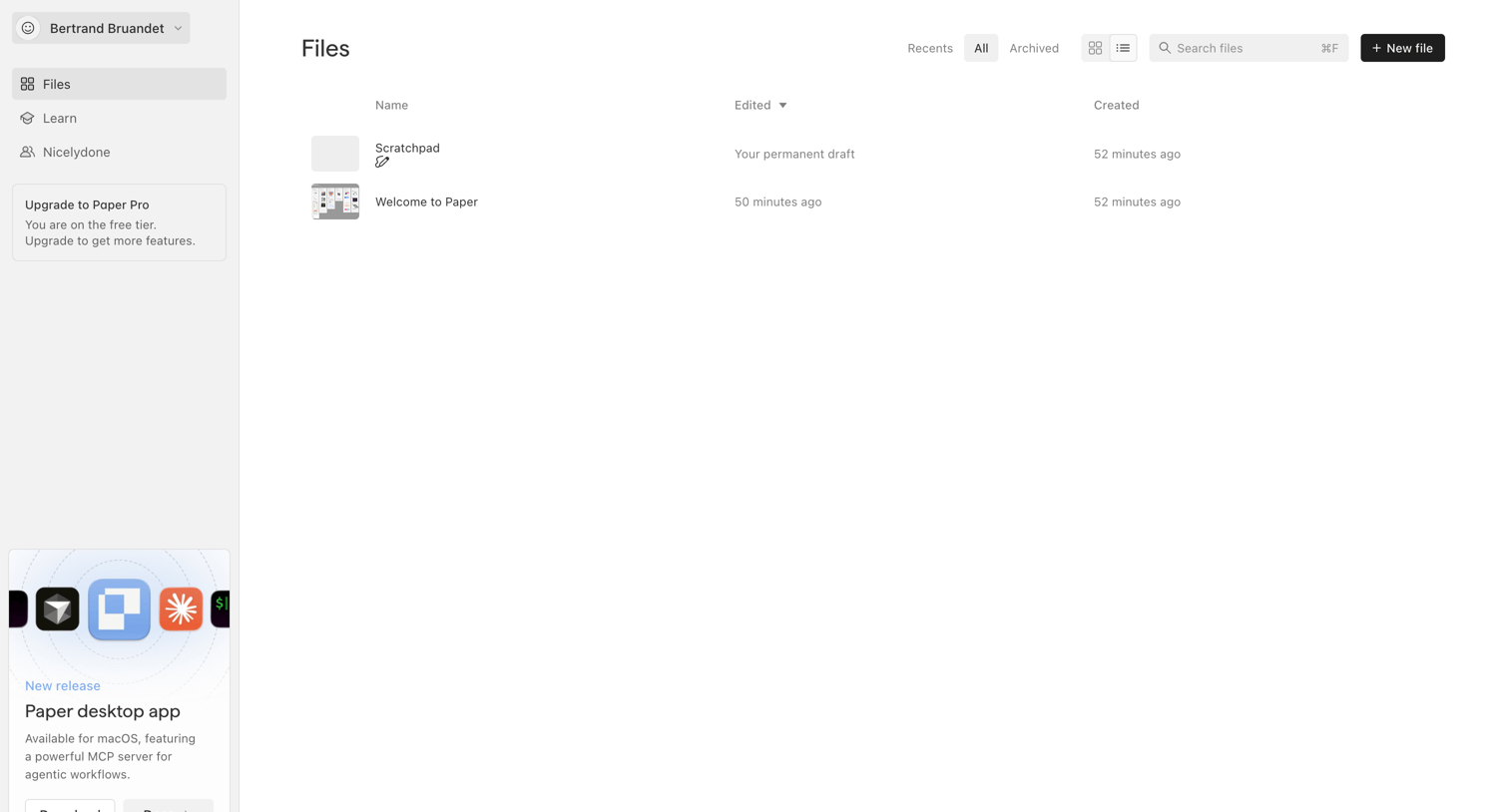

List view where the user manages their files, with options to filter by recent or archived, search, and create a new file, alongside a prompt to download the desktop app.
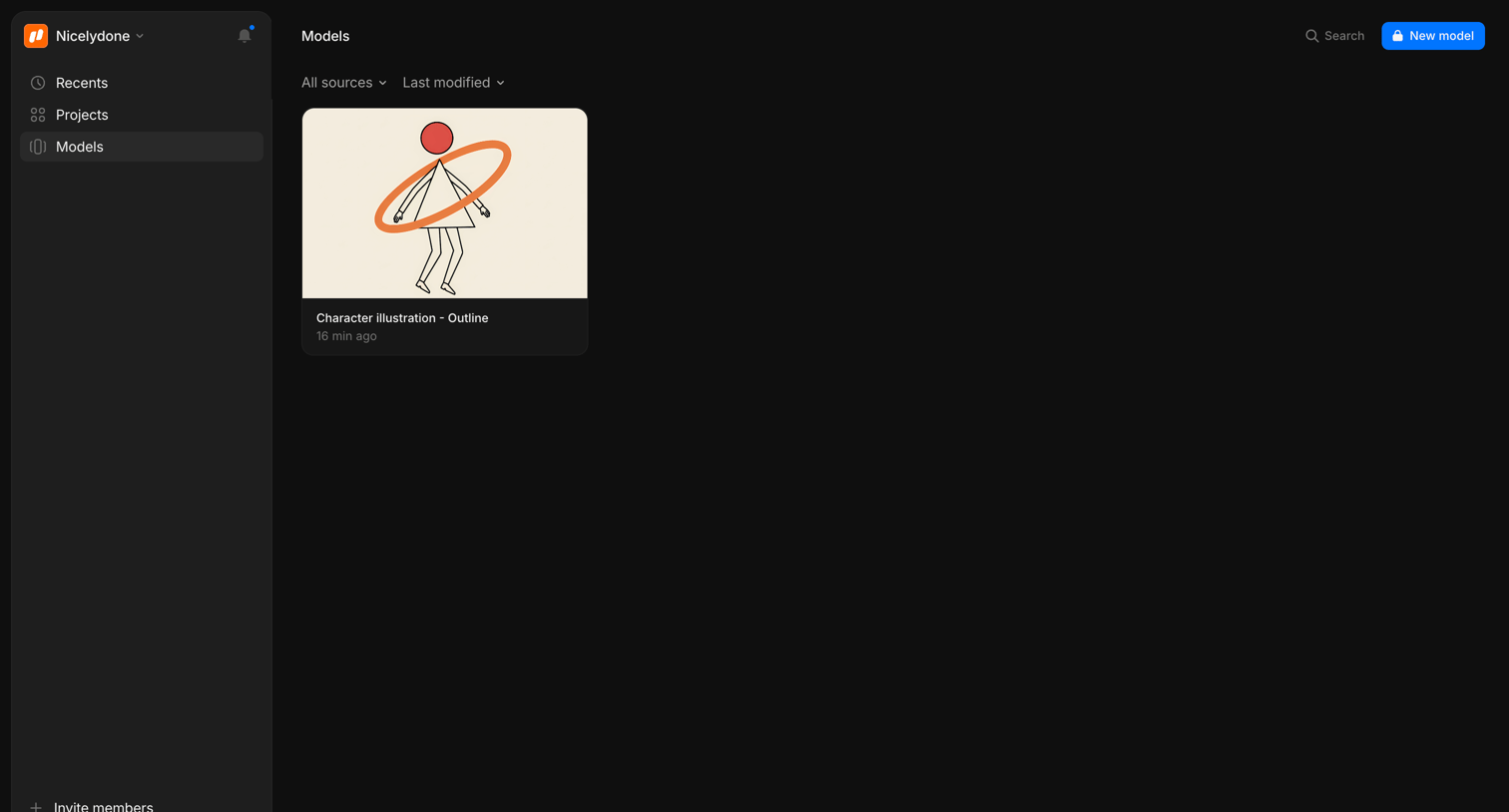

List view where the user browses their saved AI models, with options to filter by source, sort by modification date, or create a new model.
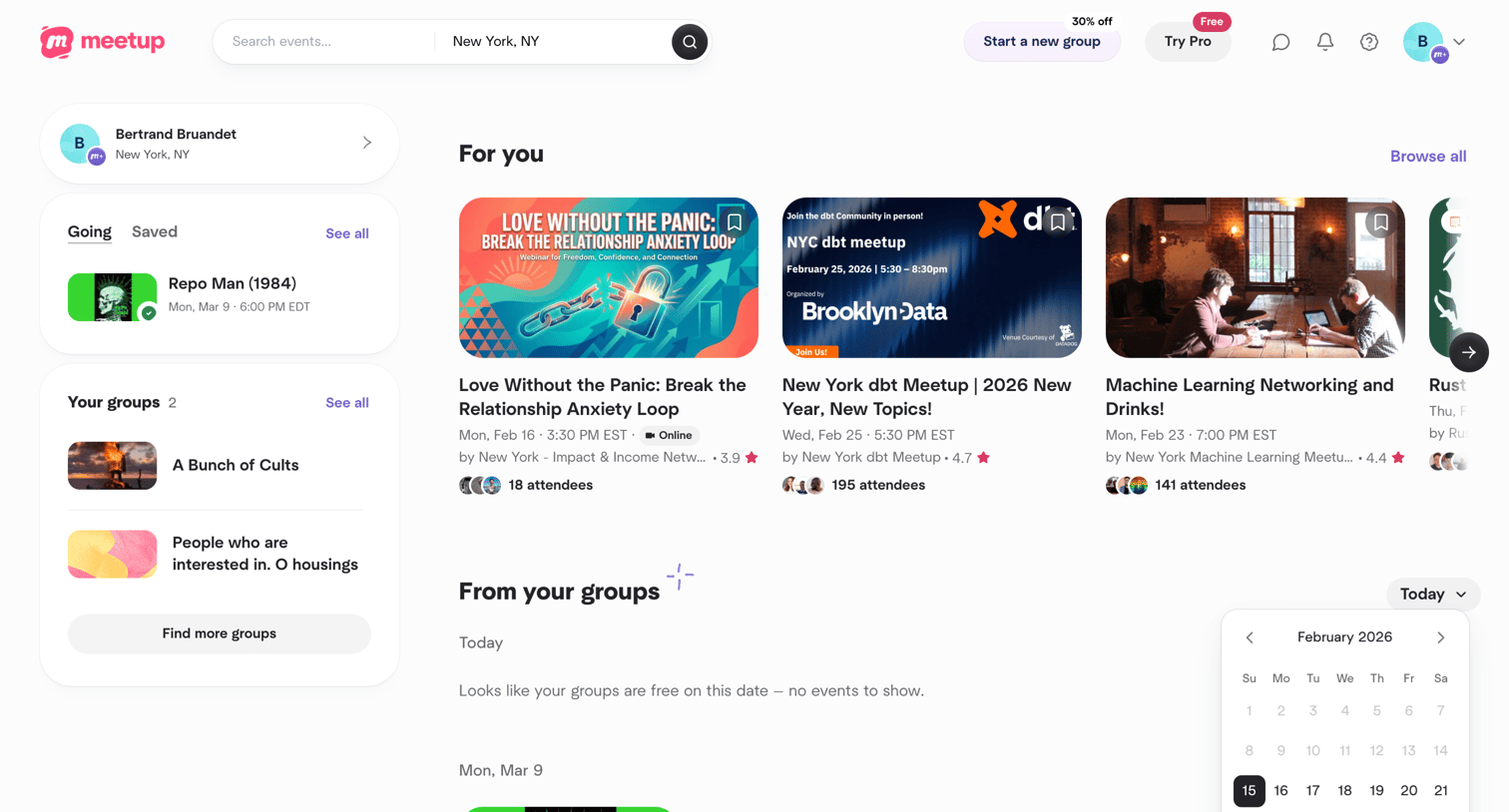

Explore the full SaaS screen library
Upgrade to unlock the full library.
Trusted by the best teams







