Content sharing screen examples
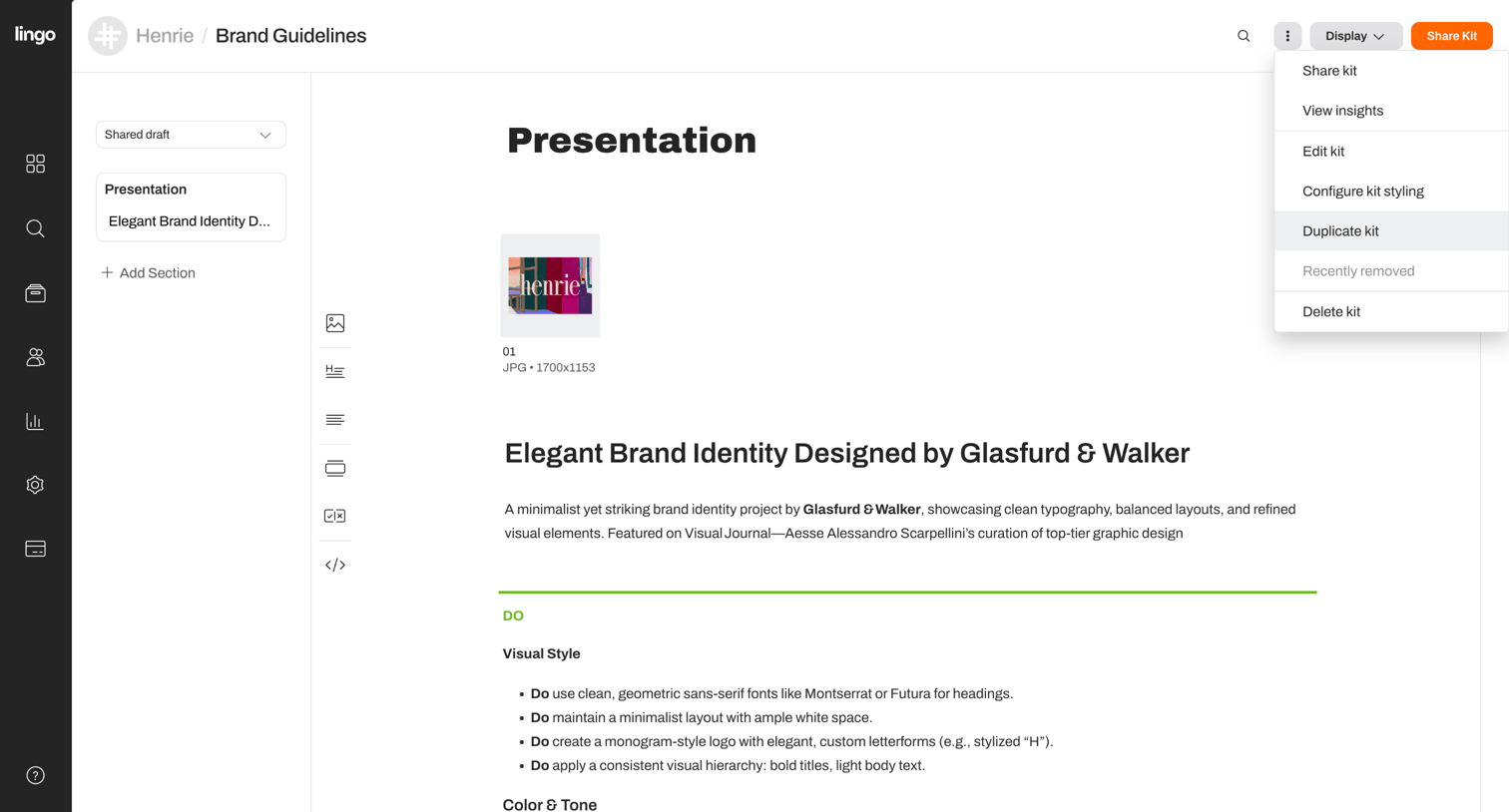
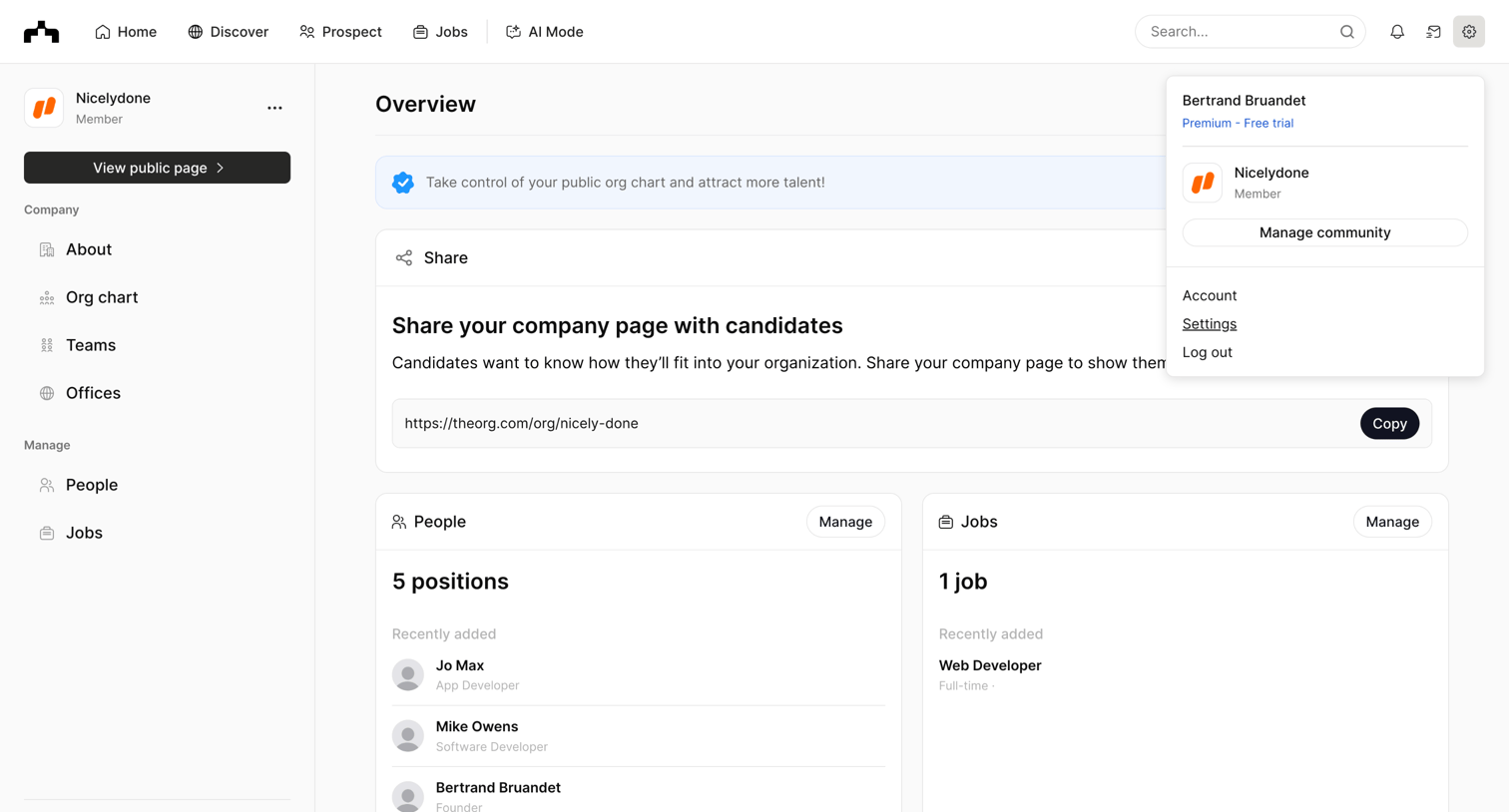
Content sharing screen design examples from SaaS apps. Browse examples from Dock, Flora, Slite.
Explore the examples
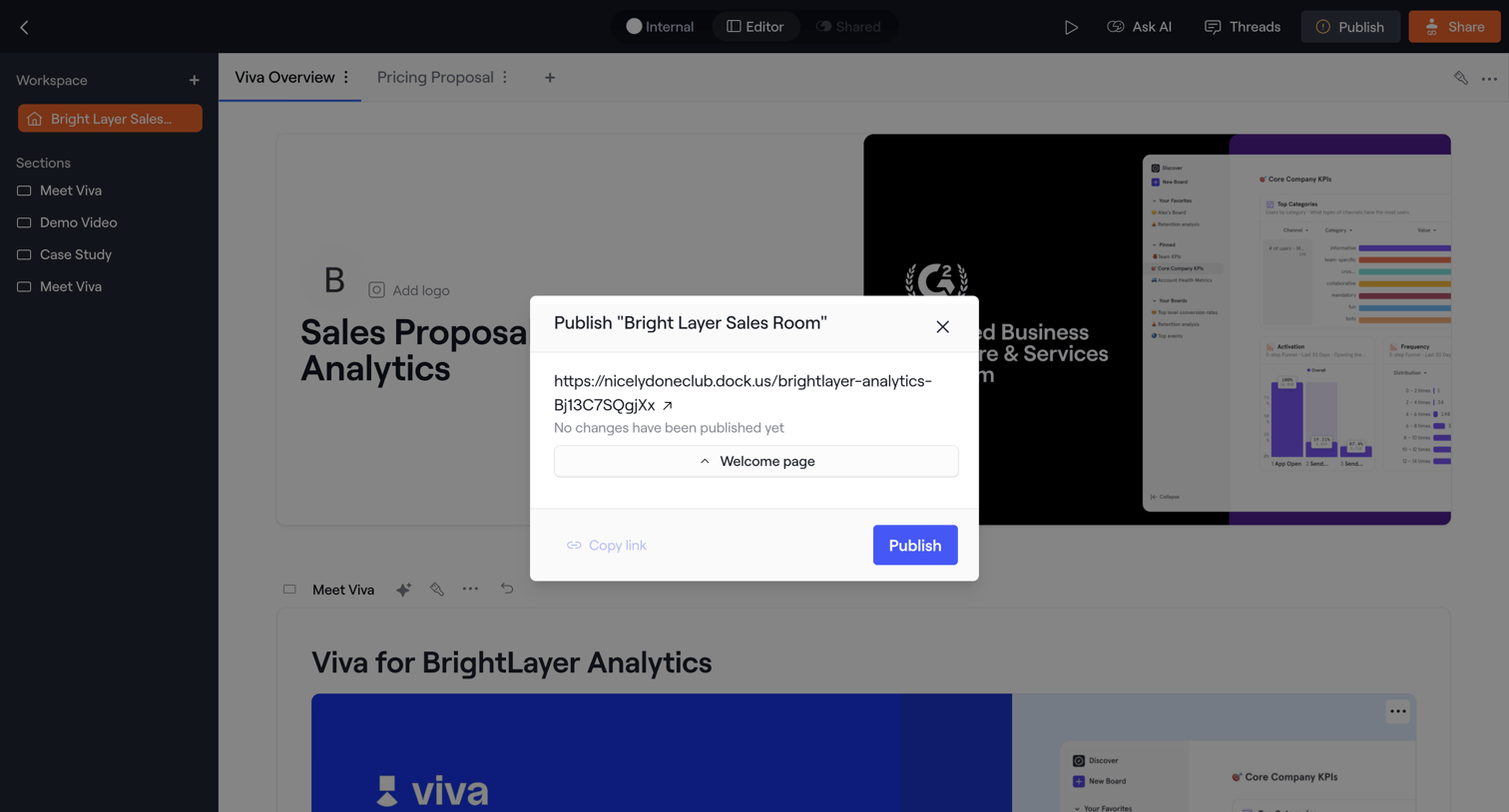

Content editor where the user is publishing a sales room document, confirming the URL and start page in a modal.
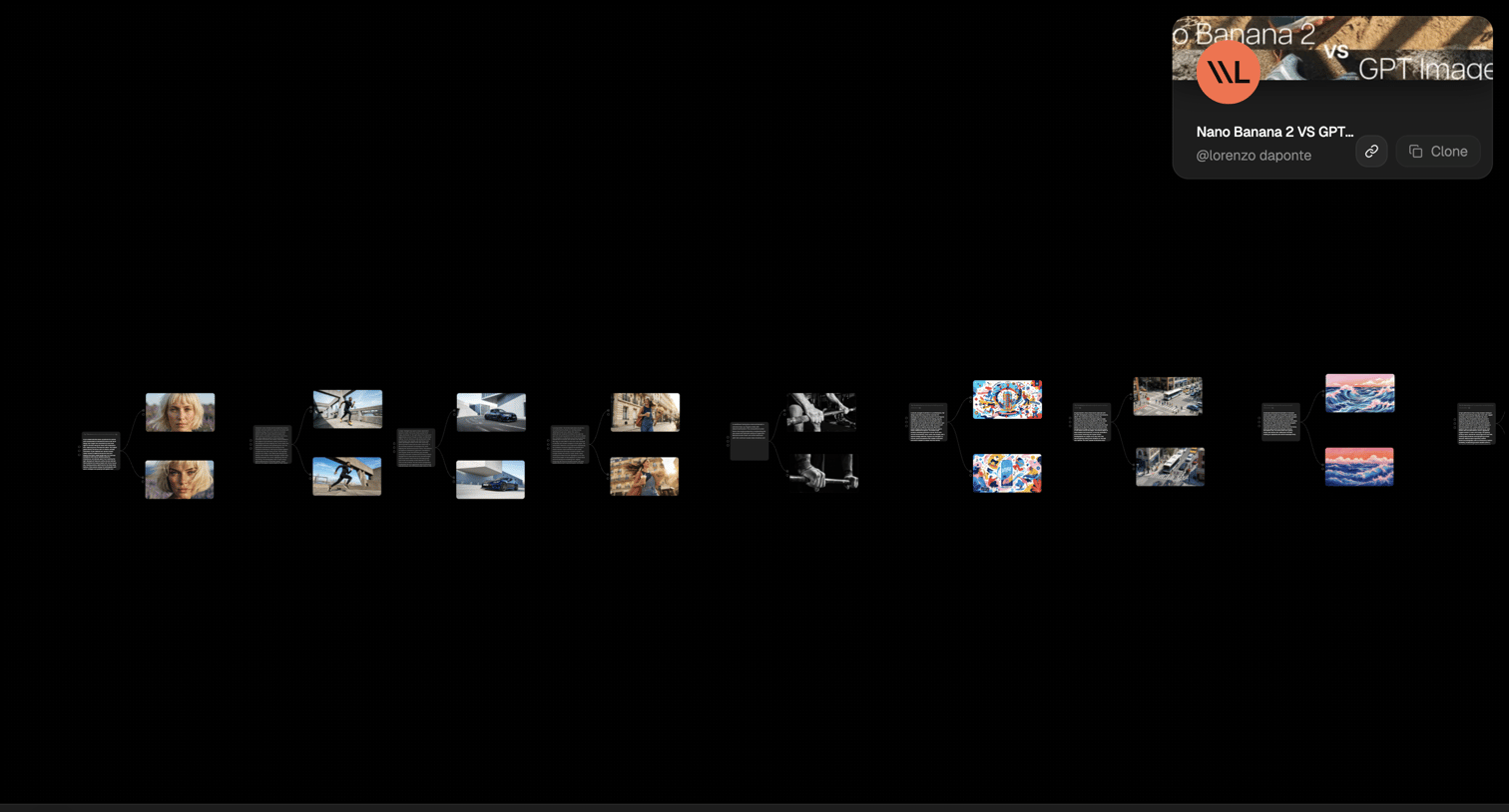

Canvas view where the user compares AI image generations side-by-side from different prompts, with project details in a bottom toolbar.
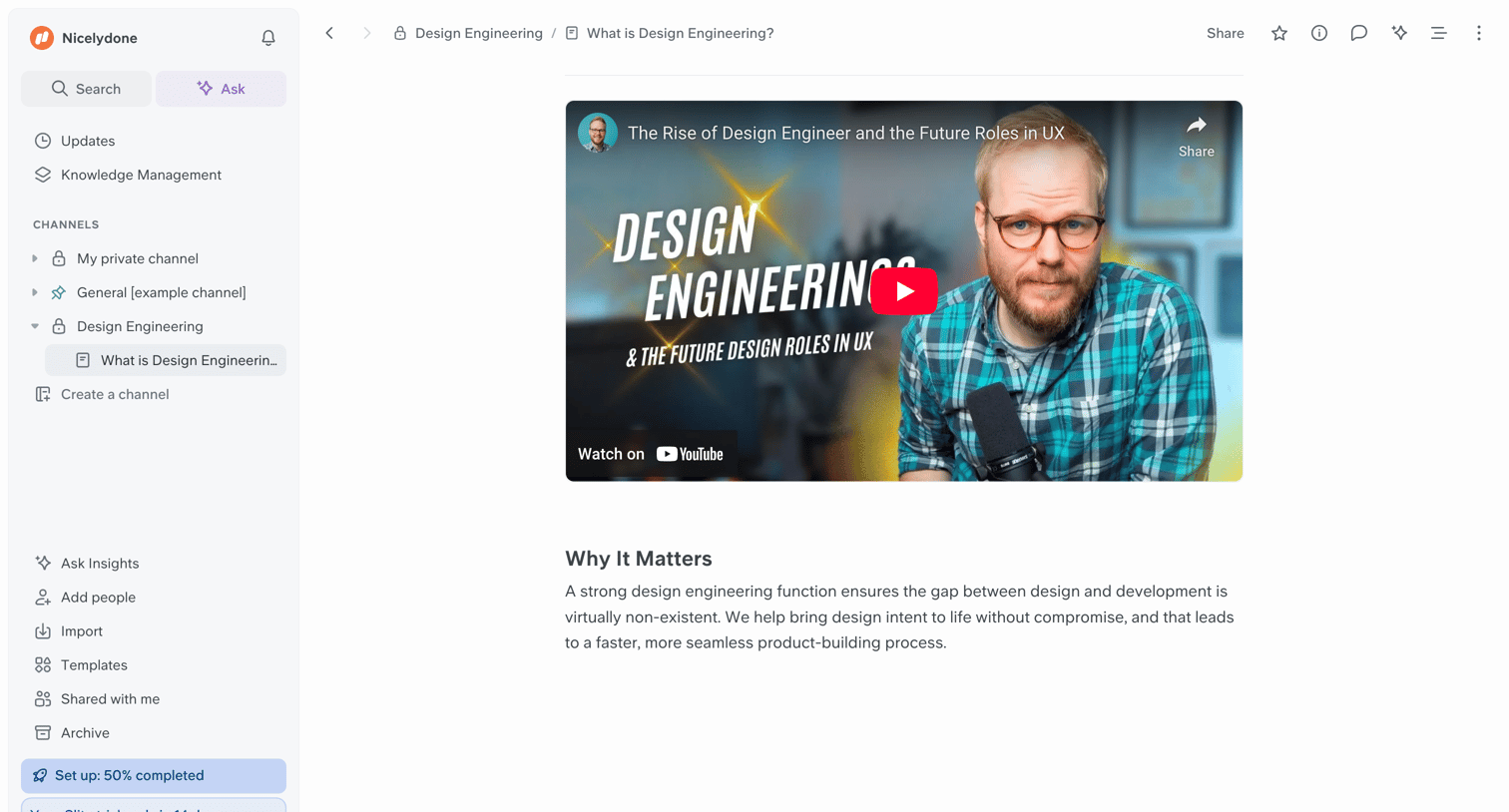

Document editor where the user reads an article about design engineering featuring an embedded YouTube video and a sidebar with workspace navigation.
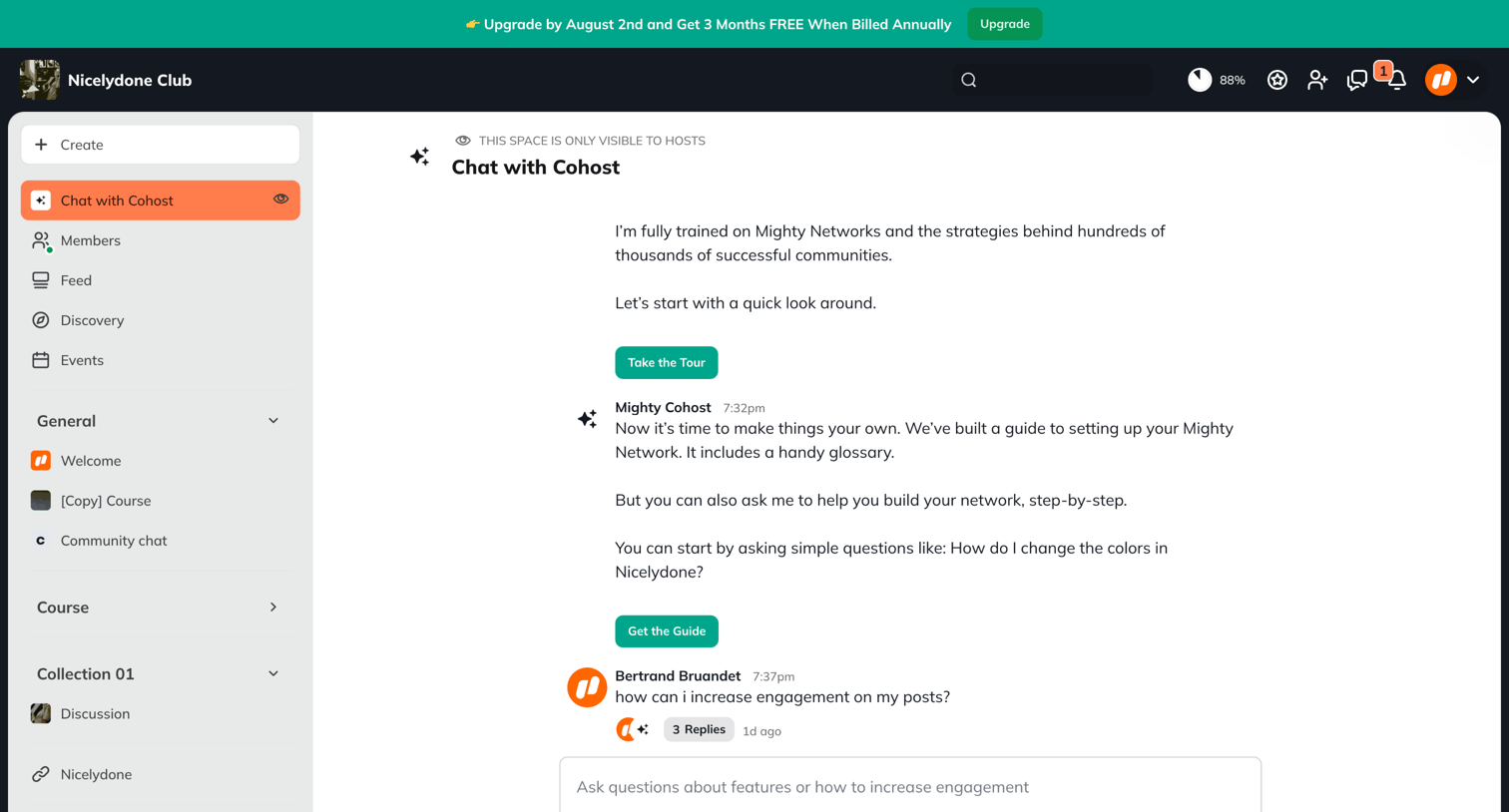



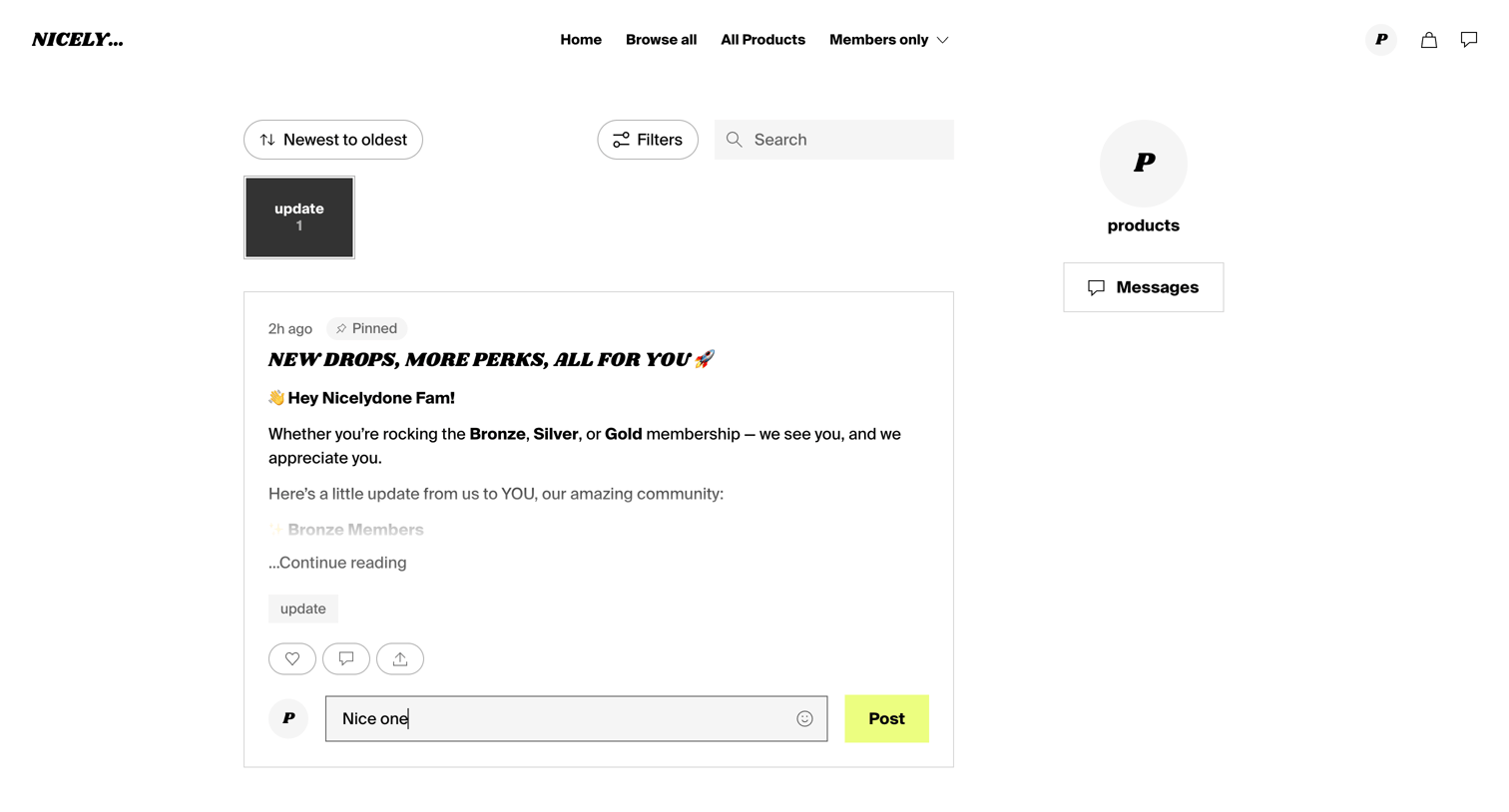

Community feed where members can read creator updates, filter posts by category, and leave comments.
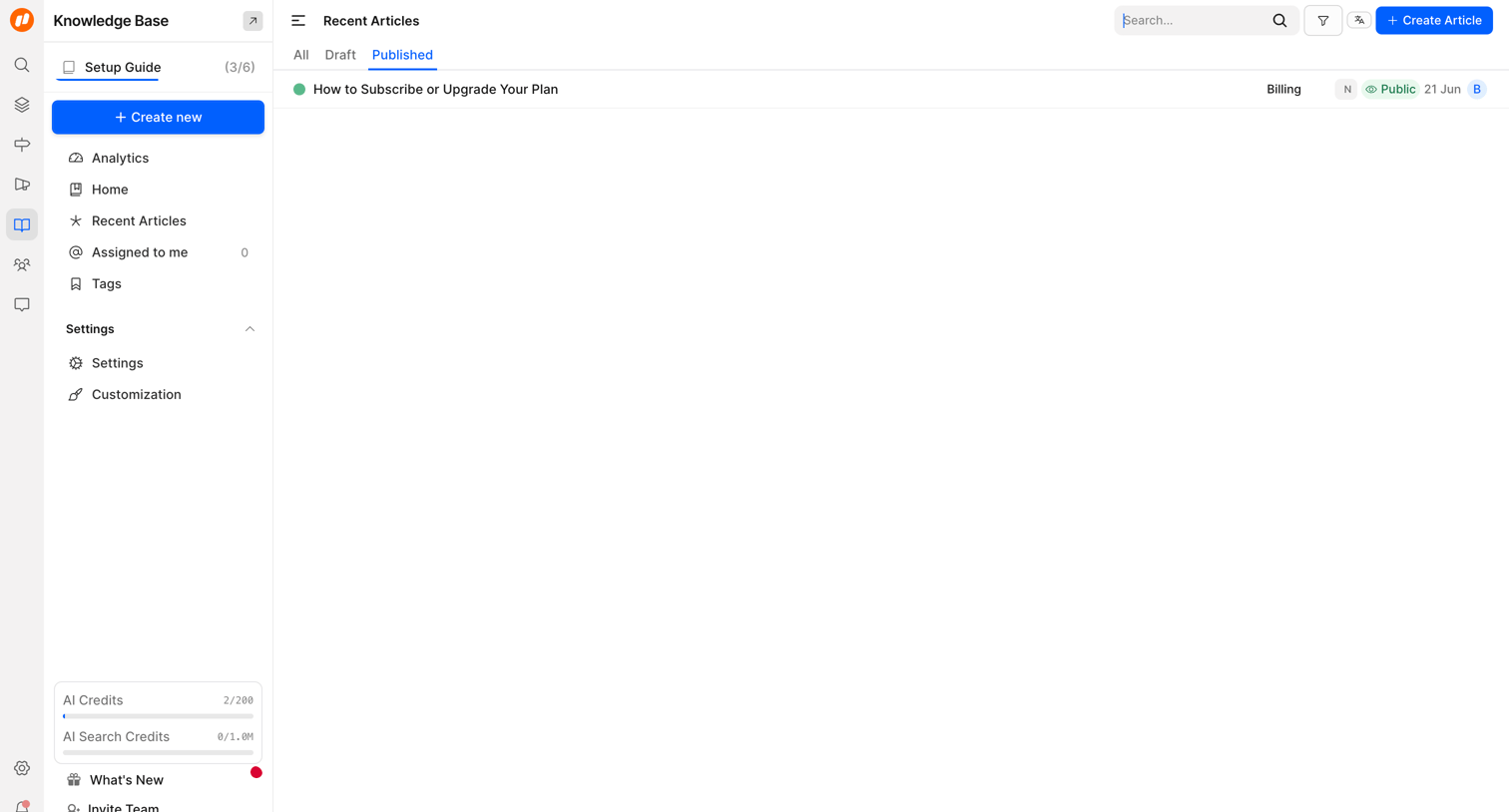

List view where the user manages published knowledge base articles, with options to search, filter, and create new ones.
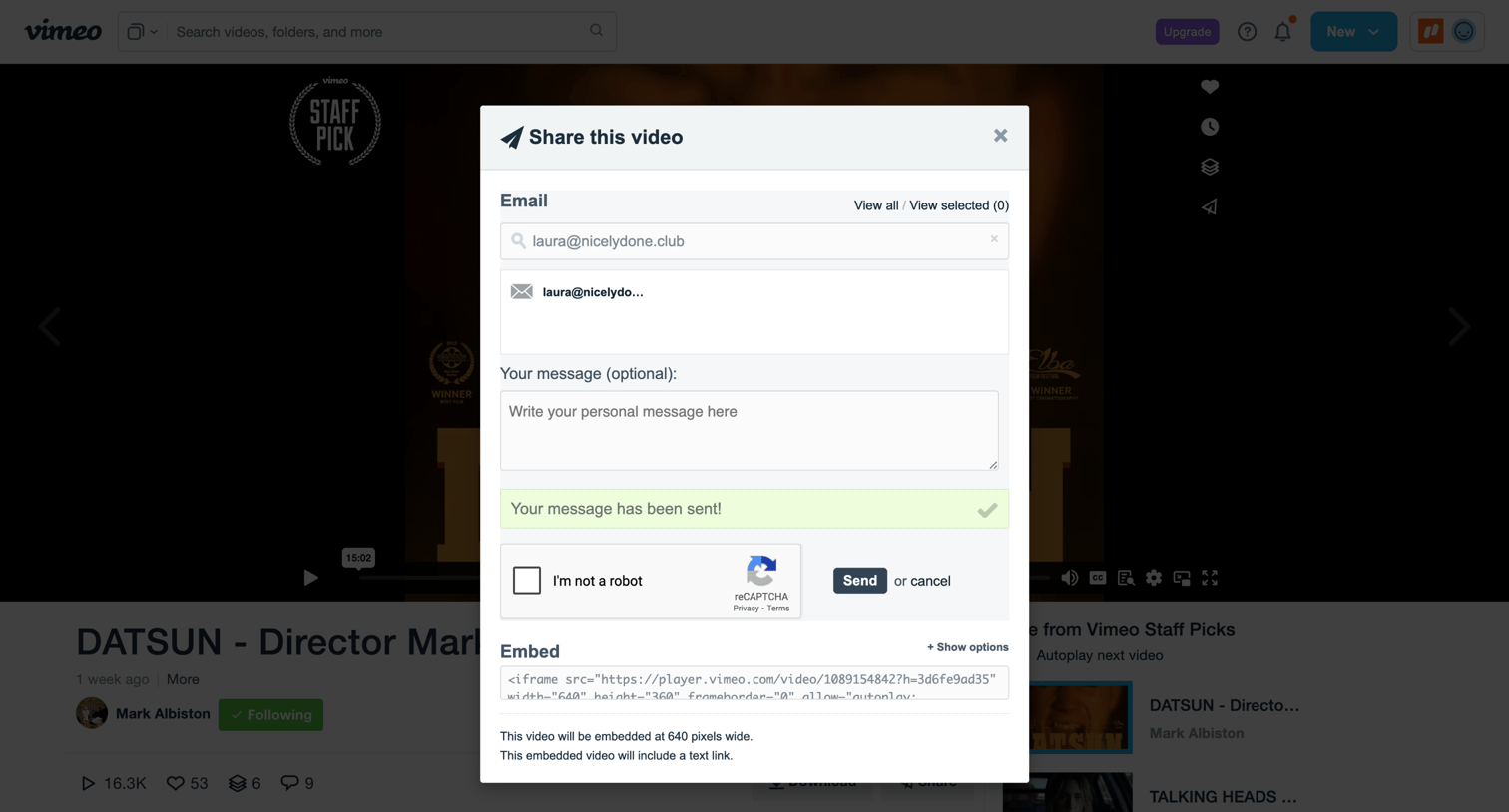

Detail page where the user has successfully shared a video via email and can copy the embed code.
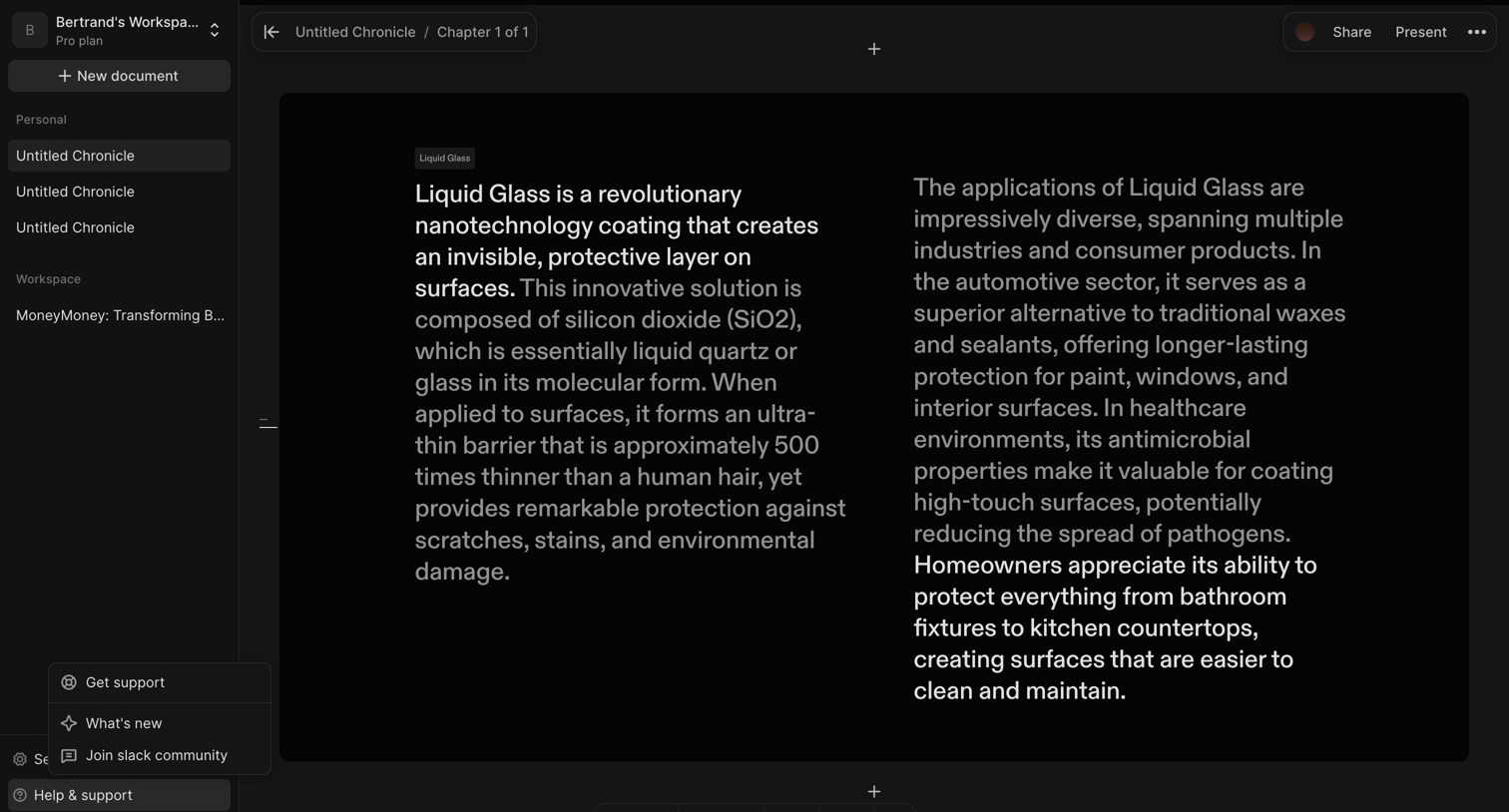

Content editor where the user is writing a multi-column document about Liquid Glass, featuring a floating formatting toolbar and an open help menu in the sidebar.
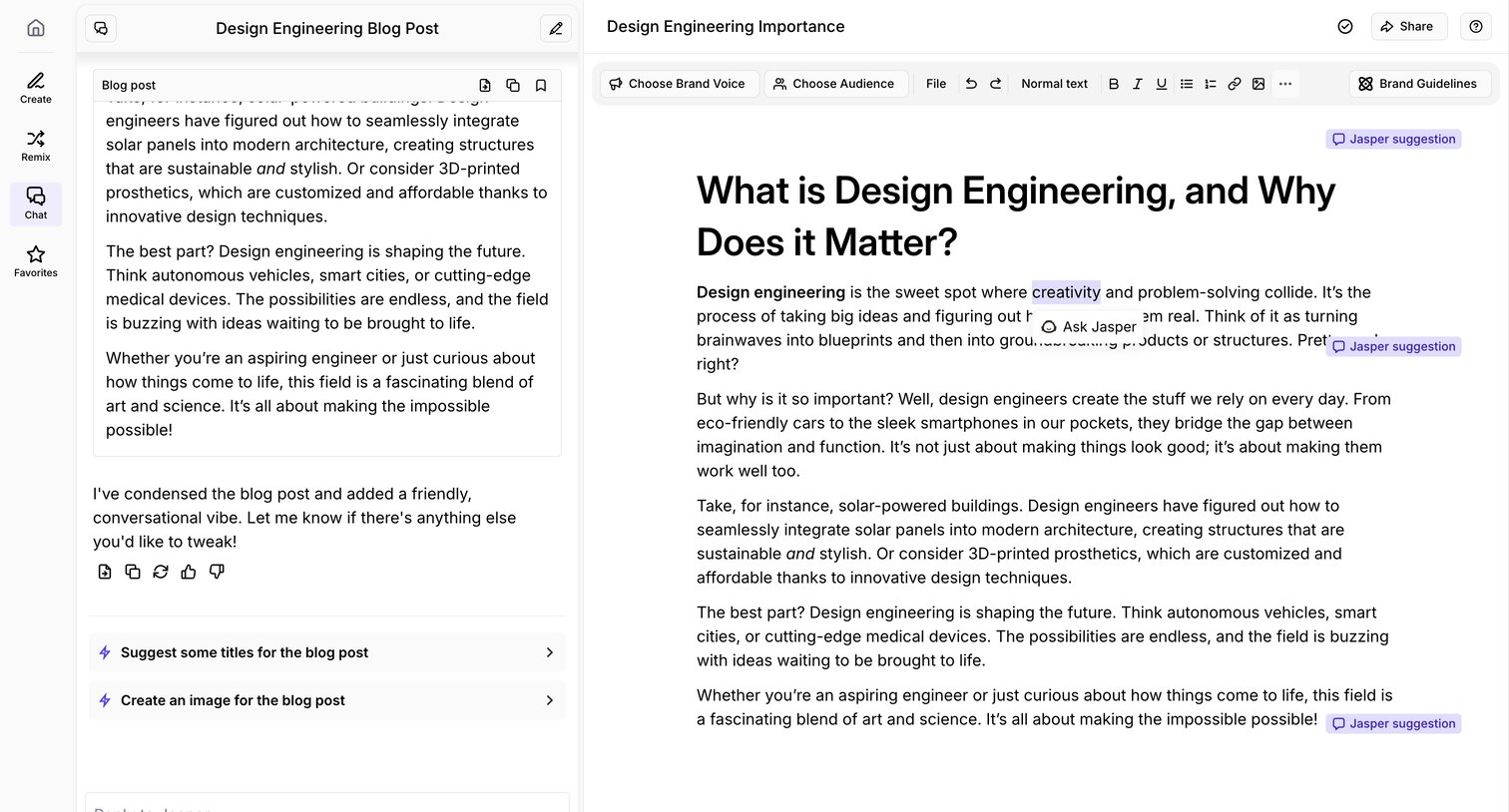

Content editor where the user drafts a blog post about design engineering alongside an AI chat assistant offering suggestions and revisions.
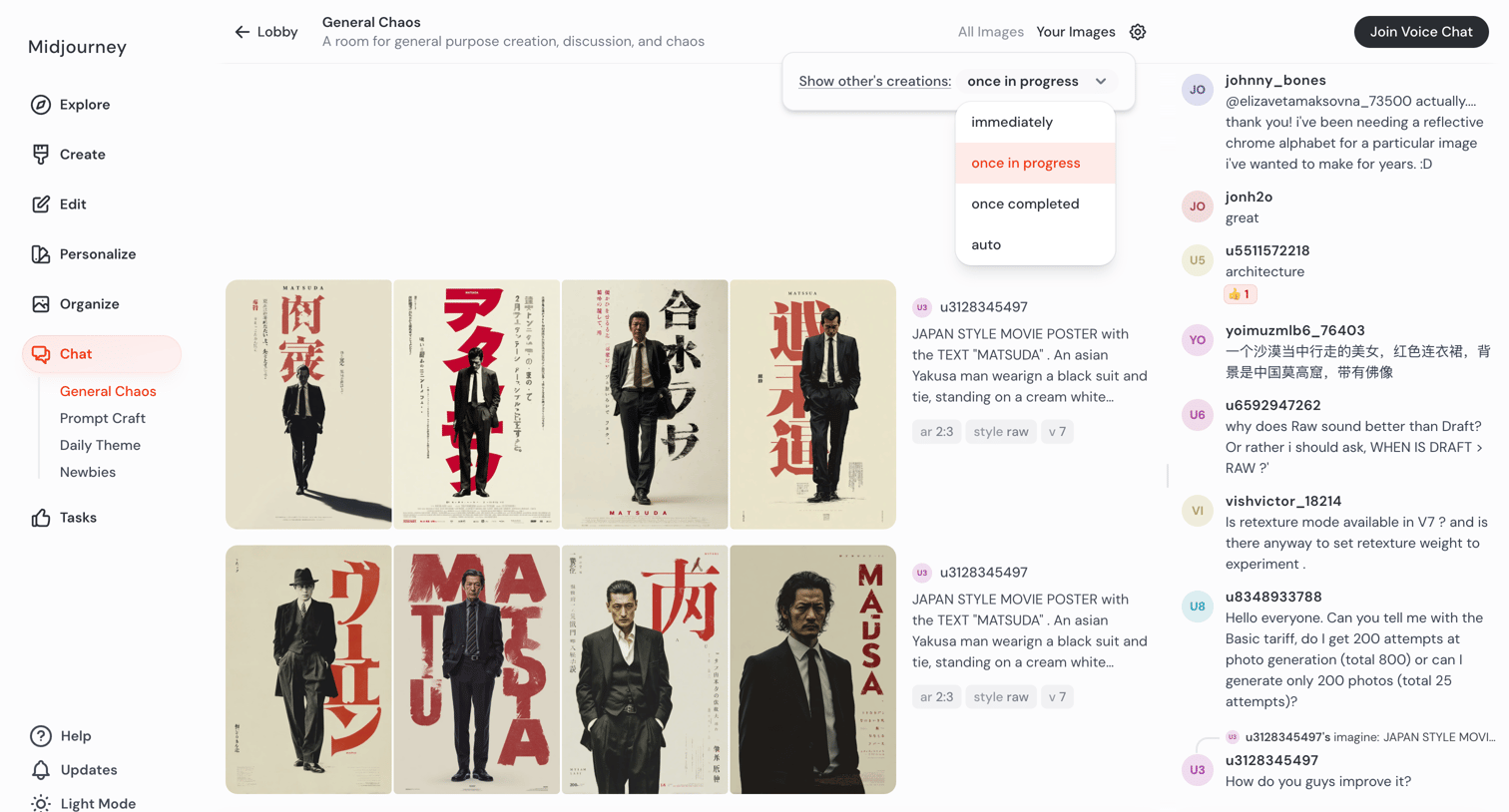

AI generation room where users view a live feed of community-created images, chat with others in a side panel, and enter prompts to generate new artwork.
Explore the full SaaS screen library
Upgrade to unlock the full library.
Trusted by the best teams







