Collaboration screen examples
Collaboration screen design examples from SaaS apps. See how collaboration apps bring people into shared work. Explore how workspaces, discussions, and review controls connect individual actions with a team.
Explore the examples
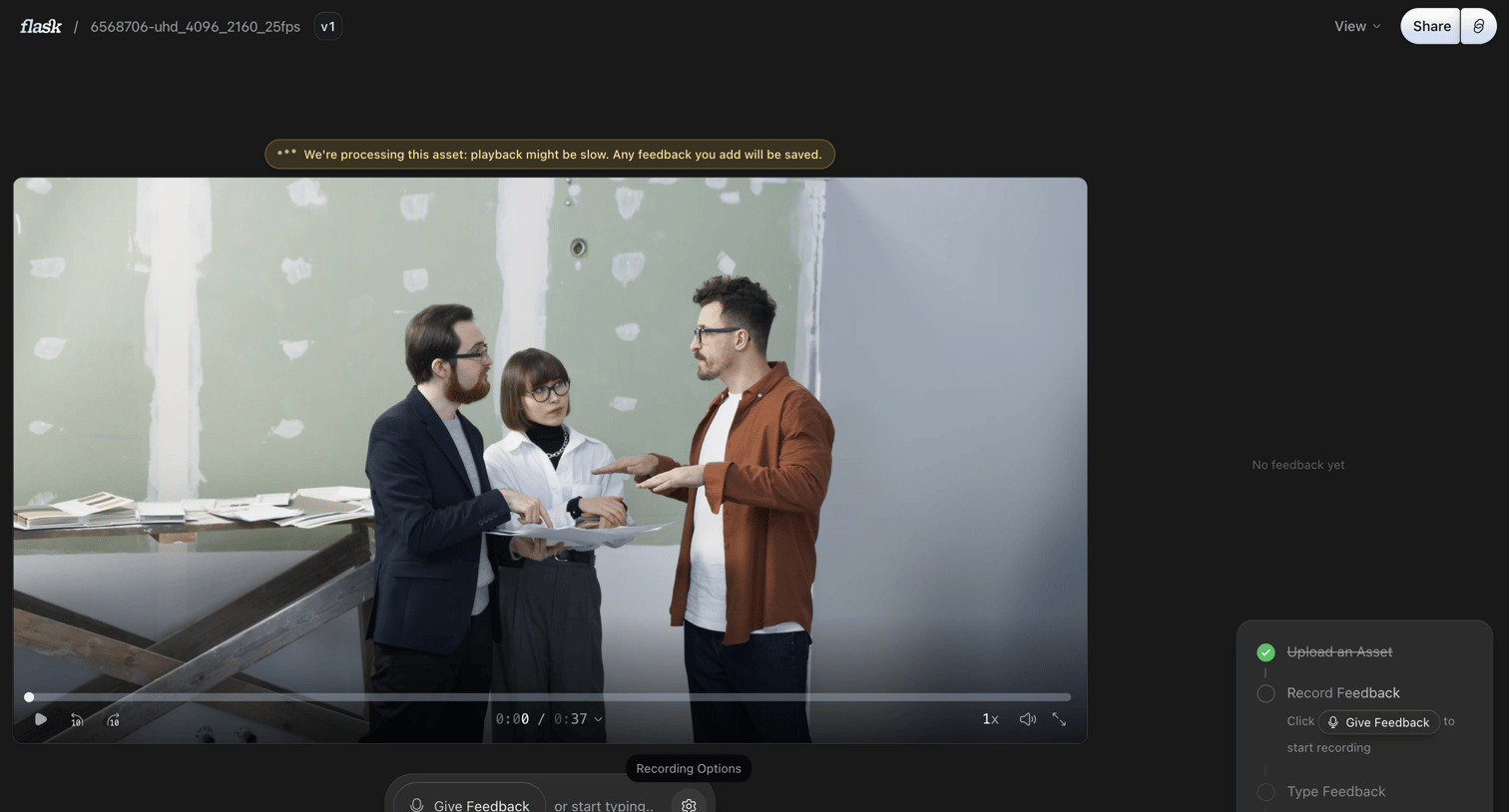

Detail page where the user can watch a processing video asset and leave feedback via a floating voice or text composer, with an onboarding checklist in the sidebar.
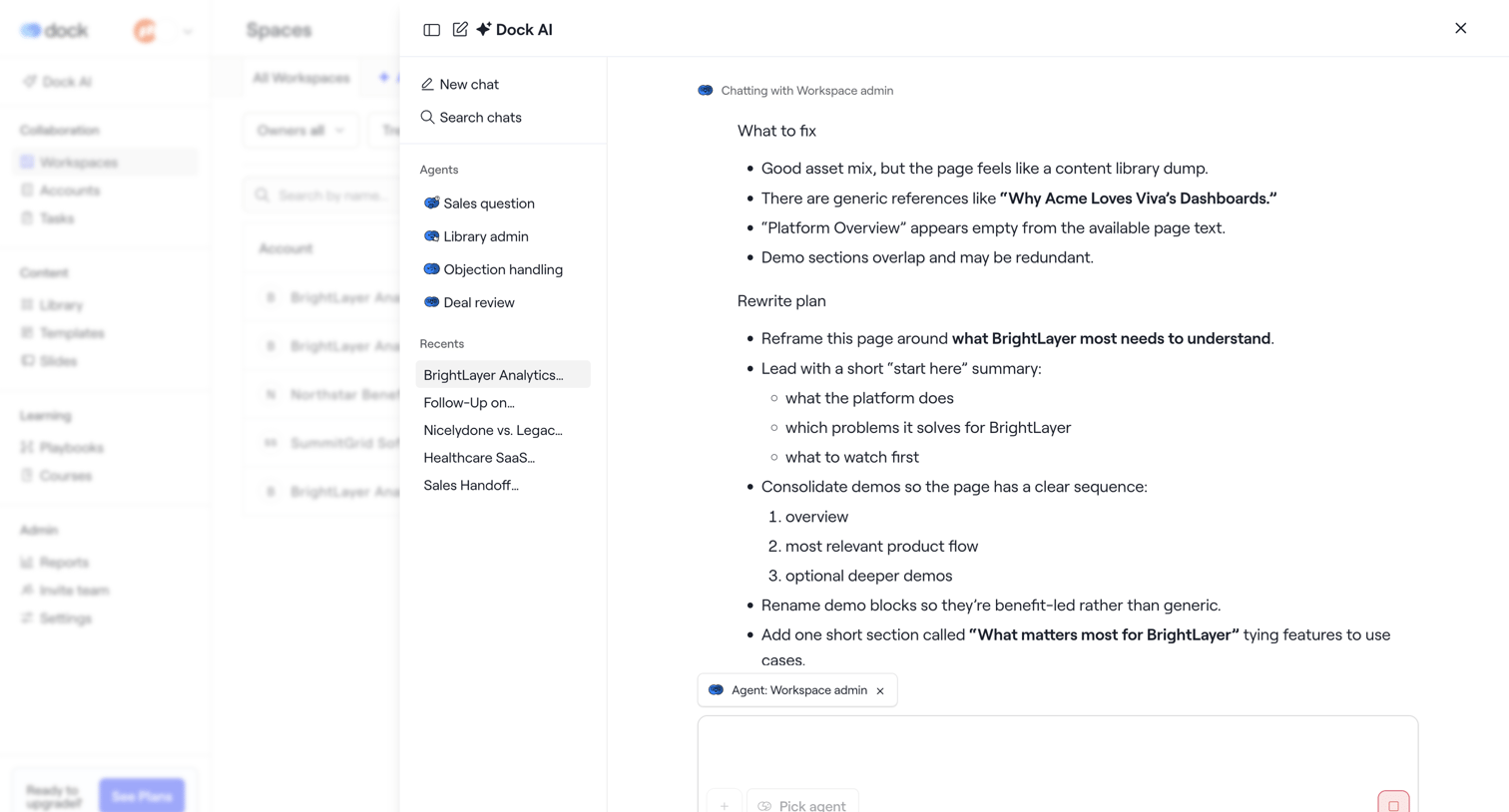

AI assistant drawer where the user chats with a workspace admin agent to review a rewrite plan for a BrightLayer page.
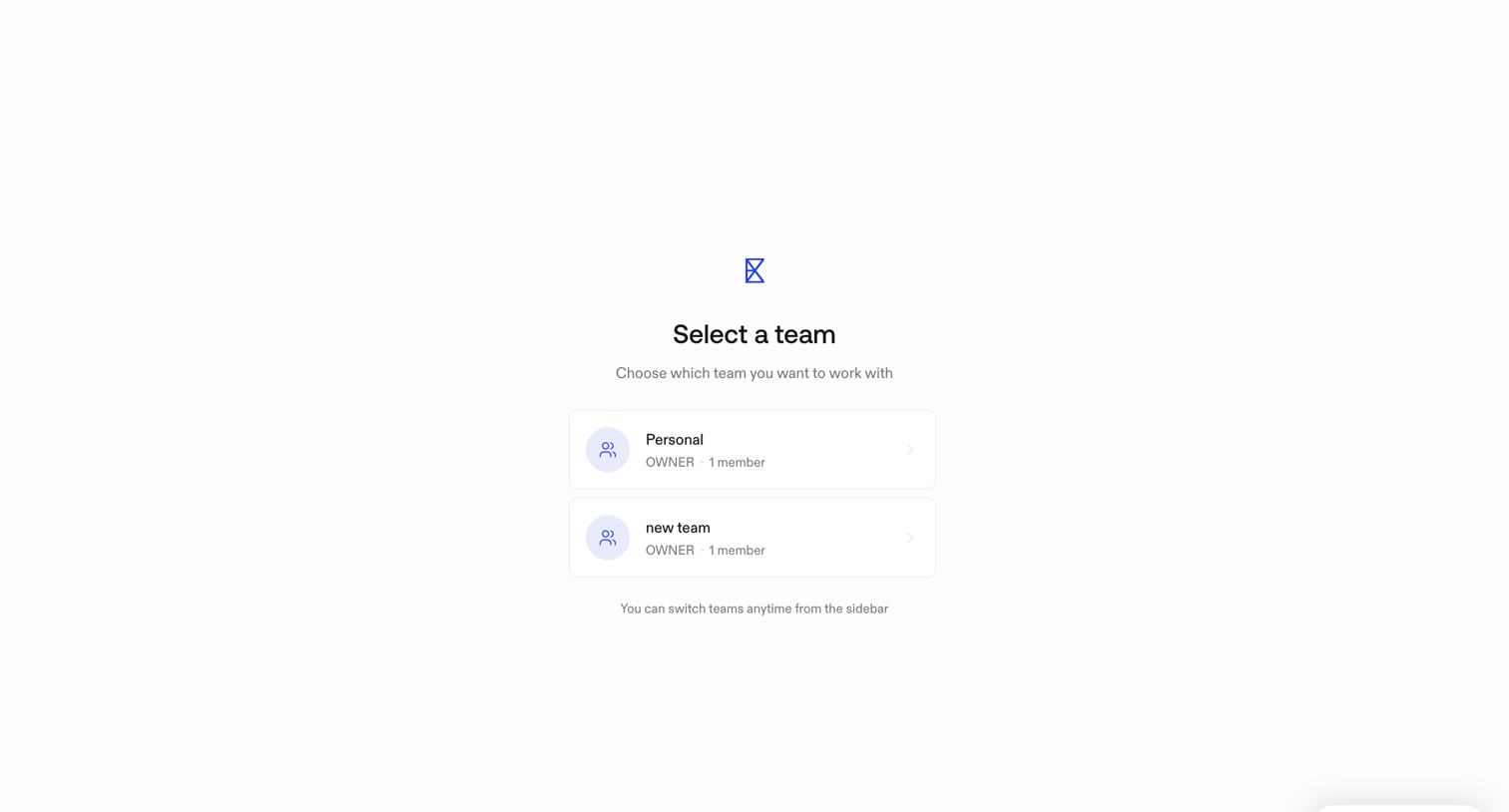

Onboarding step where the user selects which team workspace they want to access before entering the main application.
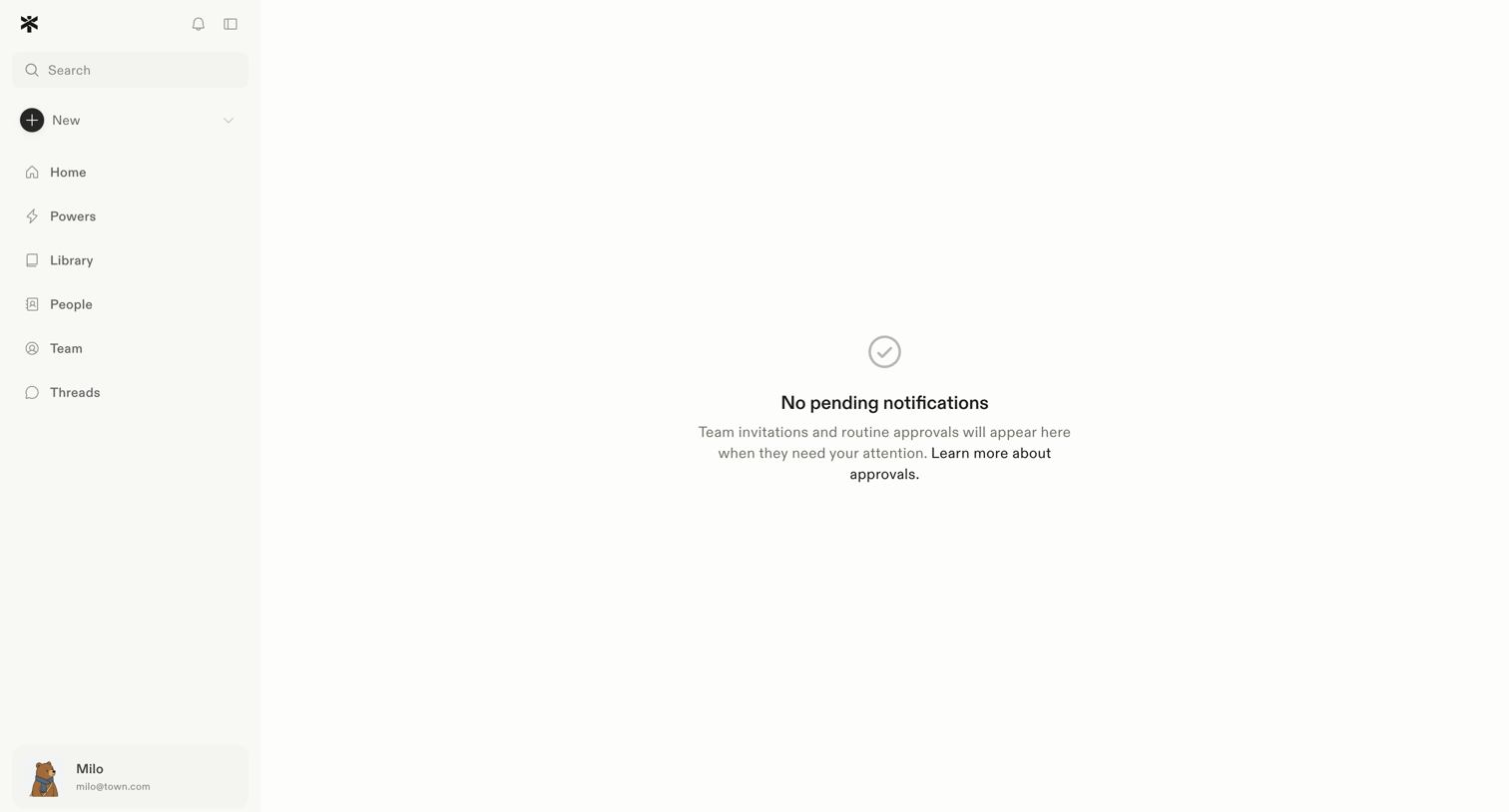

Inbox view showing an empty state for pending team invitations and routine approvals.
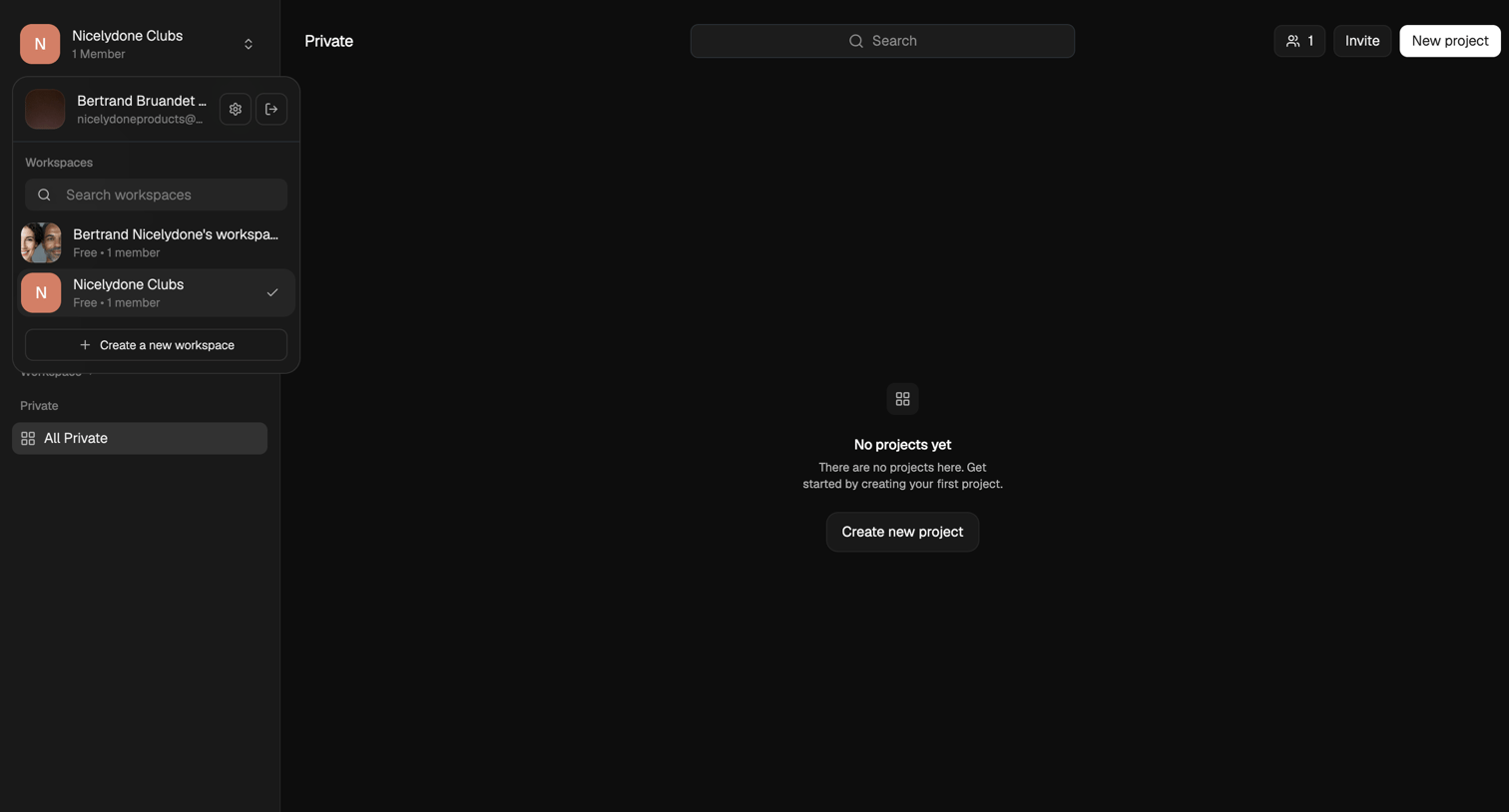

List view where the user is prompted to create their first project in a private workspace.
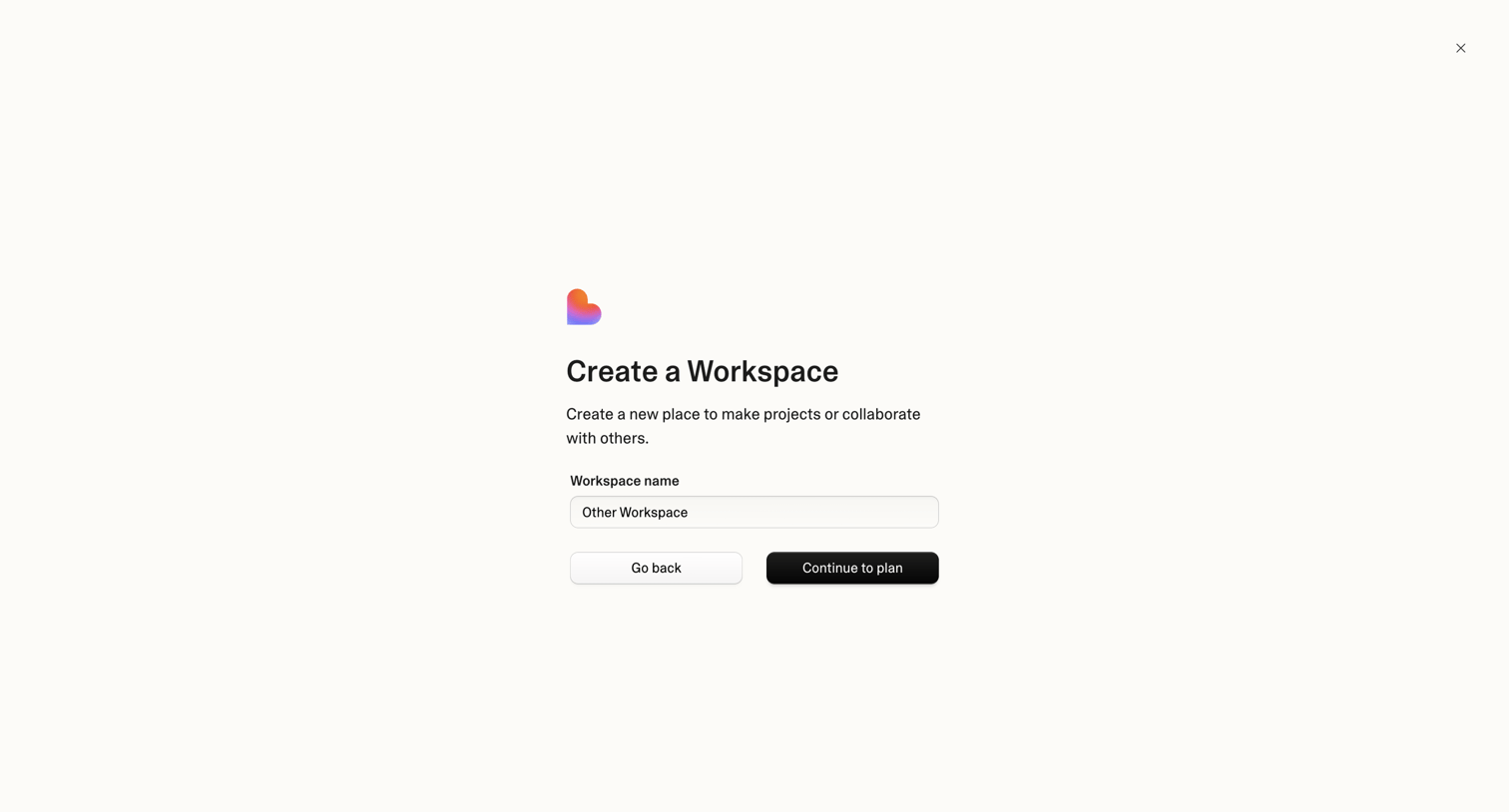

Creation modal where the user names a new workspace and proceeds to plan selection.

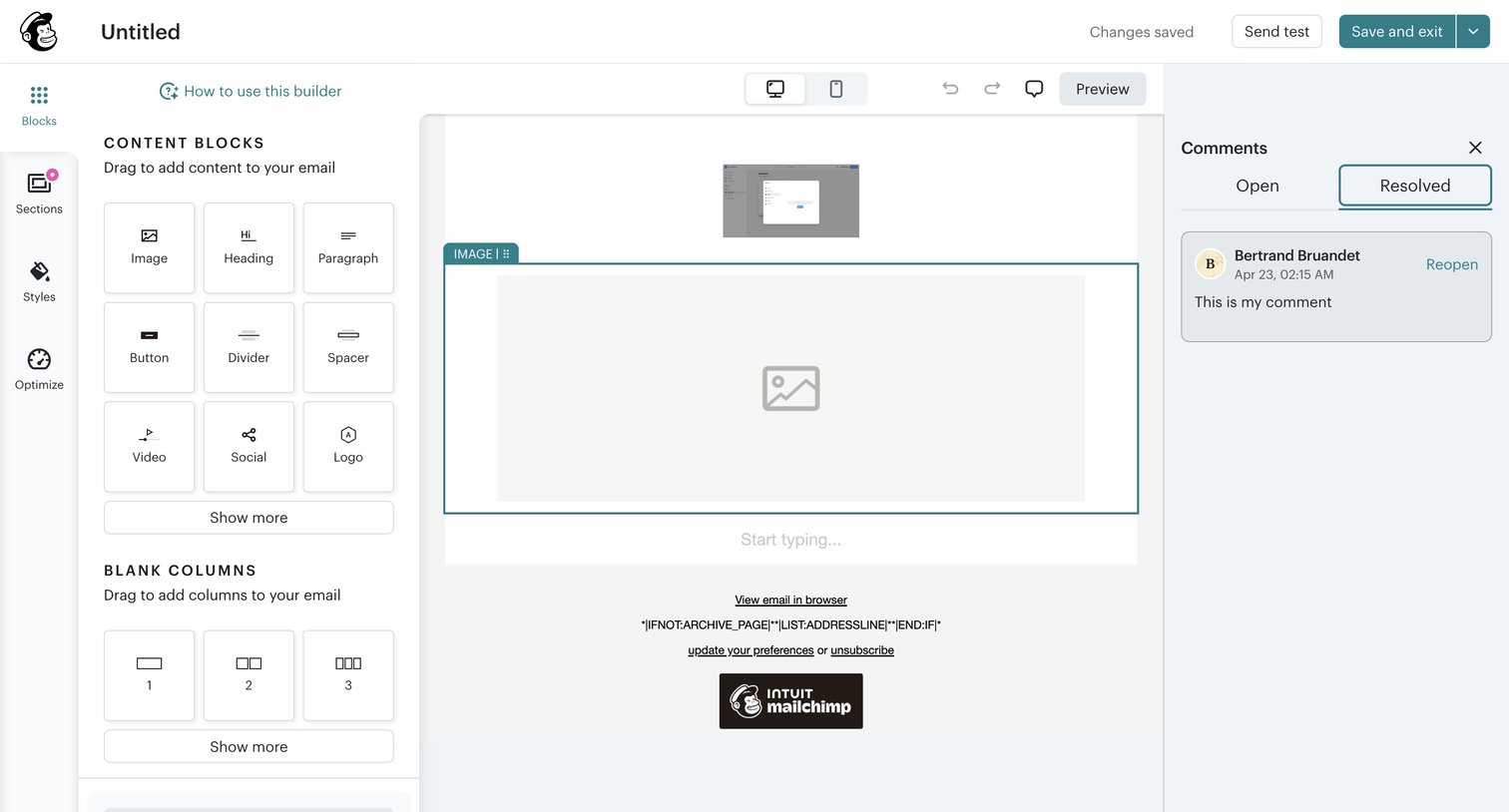

Design editor where the user drags and drops content blocks and columns to build an email campaign, while viewing resolved comments in a side panel.
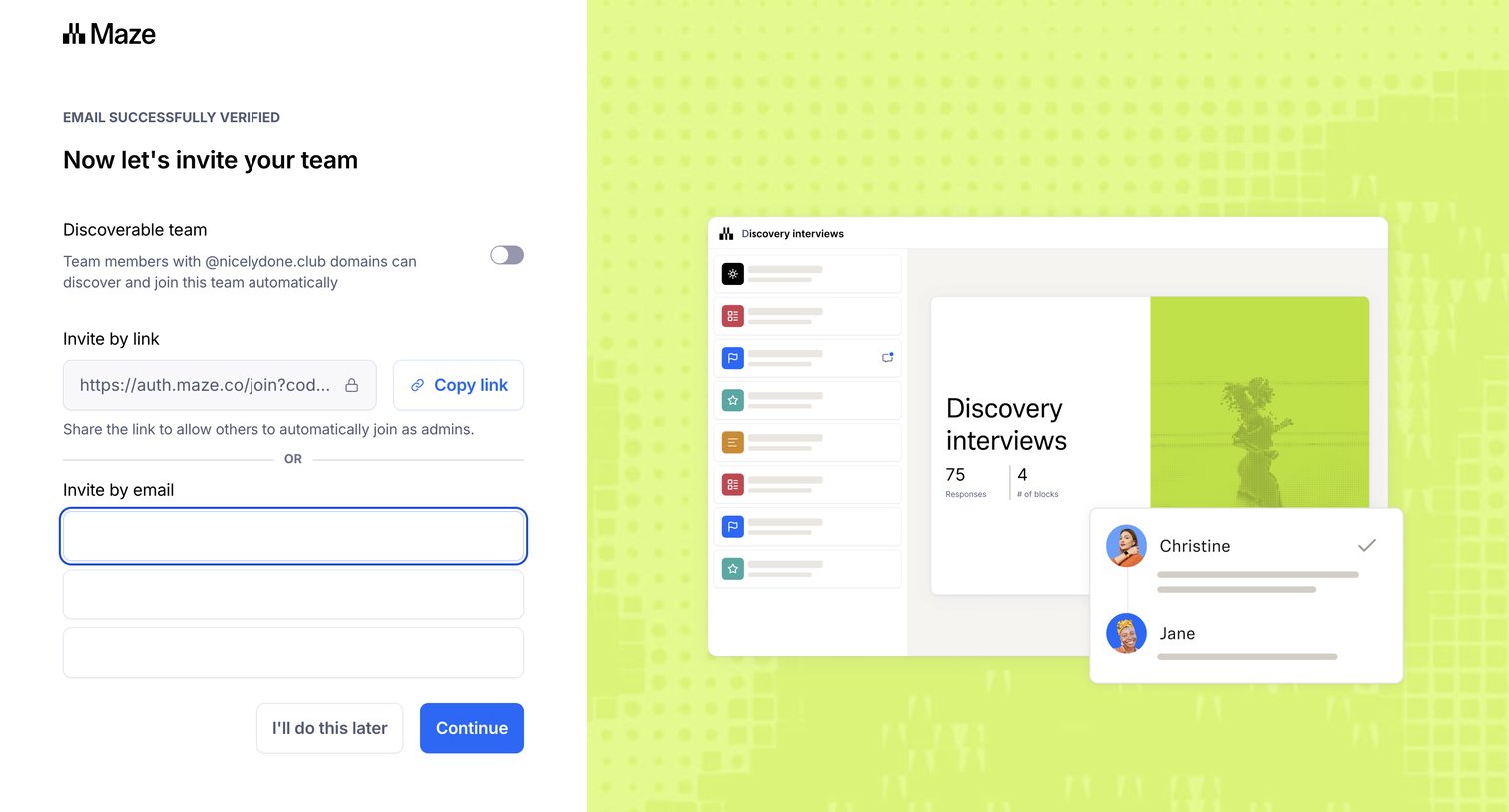

Onboarding step where the user invites teammates by email or a shareable link, and can toggle domain discoverability for their workspace.
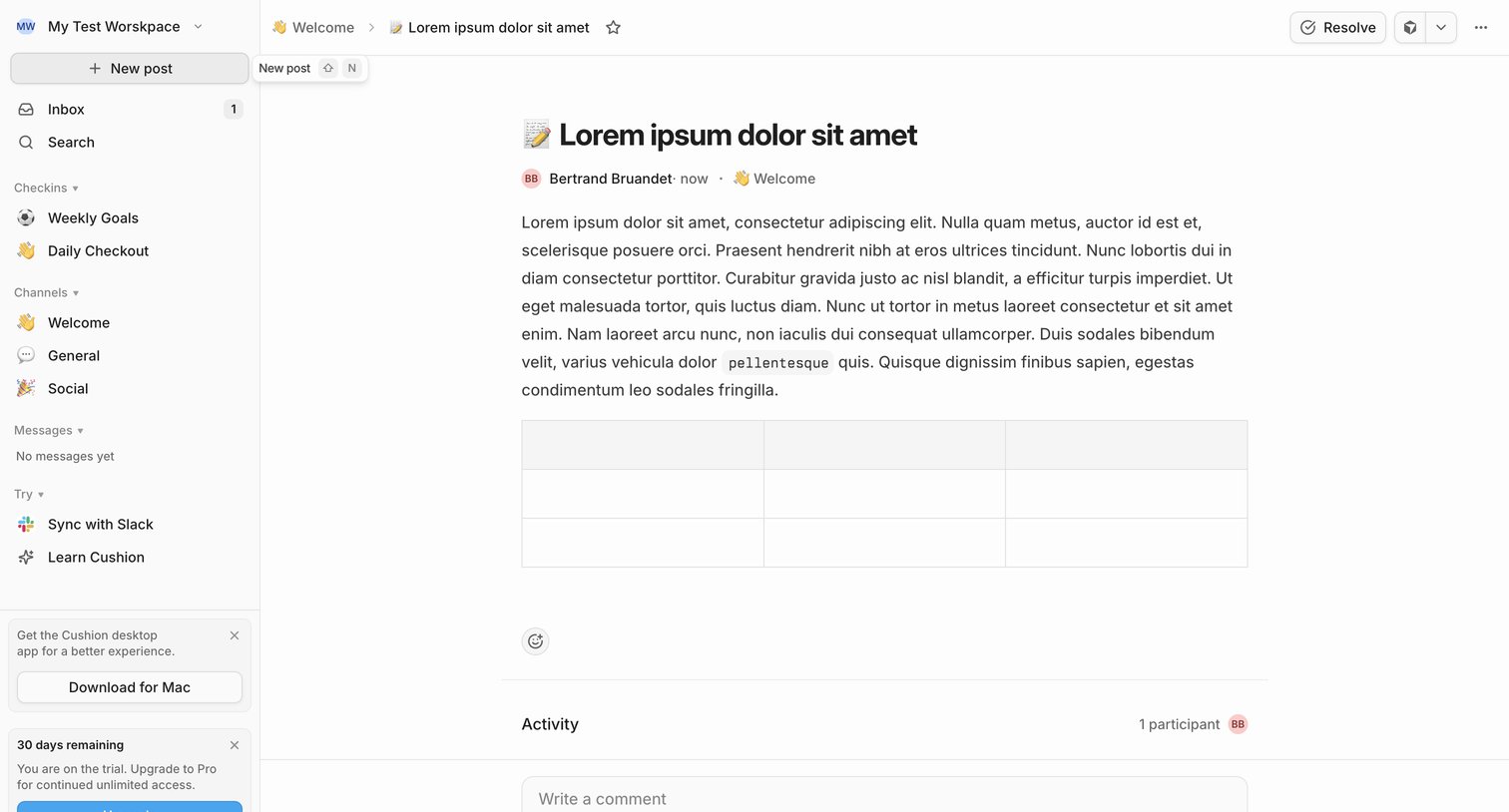

Detail page where a user reads a team update in the Welcome channel, views activity participants, and can write a comment or resolve the post.
![Linear - NIC-277 [BE] Save user preferences screen](https://assets.nicelydone.club/cdn-cgi/image/g=top,w=1512,h=814,f=webp,fit=cover/https://assets.nicelydone.club/f/bb5346a2-c9e4-40e1-abb0-271f614bdf2b.png)

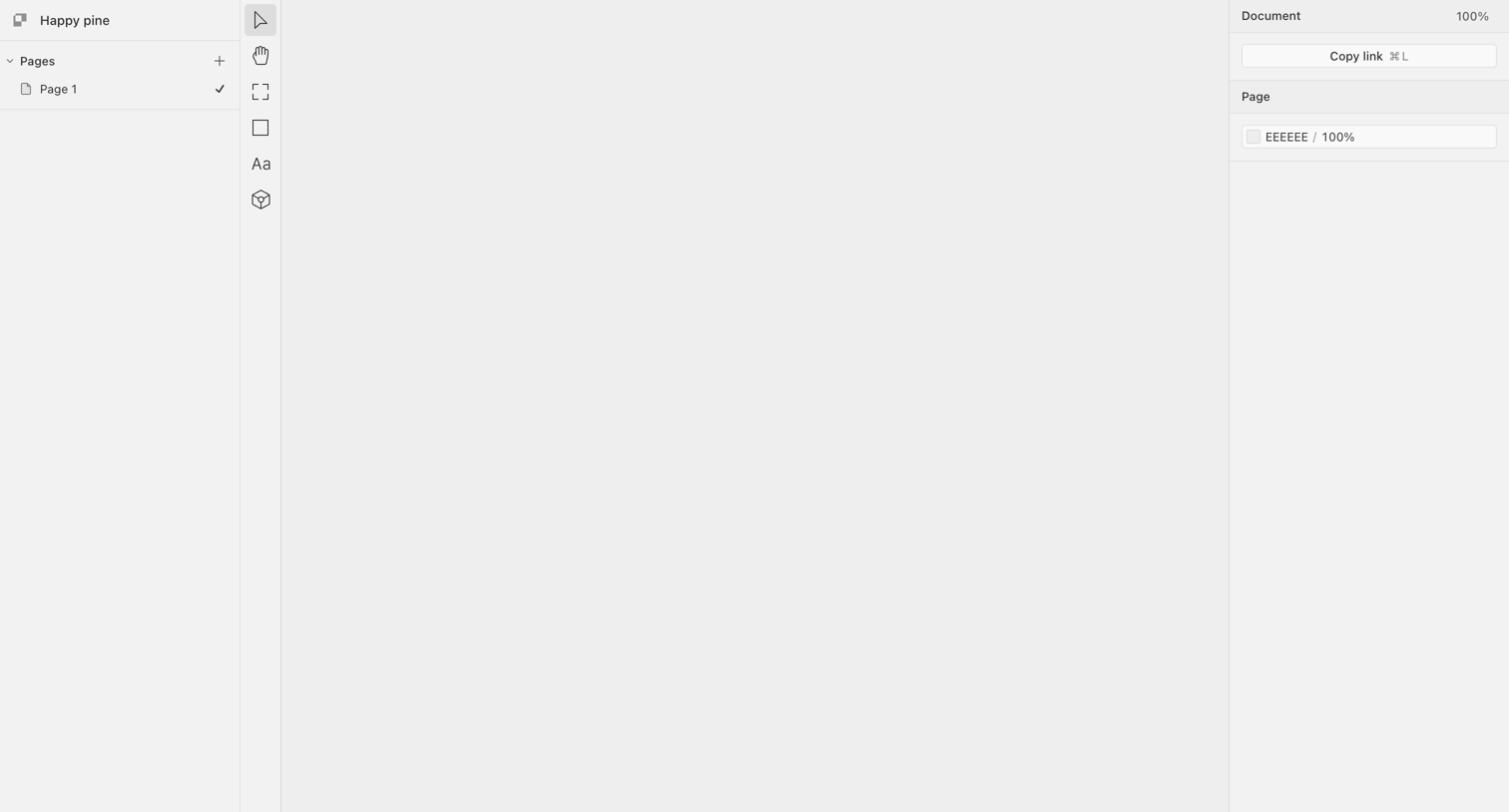

Design editor with an empty canvas, a pages list on the left, a central vertical toolbar, and a properties inspector on the right.
Explore the full SaaS screen library
Upgrade to unlock the full library.
Trusted by the best teams








About Collaboration
See how collaboration apps bring people into shared work. Explore how workspaces, discussions, and review controls connect individual actions with a team.