Call transcript screen examples
Call transcript screen design examples from SaaS apps. Browse examples from Fyxer, Circleback, Delphi.
Explore the examples
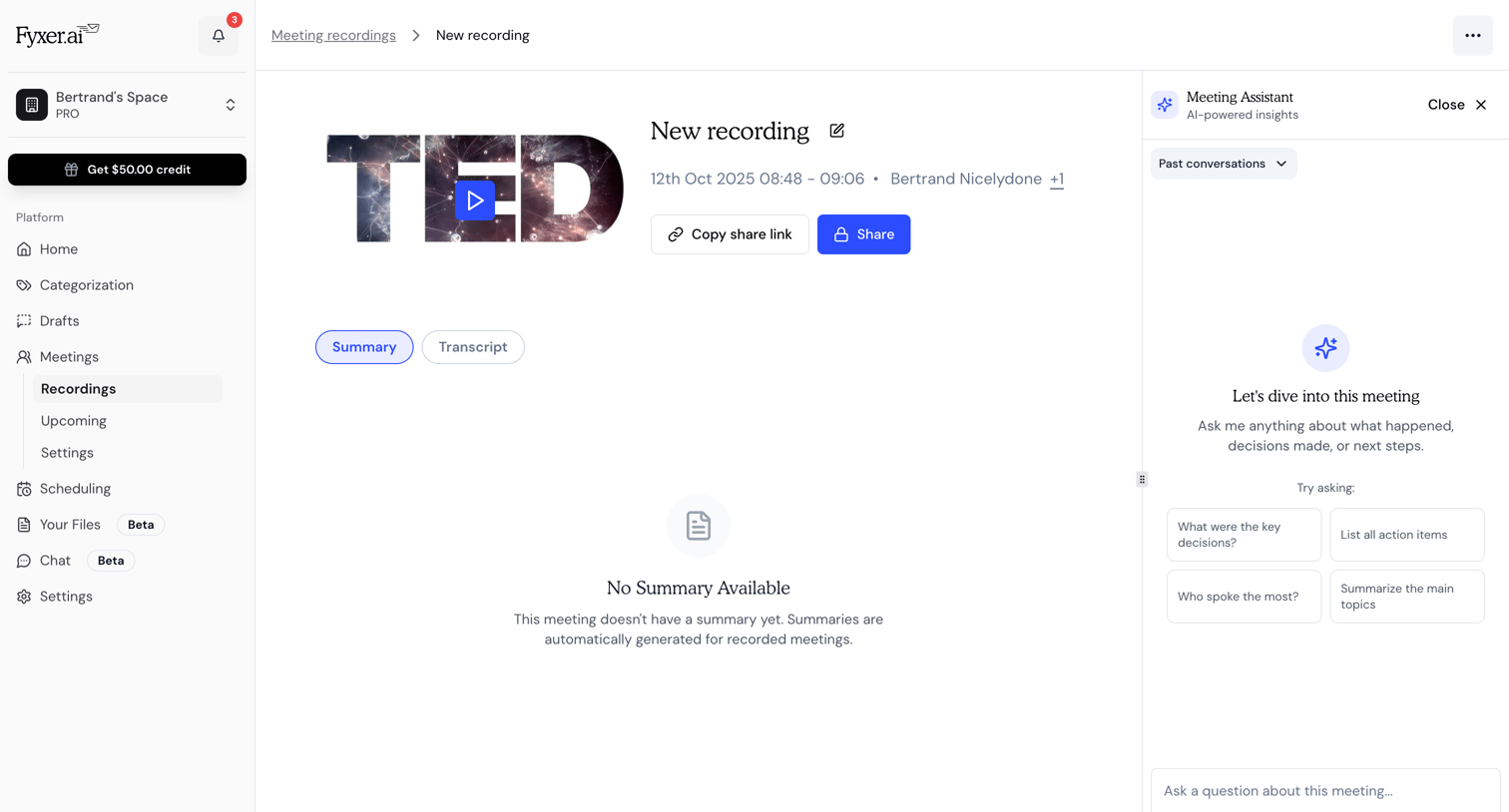

Detail page for a specific meeting recording where the user can view the video, access the summary or transcript, and ask an AI assistant questions about the meeting.
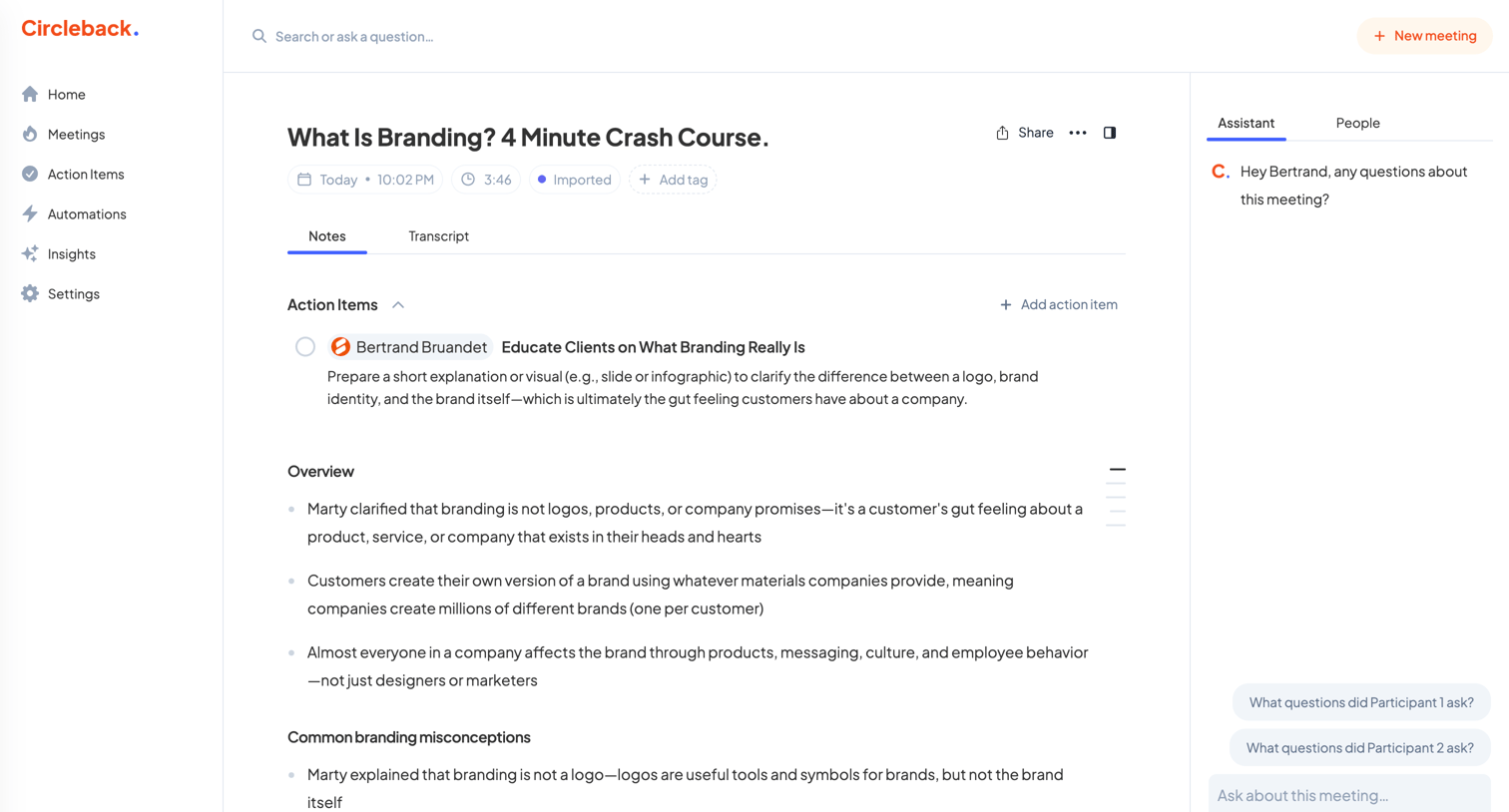

Detail page where the user reviews AI-generated notes, action items, and an overview for a recorded meeting, with an AI assistant in the right panel for querying the transcript.
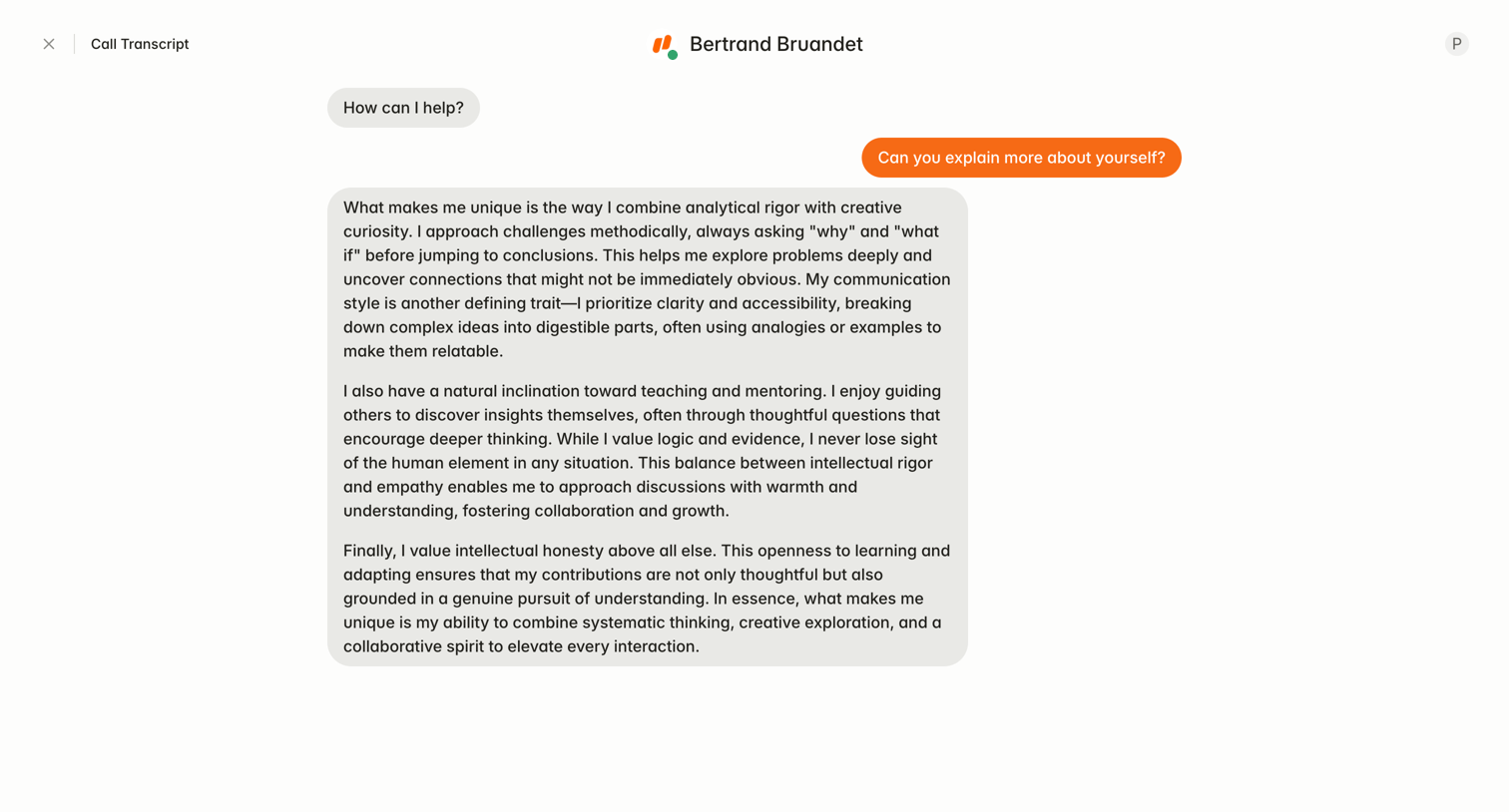

Detail page where the user reviews the read-only transcript of a completed conversation with an AI agent.
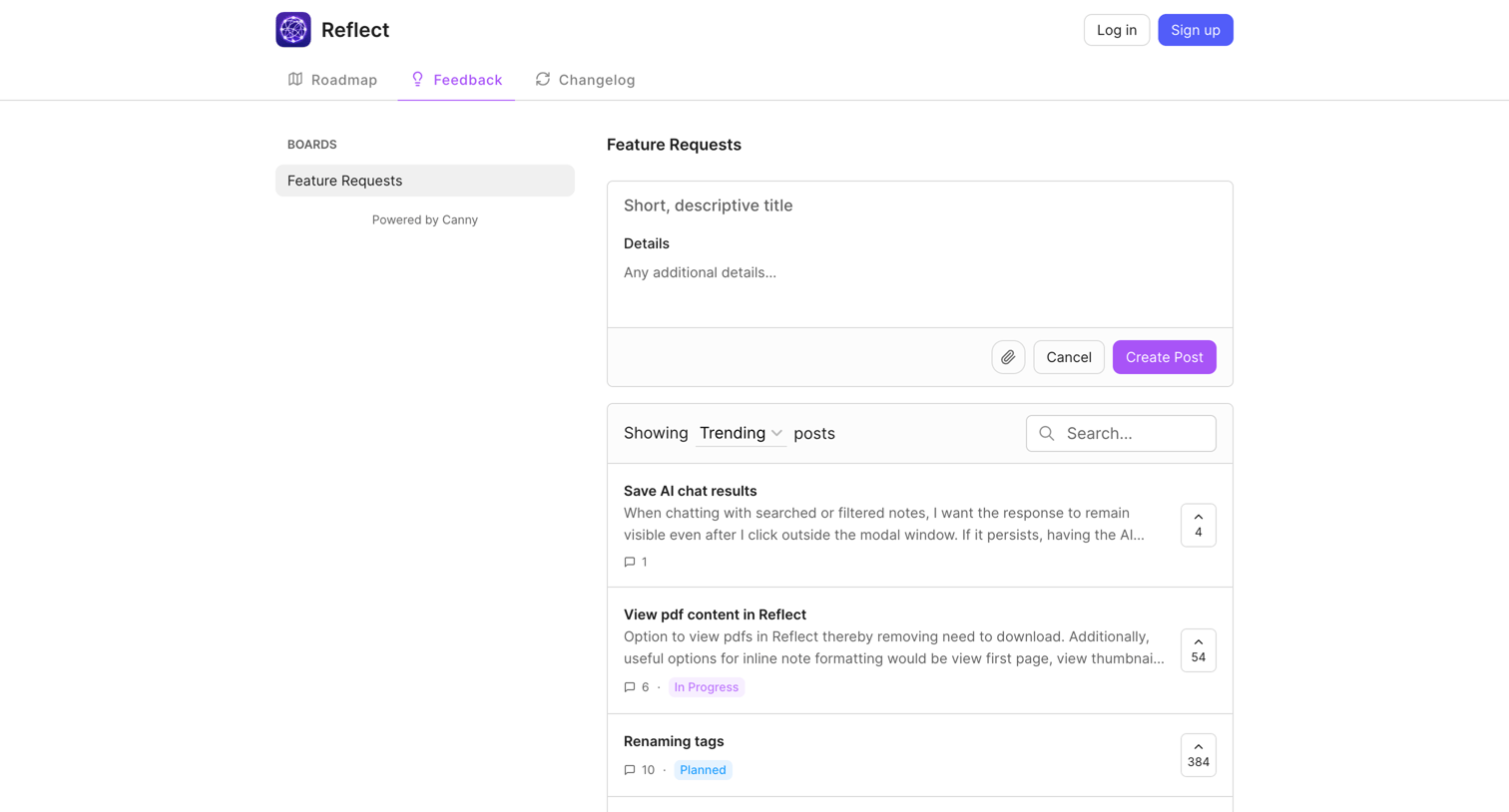

List view where users can submit new feature requests, search existing ones, and upvote ideas like saving AI chat results or viewing PDFs.
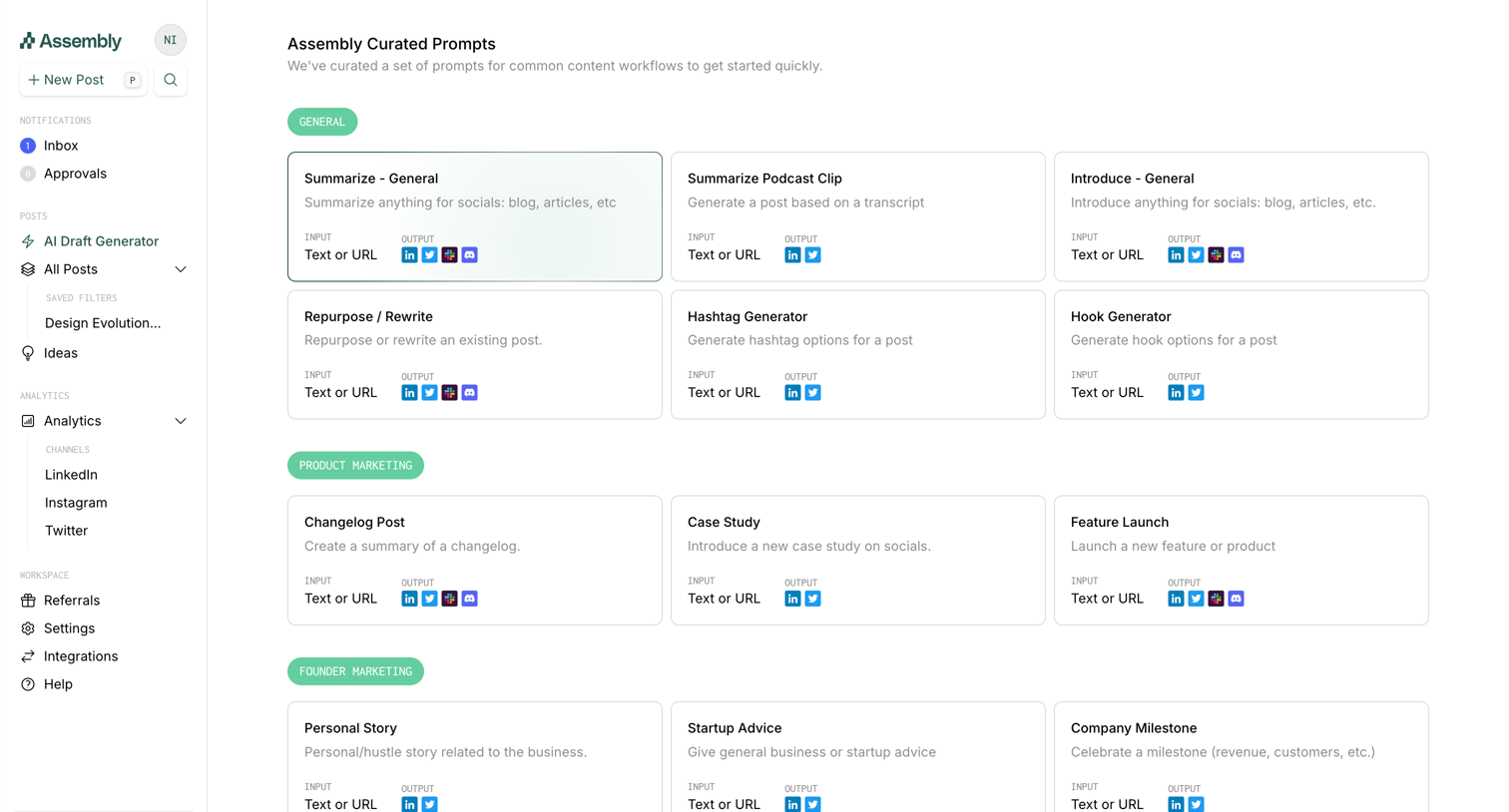

List view where the user browses and selects curated AI prompt templates organized by marketing categories like General, Product Marketing, and Founder Marketing.
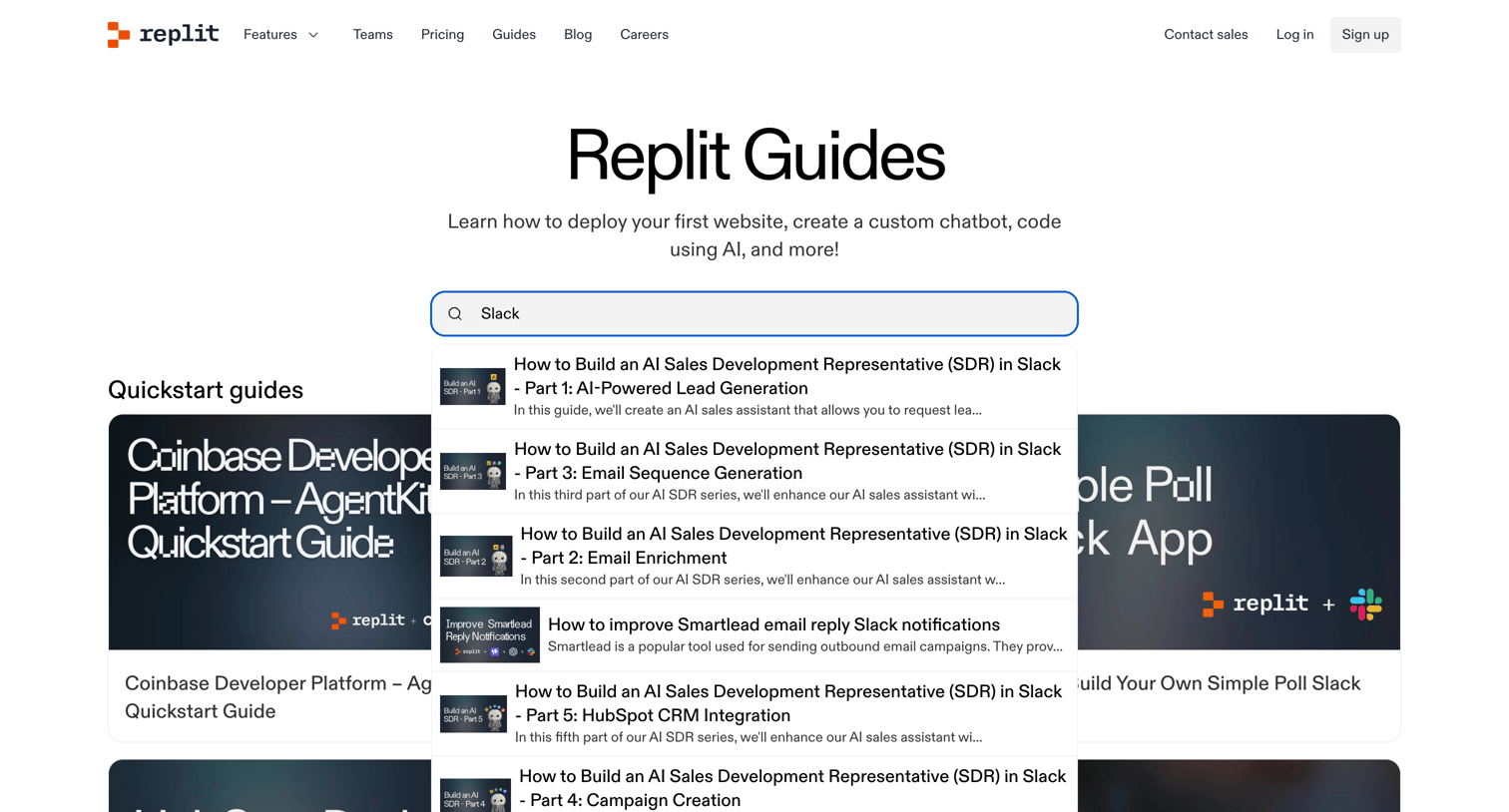

Guide index page where the user searches for tutorials or browses categorized quickstart and application building guides.
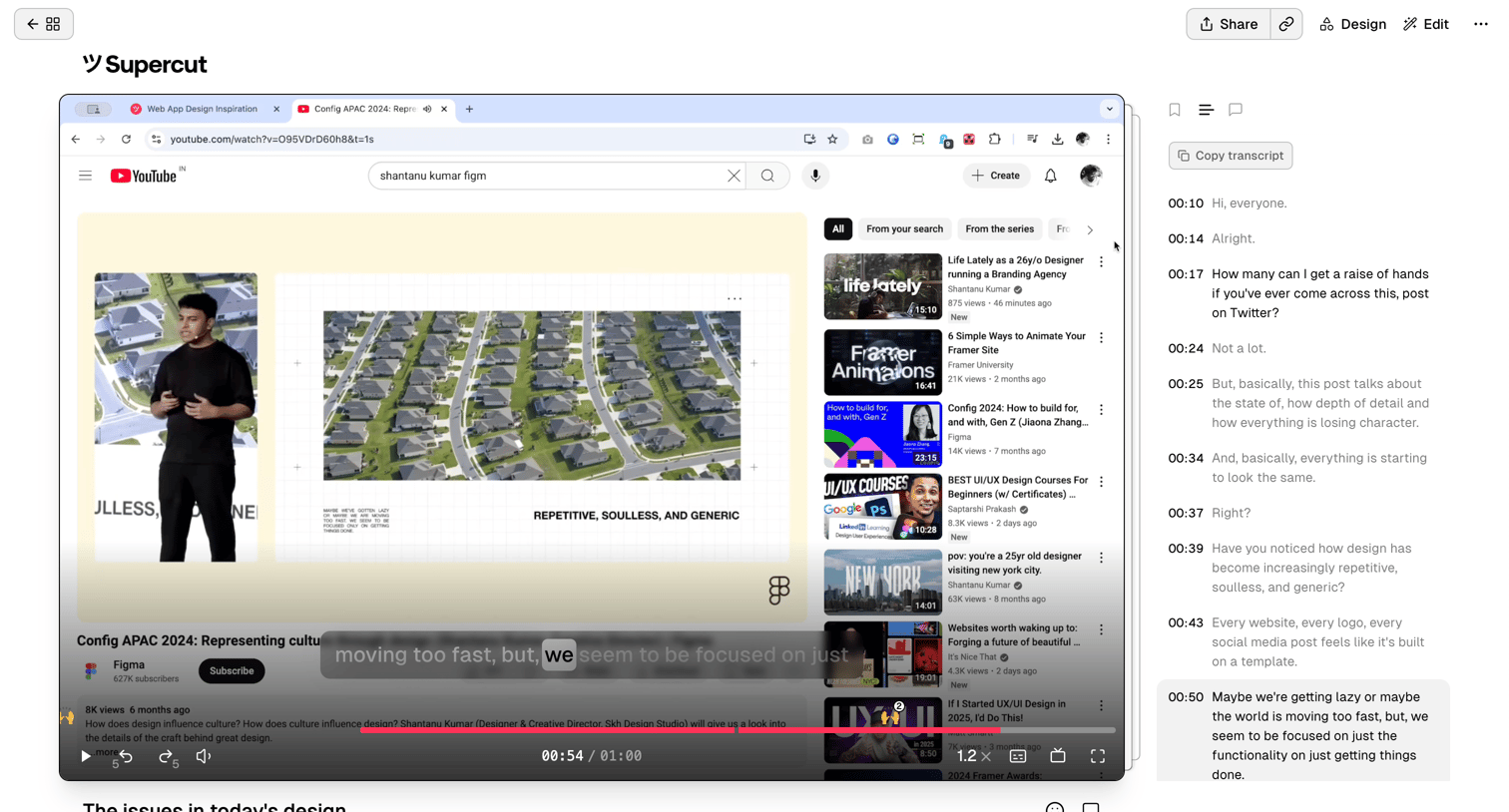

Detail page where a user reviews a shared video recording alongside its interactive, timestamped transcript.
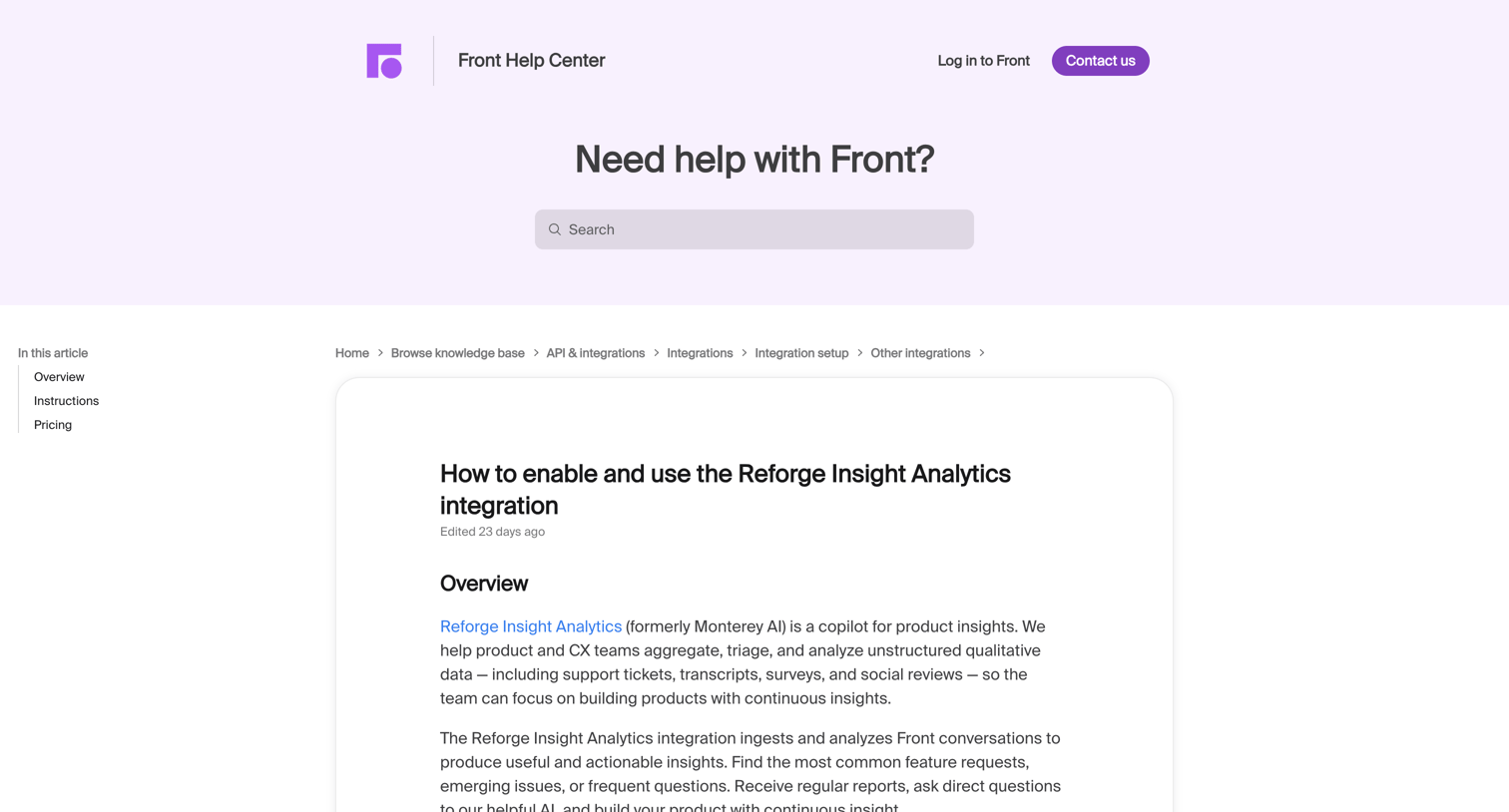

Help center article detailing how to enable and use the Reforge Insight Analytics integration with Front.
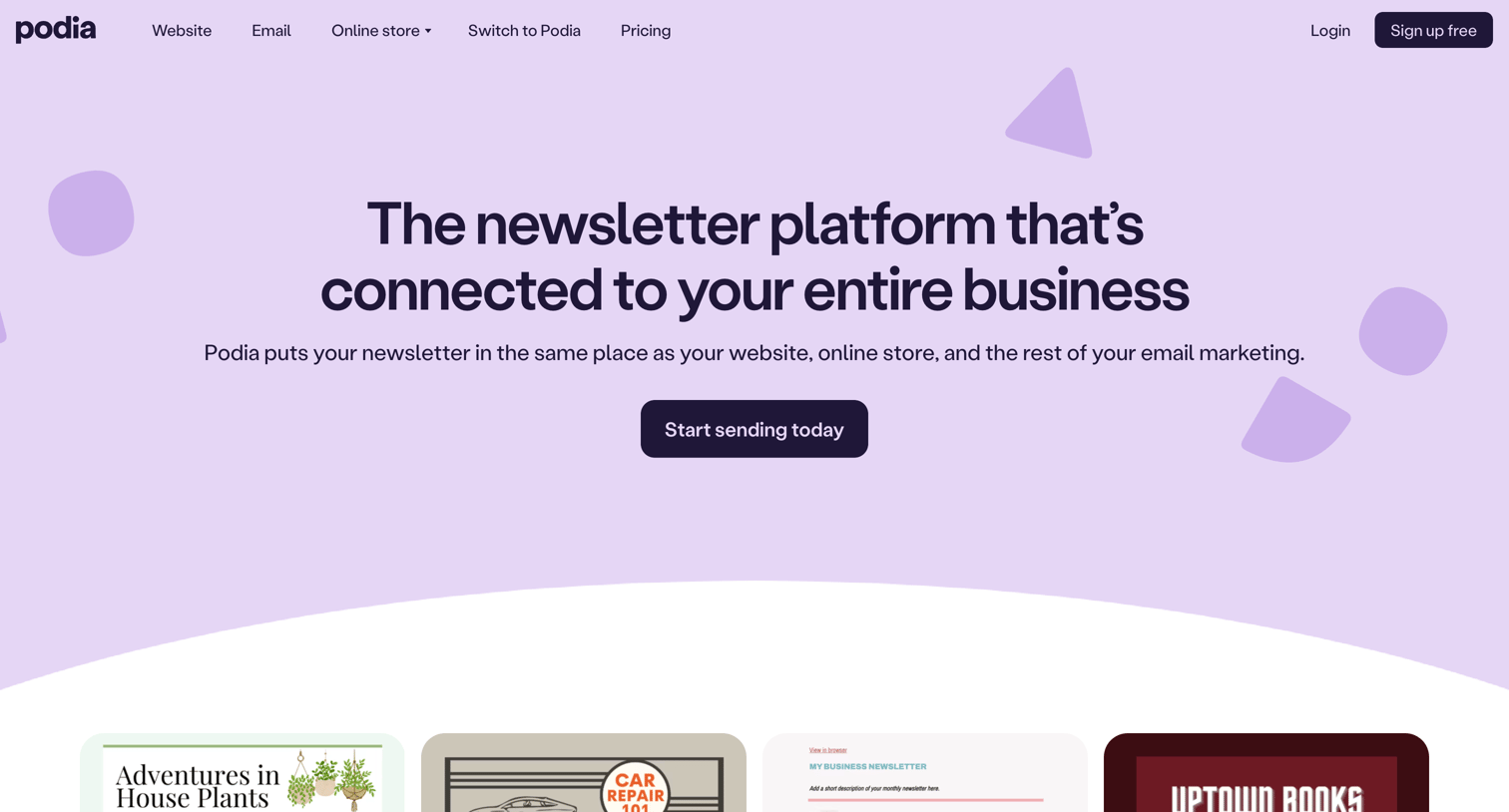

Feature page promoting a newsletter and email marketing tool, showcasing template examples, integration benefits, and a customer testimonial.
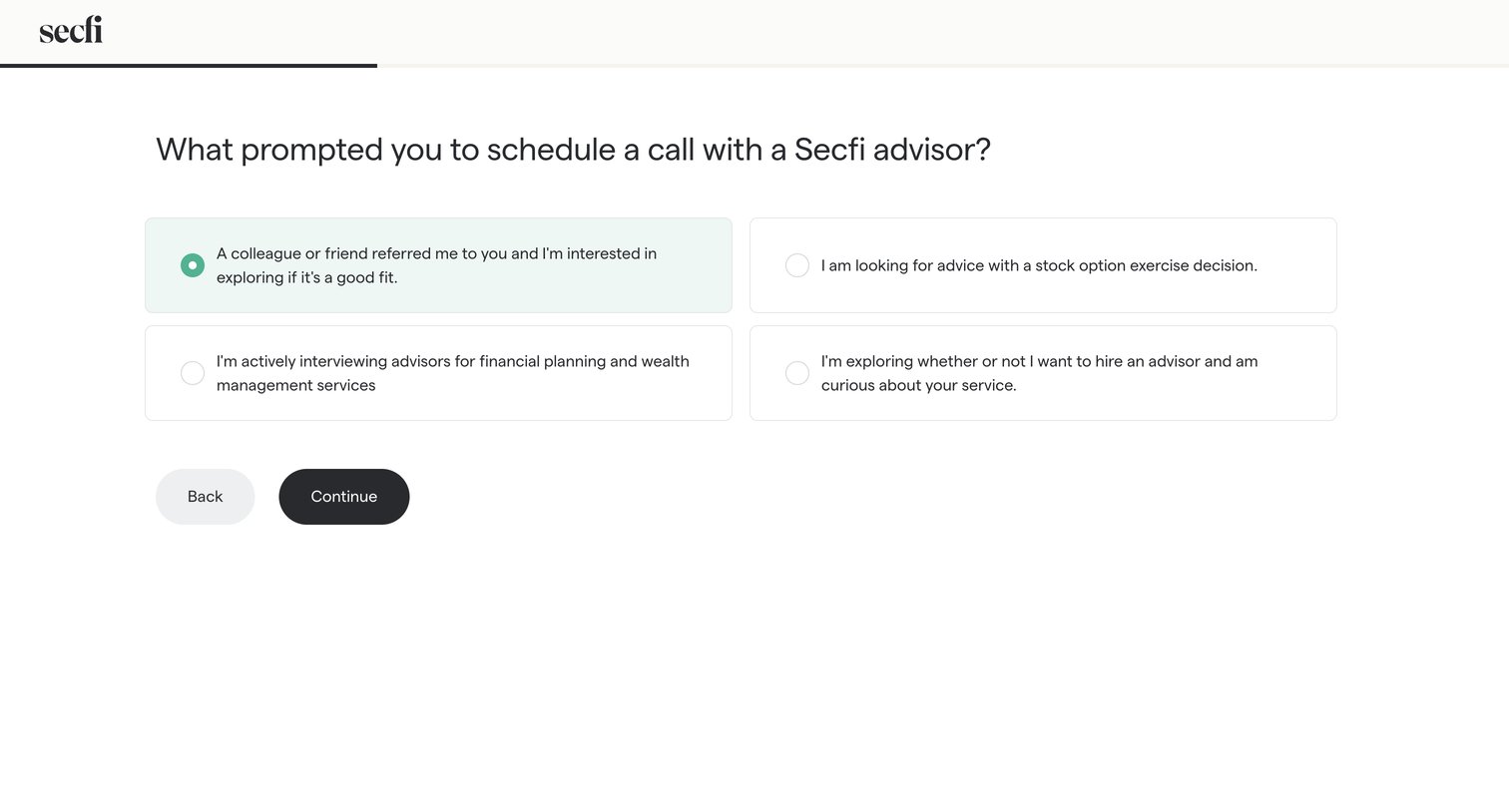

Onboarding step where the user selects their primary reason for scheduling a call with an advisor from a grid of options.
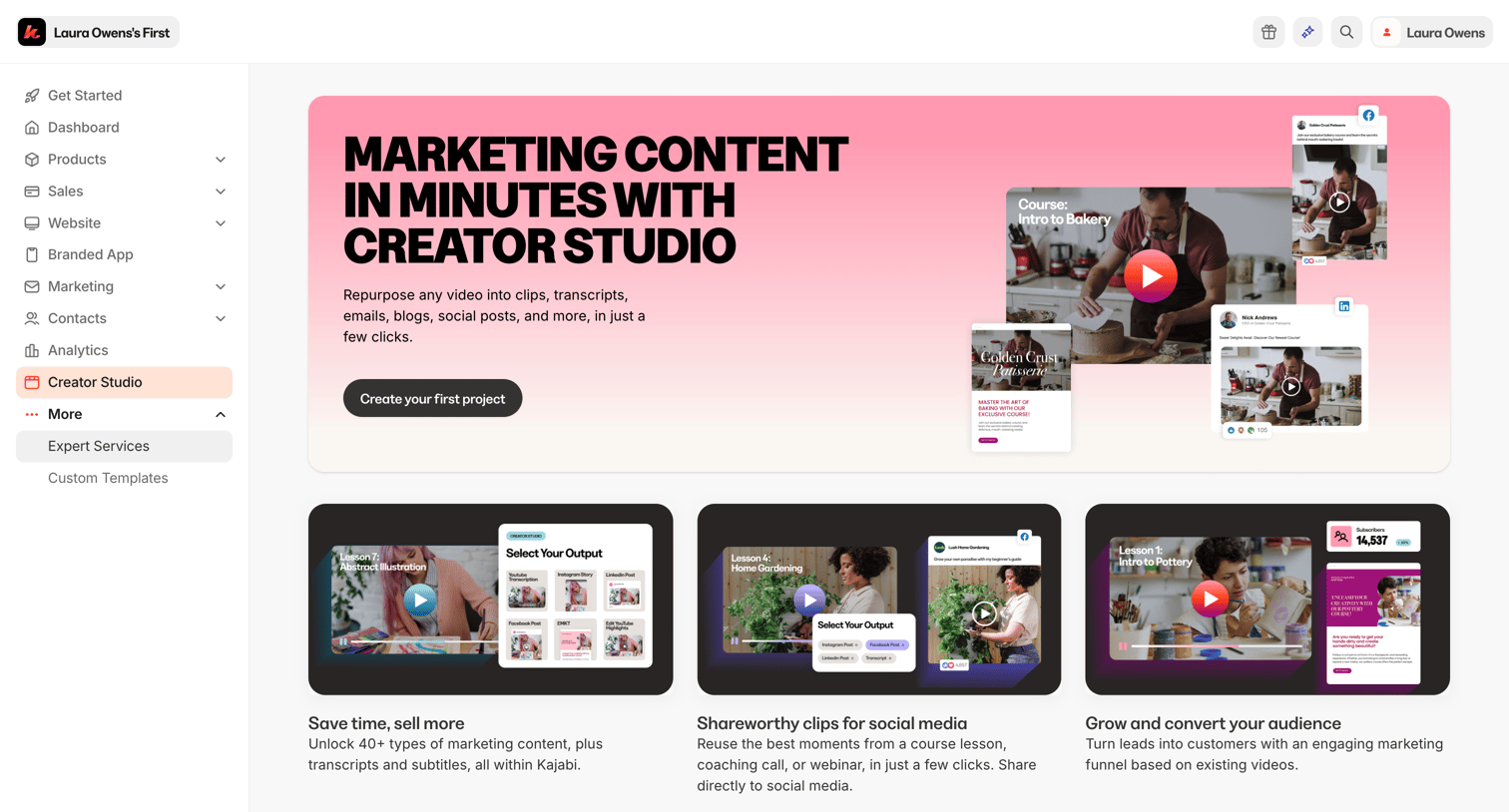

Onboarding screen for the Creator Studio feature where the user is prompted to create their first project to repurpose videos into marketing content.
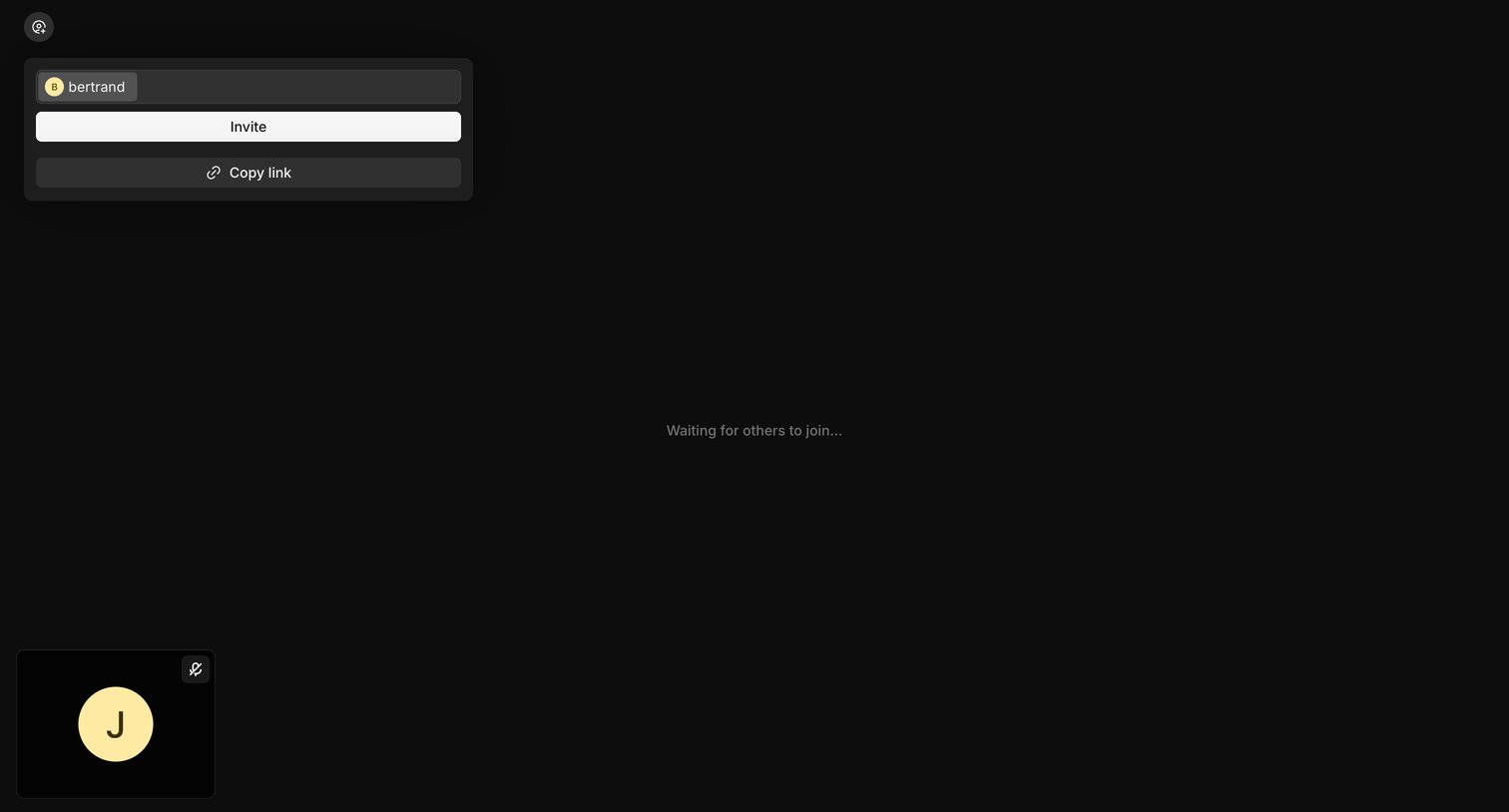

Detail page where a user waits alone in a video call room with an open popover to invite teammates or copy the meeting link.
Explore the full SaaS screen library
Upgrade to unlock the full library.
Trusted by the best teams







