Skip to content

Activity stream screen examples

Activity stream screen design examples from SaaS apps. Browse examples from Cushion, Morphic, Whop.

Explore the examples
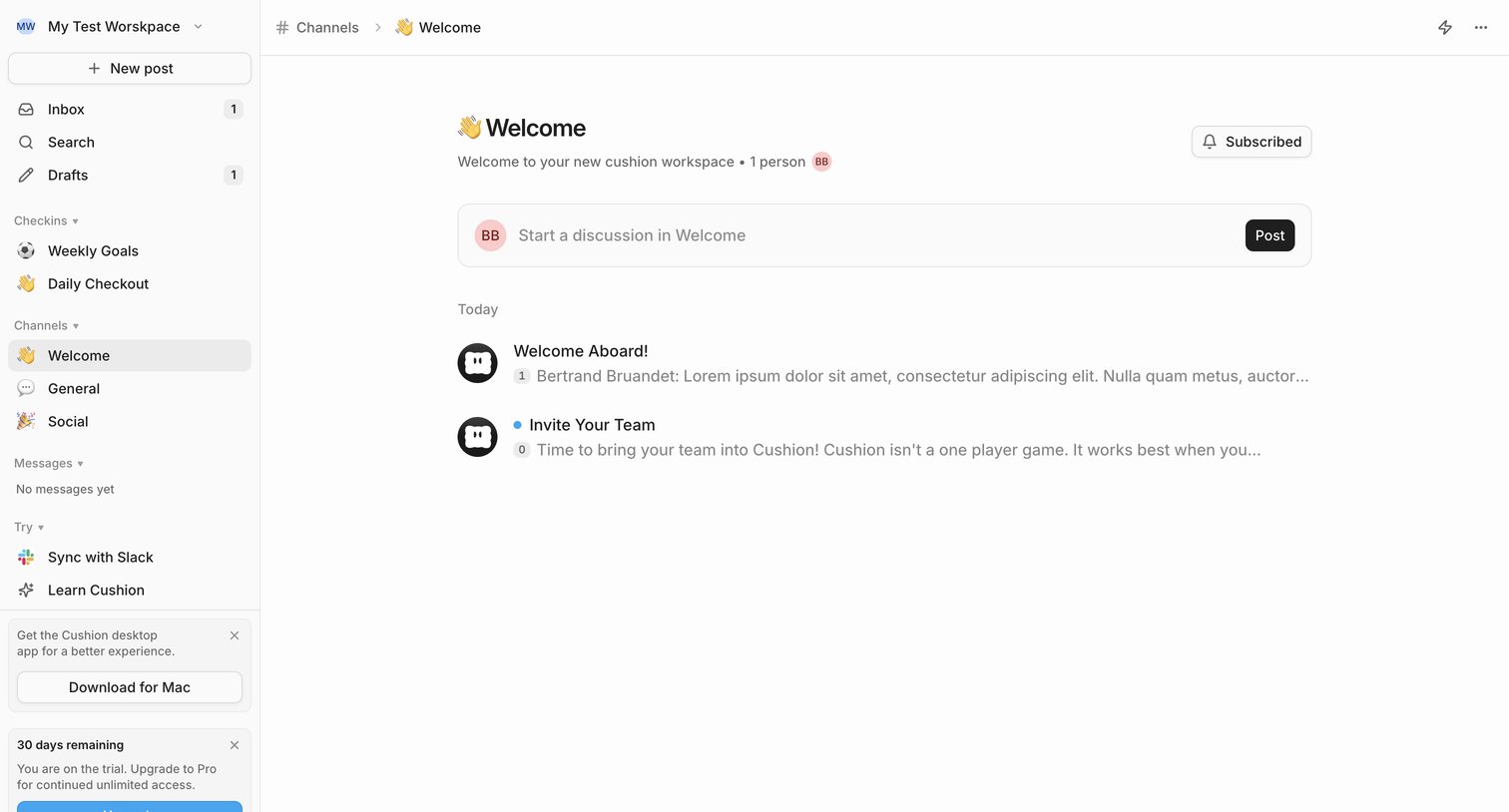
Cushion - Welcome - Cushion screen
Cushion logo
Cushion

Channel feed where the user can read welcome posts, start a new discussion, and view their trial status.

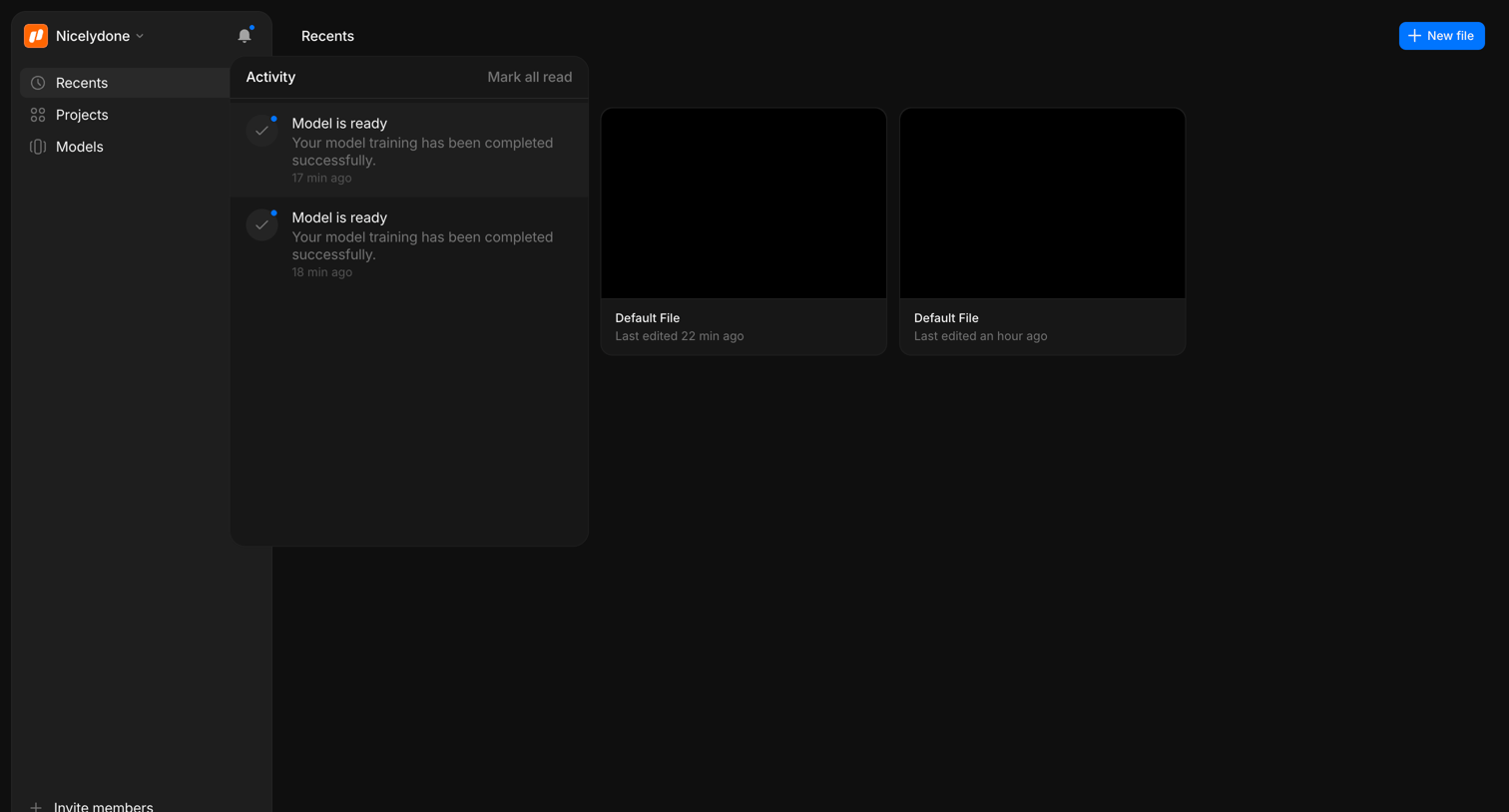
Morphic - Dashboard - Morphic Studio screen
Morphic logo
Morphic

Home screen where the user views their recently edited files and checks recent model training activity via an open notification popover.
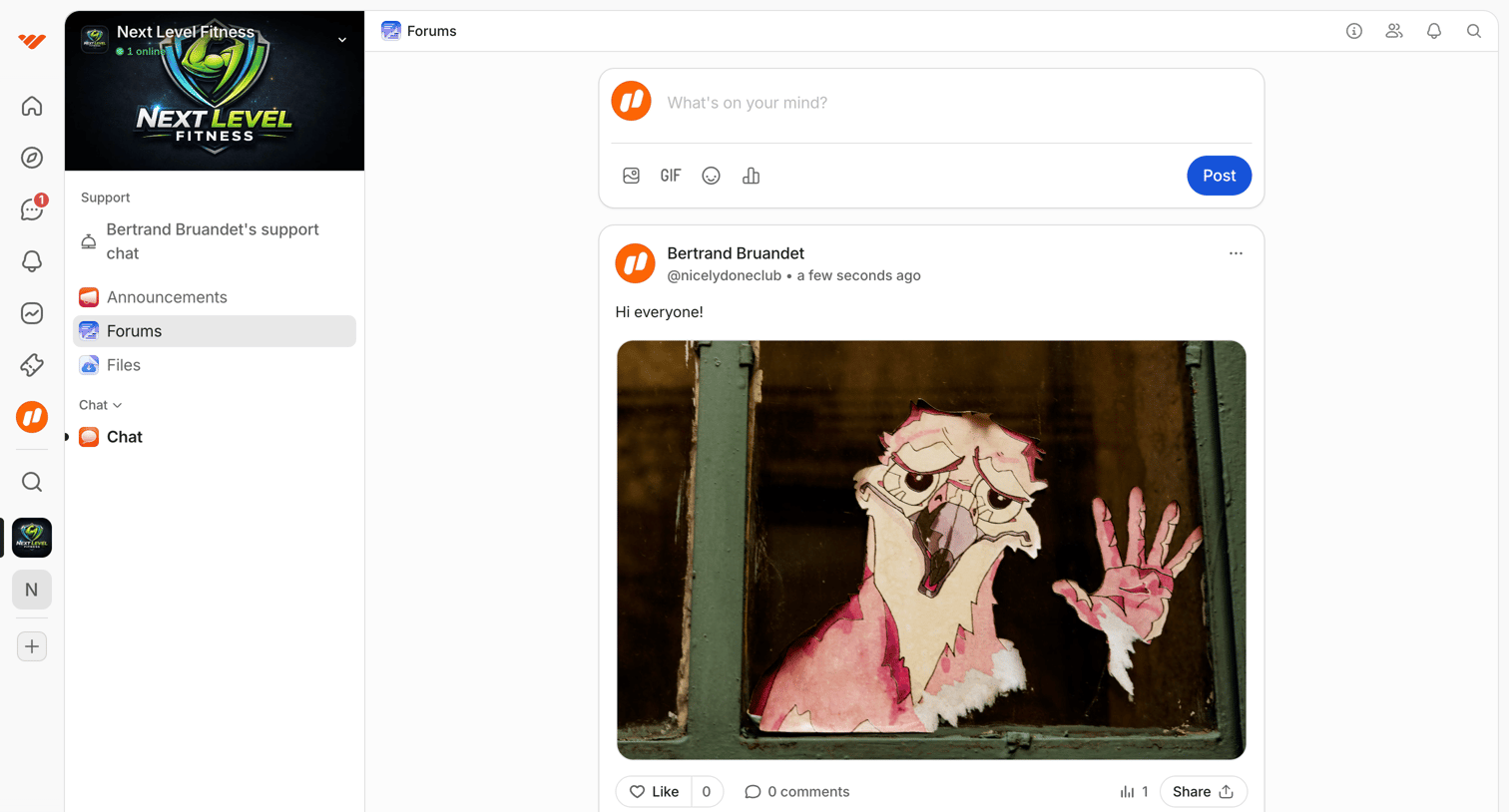

Whop - Forums | NextLevel Fitness – Free Group screen
Whop logo
Whop

Feed view where a user can write a new post, view recent updates from other members, and interact via likes and comments within a specific community.
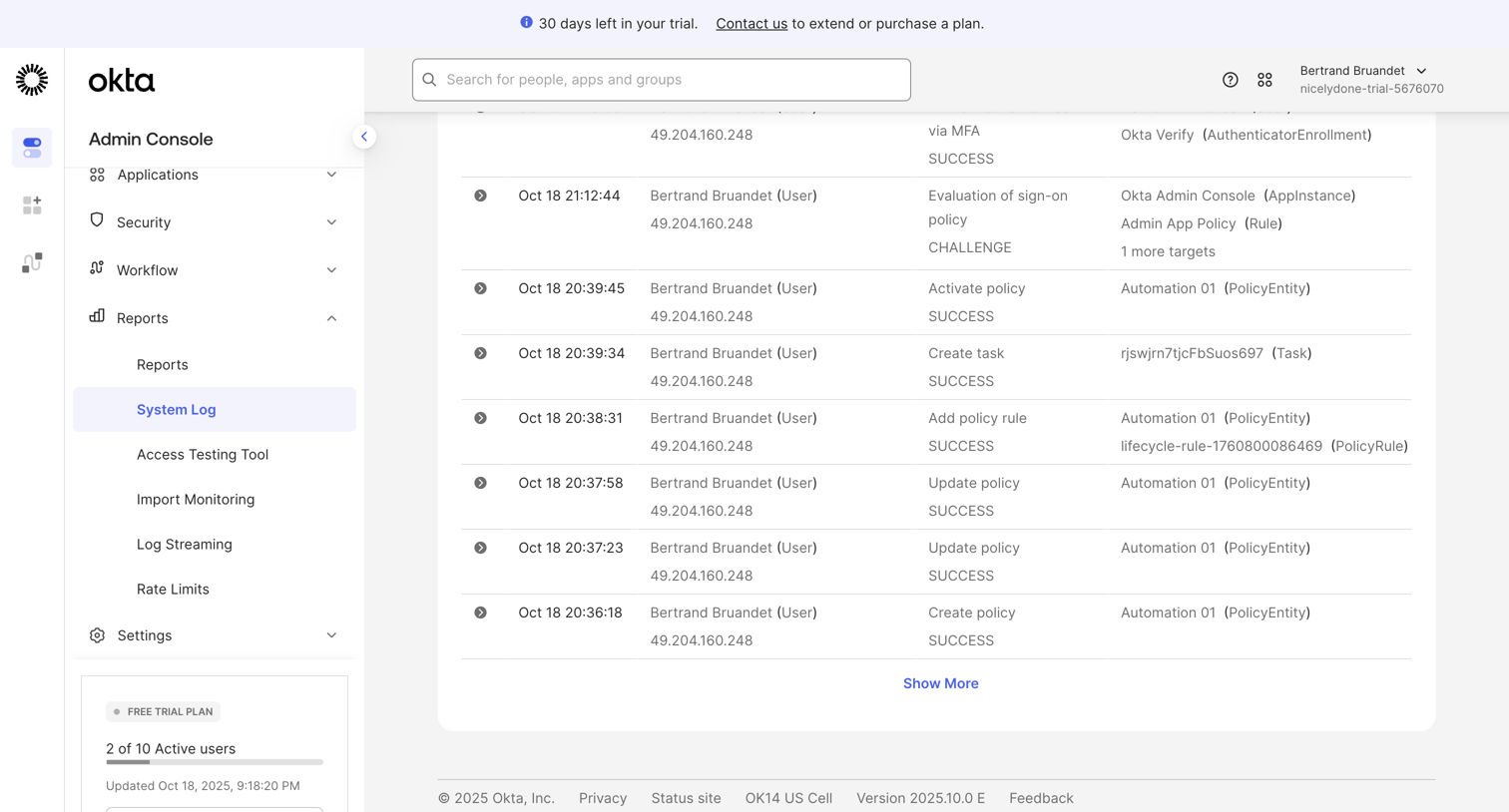

Okta - nicelydone-trial-5676070 - Reports - System Log screen
Okta logo
Okta

List view displaying system log events with details like actor, action, and target for an Okta admin console.

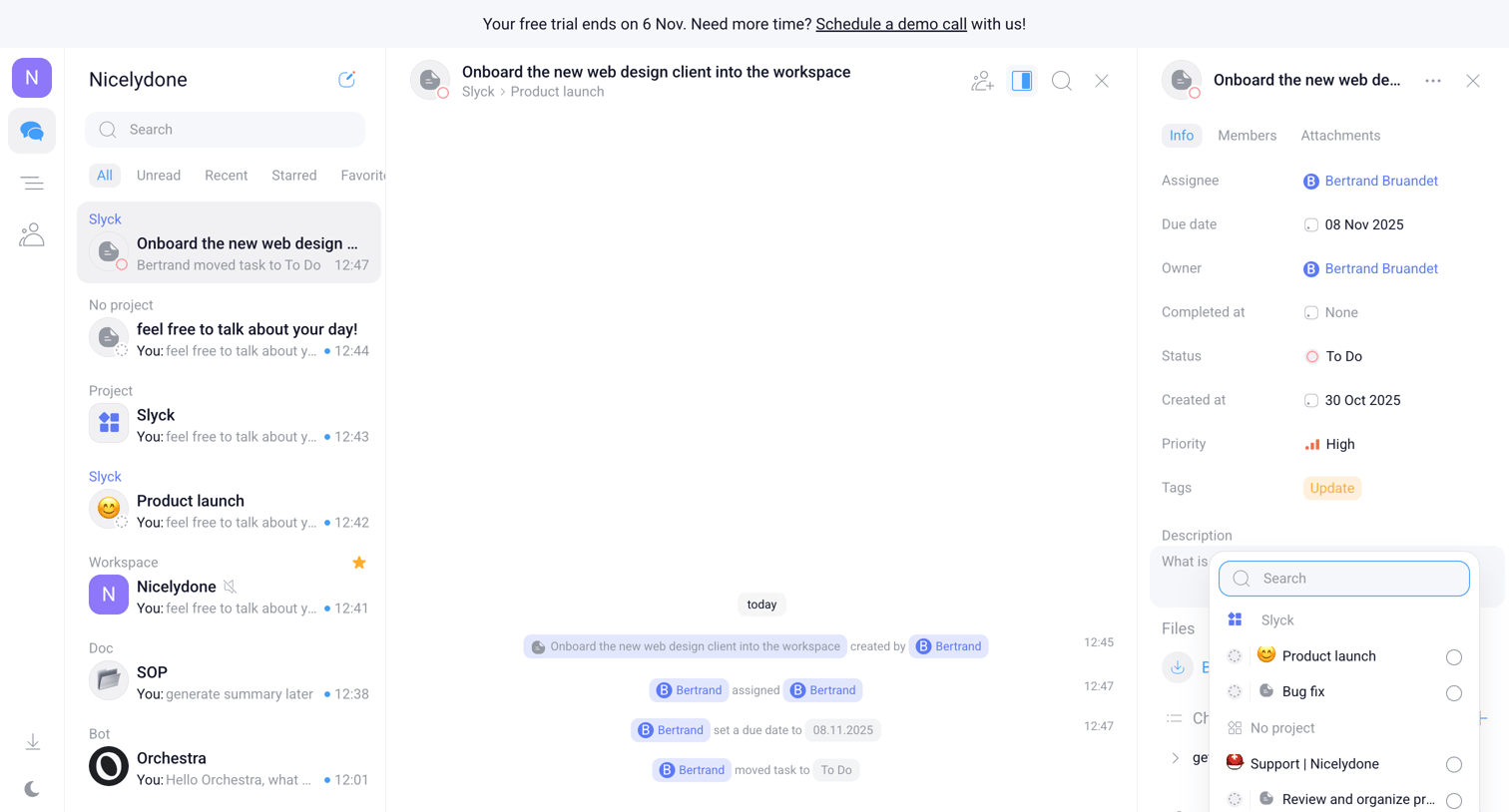
Orchestra - Nicelydone - Chats screen
Orchestra logo
Orchestra

Inbox view where the user manages a specific task, views its activity timeline, and updates properties like assignee and project via a right-hand detail panel.

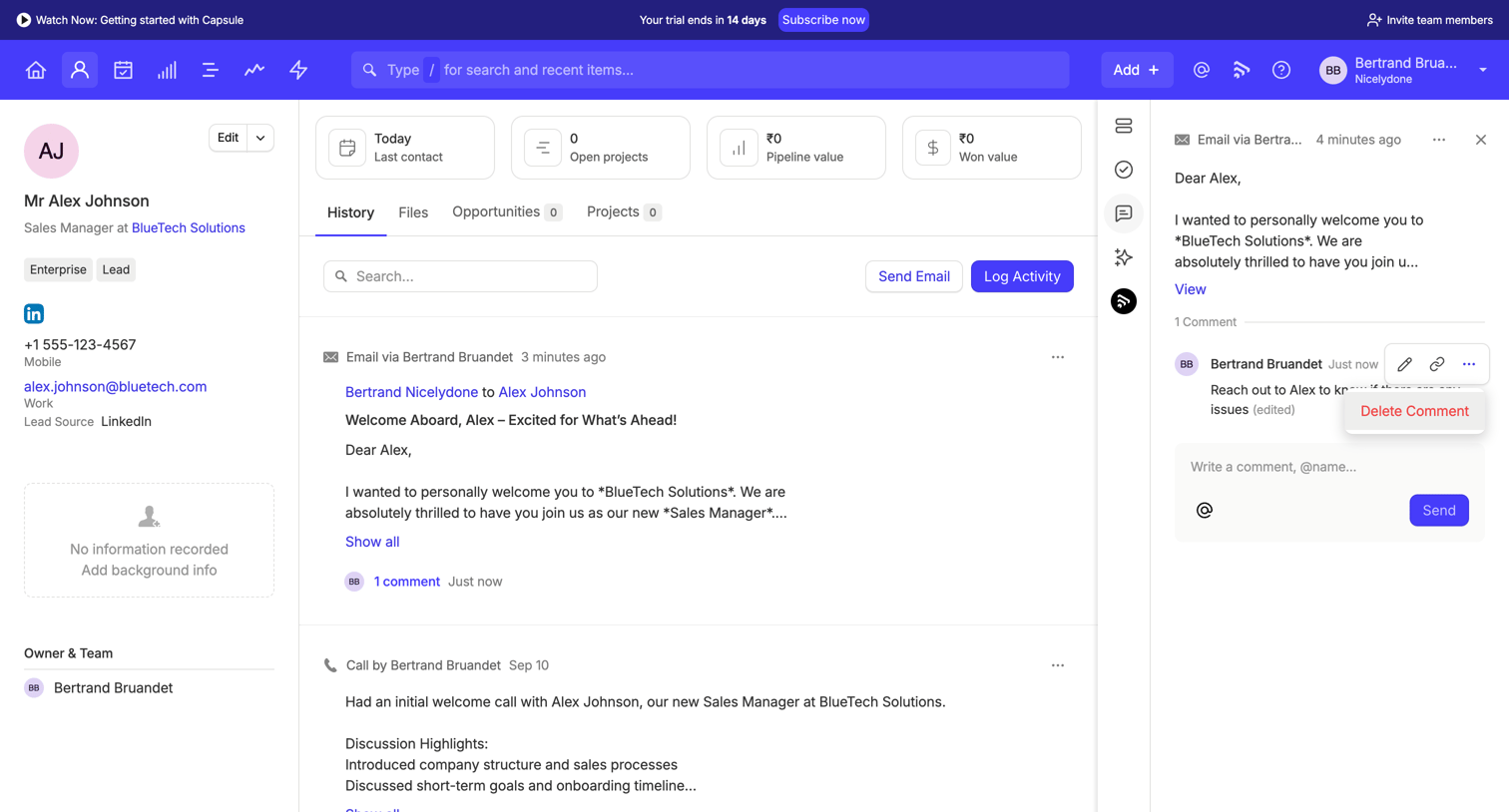
Capsule - Alex Johnson | Nicelydone CRM screen
Capsule logo
Capsule

Detail page for a CRM contact showing their information, activity history timeline, and a side panel for viewing and commenting on specific email threads.

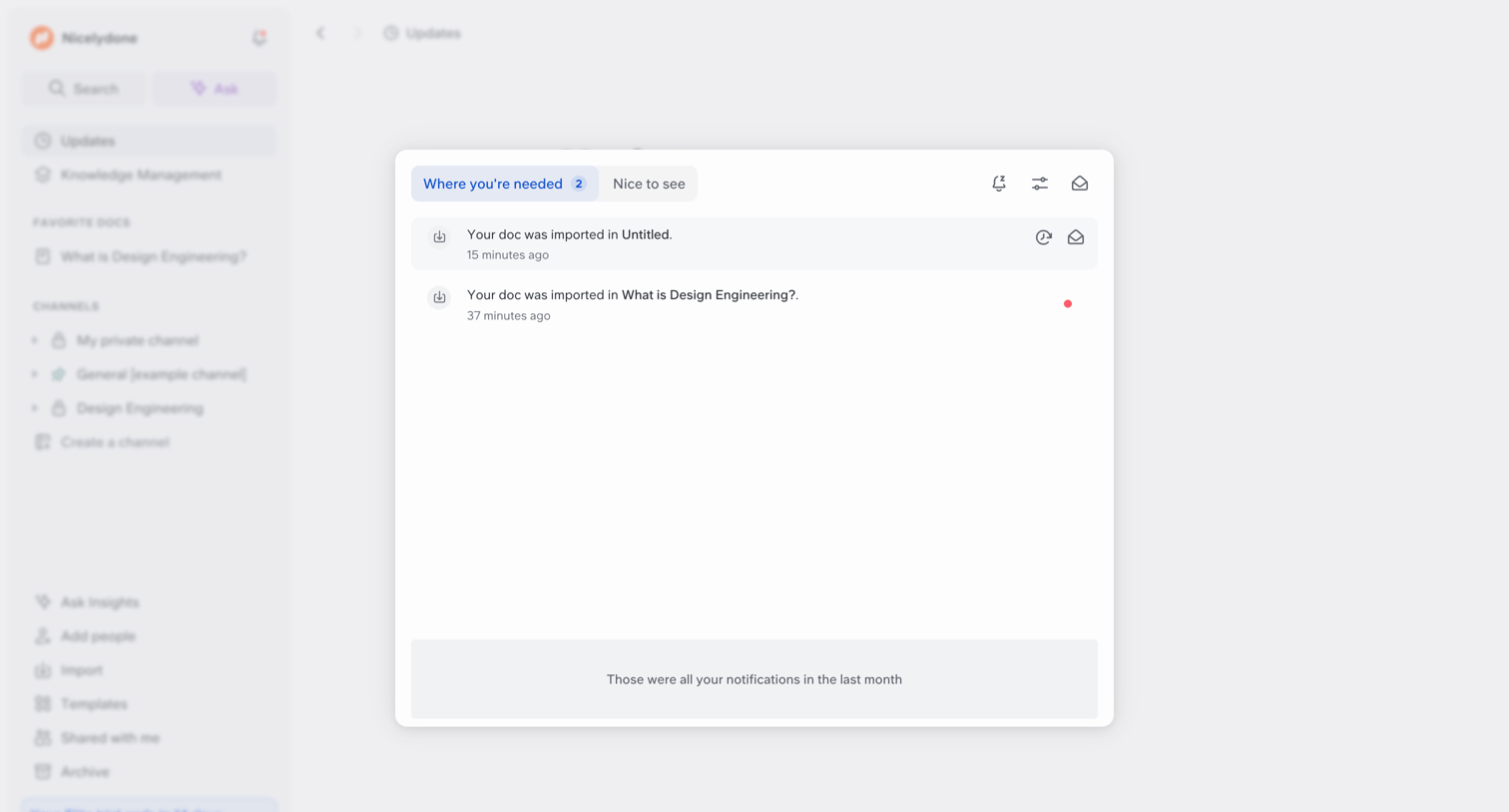
Slite screen
Slite logo
Slite

Inbox view where the user reviews recent document imports and updates categorized by priority tabs.
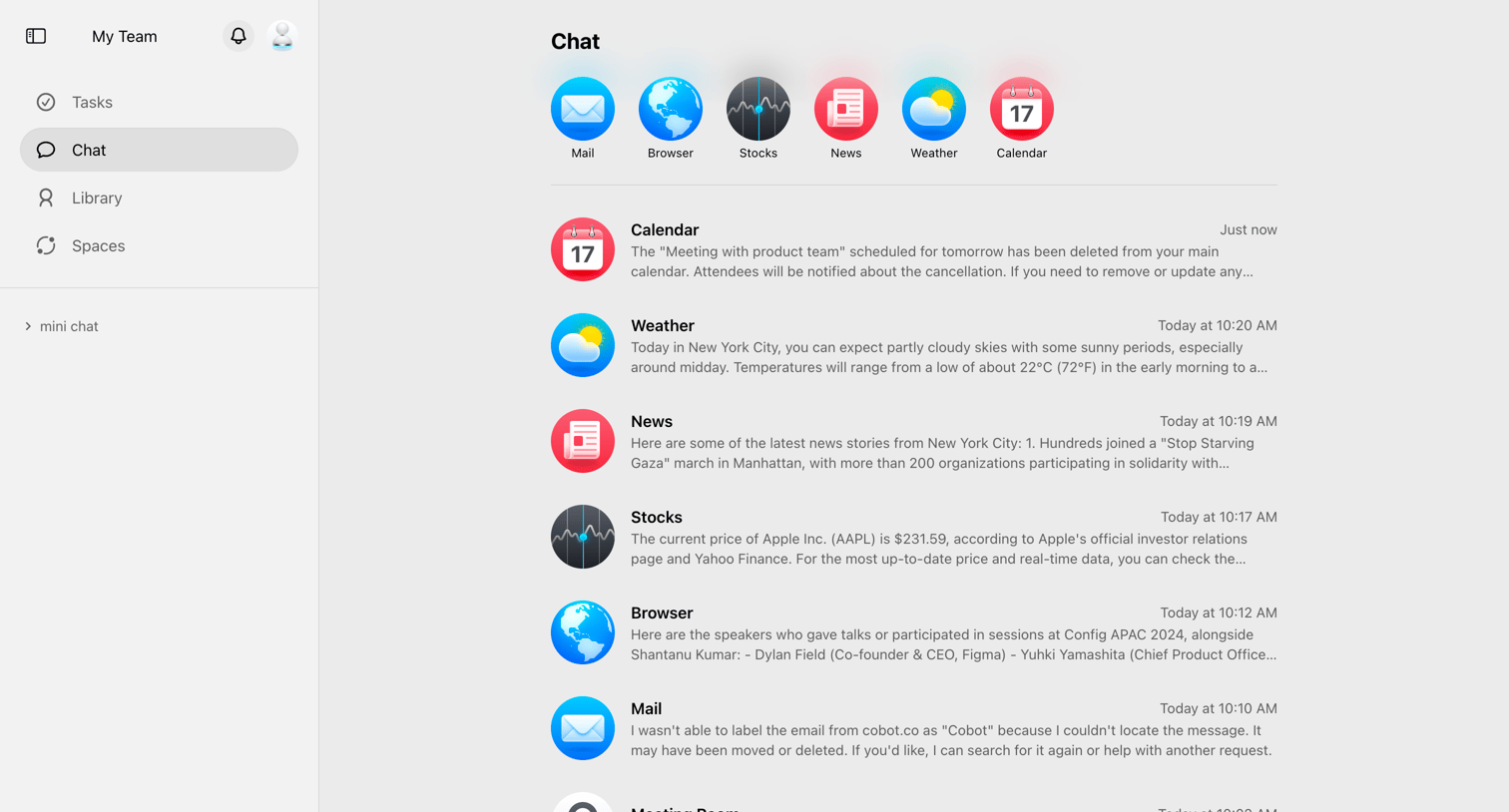

Cobot screen
Cobot logo
Cobot

Inbox view displaying a unified feed of messages and updates from various connected agents like Calendar, Weather, News, and Stocks.

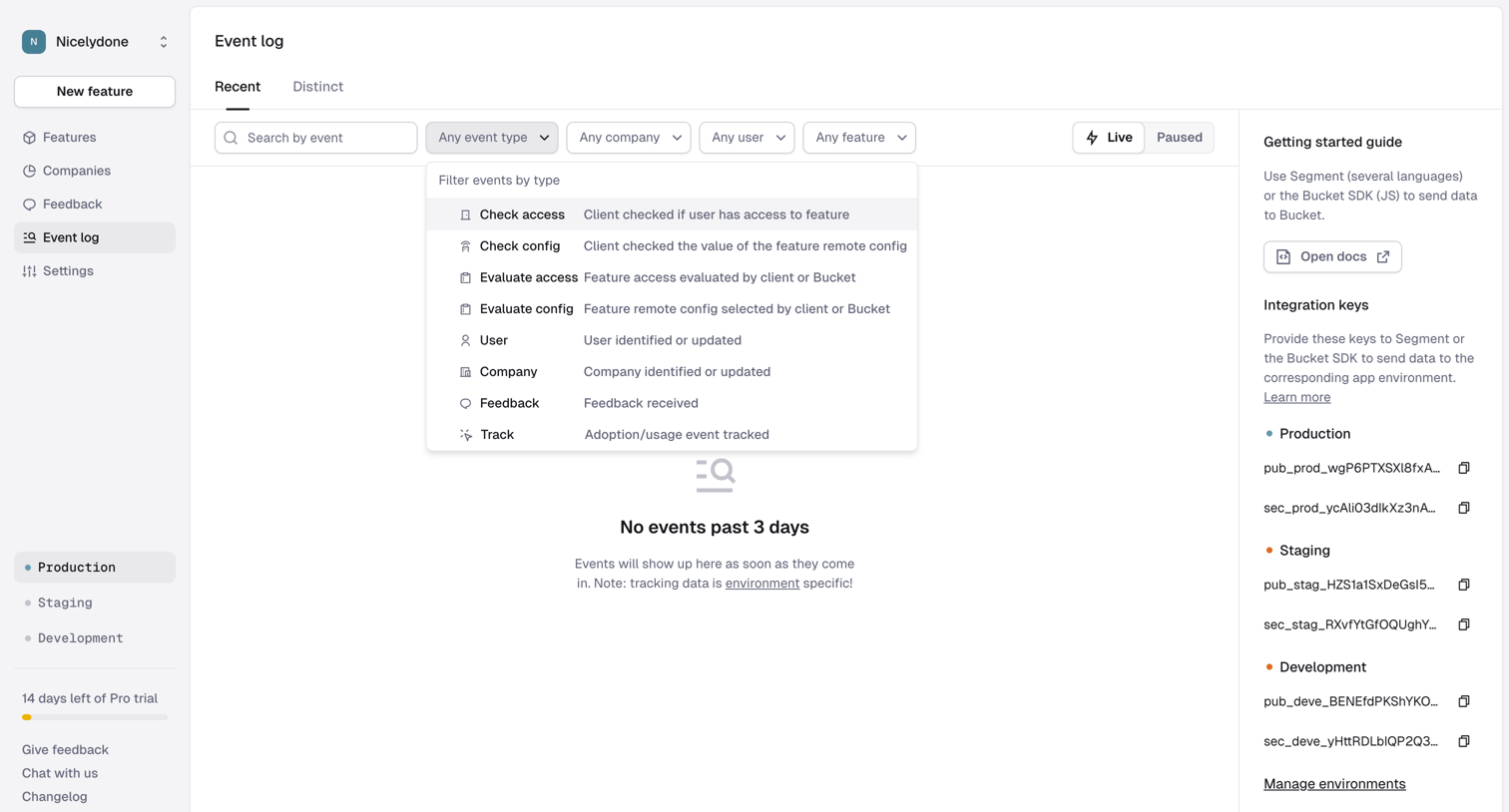
Reflag - Event log › Recent screen
Reflag logo
Reflag

List view where the user can search and filter recent or distinct events by type, company, user, or feature, currently showing an empty state.
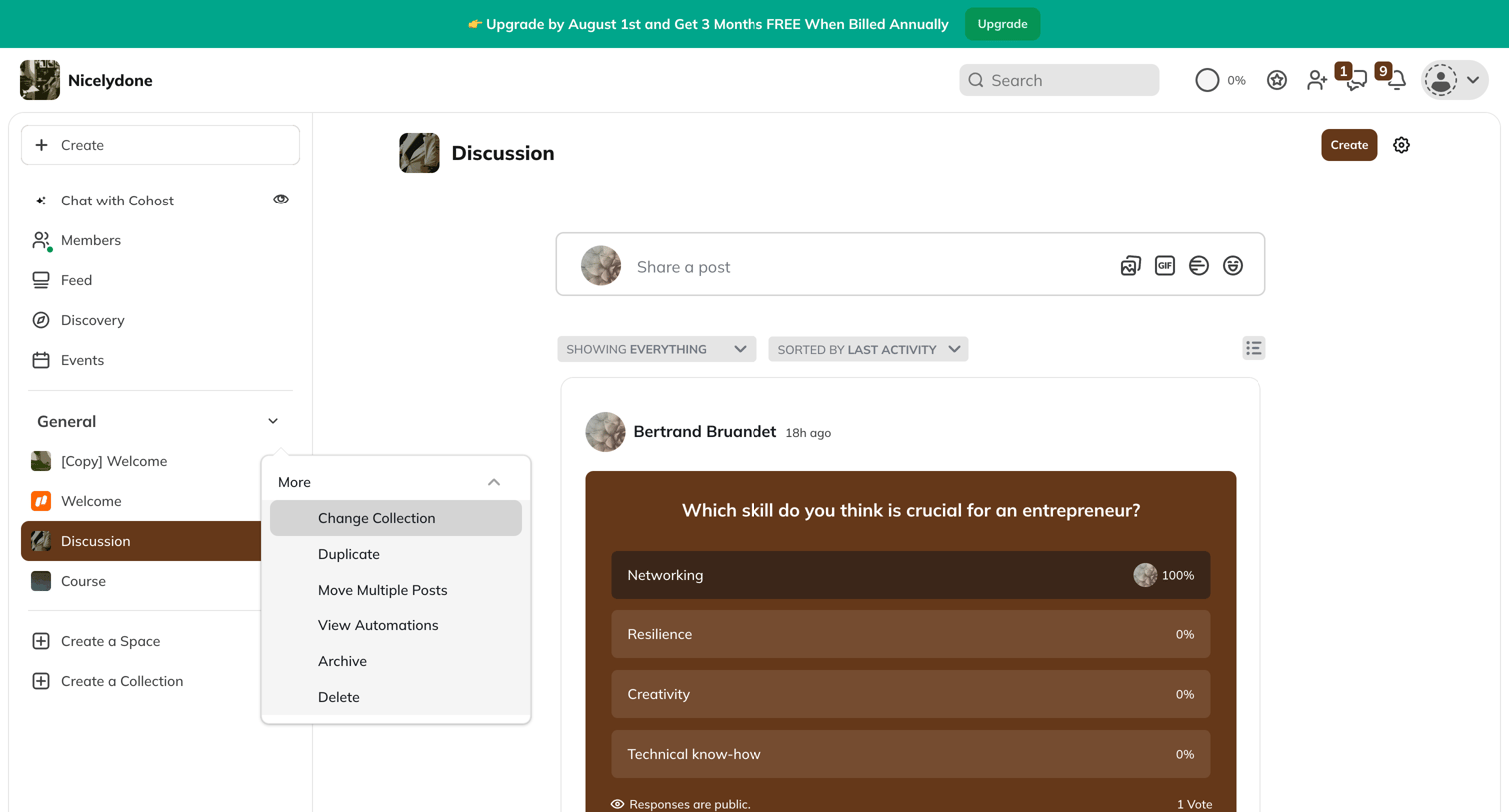

Mighty - Discussion screen
Mighty logo
Mighty

Community platform feed where the user can share posts, vote on polls, and browse discussions.
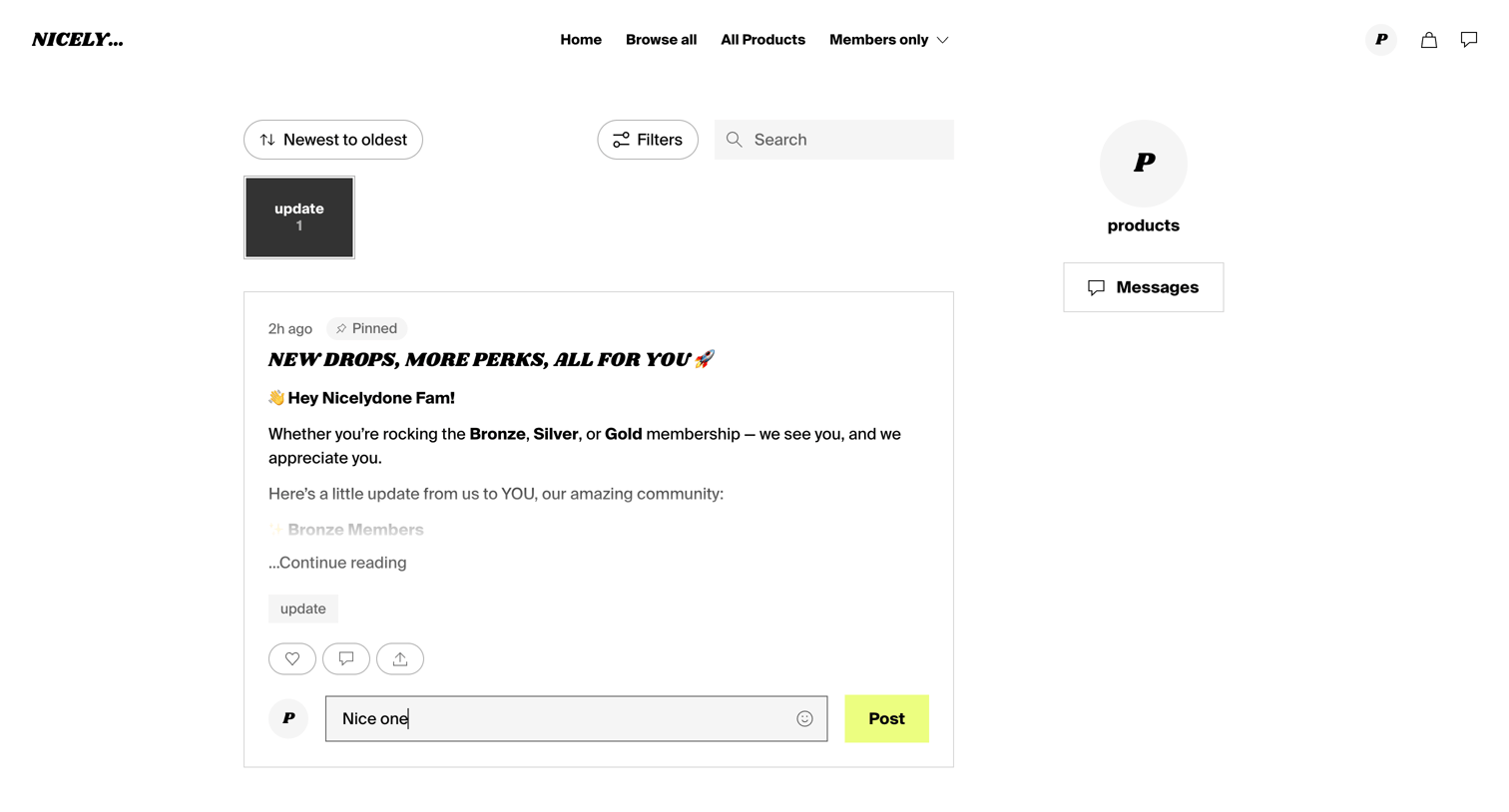
Fourthwall - Nicelydone screen
Fourthwall logo
Fourthwall

Community feed where members can read creator updates, filter posts by category, and leave comments.
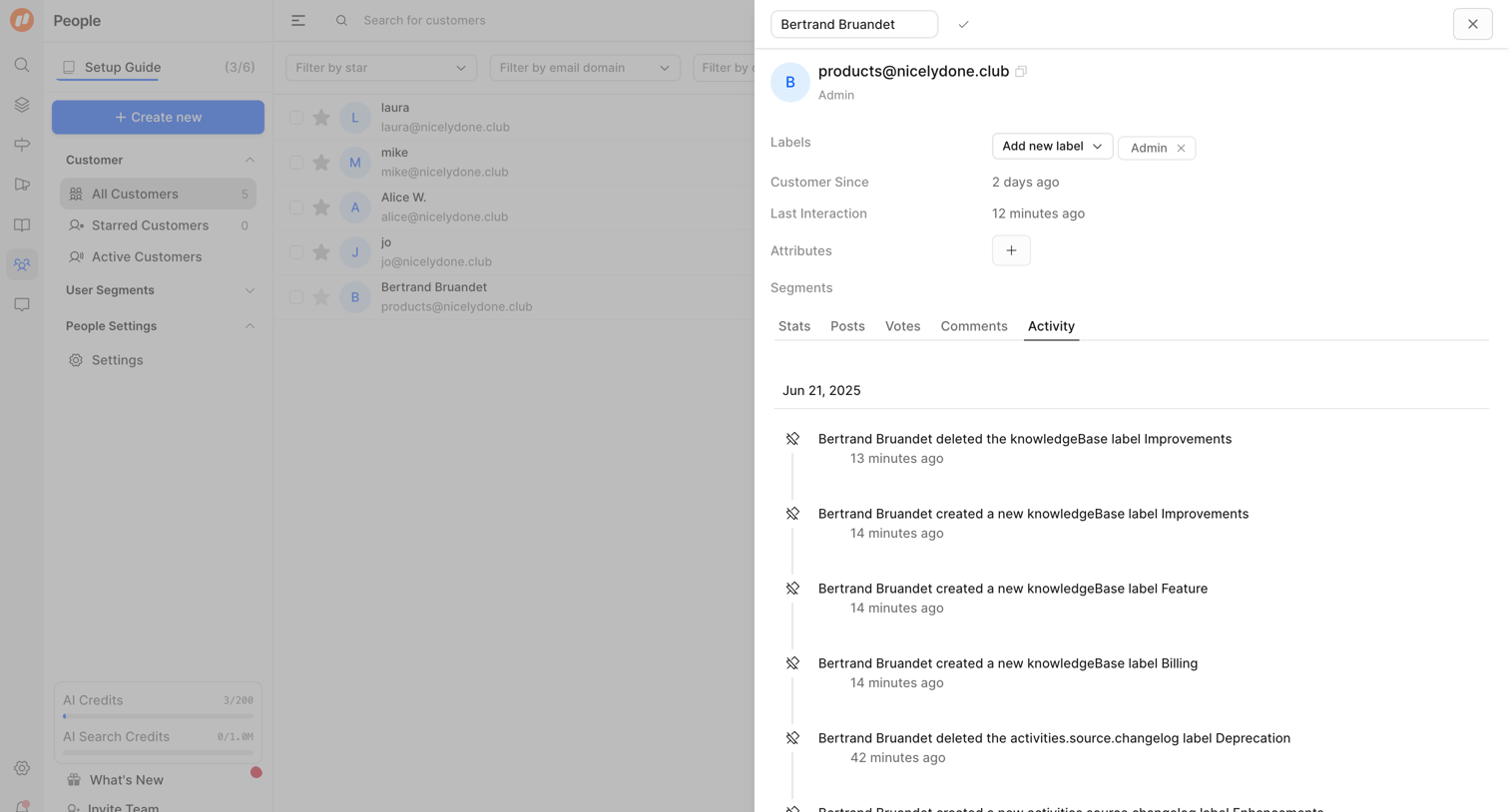

FeatureOS - Nicelydone screen
FeatureOS logo
FeatureOS

Detail page where the user views a customer's profile, including their labels, attributes, and a timeline of recent activity.

Explore the full SaaS screen library

Upgrade to unlock the full library.

Trusted by the best teams