Tools page examples
Tools page design examples from SaaS websites. Explore Tools page design in SaaS. Often called Resources or Integrations, this page is where users discover helpful features, integrations, and guides.…
Explore the examples
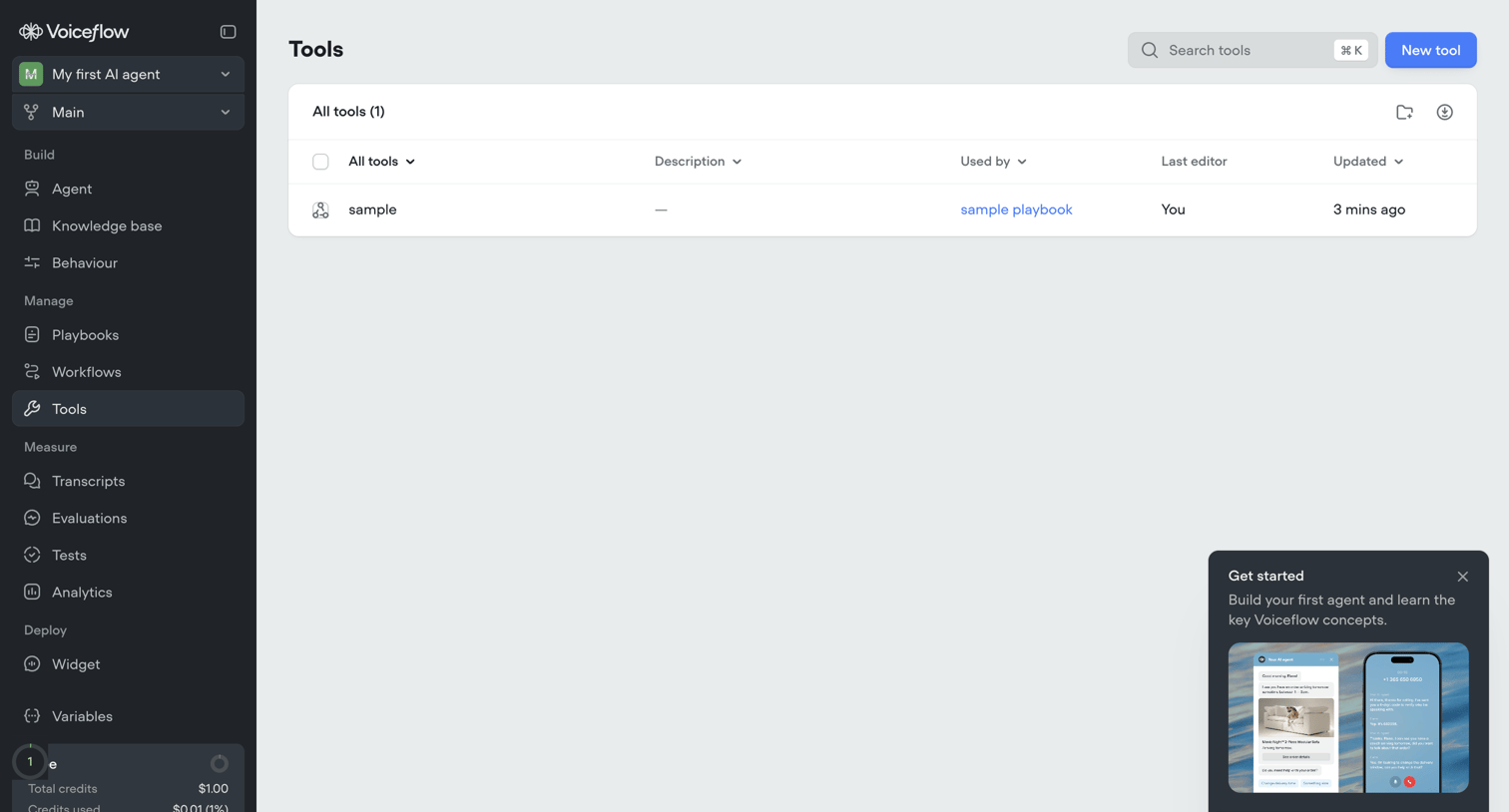

List view where the user manages tools for their AI agent, featuring a data table of existing tools and an onboarding popover for new users.
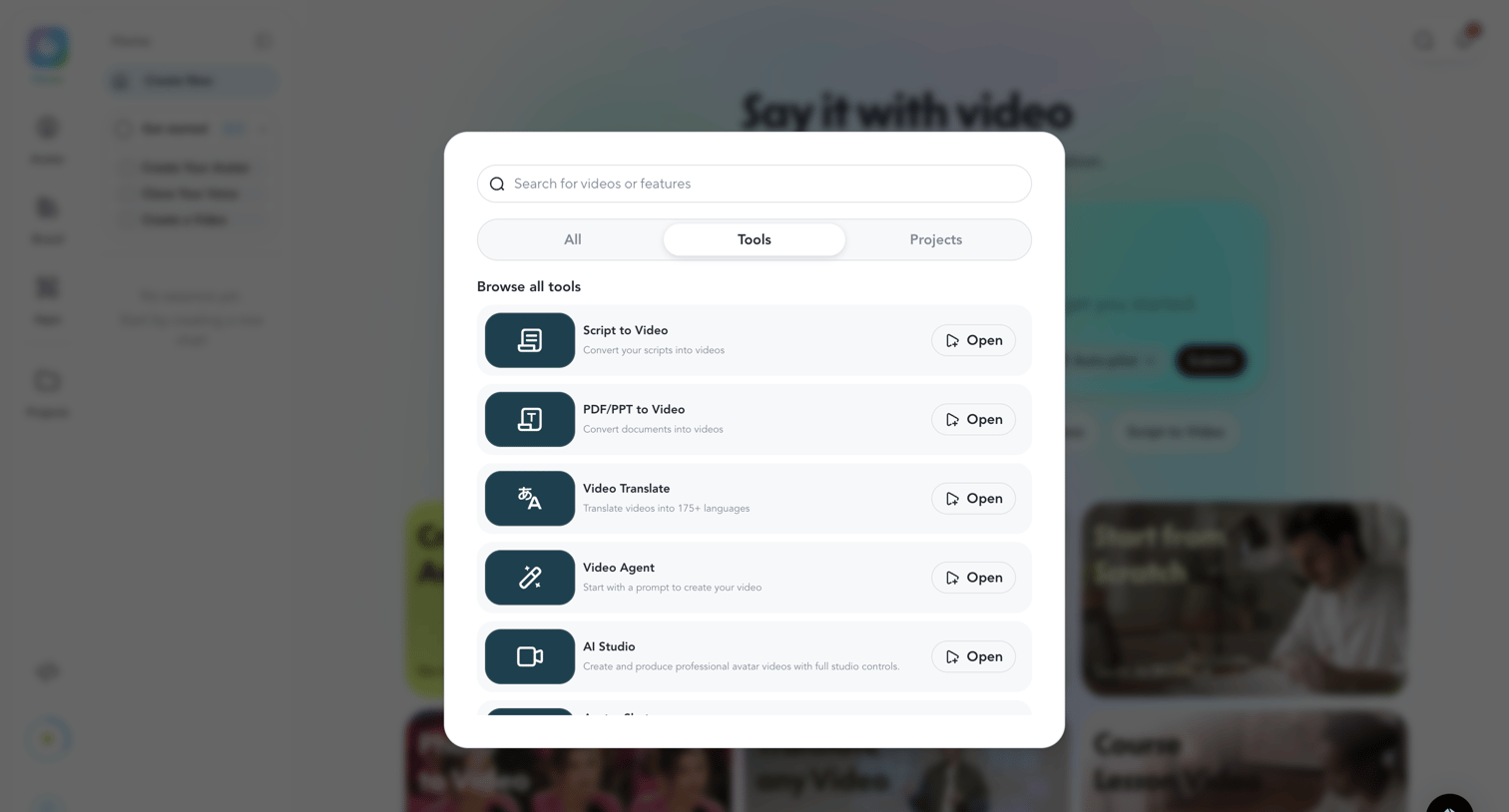

Search overlay where the user filters between all, tools, and projects to find and open specific video creation features.
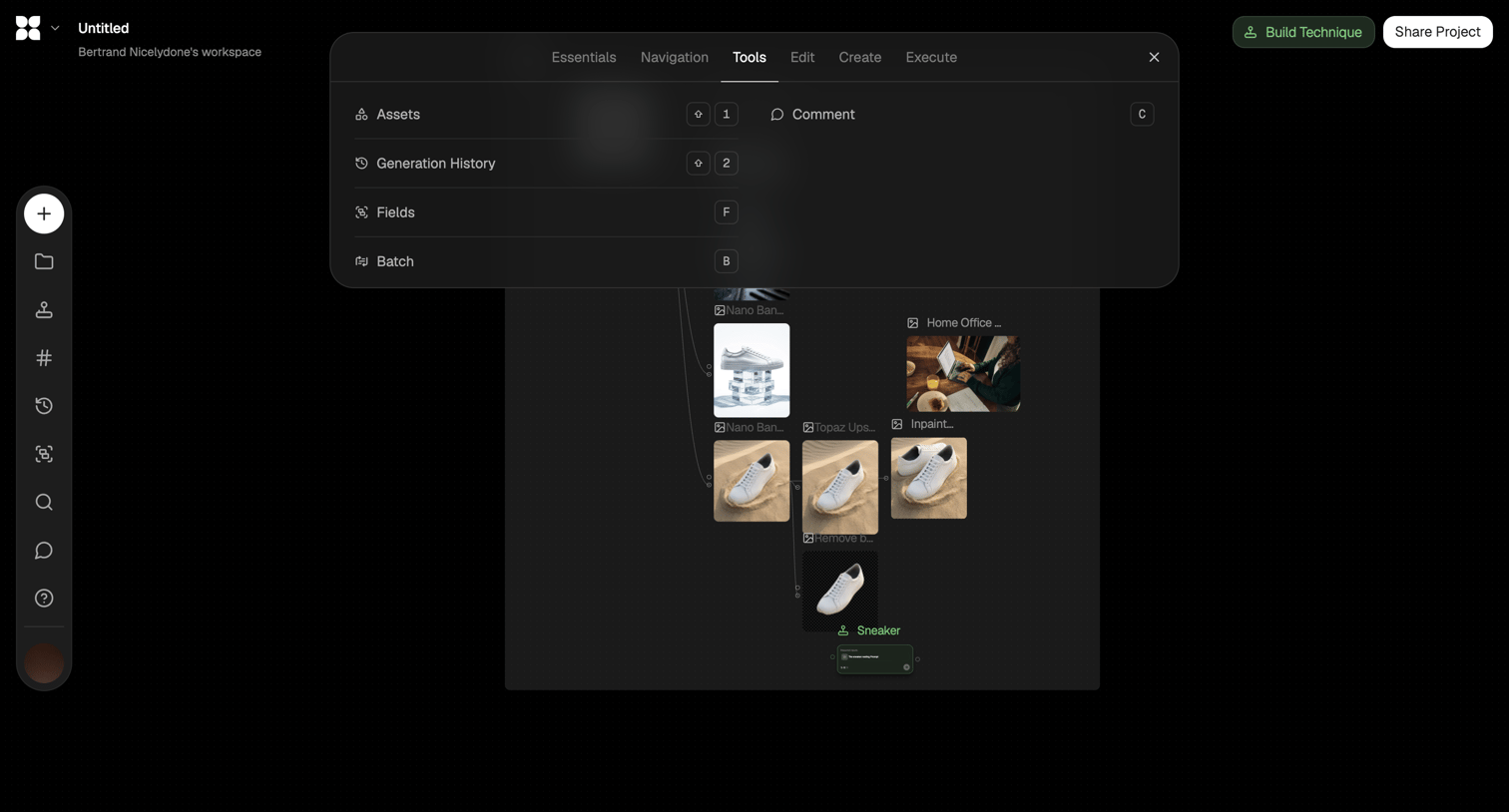

Design editor canvas where the user is opening a tools menu over an AI image generation node workflow.

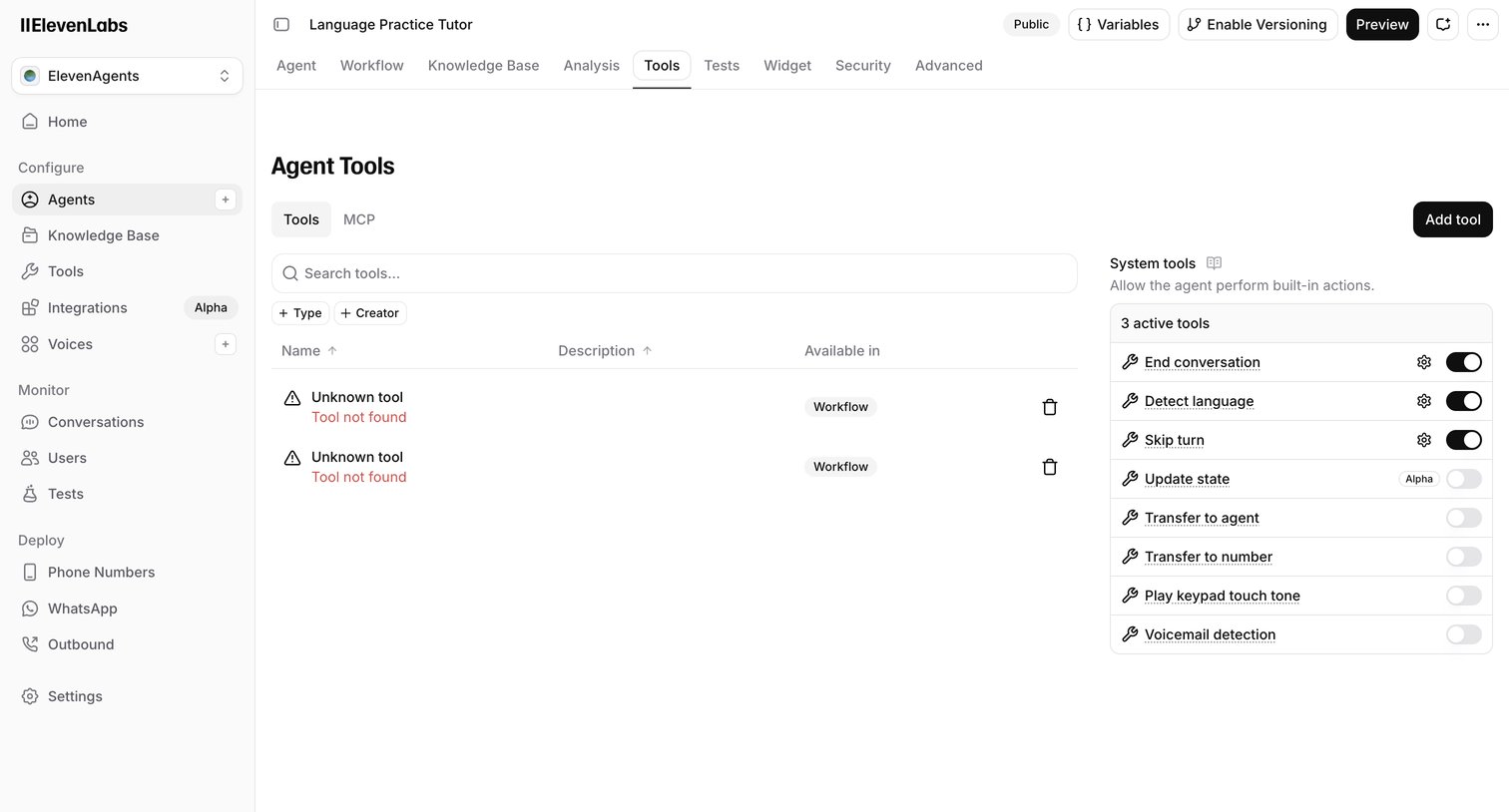

Settings page where the user configures custom and system tools for an AI agent, including enabling built-in actions like ending conversations or detecting language.

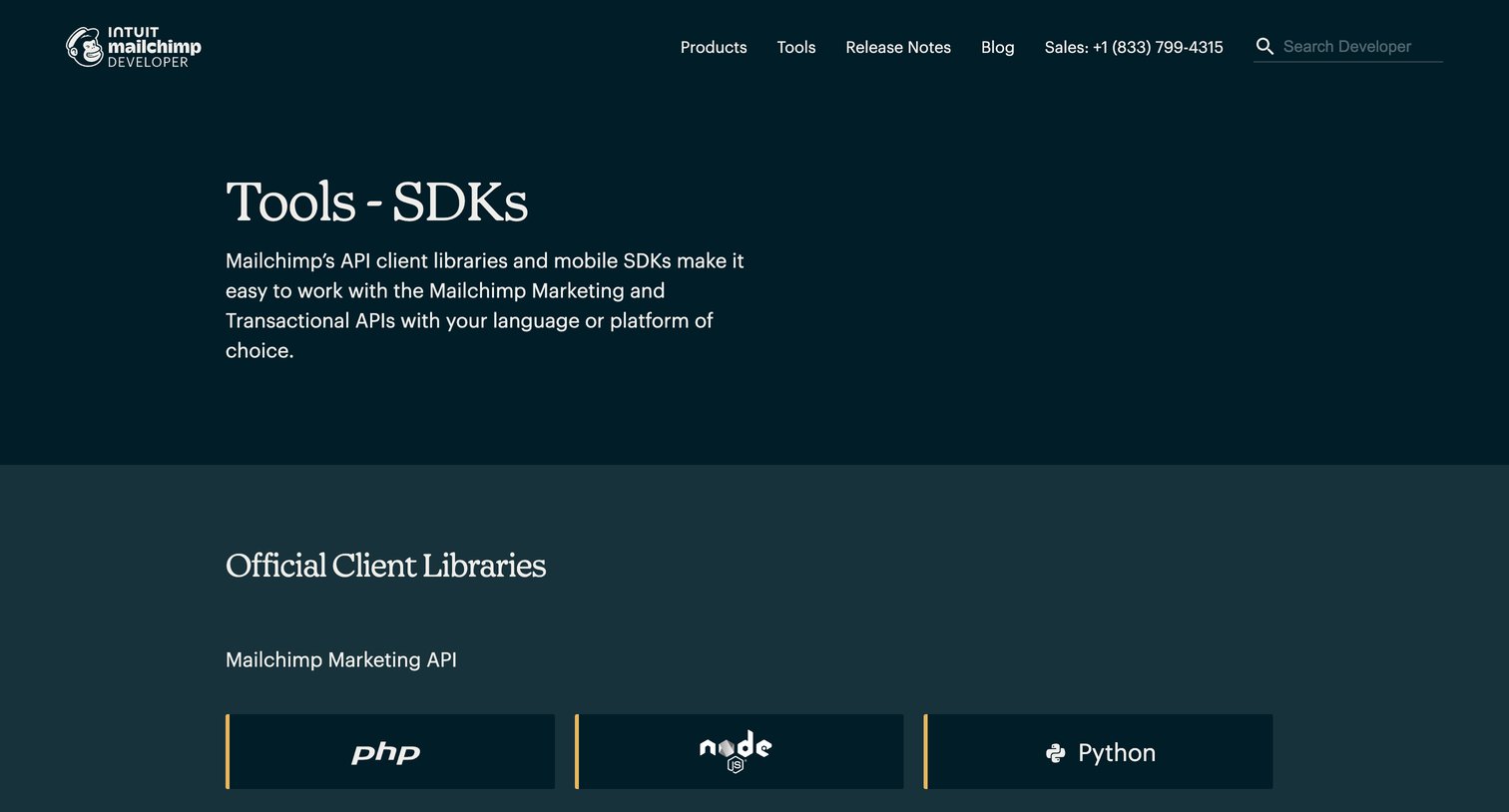

Developer tools page listing official API client libraries and mobile SDKs for Mailchimp, organized by language and platform.
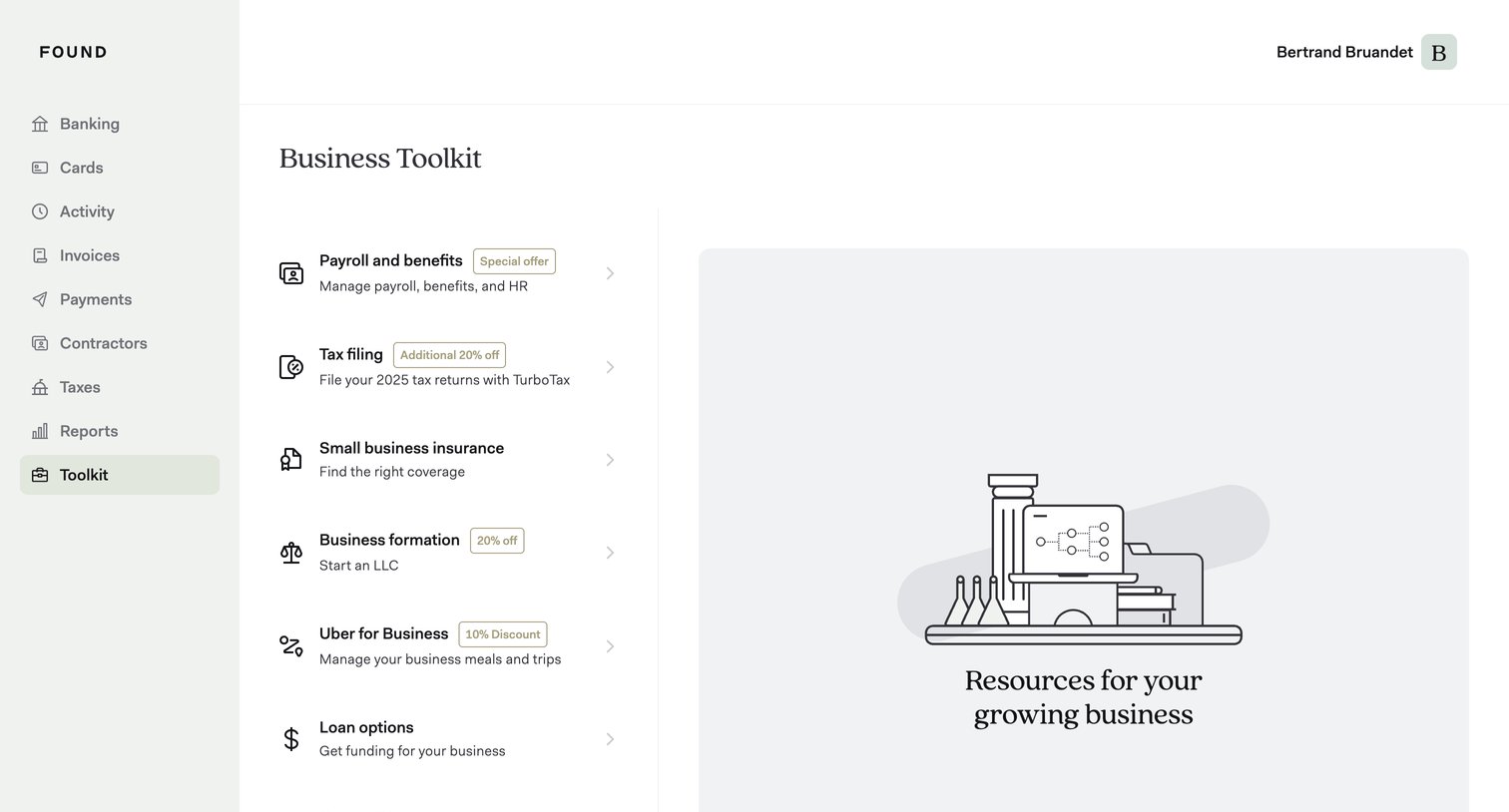

List view where the user browses business toolkit offers like payroll, tax filing, and insurance, with a placeholder illustration in the detail pane.
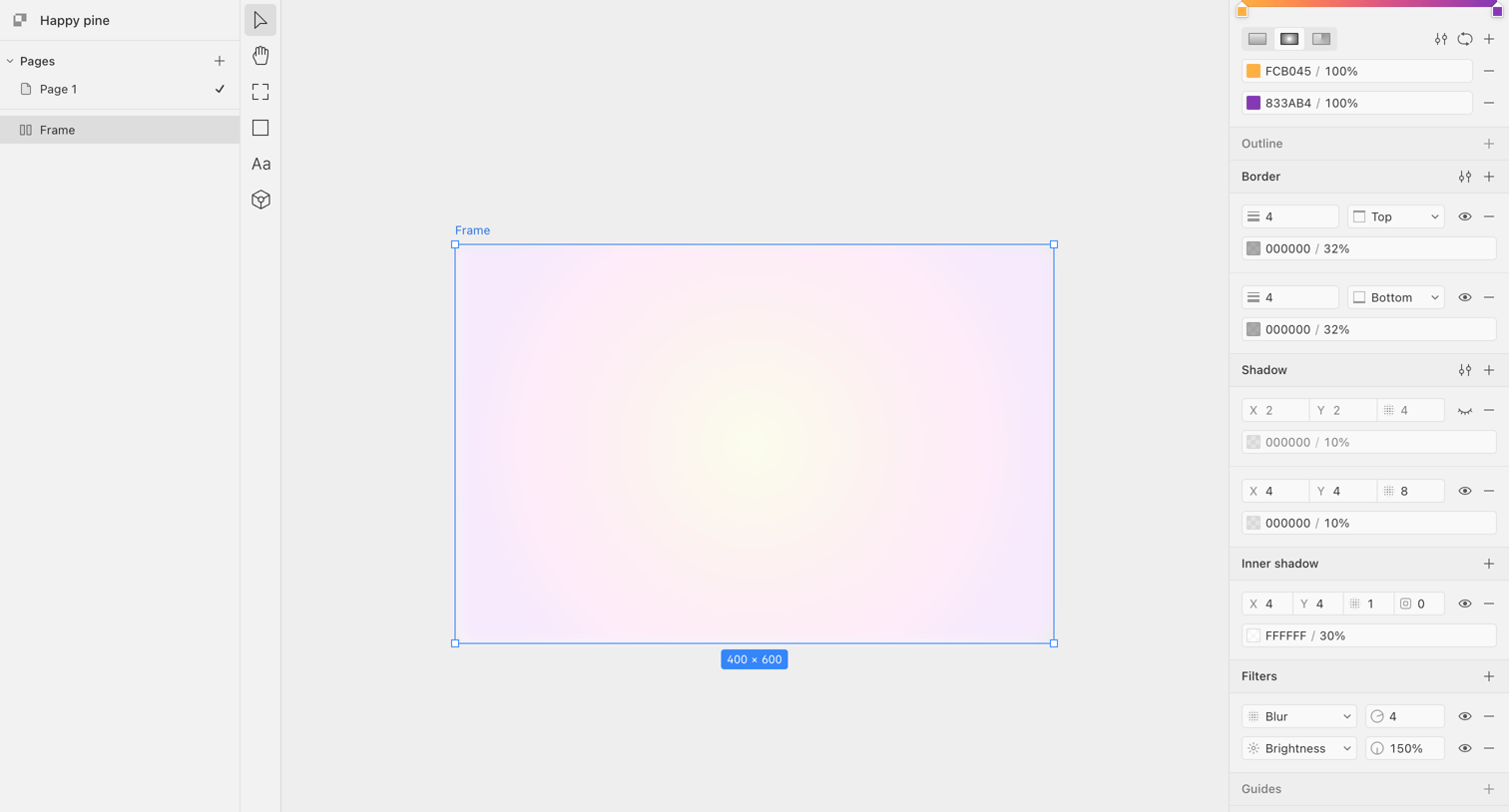

Design editor where the user is adjusting the gradient fill, borders, and shadows of a selected frame via the right-hand inspector panel.
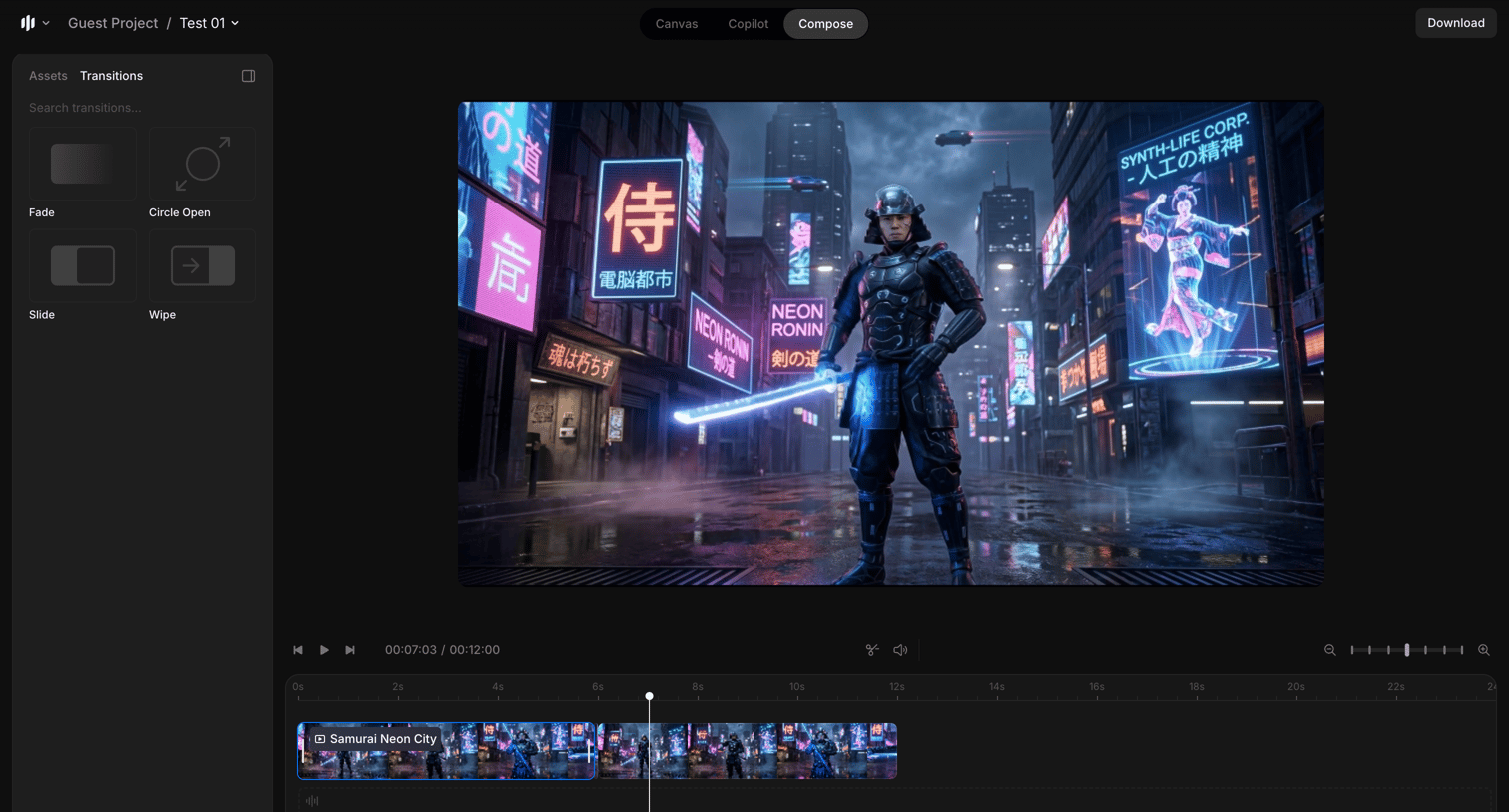

Motion design editor where the user applies transitions to video clips on a multi-track timeline.
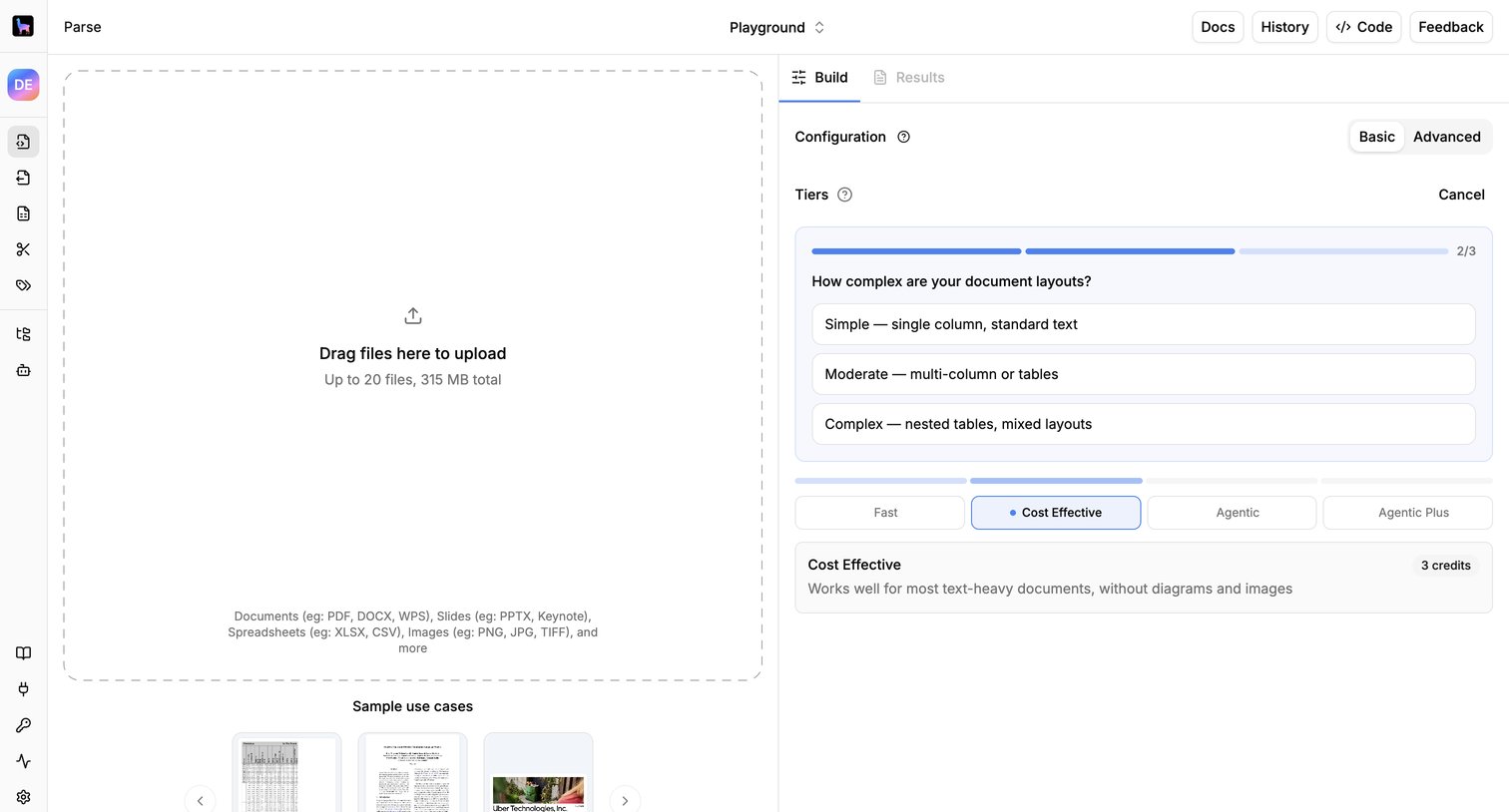

Playground interface where the user uploads documents and configures parsing tiers like layout complexity and cost before running the extraction.
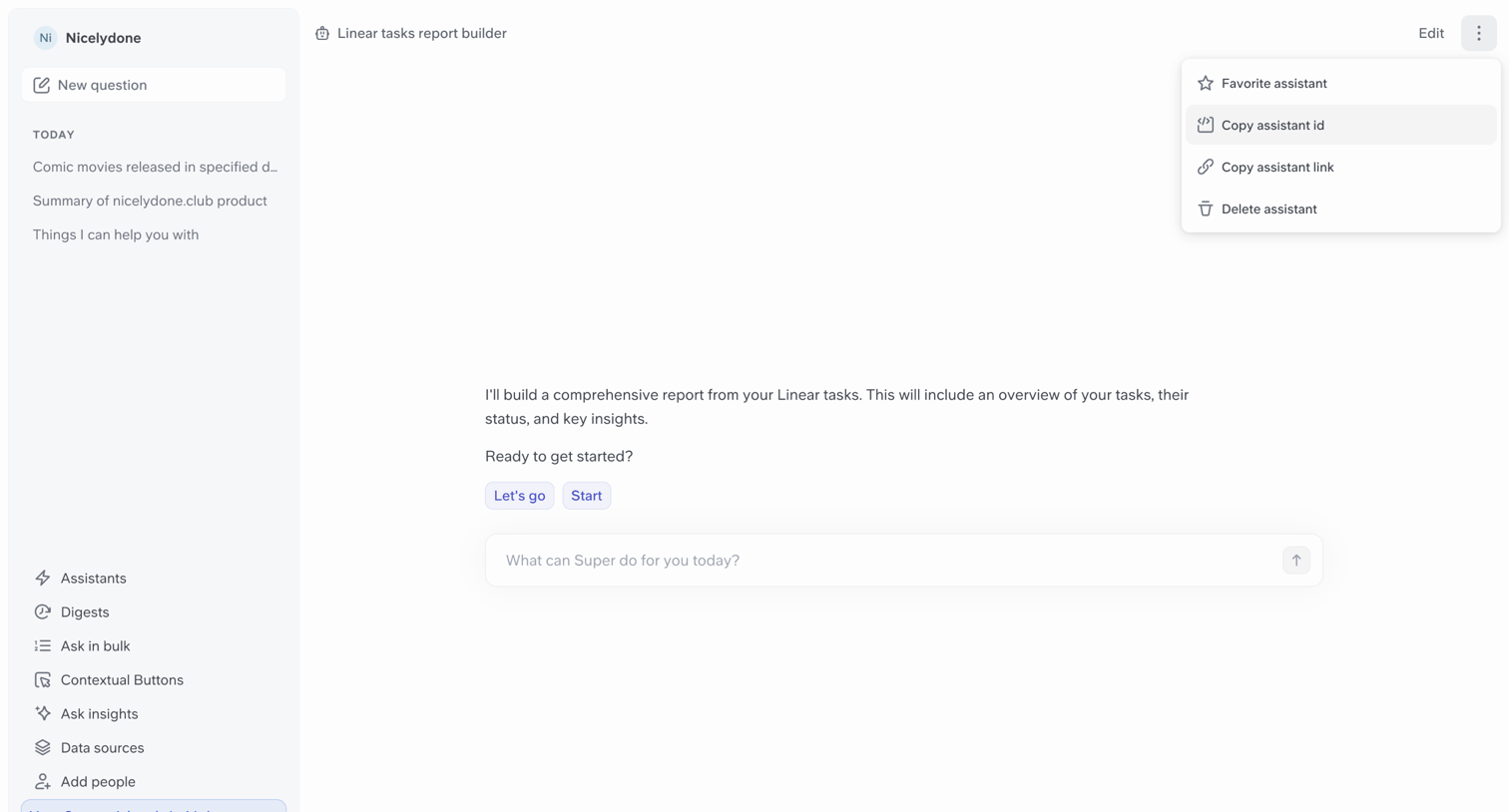

AI chat interface where the user interacts with an assistant to build a report from their Linear tasks.
Explore the full SaaS screen library
Upgrade to unlock the full library.
Trusted by the best teams








About Tools
Explore Tools page design in SaaS. Often called Resources or Integrations, this page is where users discover helpful features, integrations, and guides. Browse examples of Tools pages design from the best SaaS apps and see how they enhance user experience and drive engagement.