Sign Up screen examples
Sign Up screen design examples from SaaS apps. See how SaaS apps introduce account creation. Explore how registration fields, access methods, and supporting information are arranged before someone starts…
Explore the examples
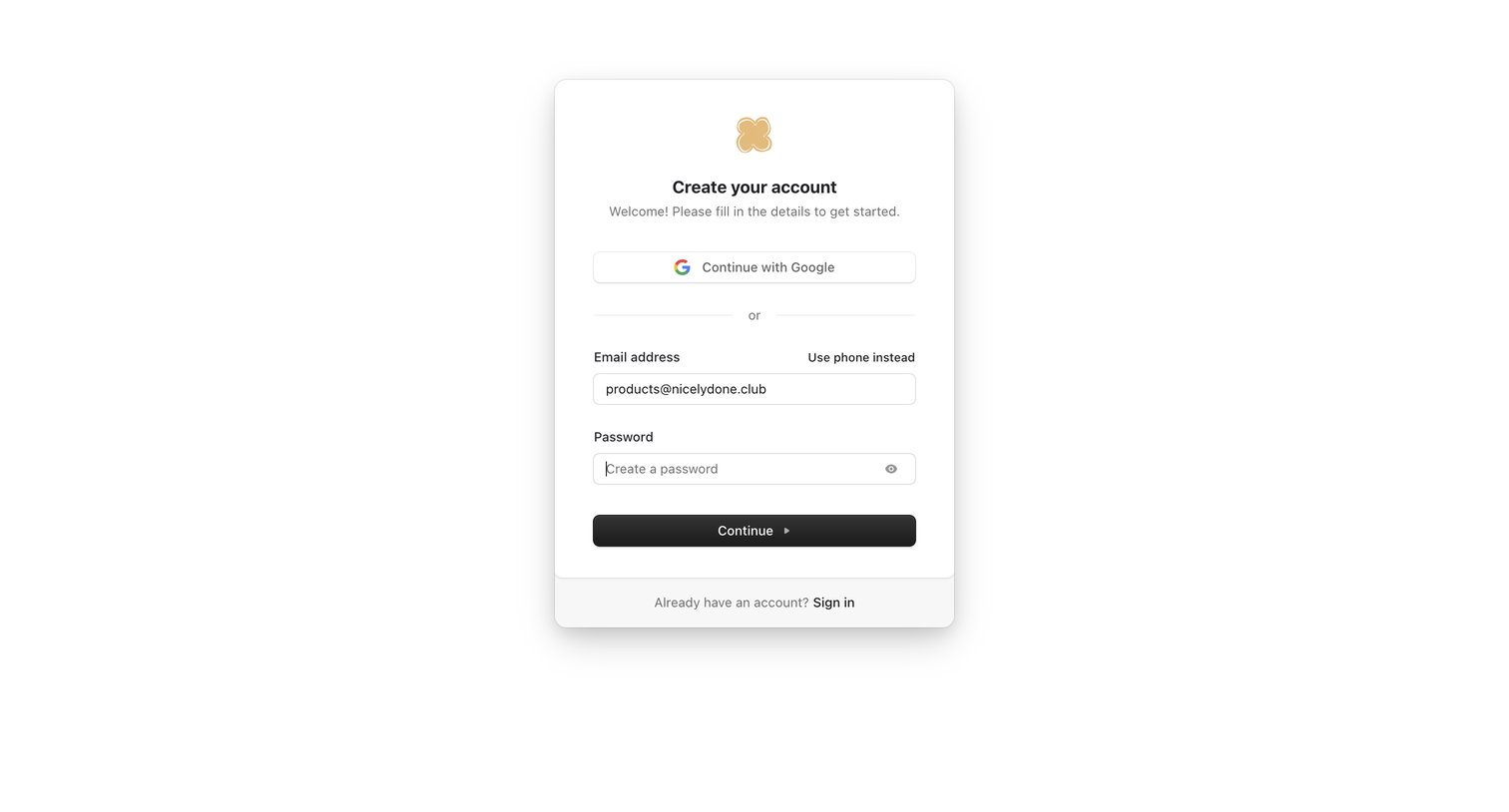

Signup screen where the user creates an account using Google OAuth or by entering an email and password.


Sign-up page where the user creates an account using email and password or GitHub OAuth, accompanied by a customer testimonial.
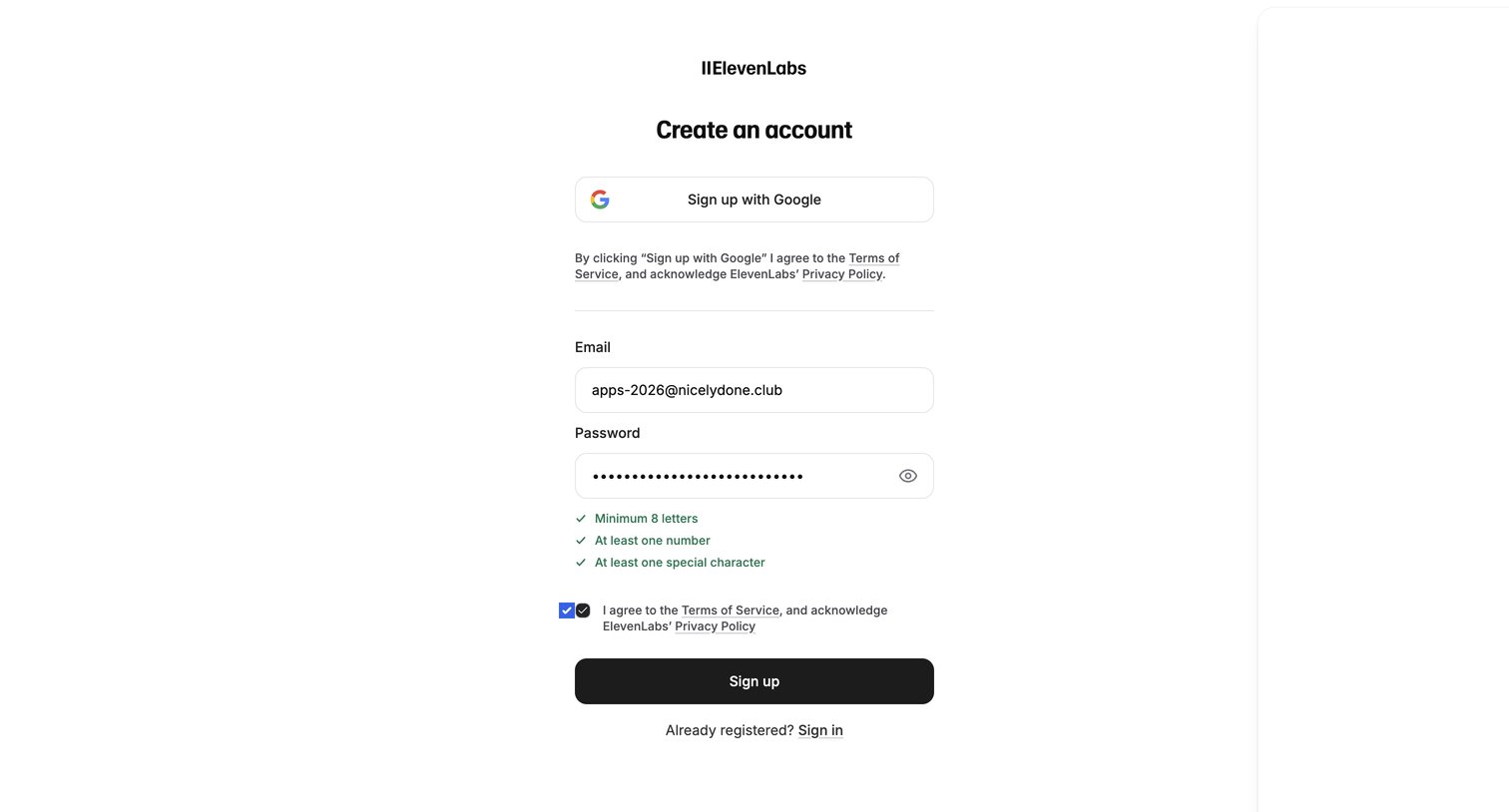

Sign-up screen where the user creates an account using Google or by entering an email and password, with visible password strength requirements.
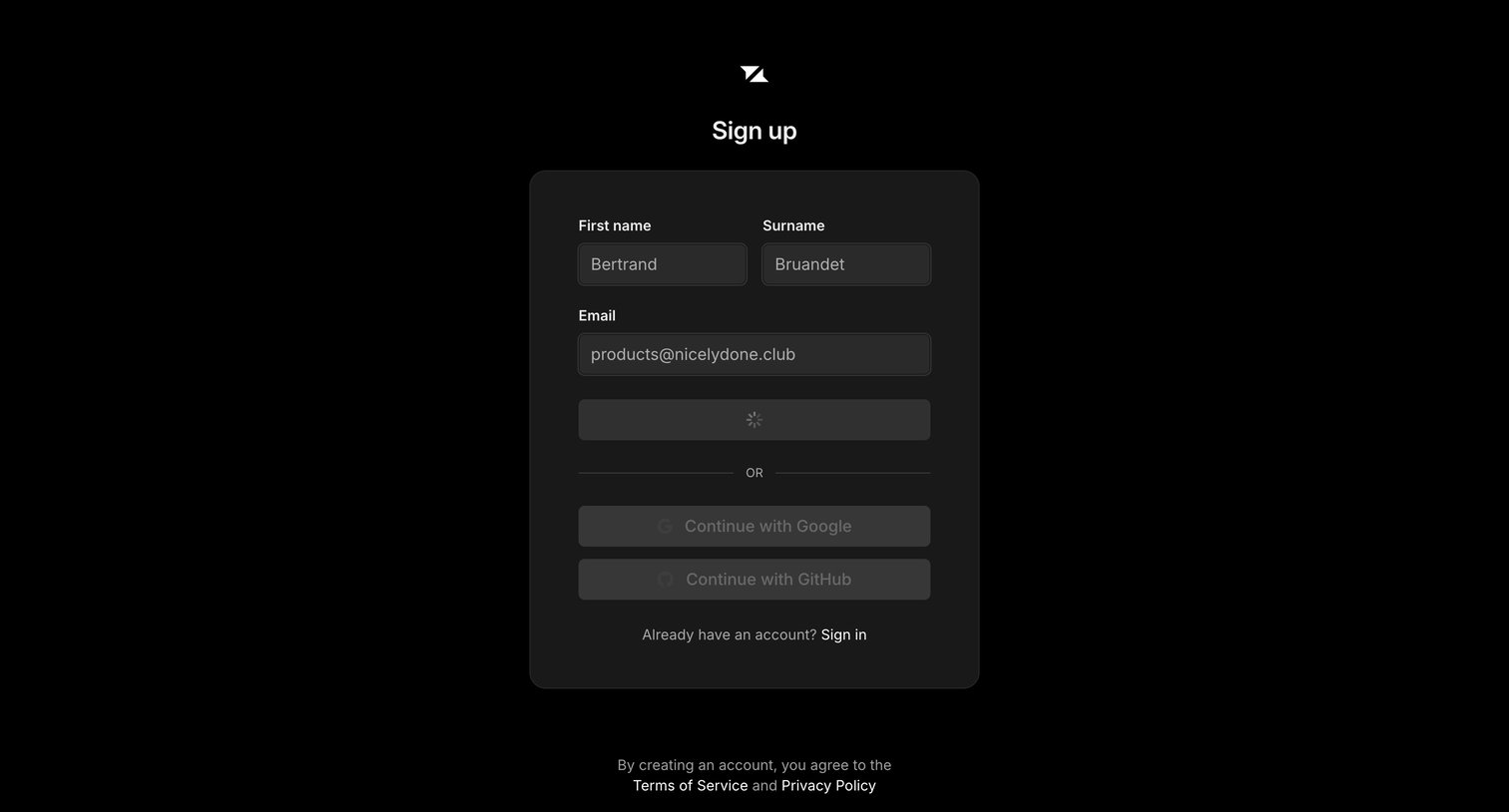

Sign-up screen where the user is submitting their name and email, currently showing a loading state, with alternative options to continue via Google or GitHub.
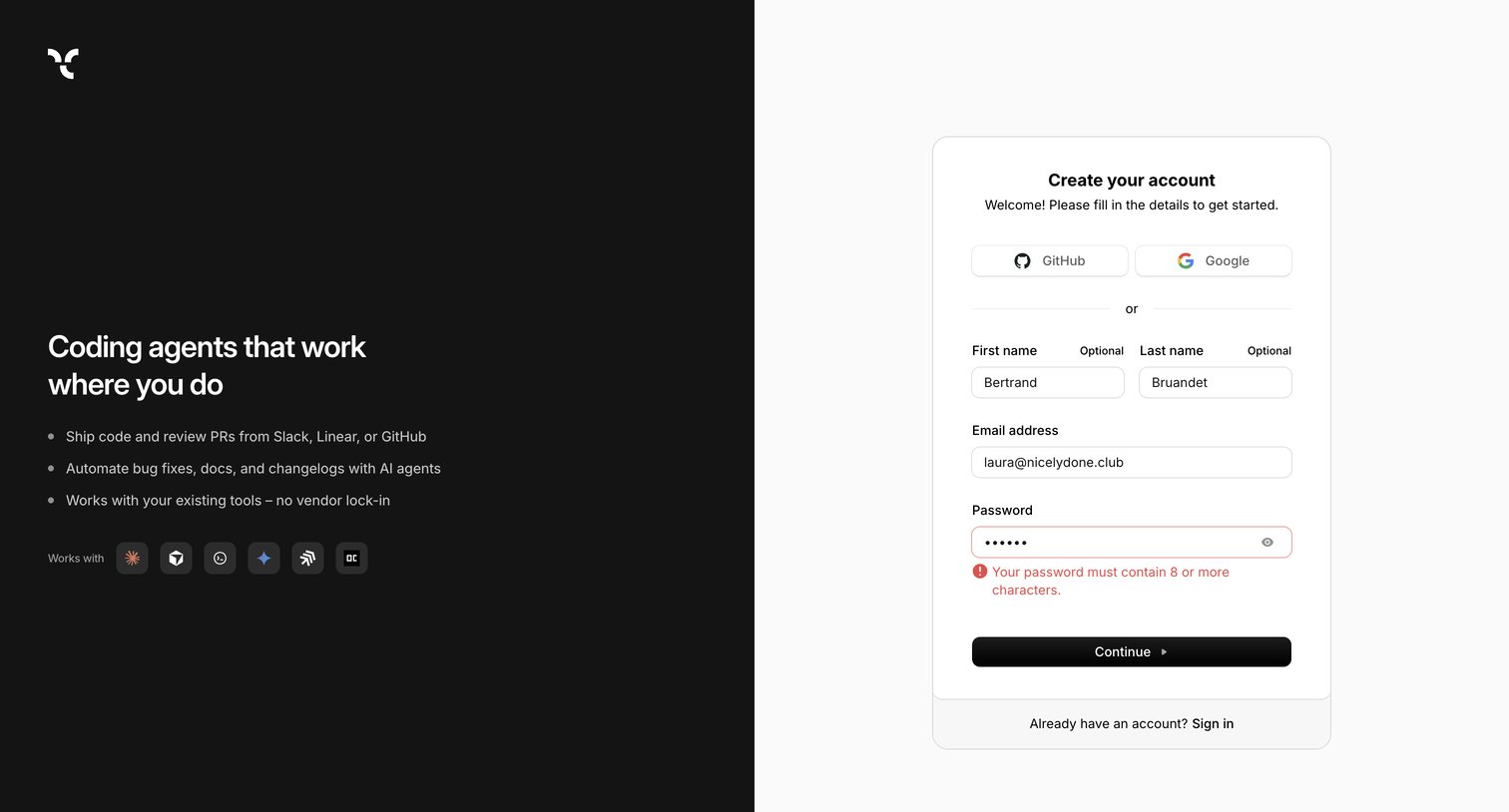

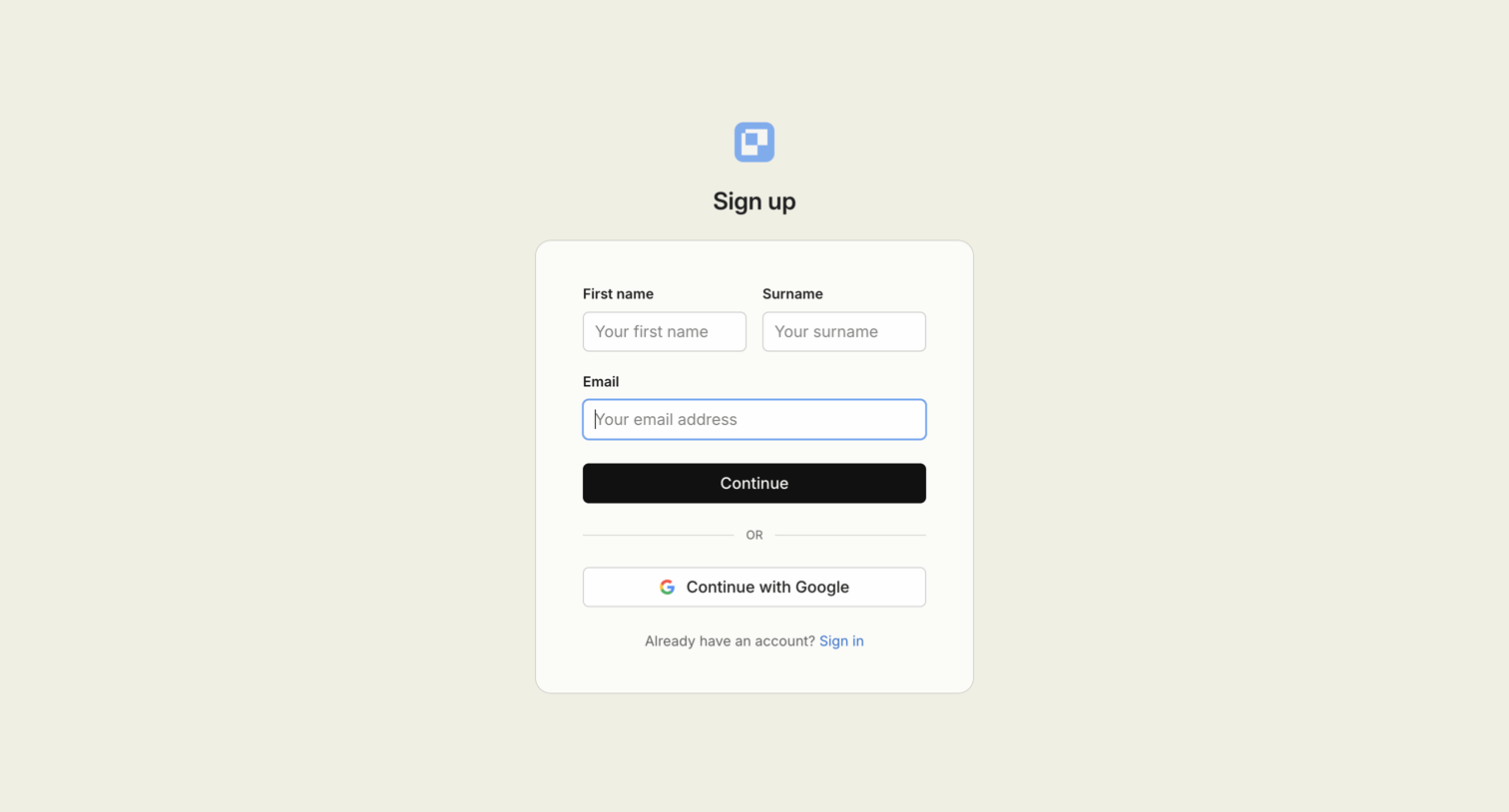

Signup screen where the user enters their name and email to create an account or chooses to authenticate with Google.


Authentication modal where the user is prompted to sign up or log in with Google, a passkey, or email to access the AI generation canvas.
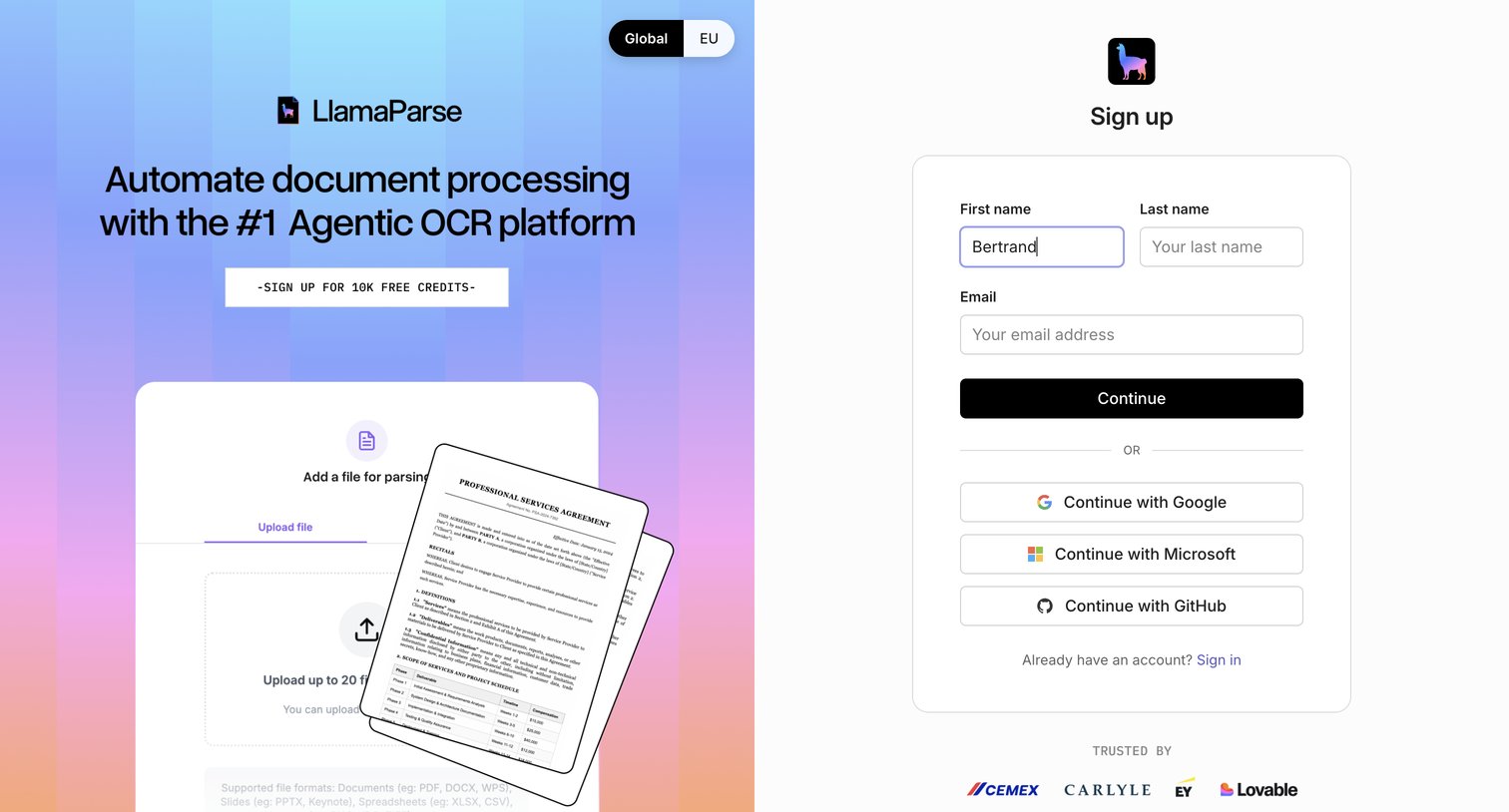

Sign-up page where the user can create an account using email, Google, Microsoft, or GitHub, featuring a product preview and a logo wall of trusted companies.
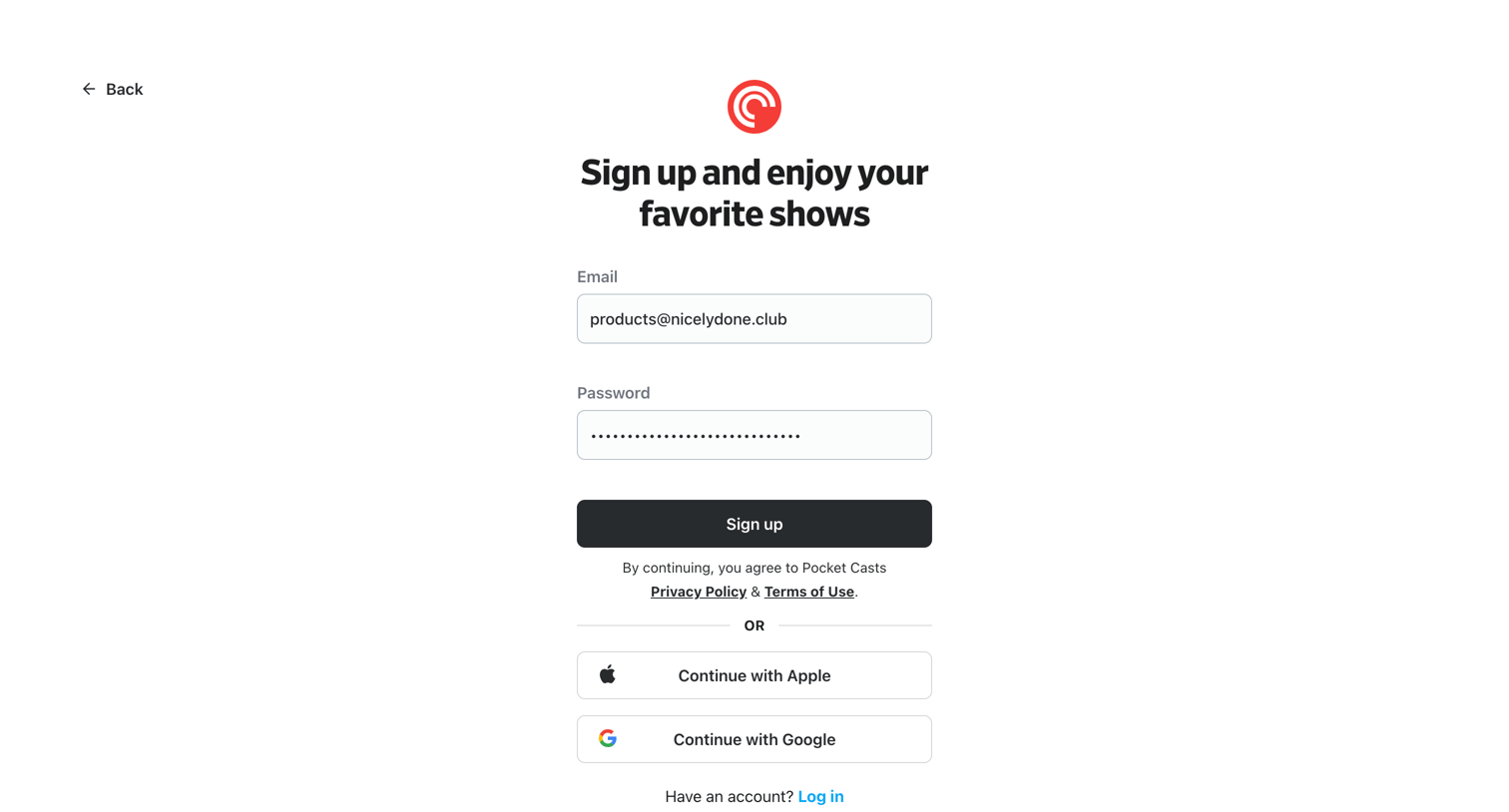

Sign-up screen where the user creates an account using an email and password or continues with Apple or Google.
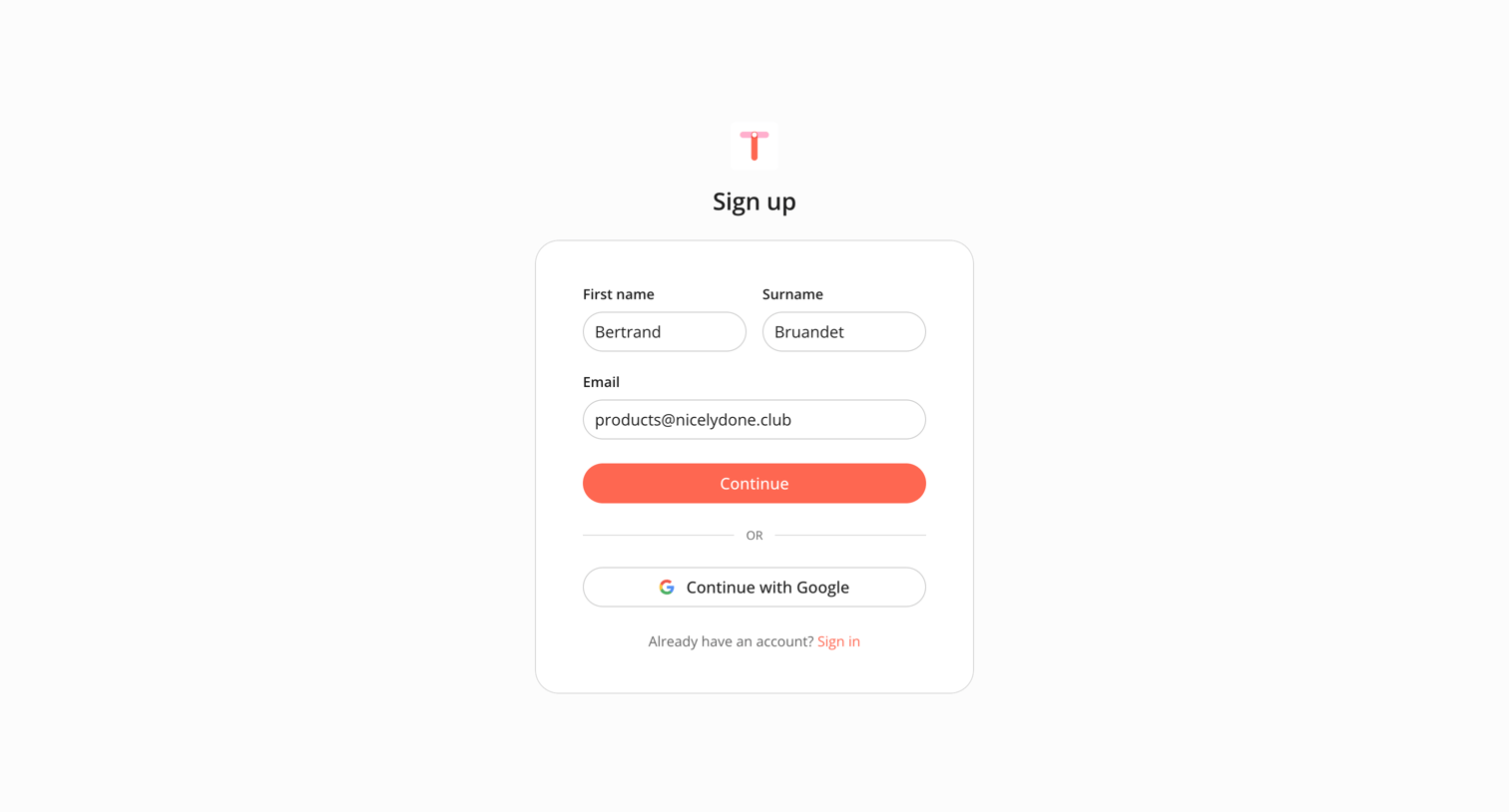

Sign-up screen where the user enters their name and email or authenticates with Google to create an account.
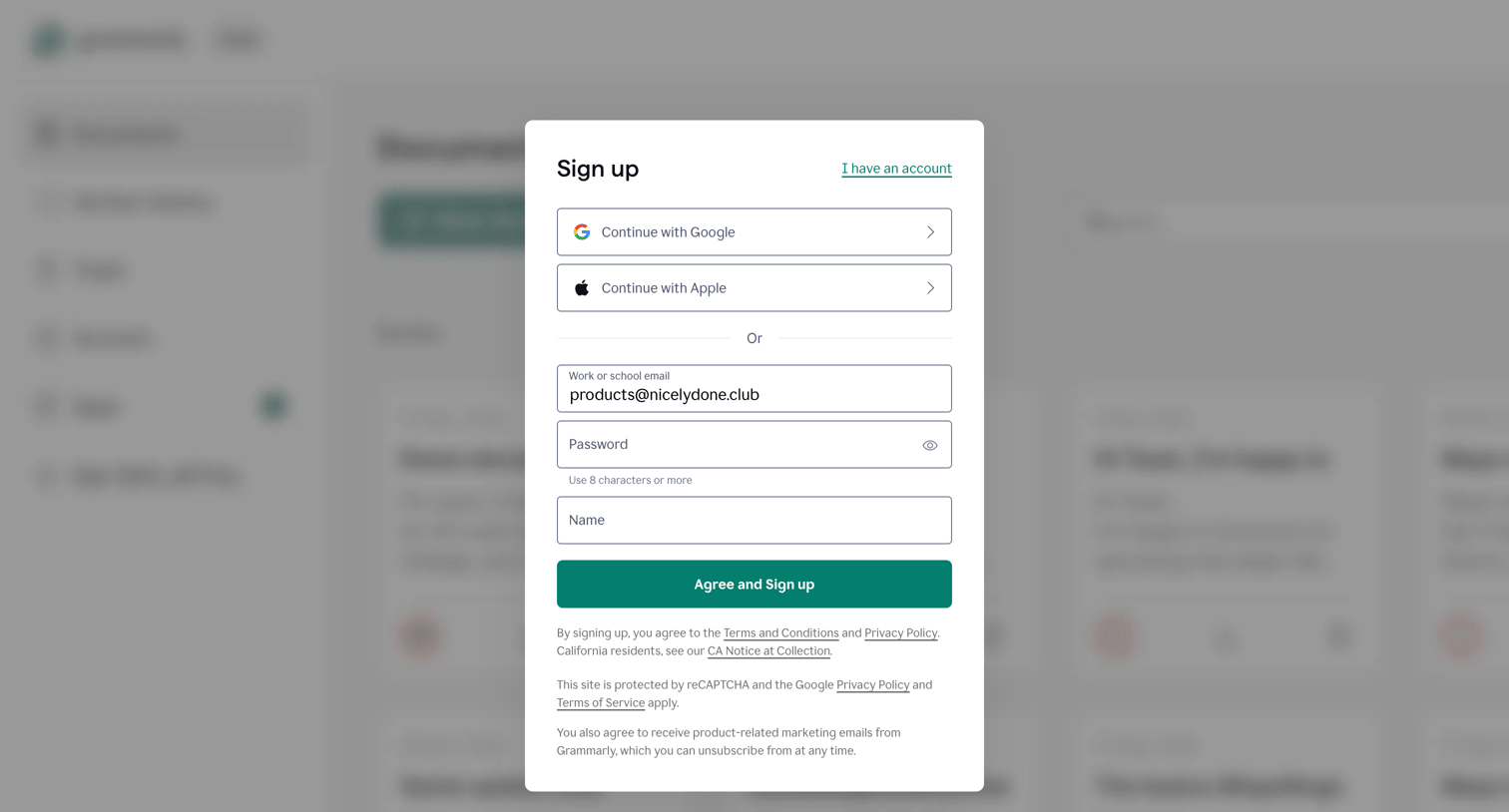

Sign-up screen where the user can create an account using Google, Apple, or an email address and password.
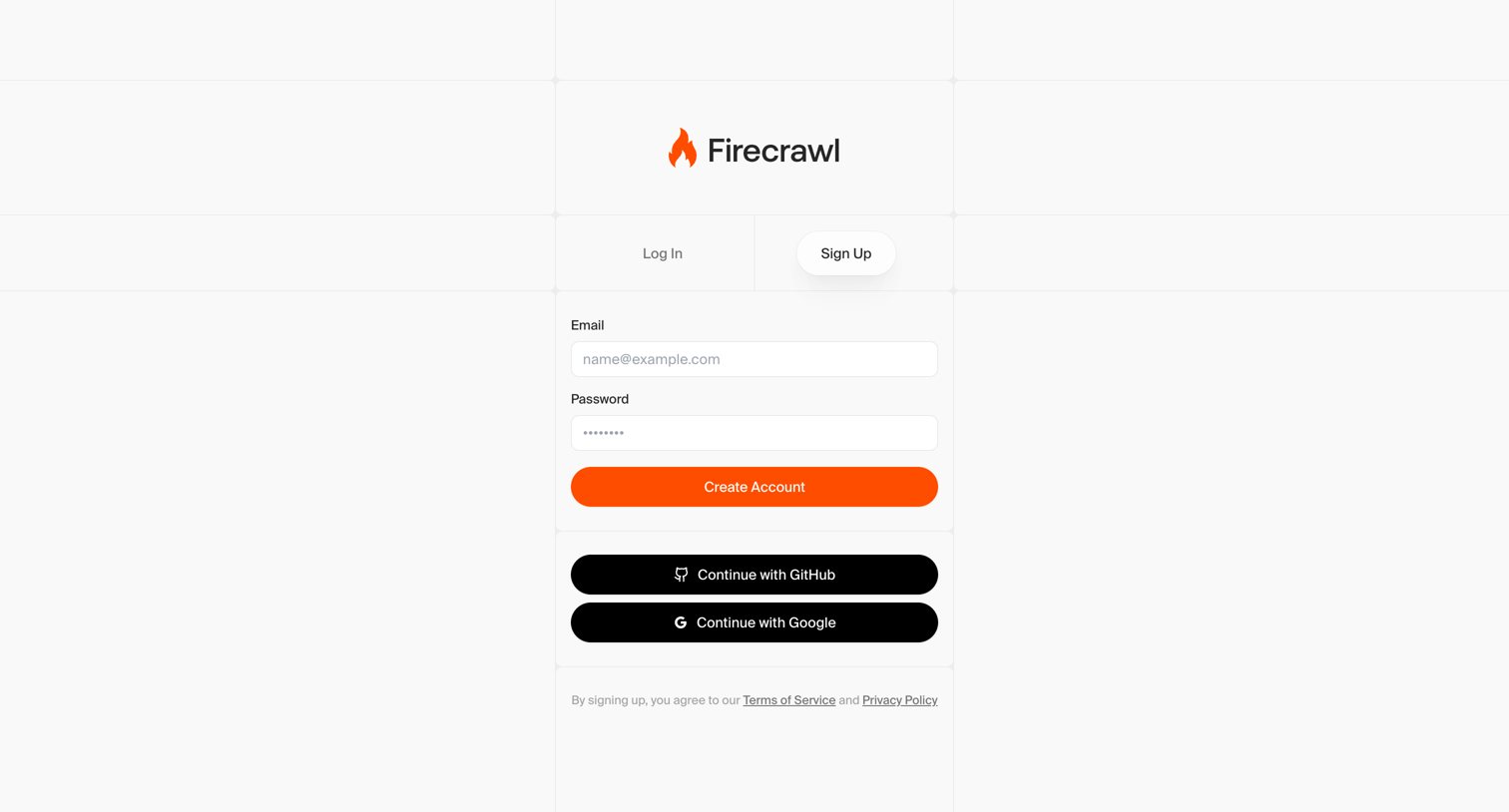

Signup screen where the user creates an account using an email and password or authenticates via GitHub or Google.
Explore the full SaaS screen library
Upgrade to unlock the full library.
Trusted by the best teams








About Sign Up
See how SaaS apps introduce account creation. Explore how registration fields, access methods, and supporting information are arranged before someone starts using the product.