Artificial intelligence page examples
Artificial intelligence page design examples from SaaS websites. Explore Artificial intelligence page design in SaaS. These pages, sometimes called AI landing pages or AI feature pages, highlight how AI enhances the user…
Explore the examples
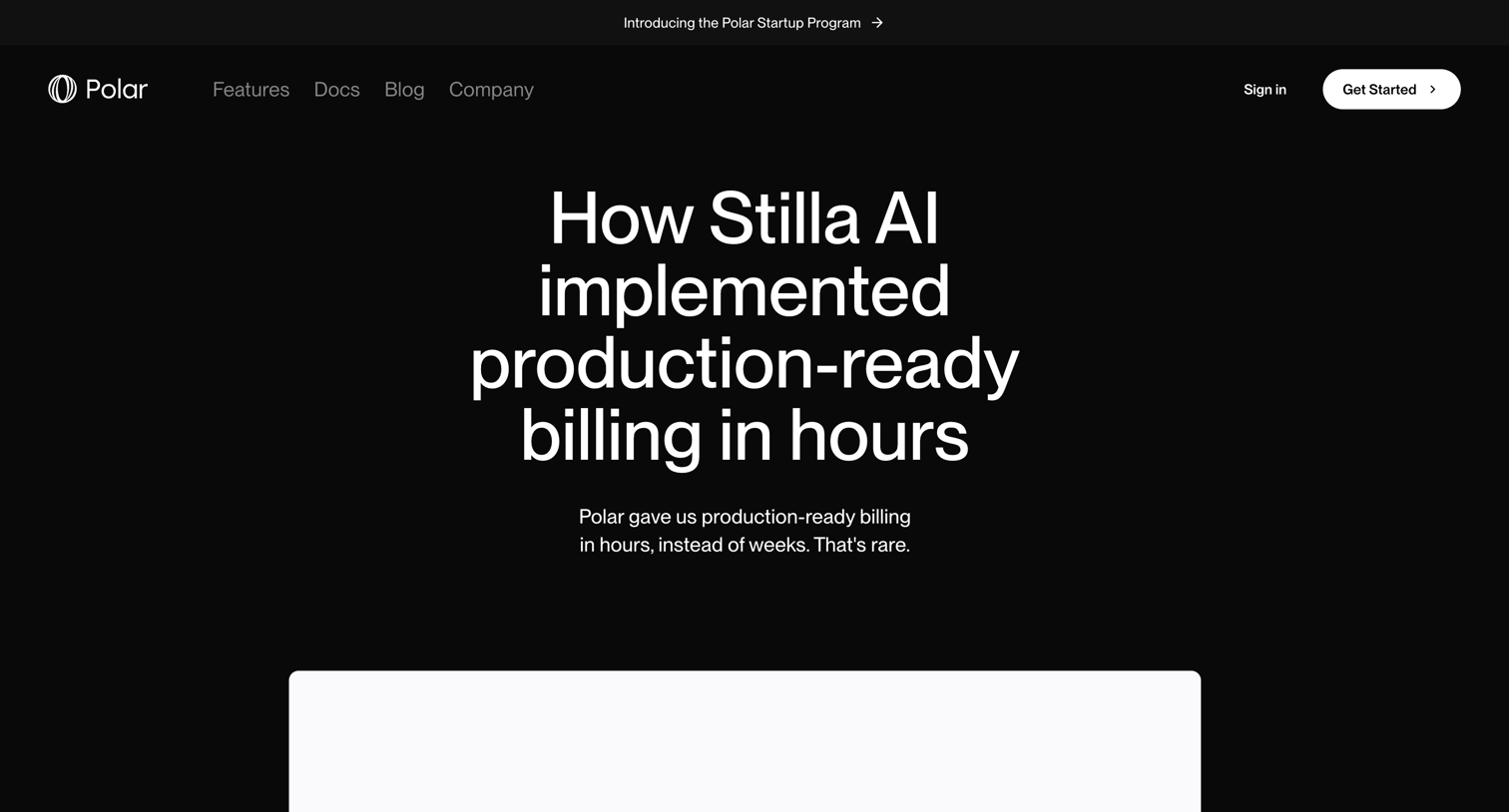

Customer story page detailing how Stilla AI implemented production-ready billing using Polar's payment infrastructure, formatted as a Q&A.
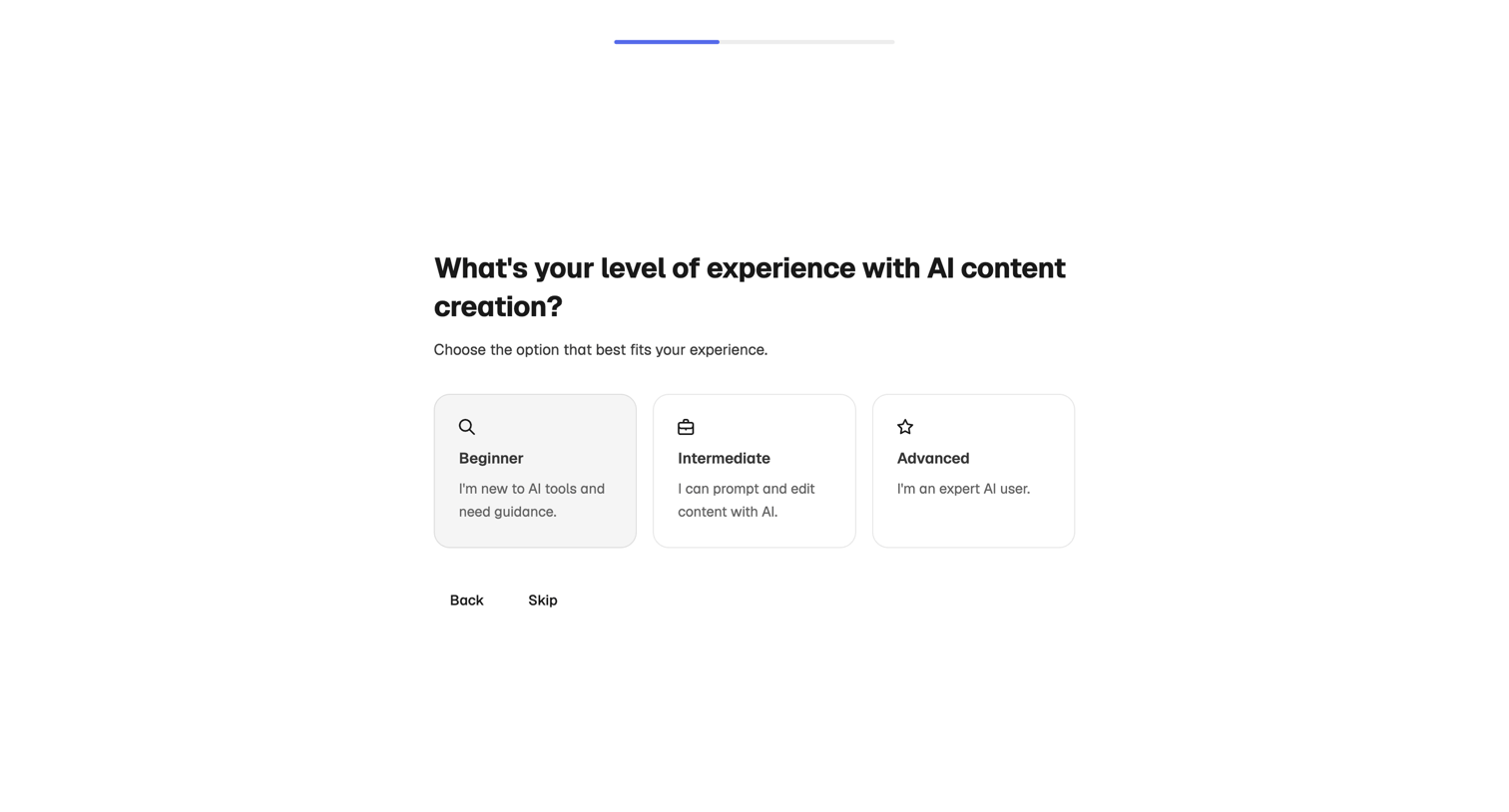

Onboarding step where the user selects their AI content creation experience level from beginner, intermediate, or advanced options.
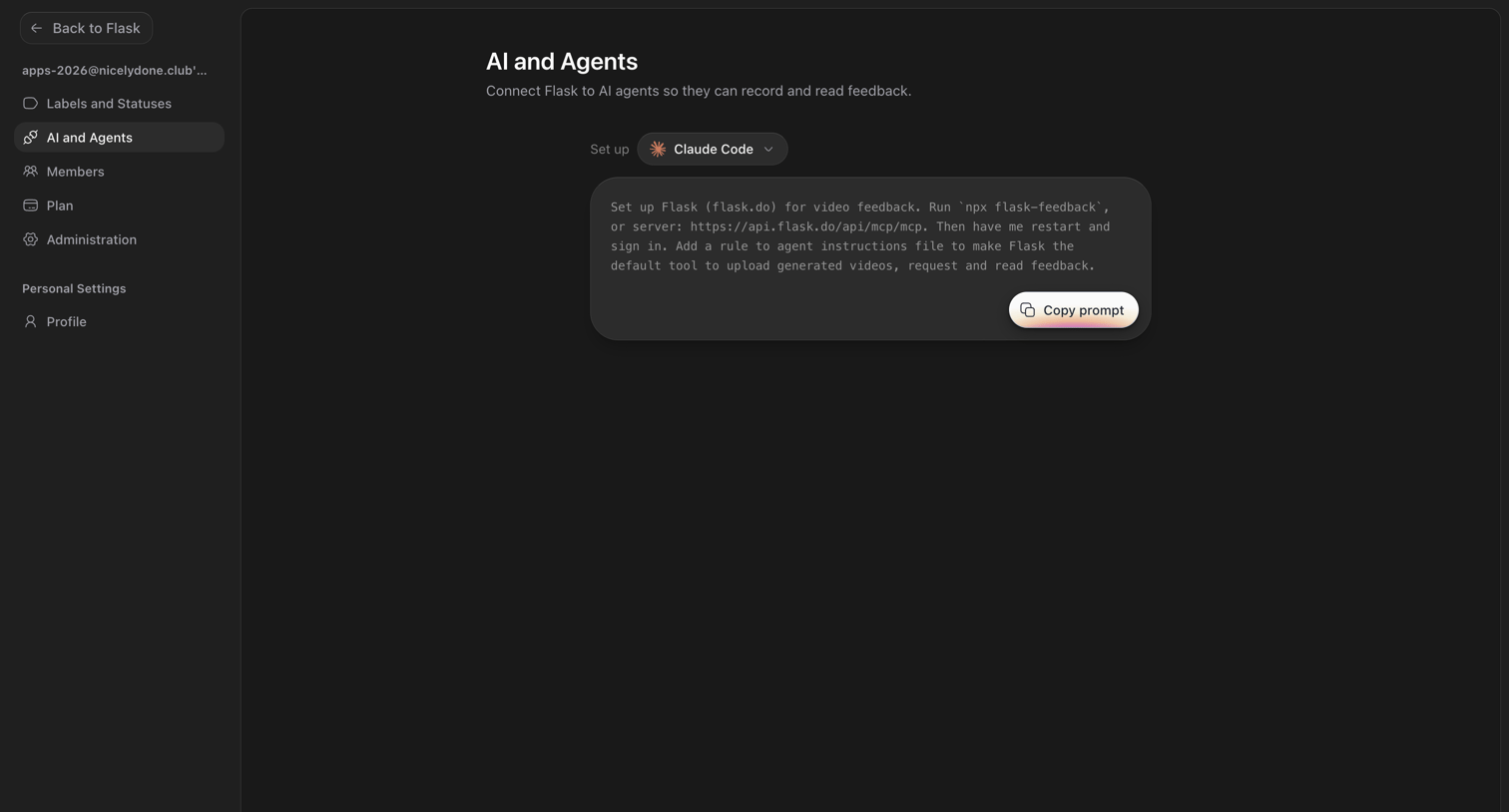

Settings page where the user configures the connection between Flask and AI agents like Claude Code by copying a setup prompt.
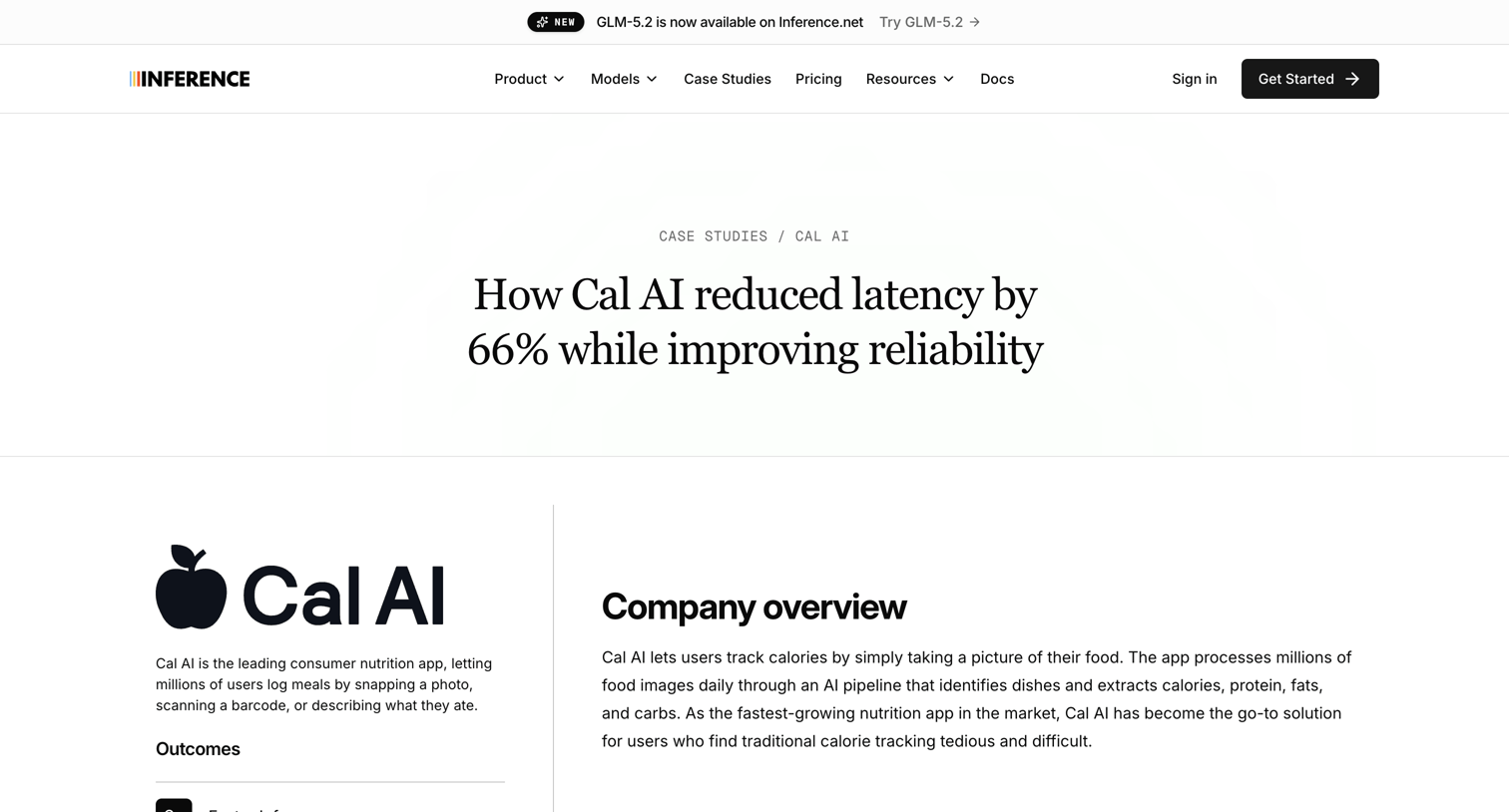

Case study page detailing how Cal AI reduced latency and improved reliability using Inference, featuring an inline booking calendar to schedule a meeting with the research team and a grid of related customer stories.
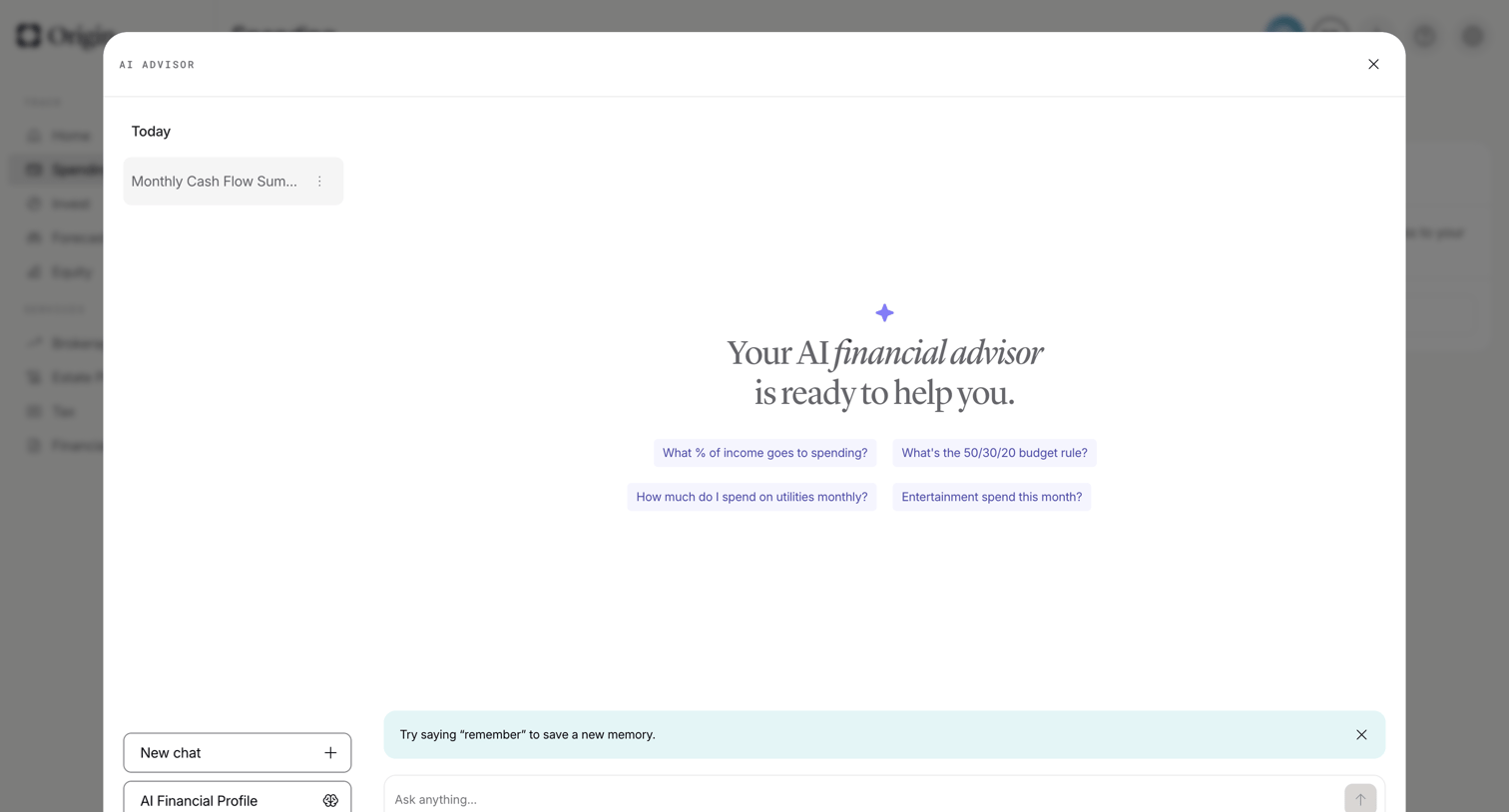

AI chat overlay where the user can ask financial questions, start a new chat, or access their AI financial profile.
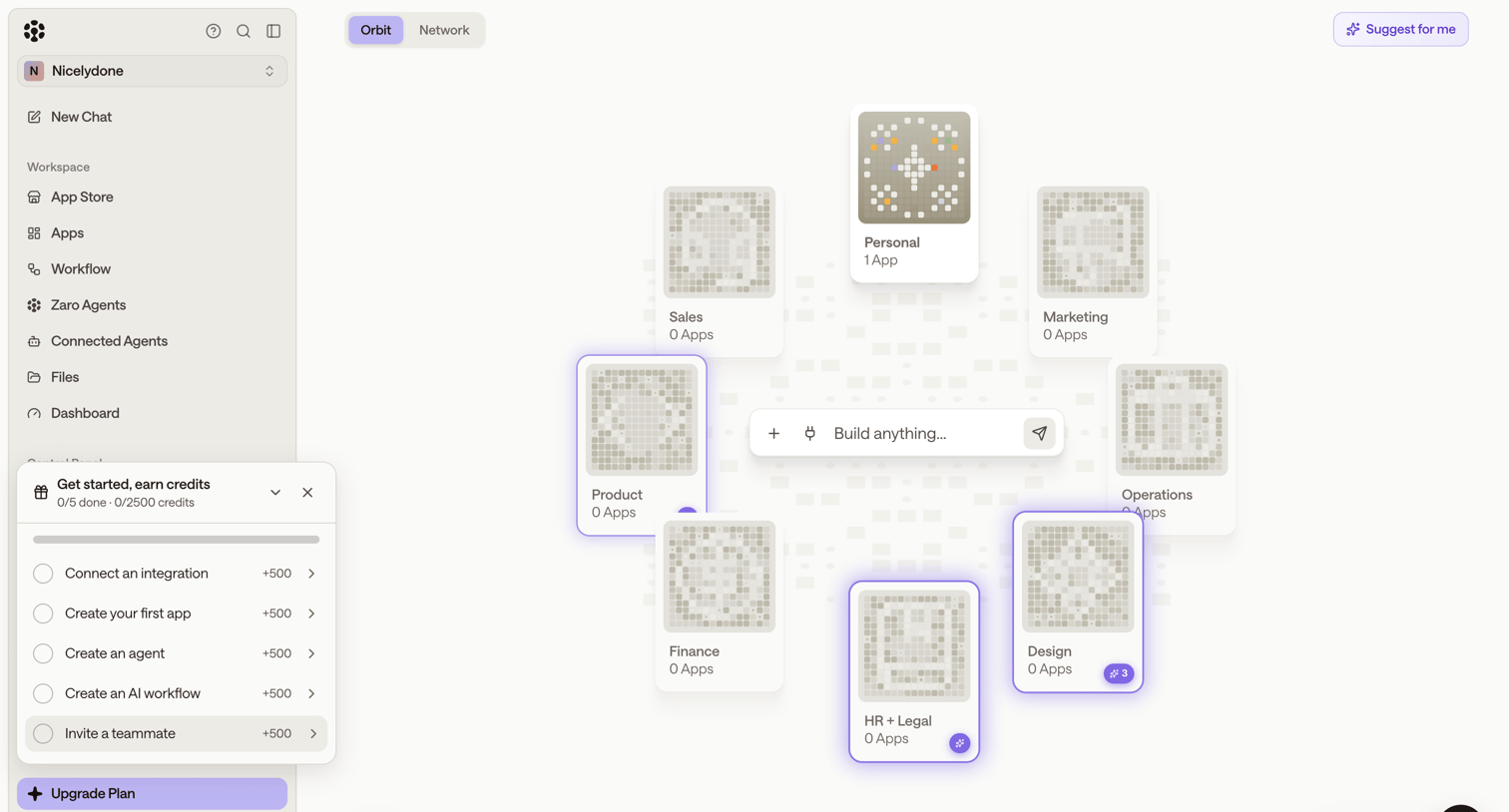

Home screen where the user can build new apps via a central AI prompt or navigate to categorized workspaces like Sales, Product, and Design.
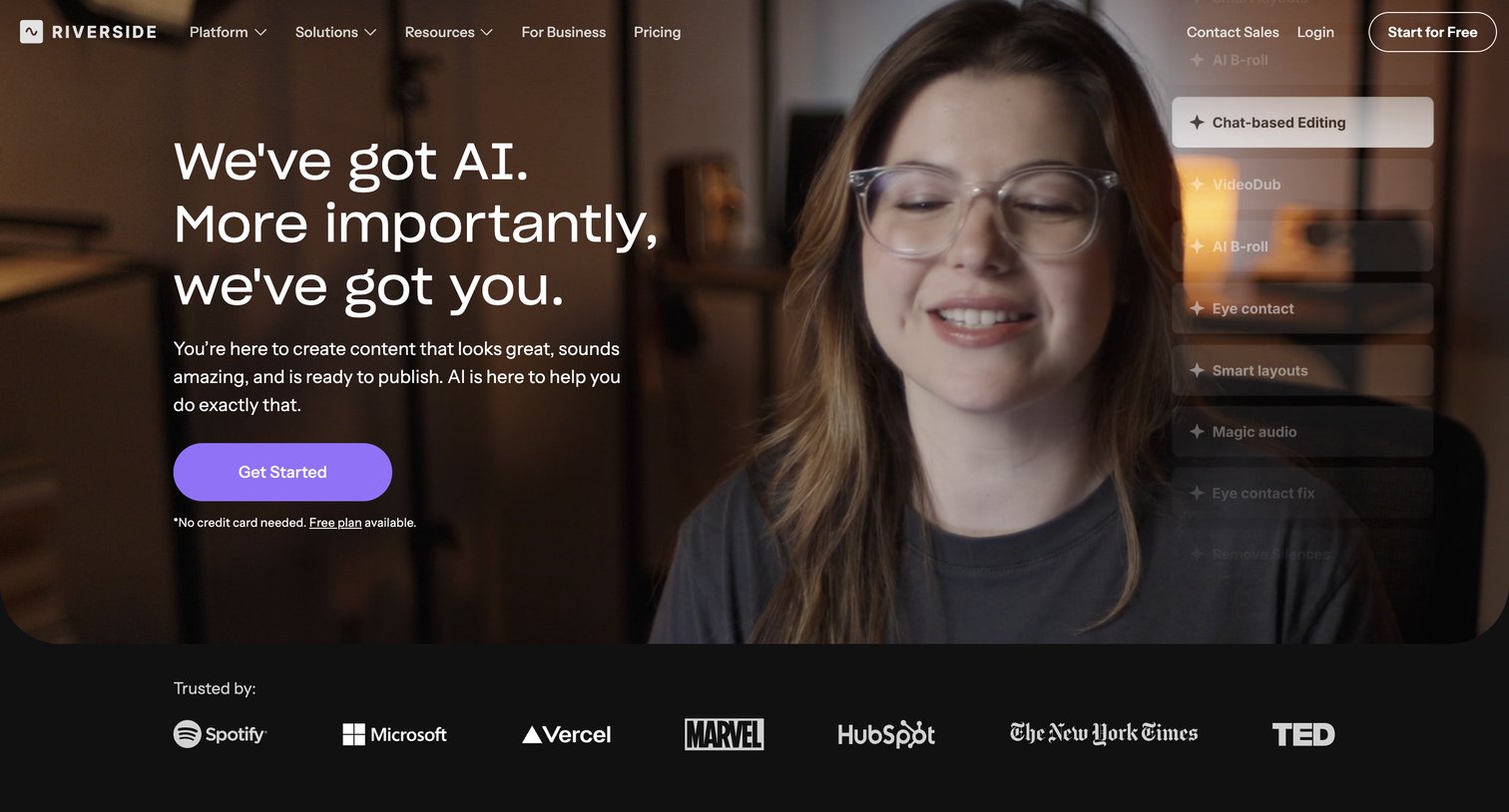

Feature page highlighting Riverside's AI capabilities for podcast and video editing, including automated clips, transcription, and smart layouts.
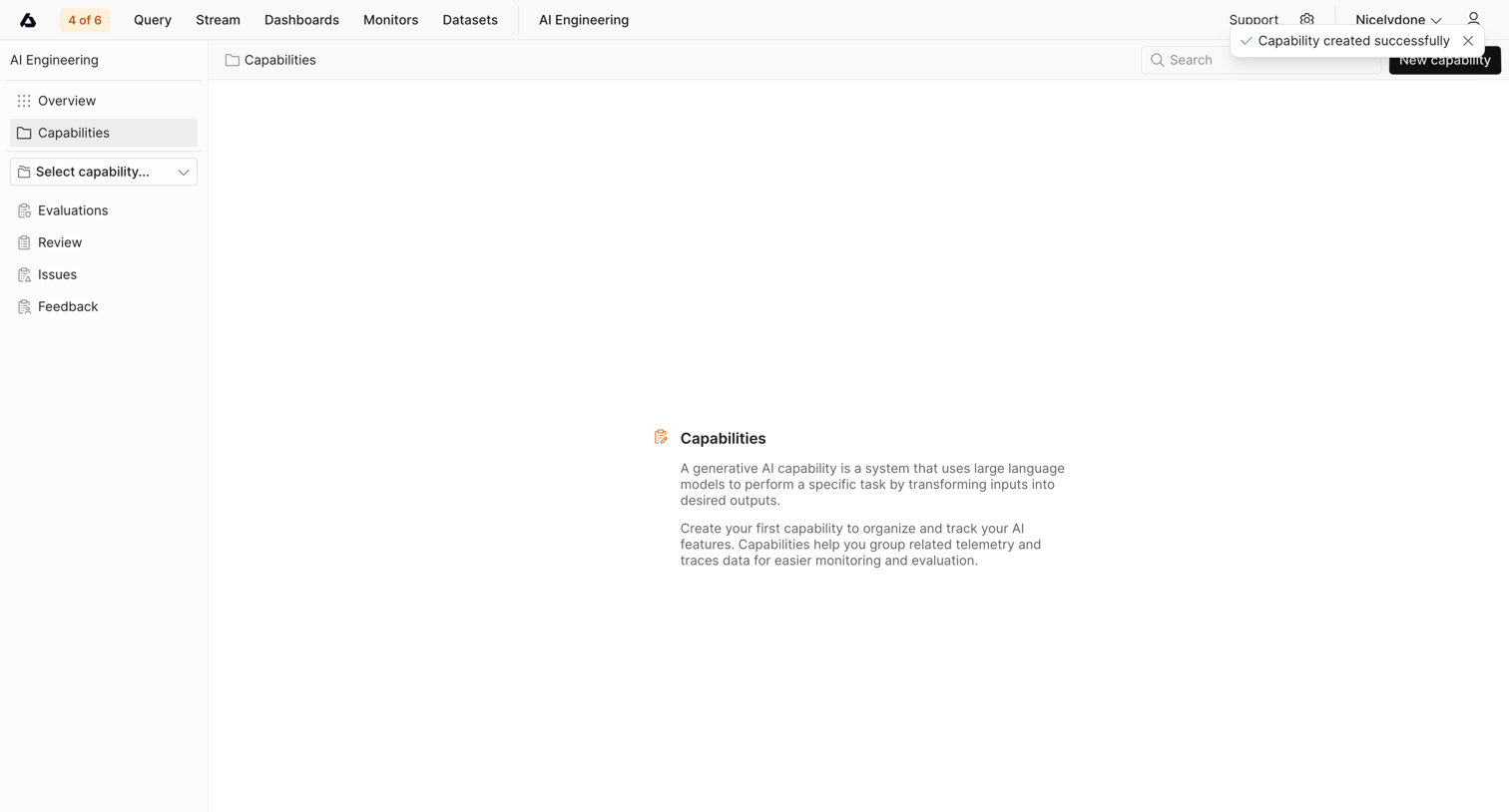

List view for AI capabilities where the user is prompted to create their first capability to organize telemetry and trace data, showing a success toast for a recent creation.
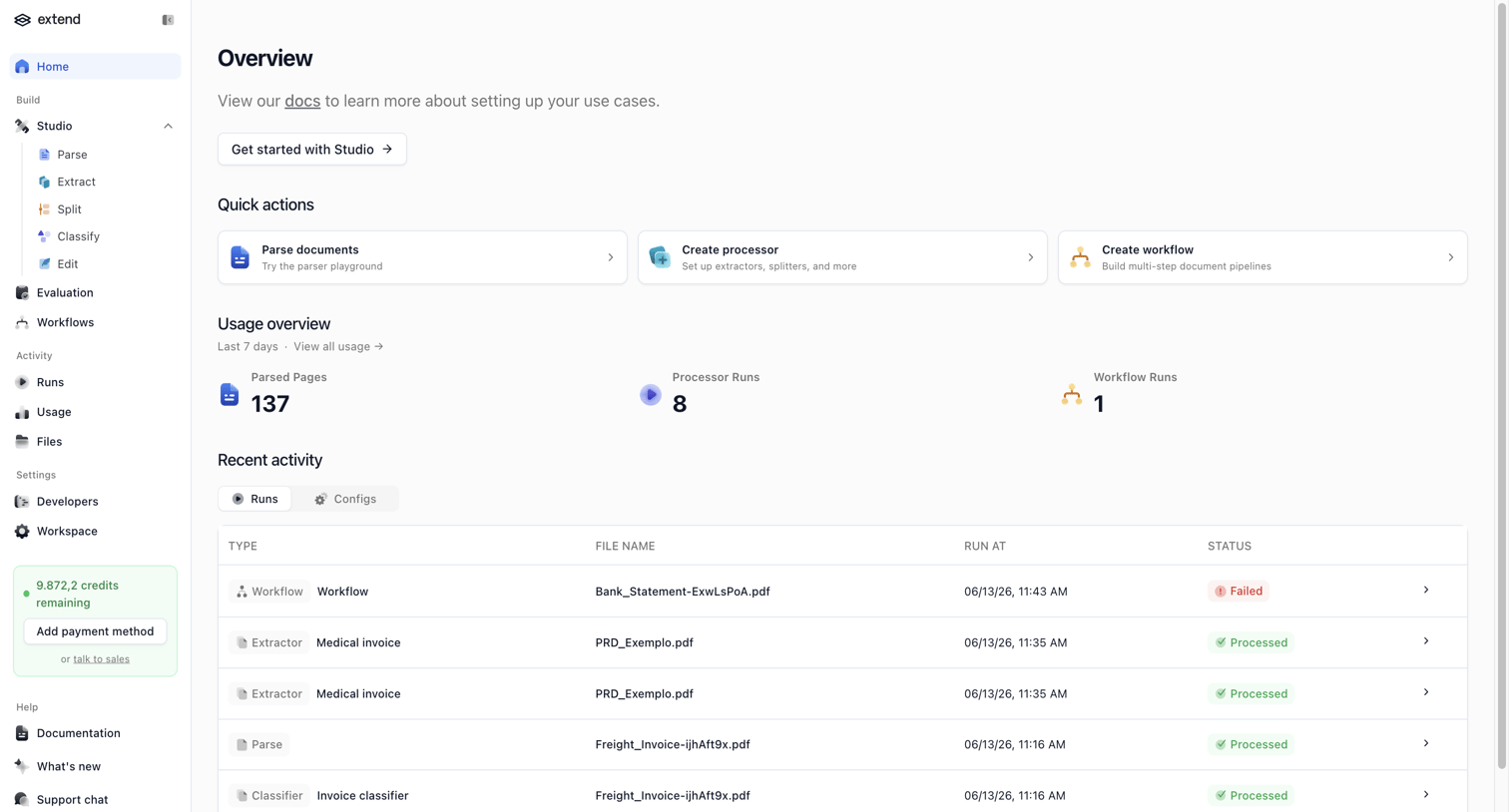

Home screen where the user can access quick actions to parse documents or create workflows, view recent usage statistics, and monitor recent activity runs.
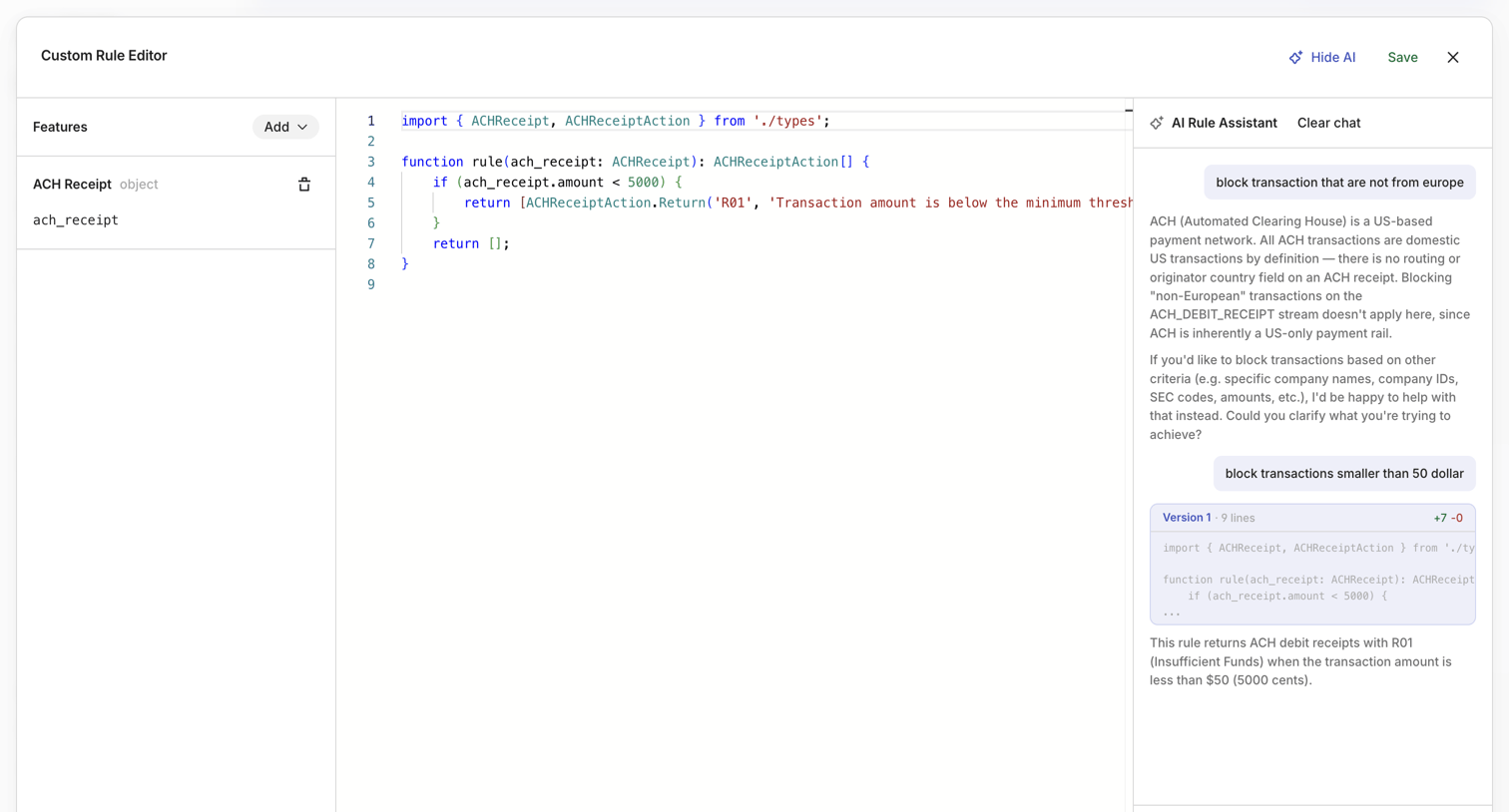

Code editor where the user writes a custom ACH debit rule with the help of a conversational AI assistant.
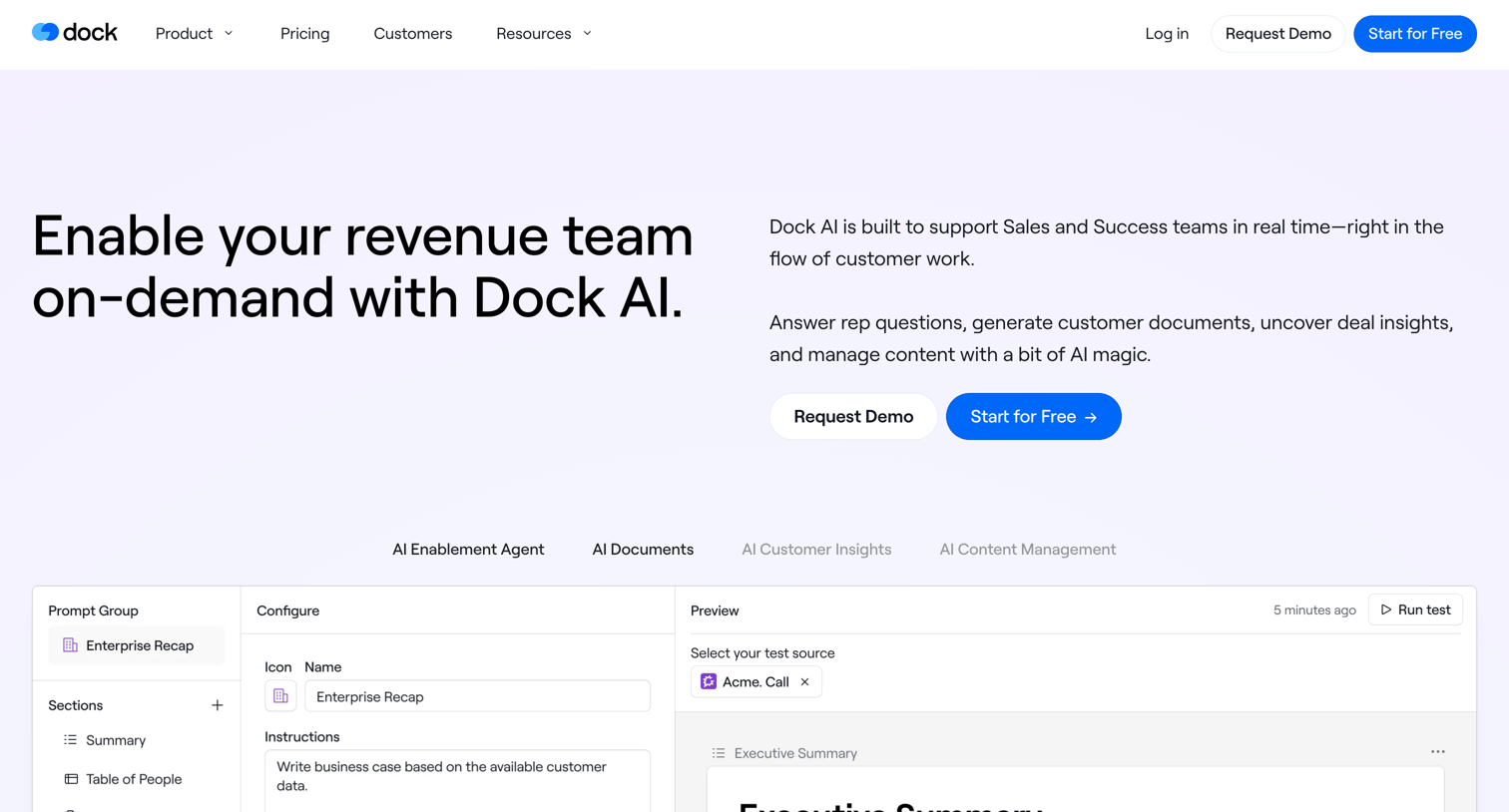

Feature page where Dock AI explains its sales enablement capabilities, including a real-time AI assistant, automated document generation, and deal forecasting insights.
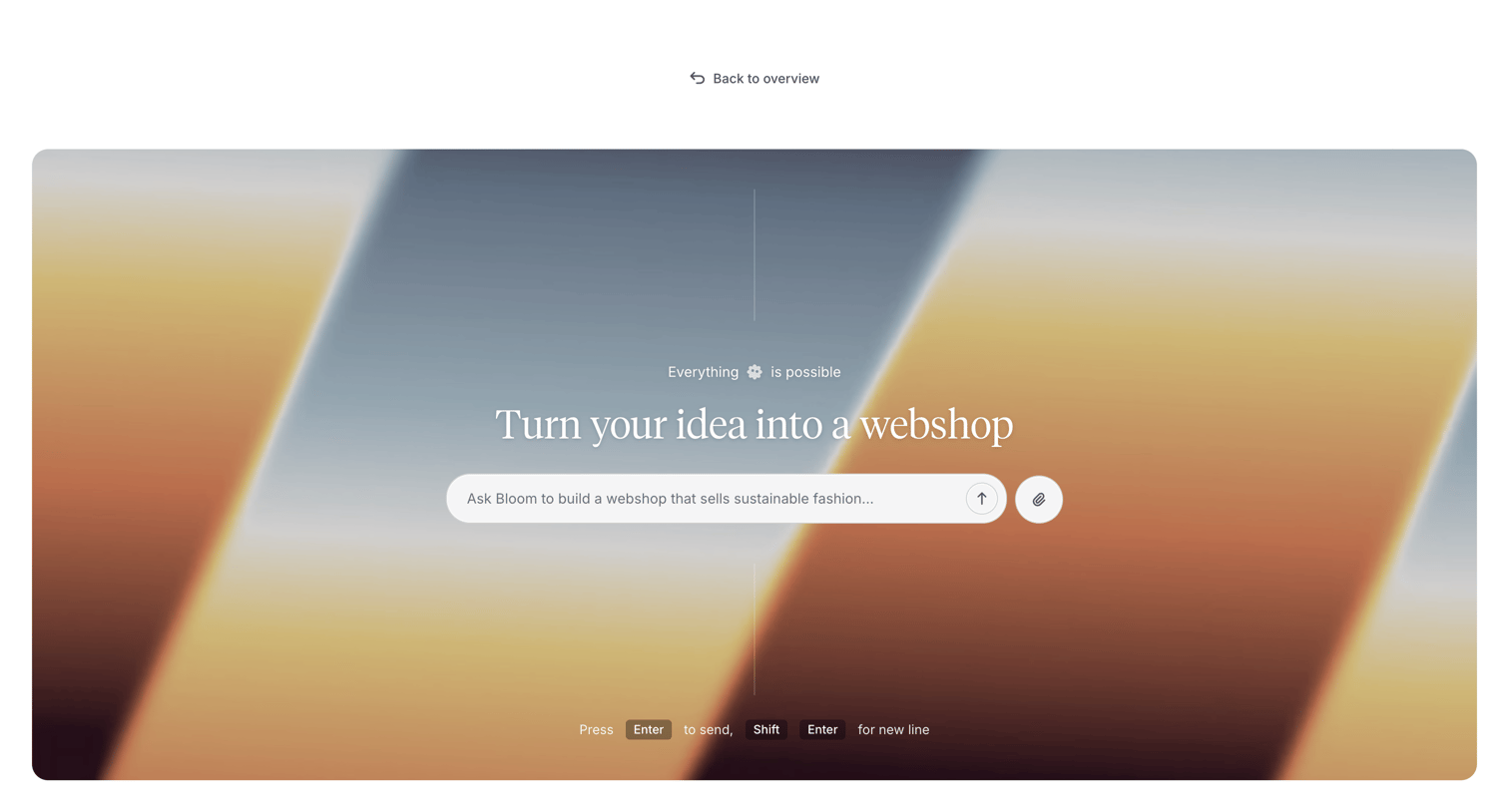

AI generation screen where the user enters a text prompt to build a custom webshop, with options to attach files or use keyboard shortcuts to submit.
Explore the full SaaS screen library
Upgrade to unlock the full library.
Trusted by the best teams








About Artificial intelligence
Explore Artificial intelligence page design in SaaS. These pages, sometimes called AI landing pages or AI feature pages, highlight how AI enhances the user experience. Browse examples of Artificial intelligence pages design from the best SaaS apps and discover how they attract and retain users by showcasing the value of AI.