Import & Export screen examples
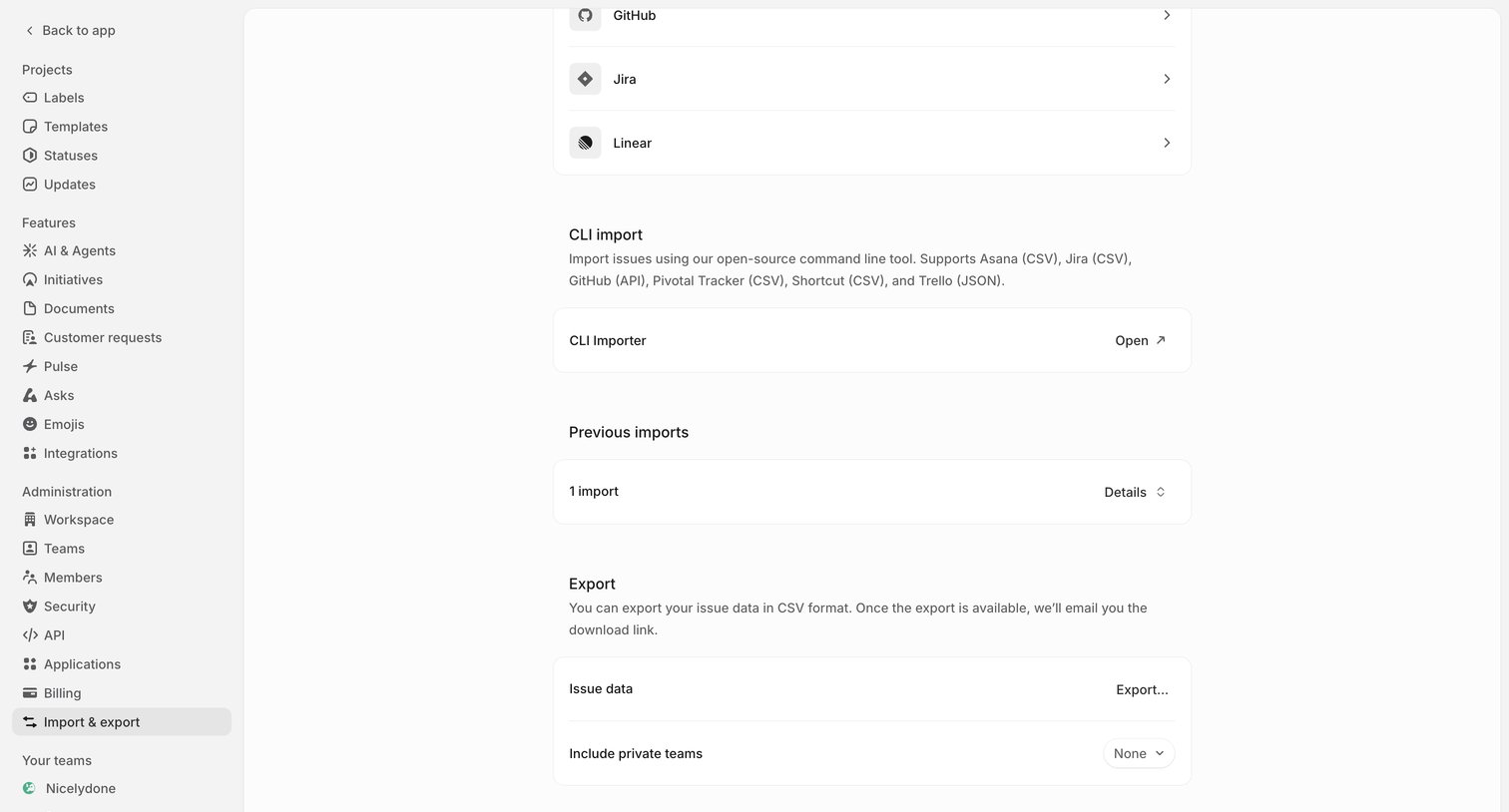
Import & Export screen design examples from SaaS apps. See how SaaS apps explain moving data into or out of a workspace. Explore layouts for choosing a source or destination and setting the scope of the transfer.
Explore the examples

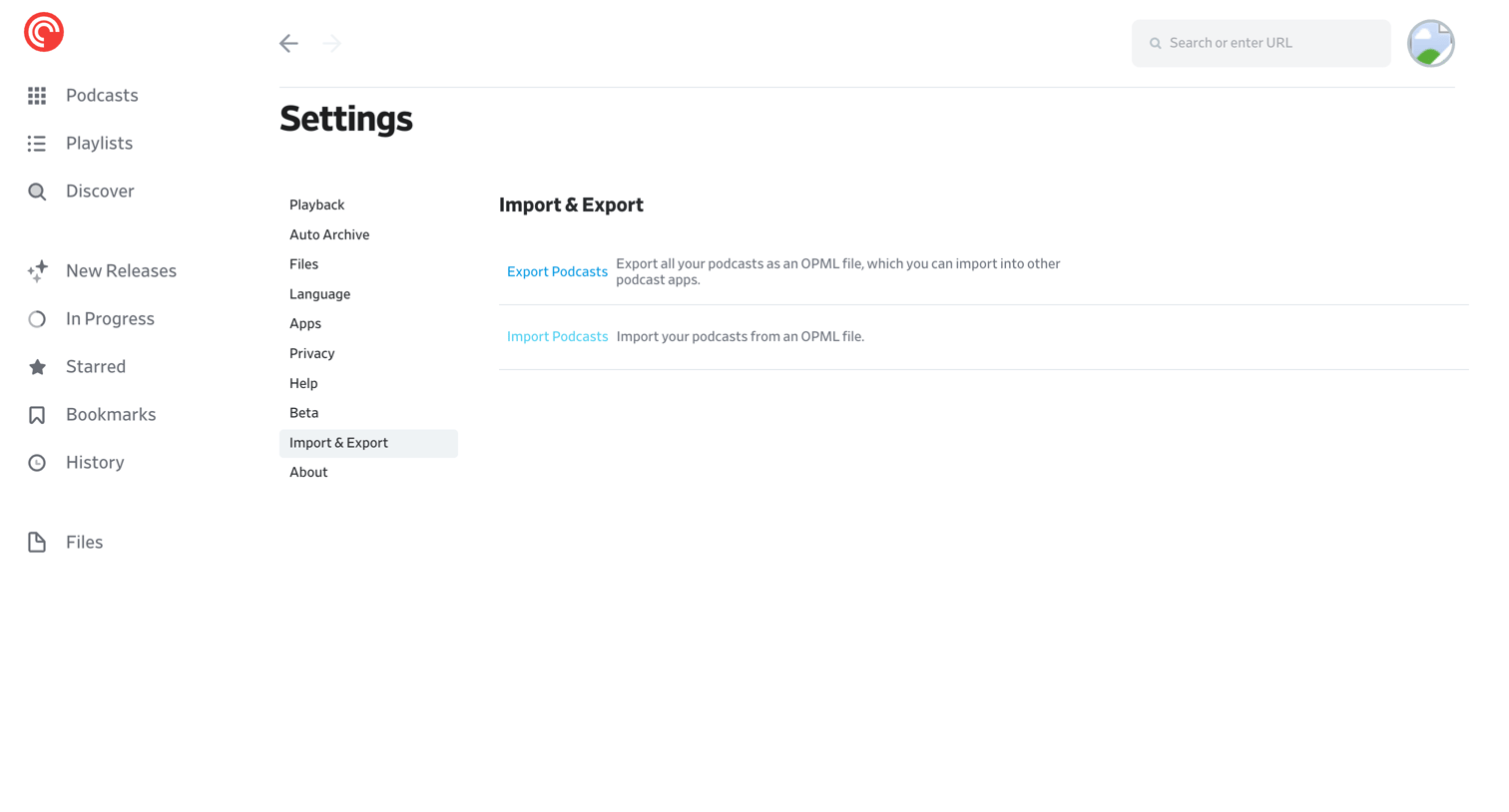

Settings page where the user can export their podcast subscriptions to an OPML file or import an existing OPML file.
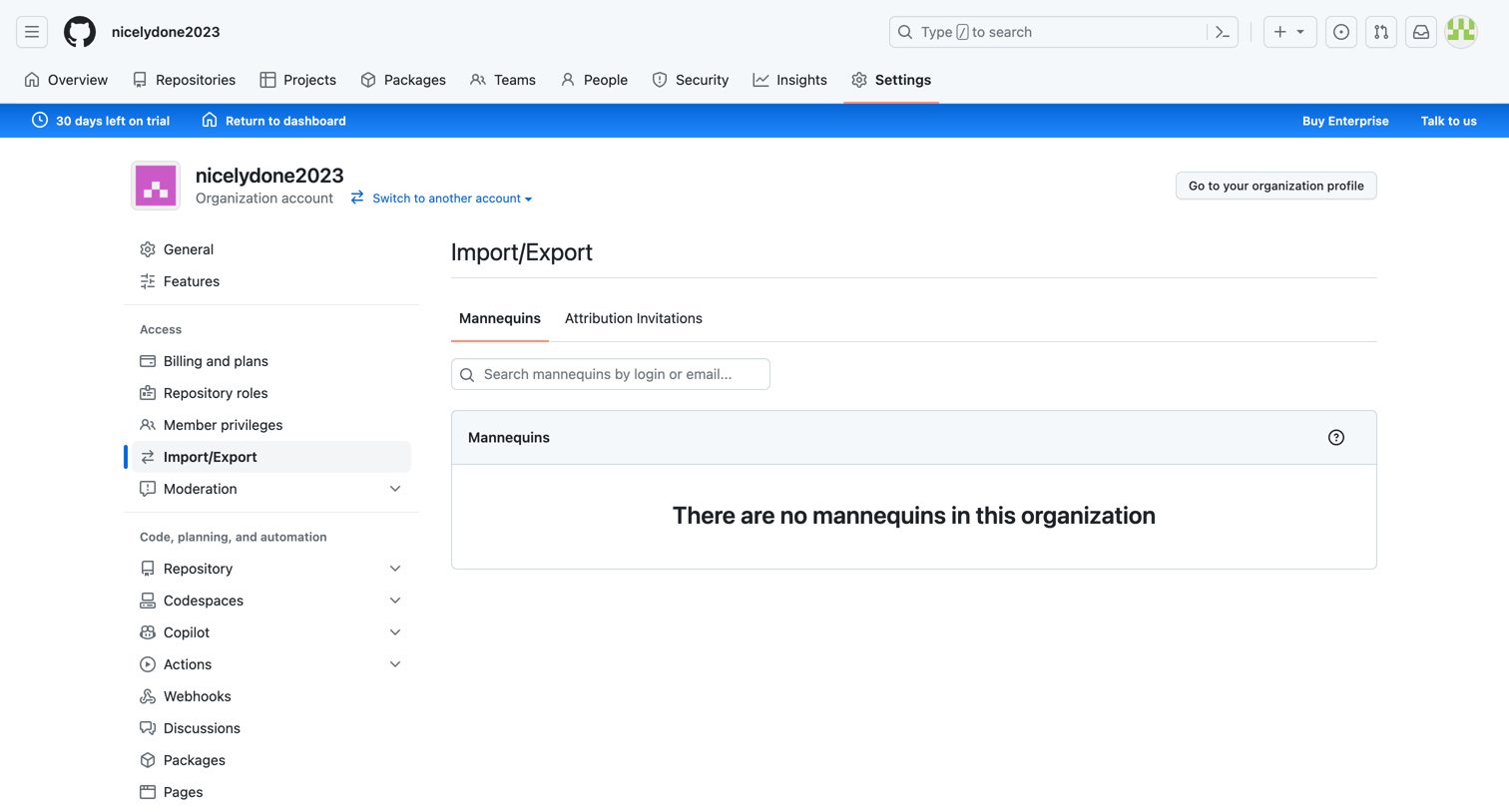

Settings page where the user manages import and export operations, currently showing an empty state for mannequins.
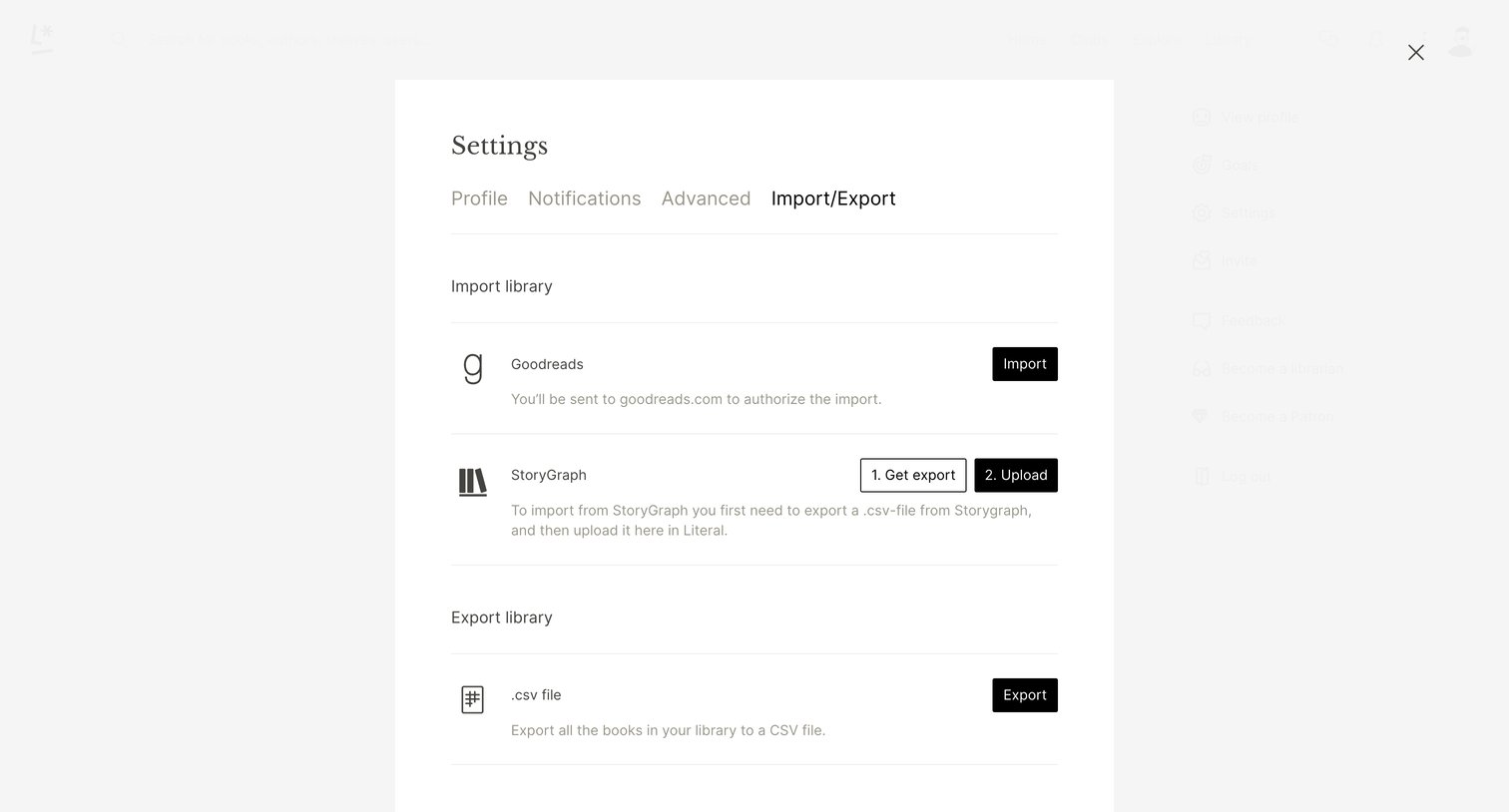

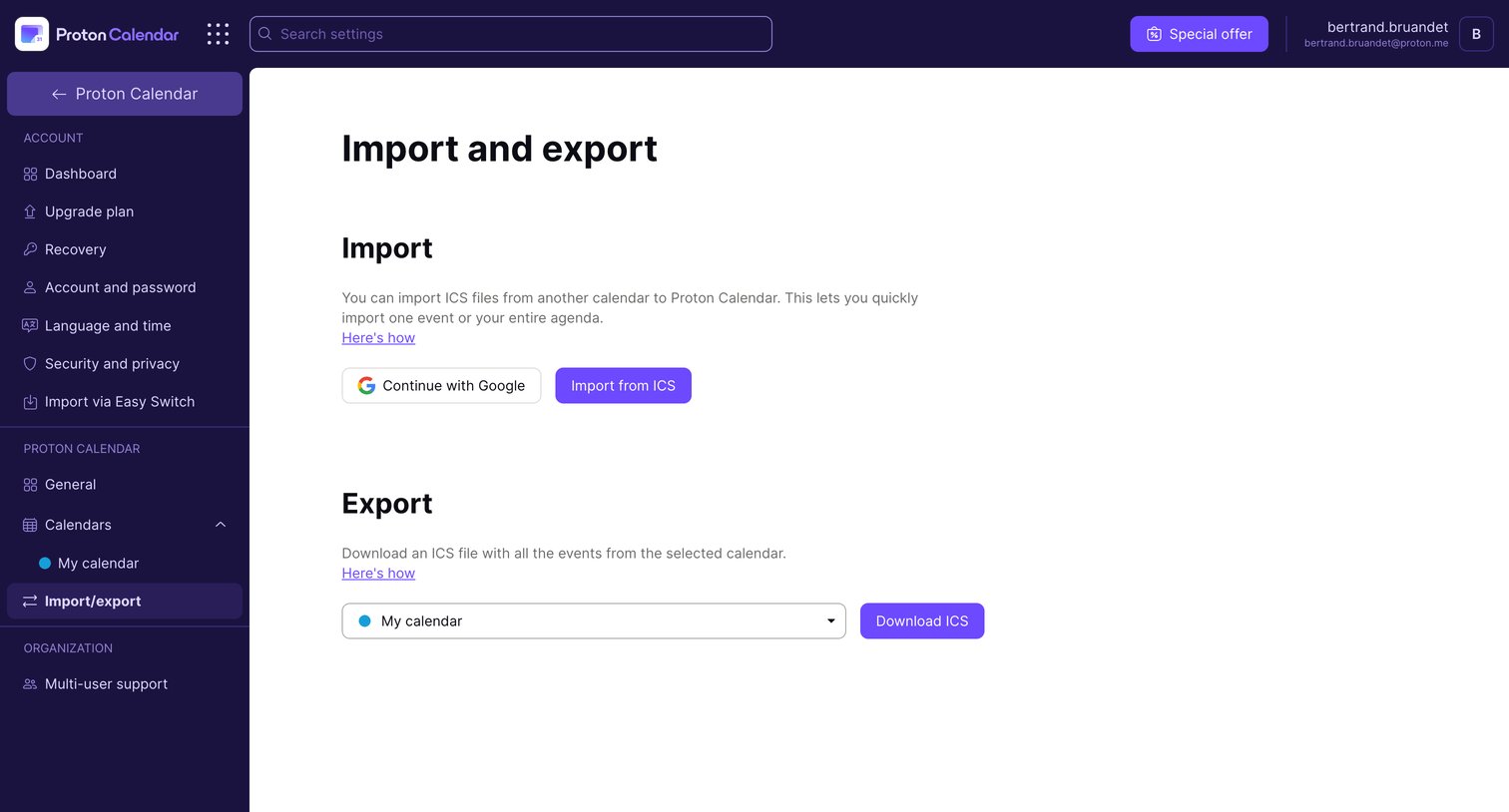

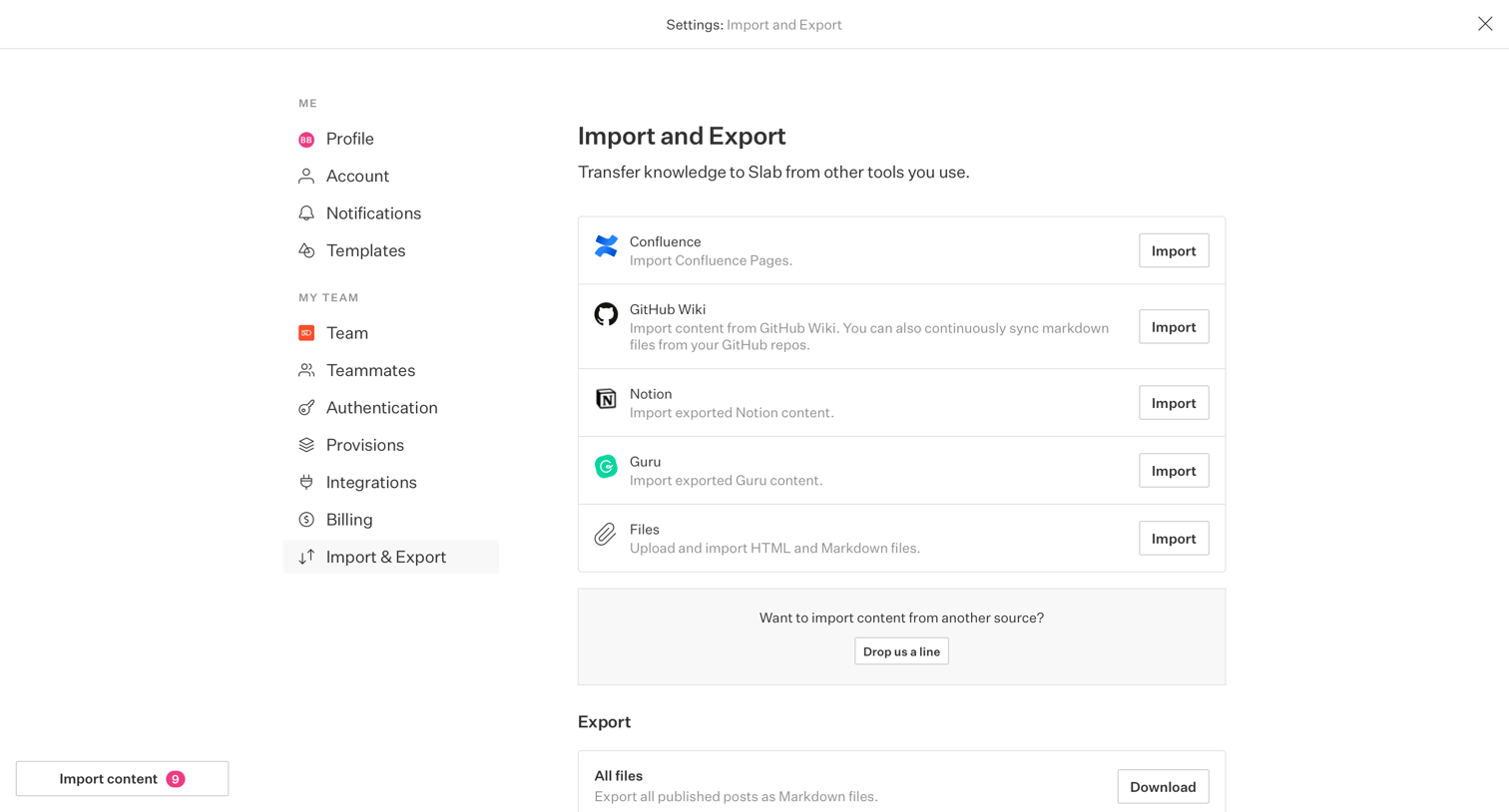

Settings page where the user can import knowledge from tools like Confluence, GitHub Wiki, Notion, and Guru, or export all published posts as Markdown files.
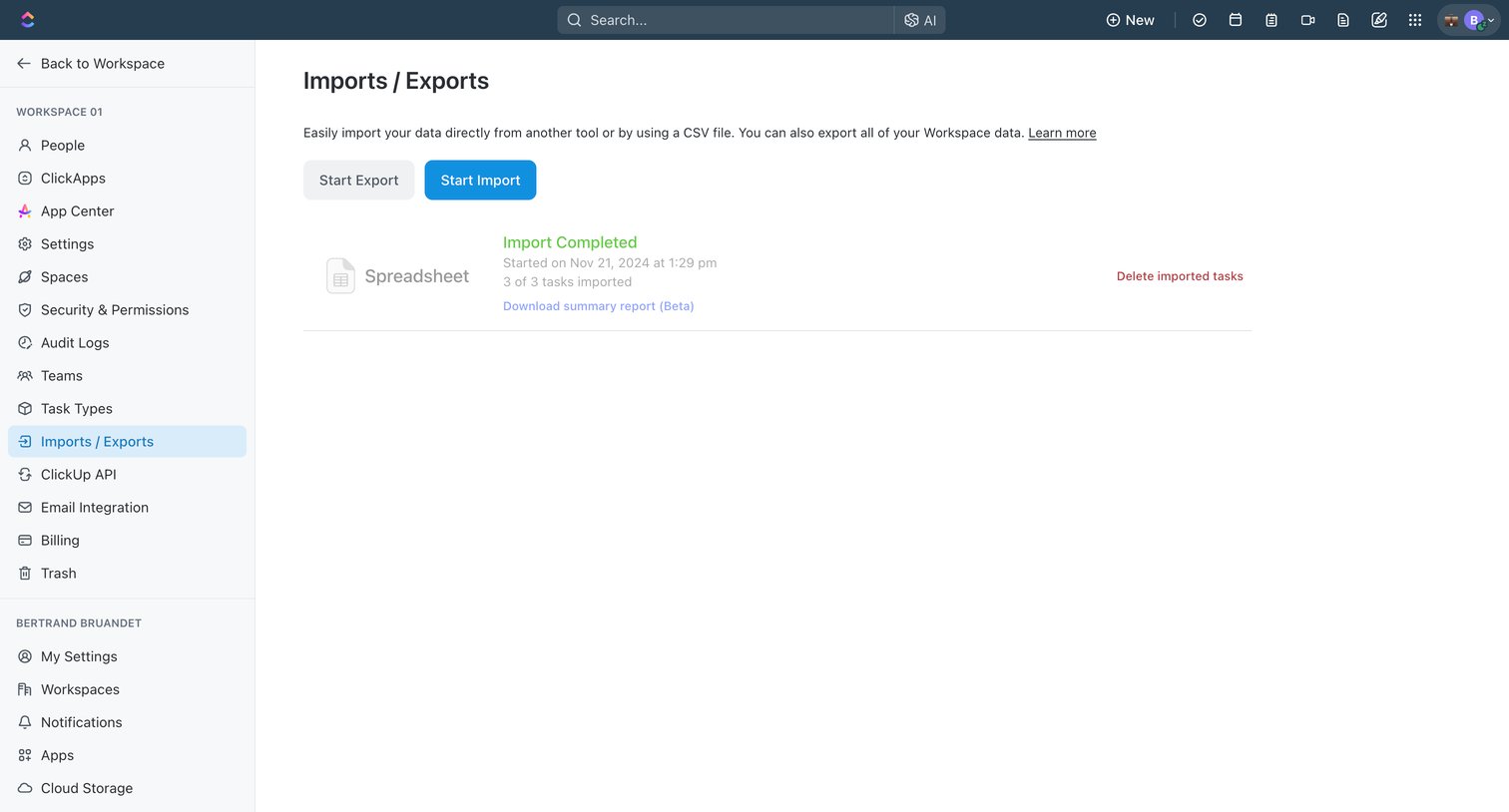

Settings page where the user can start a new data import or export, and view a history of completed imports like a recent spreadsheet upload.
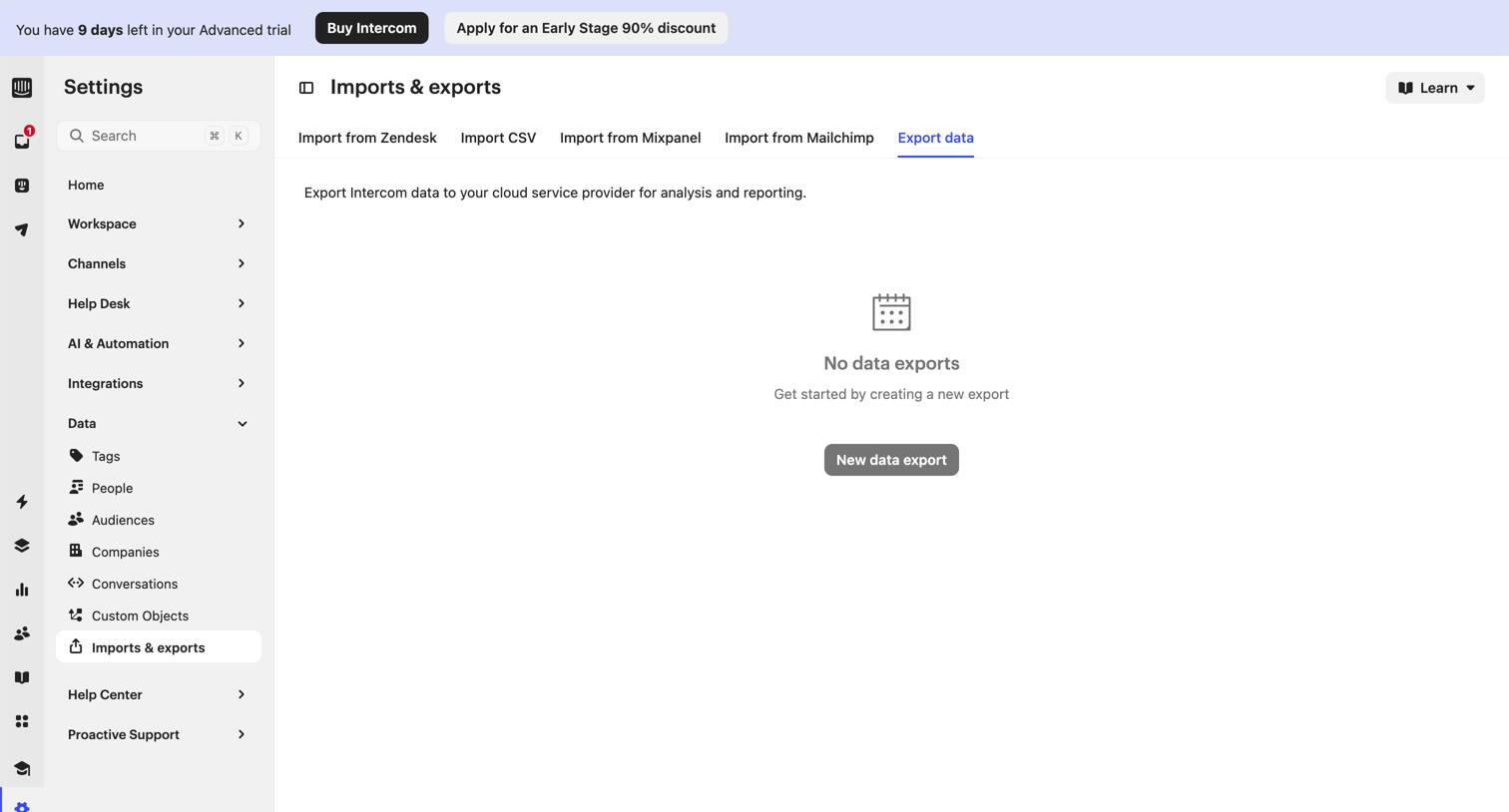

Settings page where the user manages data imports and exports, currently showing an empty state for data exports with a prompt to create a new one.
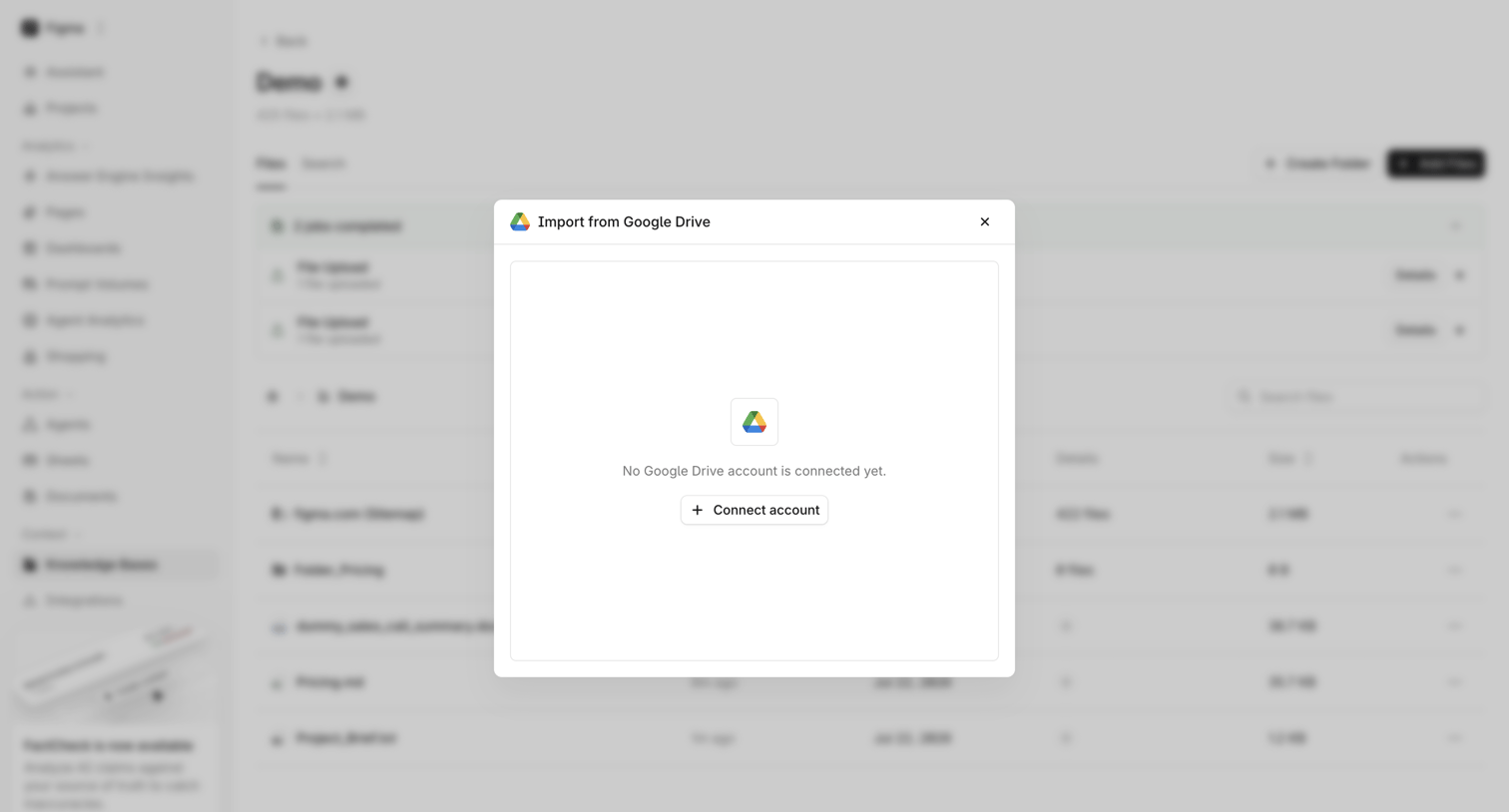

List view where the user is prompted to connect their Google Drive account to import files into the knowledge base.
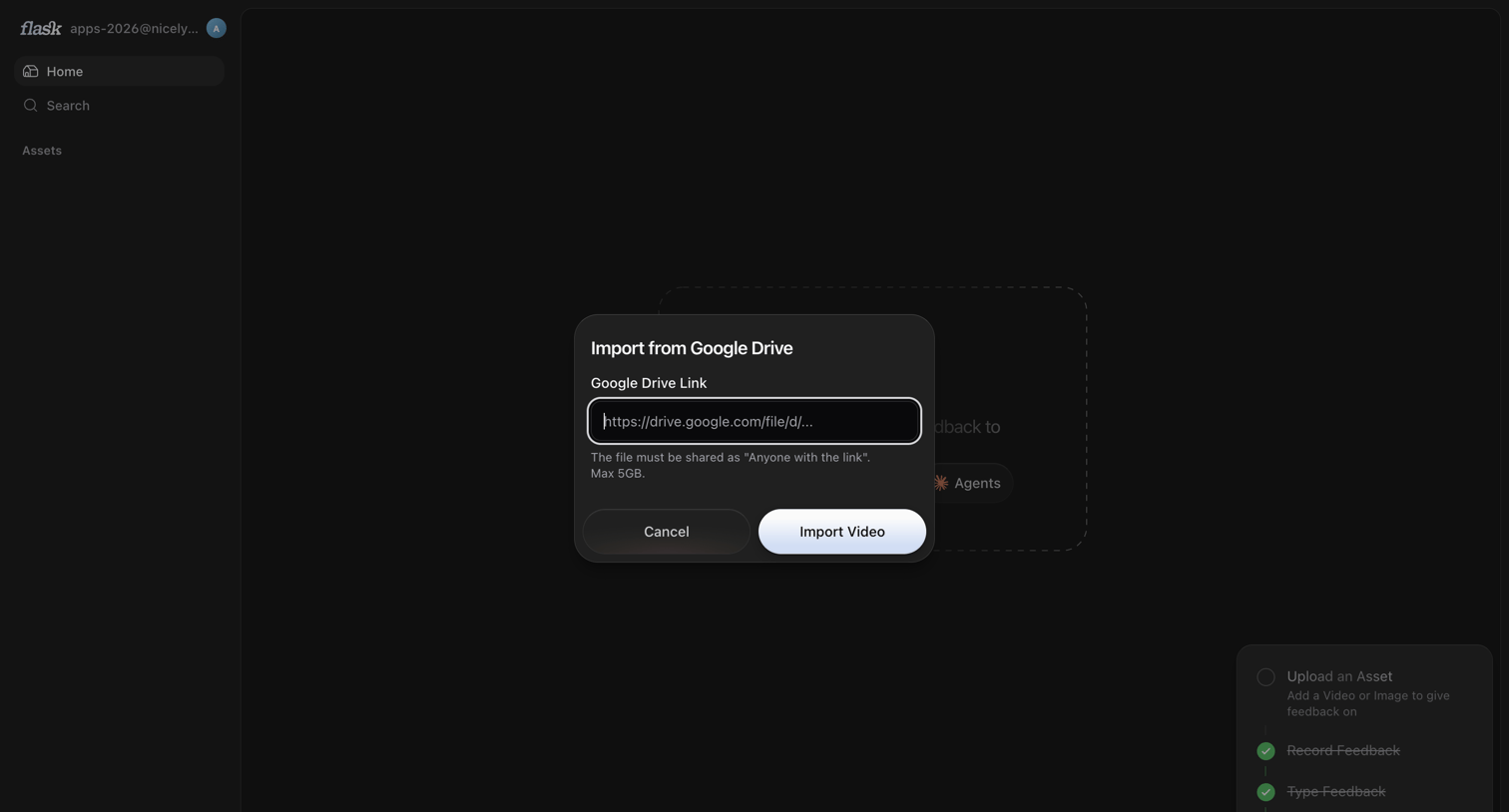

Home dashboard with a modal open for the user to import a video asset via a Google Drive link.
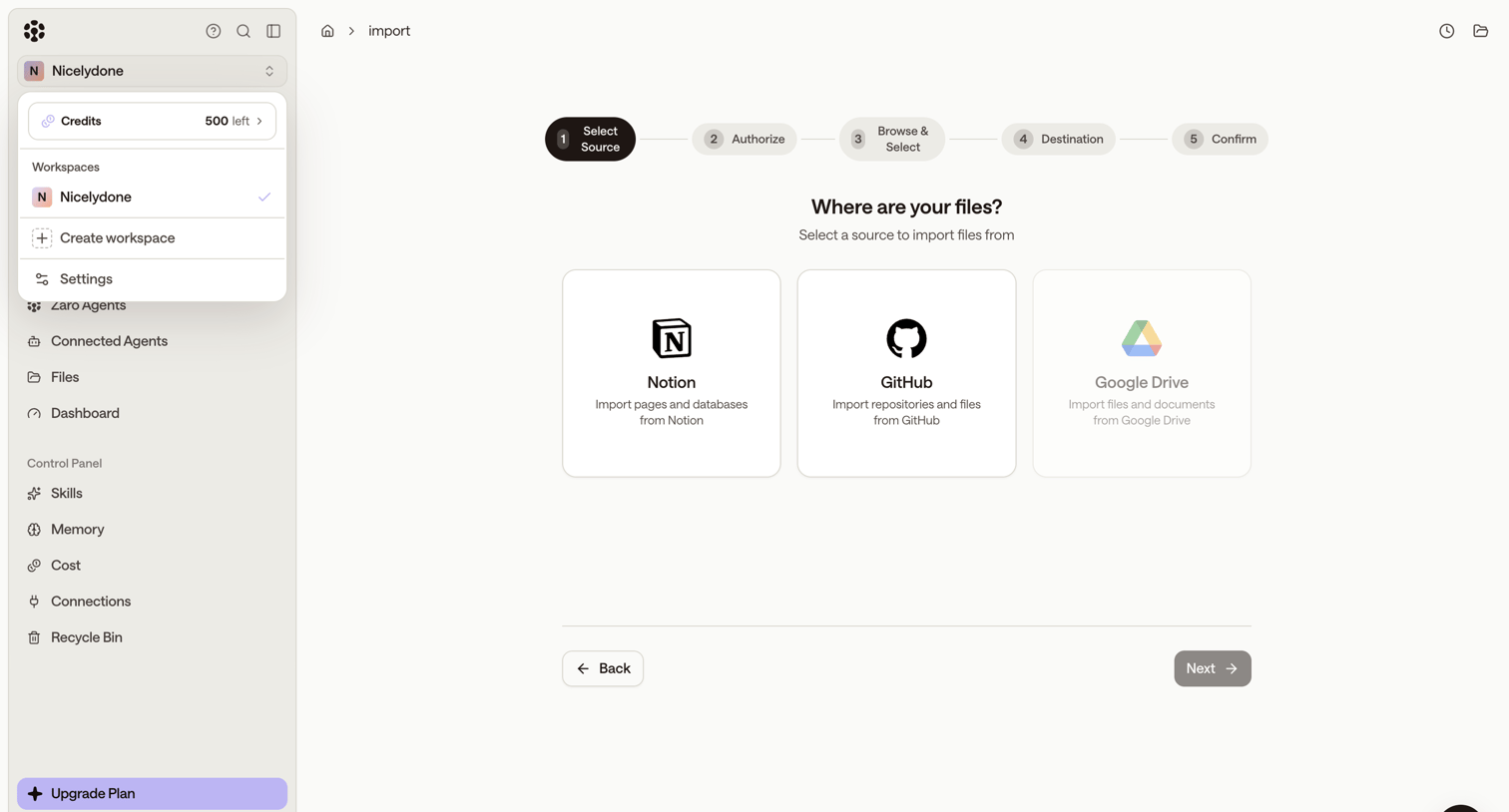

Wizard step where the user selects Notion, GitHub, or Google Drive as a data source to import files into their workspace.
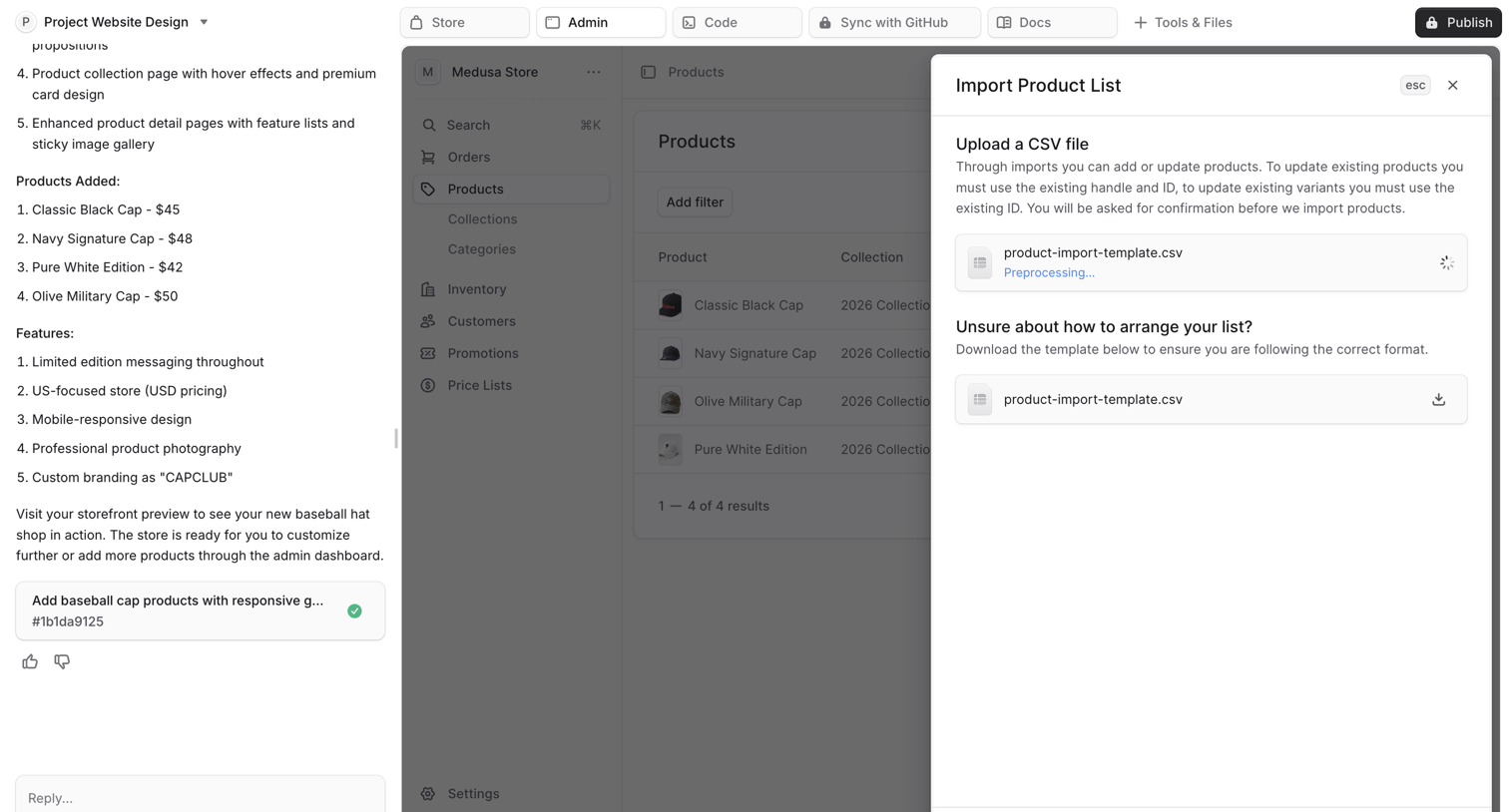

AI chat interface where the user is building an ecommerce store and has opened a modal to import a product list via CSV.
Explore the full SaaS screen library
Upgrade to unlock the full library.
Trusted by the best teams








About Import & Export
See how SaaS apps explain moving data into or out of a workspace. Explore layouts for choosing a source or destination and setting the scope of the transfer.