Table screen examples
Table screen design examples from SaaS apps. Explore how SaaS apps present structured information in rows and columns. Look at how headers, row details, and actions support reading and working with the…
Explore the examples
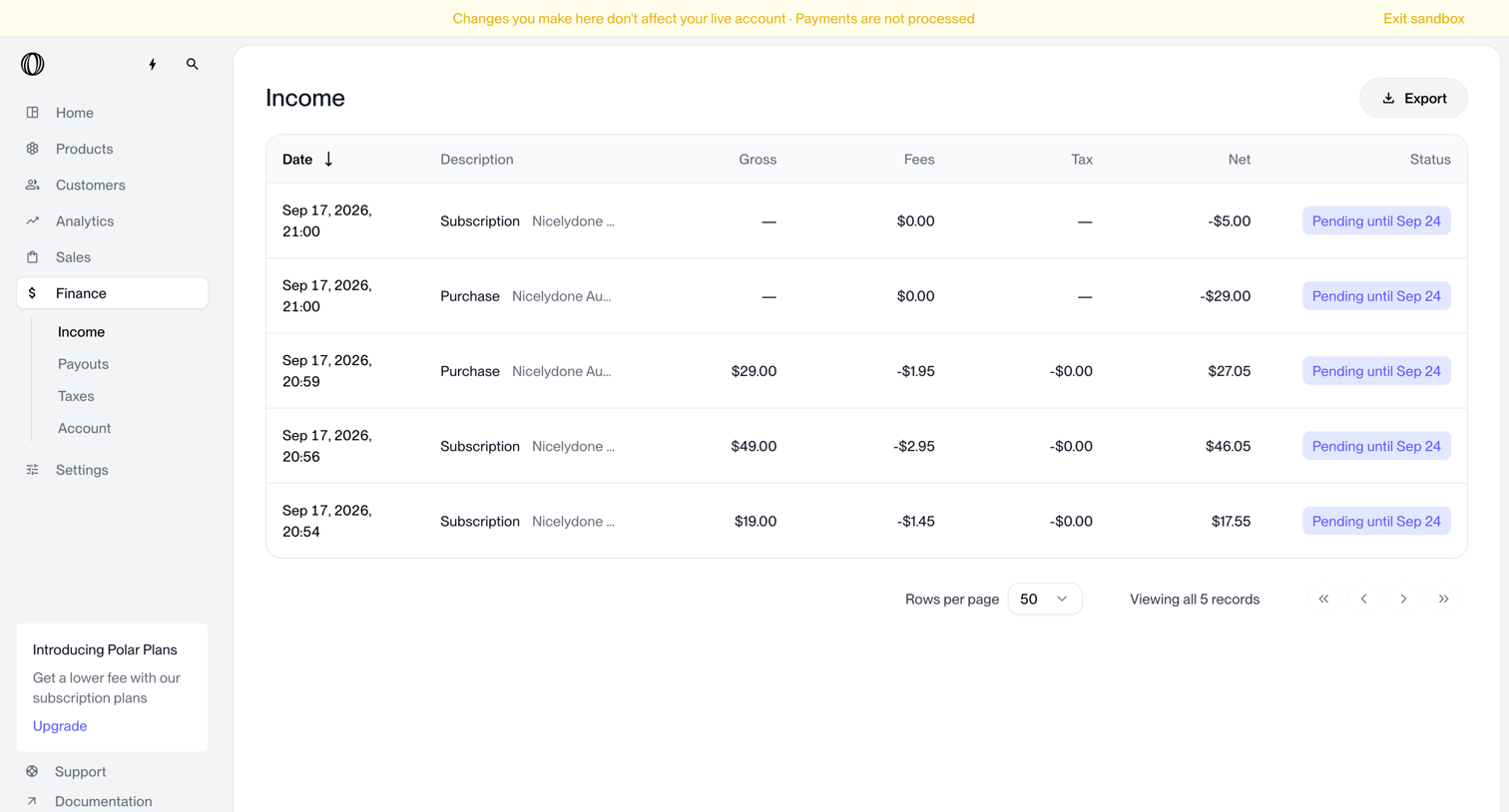

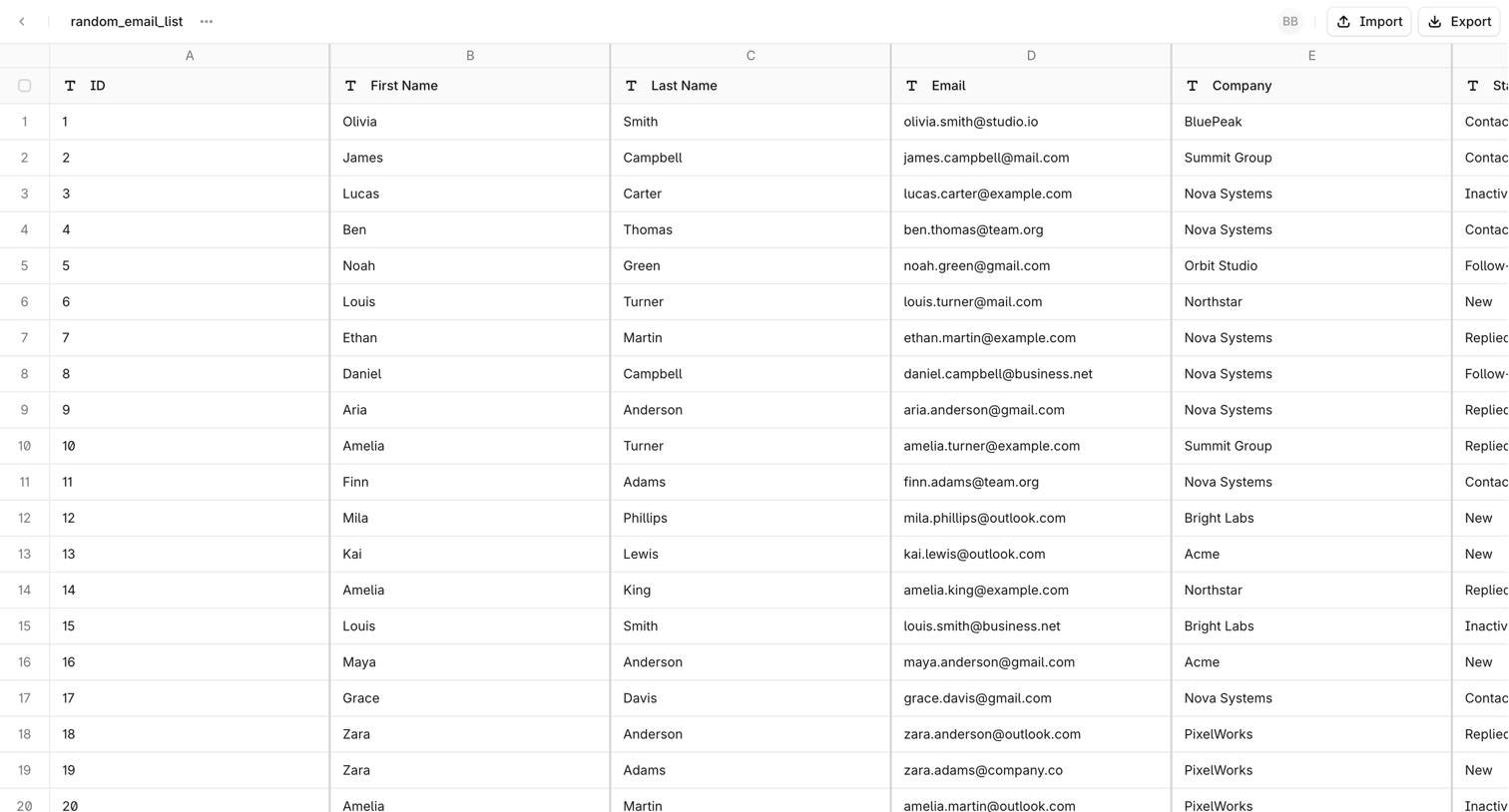

List view where the user manages a spreadsheet of contacts, with columns for names, emails, and companies, and actions to import or export the dataset.
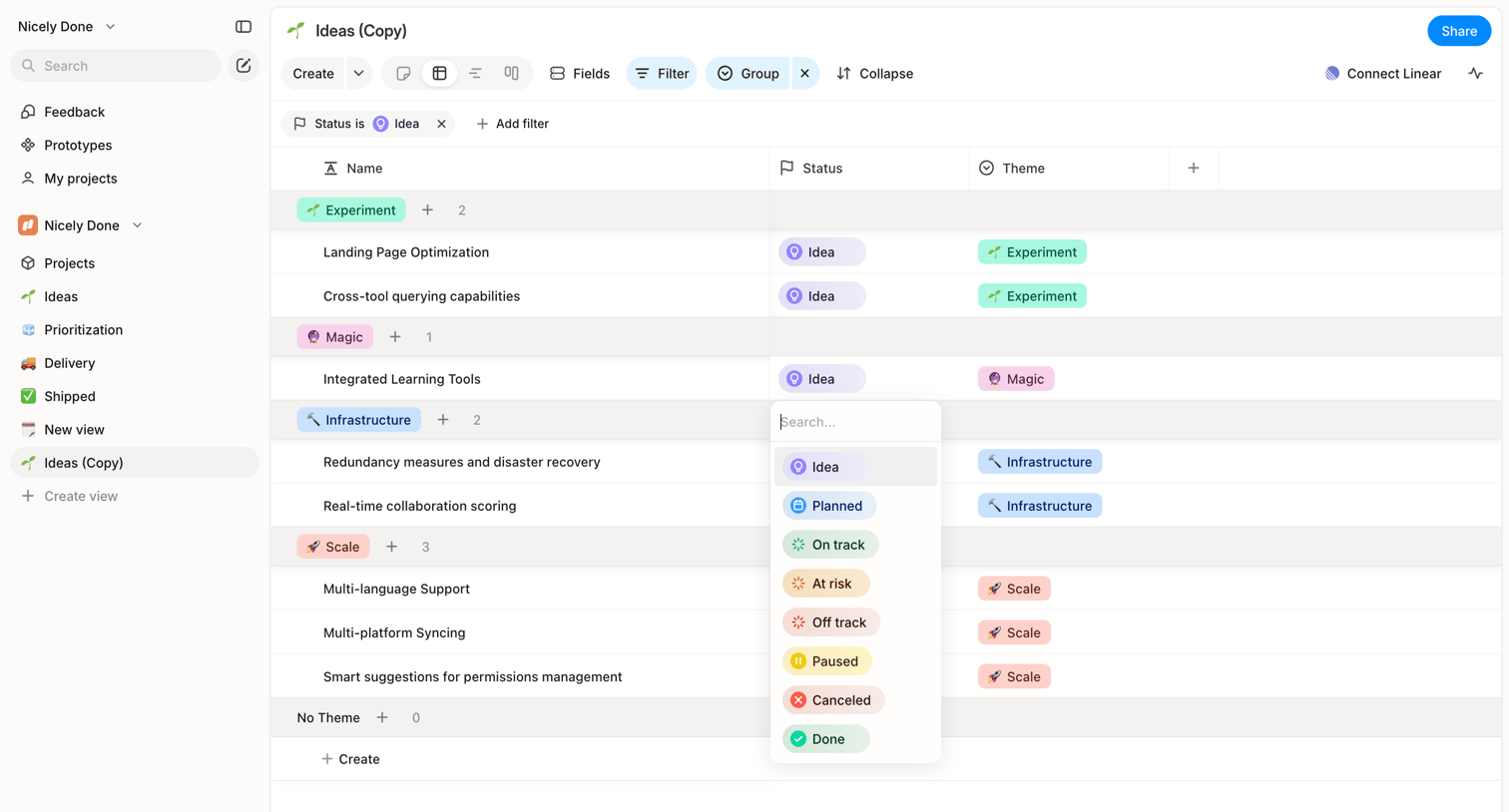

List view where the user manages ideas grouped by theme, with an open combobox to change the status of a specific idea.
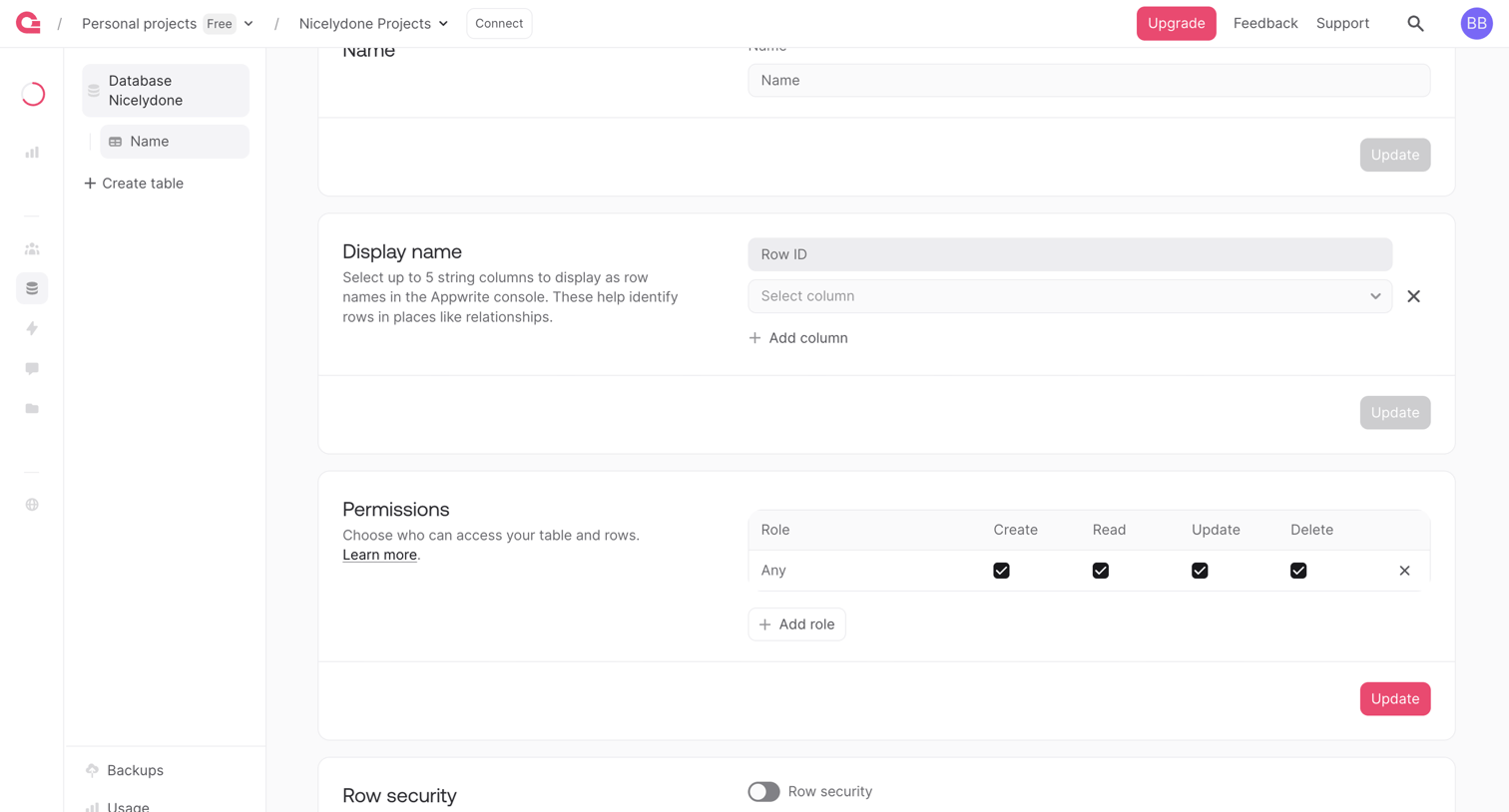

Settings page where the user configures database table details including display names, access permissions, and row-level security.
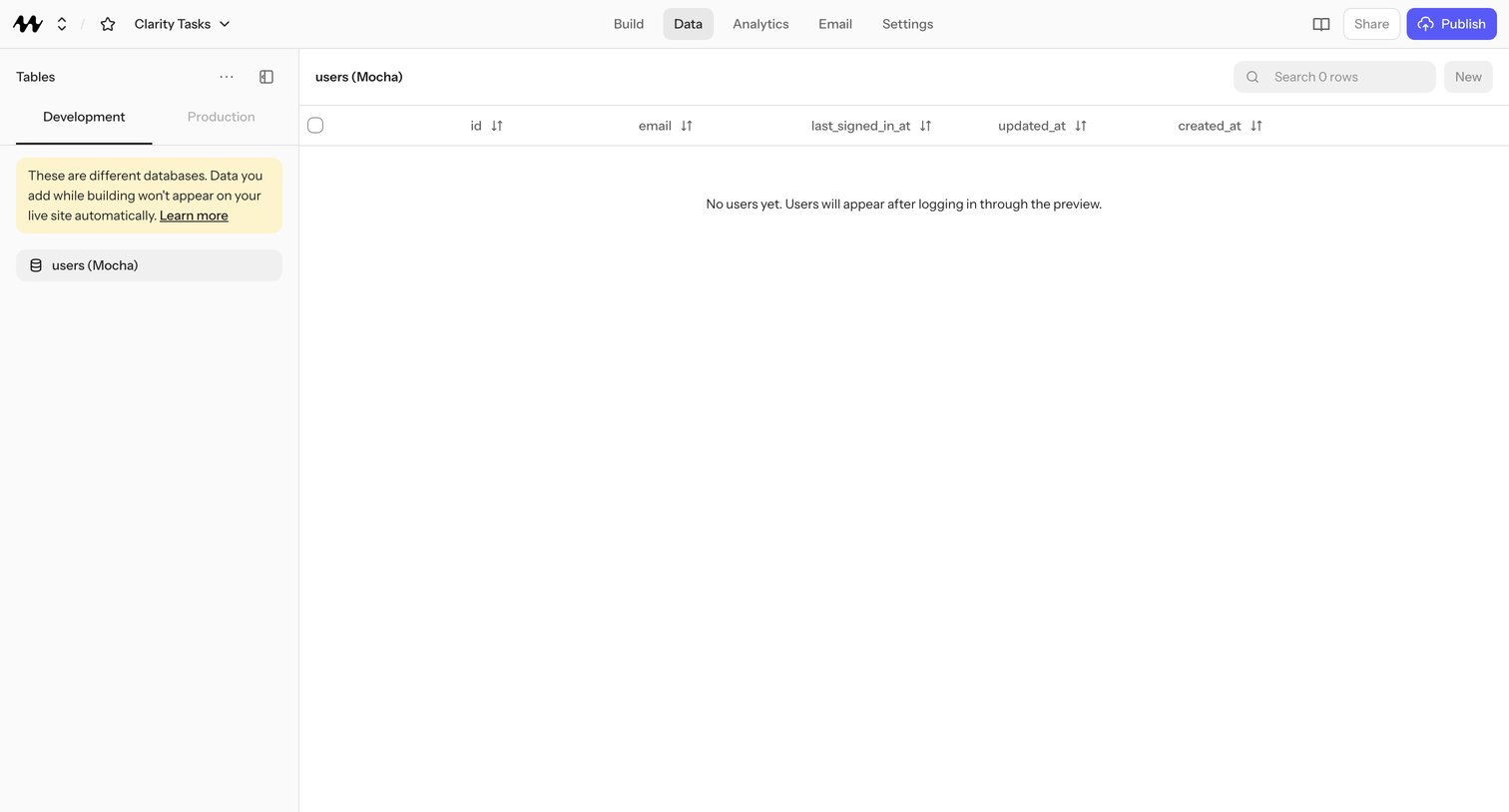

Data management page where a no-code app builder inspects the users table with id, email, last_signed_in_at, updated_at, and created_at columns in the Development environment.
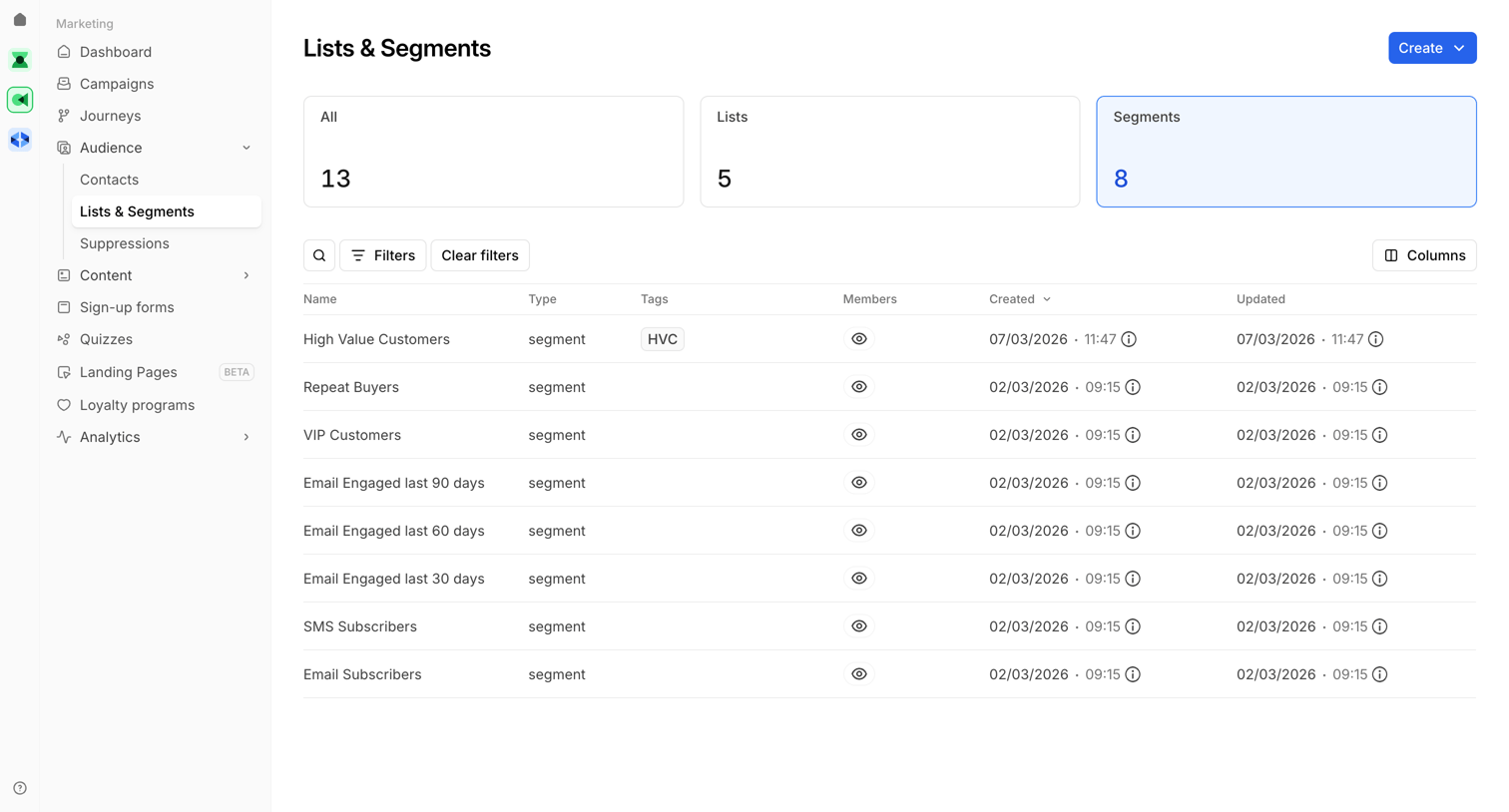

List view where the user manages their marketing audiences, viewing metrics for total lists and segments alongside a filterable table of customer segments like High Value Customers and VIP Customers.
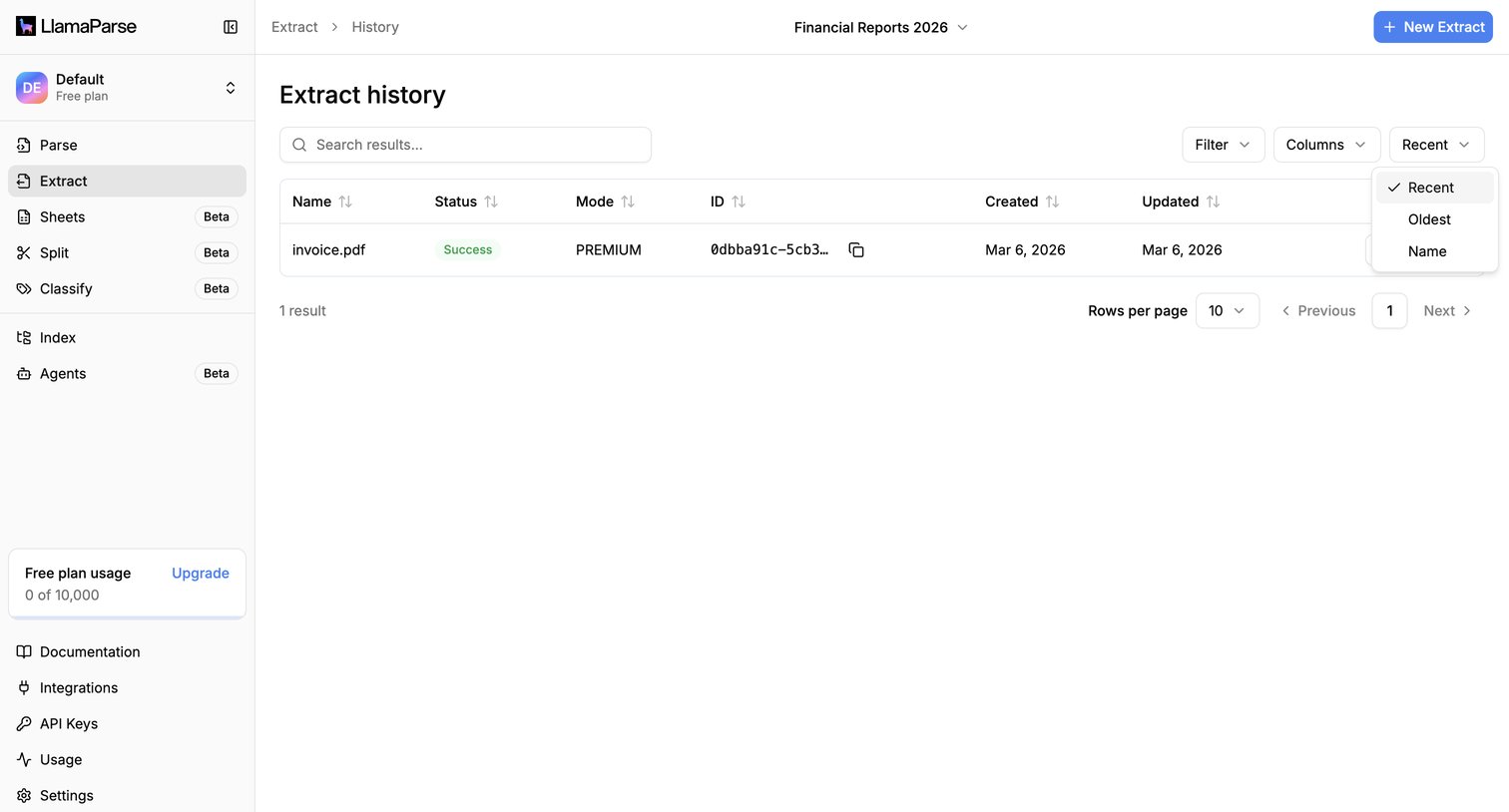

List view where the user can search, filter, and review the history of document extractions including their status, mode, and creation date.
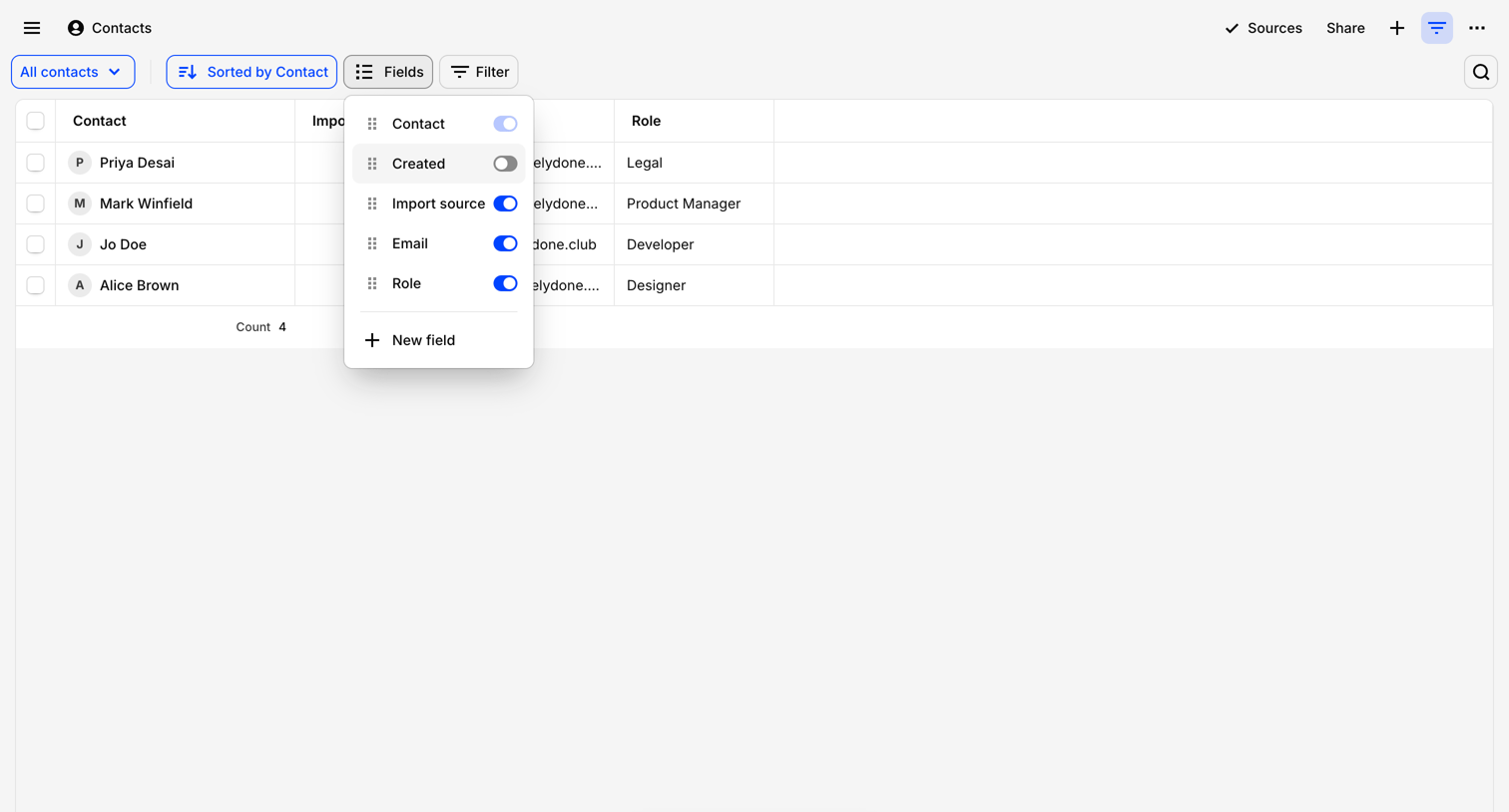

List view where the user manages contacts, featuring an open popover to toggle visible columns and a floating AI chat trigger.
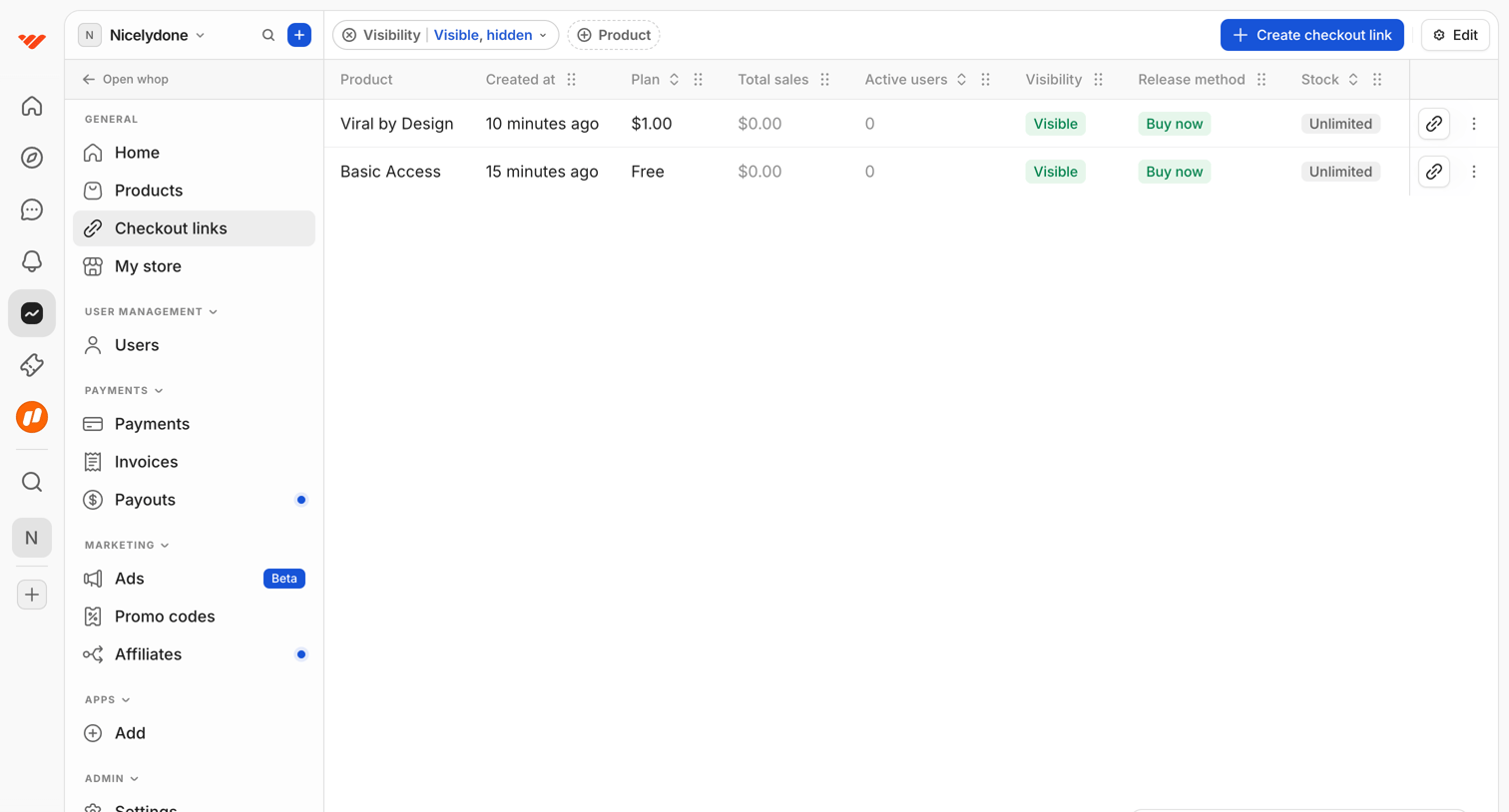

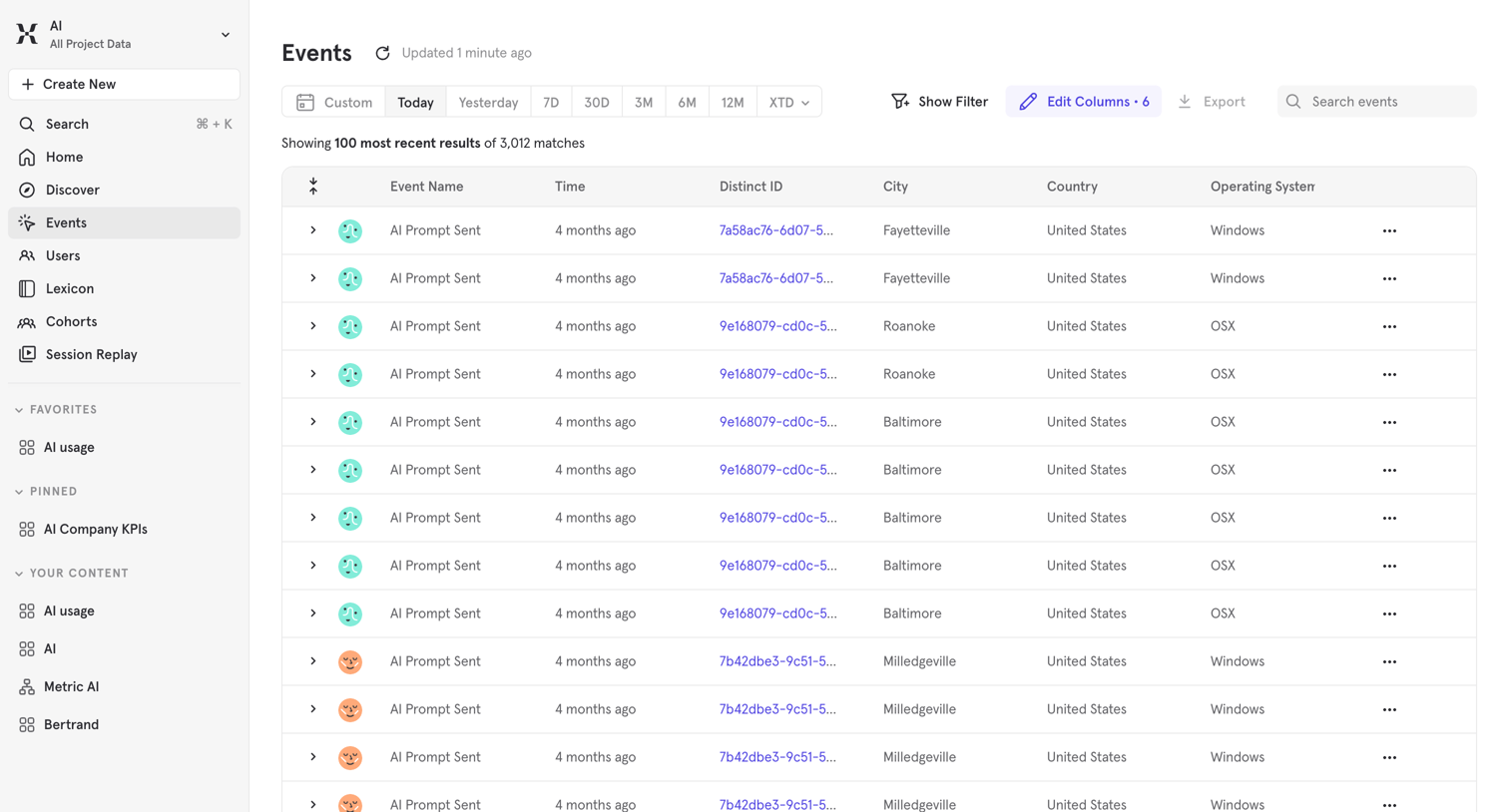

Events data table where the user views a raw feed of recent product events like AI Prompt Sent, with options to filter by date range, edit columns, and search.
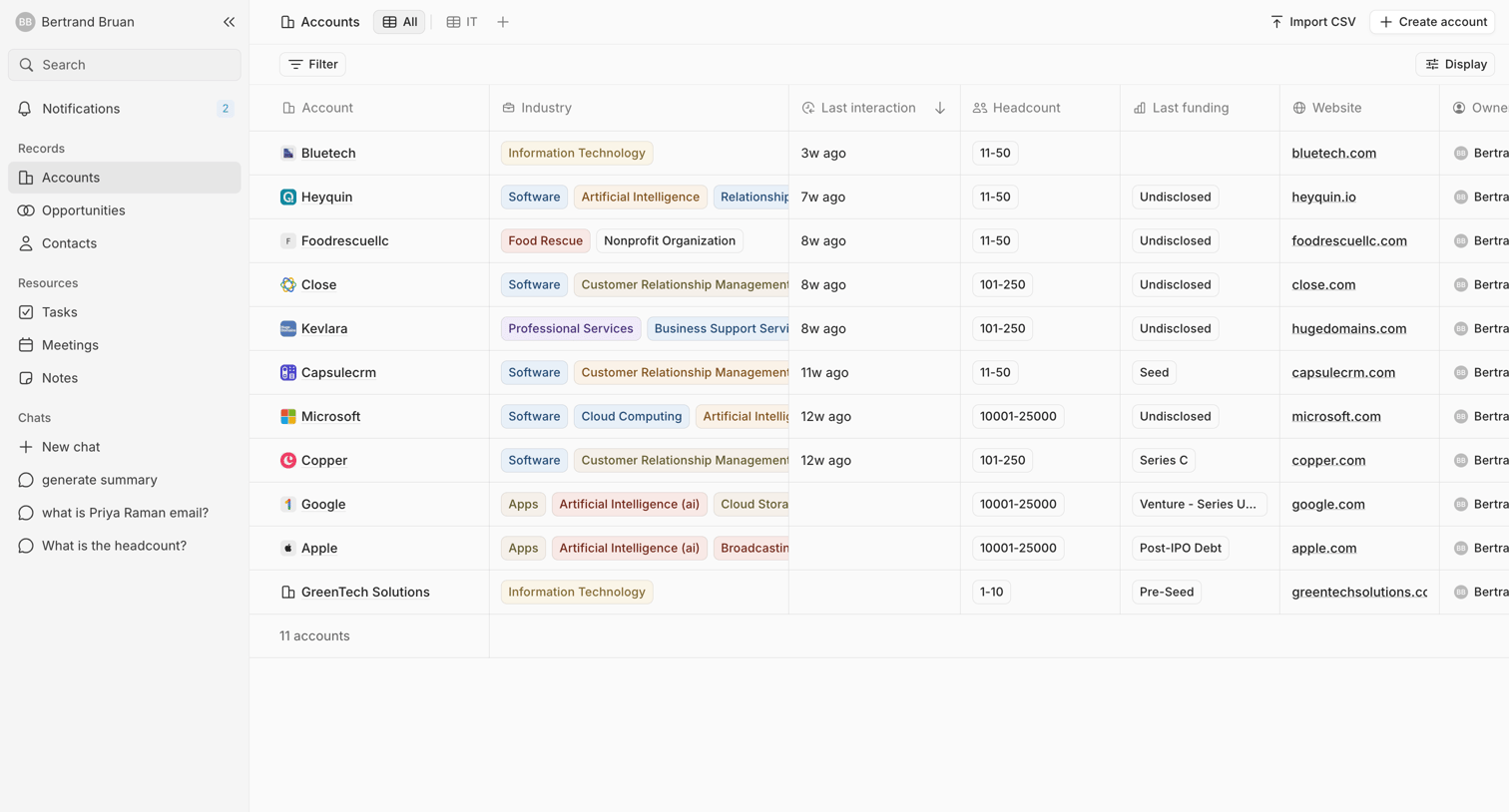

Data table showing a list of CRM accounts with columns for industry, last interaction, headcount, funding, and website.
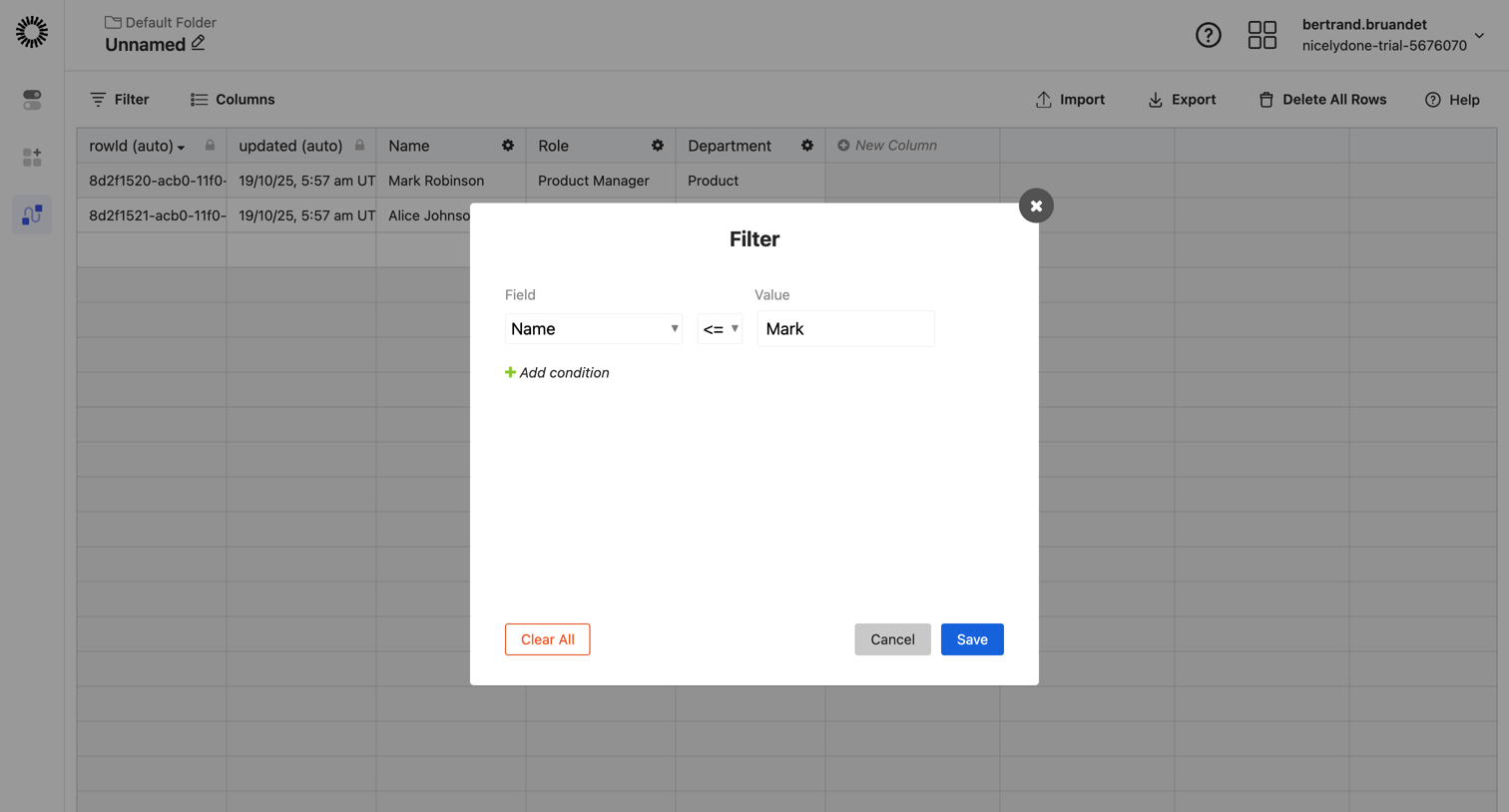

List view where the user configures a filter condition for a data table using a modal dialog.
Explore the full SaaS screen library
Upgrade to unlock the full library.
Trusted by the best teams








About Table
Explore how SaaS apps present structured information in rows and columns. Look at how headers, row details, and actions support reading and working with the data.