Security Settings screen examples
Security Settings screen design examples from SaaS apps. See how SaaS apps organize controls for account protection. Explore how authentication, session details, and security preferences are grouped and explained…
Explore the examples


Settings page where the user configures authentication methods like password and Google SSO, manages sessions, and sees an upgrade prompt for advanced SSO.
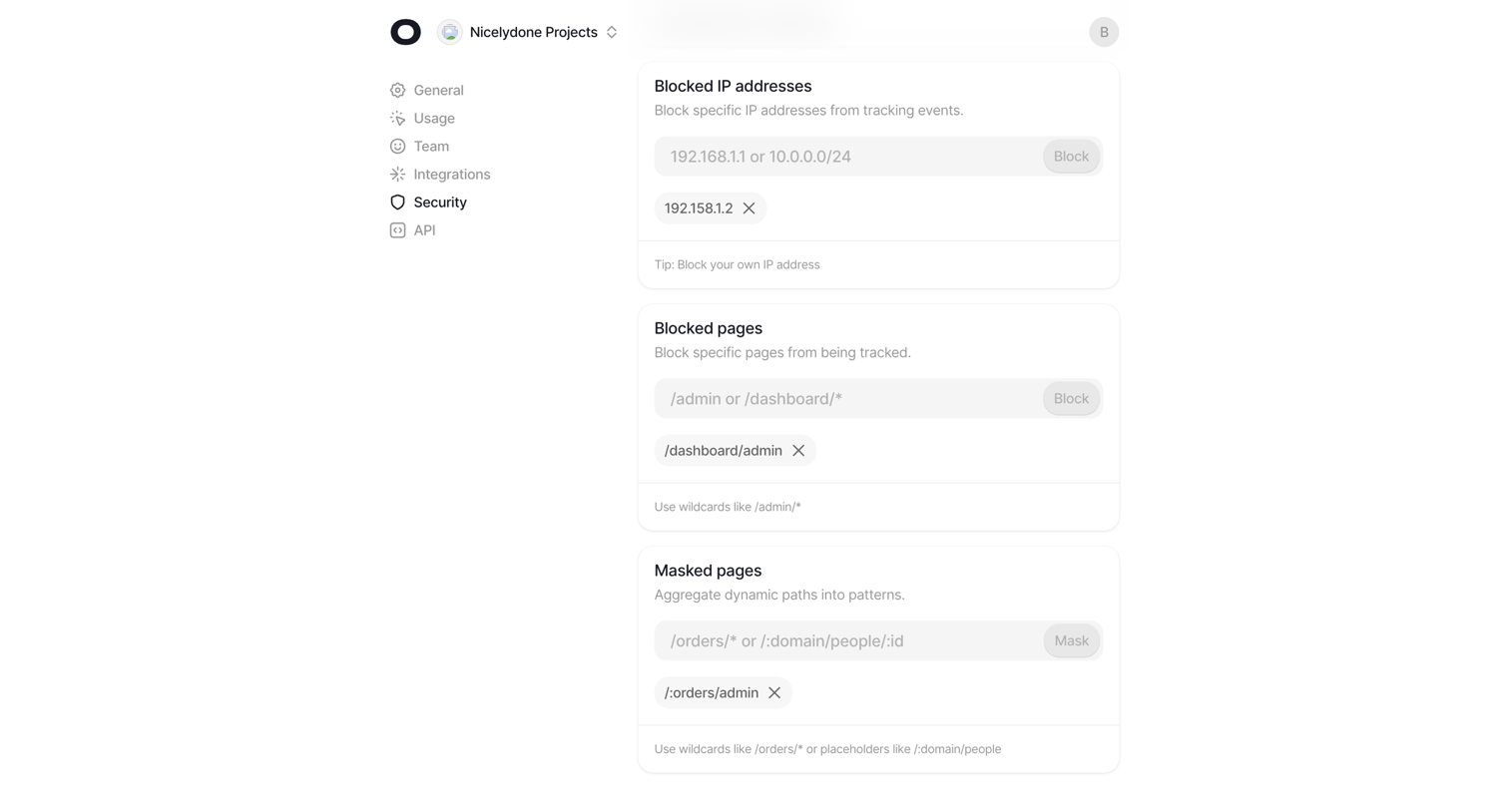

Settings page where the user configures tracking rules by adding blocked IP addresses, blocked pages, and masked pages via text inputs.
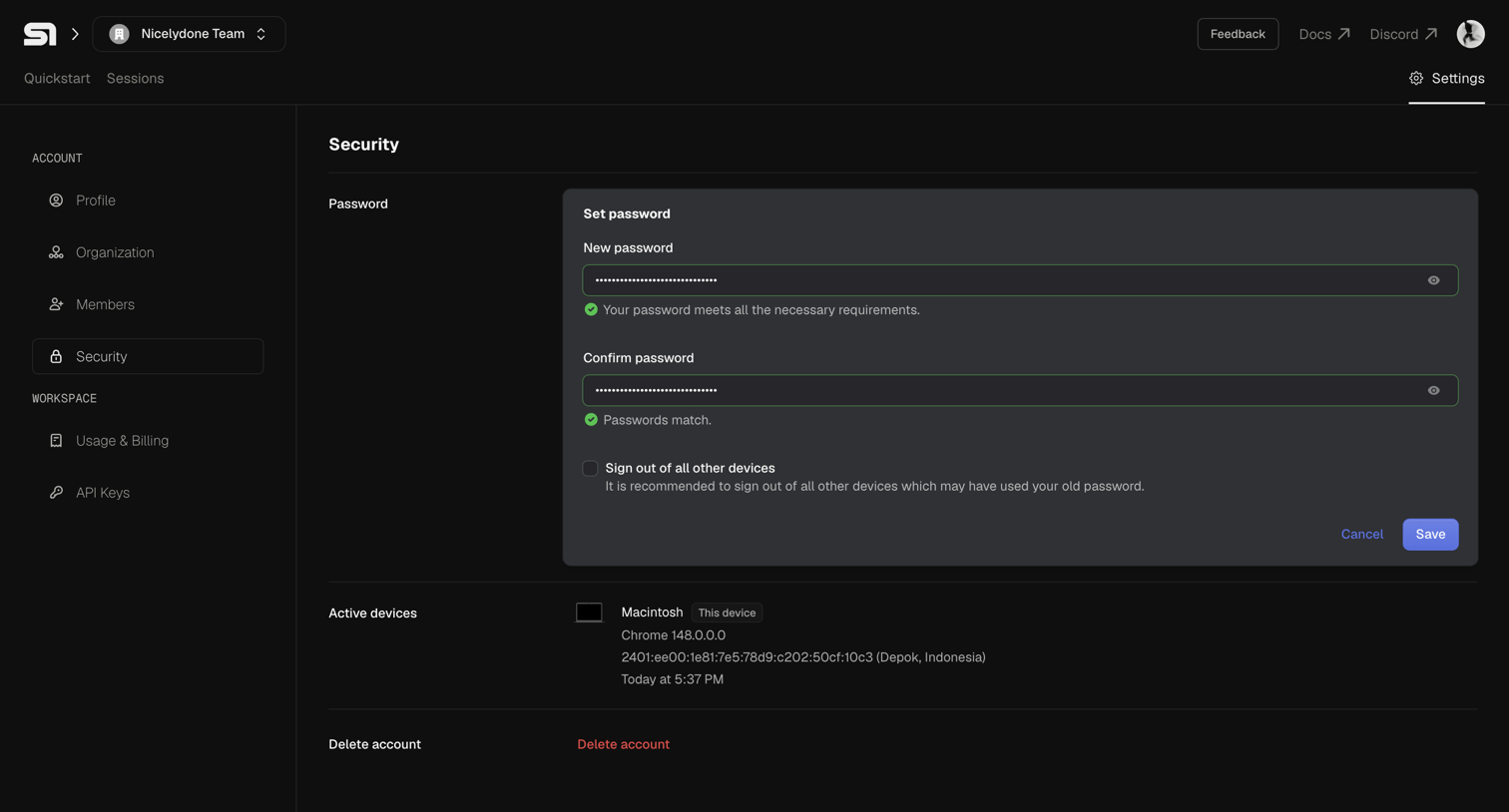

Settings page where the user can update their password, view active devices, and initiate account deletion.
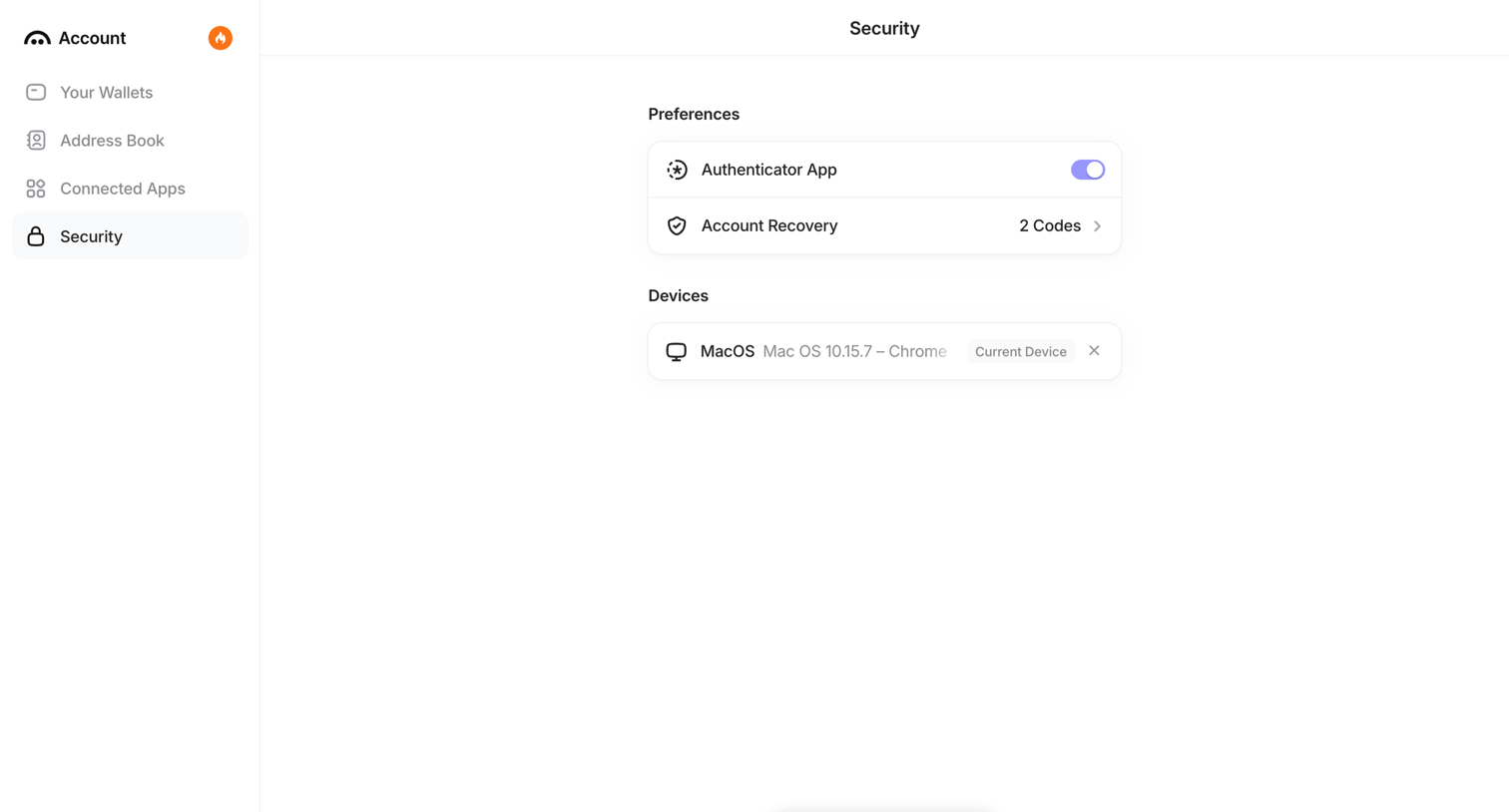

Settings page where the user manages their authenticator app preferences, account recovery codes, and active devices.
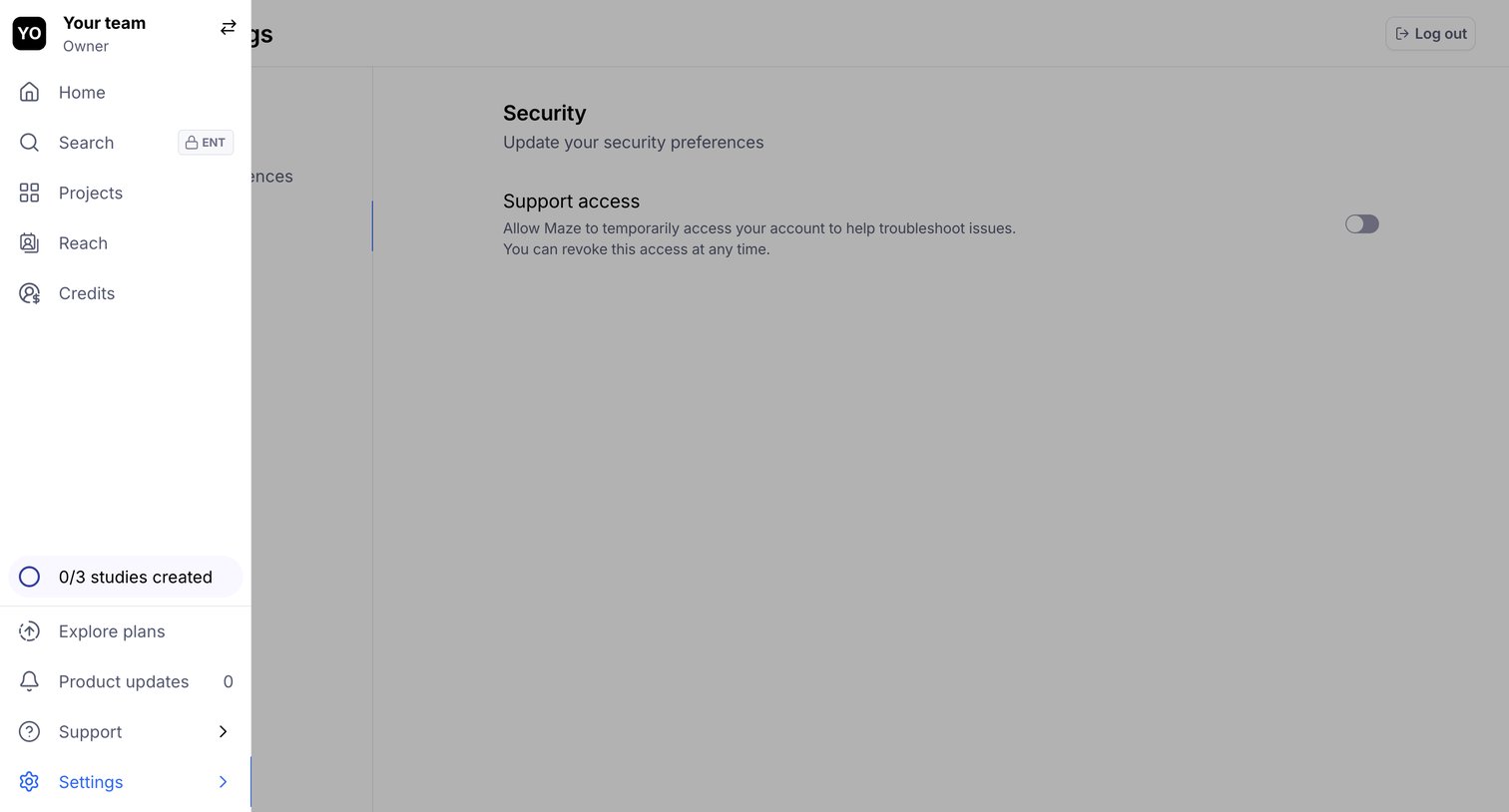

Settings page where the user can toggle support access to allow troubleshooting.
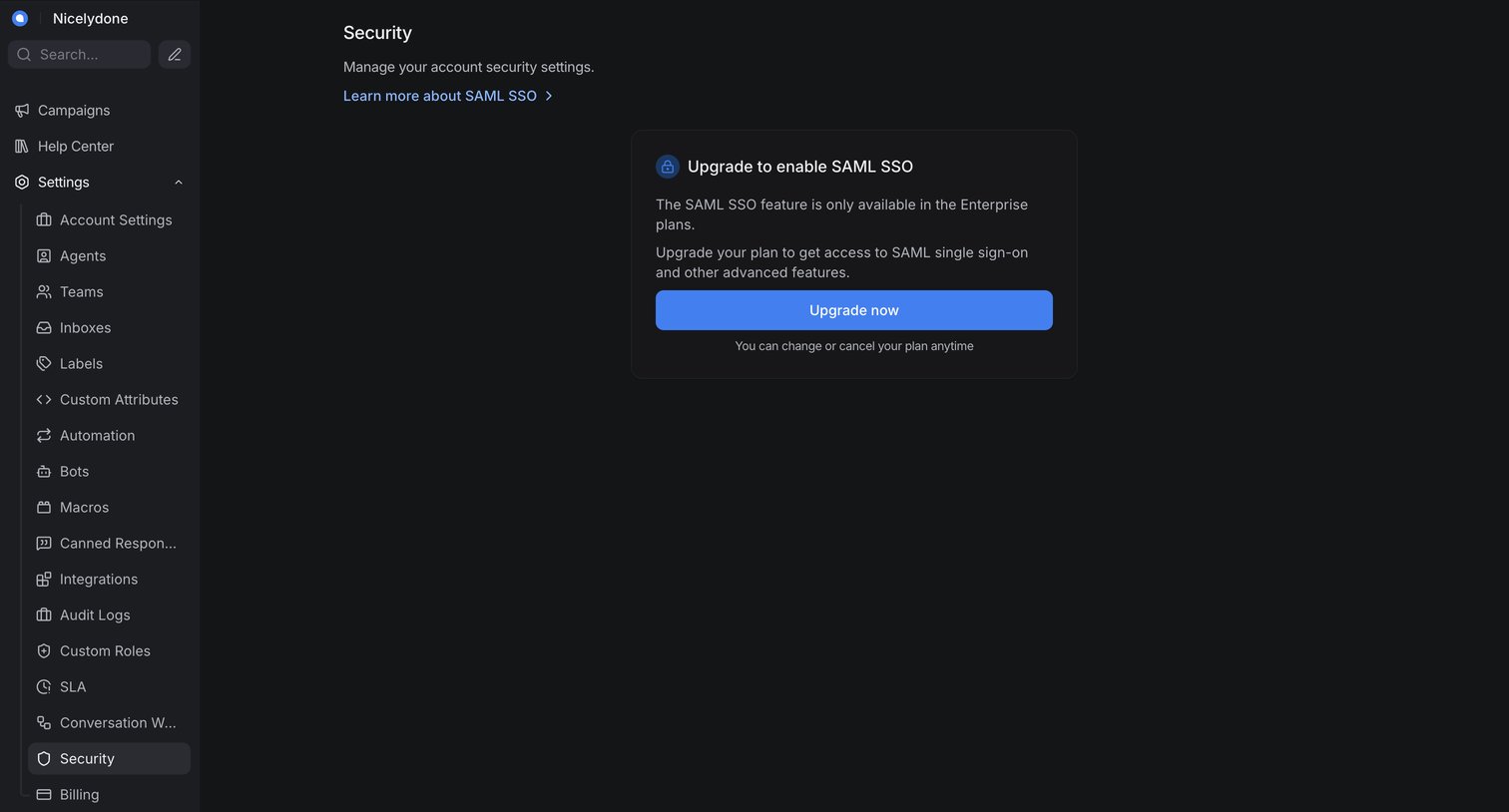

Settings page where the user is prompted to upgrade to an enterprise plan to enable SAML SSO.
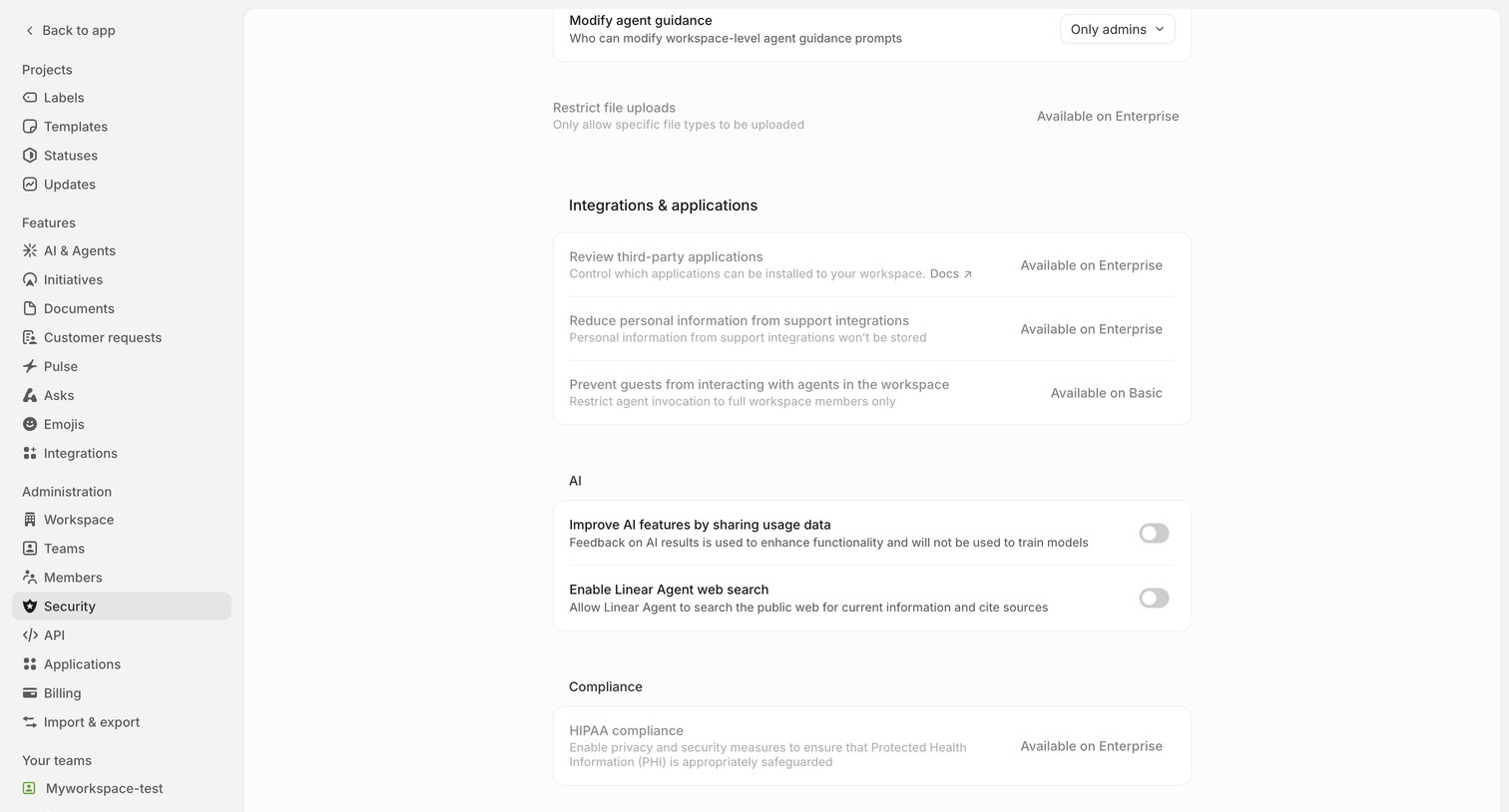

Settings page where the user configures workspace security, including integrations, AI data sharing, and compliance options.
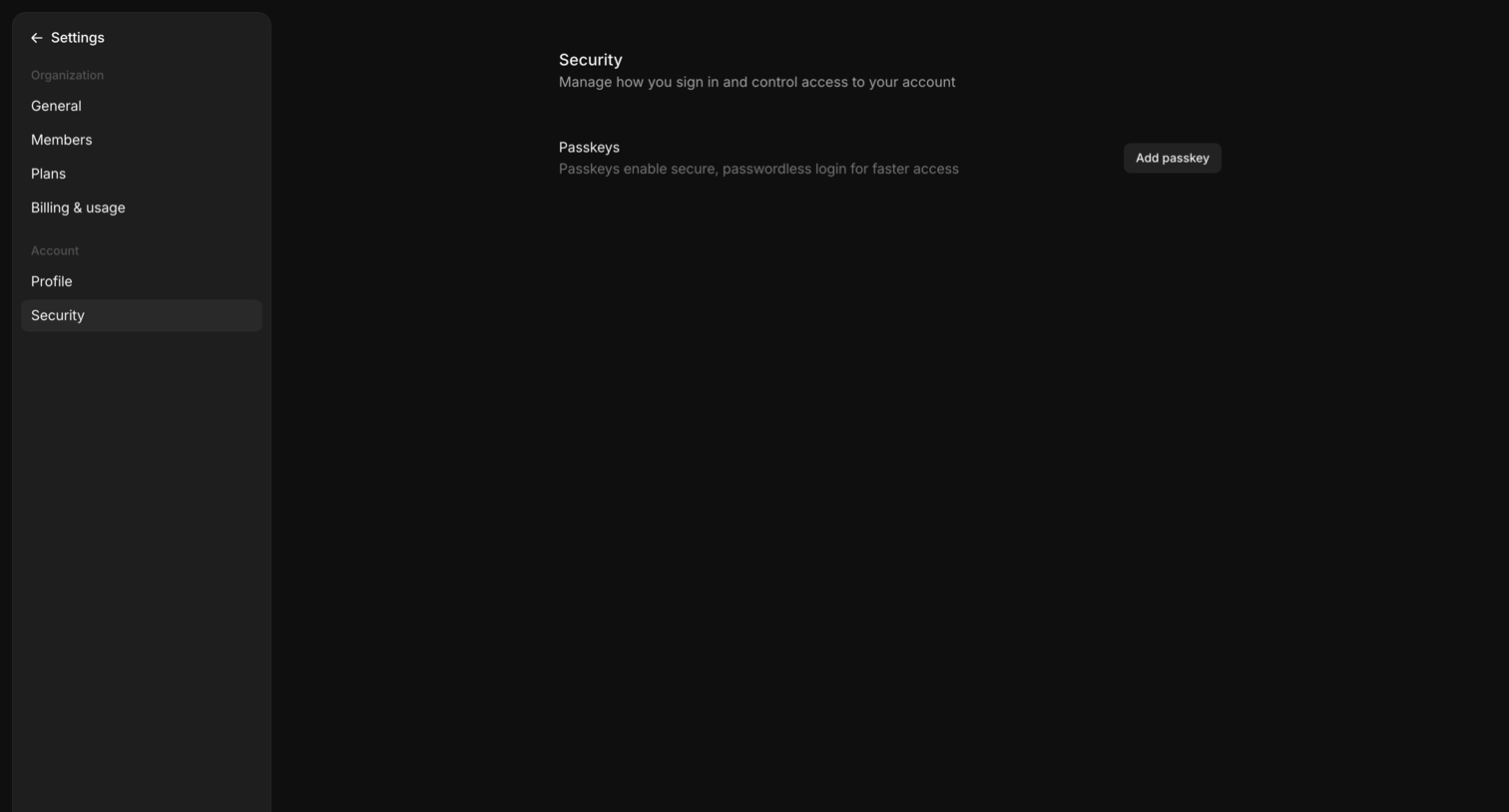

Settings page where the user can manage their account security by adding passkeys for passwordless login.
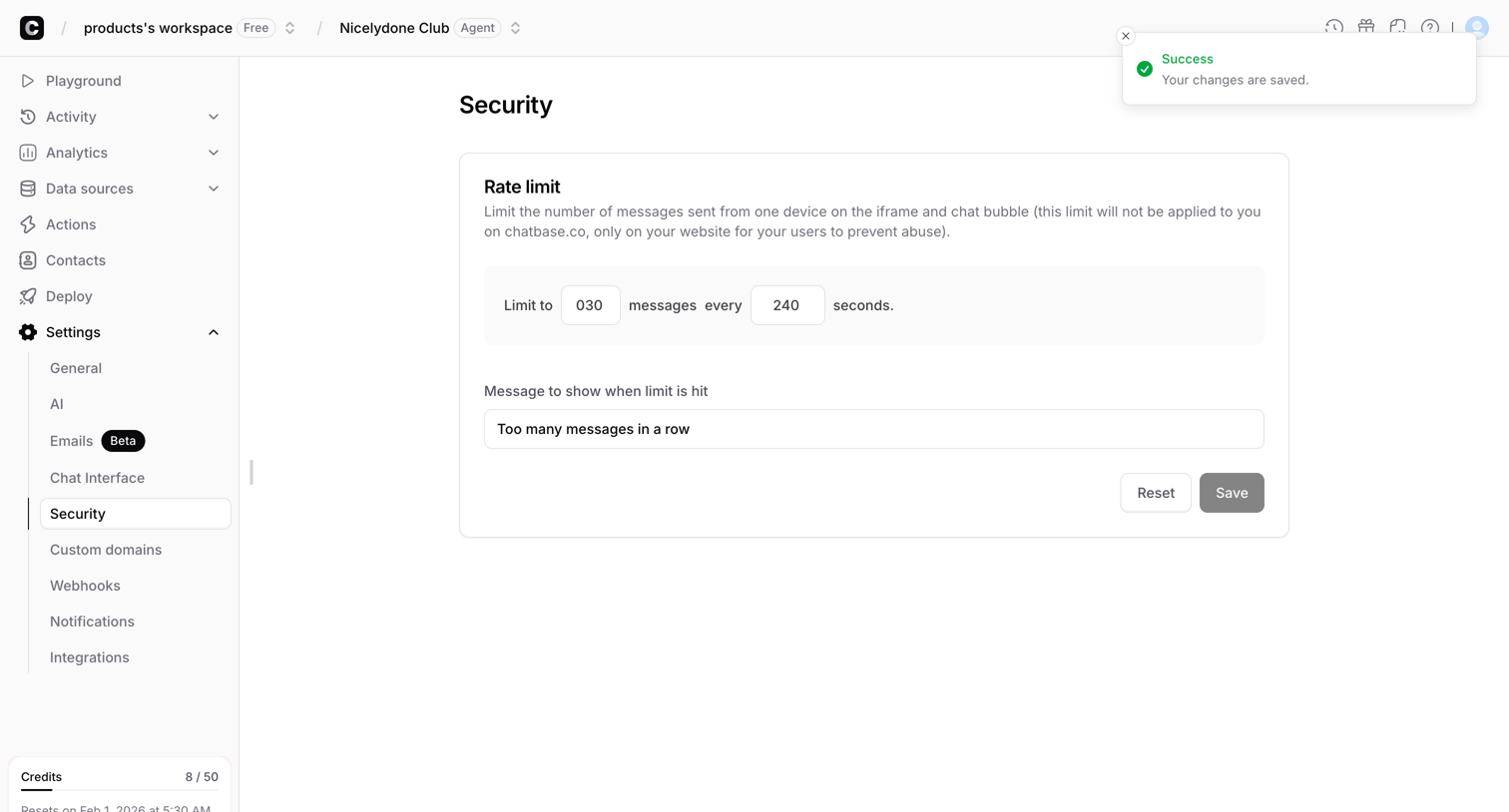

Settings page where the user configures rate limits for their chatbot to prevent abuse and customizes the limit-hit message.
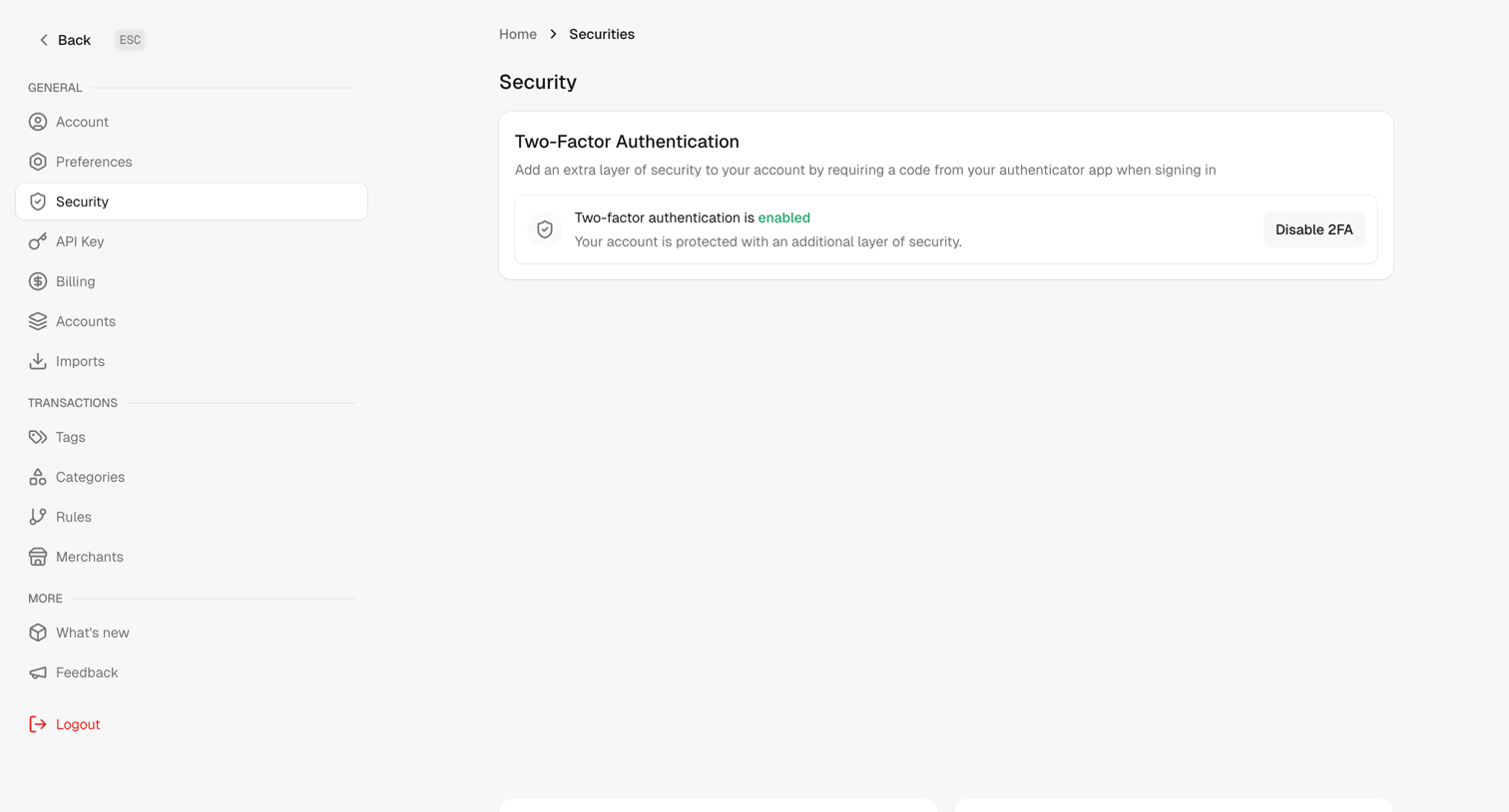
Settings page where the user views and manages their two-factor authentication status.
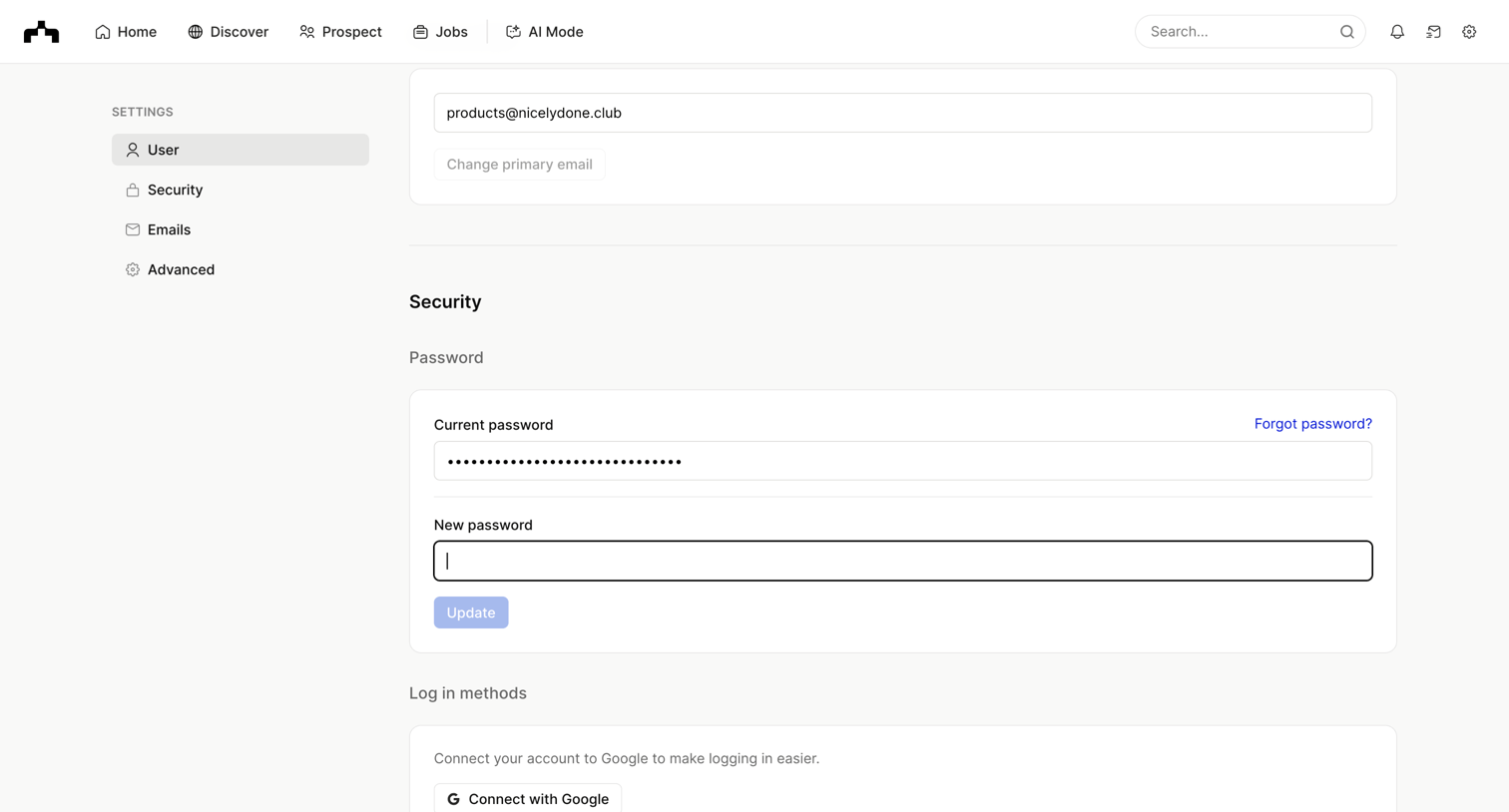

Settings page where the user can update their primary email, change their password, and connect their Google account for easier login.
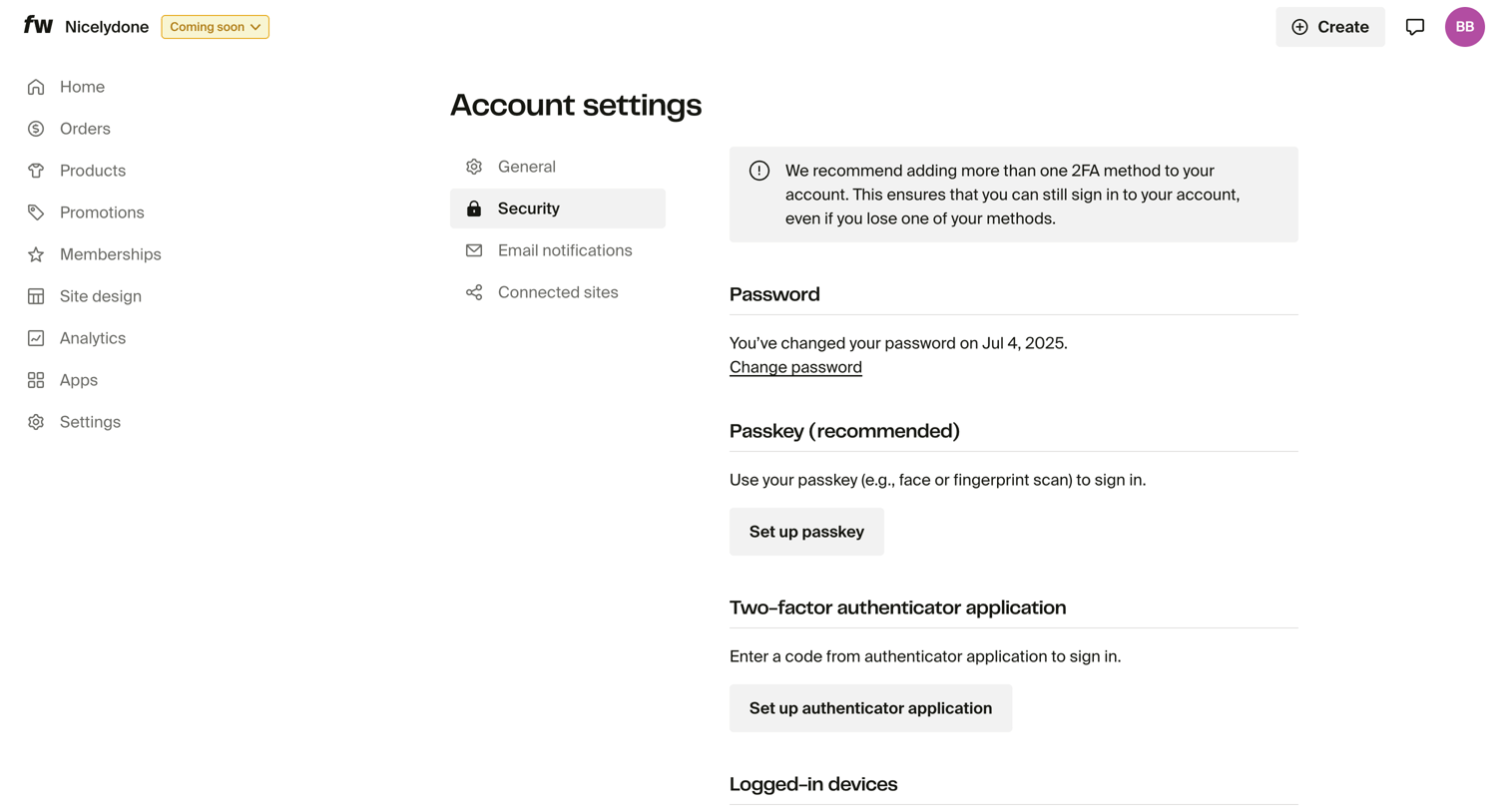

Settings page where the user manages their password, passkeys, two-factor authentication, and views logged-in devices.
Explore the full SaaS screen library
Upgrade to unlock the full library.
Trusted by the best teams








About Security Settings
See how SaaS apps organize controls for account protection. Explore how authentication, session details, and security preferences are grouped and explained within the settings area.