User flow examples from SaaS apps
Explore user flow examples for sign-up, onboarding, billing, and other SaaS tasks. Preview the opening screens of each flow and browse by user task.

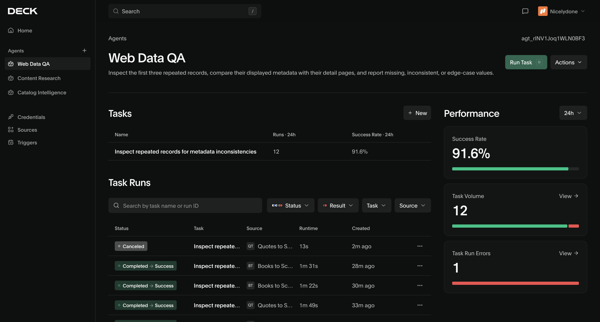
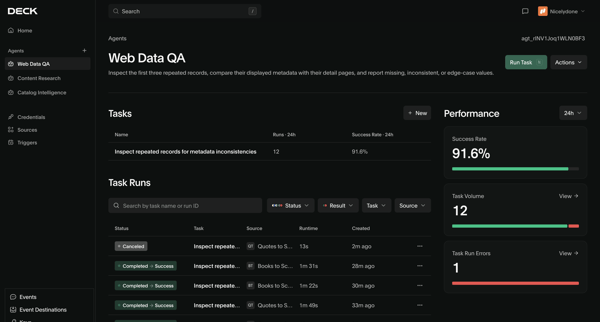
Viewing task history, success rate, and error metrics for a specific AI agent on its detail page

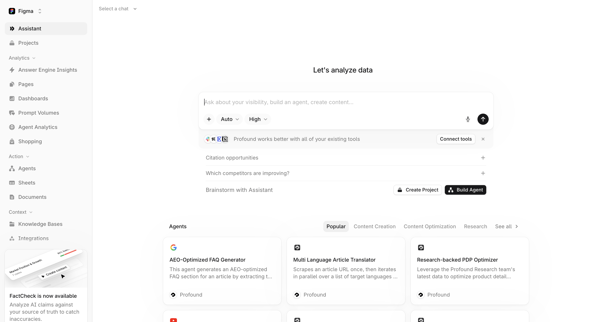
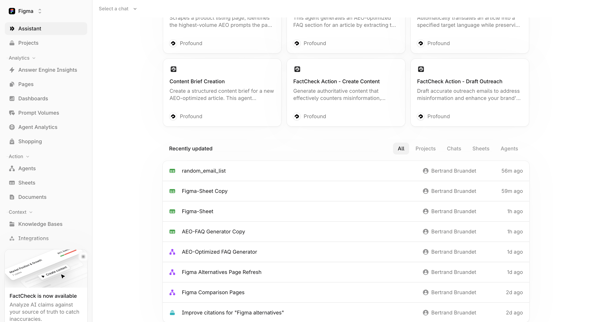
Navigating from AI assistant start screen with prompt library and agent templates to workspace home dashboard displaying agents and recent projects

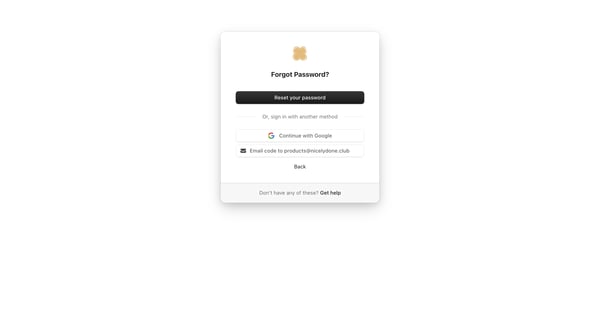
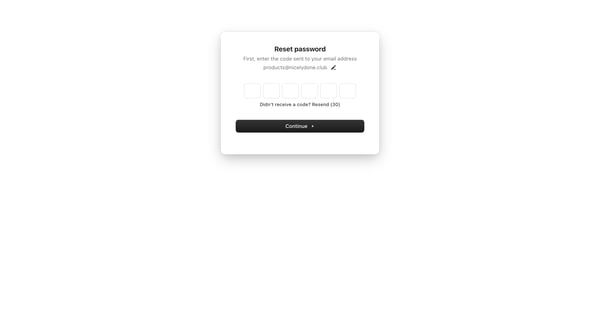
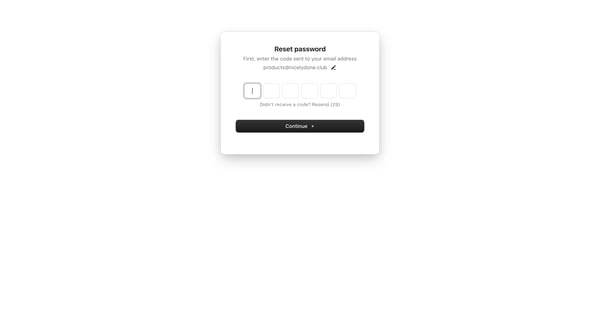
User starts on forgot password card with reset, Google sign-in, and email code options then enters 6-digit OTP sent to email on verification screens

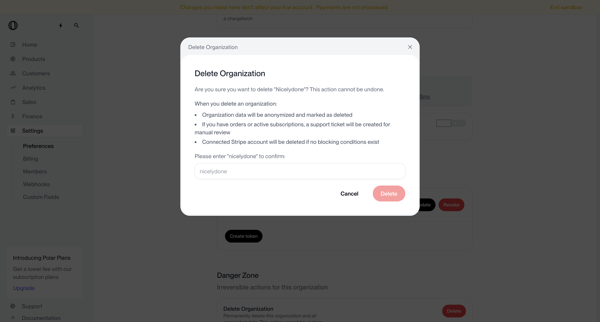
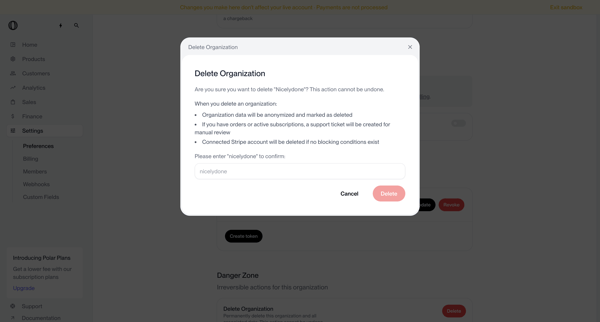
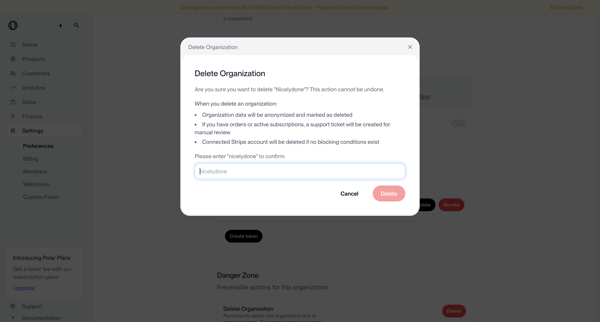
User opens delete organization modal from settings danger zone, types organization name to confirm irreversible deletion, and sees deletion request submitted status requiring manual review

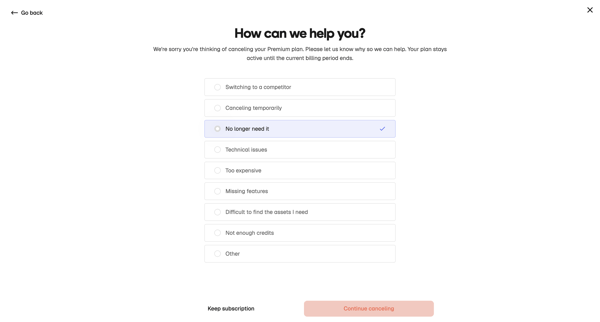
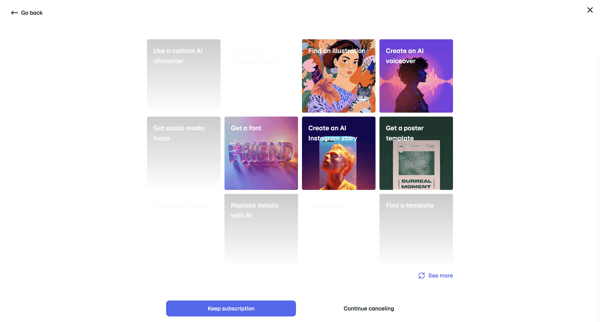
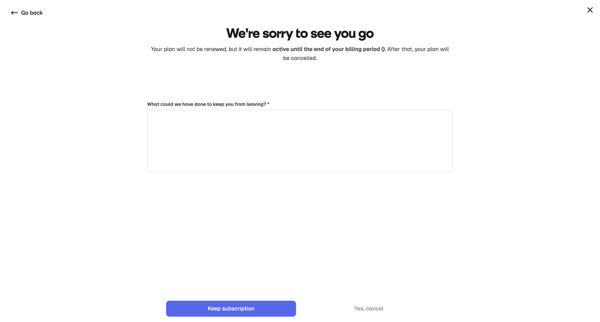
User starts cancellation from billing settings, selects cancellation reason, views retention offers with AI templates, provides feedback, and confirms subscription cancellation

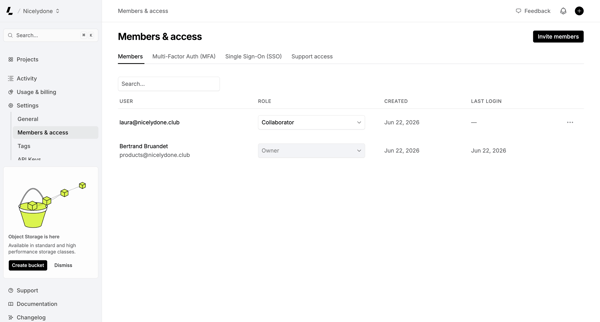
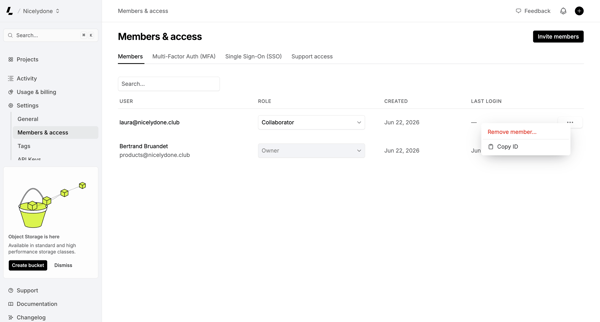
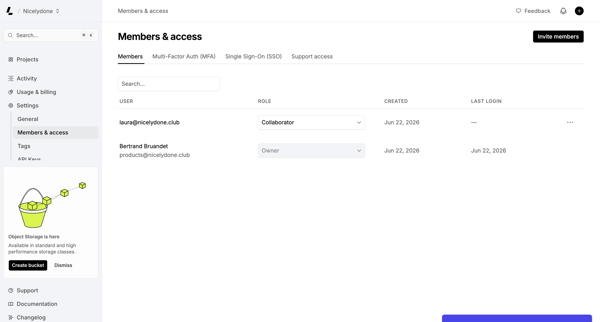
Admin manages workspace members, assigns roles, and configures MFA/SSO from the Members & permissions settings page

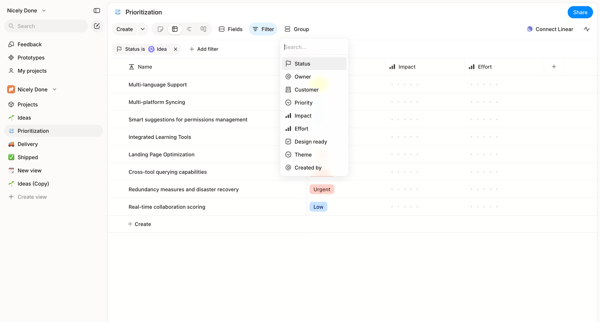
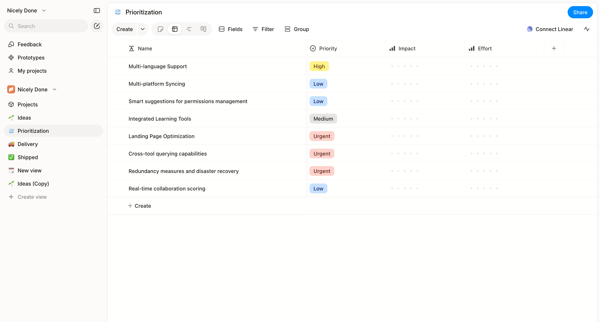
User manages and filters a prioritization board or list showing impact and effort columns for product features

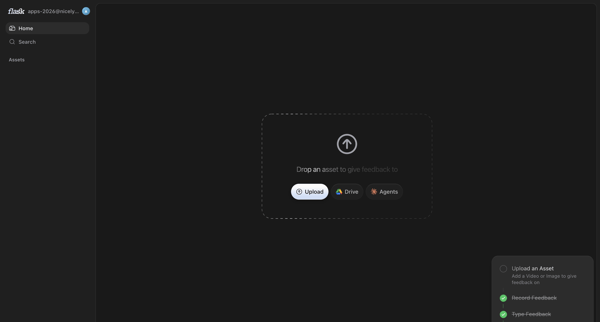
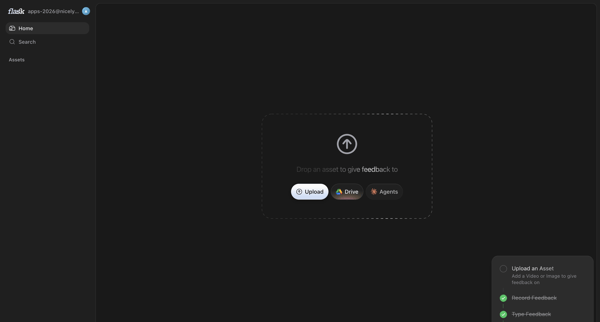
User prompted on home screen to upload asset via local file, Drive or Agents to begin feedback

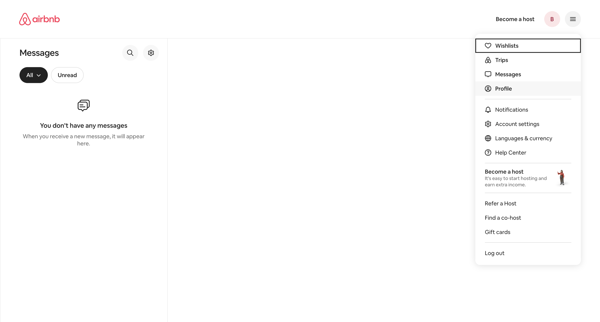
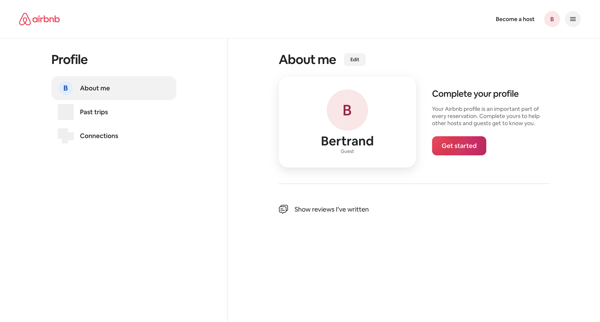
From empty messages inbox, open profile dropdown to reach profile settings page showing completion prompt and Get started action

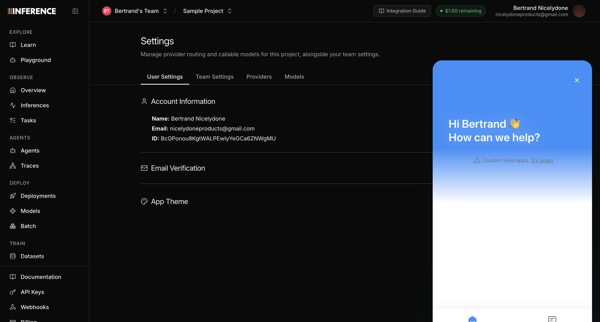
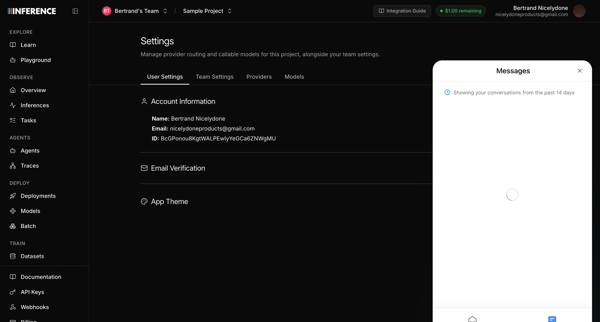
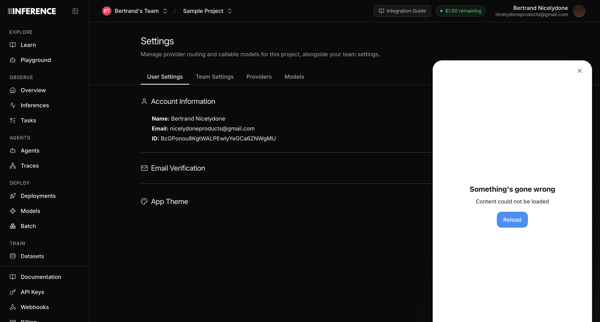
Opening support chat widget from user profile settings page, with messenger attempting to load recent conversations before displaying error states

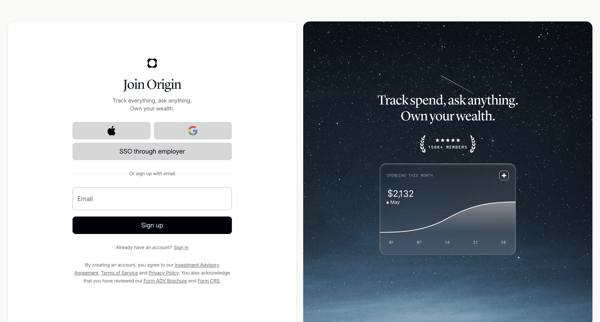
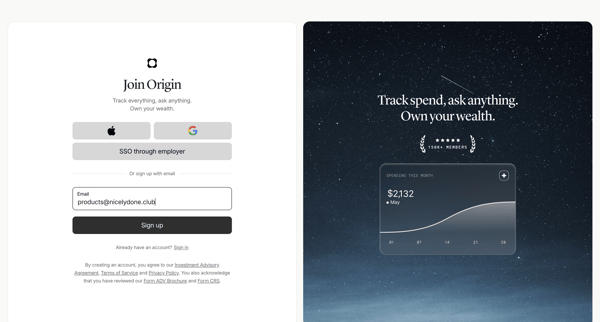
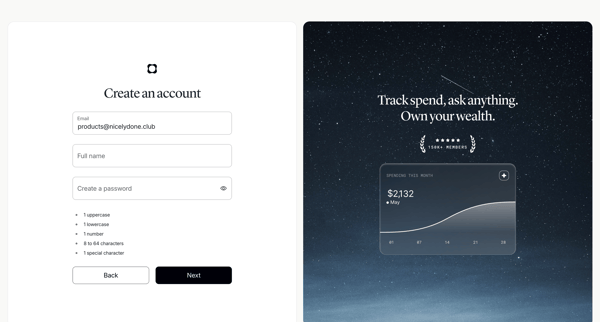
User creates an Origin Financial account via SSO options or email/password form with validation and social proof panels

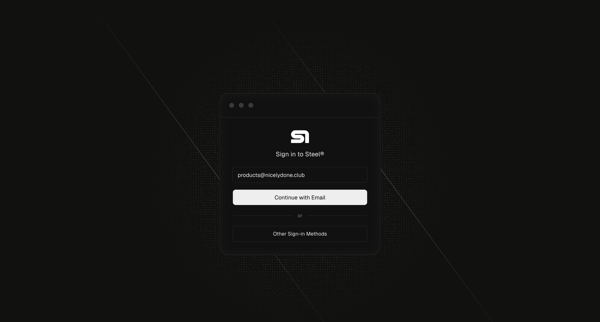
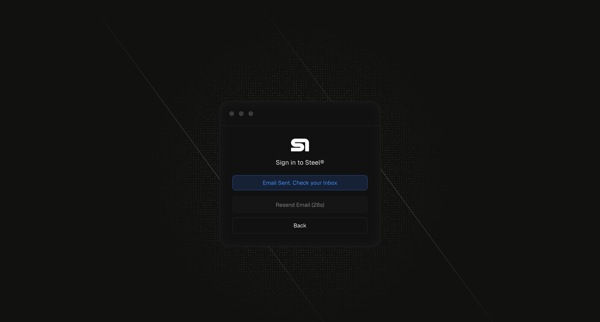
User enters email on sign-in card then views magic link sent confirmation with resend timer
Explore the full SaaS flow library
Browse the full SaaS flow library.
Trusted by the best teams








Find a topic
Getting started
Finding information
Account and subscription
More categories
- Adding
- Connecting to integration
- Updating
- Signing in
- Sharing
- Asking Artificial intelligence
- Customizing
- Selecting
- Creating content
- Reporting
- Exporting
- Uploading files
- Creating workspace
- Importing
- Creating workflow
- Verifying identity
- Managing roles and permissions
- Creating project
- Creating team
- Setting-up Multi-factor authentication
- Commenting & reacting
- Chatting
- Moving
- Creating template
- Sharing feedback
- Sending messages
- Duplicating
- Removing teammate from team
- Sending
- Creating collection
- Switching theme
- Confirming
- Archiving
- Adding to collection
- Enabling
- Scheduling
- Copying
- Securing account
- Deleting team
- Starting trial
- Creating event
- Importing from CSV
- Recording
- Adding new source
- Disabling
- Setting up permissions
- Switching
- Inviting contacts
- Canceling
- Following
- Transfering
- Disabling Multi-factor authentication
- Merging
- Restoring
- Requesting
- Booking
- Requesting access
- Requesting early access
- Versioning
- Booking experience
- Creating listing
- Adding seats to subscription
- Creating color palette
- Transcribing
- Creating transfer
- Moving file
- Replaying
- Restoring previous version
- Creating gift card
- Filling Know Your Business (KYB) form
- Merging data
- Listening
- Playing quiz
- Scheduling email
- Starting interview