MCP
Pricing
Sign in
Join now
Open main menu
Applications
Screens
Flows
UI components
User flows
Adding new source
Adding new source user flows
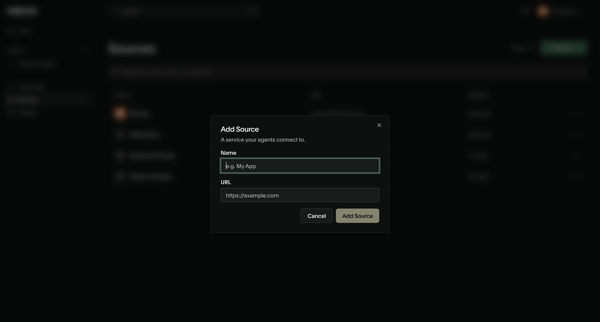
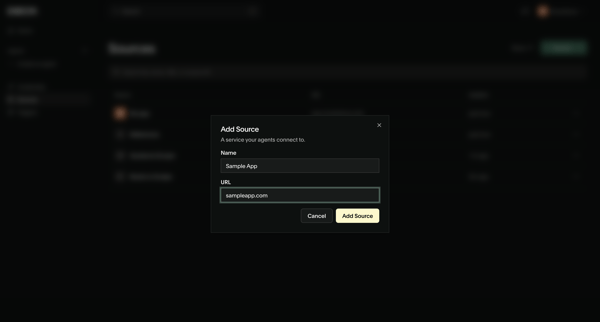
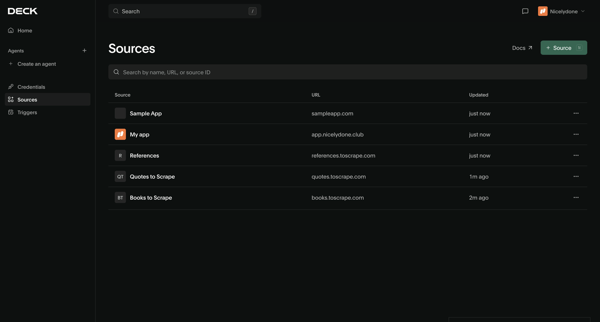
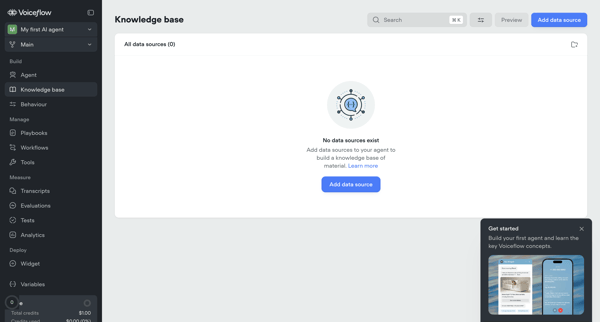
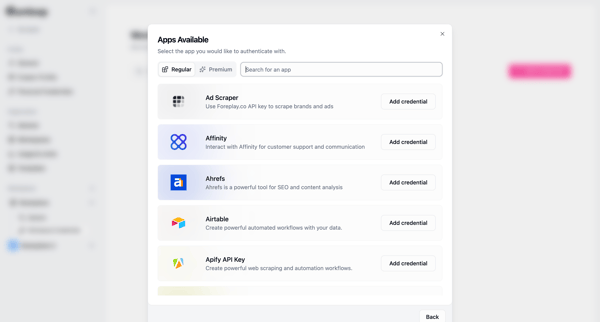
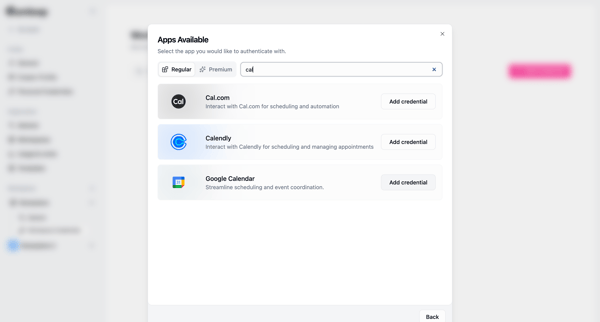
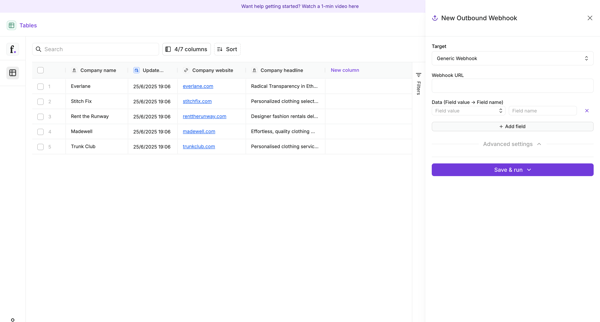
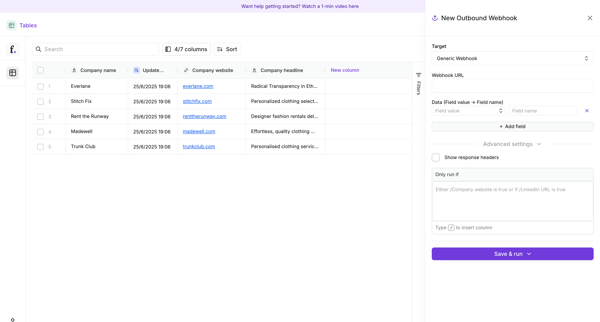
Explore how apps introduce a new source of information. Preview how the opening steps present source choices and the details needed to connect data to a workspace.
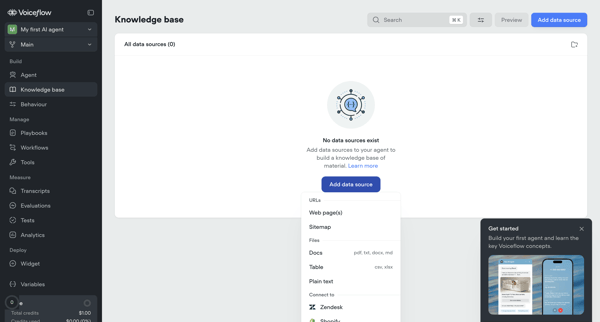
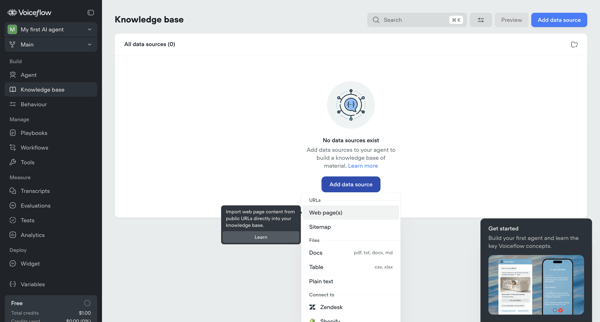
Configuring AI knowledge base
from
Voiceflow
Adding new source
Importing
Settings
17 screens
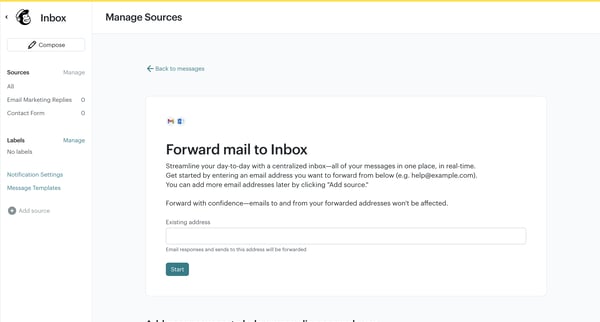
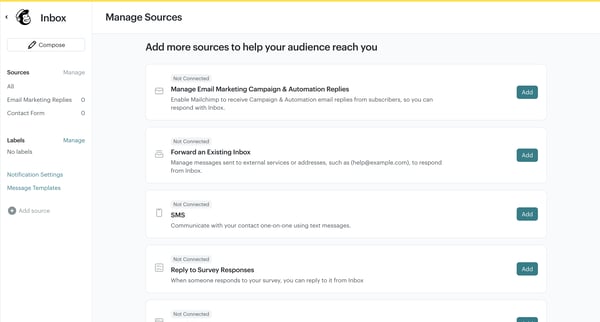
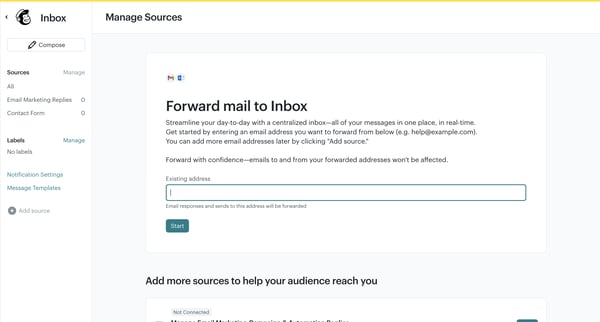
Adding forwarding source
from
Mailchimp
Adding new source
6 screens
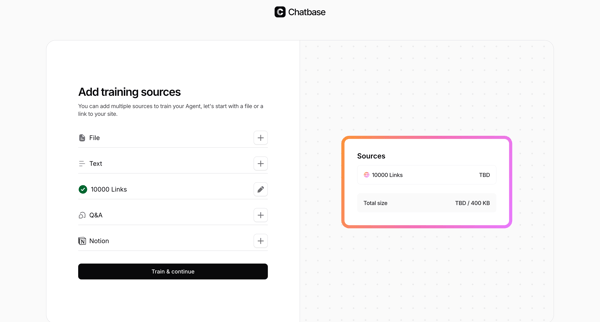
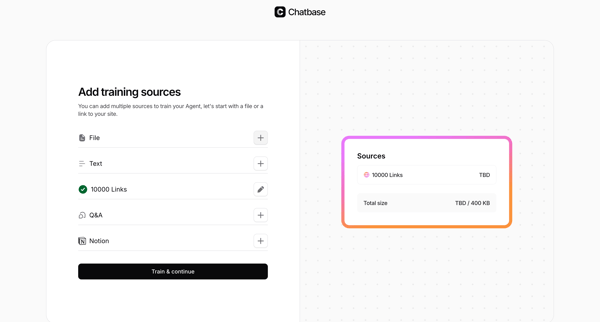
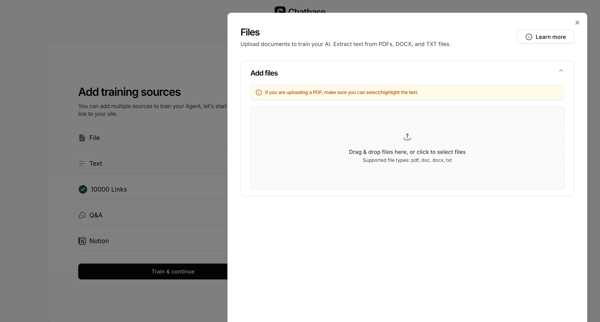
Adding training sources
from
Chatbase
Adding new source
33 screens
Adding workspace credentials
from
Gumloop
Adding new source
2 screens
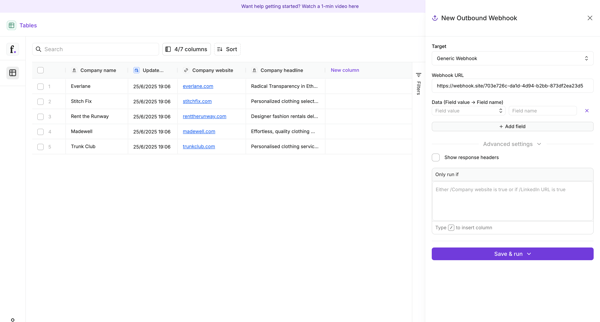
Creating outbound webhook
from
Freckle
Creating workflow
Adding new source
Creating
15 screens
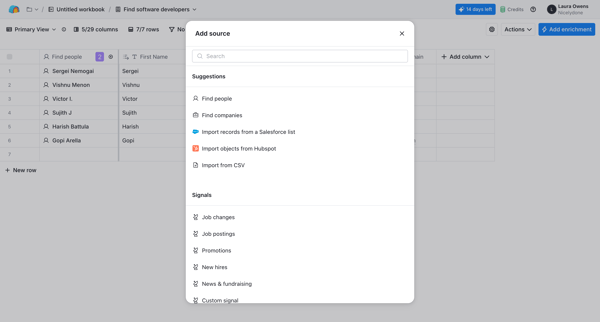
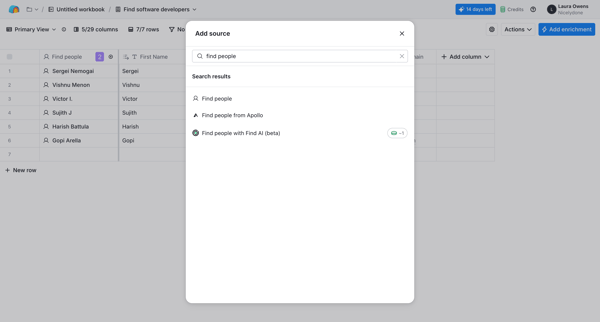
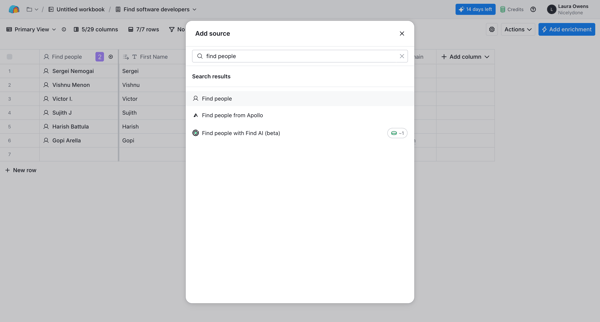
Adding source
from
Clay
Adding new source
3 screens
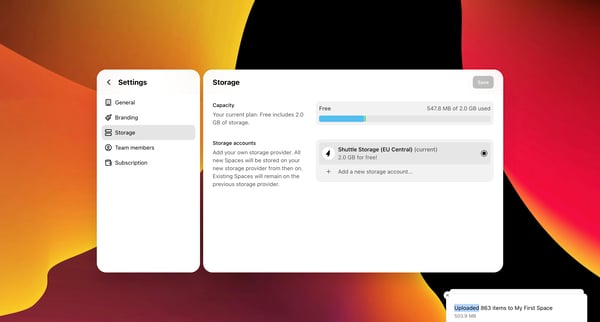
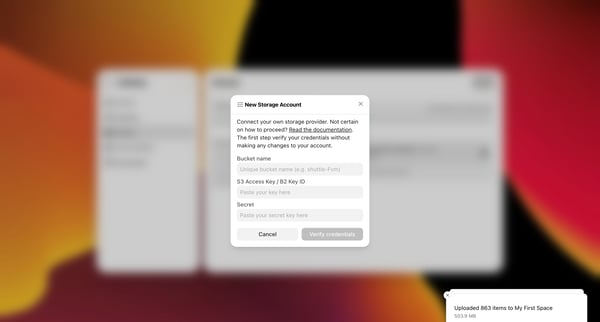
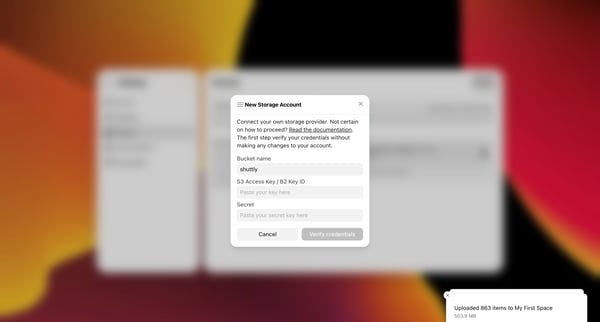
Adding new storage account
from
Shuttle
Adding
Adding new source
8 screens
Creating image source
from
Gumlet
Adding new source
7 screens
Adding resource
from
Qatalog
Adding new source
10 screens
Adding webhook endpoint
from
Clerk
Adding new source
4 screens
Creating enterprise connection
from
Auth0
Adding new source
6 screens
Adding google drive app
from
Slack
Adding new source
23 screens
Creating data pipeline
from
Customer.io
Adding new source
10 screens
Integrating data source
from
BinarBase
Adding new source
9 screens
Setting up direct access to data source
from
Fiberplane
Adding new source
5 screens
Adding new link
from
Dub
Adding new source
6 screens
Adding Figma vector asset source
from
Specify
Adding new source
9 screens
Explore 20 adding new source user flow examples
Get full library access.
Continue with Google
OR
Continue with Magic Link
By continuing, you agree with our
terms & privacy policy
Trusted by the best design teams