Setting up account flow examples
Setting up account user flow examples from SaaS apps. See how SaaS apps introduce the details needed for a usable account. Preview the opening setup screens and how they organize profile information and initial…
Preview these flows

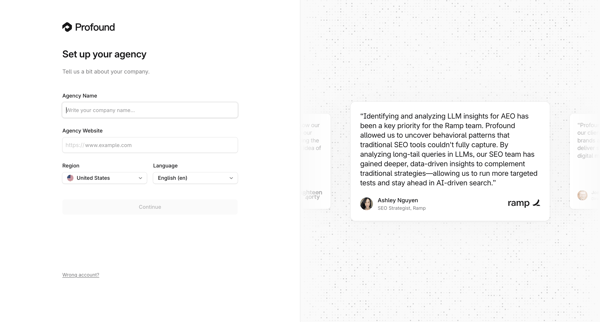
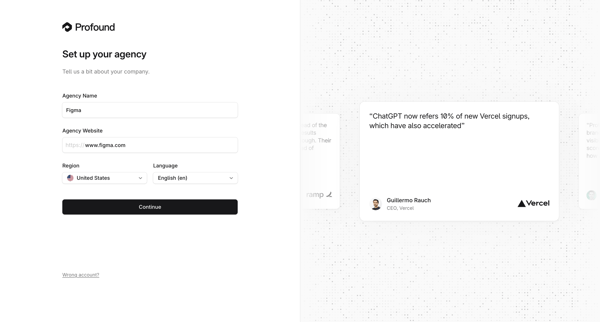
Onboarding form where user enters agency name, website, region, and language during initial workspace creation

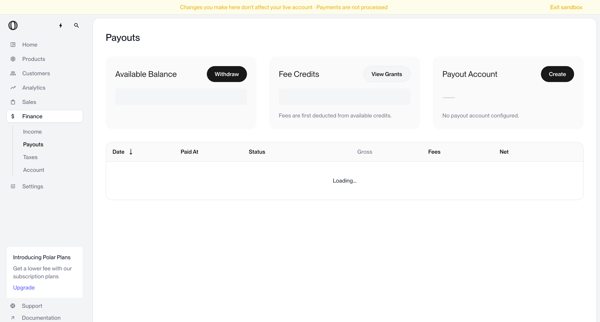
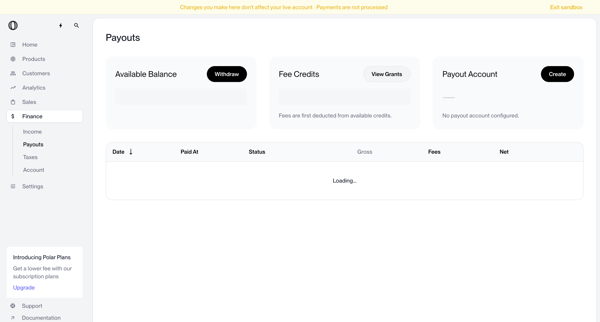
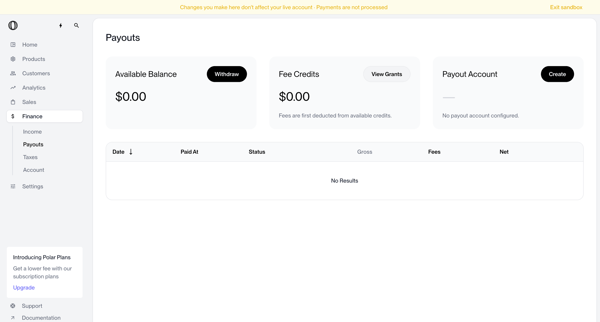
User views payouts dashboard showing no account configured, triggers withdrawal which shows blocked modal, opens create payout account modal, selects country of residence from dropdown, and returns to dashboard with manage button and setup required status

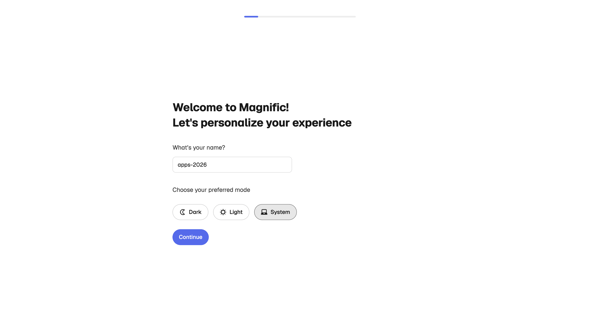
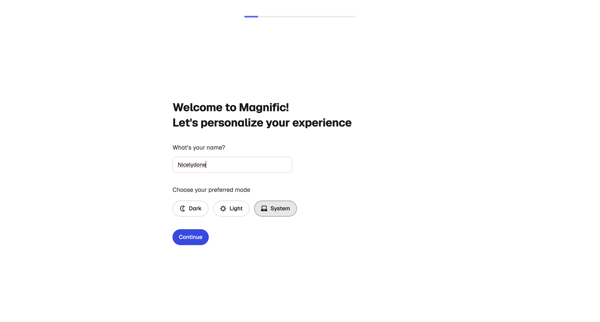
Onboarding personalization step where user enters name and selects display theme before entering the app

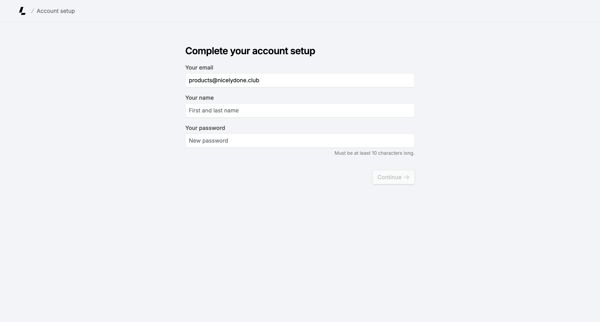
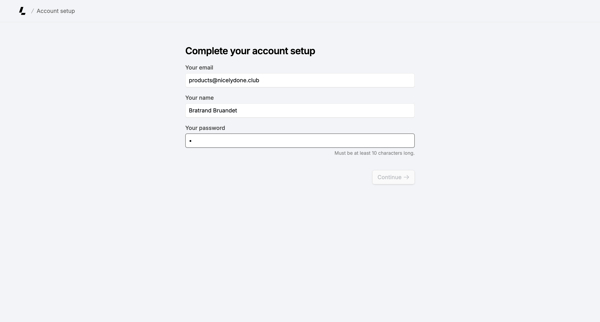
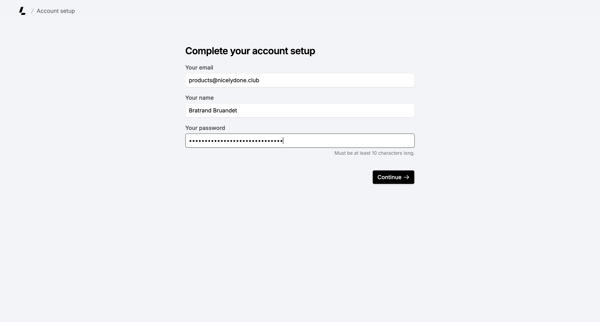
Onboarding form where user confirms email, enters name, and sets password to finish account creation

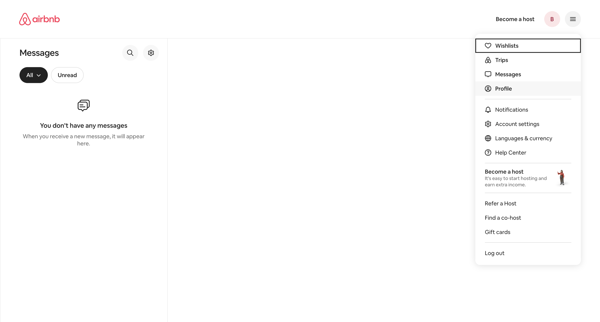
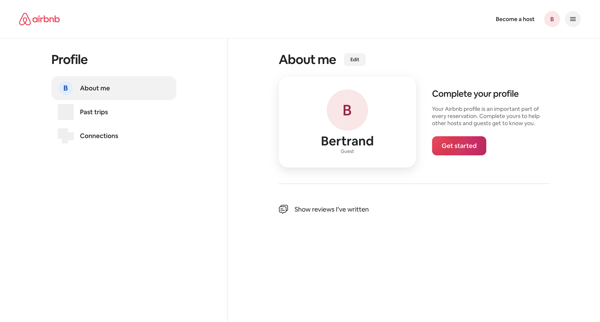
From empty messages inbox, open profile dropdown to reach profile settings page showing completion prompt and Get started action

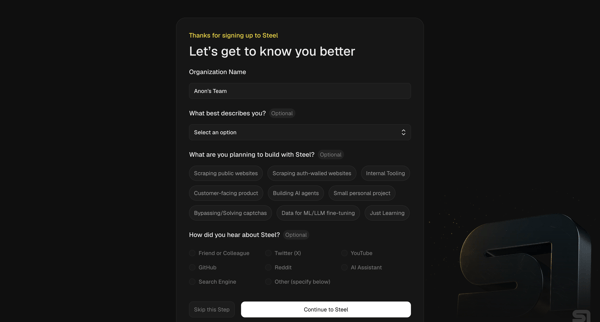
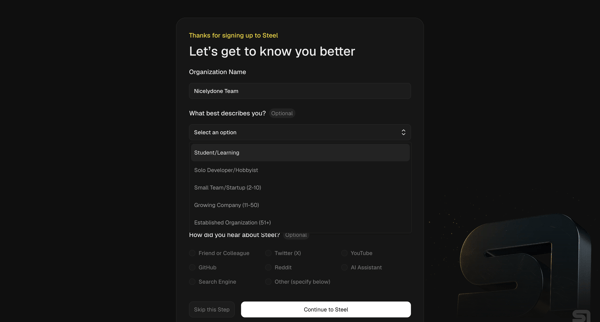
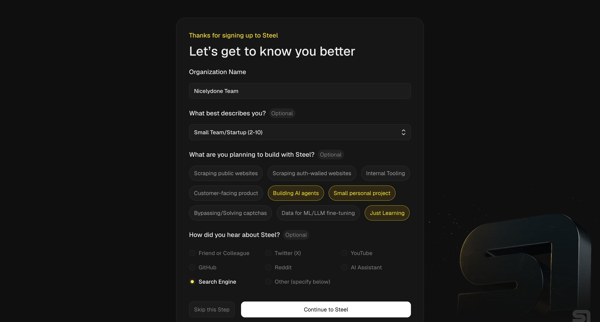
Multi-step onboarding questionnaire collecting organization name, role, use cases, and referral source for Steel account setup

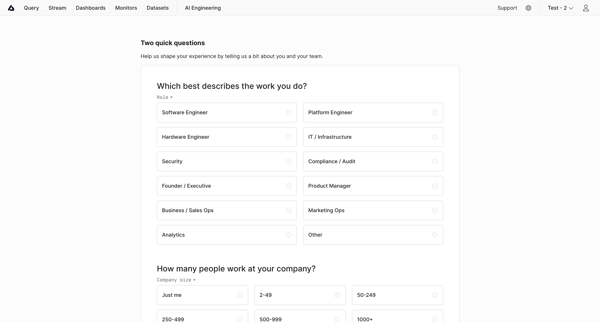
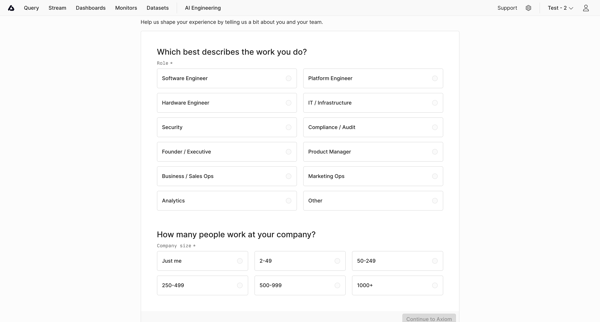
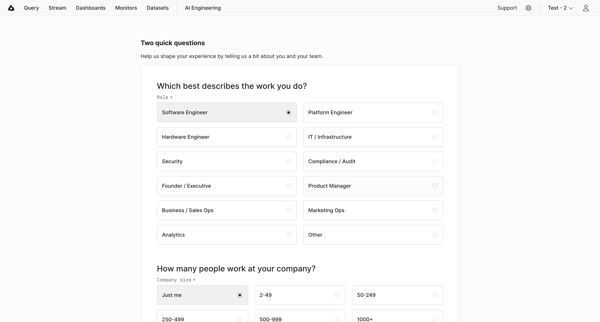
User completes onboarding questionnaire selecting role and company size to personalize experience in Axiom

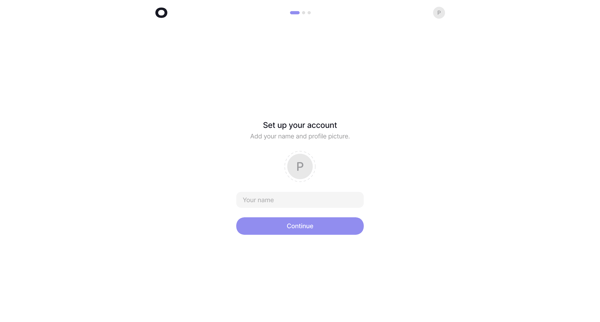
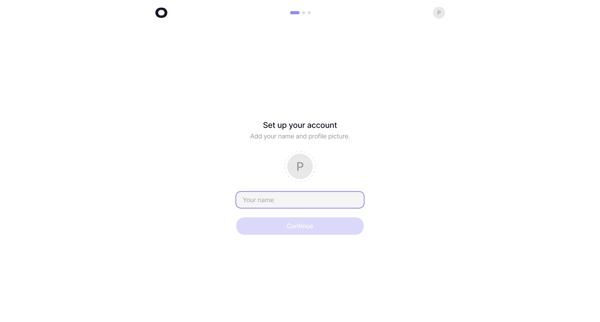
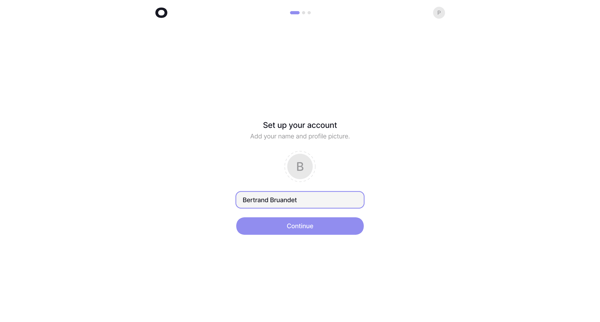
Onboarding sequence to provide name and profile picture during initial account setup
Explore the full SaaS flow library
See 151 more SaaS user flows.
Trusted by the best teams








About Setting up account
See how SaaS apps introduce the details needed for a usable account. Preview the opening setup screens and how they organize profile information and initial preferences.