Skip to content

Bytescale Flow Example: Signing up

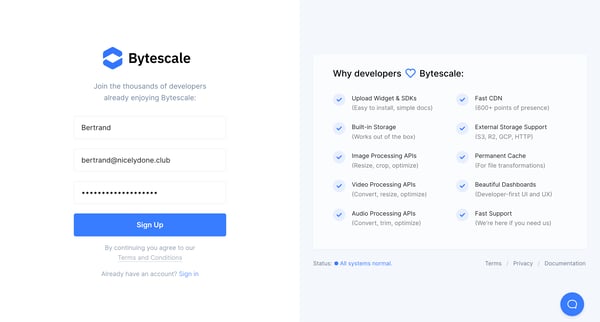
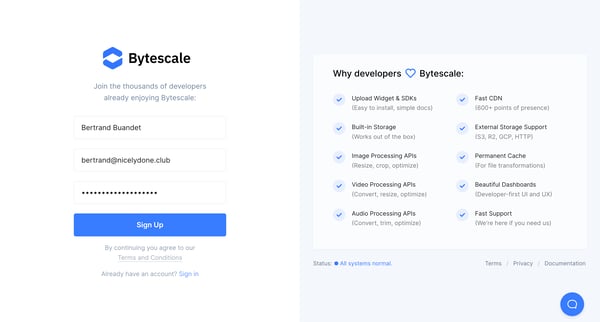
Preview this Bytescale user flow: Signing up. Explore the opening screens.

Preview these flows

Bytescale logo

Signing up

7 screens

·
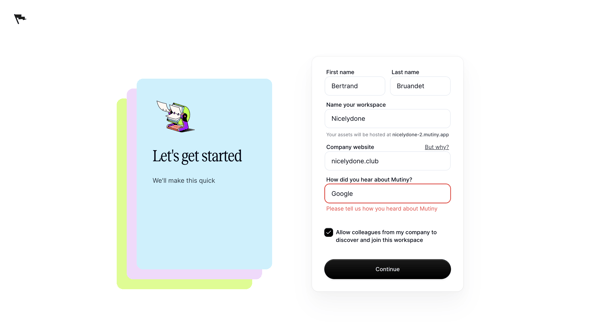
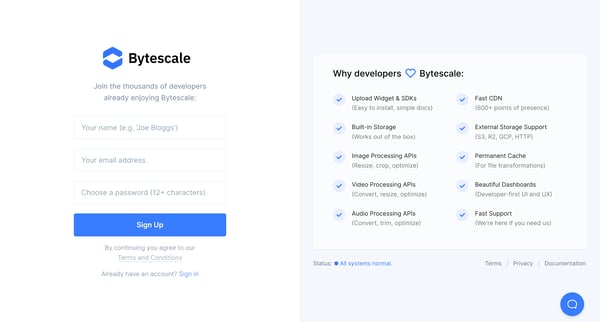
Create Account | Bytescale from Bytescale

This user flow guides a new user through the process of creating an account on Bytescale, from entering signup information to verifying their identity.

Deck logo

Verifying identity

4 screens

·
FromDeck
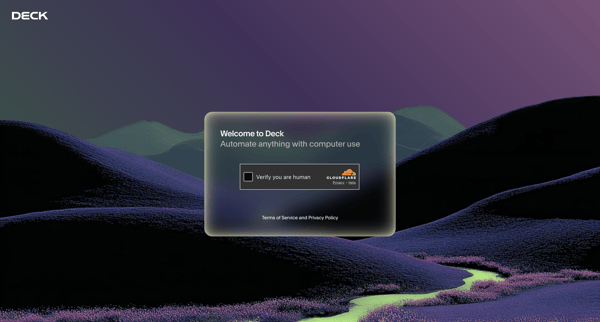
Deck Console from Deck

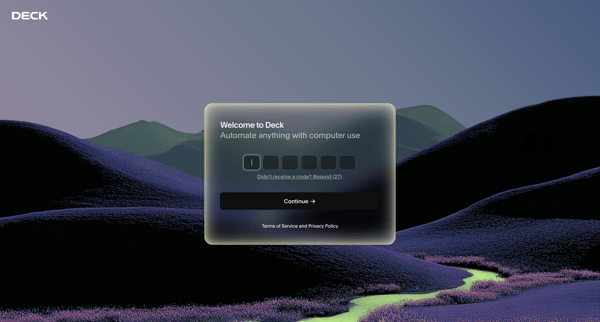
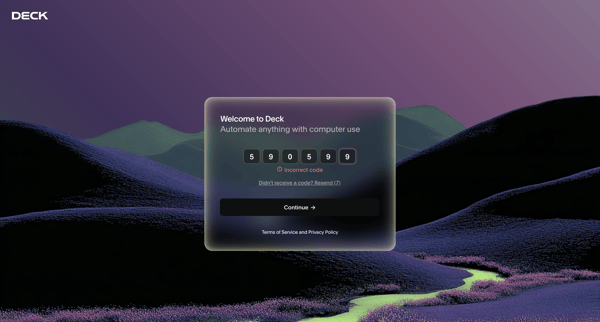
Completing Cloudflare CAPTCHA then entering email verification code to access Deck

Tryprofound logo
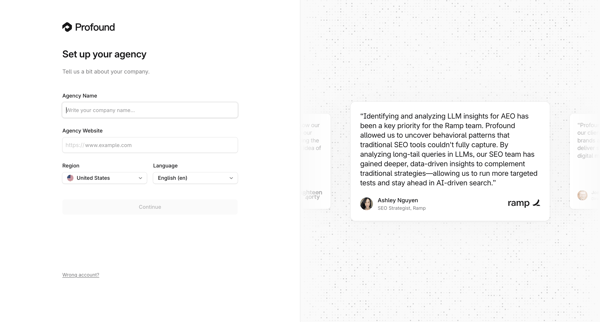
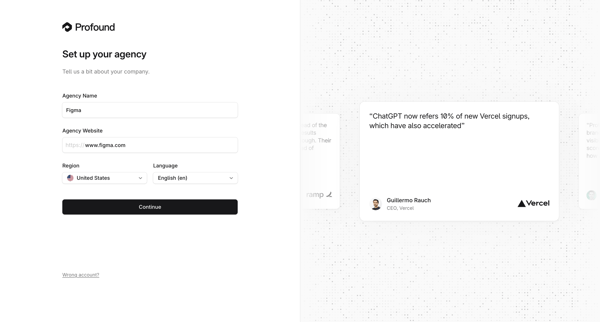
Profound | Answer Engine Optimization from Tryprofound

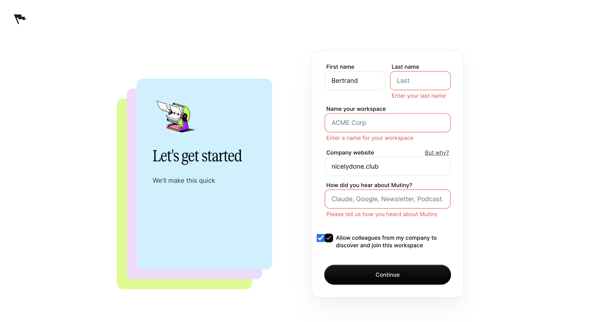
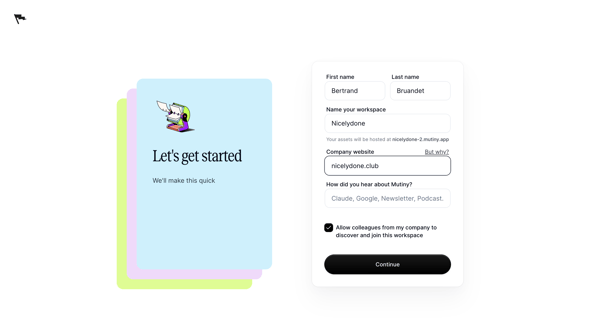
Onboarding form where user enters agency name, website, region, and language during initial workspace creation

Bud logo
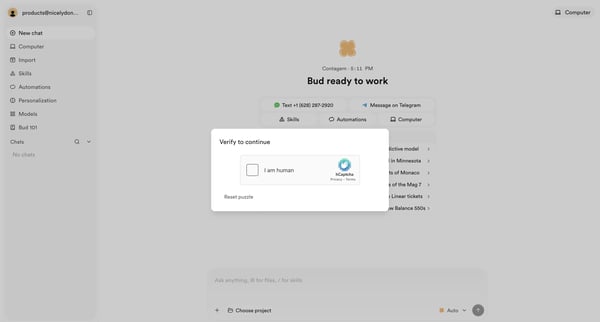
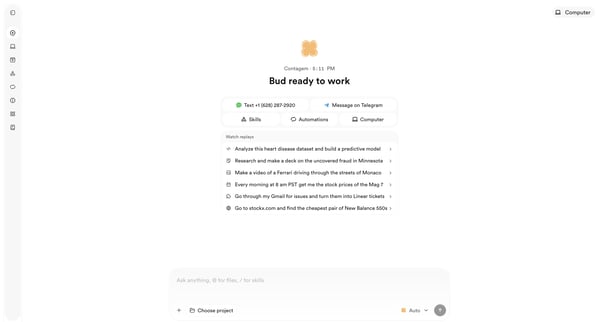
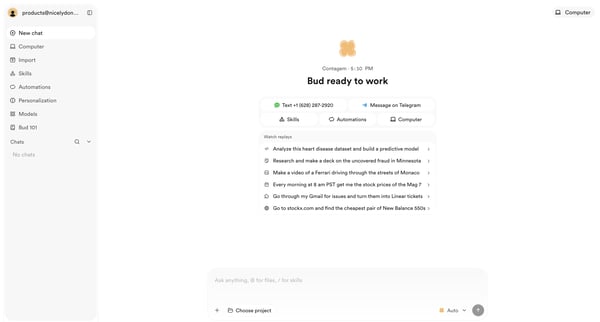
Bud - Your AI Worker from Bud

User starts on AI chat interface, encounters hCaptcha verification modal, and reaches post-verification agent start screen

User enters settings to verify business details for enabling customer payments, progressing from skeleton loading state to an onboarding checklist covering identity, payout account, and product setup

Onboarding personalization step where user enters name and selects display theme before entering the app

Latitude.sh logo
Projects – Dashboard - Latitude.sh from Latitude.sh
Account verification – Dashboard - Latitude.sh from Latitude.sh

Onboarding journey starting from projects dashboard checklist that prompts identity verification, then collecting credit card and billing address to authorize a $1 hold and complete account setup

Airbnb logo
Messages • Airbnb from Airbnb
Profile · Airbnb from Airbnb

From empty messages inbox, open profile dropdown to reach profile settings page showing completion prompt and Get started action

Multi-step onboarding questionnaire collecting organization name, role, use cases, and referral source for Steel account setup

Completing Zaro account signup by setting display name and password while entering email OTP verification code across multiple states

Riverside logo
Riverside Studio from Riverside

Email verification flow after account creation redirect, showing loading states then inbox check prompt with mail client links

User completes onboarding questionnaire selecting role and company size to personalize experience in Axiom

User enters one-time passcode sent to email across multiple verification screens to complete login, with optional device memory selection

Explore the full SaaS flow library

Browse the full SaaS flow library.

Trusted by the best teams