Bytescale user flows examples
Explore Bytescale user flow examples. Preview the opening screens and steps for each task. Simple file storage & file processing apis for developers
Preview these flows


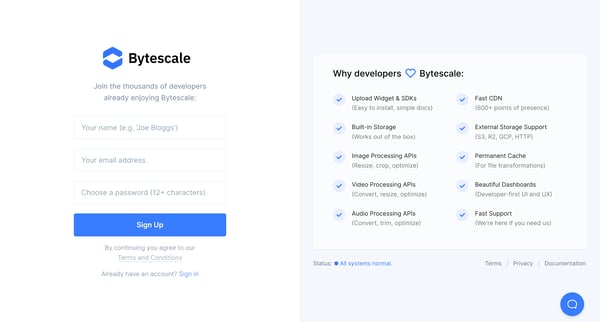
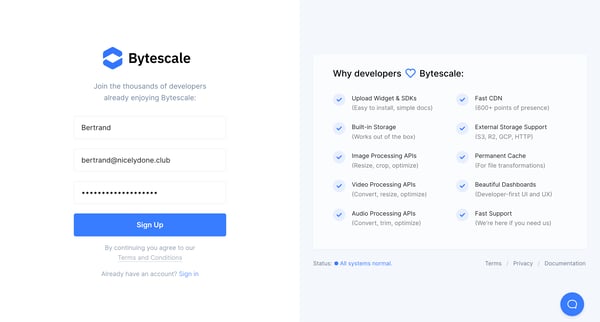
This flow guides a new user through the process of joining Bytescale, from landing on the page, through sign-up, filling in details, verifying their email, and finally accessing the user dash
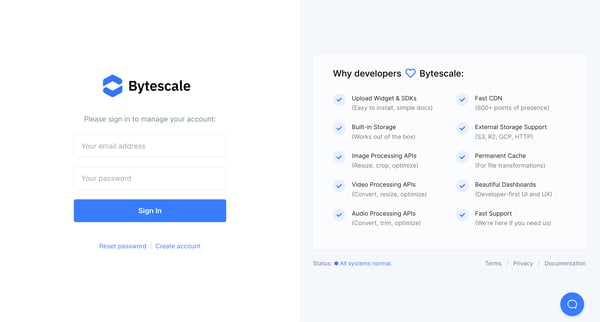
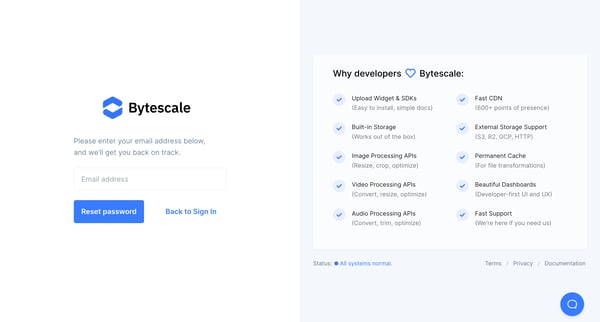
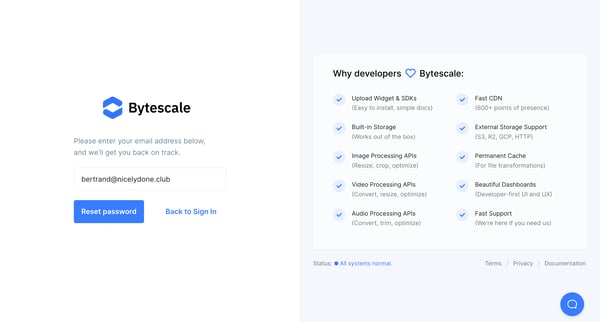
This user flow guides a user through the process of resetting their password, from initiating the reset to entering a new password, including handling errors.
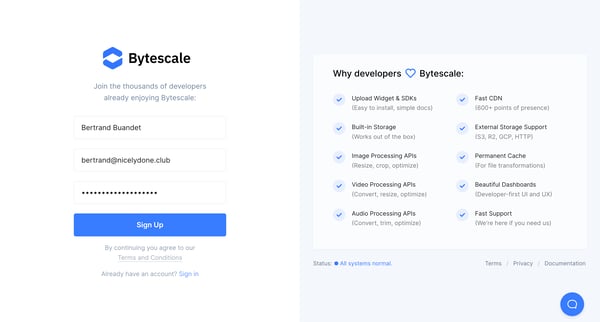
This user flow guides a new user through the process of creating an account on Bytescale, from entering signup information to verifying their identity.
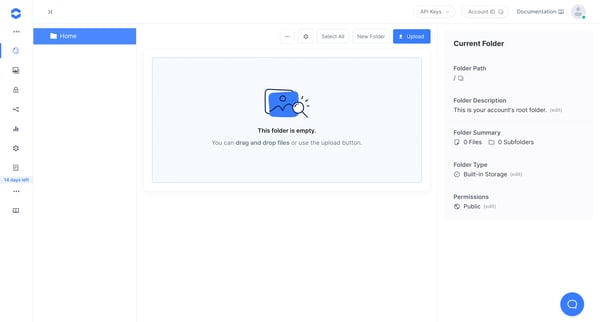
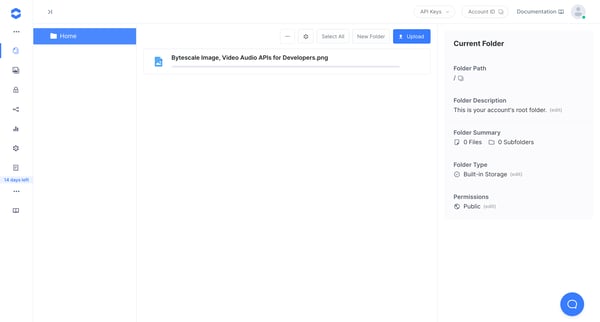
This flow guides users through uploading files to their Bytescale dashboard, showcasing steps from initializing the upload process to adjusting permissions for the newly uploaded file.
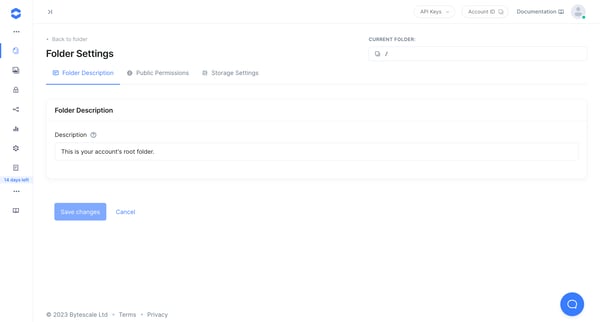
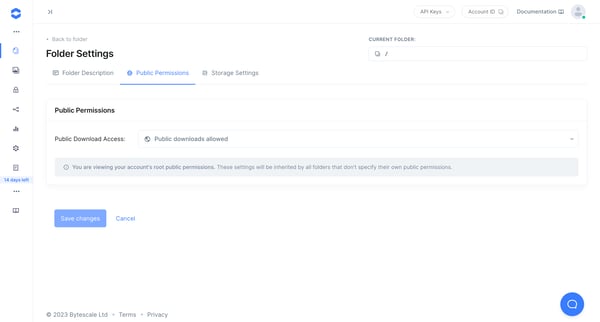
This user flow guides a user through setting up permissions and storage settings for their account's root folder in Bytescale, indicating a progression from initial access through to detailed
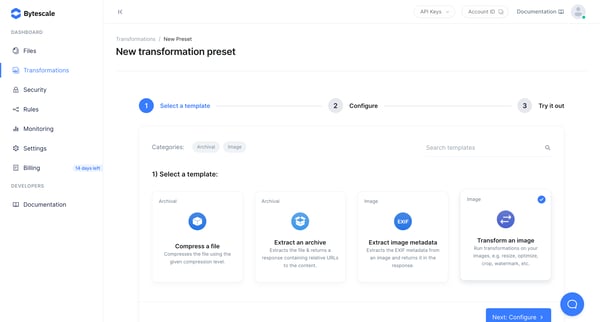
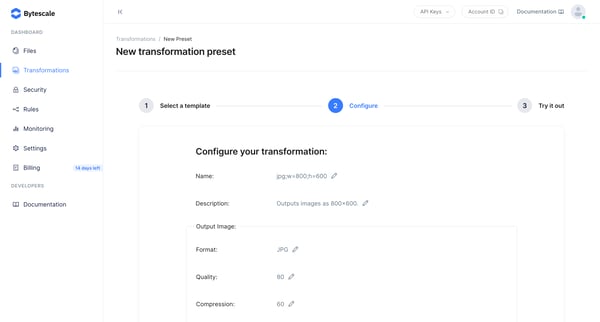
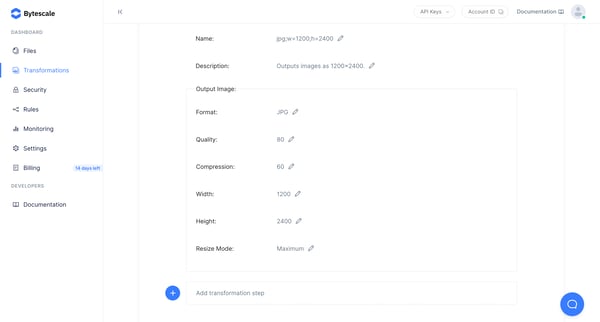
This flow enables users to create a new image transformation preset within the Bytescale platform, from selecting a template to configuring its parameters and ultimately creating the transfor
The flow guides a user through the process of creating a new image transformation preset in Bytescale, configuring its attributes, and successfully creating it.
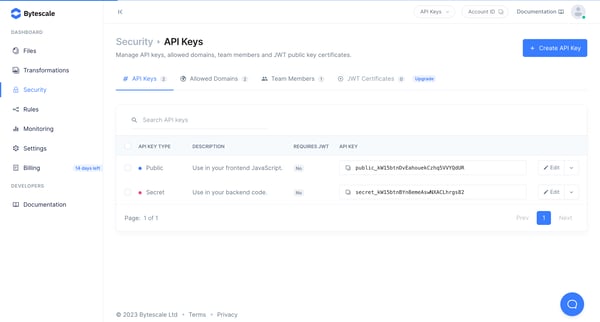
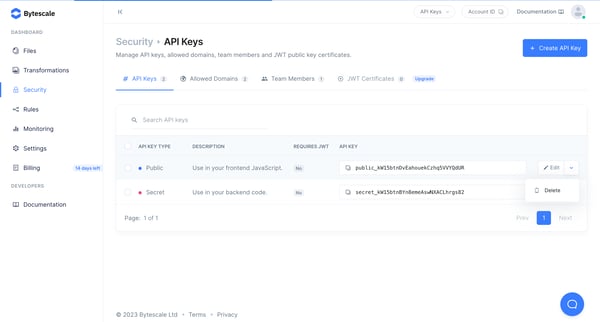
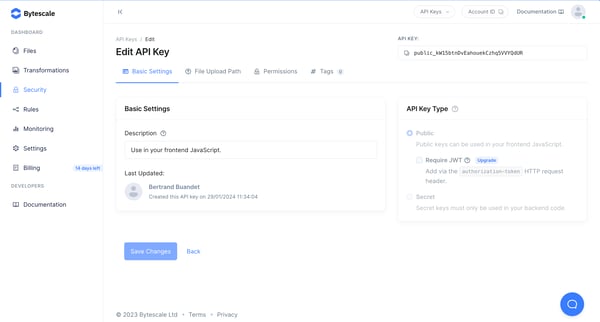
This user flow enables the management and configuration of API keys and security settings in the Bytescale dashboard, including defining permissions, file upload paths, and tagging for upload
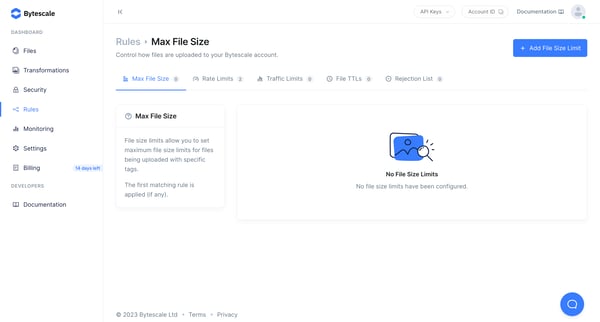
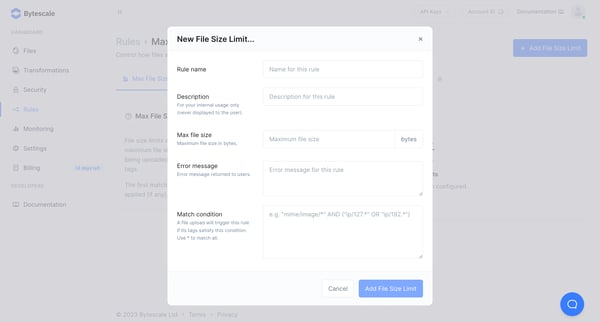
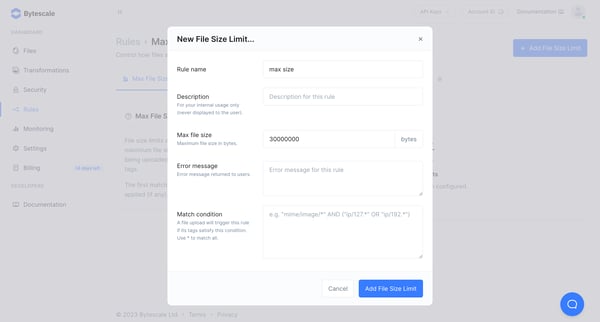
This flow guides the user through the process of setting up and enforcing file size limits within their Bytescale account to manage file uploads based on specific tags.
This flow demonstrates how to configure and manage file size upload limits in a system, allowing users to define, apply, and visualize rules that restrict file uploads based on size.
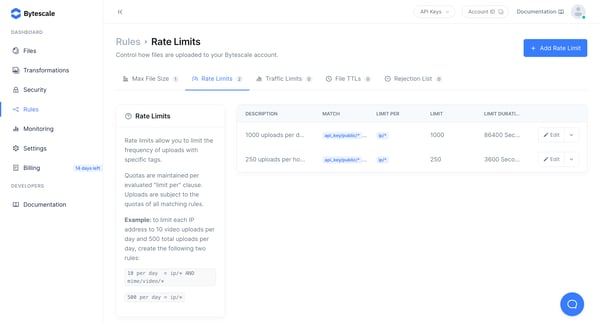
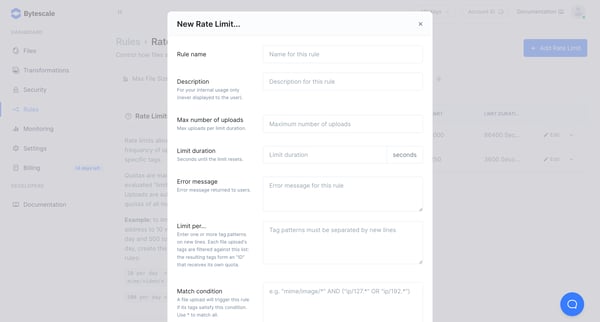
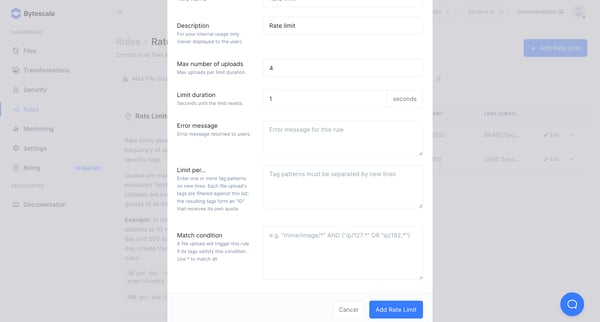
This flow guides a user through the process of creating and configuring rate limit rules for file uploads in a Bytescale account, allowing control over the frequency and conditions under whic
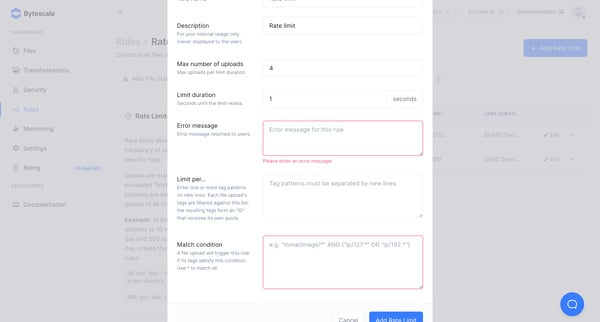
This flow enables users to set and manage rate limits for file uploads to their Bytescale account, allowing for control over the frequency and quantity of uploads based on specific tags and c
Explore the full SaaS flow library
Browse the full SaaS flow library.
Trusted by the best teams







