Skip to content

Bytescale UI components examples

Browse Bytescale UI component design examples. Preview individual interface elements and explore related component categories. Simple file storage & file processing apis for developers

Explore the examples
Bytescale — Progress indicator component
Bytescale logo
Bytescale

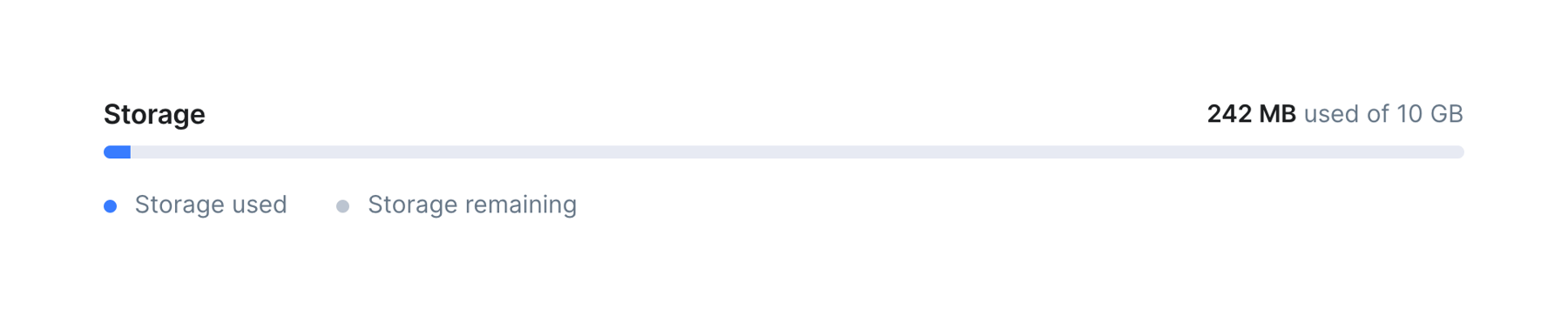
A progress bar showing storage usage against a limit, with a legend below.
Bytescale — File upload input component
Bytescale logo
Bytescale

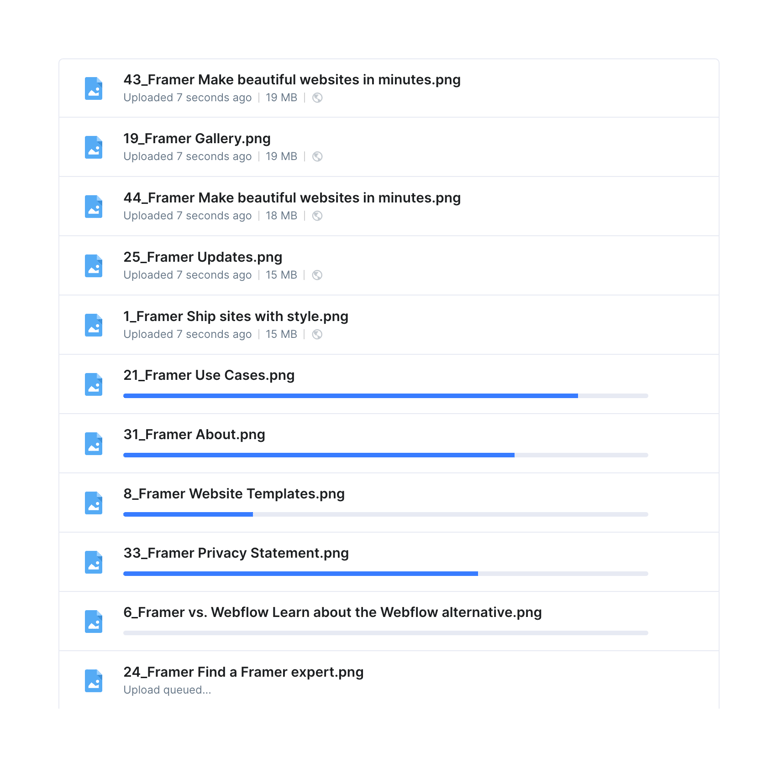
A list of files showing their upload status. Some files are fully uploaded with metadata, some are actively uploading with progress bars, and one is queued.
Bytescale — Charts component
Bytescale logo
Bytescale

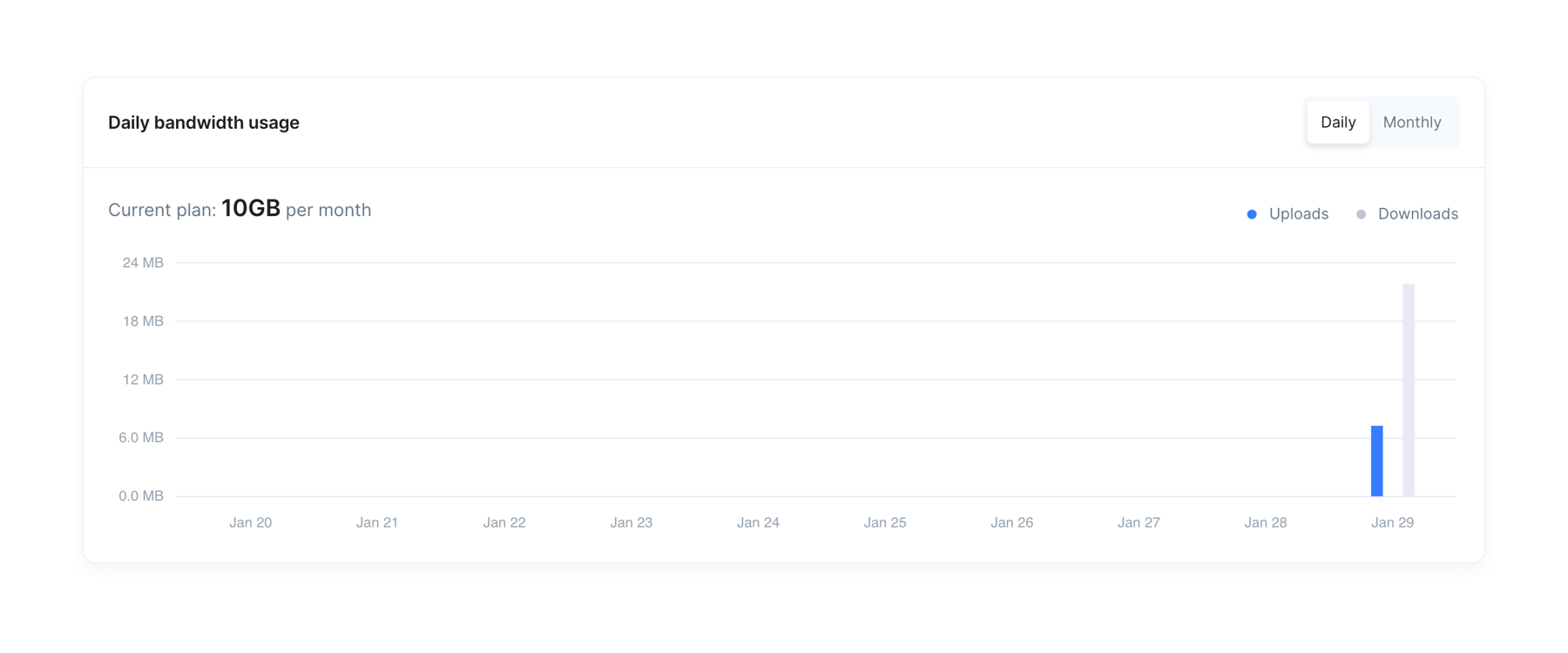
A bar chart displaying daily bandwidth usage, with a toggle for daily or monthly views. It shows uploads and downloads over a period of time, along with the current plan limit.

Bytescale — Charts component
Bytescale logo
Bytescale

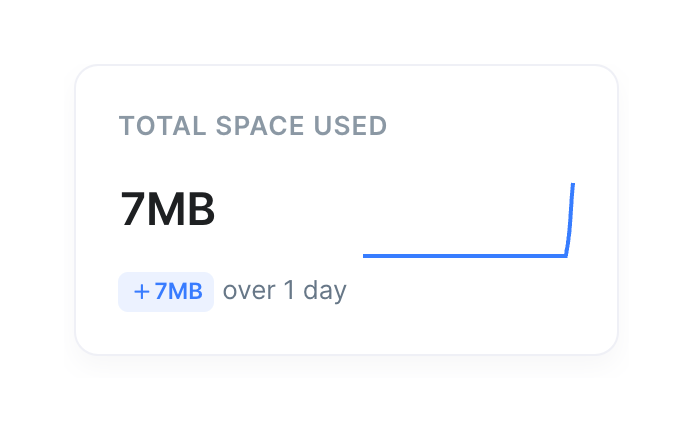
A metric card displaying total space used, featuring a large numeric value, a trend indicator badge, a time period label, and a simple blue sparkline chart.

Bytescale — Charts component
Bytescale logo
Bytescale

A horizontal progress bar showing storage usage against a limit, with a legend below.

Bytescale — Progress indicator component
Bytescale logo
Bytescale

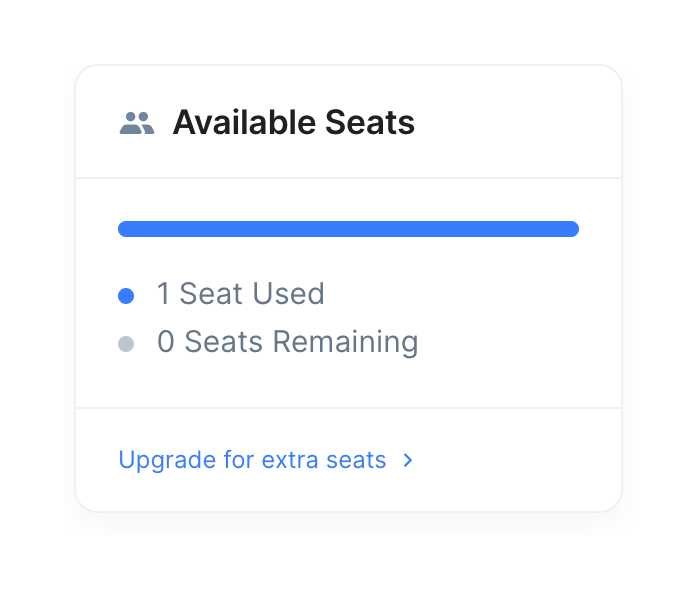
A card component displaying the current usage of available seats with a progress bar and a call to action to upgrade.
Bytescale — Radio button component
Bytescale logo
Bytescale

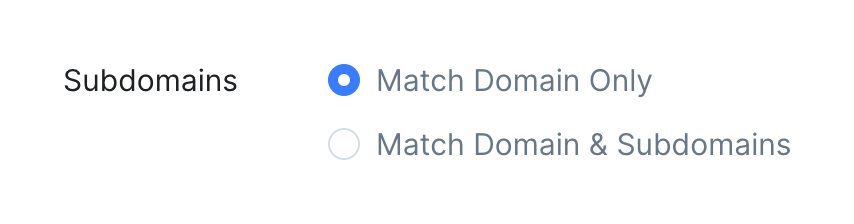
A radio button group for selecting subdomain matching behavior, with one option selected.
Bytescale — Toggle/Switch component
Bytescale logo
Bytescale

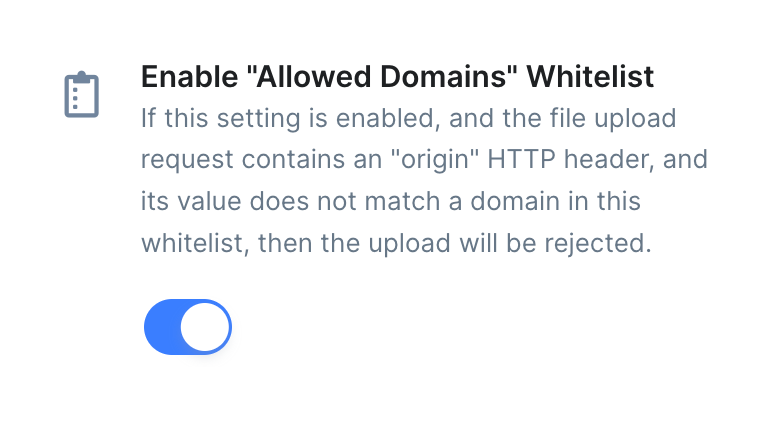
A toggle switch accompanied by a title, a detailed explanatory description, and an icon, used to enable or disable a specific security setting.
Bytescale — Upgrade your plan component
Bytescale logo
Bytescale

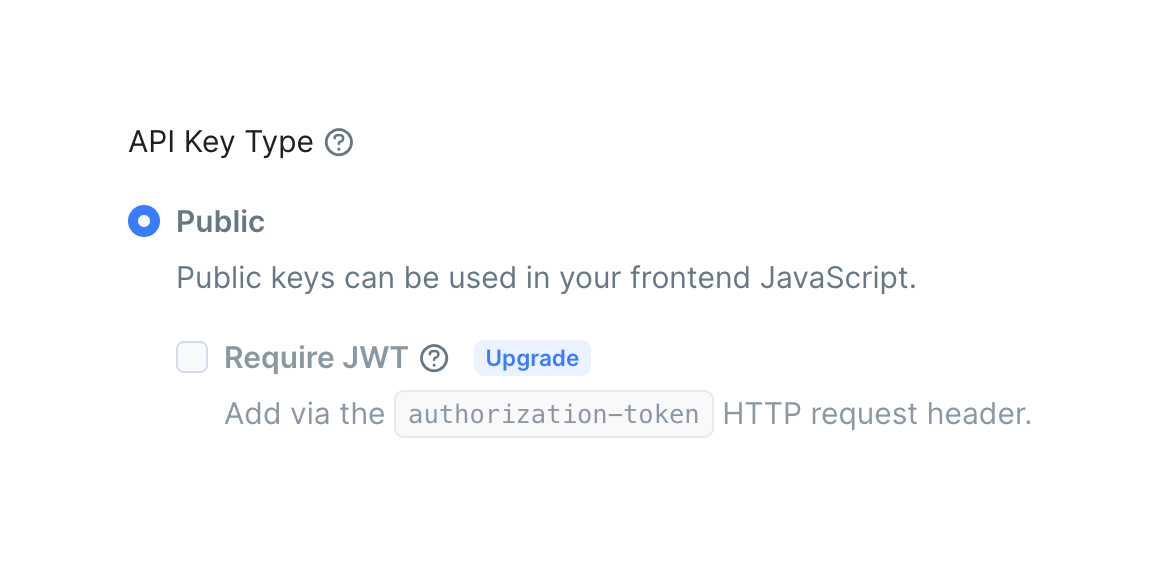
A form section for selecting the API key type, featuring a selected radio button for 'Public' with a description, and a disabled checkbox for 'Require JWT' with an 'Upgrade' badge.
Bytescale — Table component
Bytescale logo
Bytescale

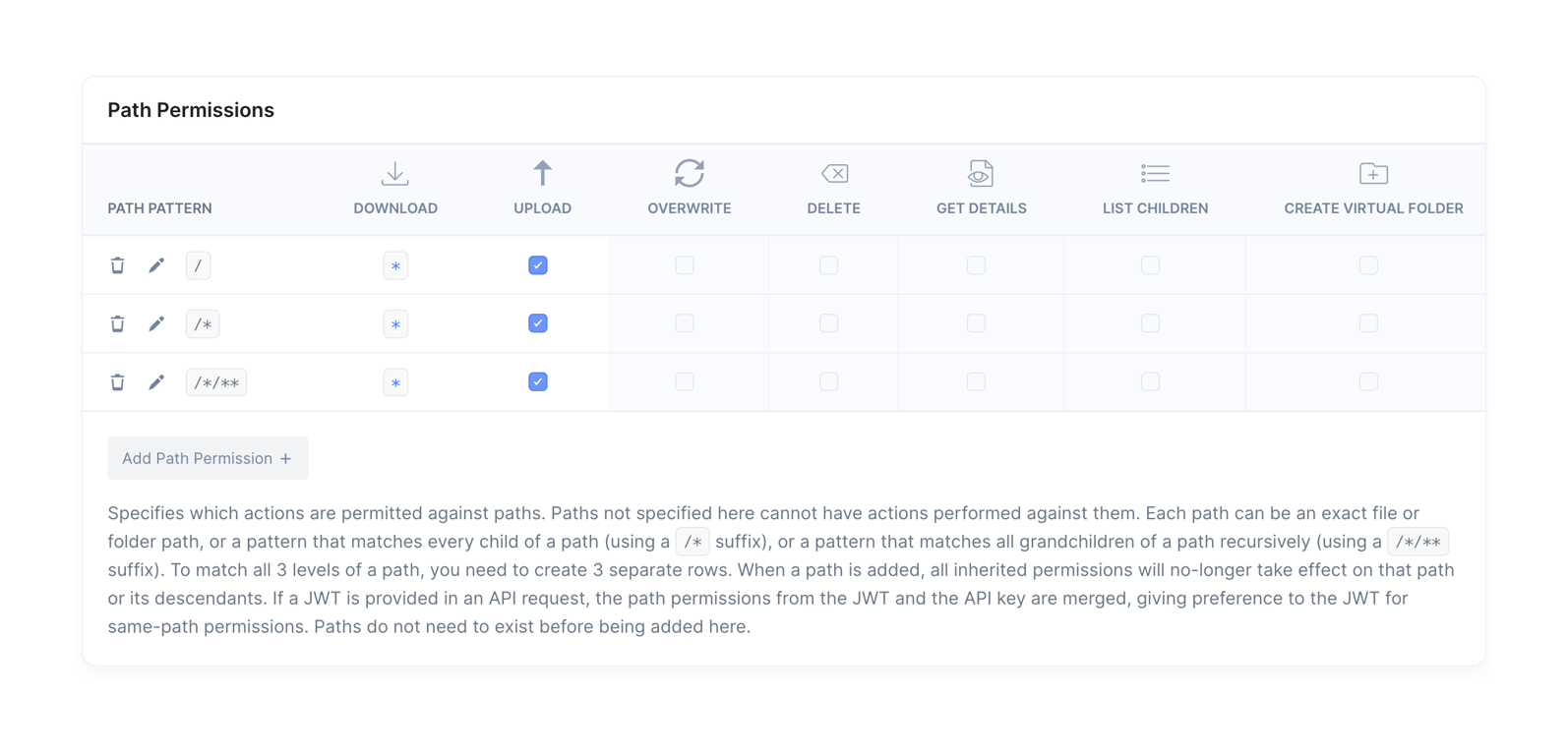
A table for configuring API key permissions based on file paths. It includes columns for different actions like download, upload, overwrite, delete, etc., with checkboxes to enable or disable them for specific path patterns.

Bytescale — Avatar component
Bytescale logo
Bytescale

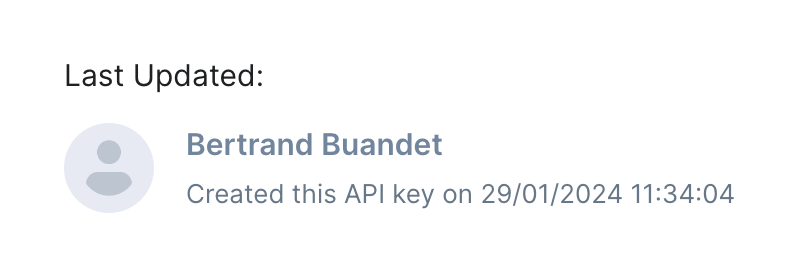
A block showing who last updated an item, featuring a generic avatar, user name, and a timestamp.

Bytescale — Stepper component
Bytescale logo
Bytescale

A horizontal stepper showing three stages of a process. The first step is active, indicated by a blue circle and text, while the remaining steps are inactive with gray circles and dark text. Steps are connected by thin horizontal lines.

Browse the full component library

Browse the full UI component library.

Trusted by the best teams