Bytescale product screens examples
Browse Bytescale screen design examples. Preview the interface screenshots and explore related UI patterns. Simple file storage & file processing apis for developers
Explore the examples

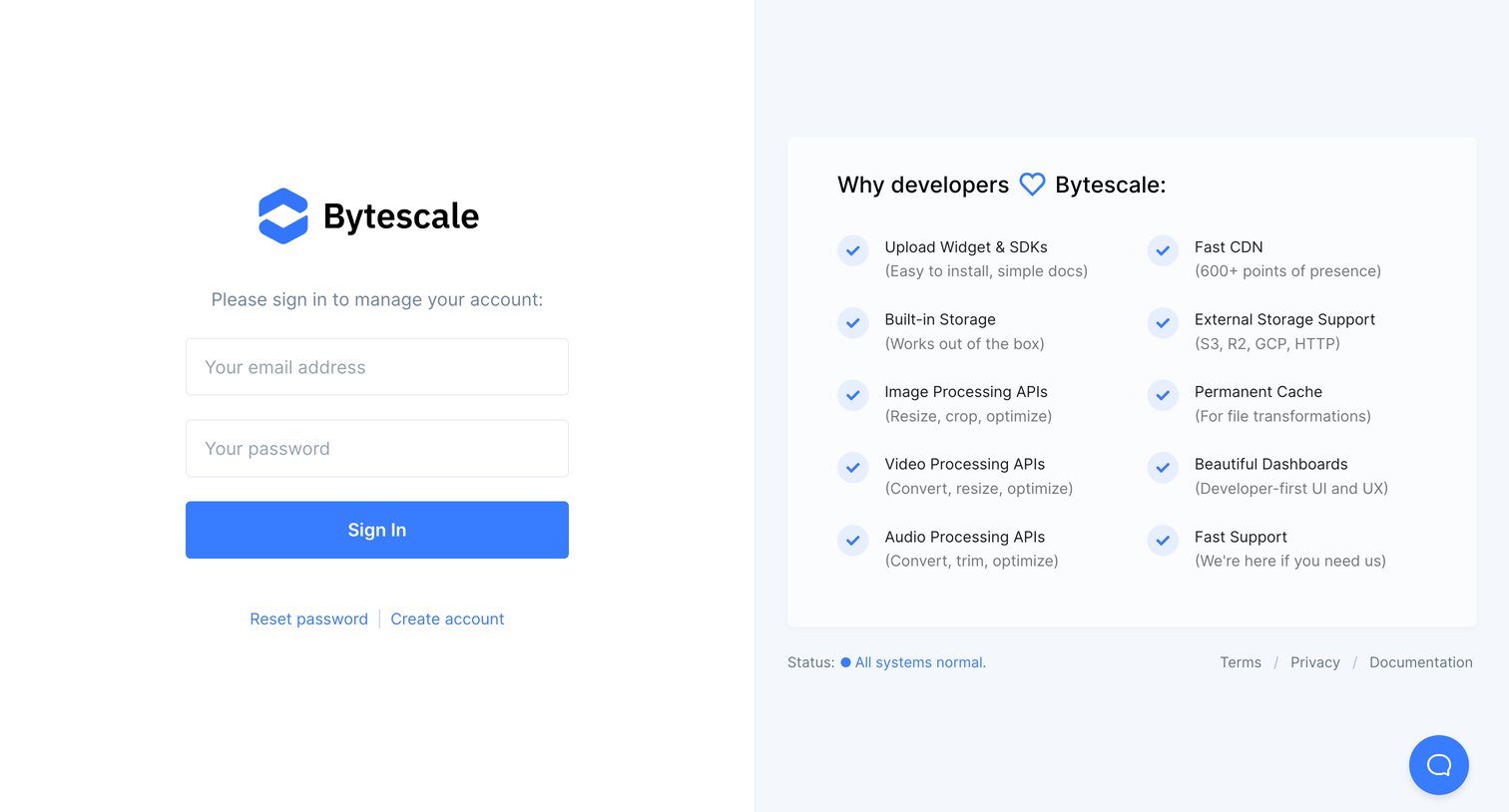
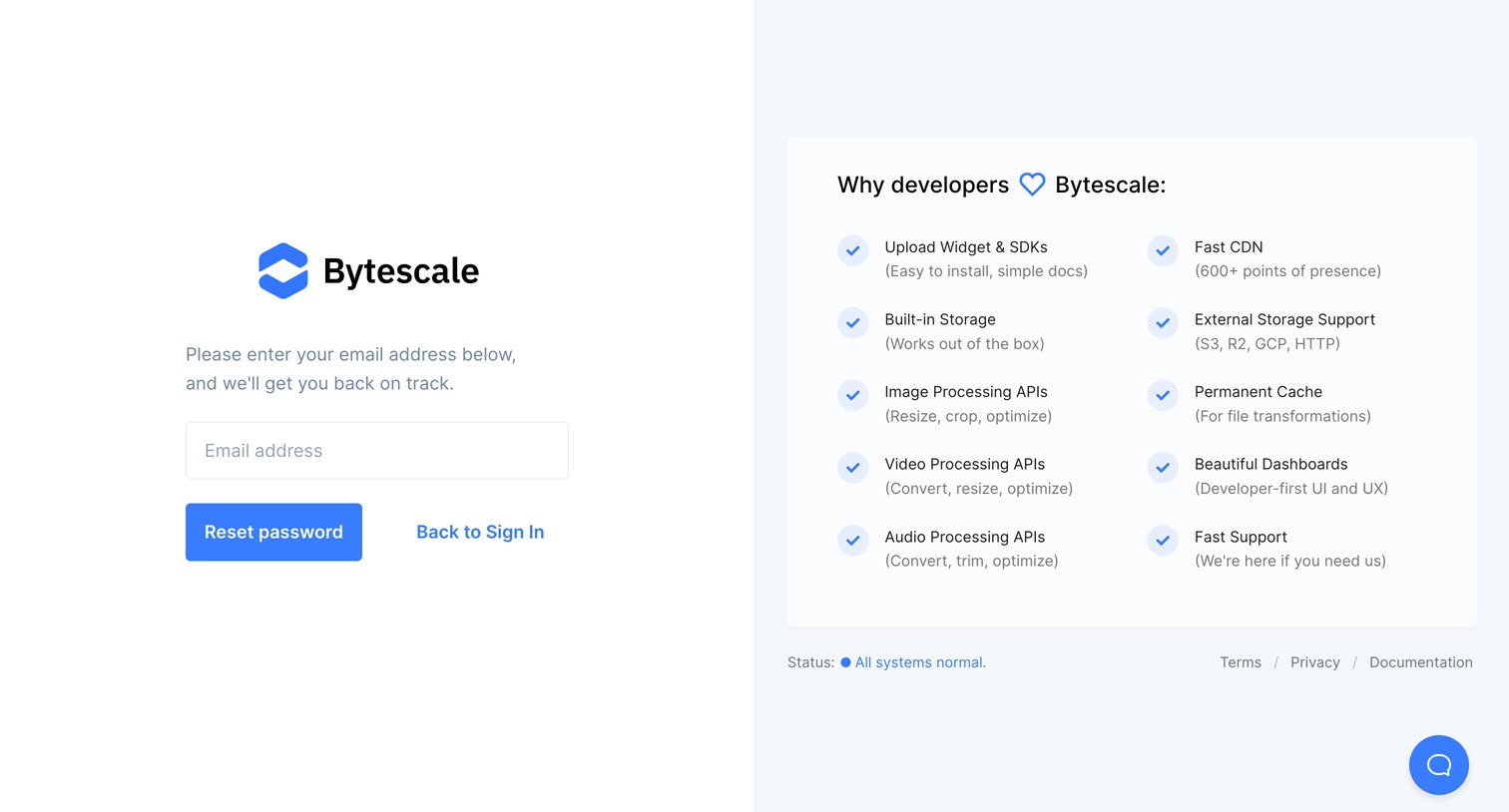

Password recovery screen where the user enters their email to get a reset link, alongside a card highlighting developer-focused features like fast CDN and processing APIs.
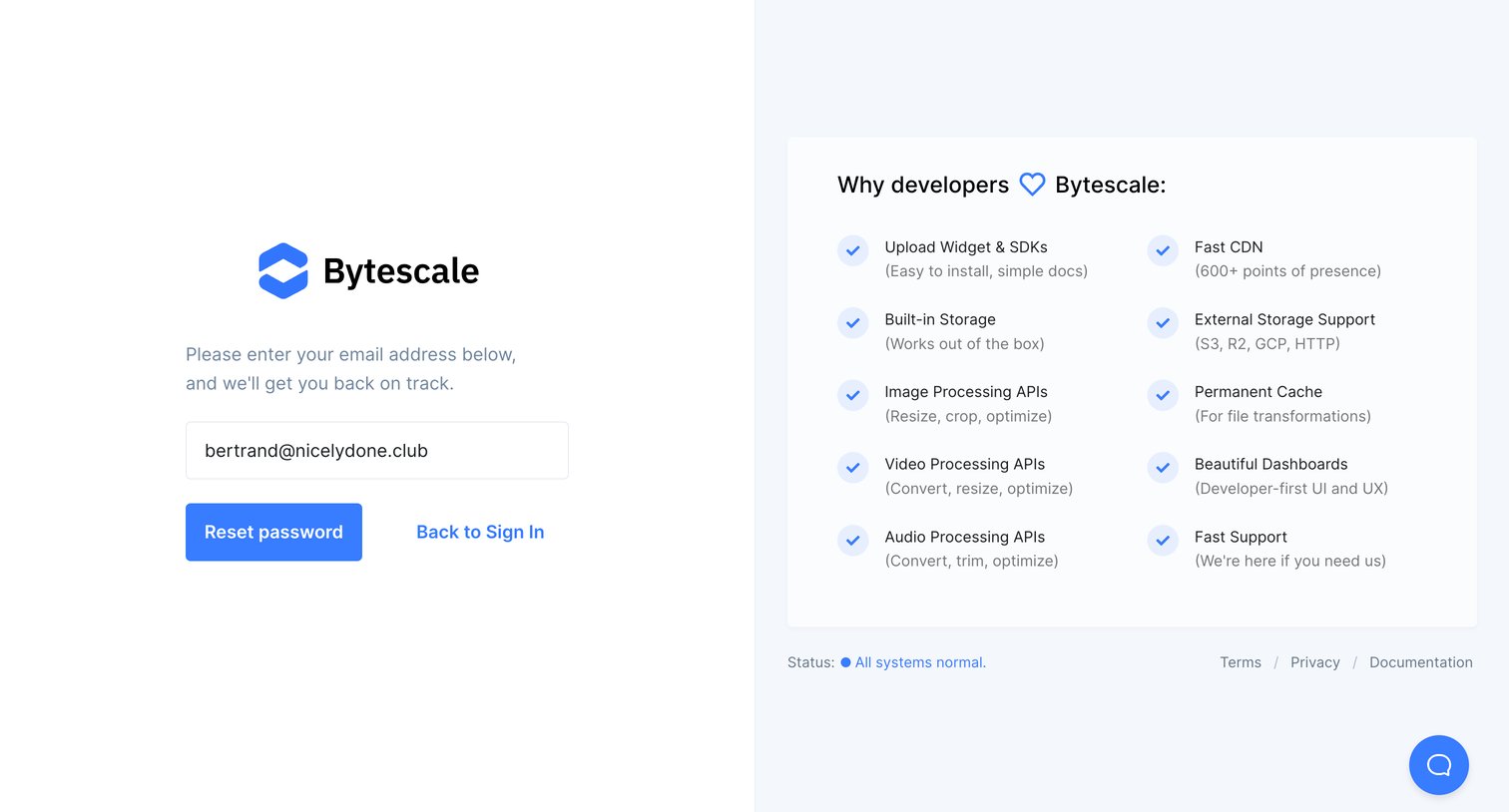
Password recovery screen where the user submits their email address to receive a reset link, accompanied by a feature highlight panel.
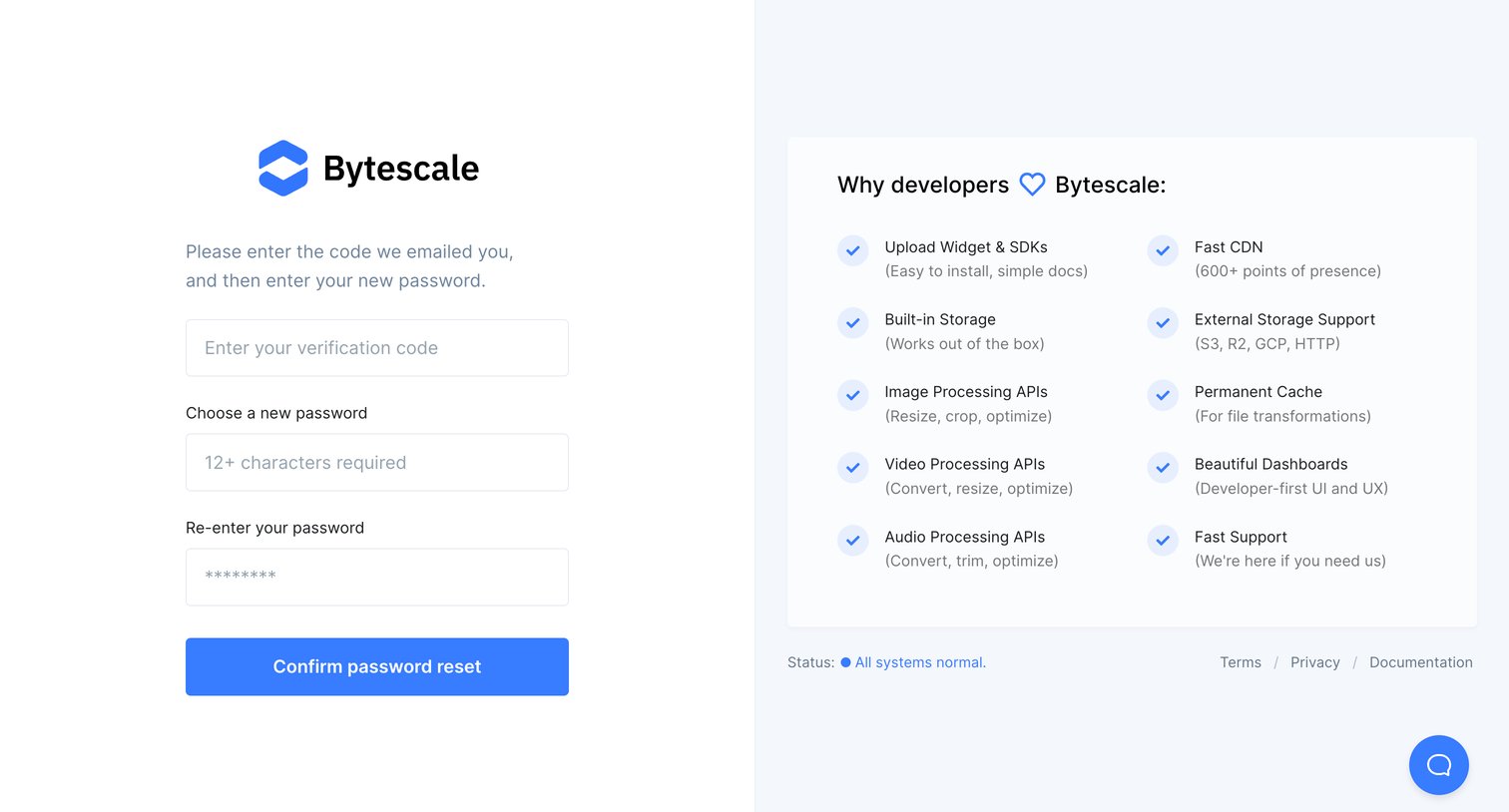
Password recovery screen where the user enters an emailed verification code and sets a new password, alongside a feature list.
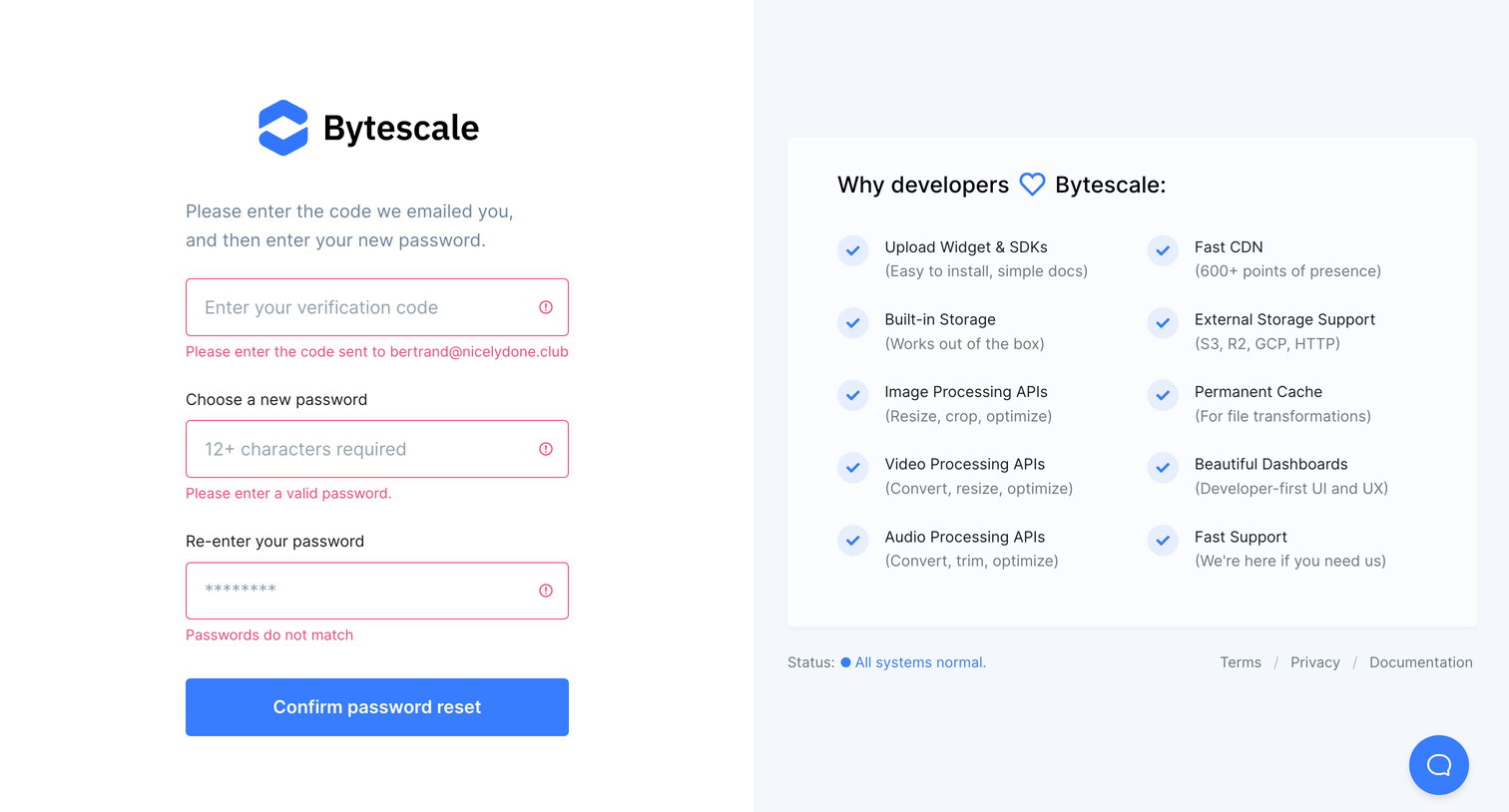
Password recovery screen where the user must enter a verification code and set a new password, currently showing validation errors for all fields.
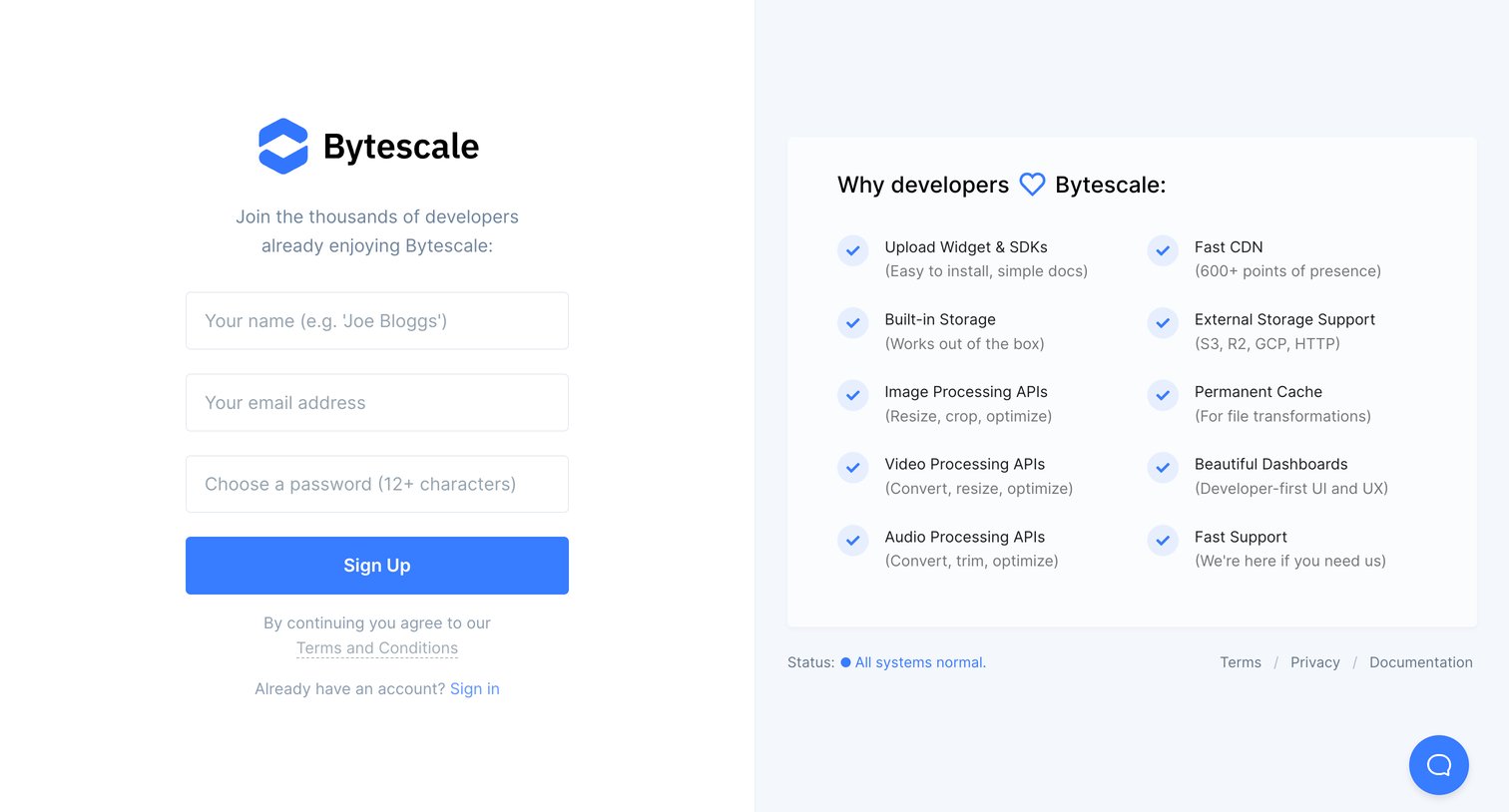
Signup page where the user creates an account with email and password alongside a grid of developer-focused product benefits.
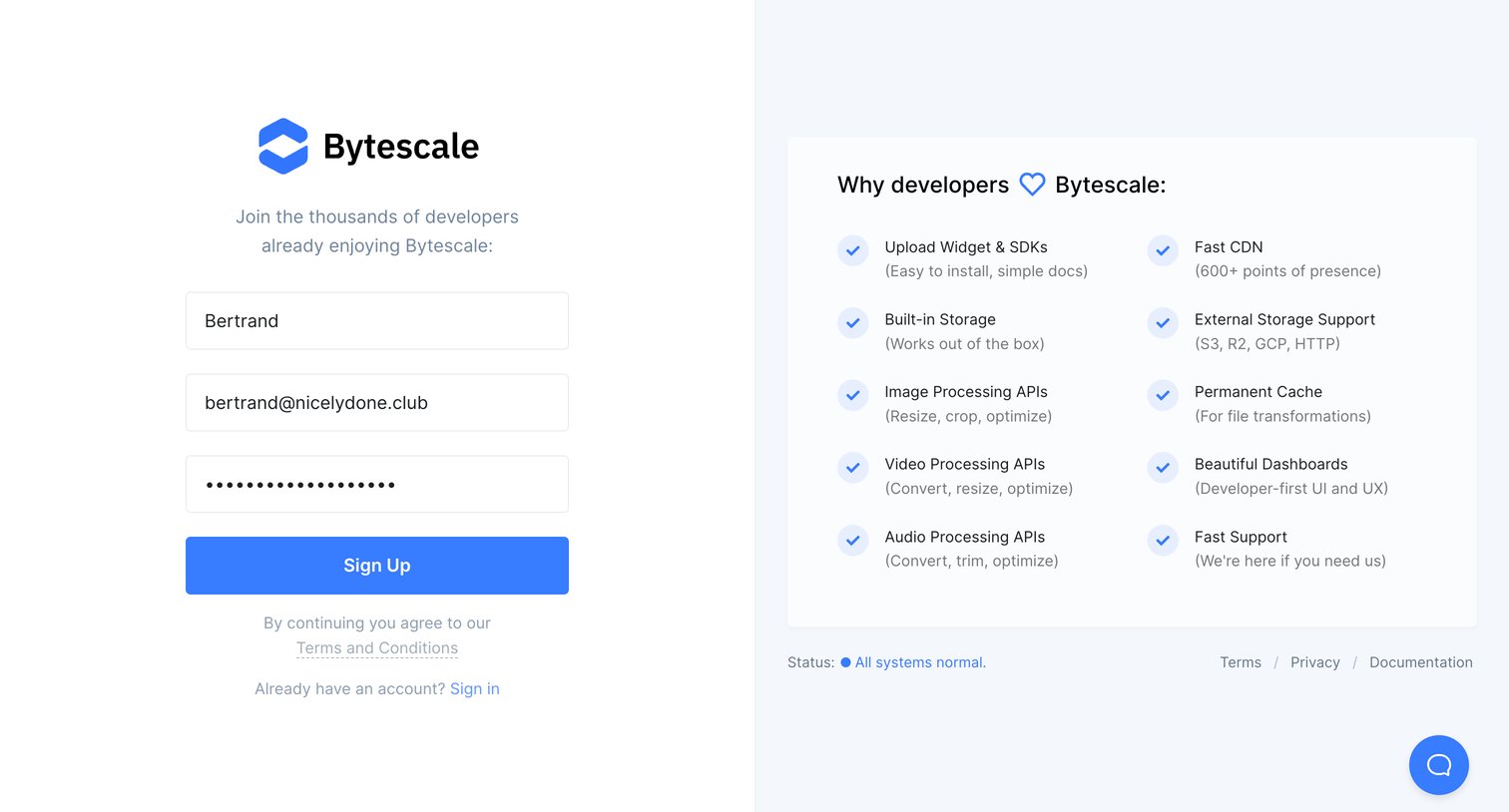
Signup screen where the user creates an account by providing their name, email, and password, alongside a list of developer-focused product benefits.
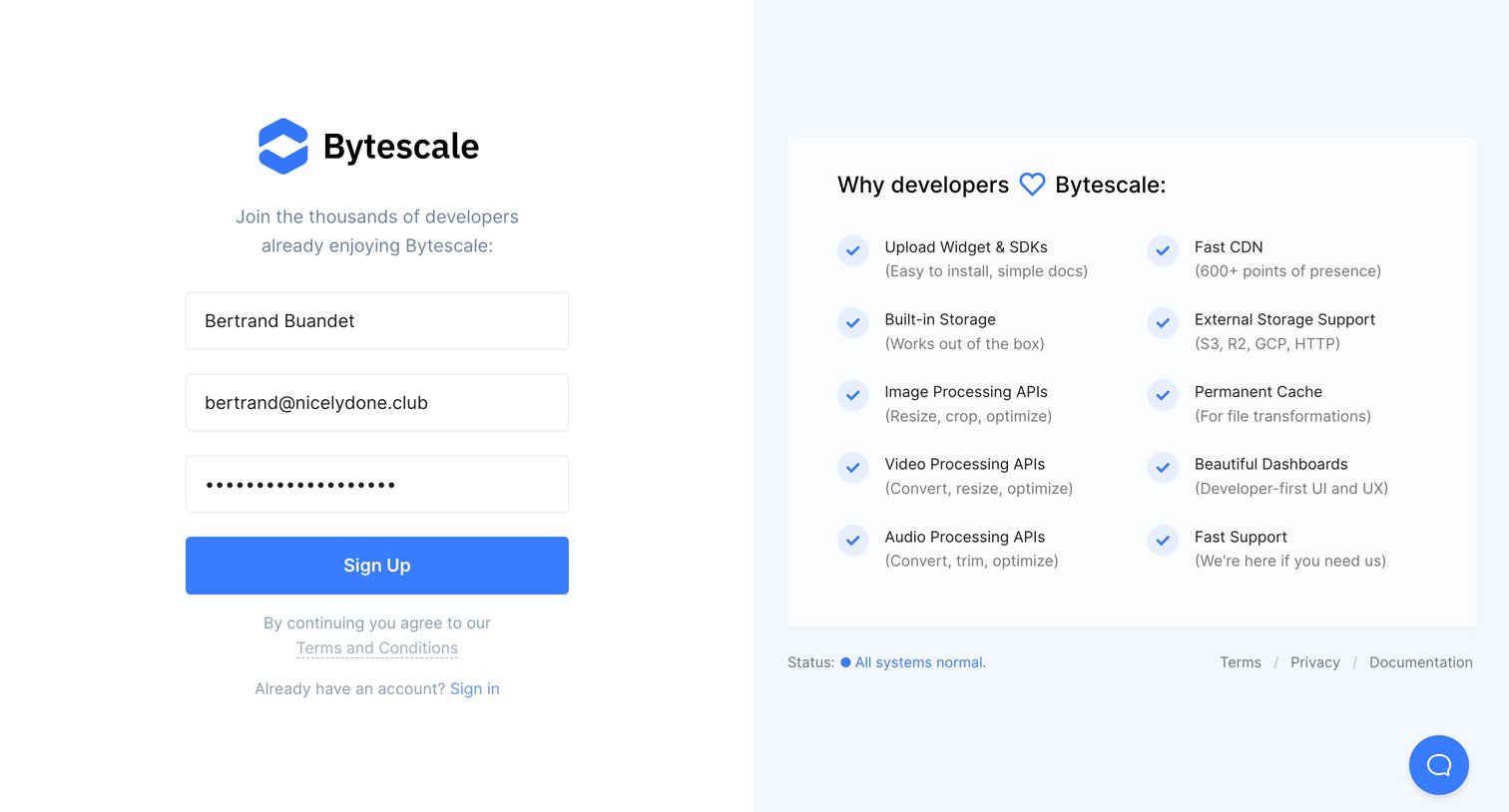
Signup page where the user fills out their name, email, and password while reviewing a grid of developer features like fast CDN and built-in storage.
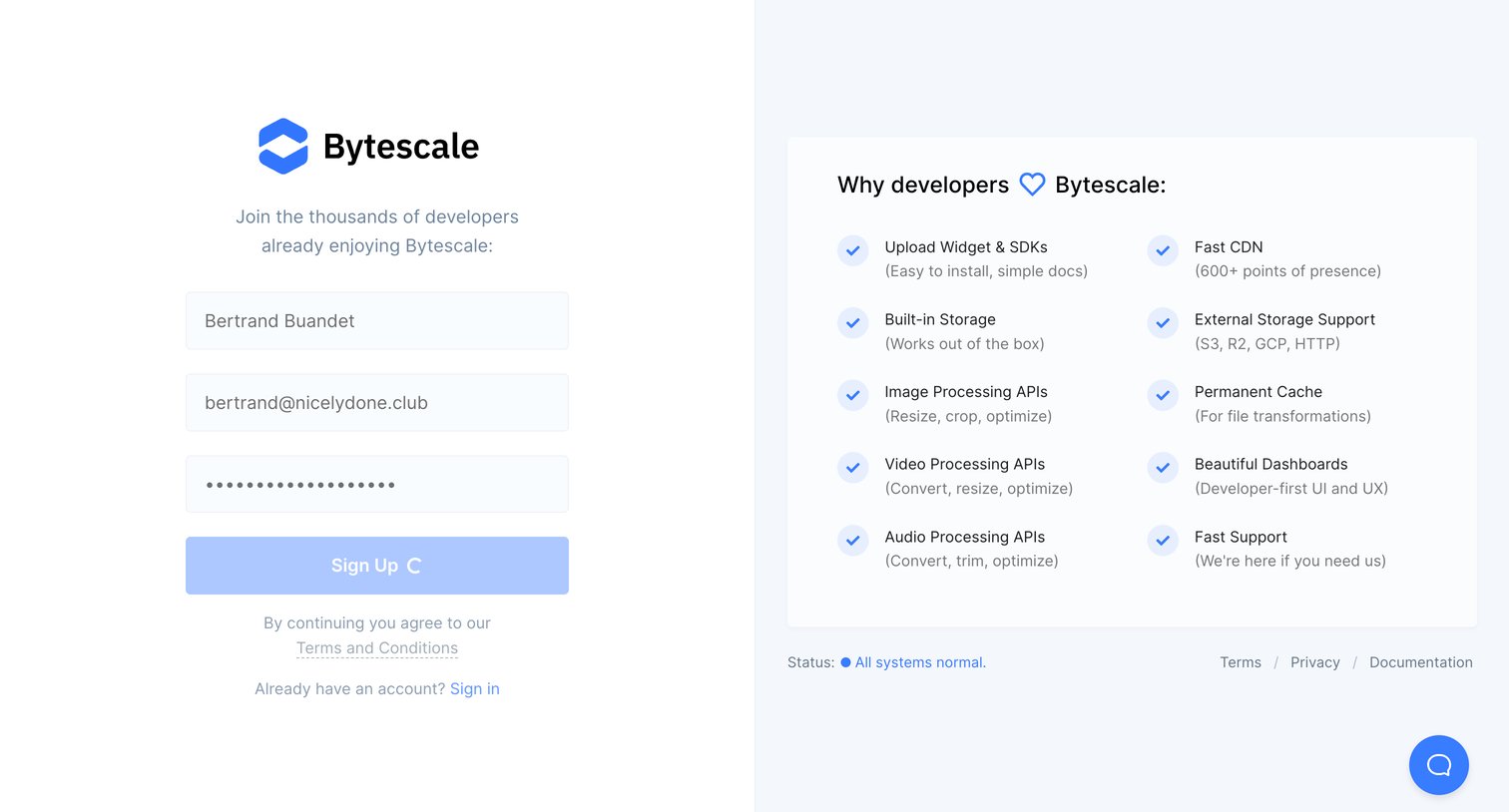
Signup screen where the user creates an account with email and password while reviewing a list of developer-focused features like fast CDN and built-in storage.
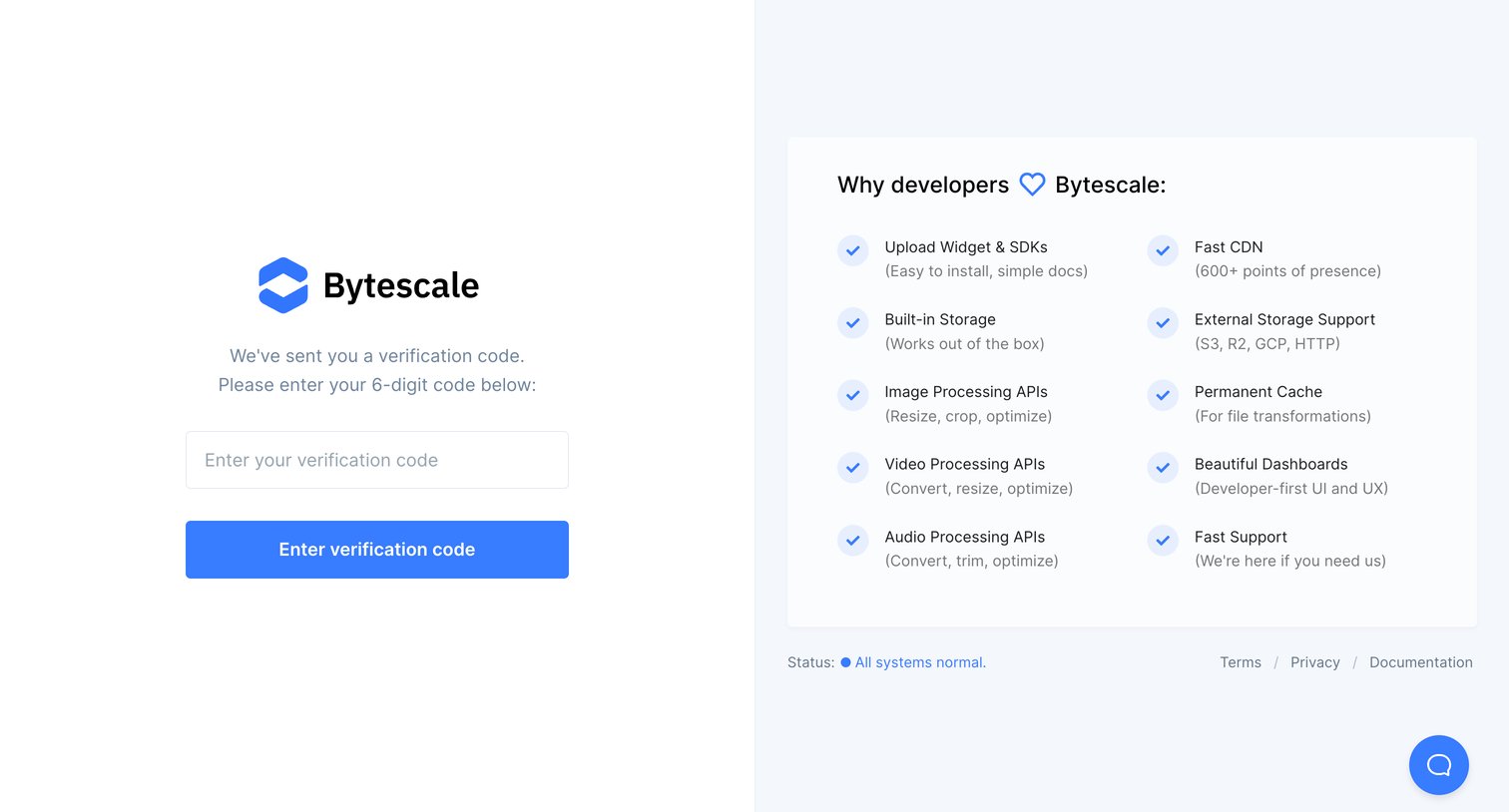
Verification screen where the user enters a 6-digit code alongside a feature highlight panel.
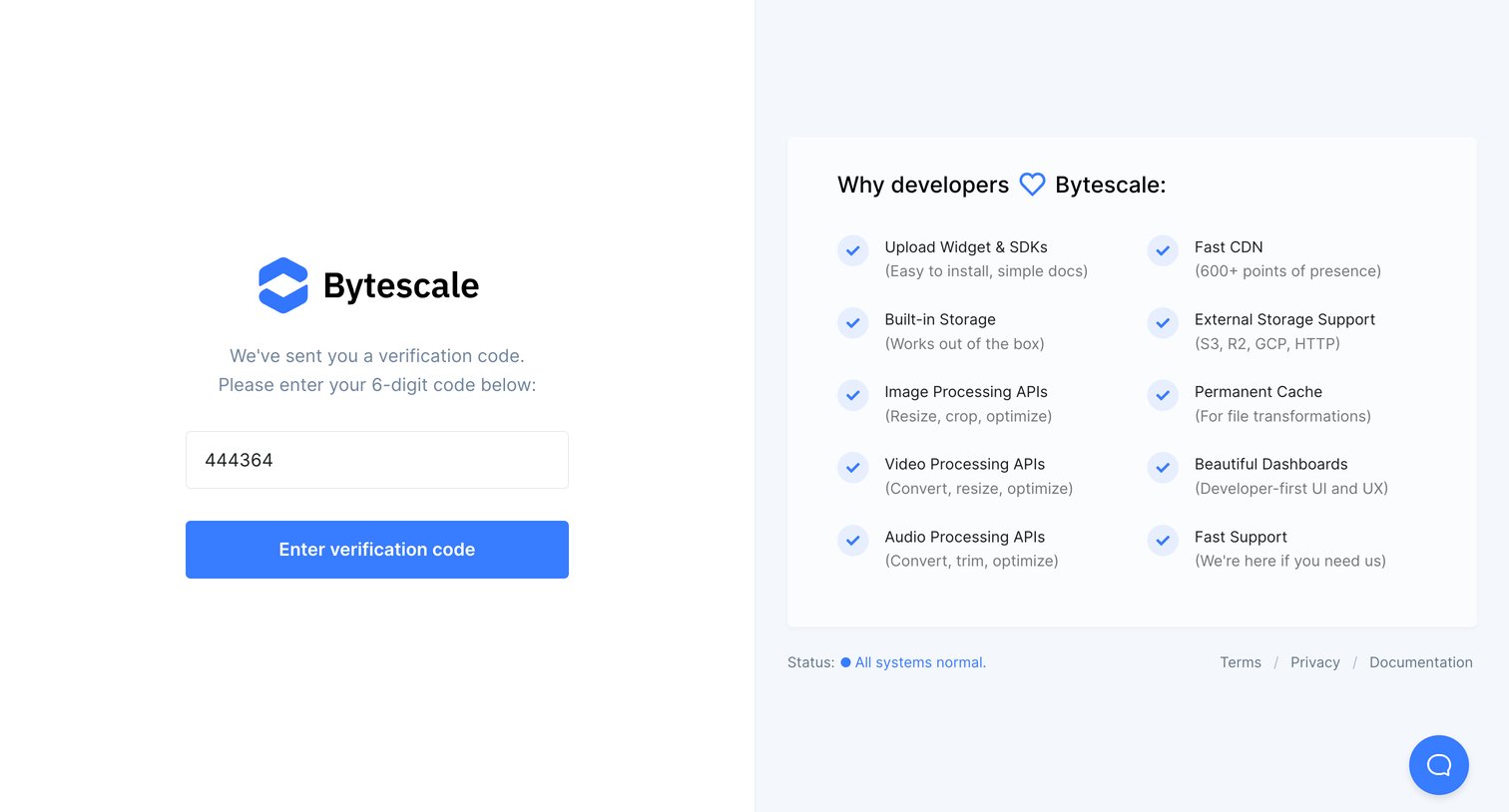
Verification screen where the user enters a 6-digit code to authenticate, featuring a split layout with product benefits on the right.
Explore the full SaaS screen library
Upgrade to unlock the full library.
Trusted by the best teams







