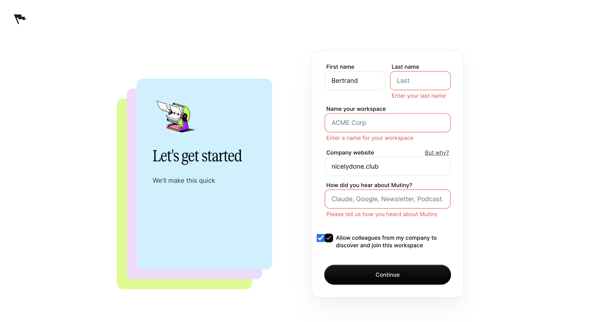
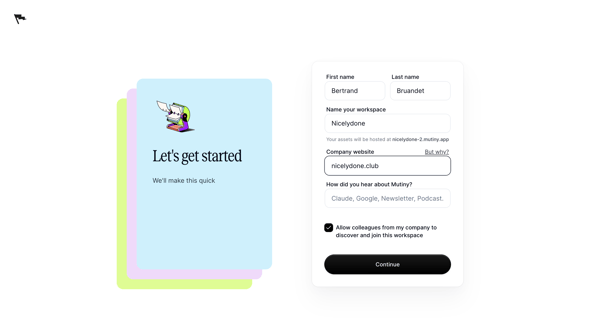
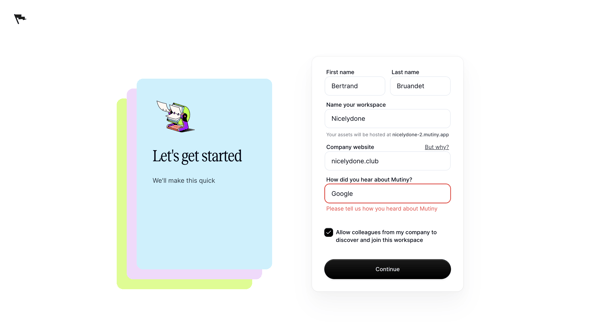
Mutinyhq Flow Example: Setting up workspace
Preview this Mutinyhq user flow: Setting up workspace. Explore the opening screens.
Preview these flows

Related user flows

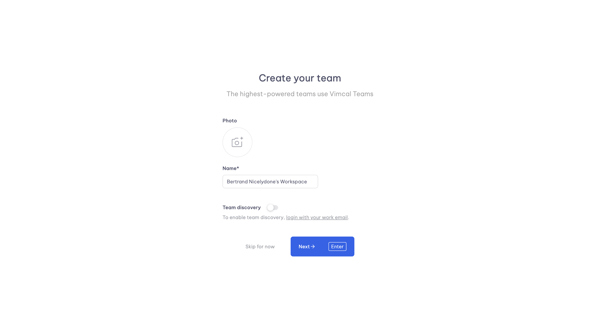
Onboarding step to name workspace, upload team photo, and configure team discovery in Vimcal

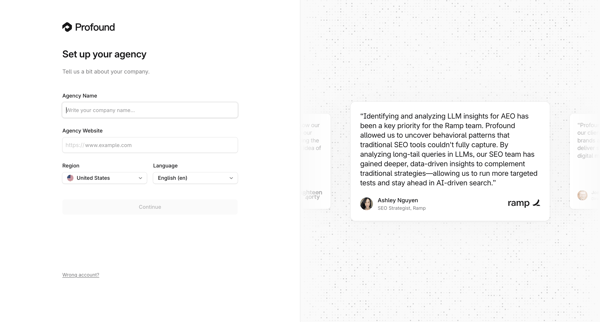
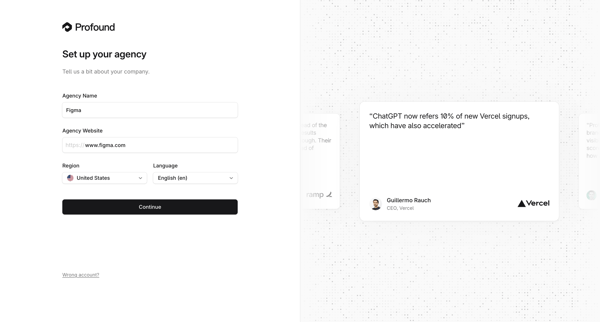
Onboarding form where user enters agency name, website, region, and language during initial workspace creation

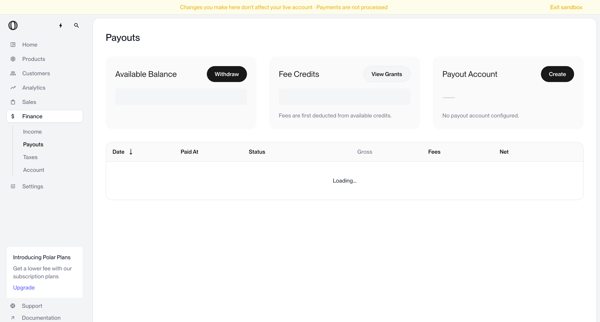
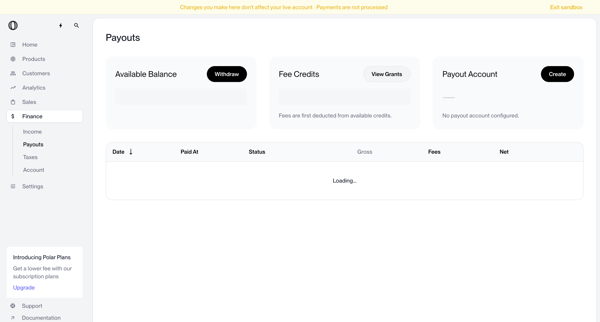
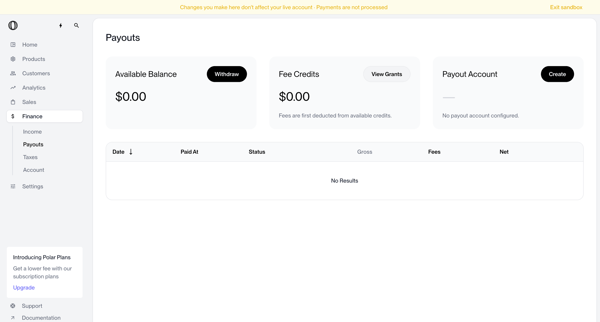
User views payouts dashboard showing no account configured, triggers withdrawal which shows blocked modal, opens create payout account modal, selects country of residence from dropdown, and returns to dashboard with manage button and setup required status


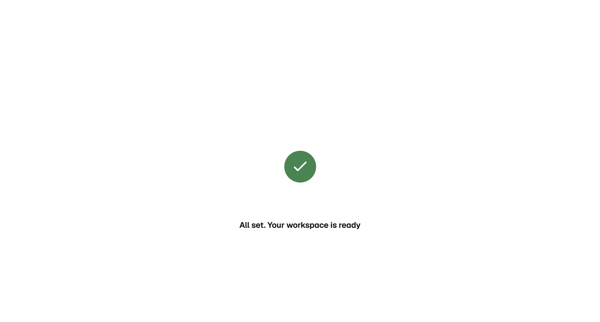
Onboarding flow showing loading state then success confirmation for new workspace initialization in Magnific

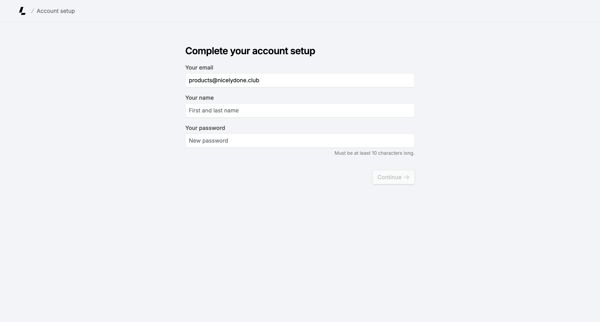
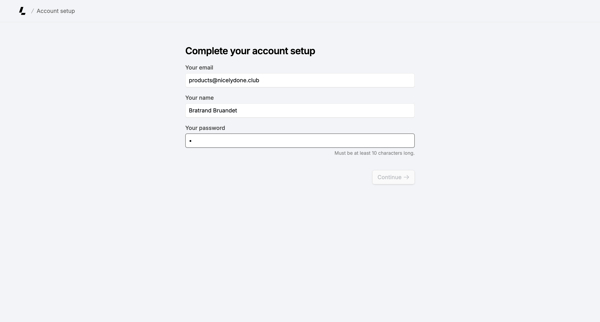
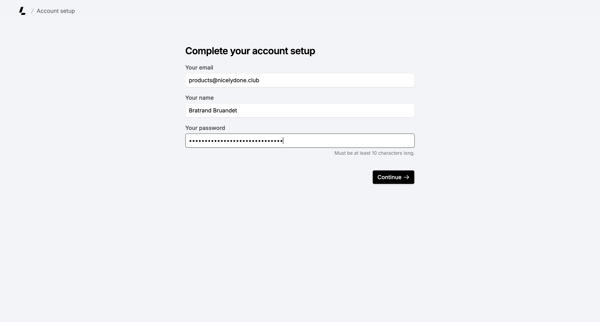
Onboarding form where user confirms email, enters name, and sets password to finish account creation

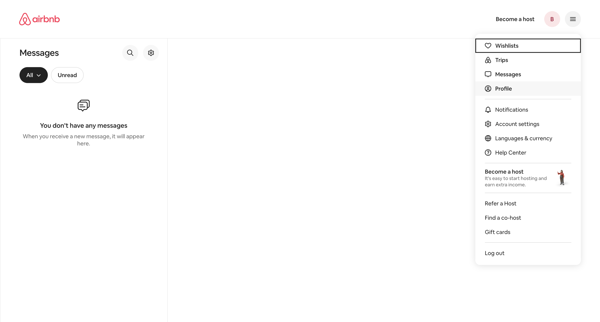
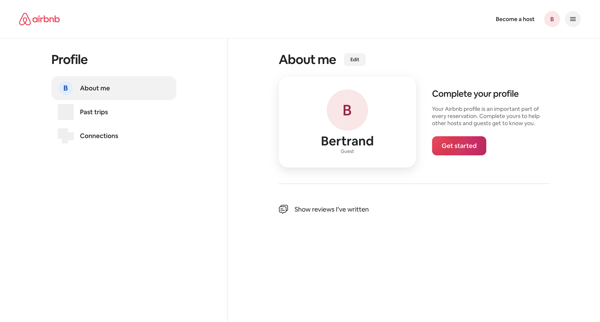
From empty messages inbox, open profile dropdown to reach profile settings page showing completion prompt and Get started action

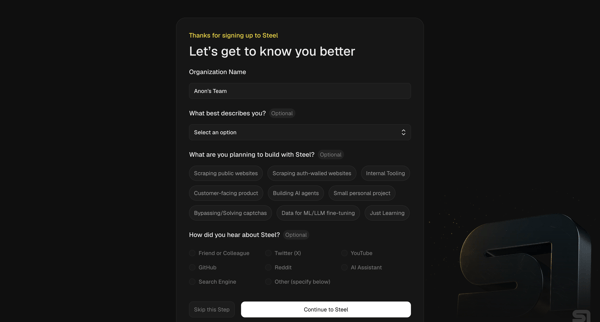
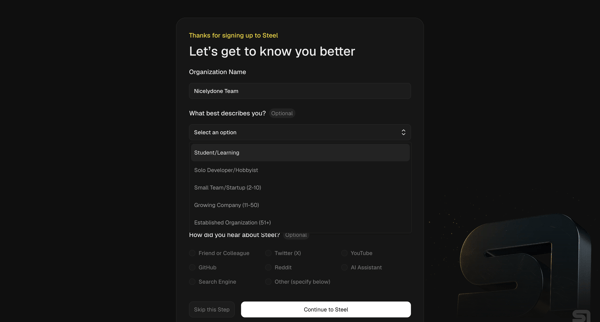
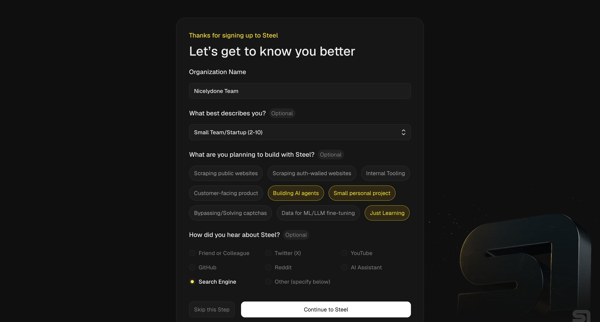
Multi-step onboarding questionnaire collecting organization name, role, use cases, and referral source for Steel account setup

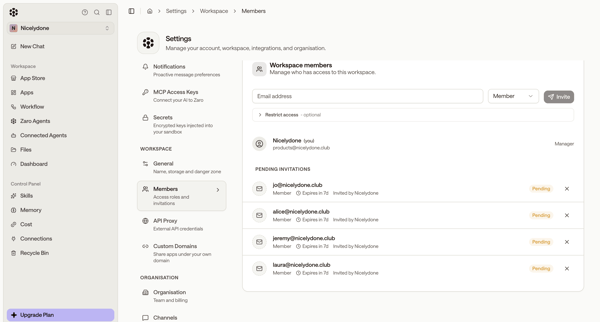
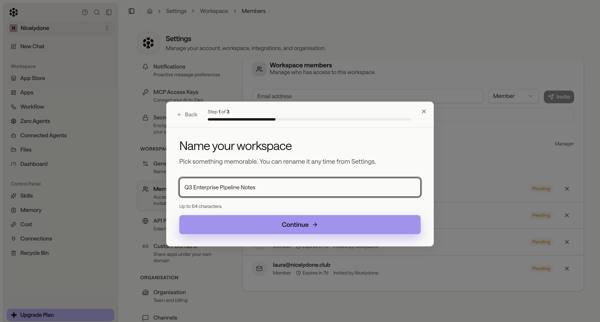
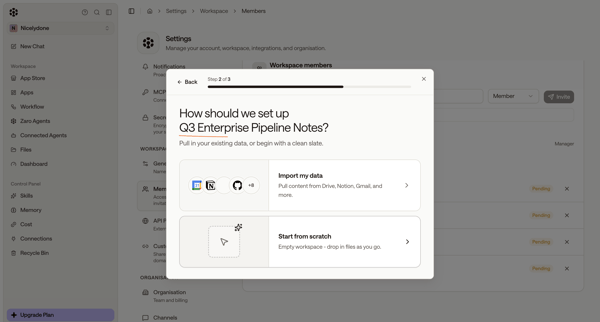
User starts workspace creation from members settings, names workspace and chooses setup options in modals, then encounters quota limit paywall and error states blocking completion

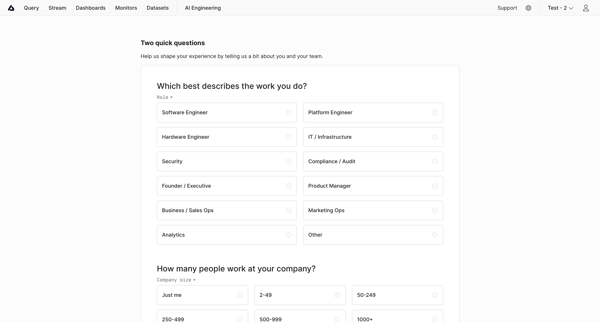
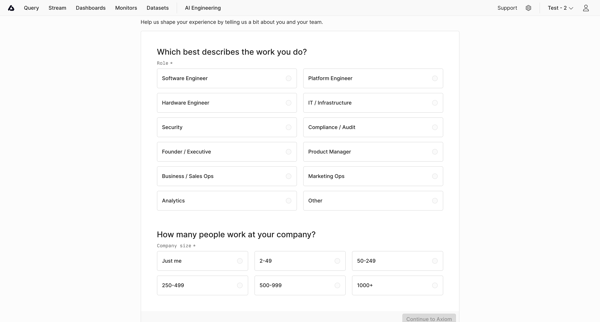
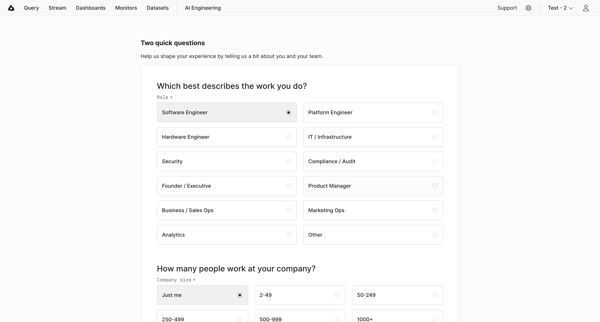
User completes onboarding questionnaire selecting role and company size to personalize experience in Axiom

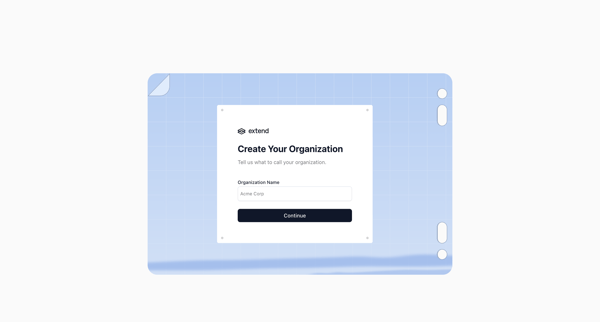
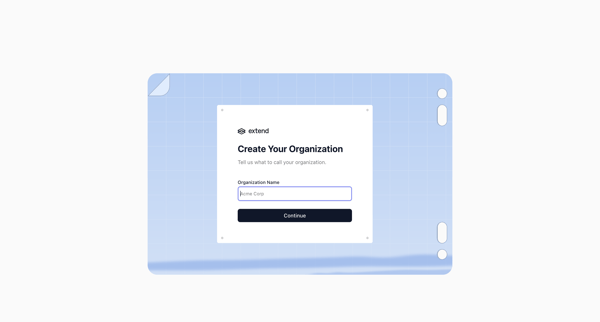
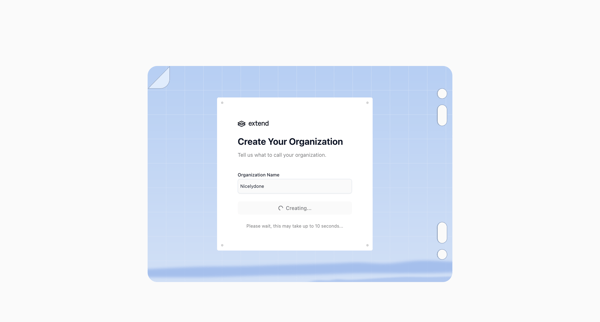
Onboarding flow to name an organization and trigger workspace creation in Extend

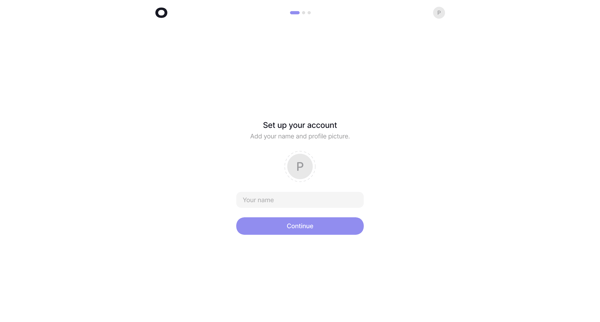
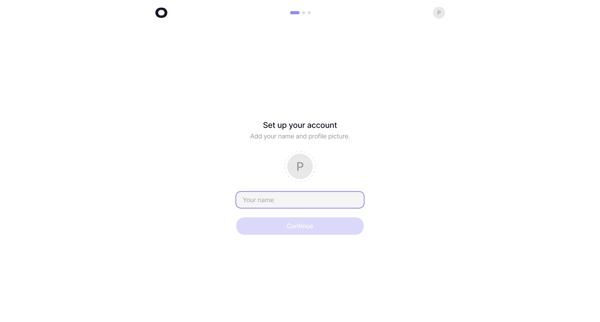
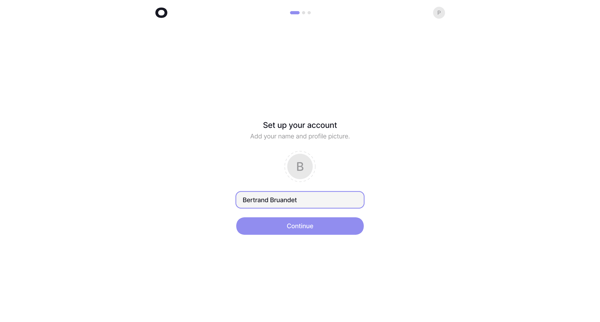
Onboarding sequence to provide name and profile picture during initial account setup

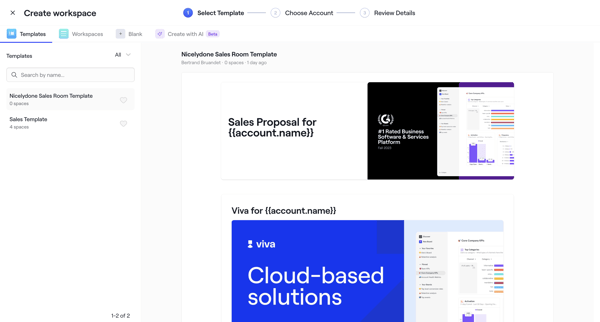
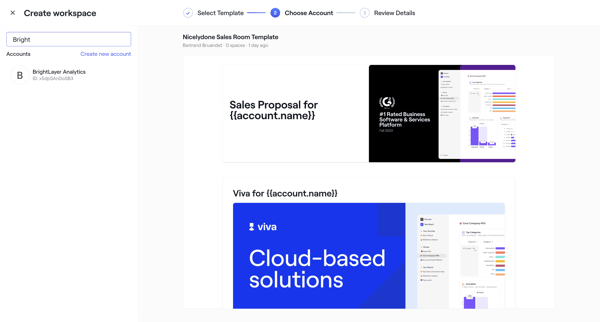
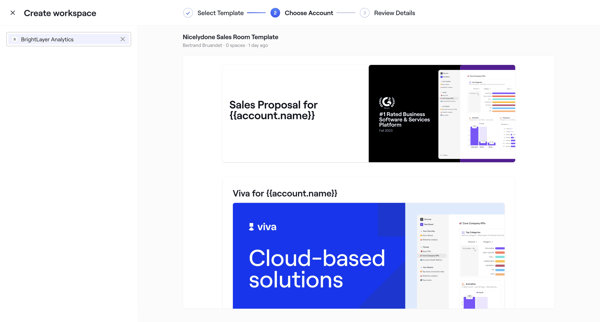
User selects sales room template, chooses account, configures roles dates and teammates through wizard steps, then publishes with shareable link
Explore the full SaaS flow library
Browse the full SaaS flow library.
Trusted by the best teams







