
Mutinyhq user flows examples
Explore Mutinyhq user flow examples. Preview the opening screens and steps for each task. AI agent for customer-facing GTM work
Preview these flows
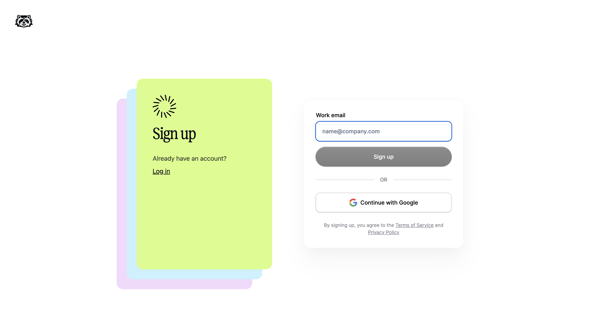
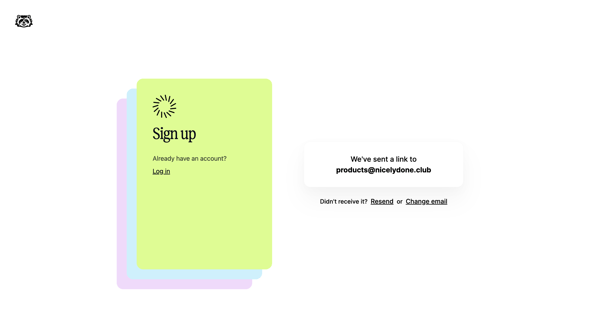
User enters work email or selects Google on signup screen then receives magic link on verification screen
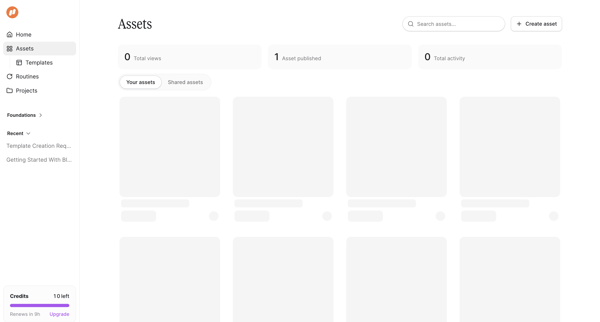
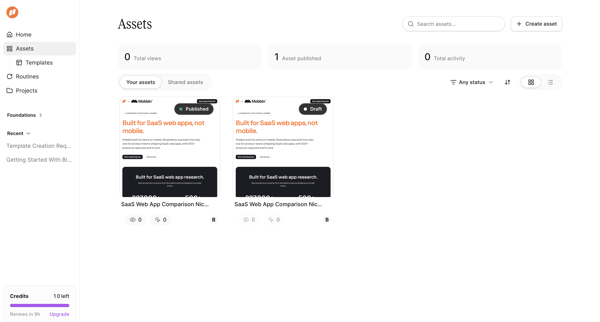
User opens Asset Library to search, filter, and browse published or draft marketing assets and templates while viewing KPI summaries and usage quotas.
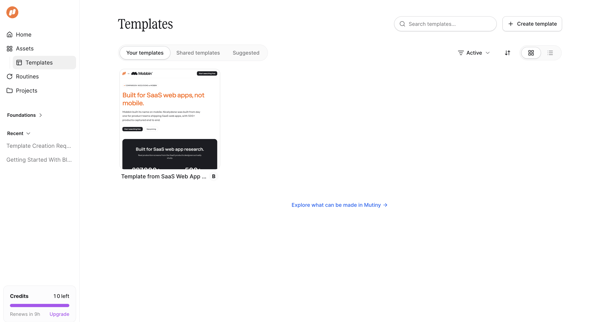
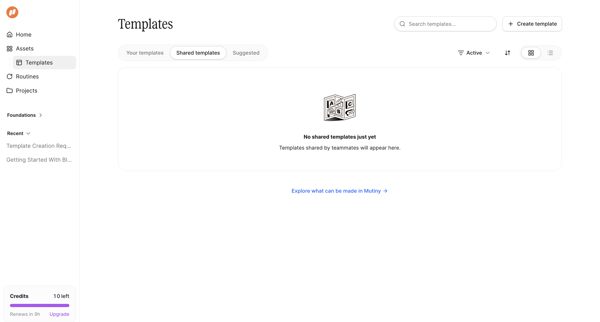
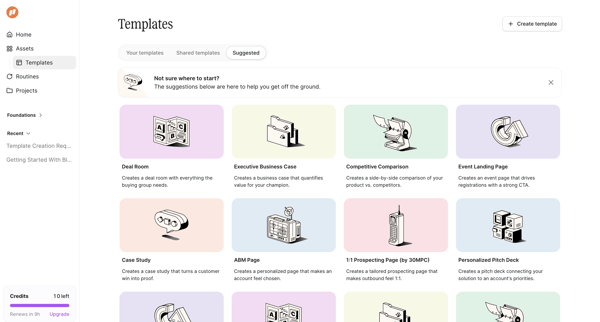
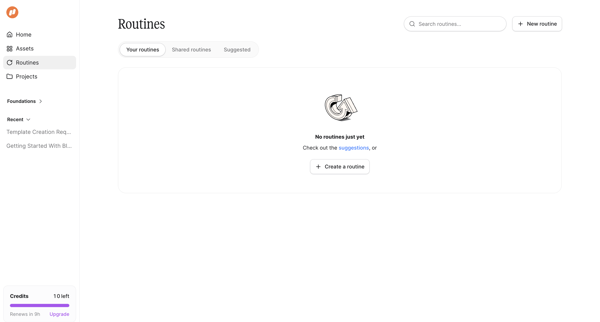
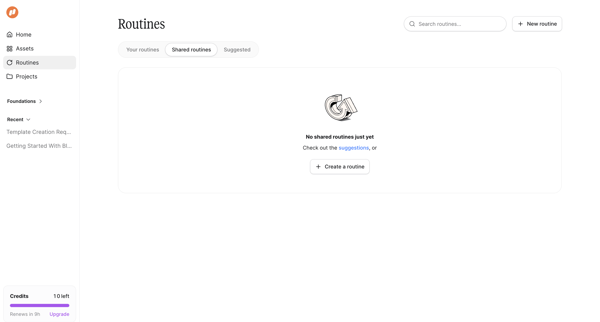
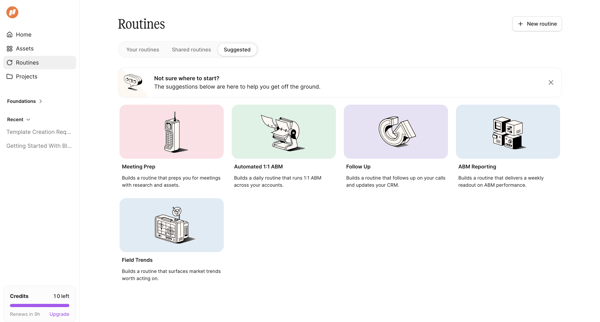
User starts in empty personal routines list, switches to shared routines empty state, then views suggested routine templates to initiate creation
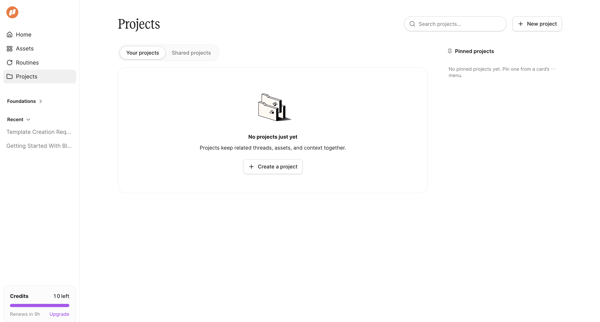
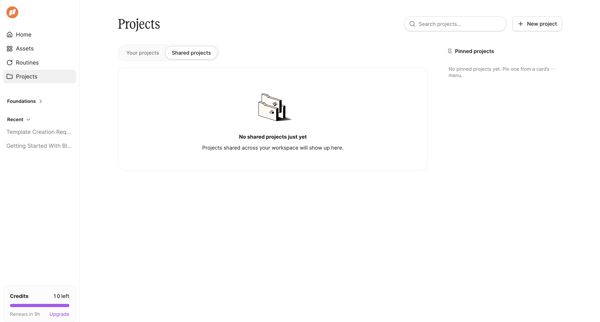
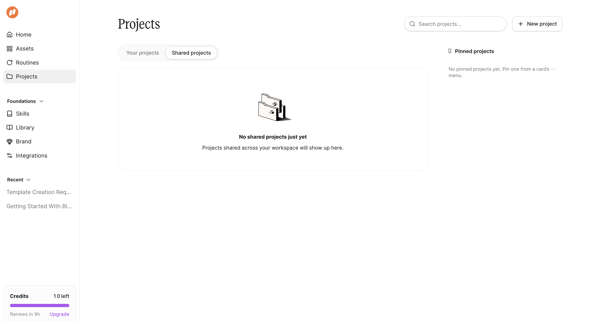
User opens Projects from sidebar and switches between Your projects and Shared projects tabs, both showing empty states with create prompts and credit usage sidebar
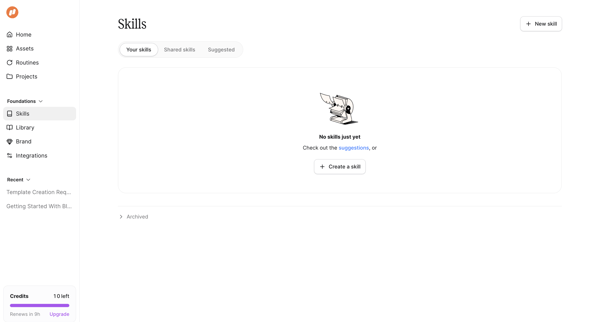
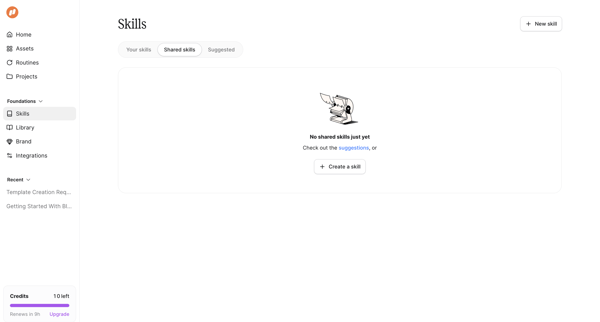
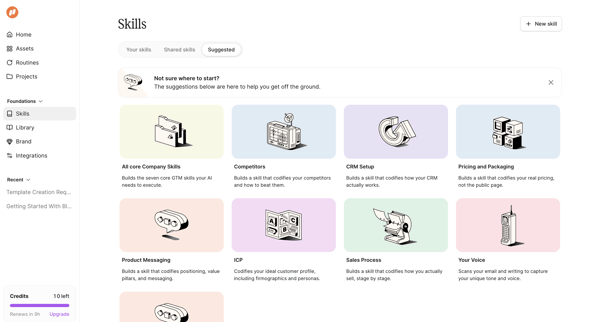
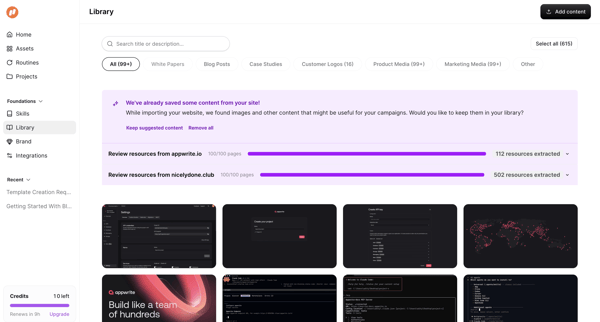
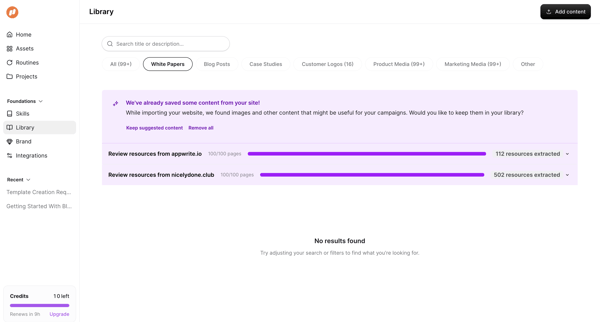
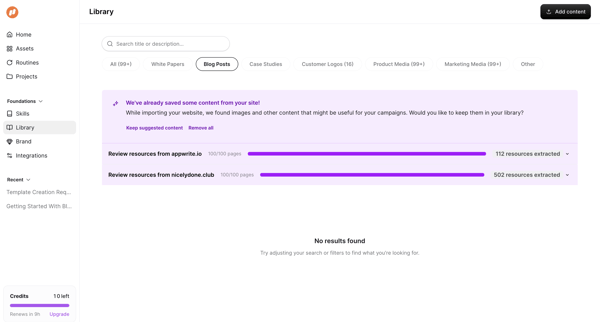
User accesses asset/content library, uses search bar and category filters to locate marketing assets, and encounters empty result states
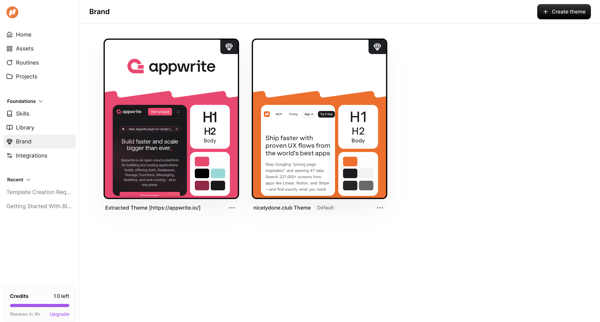
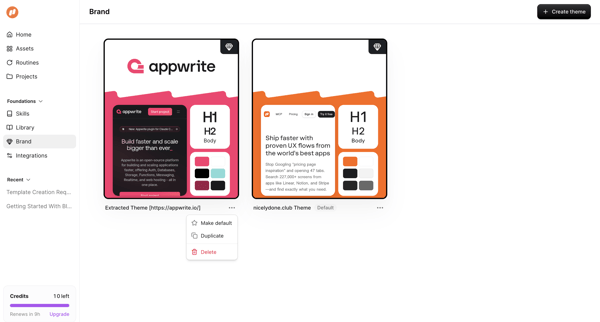
User views and interacts with a gallery of extracted and default brand themes in a list view, opening a context menu on a theme card to access duplicate, make default, and delete options
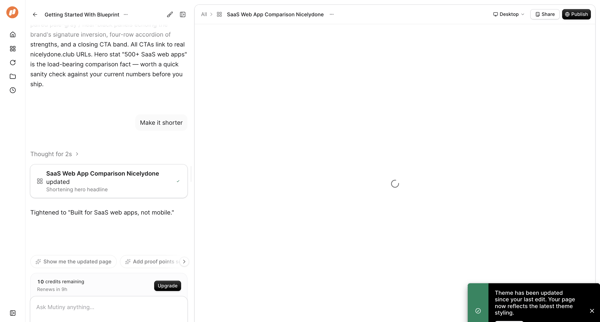
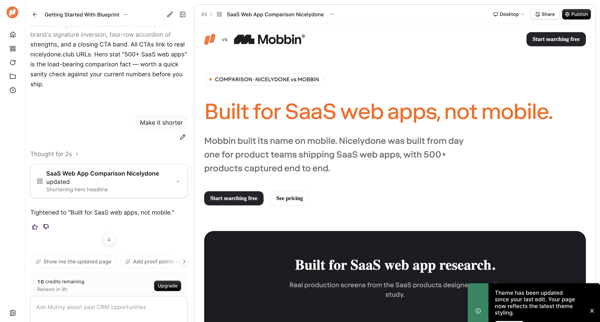
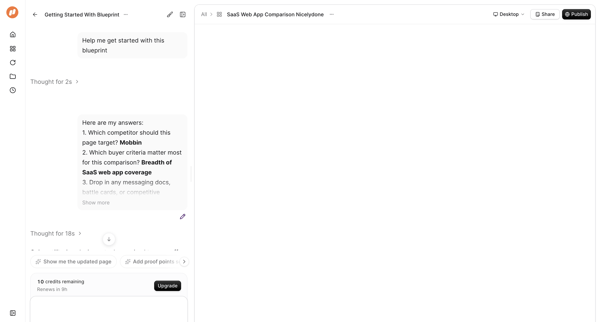
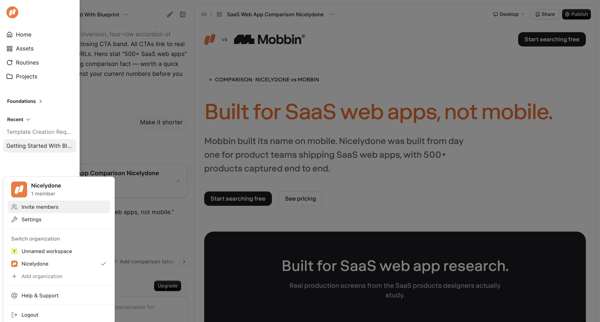
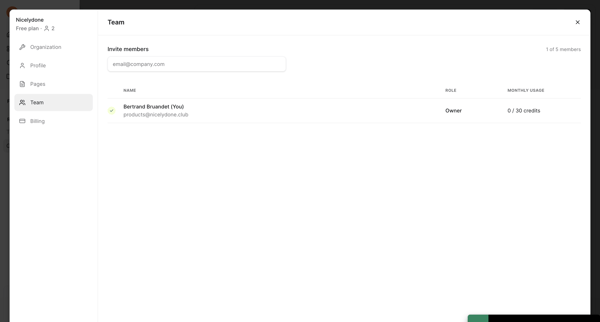
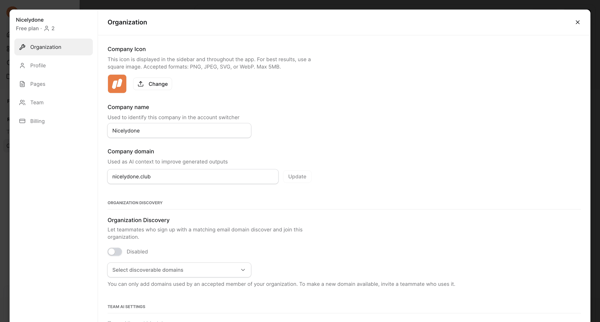
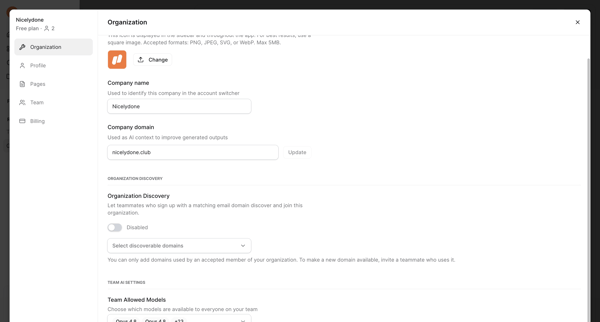
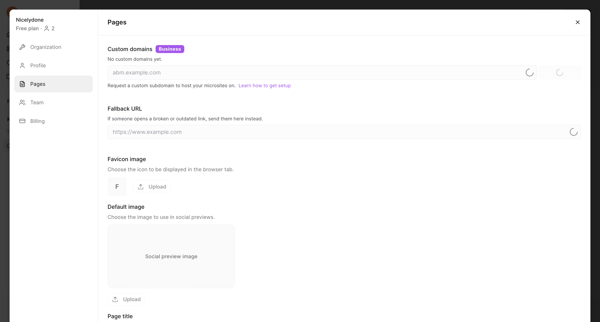
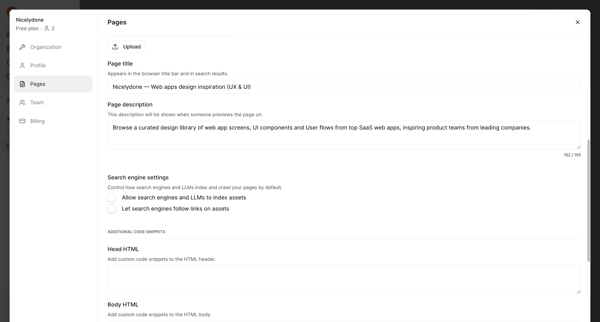
From AI content editor sidebar access to team settings modal for member invitation and role/usage review
Explore the full SaaS flow library
Browse the full SaaS flow library.
Trusted by the best teams







