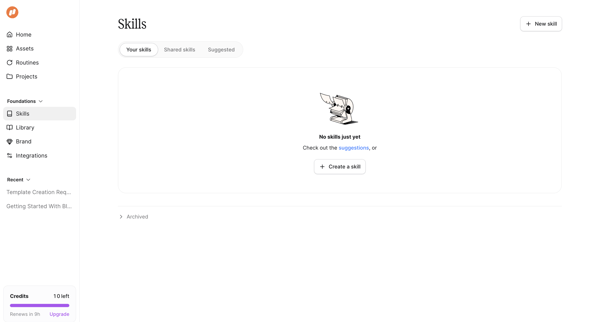
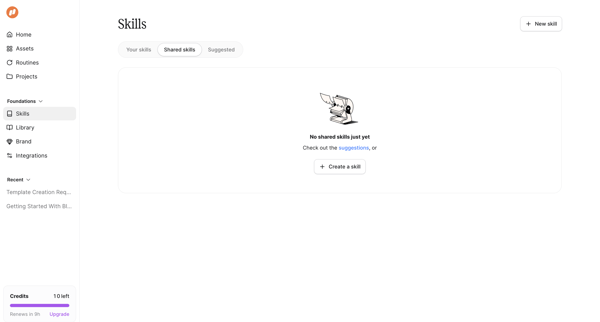
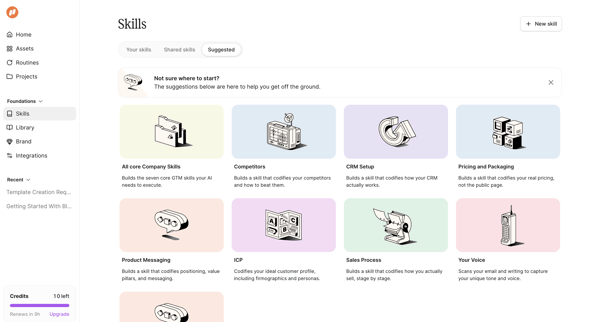
Mutinyhq Flow Example: Browsing skill templates
Preview this Mutinyhq user flow: Browsing skill templates. Explore the opening screens.
Preview these flows

Related user flows

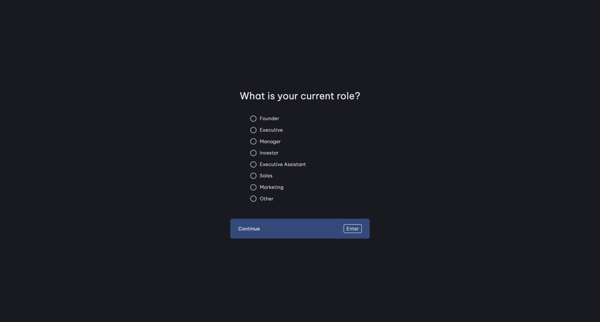
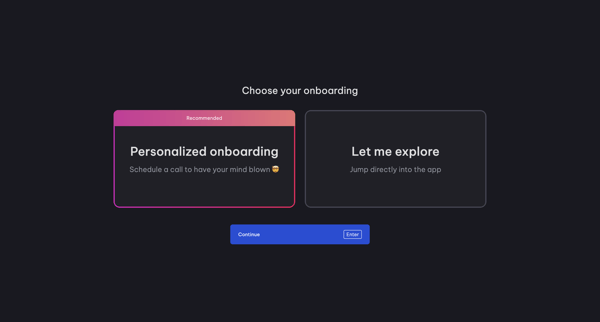
User selects role then chooses between personalized call or self-exploration during Vimcal onboarding

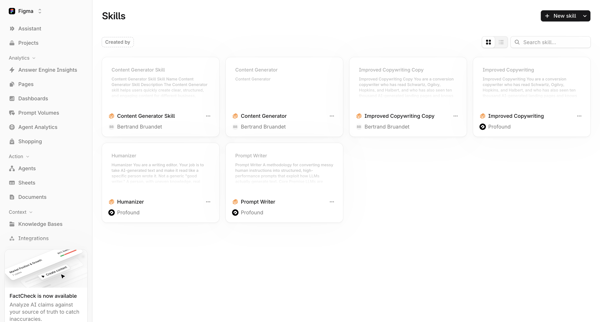
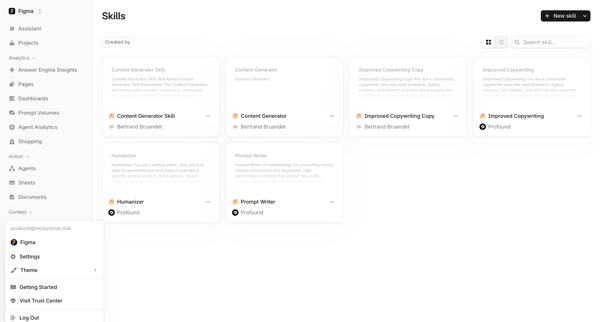
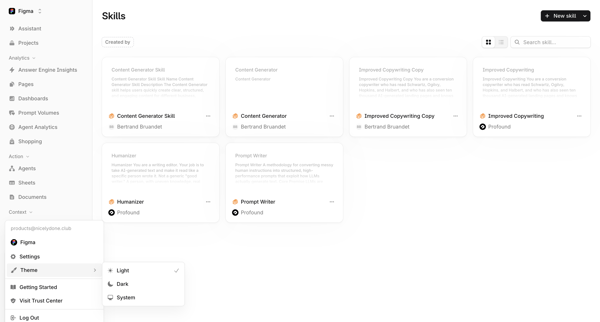
Browsing the Skills Library to view, search, filter, and manage AI skills such as Content Generator, Improved Copywriting Copy, Humanizer, and Prompt Writer in list or grid layouts

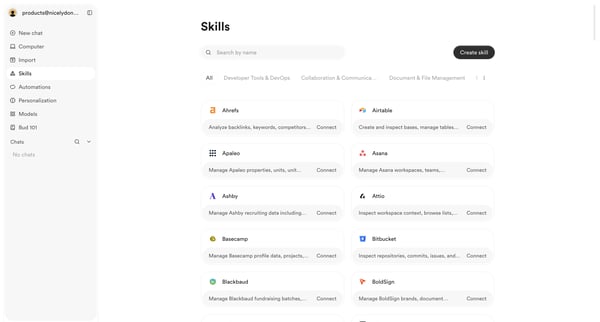
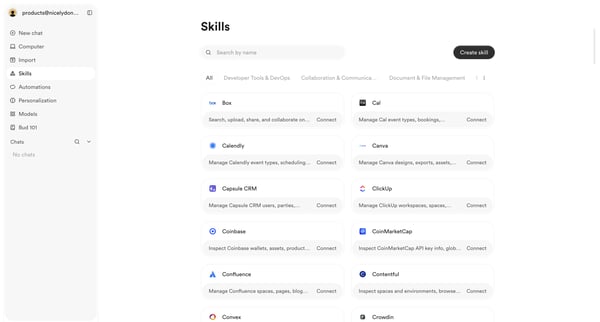
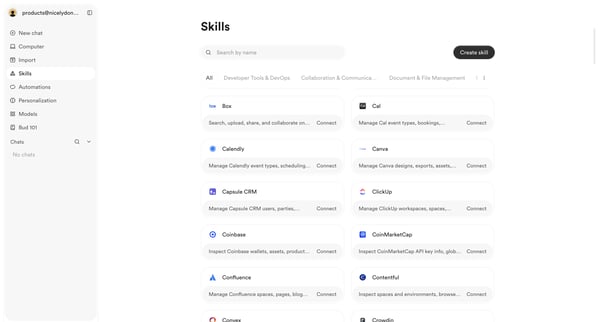
User browses, searches, and filters the skills integrations directory to discover and connect third-party tools

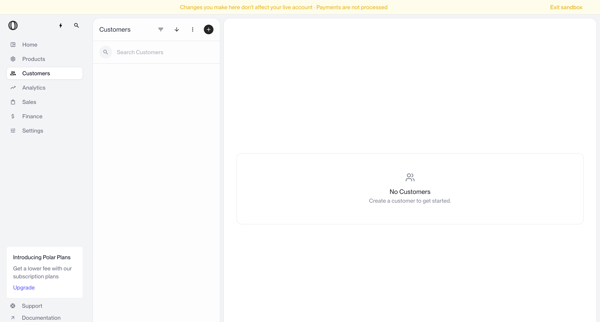
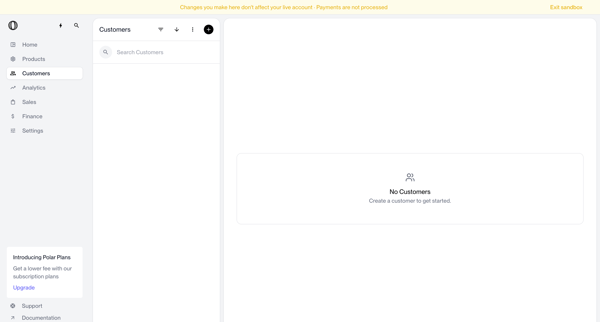
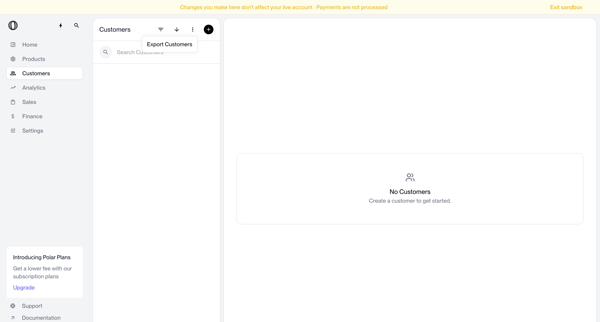
Navigating empty customer list states in sandbox with search bar, filter options, and create prompts visible

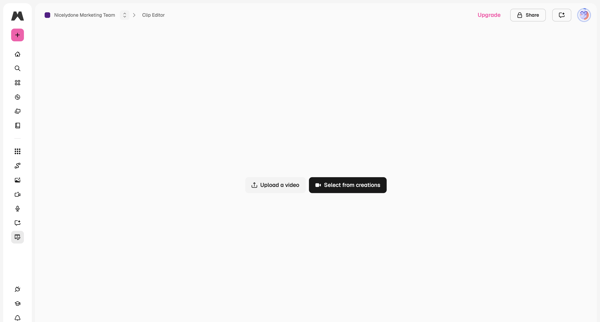
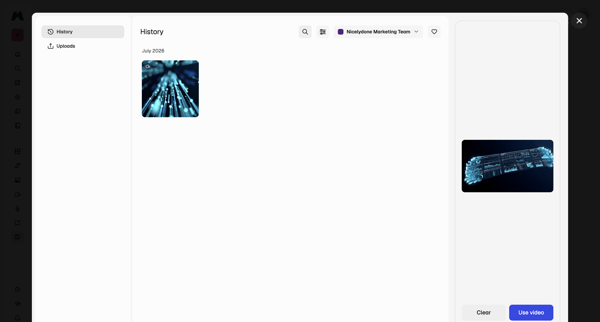
From video editor empty state, open history modal to browse generations, filter by team, preview, and select a video for editing

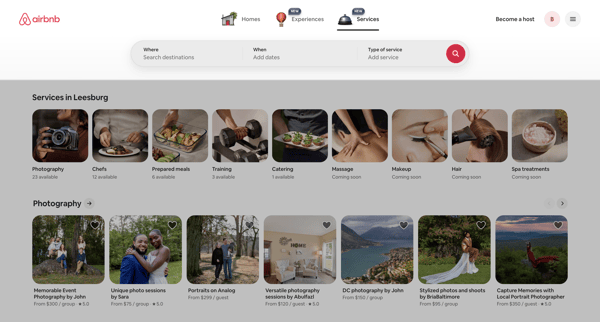
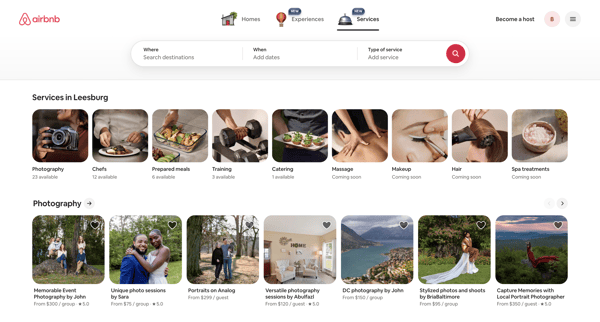
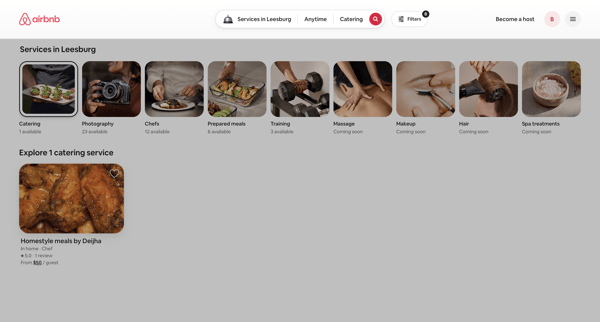
Browsing local services via category carousels and search results grids on Airbnb app

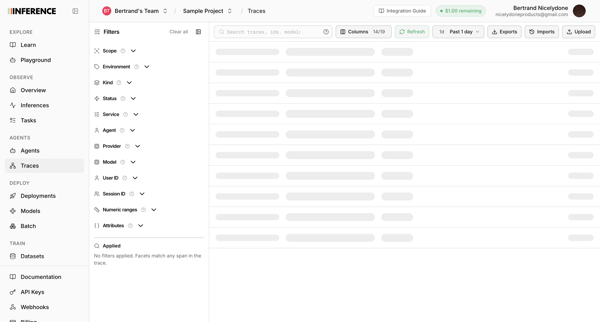
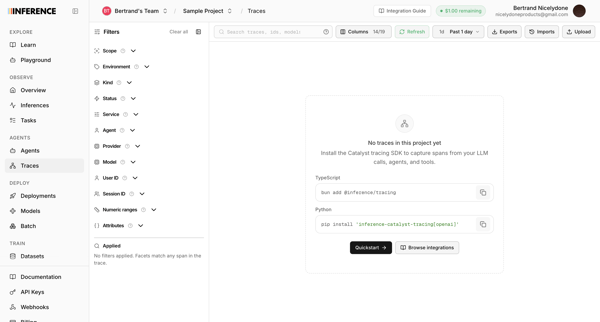
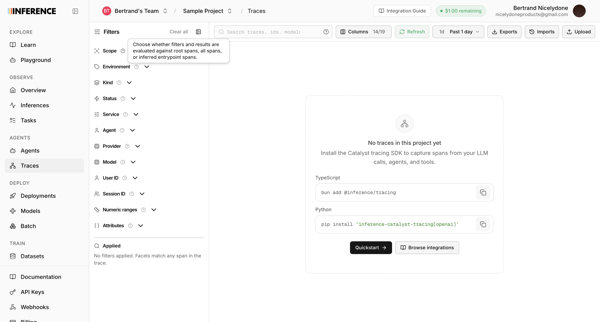
User opens observability traces list in Inference app and sees loading skeleton followed by repeated empty states prompting SDK installation

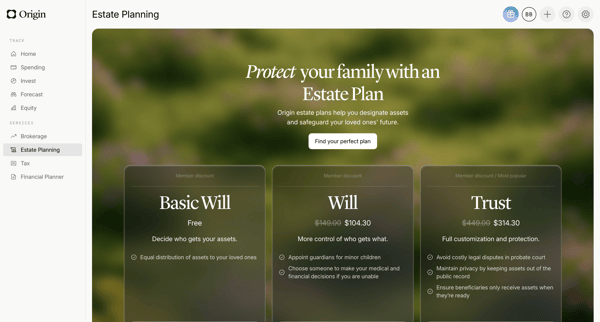
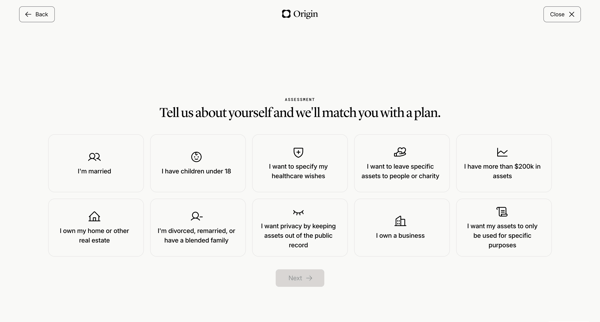
User views estate planning pricing tiers then completes life circumstances questionnaire to match an estate plan

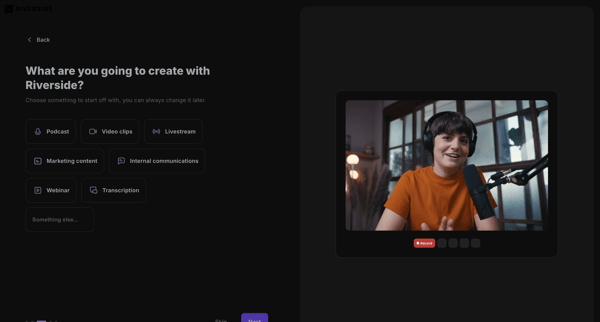
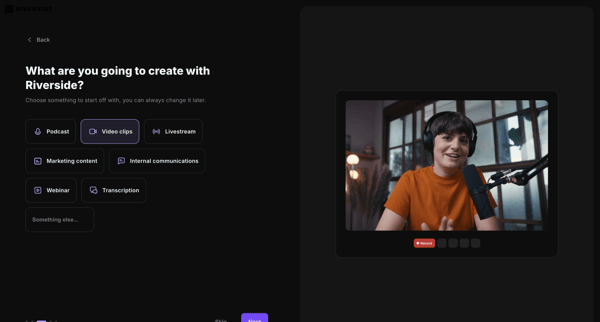
Onboarding flow selecting primary use case to personalize Riverside workspace

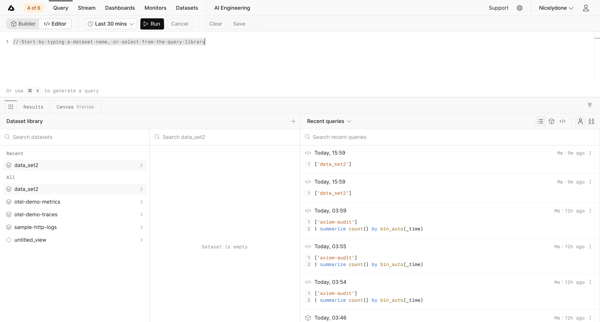
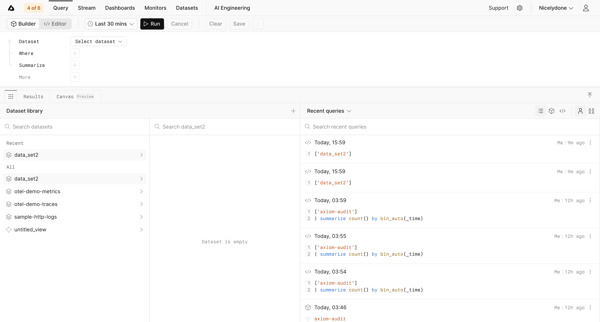
Journey through query editor and builder interfaces to search datasets and run data queries in Axiom


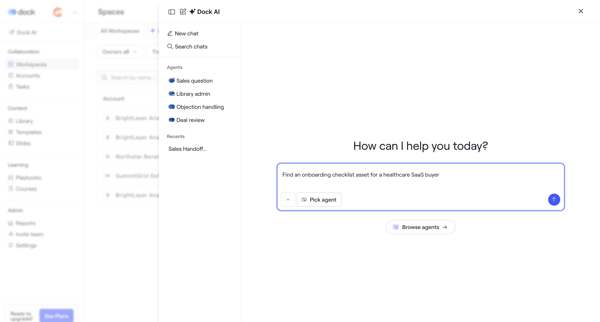
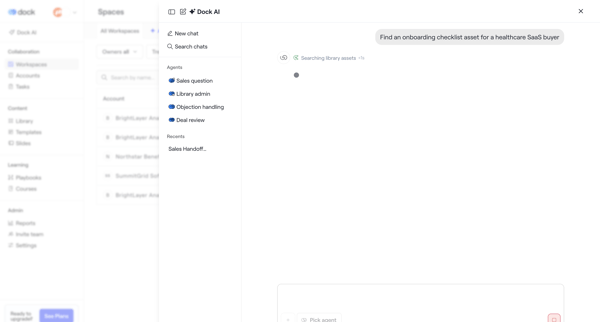
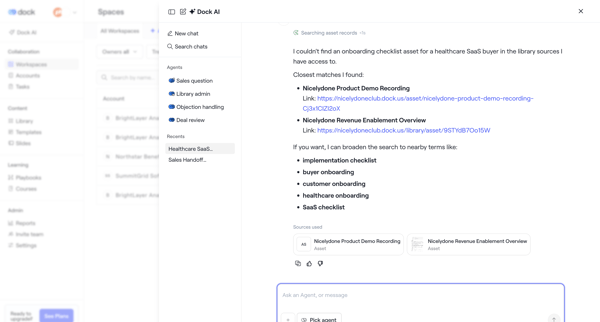
User opens AI assistant overlay in Dock to chat with specialized agents, request asset searches such as onboarding checklists, and review suggested records with alternatives and citations
Explore the full SaaS flow library
Browse the full SaaS flow library.
Trusted by the best teams







