Tryprofound Flow Example: Configuring AI skills
Preview this Tryprofound user flow: Configuring AI skills. Explore the opening screens.
Preview these flows

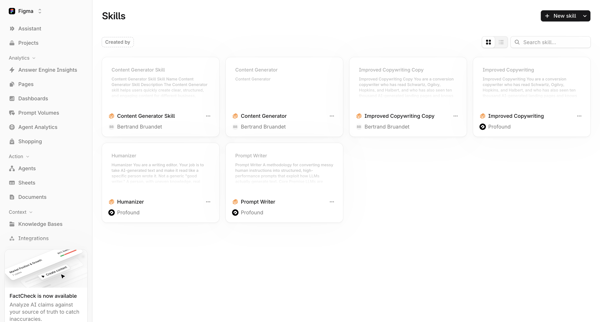
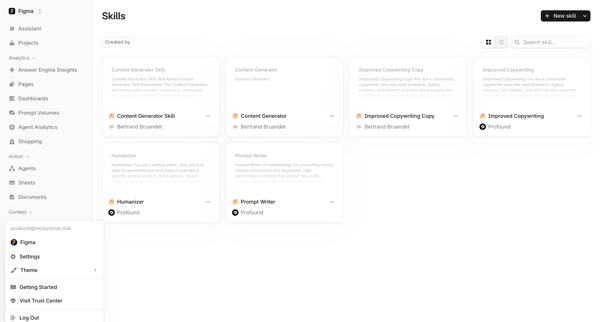
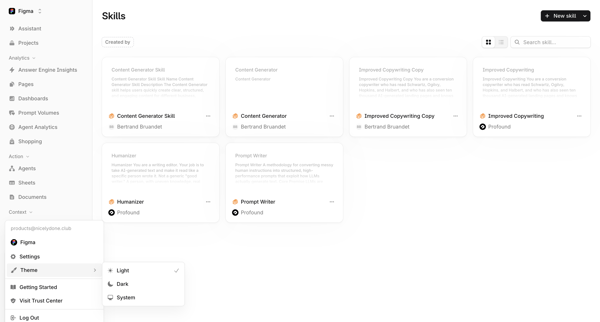
Browsing the Skills Library to view, search, filter, and manage AI skills such as Content Generator, Improved Copywriting Copy, Humanizer, and Prompt Writer in list or grid layouts
Related user flows

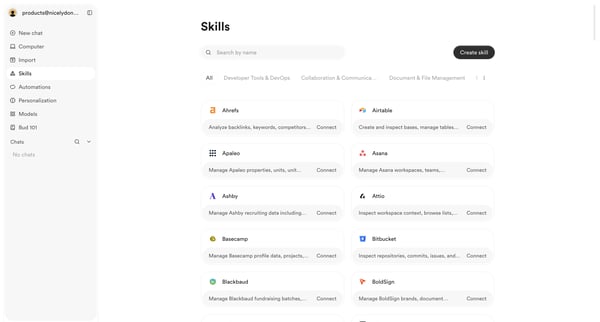
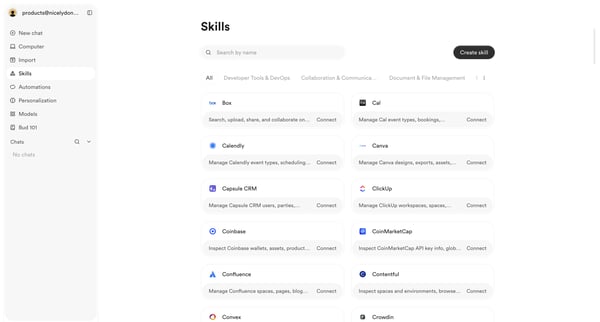
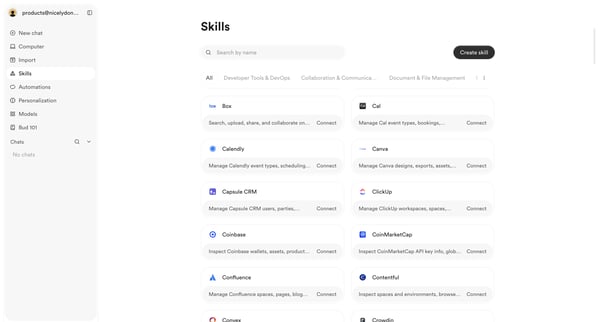
User browses, searches, and filters the skills integrations directory to discover and connect third-party tools

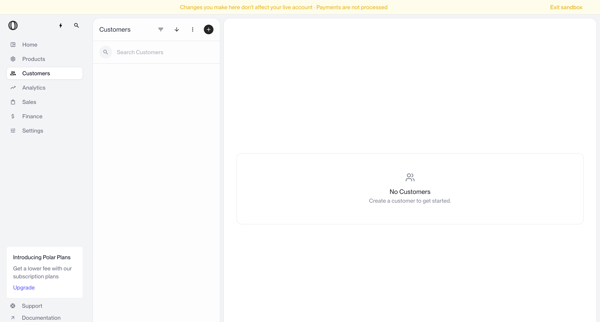
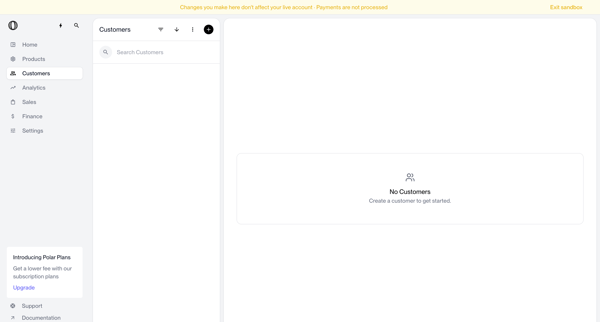
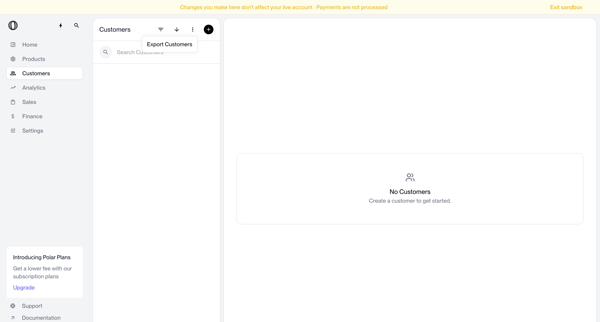
Navigating empty customer list states in sandbox with search bar, filter options, and create prompts visible

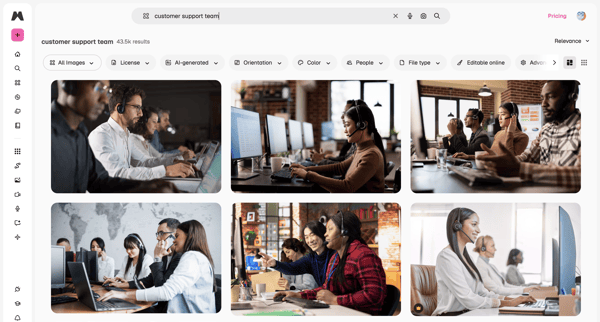
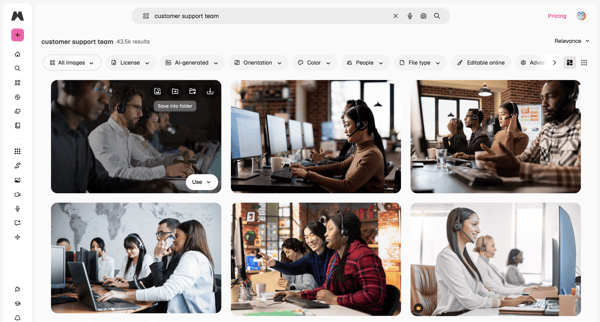
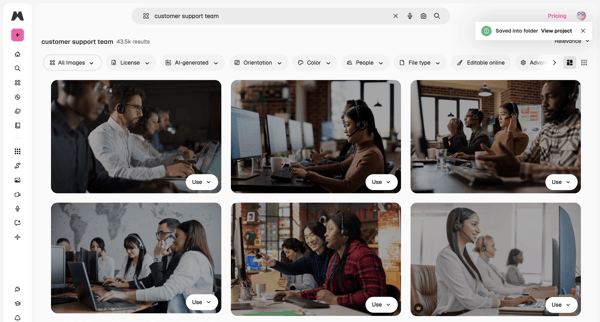
User enters search query for stock images, browses masonry grid results, applies filters by license/orientation/color, views AI suggestions in overlay, and saves or downloads assets

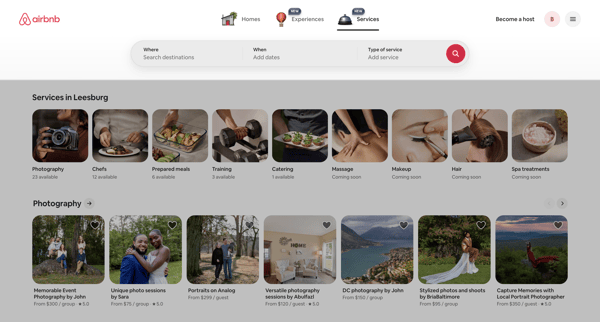
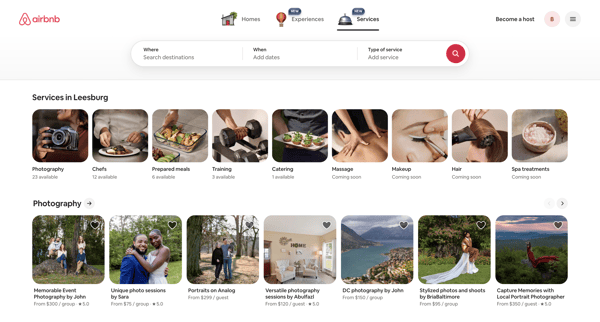
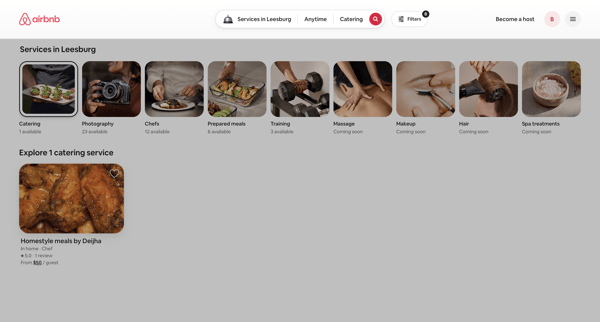
Browsing local services via category carousels and search results grids on Airbnb app

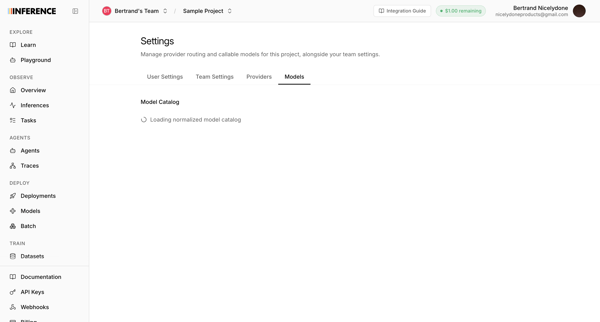
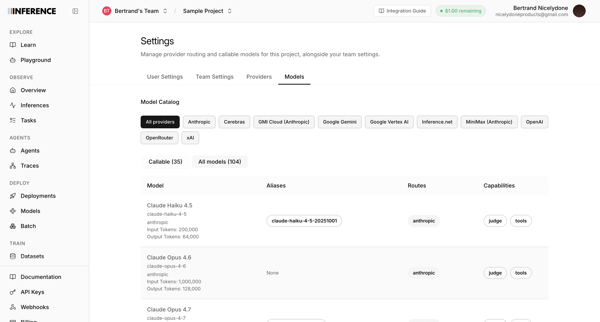
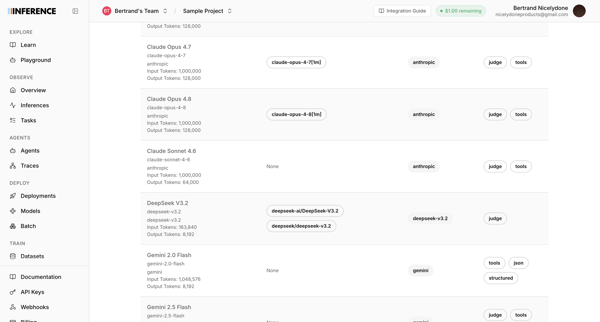
User accesses AI model catalog settings to manage provider routing, filter models by provider, and review token limits and capabilities across multiple list and table views

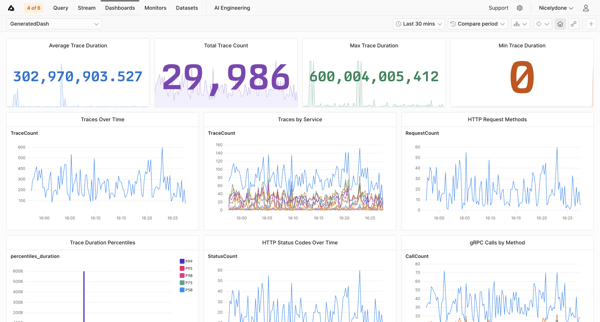
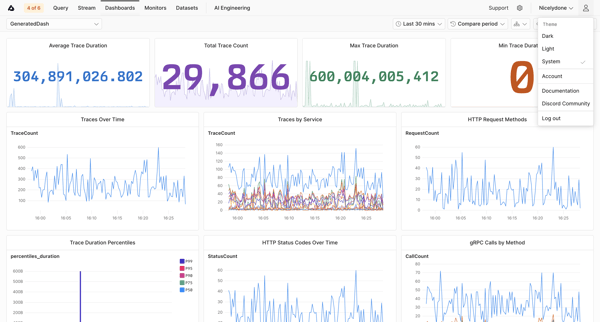
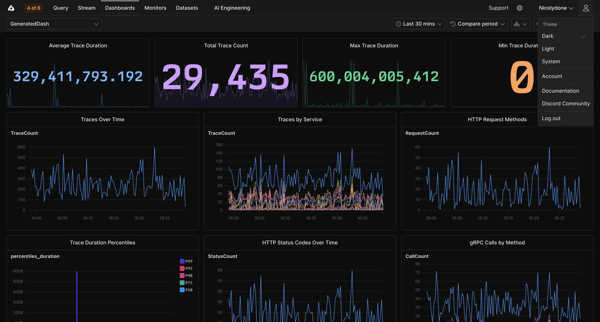
Viewing trace metrics dashboards with KPI tiles and time-series charts for duration, counts, services, and HTTP status in Axiom

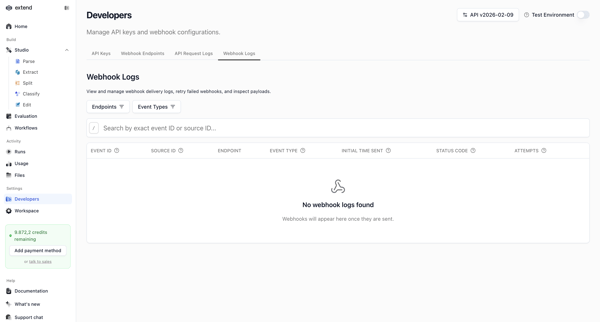
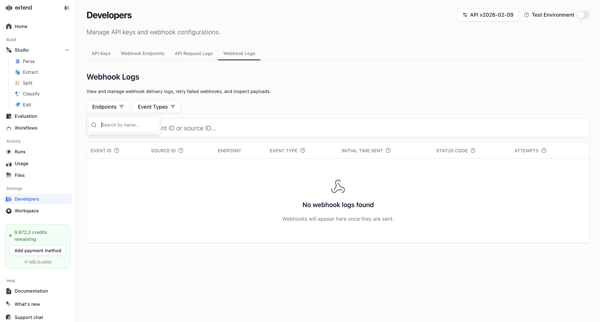
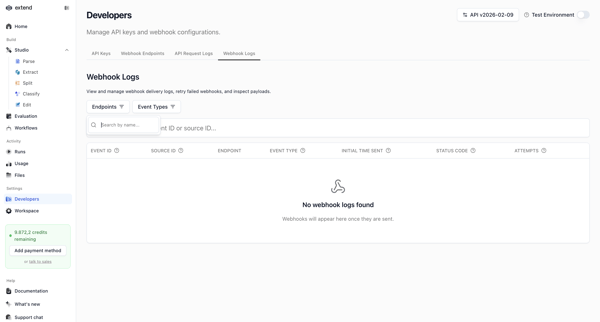
Developer accesses webhook settings page to search, filter, and view delivery logs, shown in multiple empty states with filter popovers and table views

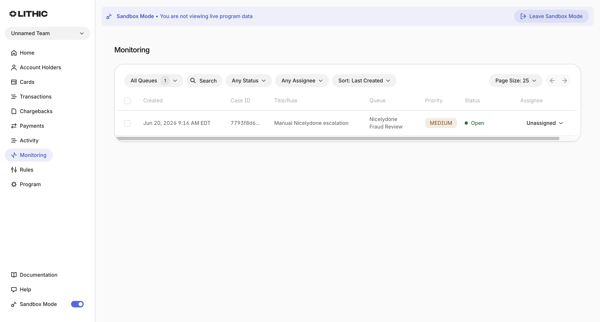
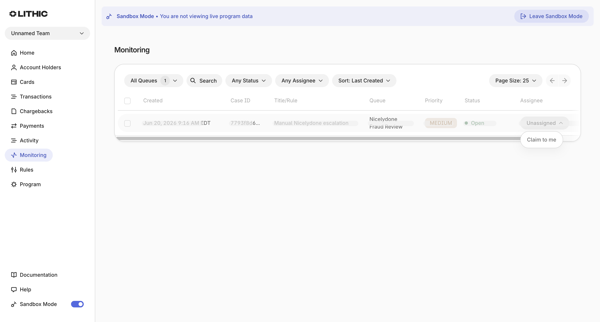
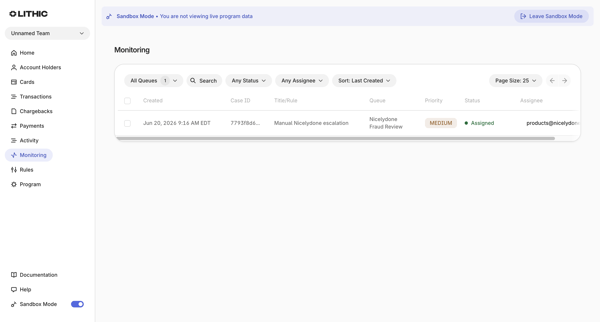
User applies filters for queues, status, assignee, search token, and sort on monitoring cases list in sandbox mode

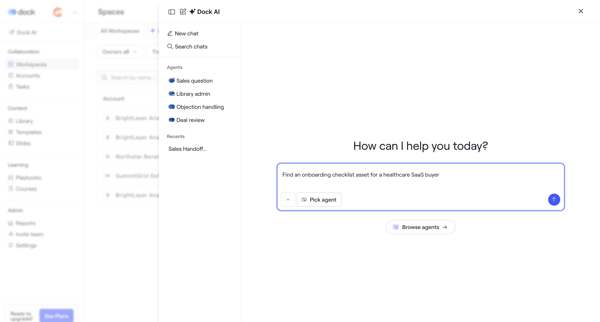
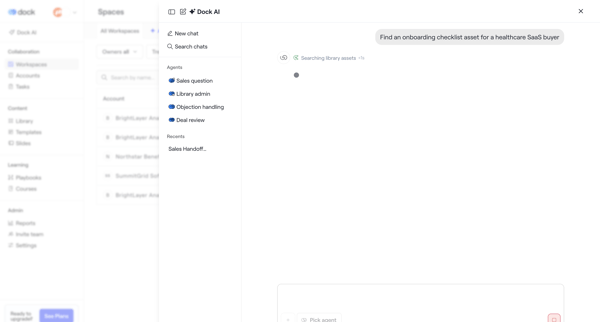
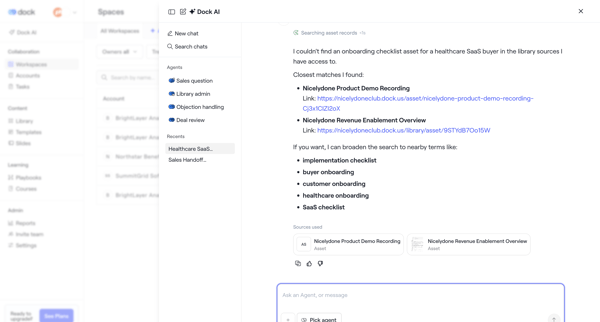
User opens AI assistant overlay in Dock to chat with specialized agents, request asset searches such as onboarding checklists, and review suggested records with alternatives and citations

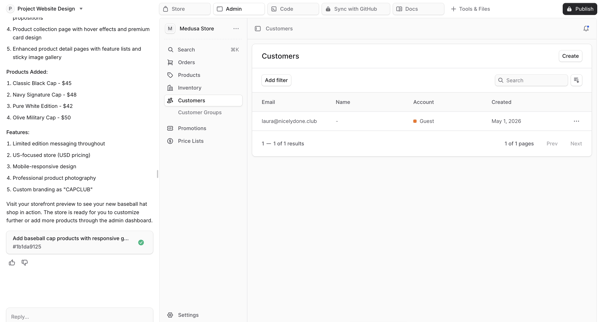
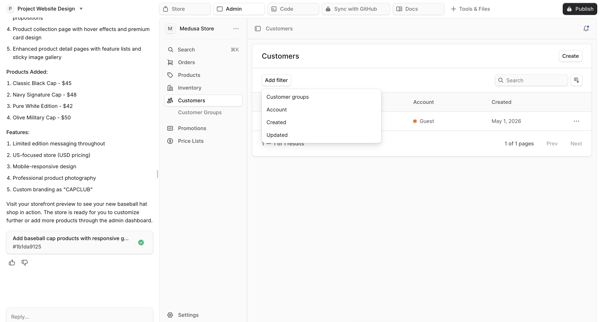
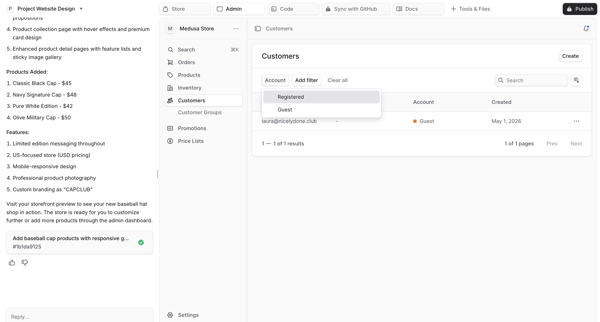
User views and interacts with filter dropdowns on a generated customers data table inside an AI app builder workspace previewing a Medusa Store admin dashboard

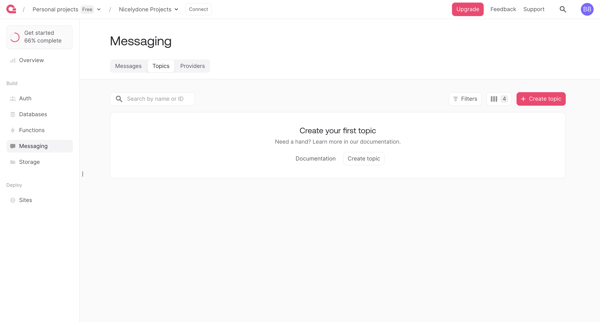
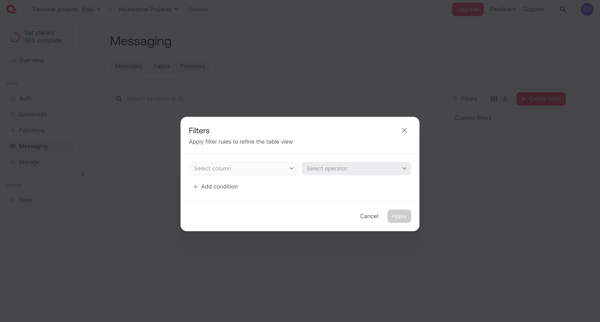
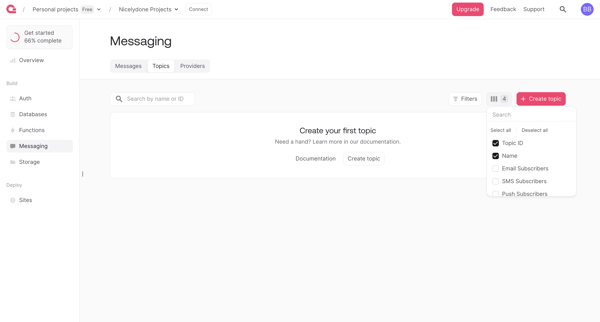
User opens filter modal from messaging topics list view to configure row-based query rules, then returns to empty list state

Explore the full SaaS flow library
Browse the full SaaS flow library.
Trusted by the best teams







