Beside Flow Example: Starting new conversation
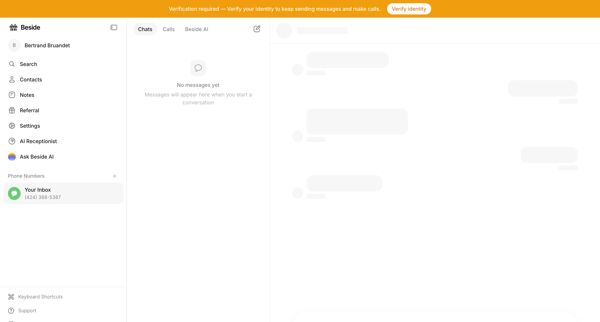
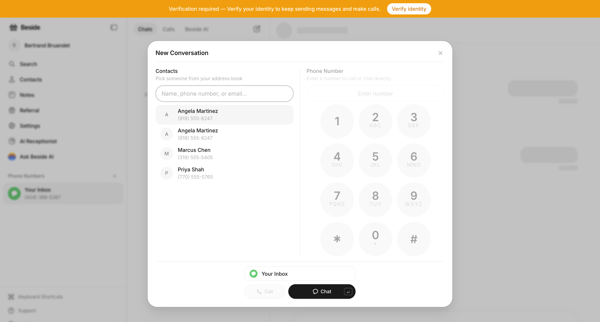
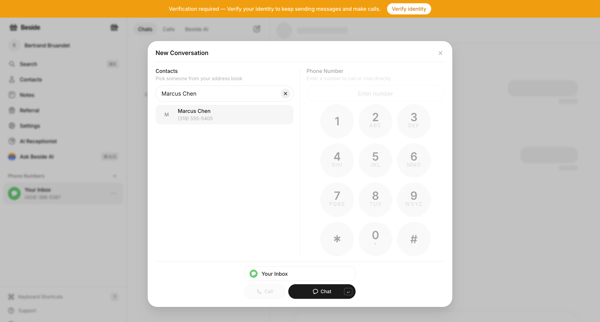
Preview this Beside user flow: Starting new conversation. Explore the opening screens.
Preview these flows

Related user flows

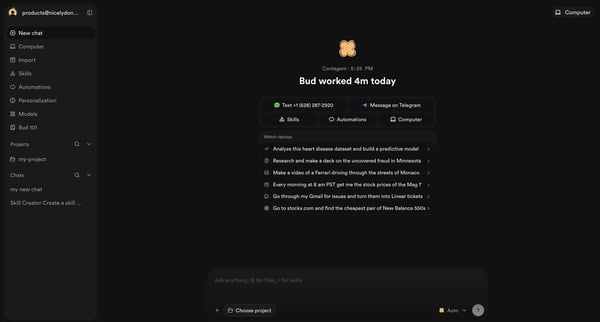
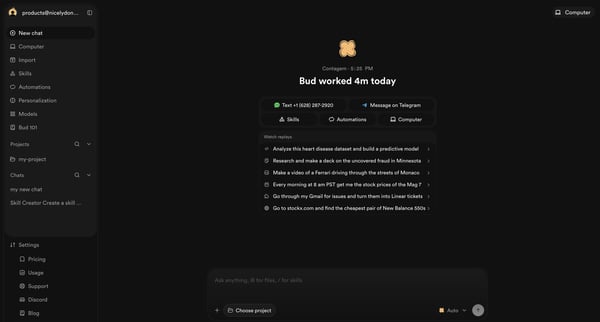
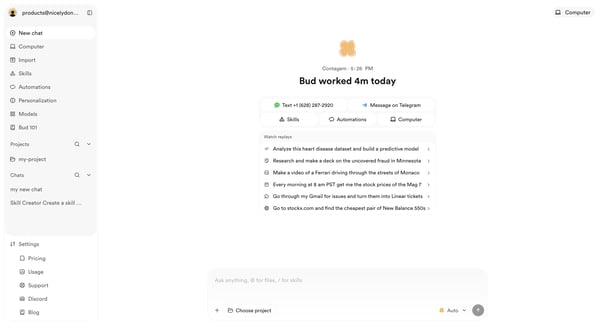
Initiating a new conversation from the AI agent home screen with prompt suggestions and quick actions

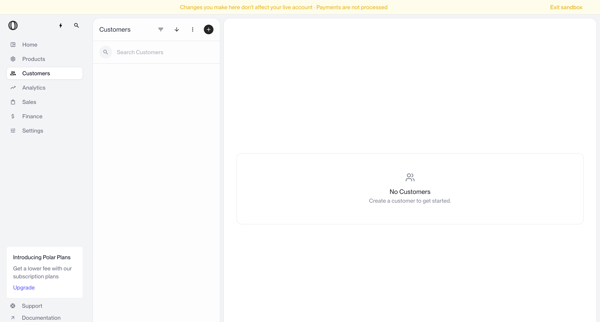
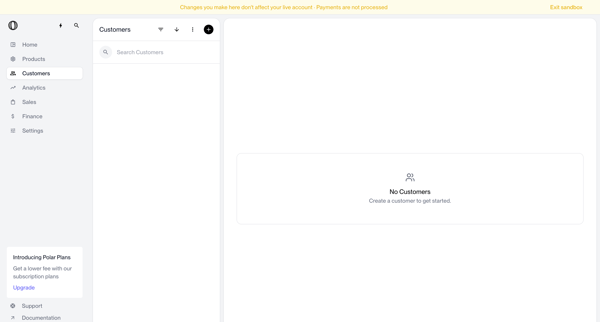
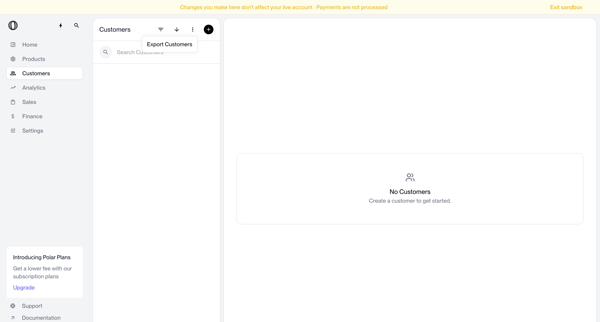
Navigating empty customer list states in sandbox with search bar, filter options, and create prompts visible

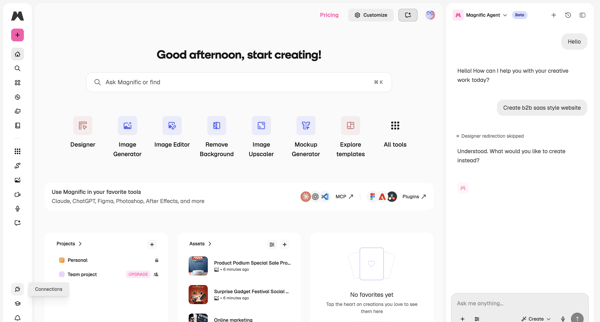
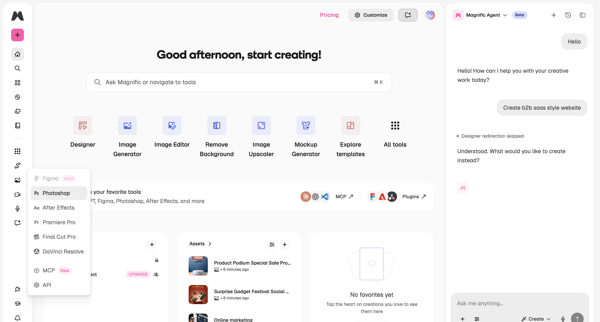
User opens creator dashboard and engages with Magnific Agent sidebar to converse about creative tasks while viewing tools and recent assets

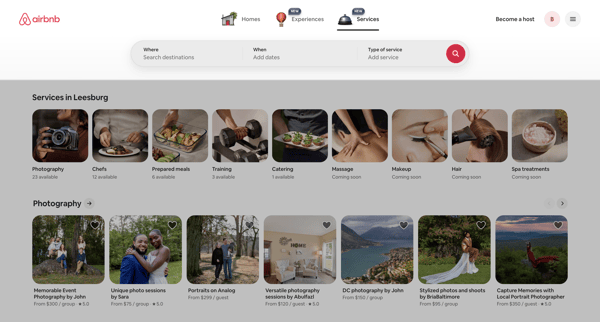
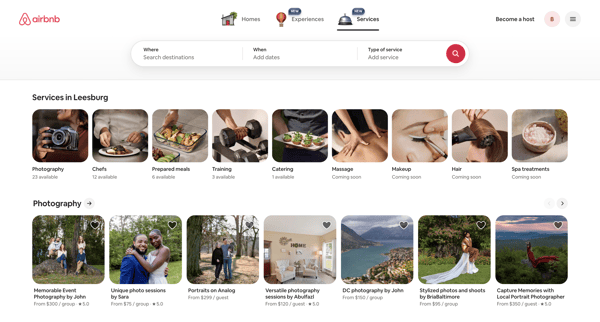
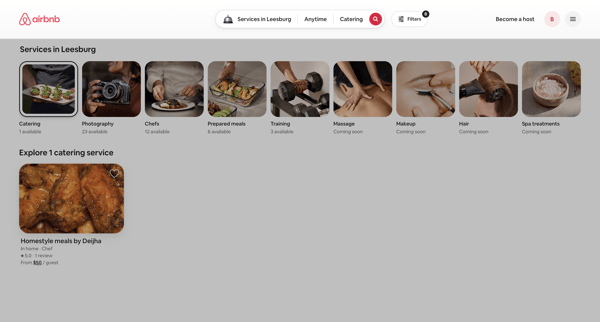
Browsing local services via category carousels and search results grids on Airbnb app

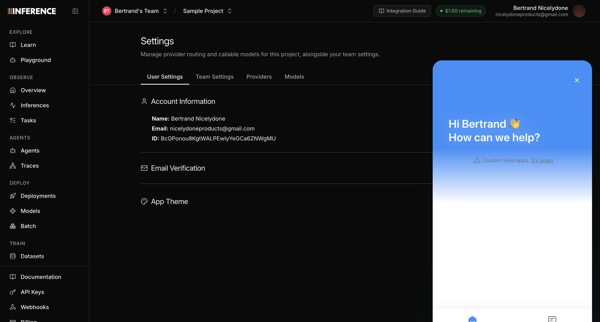
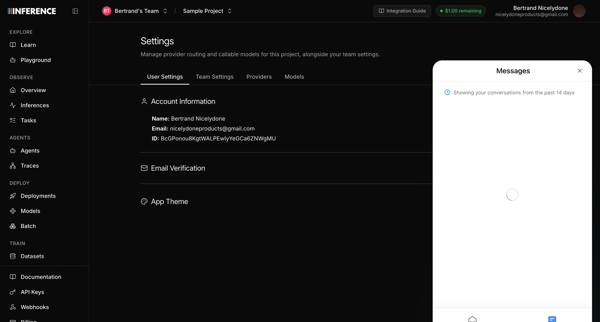
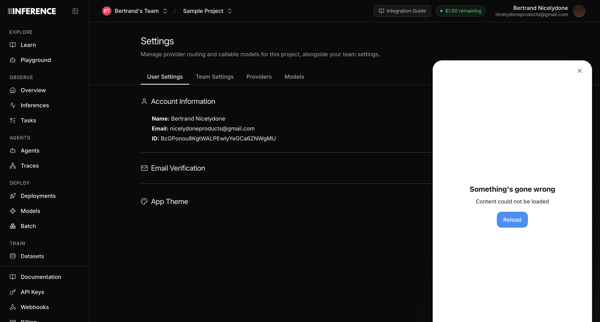
Opening support chat widget from user profile settings page, with messenger attempting to load recent conversations before displaying error states

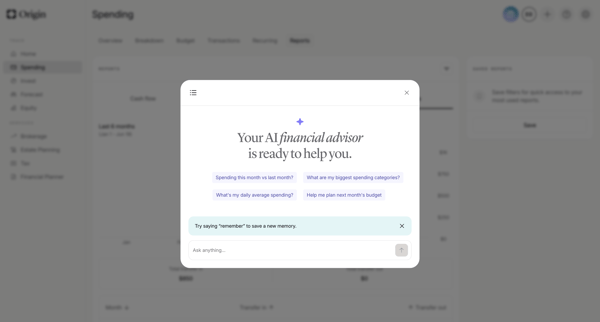
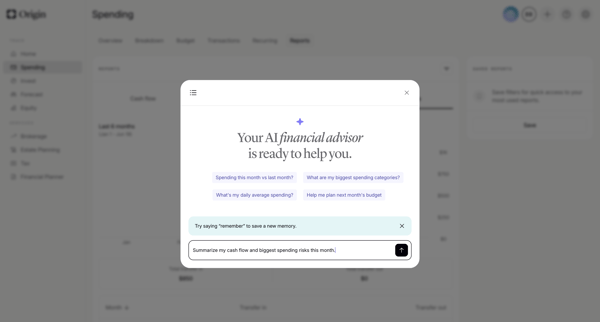
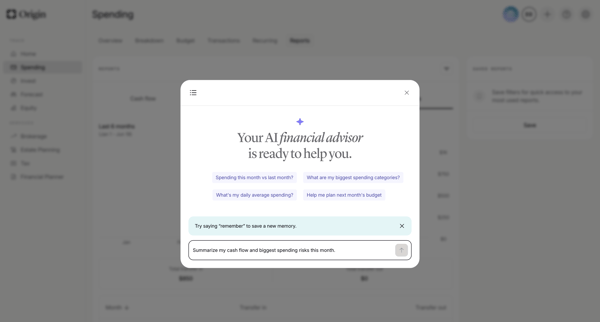
User opens AI advisor modal from dashboard and engages in multi-turn chat to request spending analysis, cash flow summaries, subscription insights, forecasts, and personalized recommendations with generated charts and reasoning steps

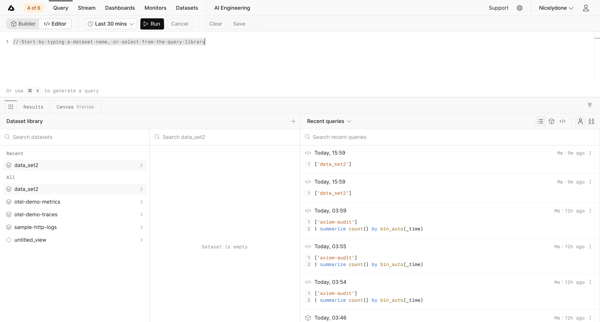
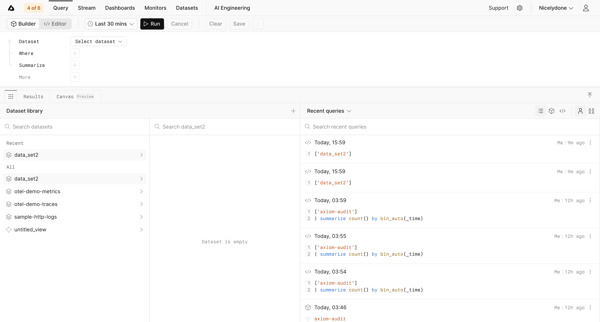
Journey through query editor and builder interfaces to search datasets and run data queries in Axiom

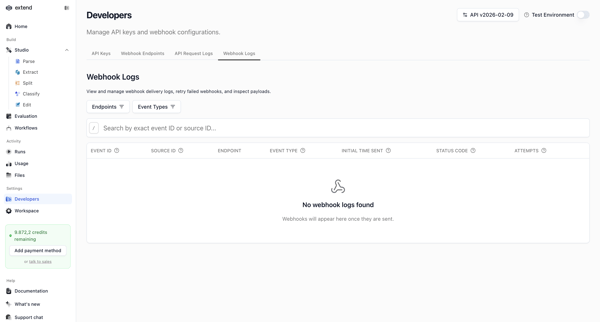
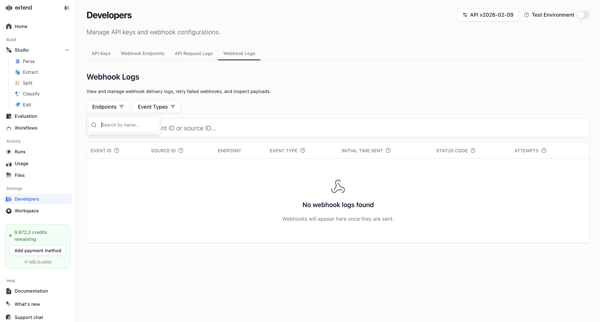
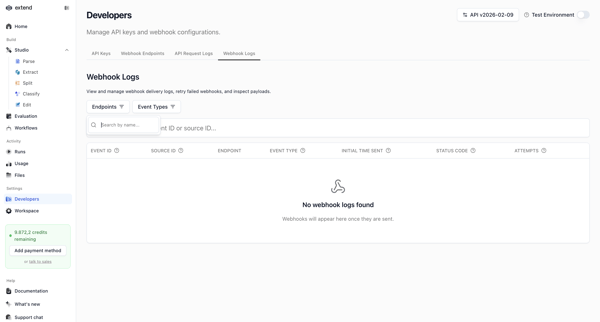
Developer accesses webhook settings page to search, filter, and view delivery logs, shown in multiple empty states with filter popovers and table views

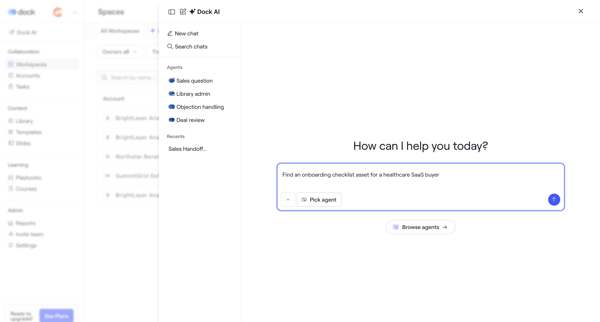
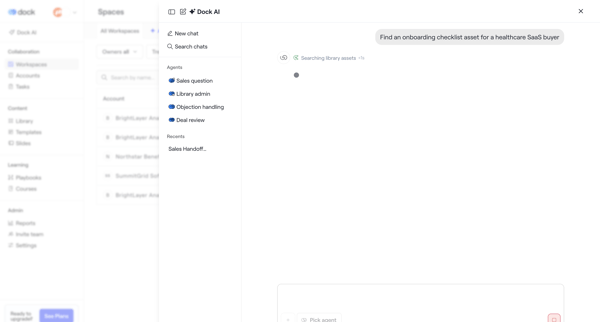
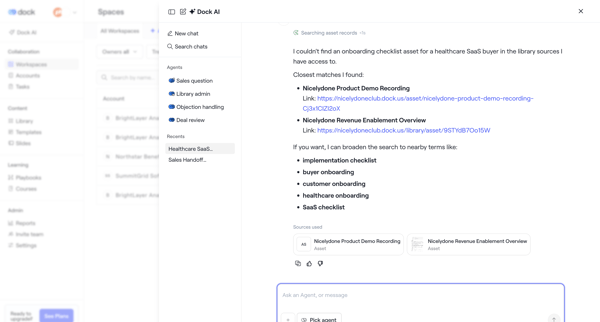
User opens AI assistant overlay in Dock to chat with specialized agents, request asset searches such as onboarding checklists, and review suggested records with alternatives and citations

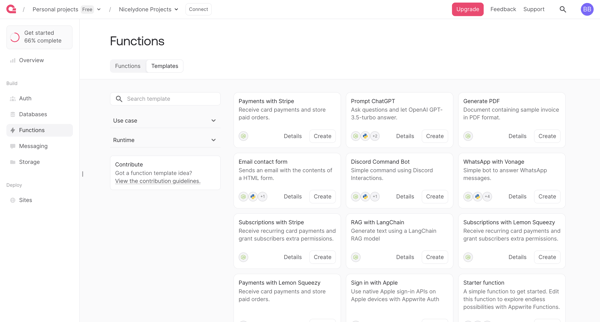
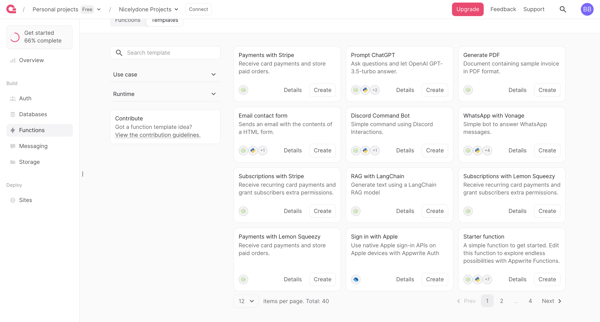
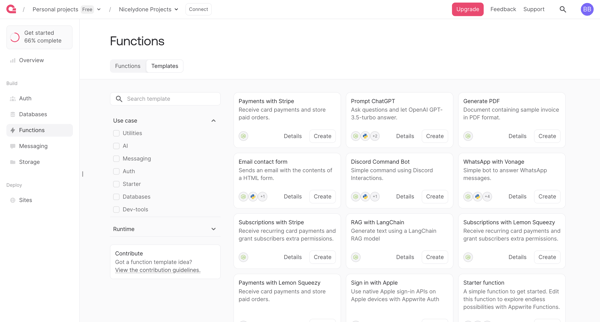
User browses, filters by runtime and use case, searches, and reviews function templates in gallery to select one for deployment

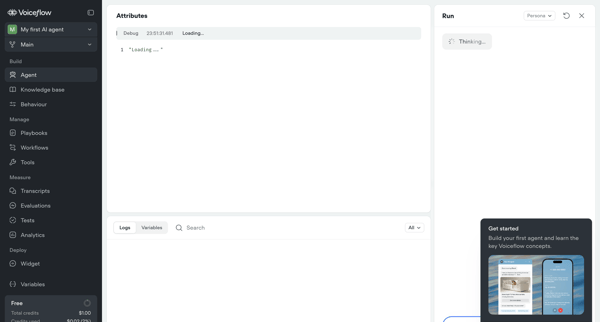
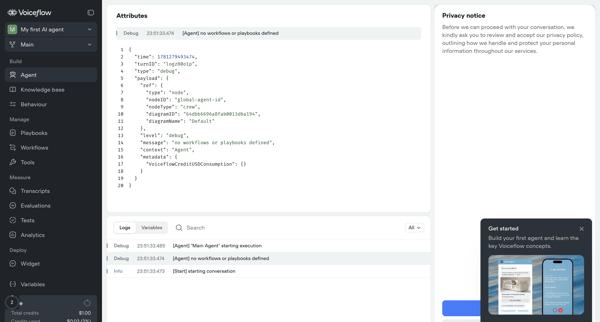
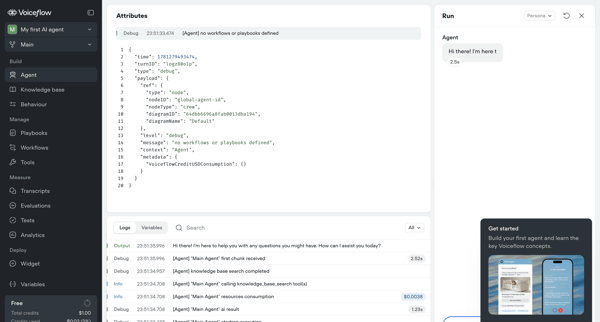
Testing and inspecting live AI agent execution through trace logs, JSON payloads, variables, and real-time chat panel

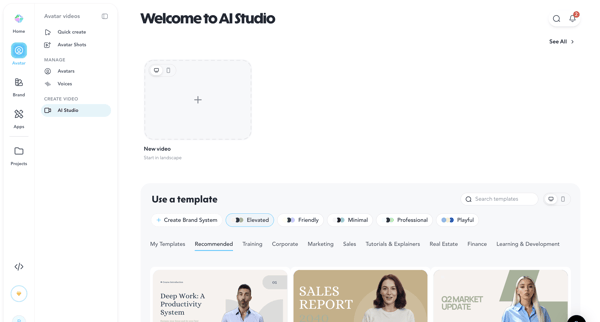
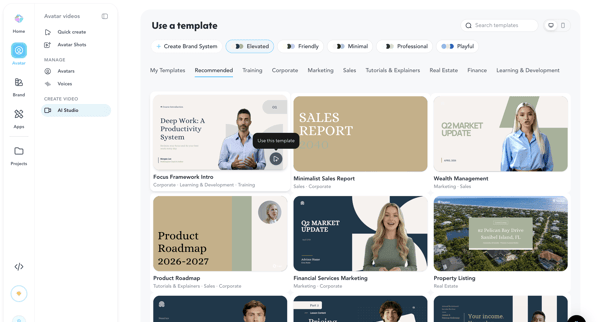
Browsing categorized templates in AI Studio and selecting a pre-designed video layout in HeyGen
Explore the full SaaS flow library
Browse the full SaaS flow library.
Trusted by the best teams







