Beside user flows examples
Explore Beside user flow examples. Preview the opening screens and steps for each task. AI-powered business phone assistant that answers calls and takes action
Preview these flows

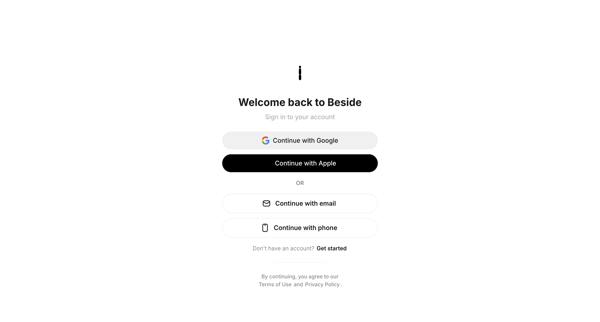
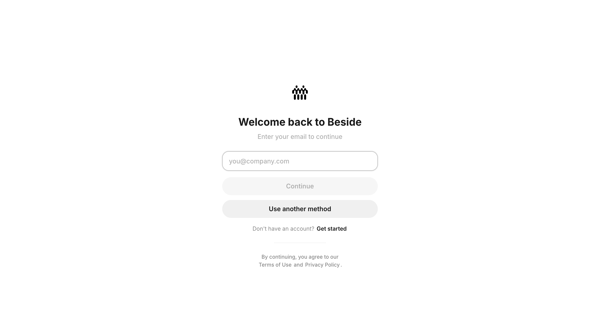
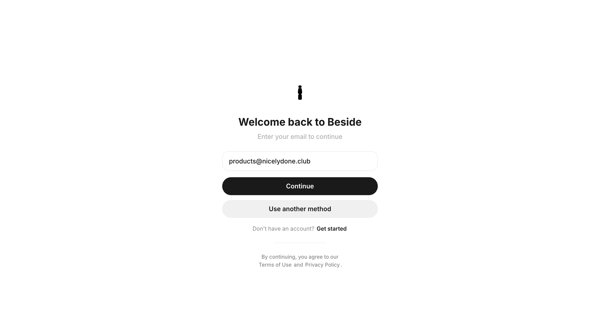
Passwordless email sign-in flow using magic link or 6-digit OTP code, with fallback social login options via Google or Apple
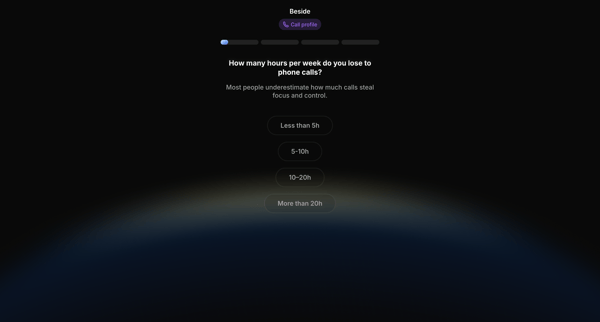
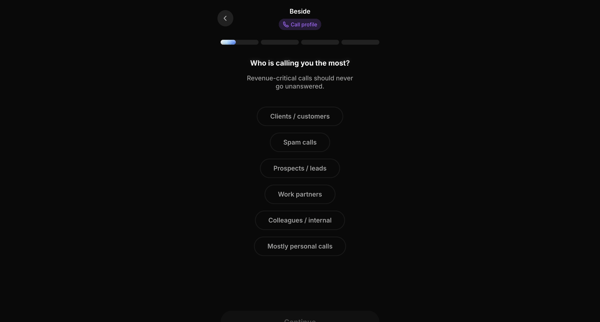
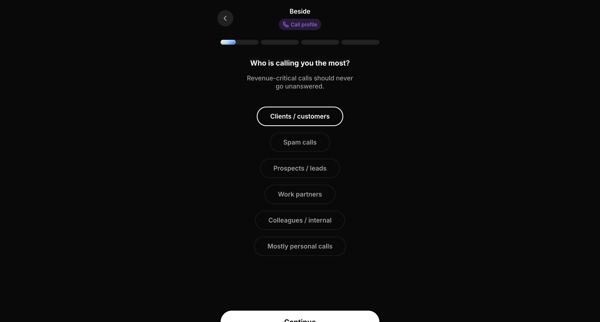
Multi-step onboarding wizard that profiles call workload, patterns, business context, and AI receptionist intents through single-choice questions, interspersed with social proof and value proposition screens
Onboarding questionnaire collects time lost to calls, caller types, work status, business category, and company size to configure AI call handling profile
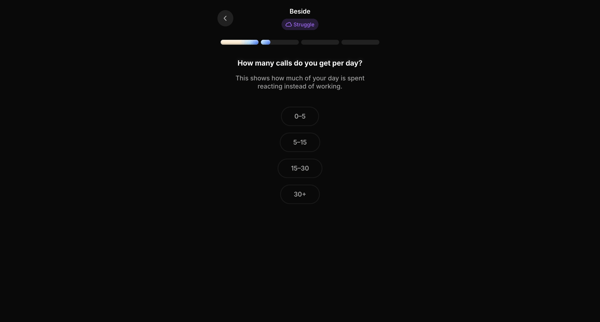
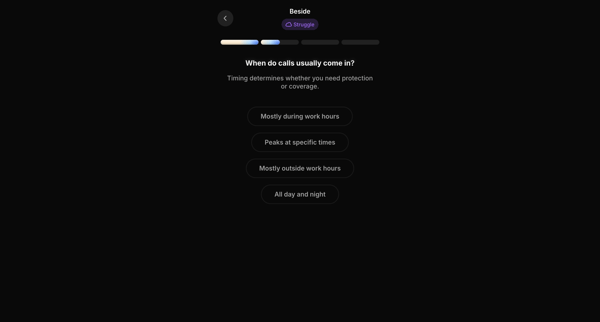
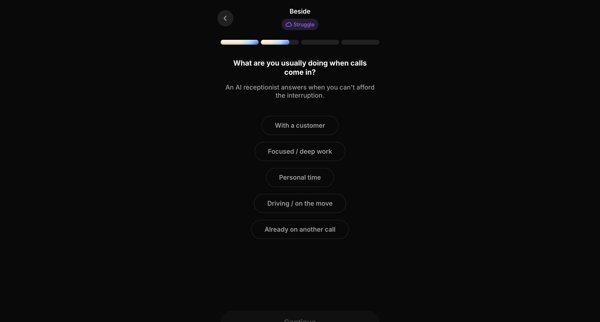
Multi-step onboarding questionnaire profiling daily call volume, timing, user activity, and emotional response to configure AI receptionist behavior
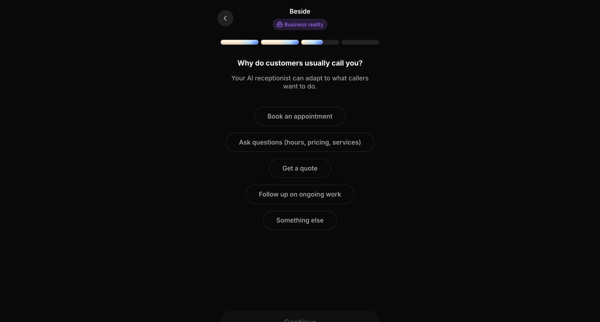
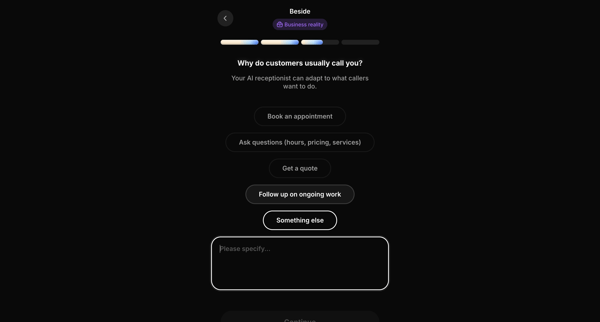
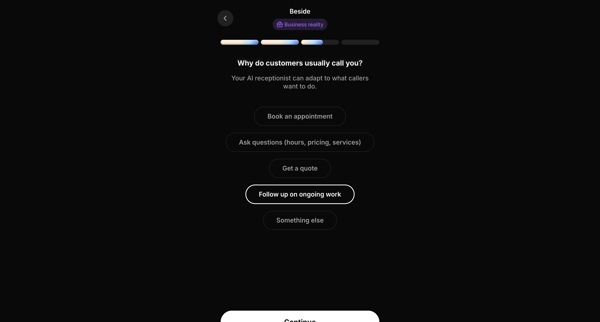
Onboarding wizard that configures AI receptionist behavior by selecting primary call reasons, business priorities, and team size
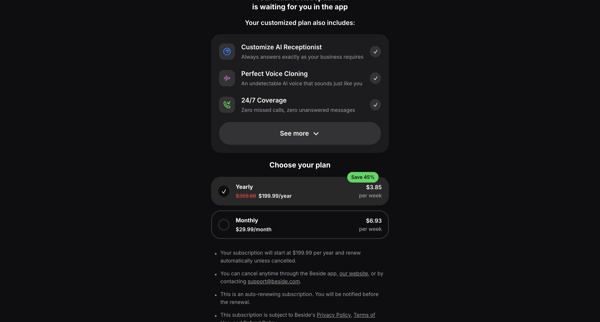
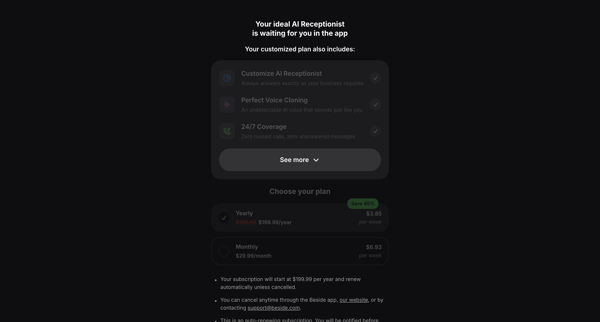
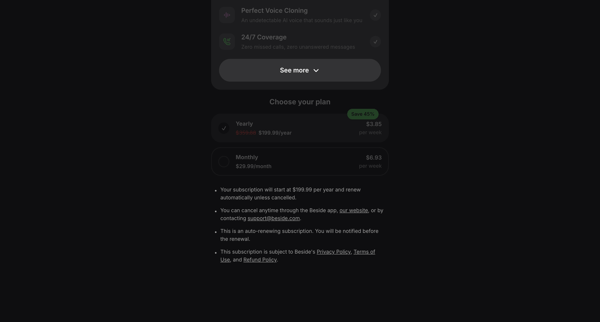
User encounters hard paywalls across auth and app surfaces, selects yearly or monthly plan with discounts, enters payment details, and activates free trial for AI receptionist features
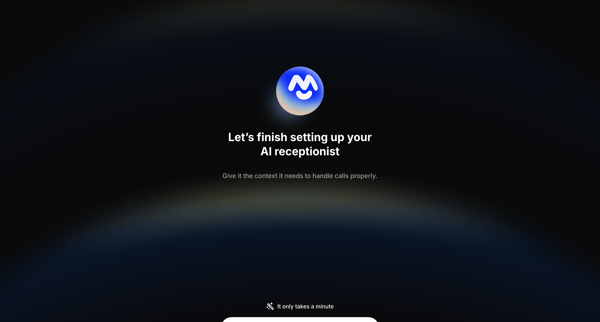
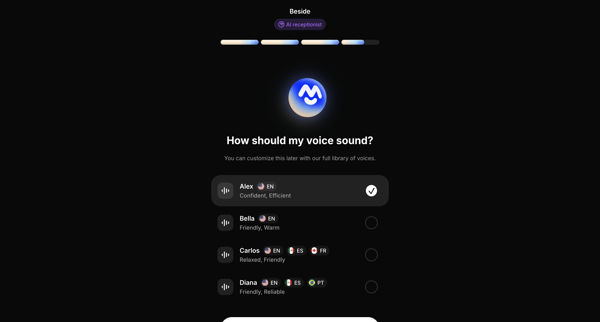
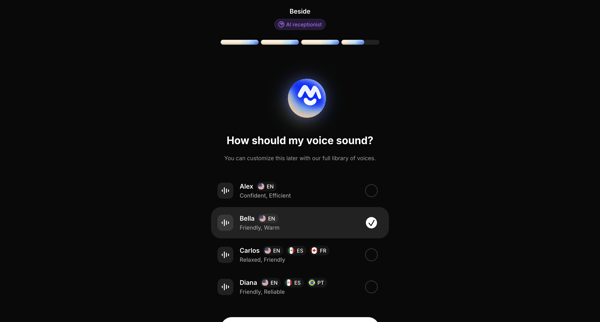
Multi-step onboarding to configure voice, profile, services, knowledge sources, greeting, and calendar integration for an AI phone assistant
Onboarding journey selecting voice, tone, language, and persona for the AI receptionist
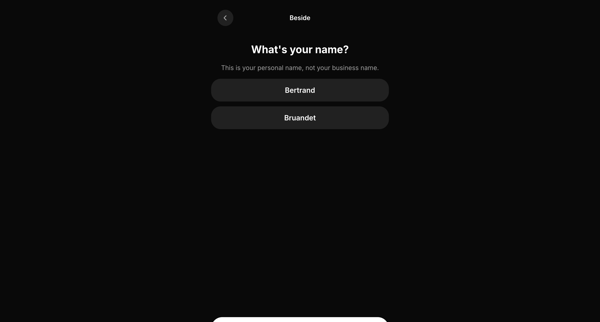
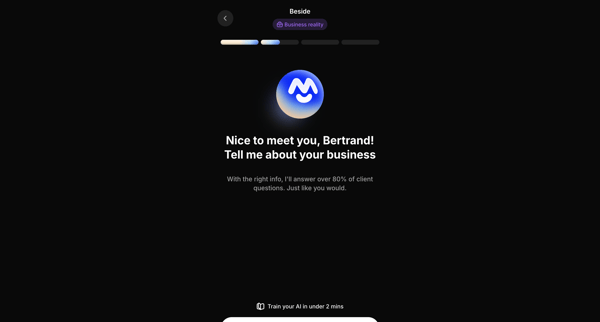
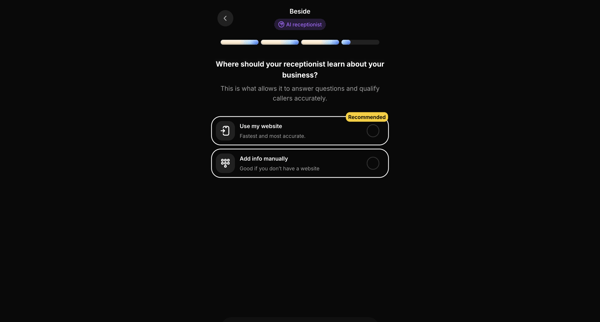
Onboarding sequence collecting personal name, business details, knowledge source, company name, and operating hours to configure an AI receptionist
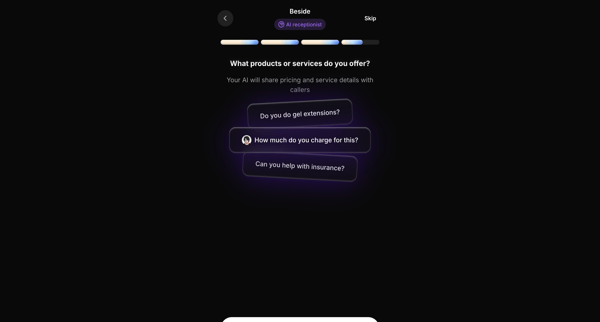
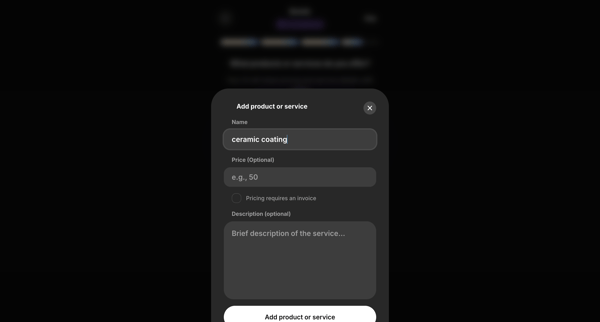
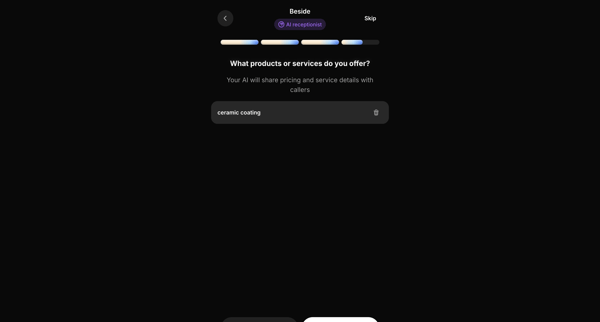
Onboarding flow to configure products and services for the AI receptionist to reference with callers
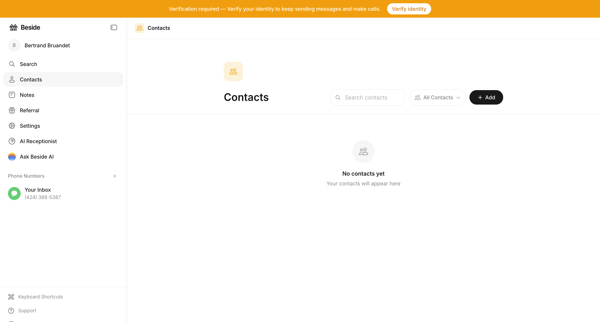
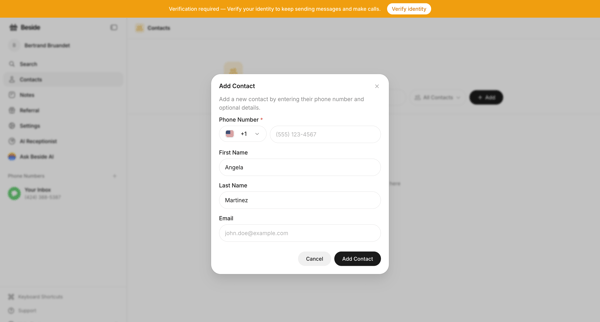
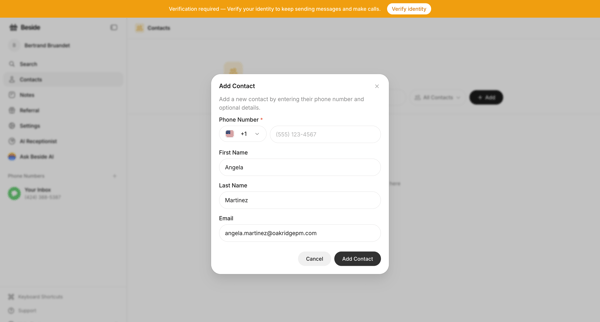
User creates a new contact by opening a modal form from an empty or populated contacts list, entering phone number name and email while handling validation errors and identity verification prompts
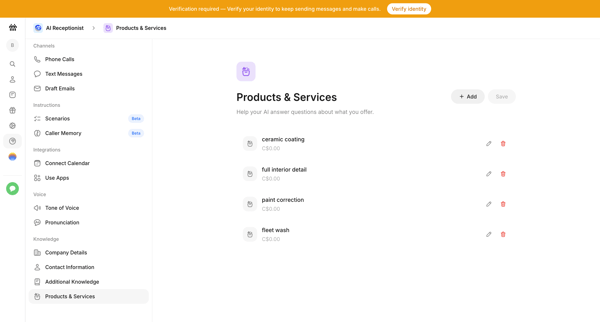
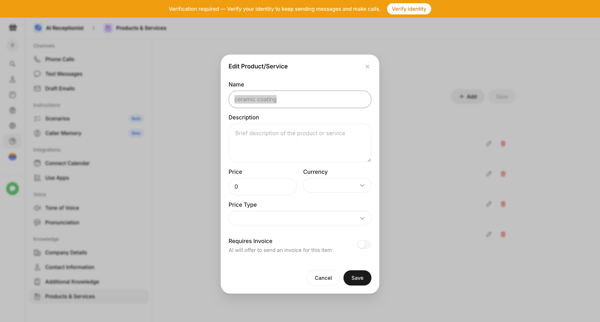
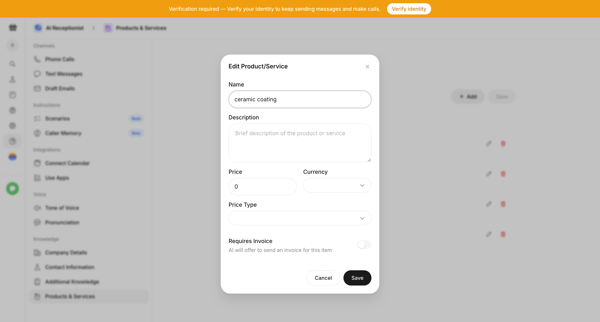
User manages products and services in AI receptionist knowledge base from settings table using edit and add modals with pricing and invoicing details
Explore the full SaaS flow library
Browse the full SaaS flow library.
Trusted by the best teams







