Beside product screens examples
Browse Beside screen design examples. Preview the interface screenshots and explore related UI patterns. AI-powered business phone assistant that answers calls and takes action
Explore the examples

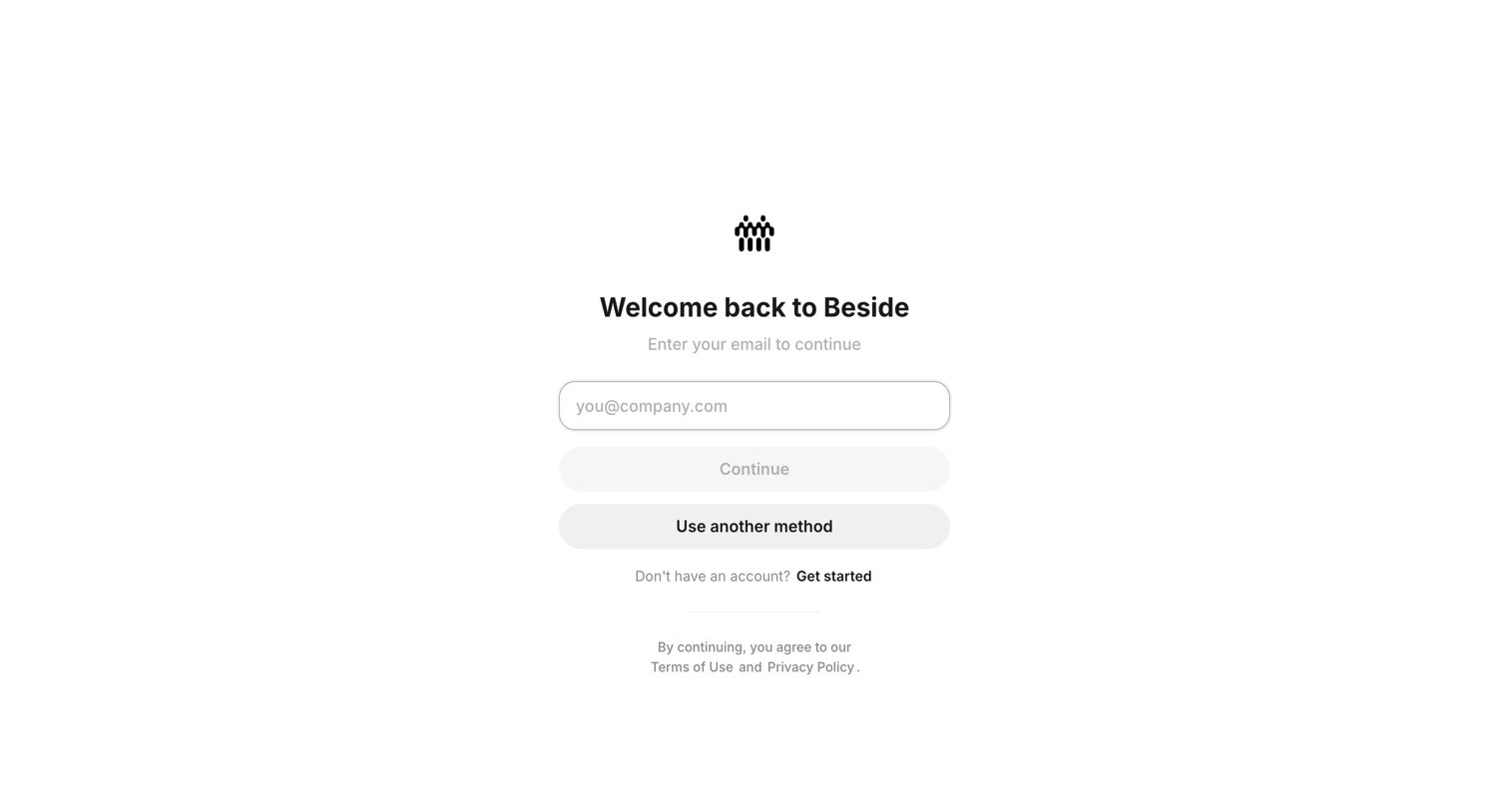
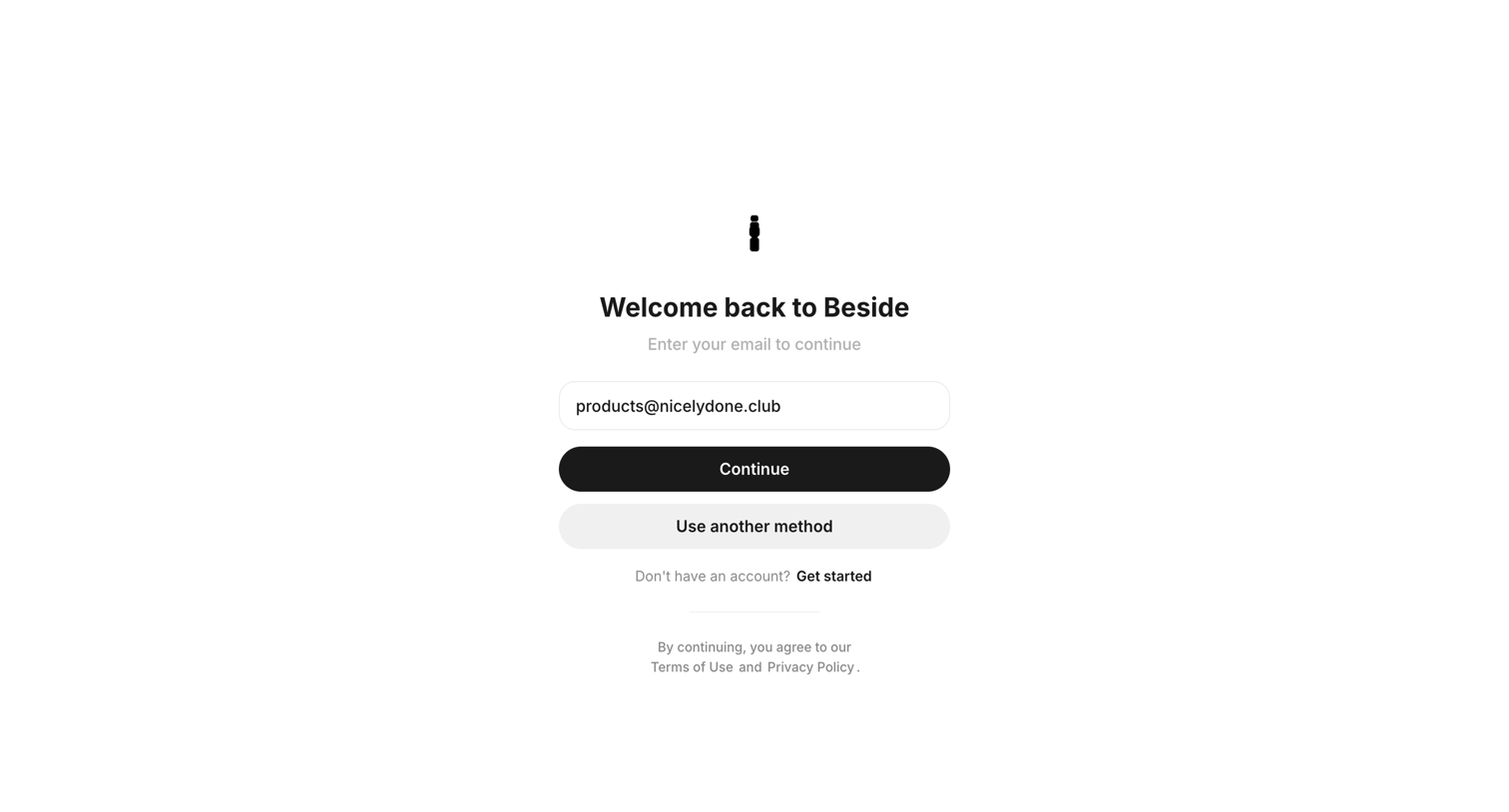
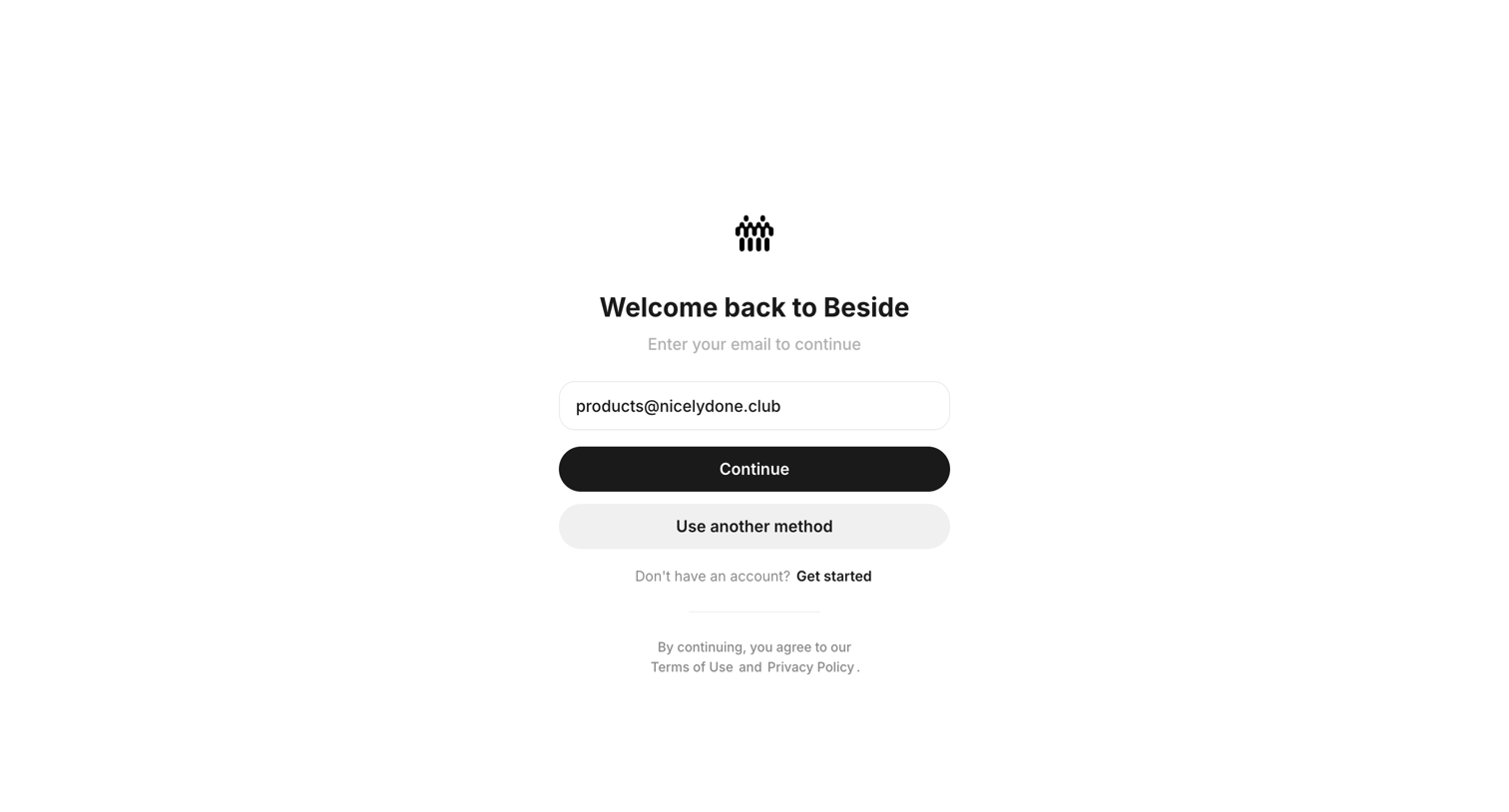
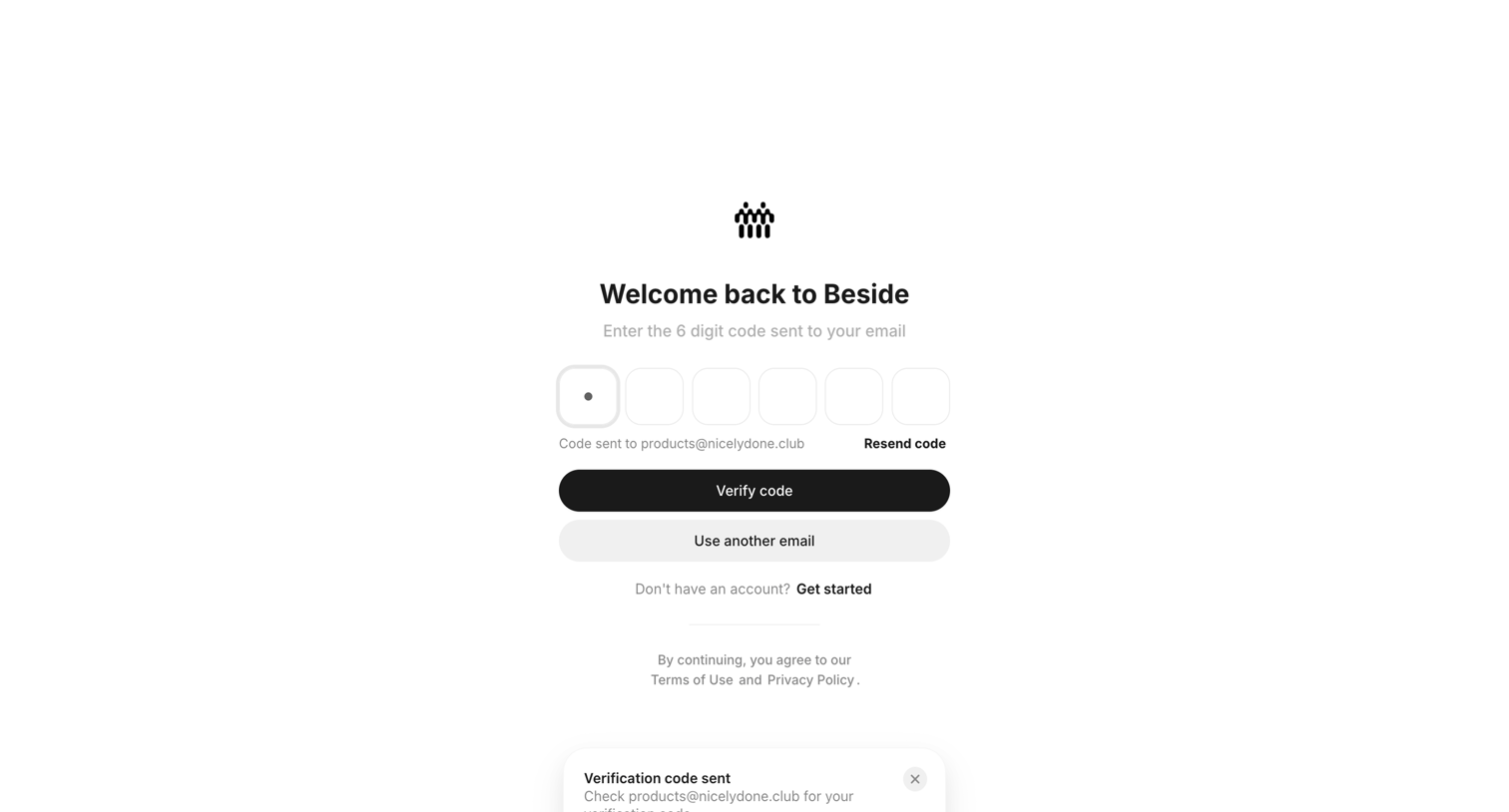

Verification screen where the user enters a 6-digit code sent to their email to complete sign-in.
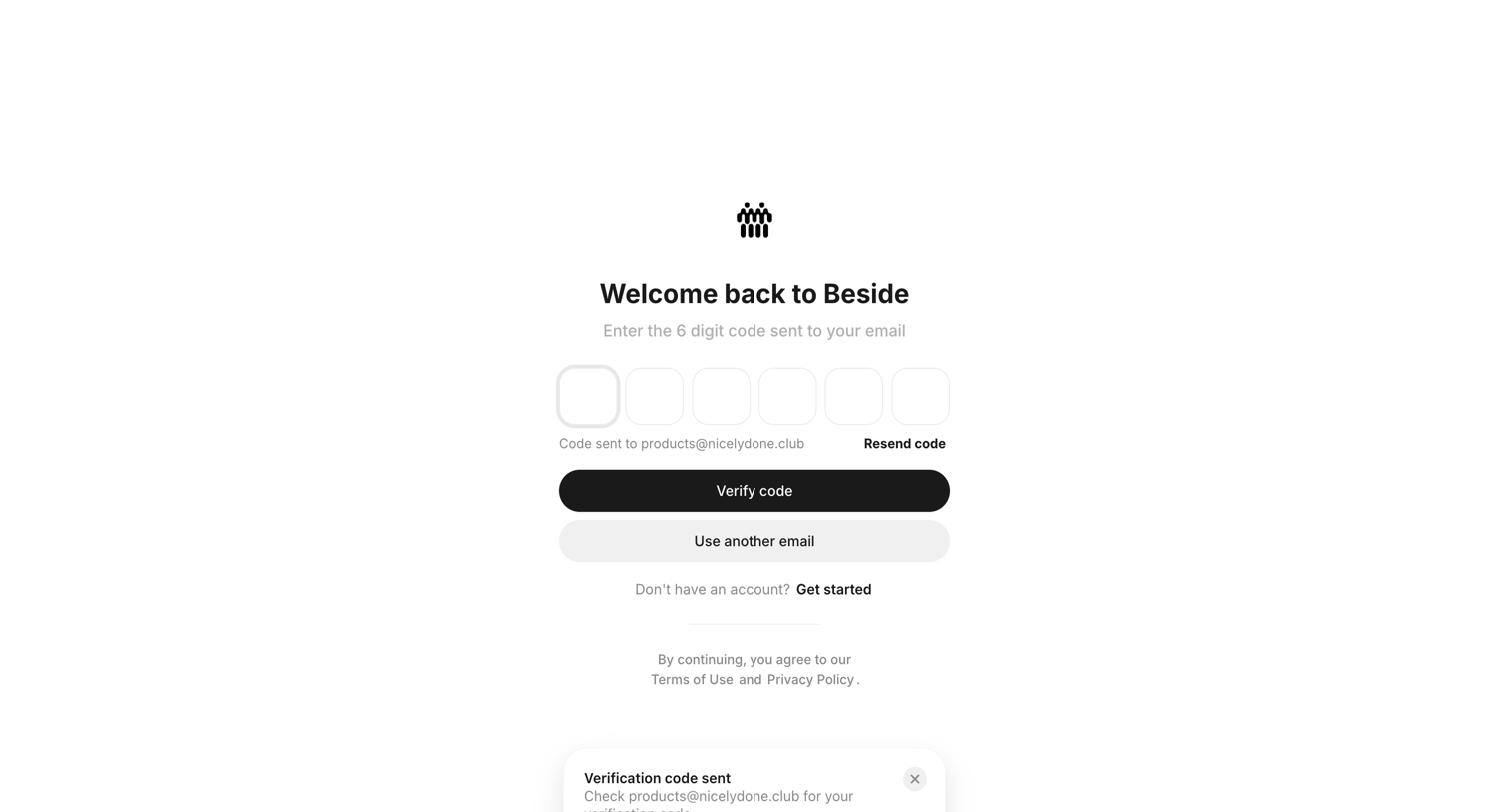
Verification screen where the user enters a 6-digit code sent to their email to log in.
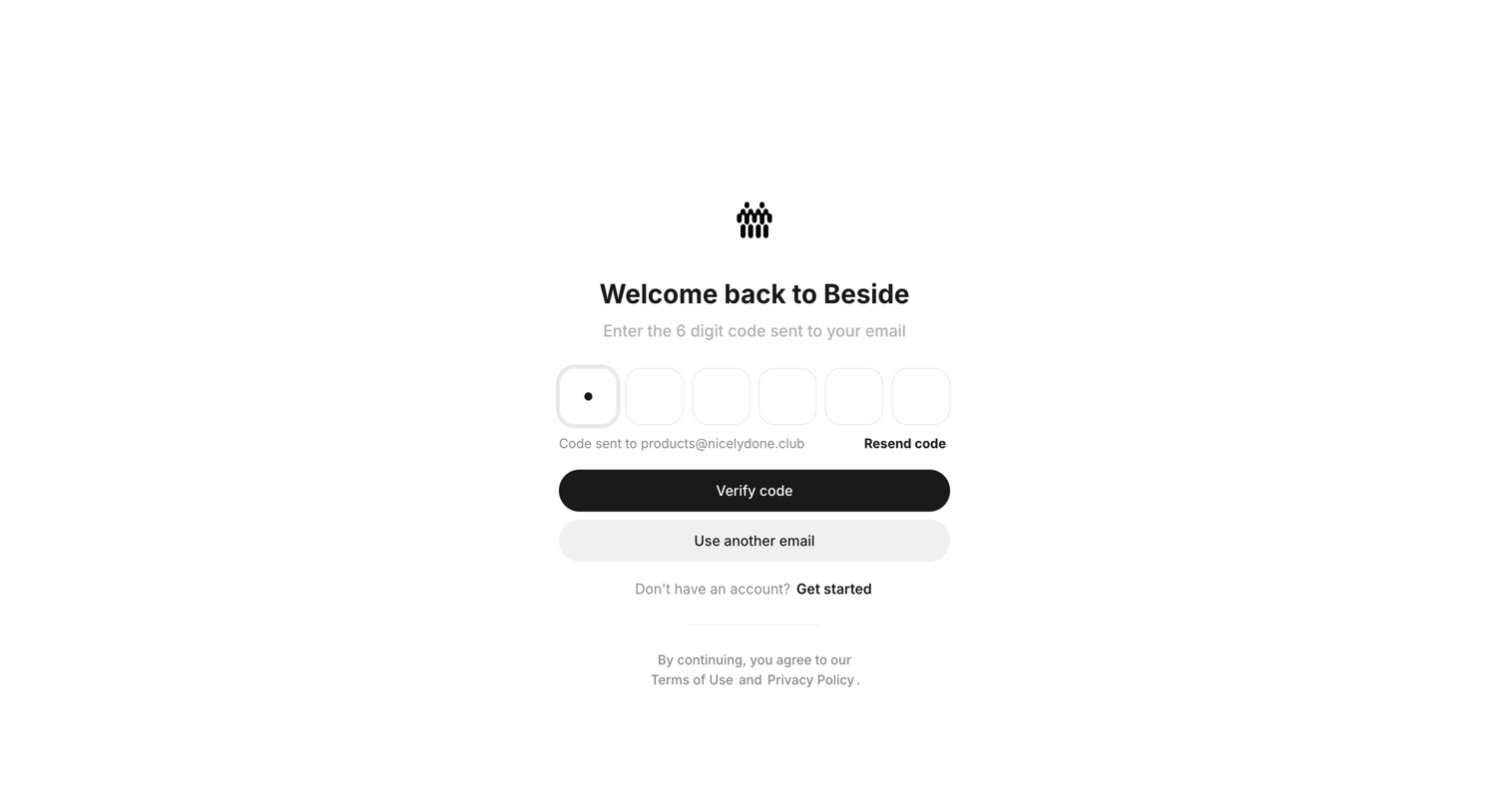
Verification screen where the user enters a 6-digit code sent to their email to log back into Beside.
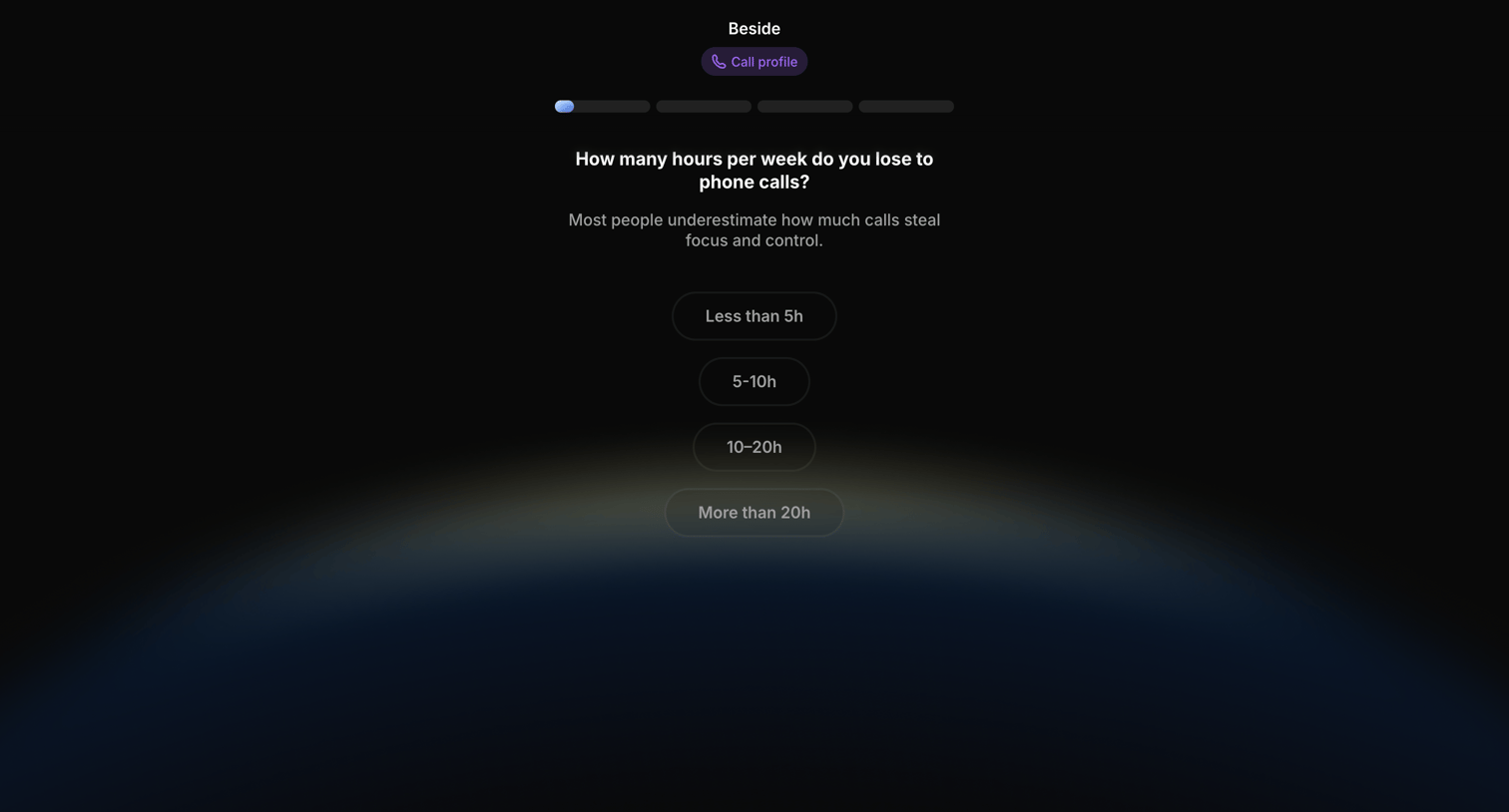
Onboarding step where the user estimates how many hours per week they lose to phone calls by selecting from four time ranges.
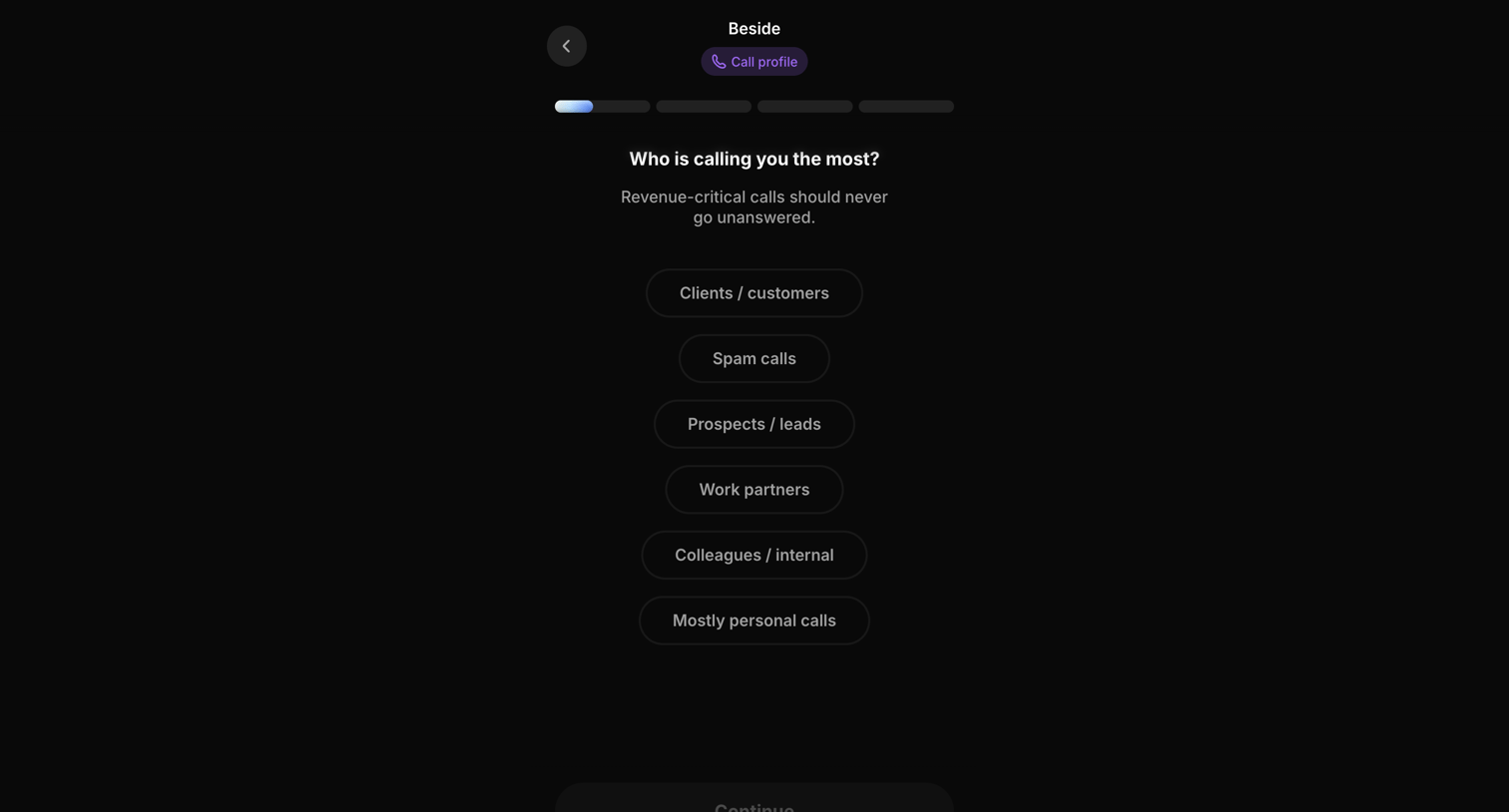
Onboarding step where the user selects who calls them the most to configure their call profile.
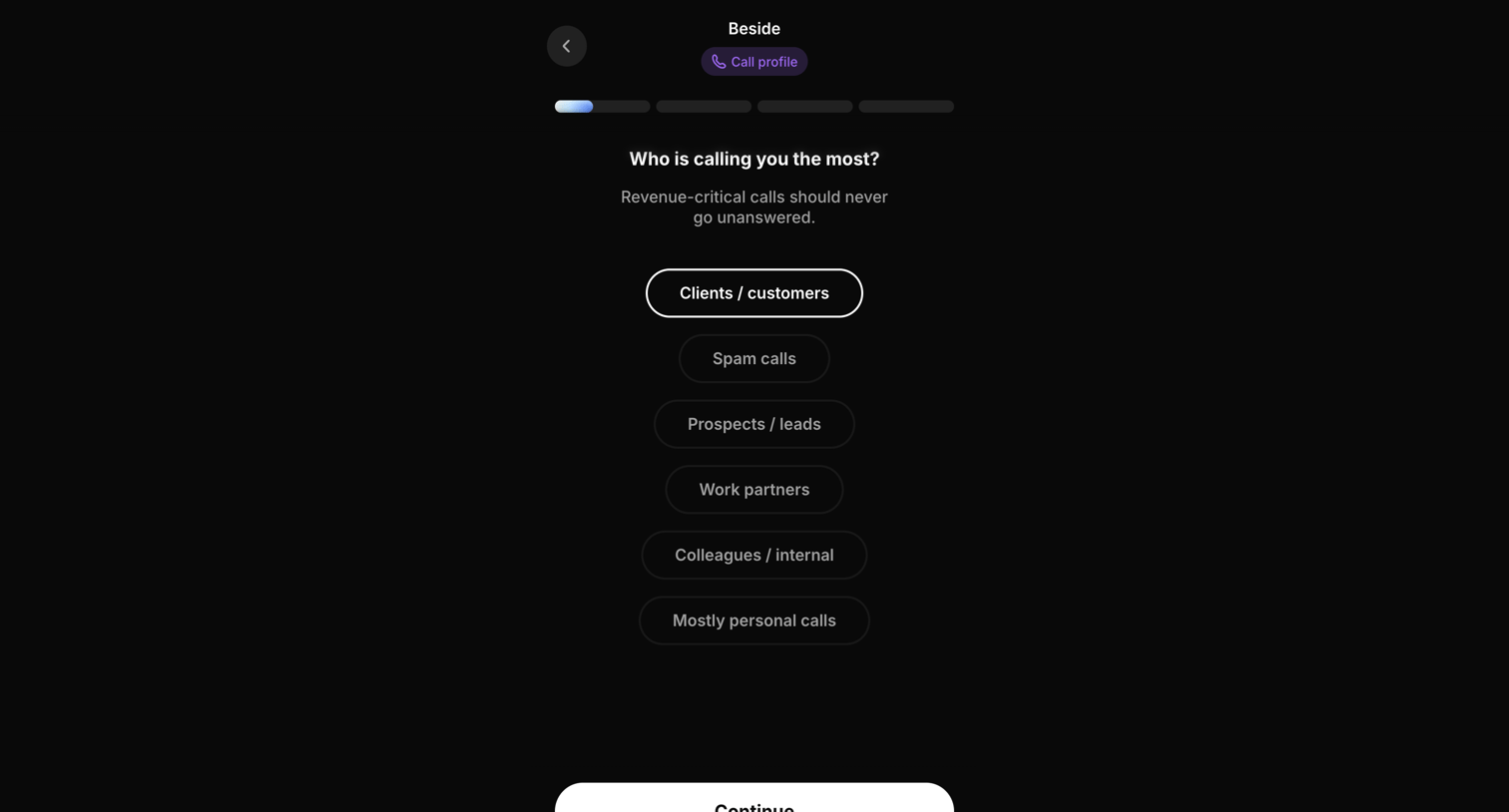
Onboarding step where the user selects who calls them the most to configure their call profile.
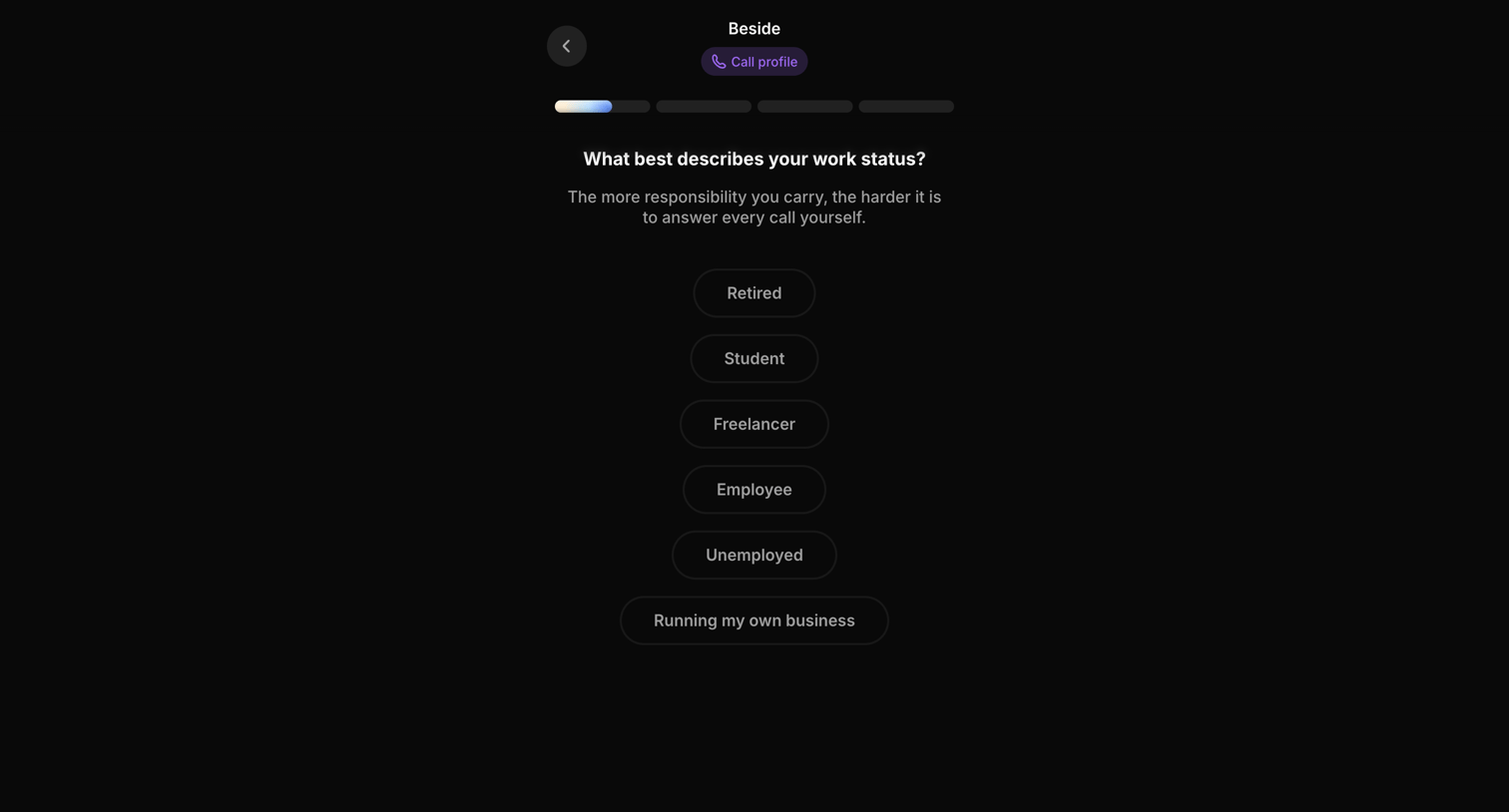
Onboarding step where the user selects their current work status, such as freelancer or employee, to customize their call profile.
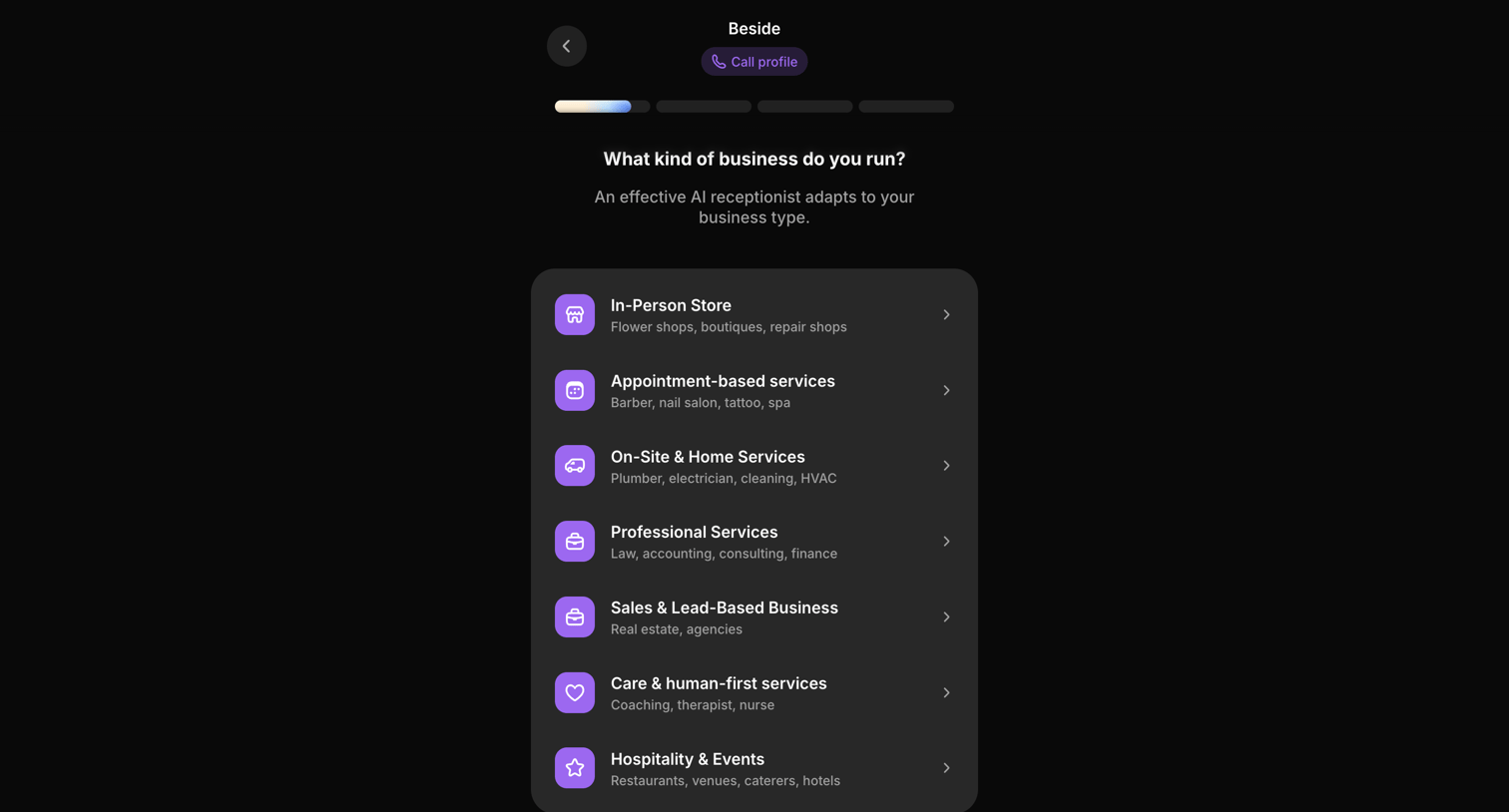
Onboarding step where the user selects their business category, such as in-person store or professional services, to tailor their AI receptionist.
Explore the full SaaS screen library
Upgrade to unlock the full library.
Trusted by the best teams







