
Tryprofound user flows examples
Explore Tryprofound user flow examples. Preview the opening screens and steps for each task. AI Answer Engine Optimization platform for enterprise brands
Preview these flows
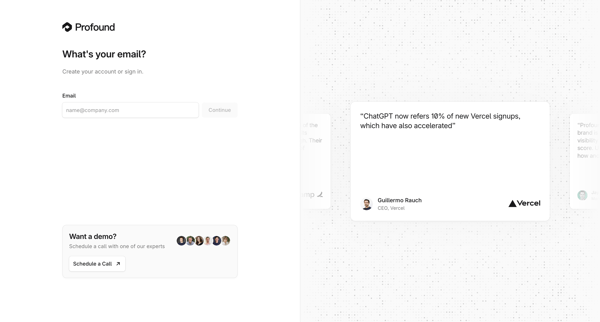
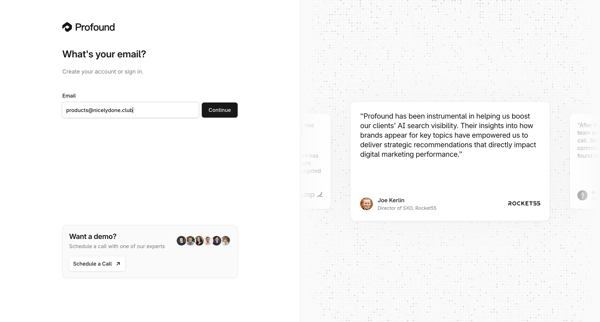
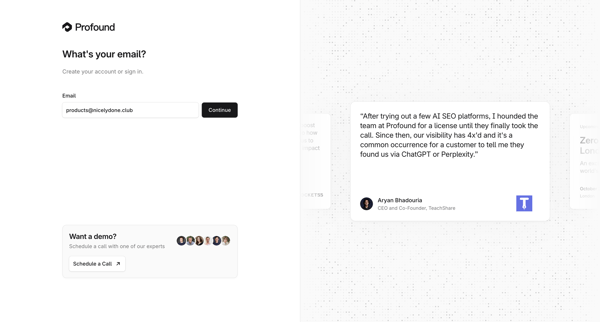
User enters email on unified passwordless auth screen to sign in or create account, accompanied by testimonials and demo scheduling prompt
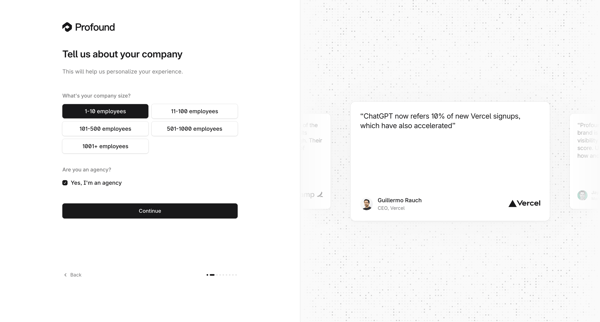
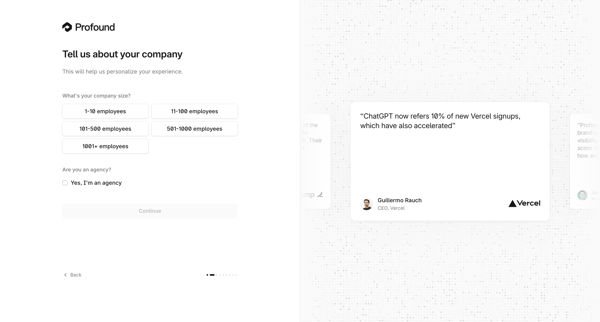
Onboarding flow collecting company size and agency status to personalize the Tryprofound experience
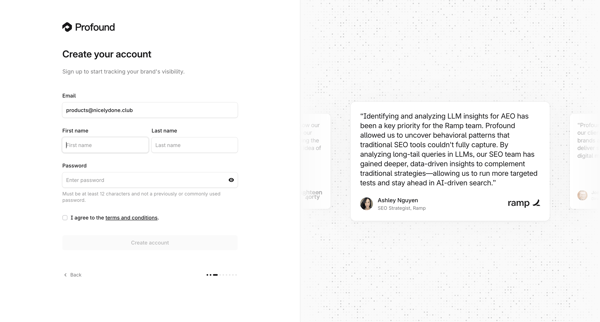
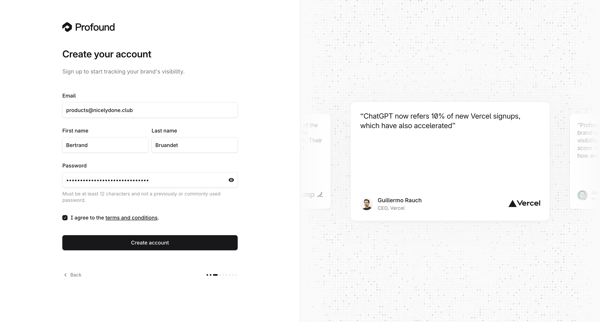
User creates an account on Tryprofound by providing email, first and last name, password, and agreeing to terms on a split-screen signup form with testimonial carousel
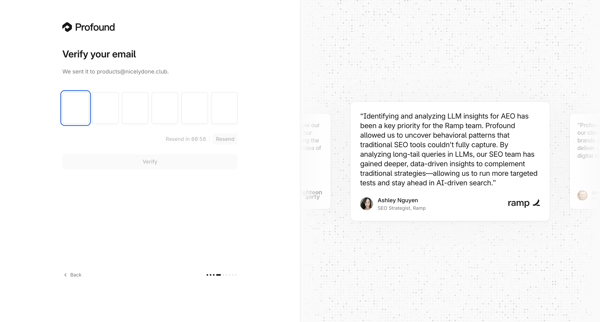
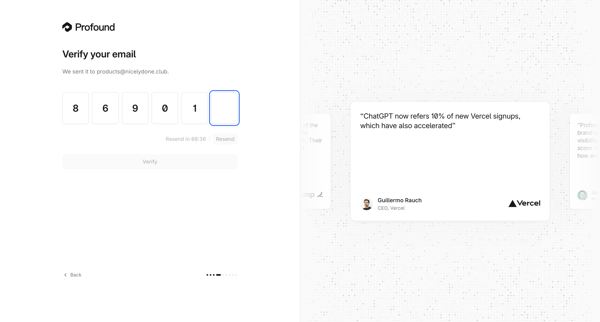
User enters 6-digit OTP sent to email on auth surface with testimonial sidebar
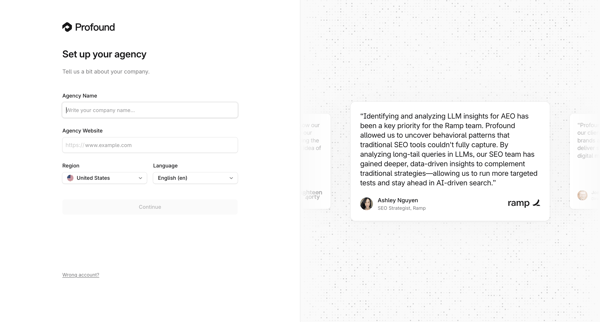
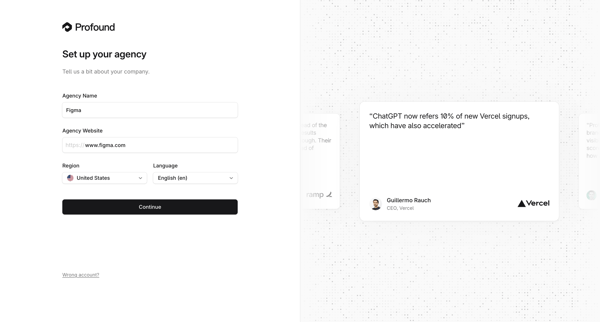
Onboarding form where user enters agency name, website, region, and language during initial workspace creation
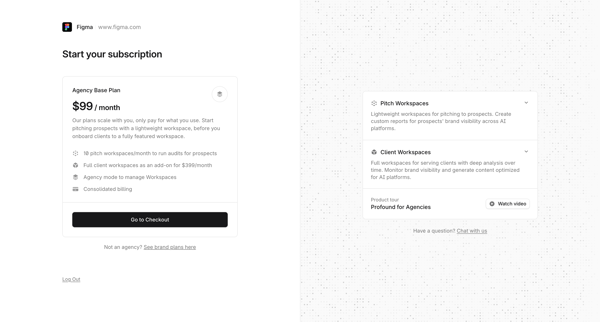
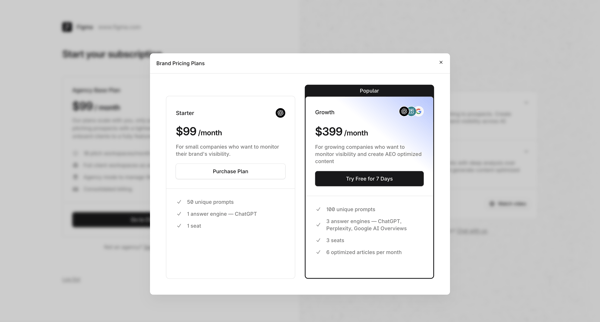
User encounters agency paywall requiring Agency Base Plan then views brand pricing modal with Starter and Growth options
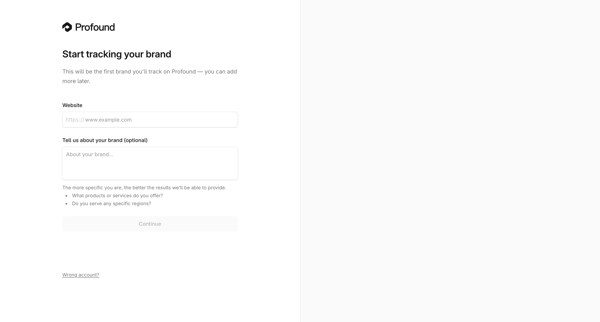
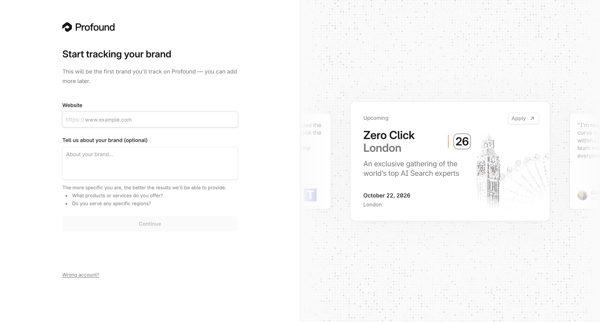
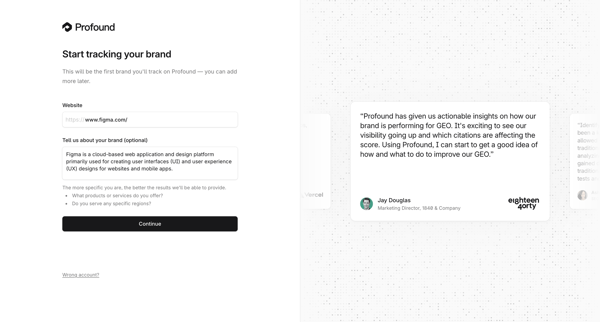
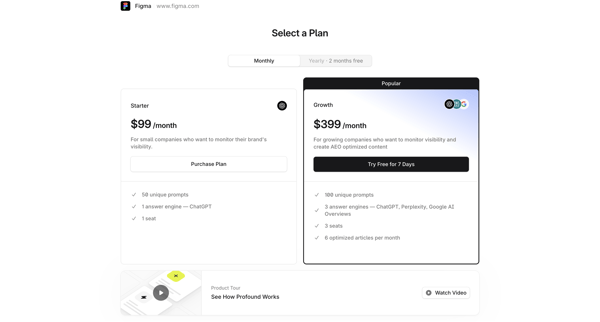
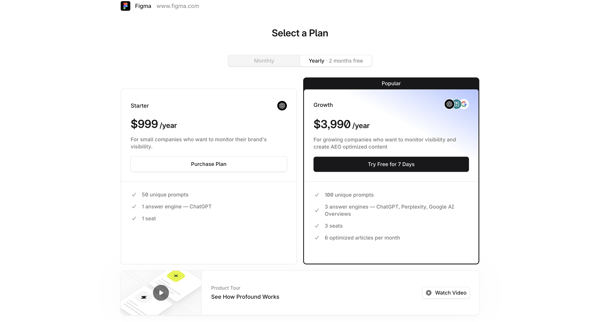
User views paywall screens to select Starter or Growth plan and activate 7-day free trial for Tryprofound AEO platform
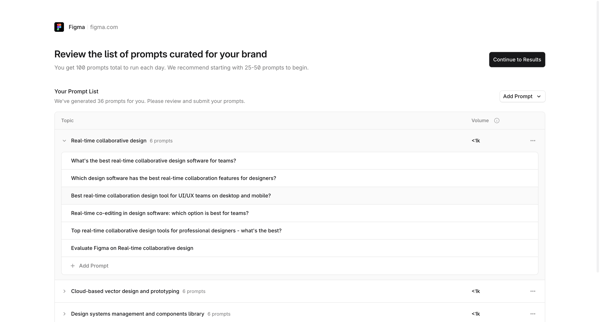
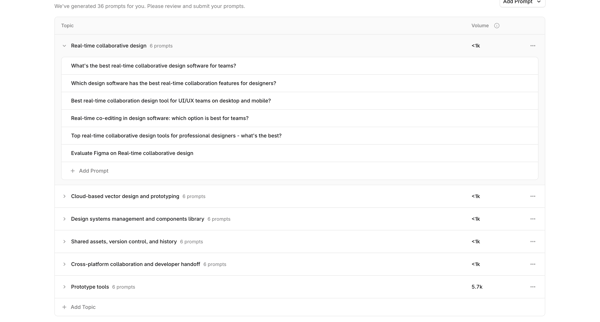
Onboarding journey starting from competitor analysis loading, through iterative review editing and expansion of AI-curated prompts grouped by topic, ending at platform selection modal before submission
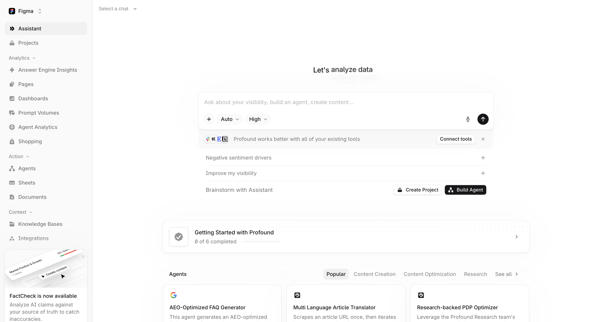
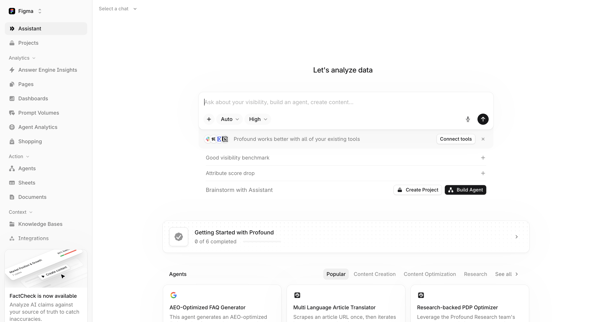
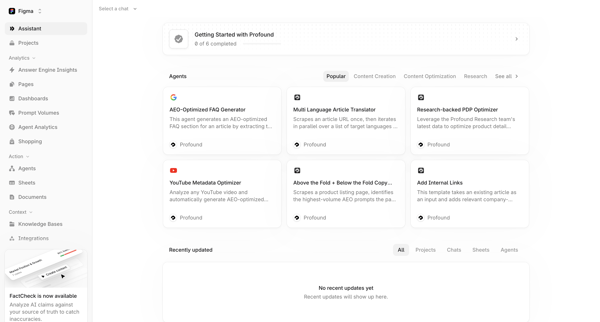
User opens AI assistant start screen, views suggested prompts and agent directory, then navigates to agent overview home while seeing onboarding checklist and integration prompts
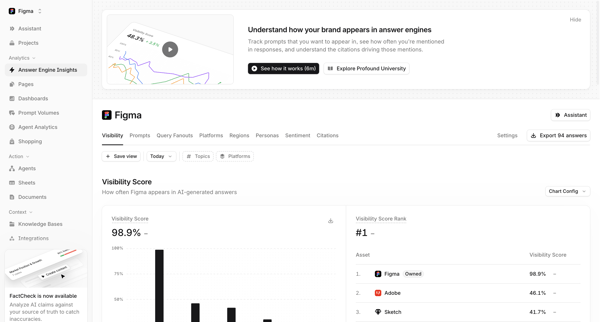
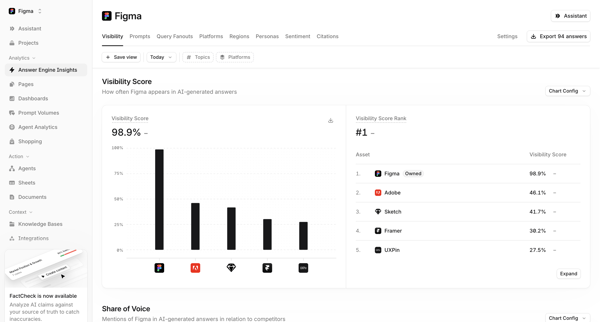
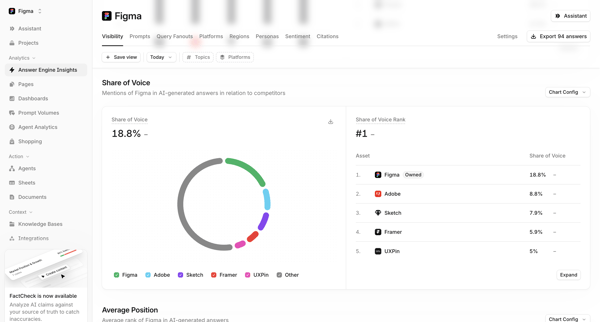
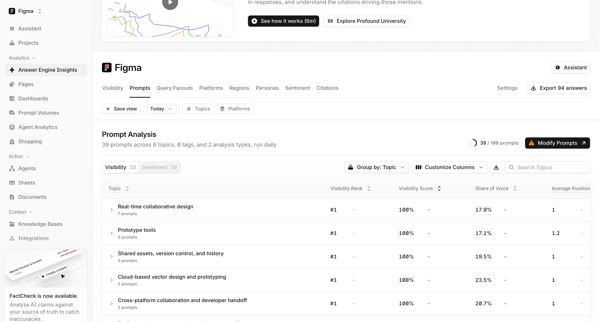
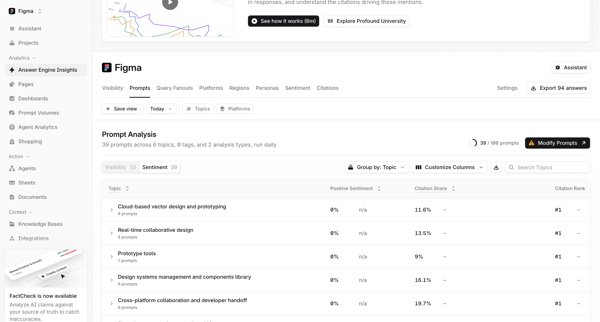
User navigates through multiple dashboard views in Tryprofound to monitor Figma's brand visibility scores, share of voice, average position, competitor rankings, and topic prioritization matrix in AI-generated answers, applying filters for time, topics, platforms, and regions…
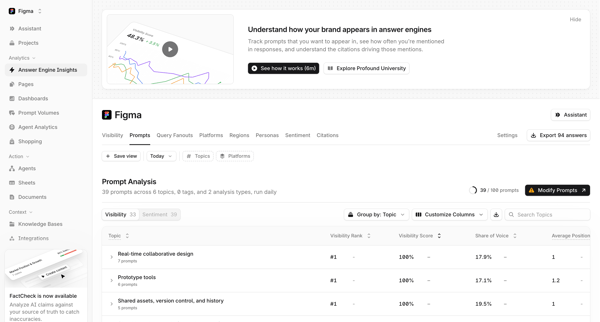
Explore the full SaaS flow library
Browse the full SaaS flow library.
Trusted by the best teams







