Tryprofound Flow Example: Reviewing generated prompts
Preview this Tryprofound user flow: Reviewing generated prompts. Explore the opening screens.
Preview these flows


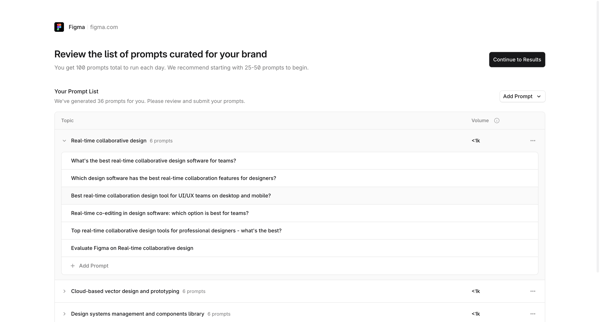
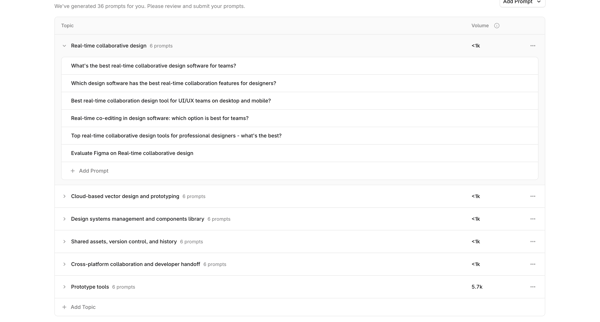
Onboarding journey starting from competitor analysis loading, through iterative review editing and expansion of AI-curated prompts grouped by topic, ending at platform selection modal before submission
Related user flows

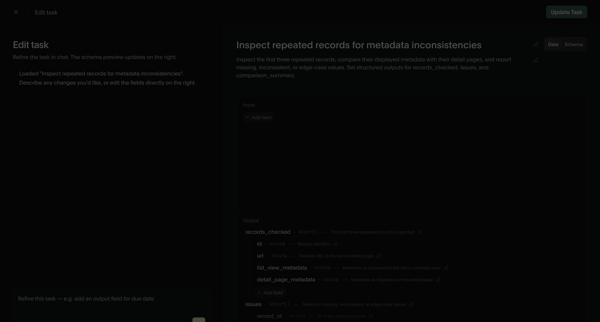
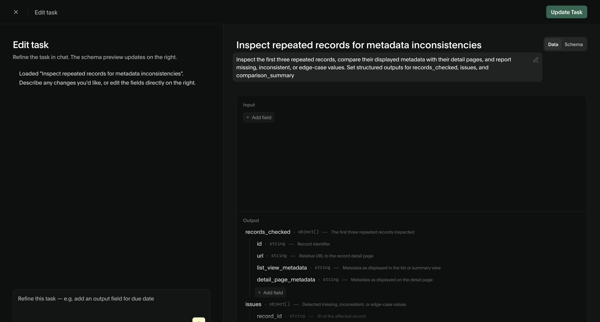
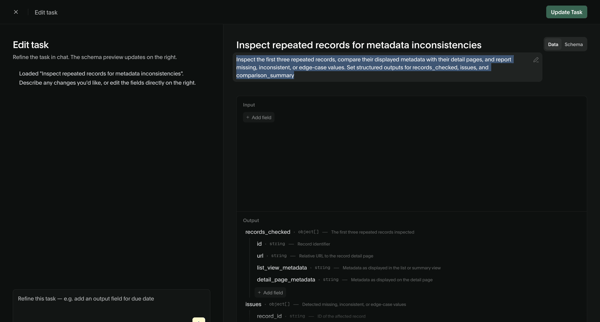
User refines an AI task prompt and input/output schema via chat assistant and structured editor, then views the updated task detail page with schema and performance metrics

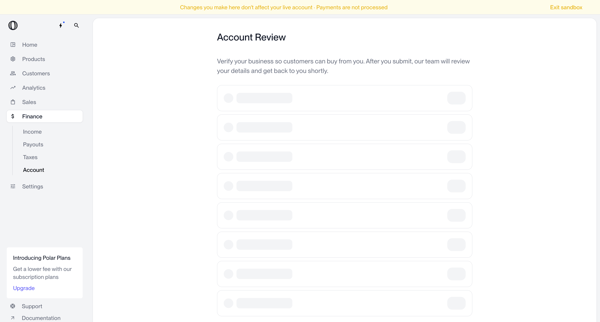
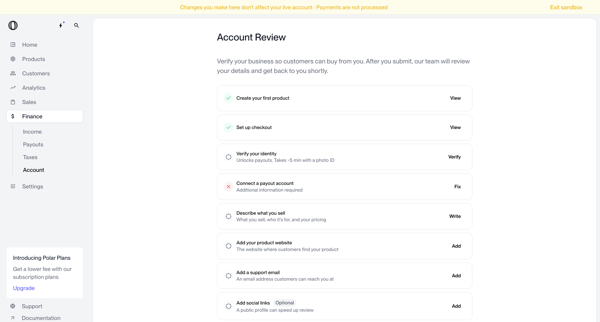
User navigates account review screens in Polar to verify business identity and complete onboarding checklist items before submitting for manual review

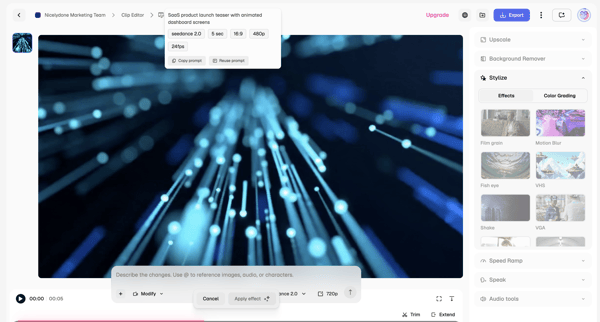
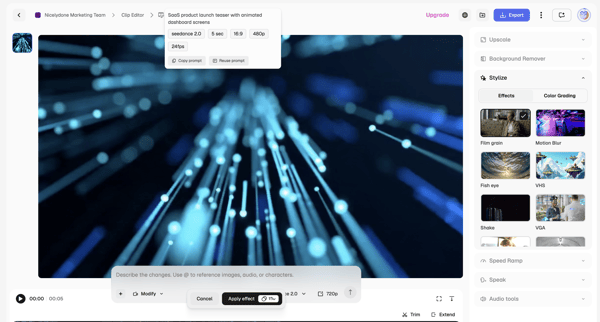
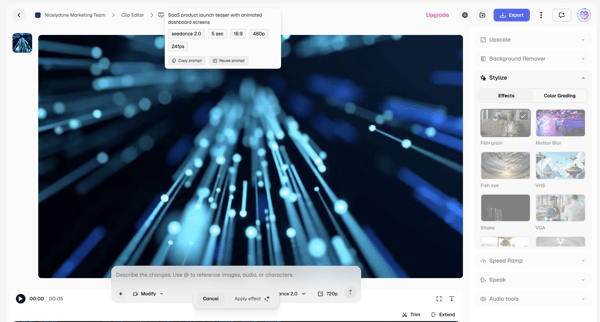
Applying AI stylization effects and modifications to video clips via text prompts and timeline controls in the Magnific editor

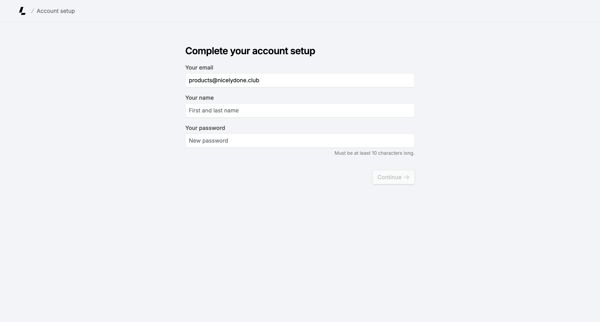
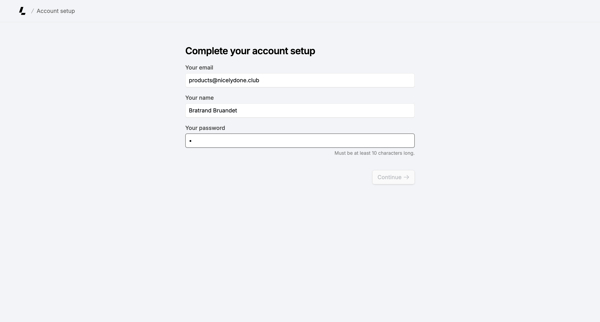
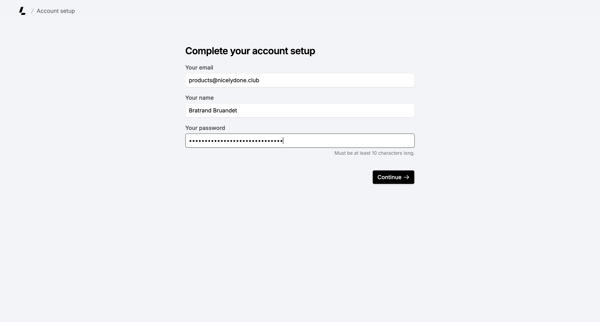
Onboarding form where user confirms email, enters name, and sets password to finish account creation

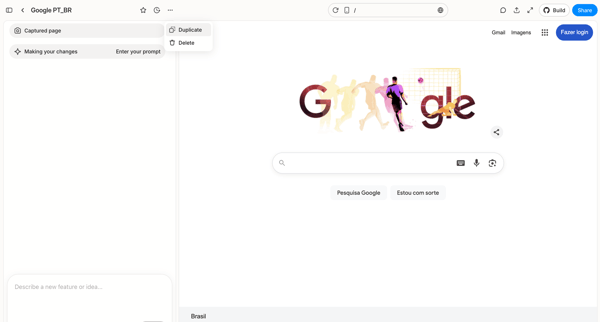
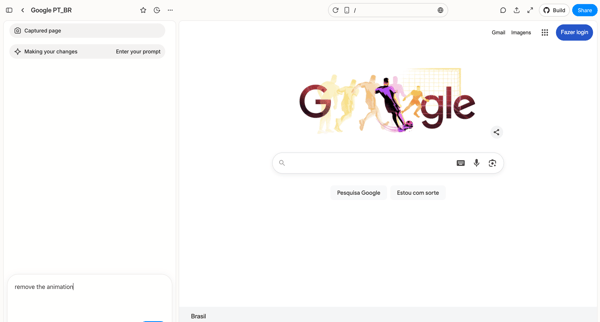
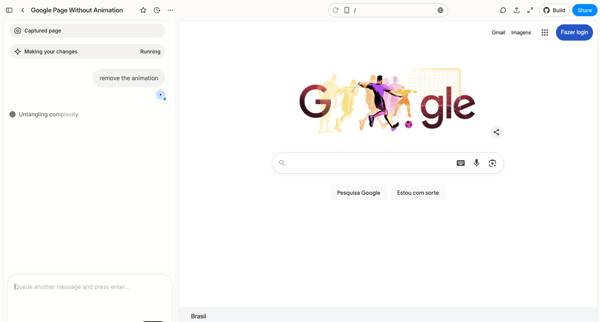
User captures a web page in Alloy and iteratively prompts an AI assistant in the design editor to remove animations, progressing through prompt entry, loading, agent reasoning trace, and clarification workspace



Initiating Airbnb host onboarding with welcome and three-step listing creation intro screens

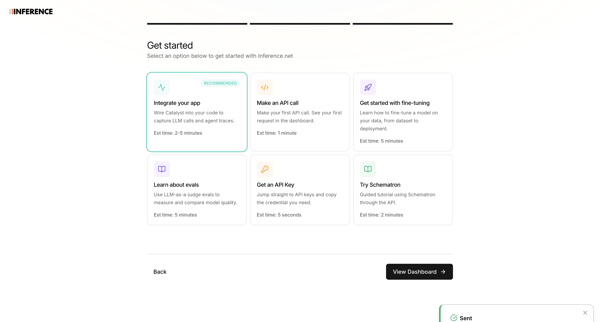
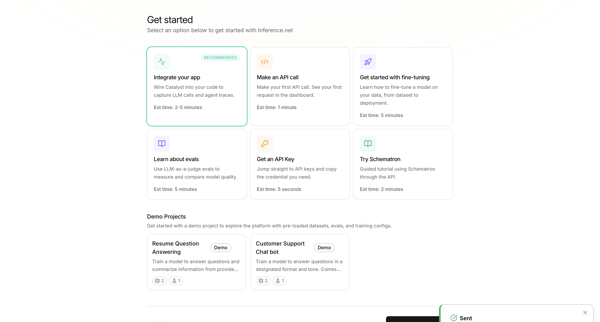
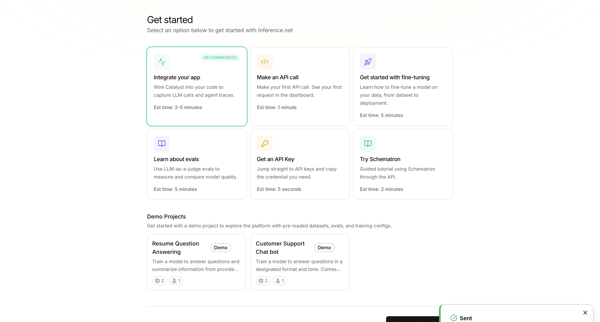
User selects primary goal such as integrating an app or making an API call during onboarding, with a toast confirming teammate invitation

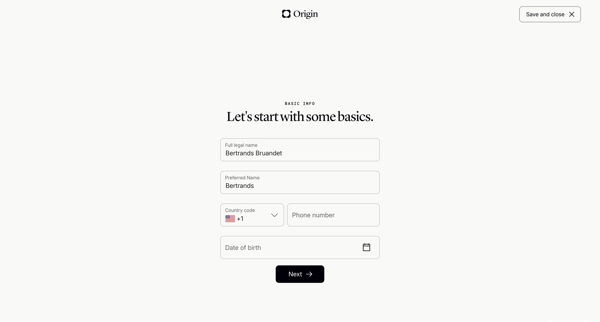
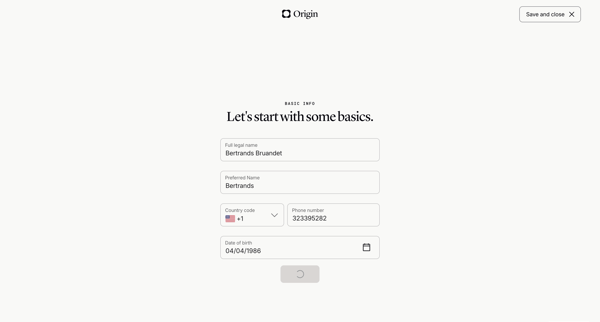

Onboarding wizard collecting personal details, relationship status, children info, state of residence, and executor names to generate a basic will

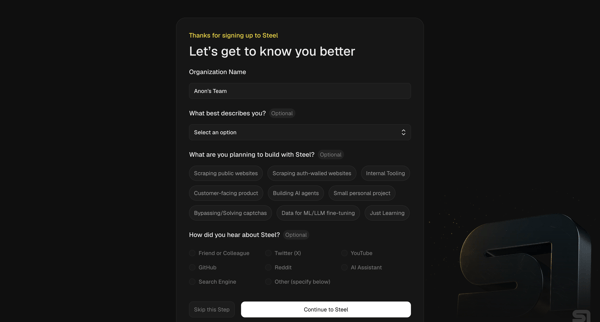
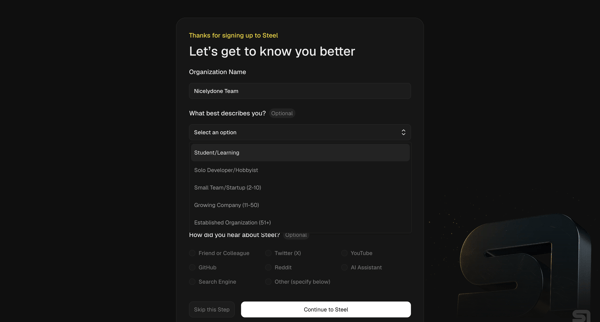
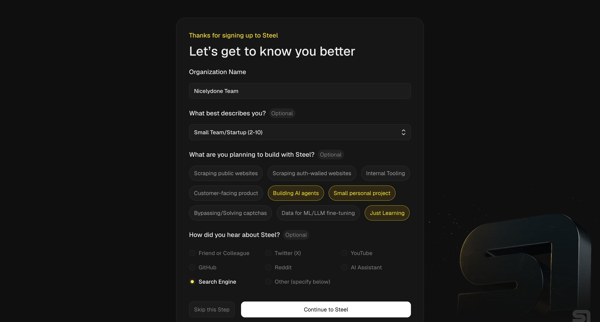
User completes organization questionnaire then developer quickstart to generate API key, install SDK, and pick starter templates for browser automation agents

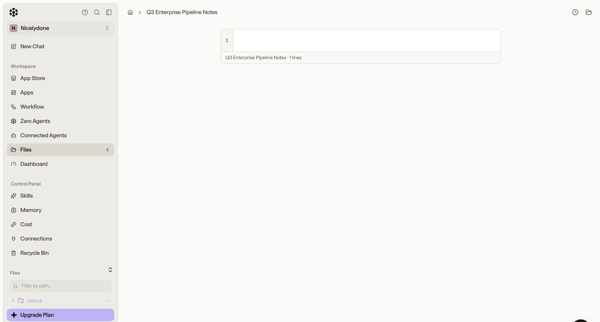
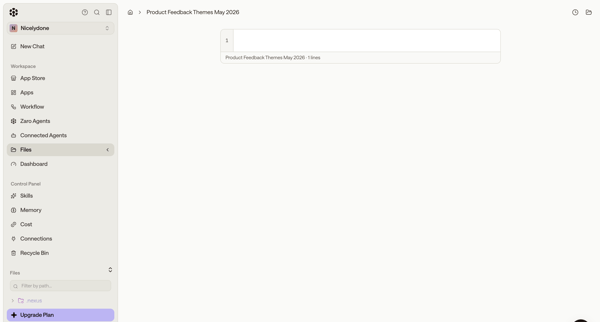
User opens and edits multiple text and code files in the workspace content editor while navigating the sidebar and file browser

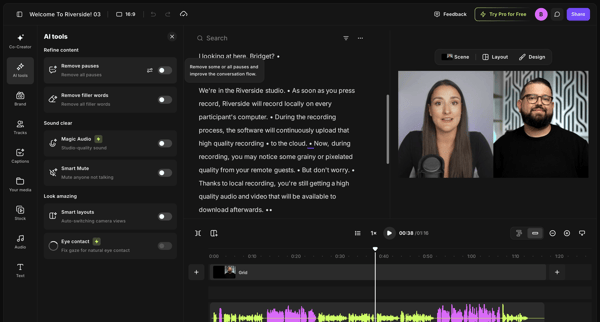
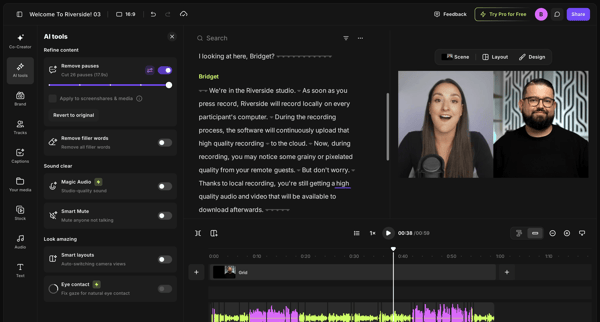
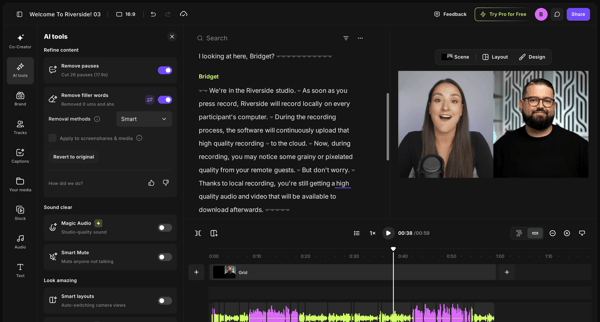
User refines video or podcast recordings in Riverside by editing via transcript and applying AI tools to remove pauses and filler words

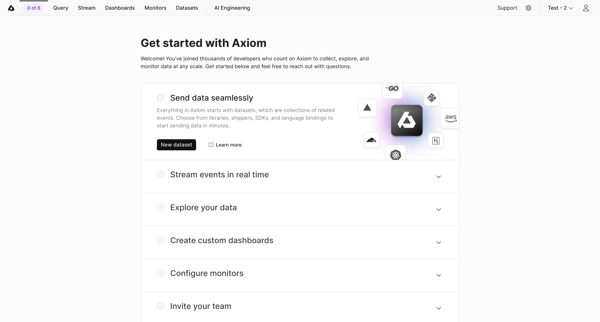
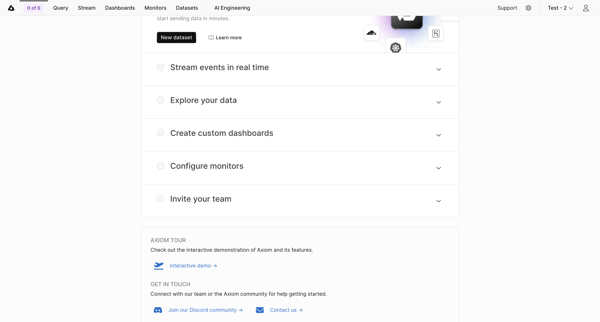
User views and interacts with Getting Started Checklist to begin workspace setup tasks in Axiom
Explore the full SaaS flow library
Browse the full SaaS flow library.
Trusted by the best teams







