Deck Flow Example: Editing automation task with AI
Preview this Deck user flow: Editing automation task with AI. Explore the opening screens.
Preview these flows

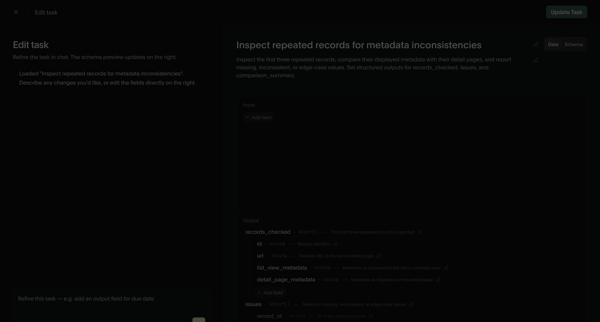
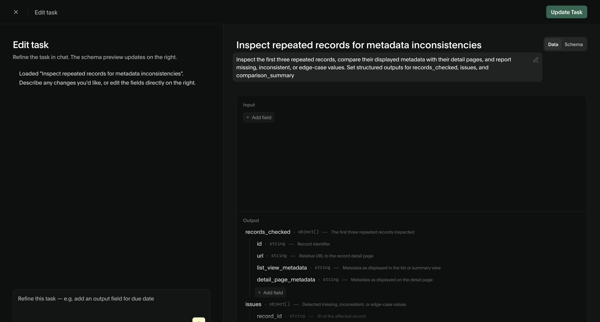
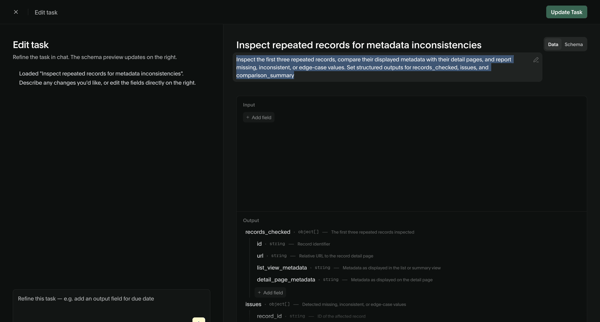
User refines an AI task prompt and input/output schema via chat assistant and structured editor, then views the updated task detail page with schema and performance metrics
Related user flows

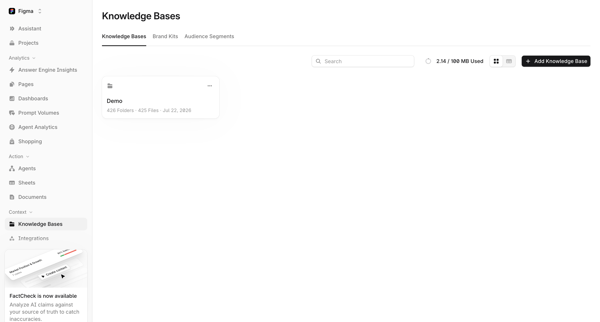
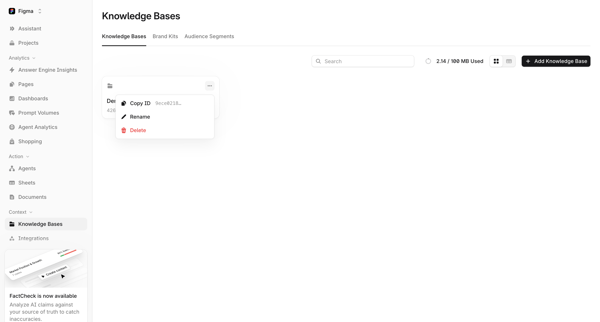
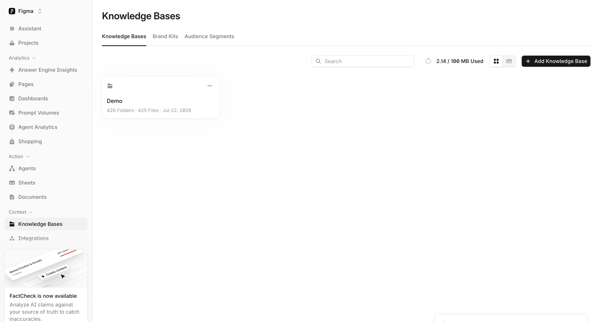

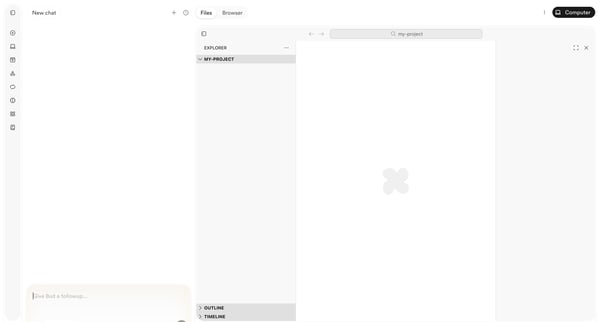
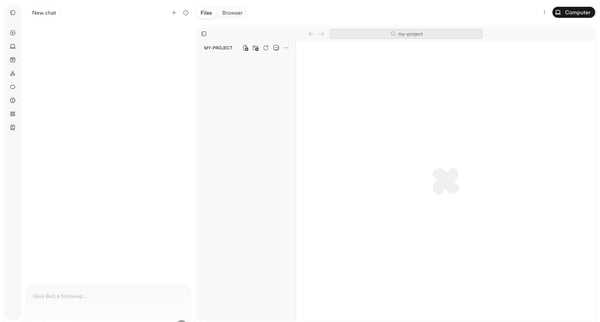
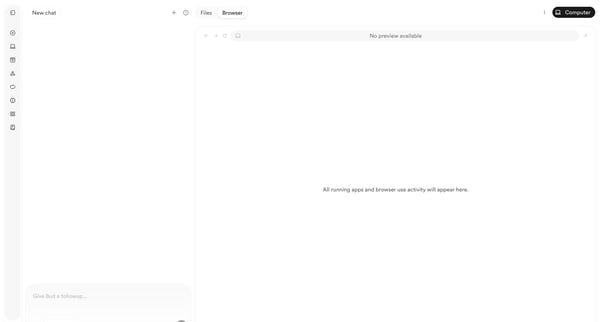
User starts in AI chat workspace and progresses through empty project states to browser preview with deployment menu while chatting with Bud agent

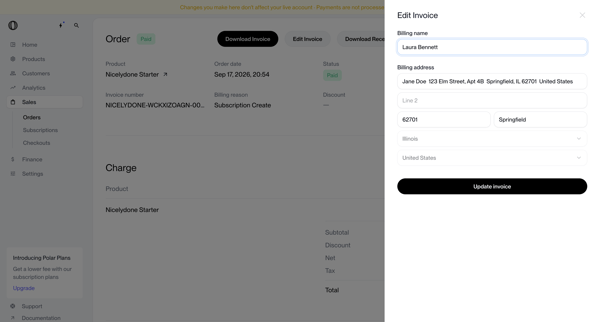
User opens edit invoice drawer from order detail page to update billing name and address on a paid order record

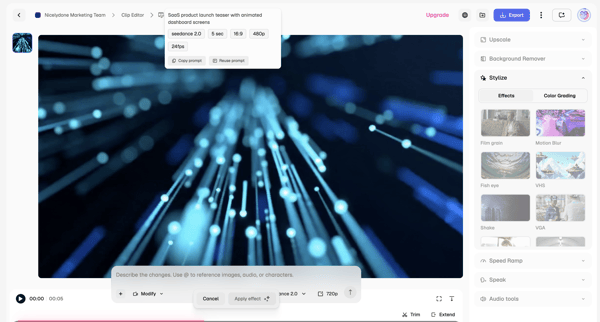
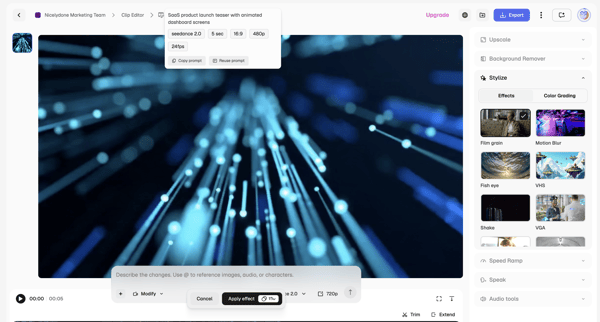
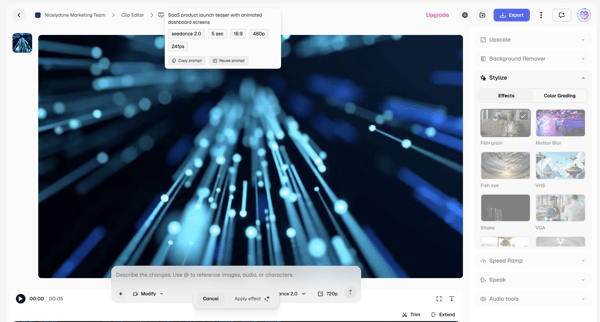
Applying AI stylization effects and modifications to video clips via text prompts and timeline controls in the Magnific editor

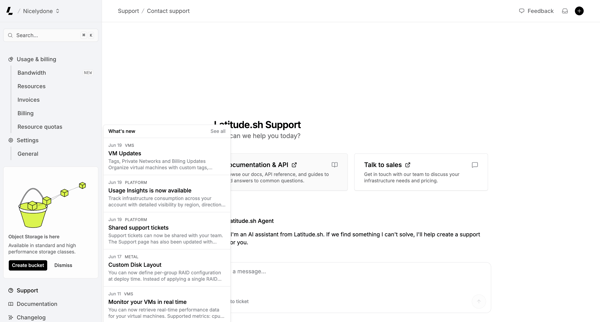
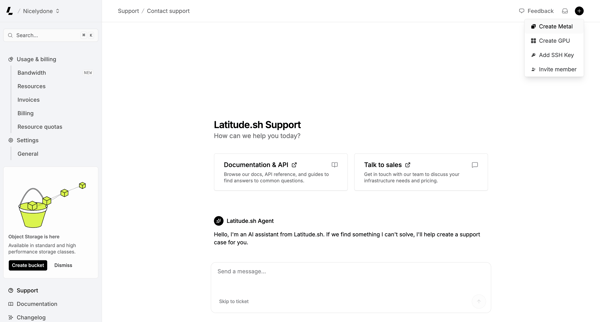
User engages with AI assistant on support page to resolve issues, browse documentation, or contact sales while viewing platform updates

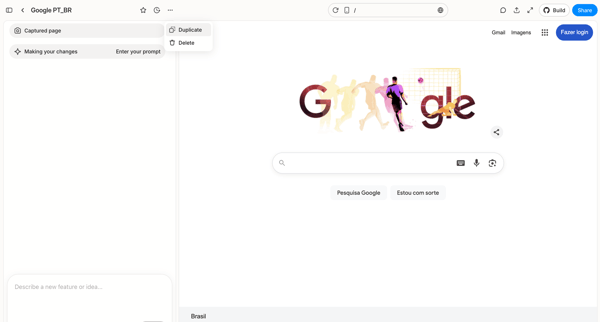
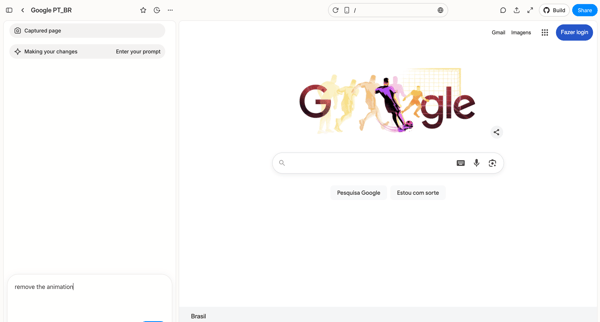
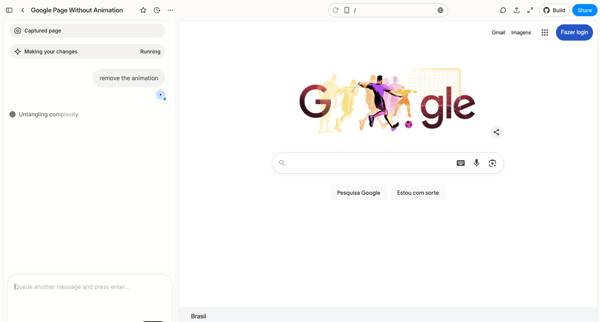
User captures a web page in Alloy and iteratively prompts an AI assistant in the design editor to remove animations, progressing through prompt entry, loading, agent reasoning trace, and clarification workspace

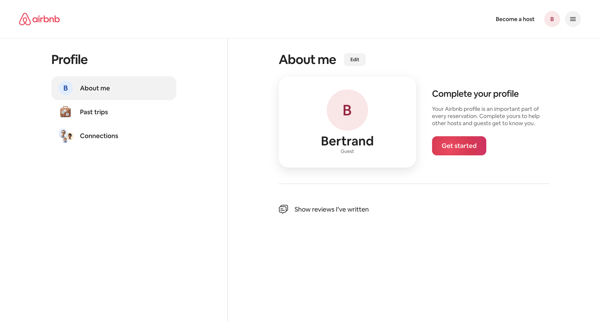

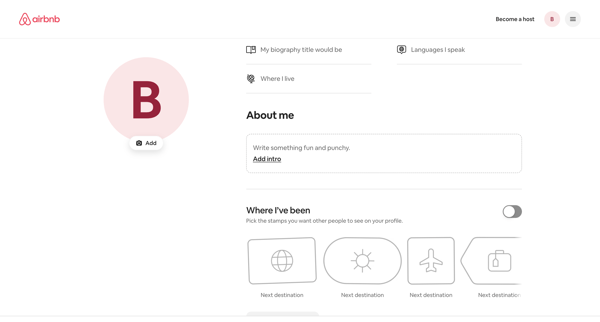
User views profile settings, enters edit mode to update biography, languages, location, travel stamps and interests, then returns to profile settings view

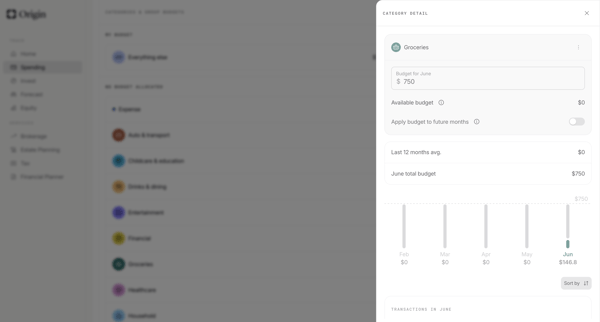
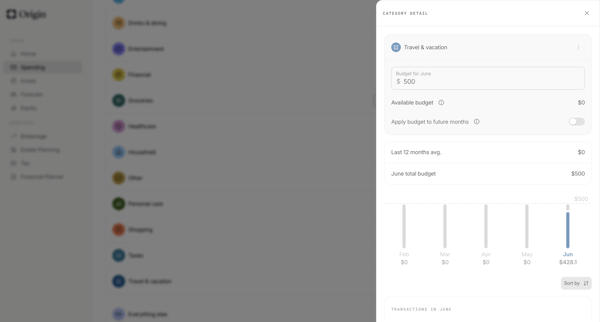
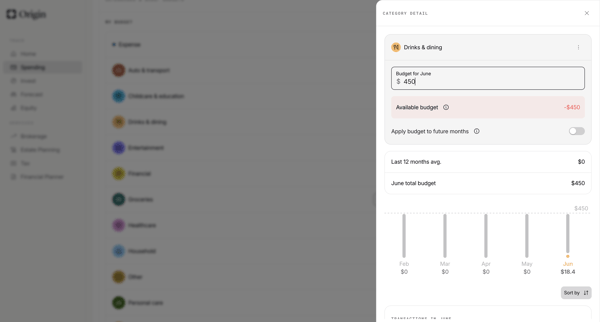
User edits category-level monthly budgets from detail drawers, confirms increases, and updates allocations across settings and dashboard views in Origin Financial

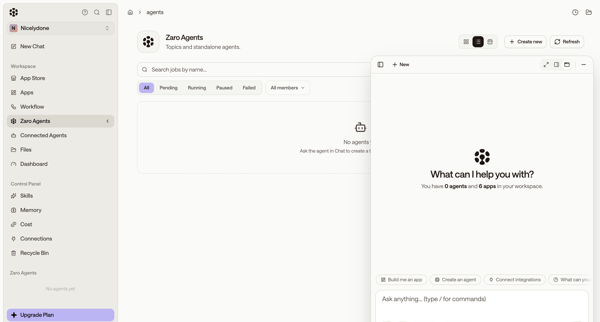
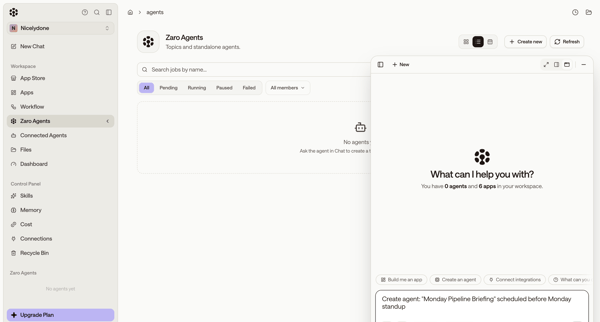
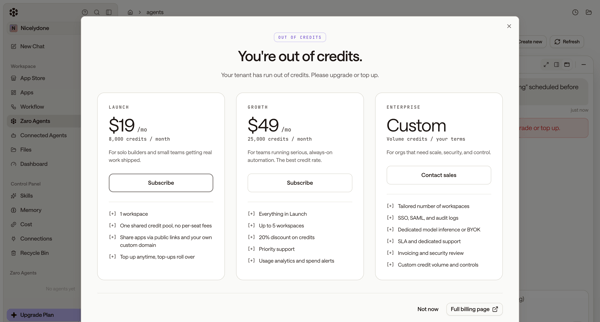
User starts from empty agents list, uses floating AI chat to request agent creation, then encounters out-of-credits paywall and error state

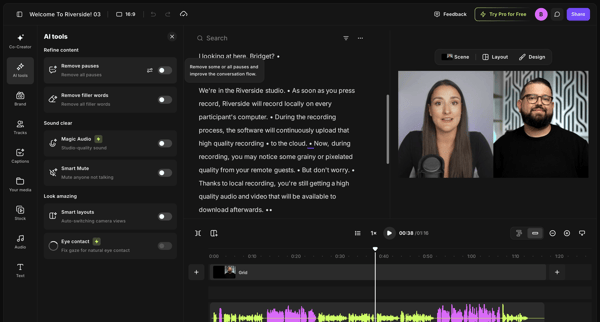
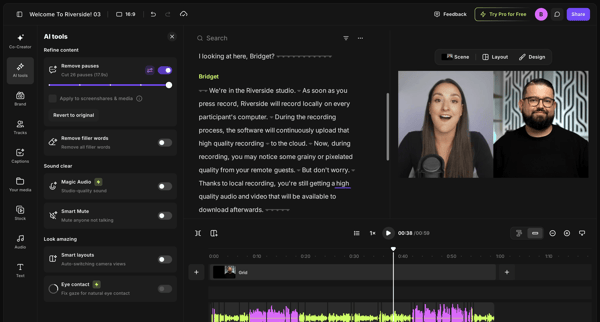
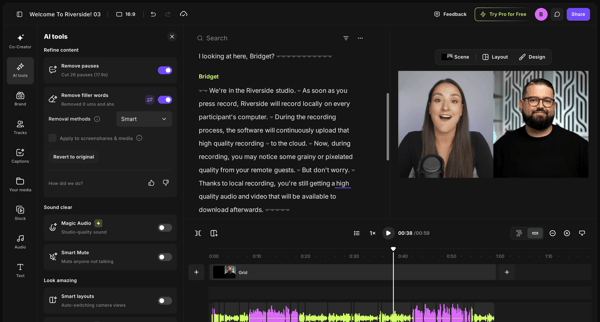
User refines video or podcast recordings in Riverside by editing via transcript and applying AI tools to remove pauses and filler words

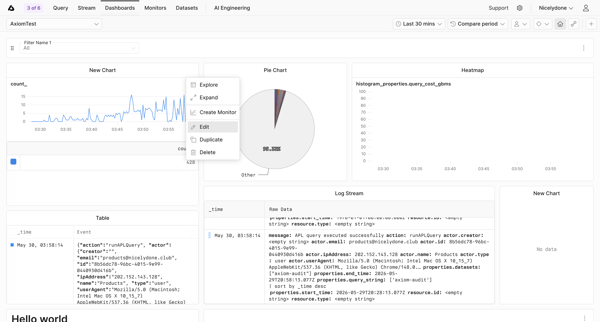
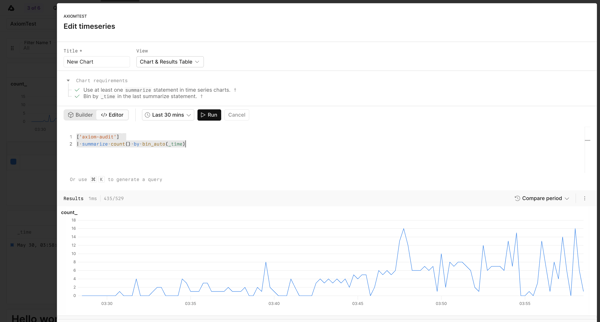
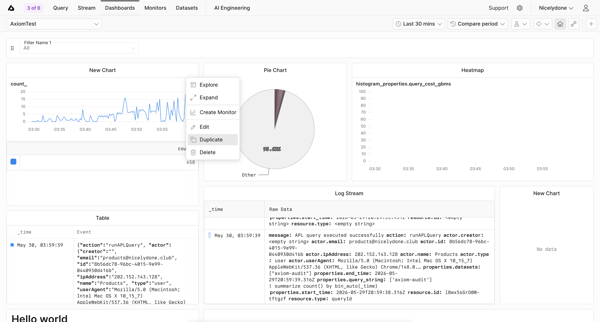
User opens widget context menu on custom dashboard, edits timeseries query in modal with live preview, returns to dashboard editor showing unsaved changes banner

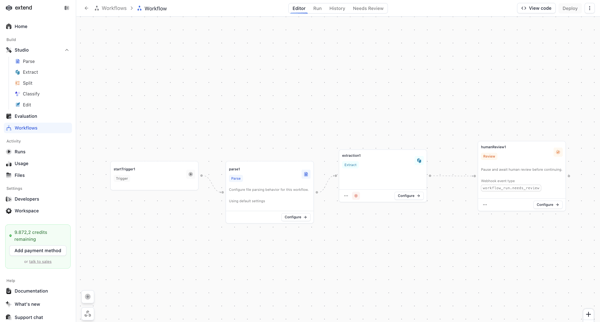
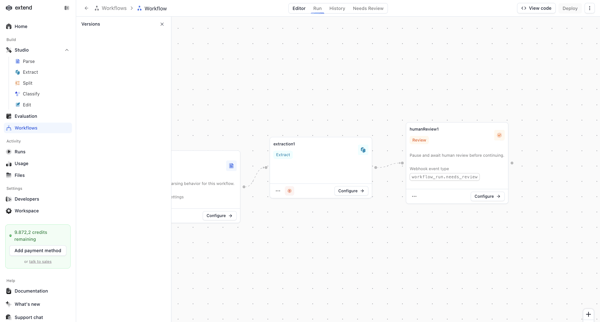
Configuring an AI document processing pipeline on the Extend workflow canvas using trigger, parse, extraction, and human review nodes
Explore the full SaaS flow library
Browse the full SaaS flow library.
Trusted by the best teams







