
Tryprofound product screens examples
Browse Tryprofound screen design examples. Preview the interface screenshots and explore related UI patterns. AI Answer Engine Optimization platform for enterprise brands
Explore the examples
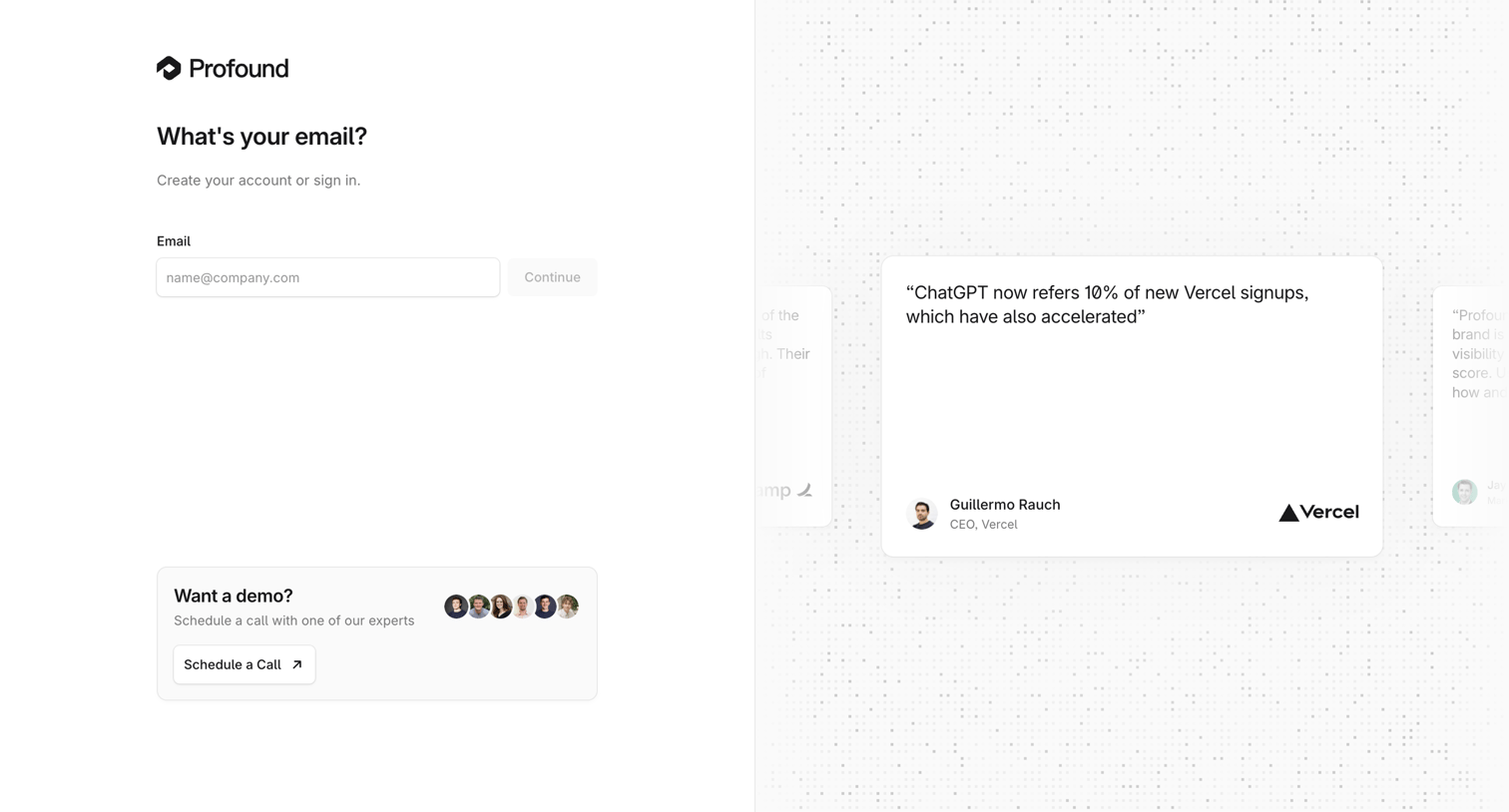
Sign-in and sign-up screen where the user enters their email to continue, accompanied by a demo scheduling prompt and customer testimonials.
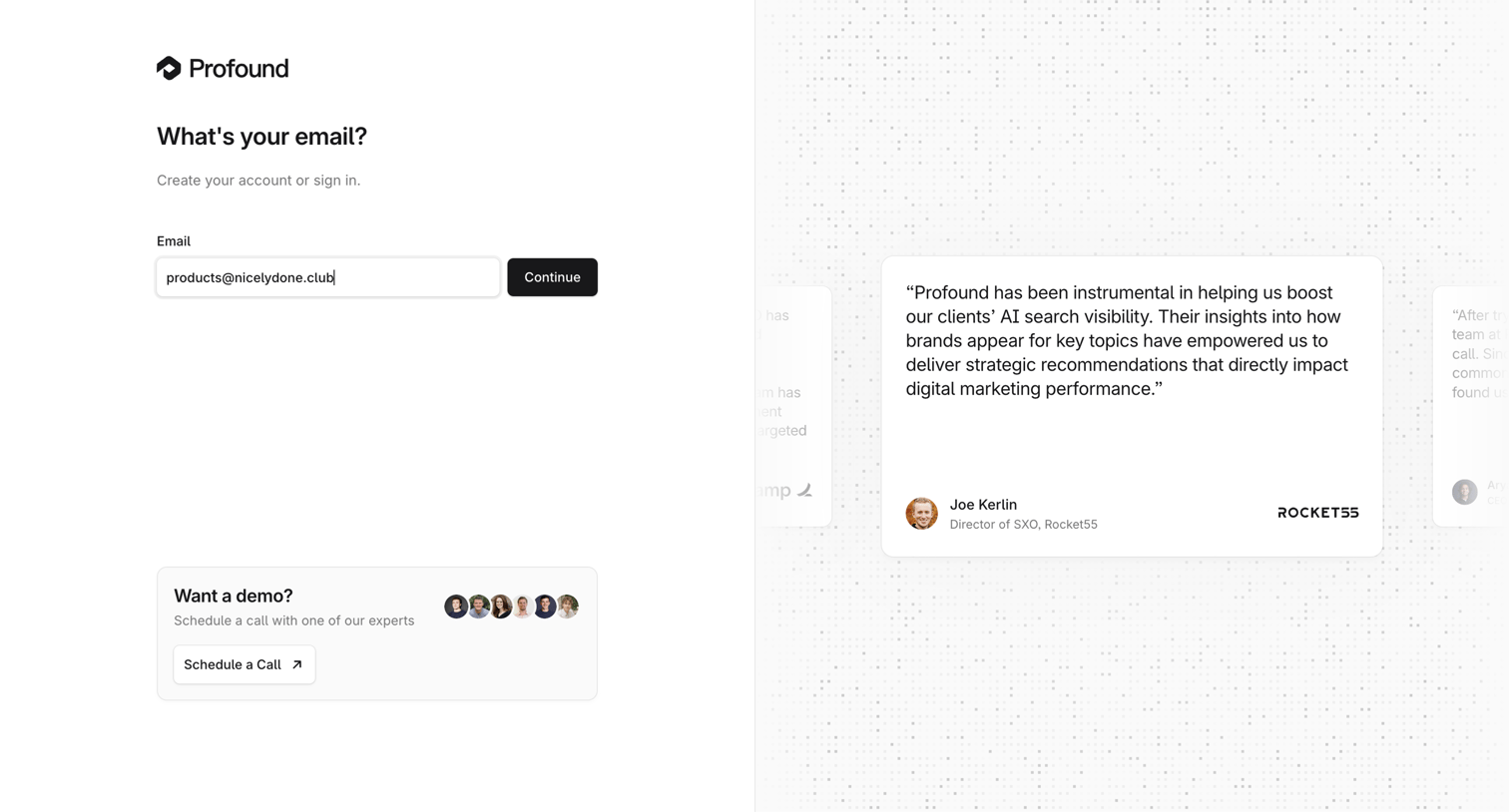
Sign-in and sign-up entry screen where the user enters their email alongside a customer testimonial carousel and a prompt to book a demo.
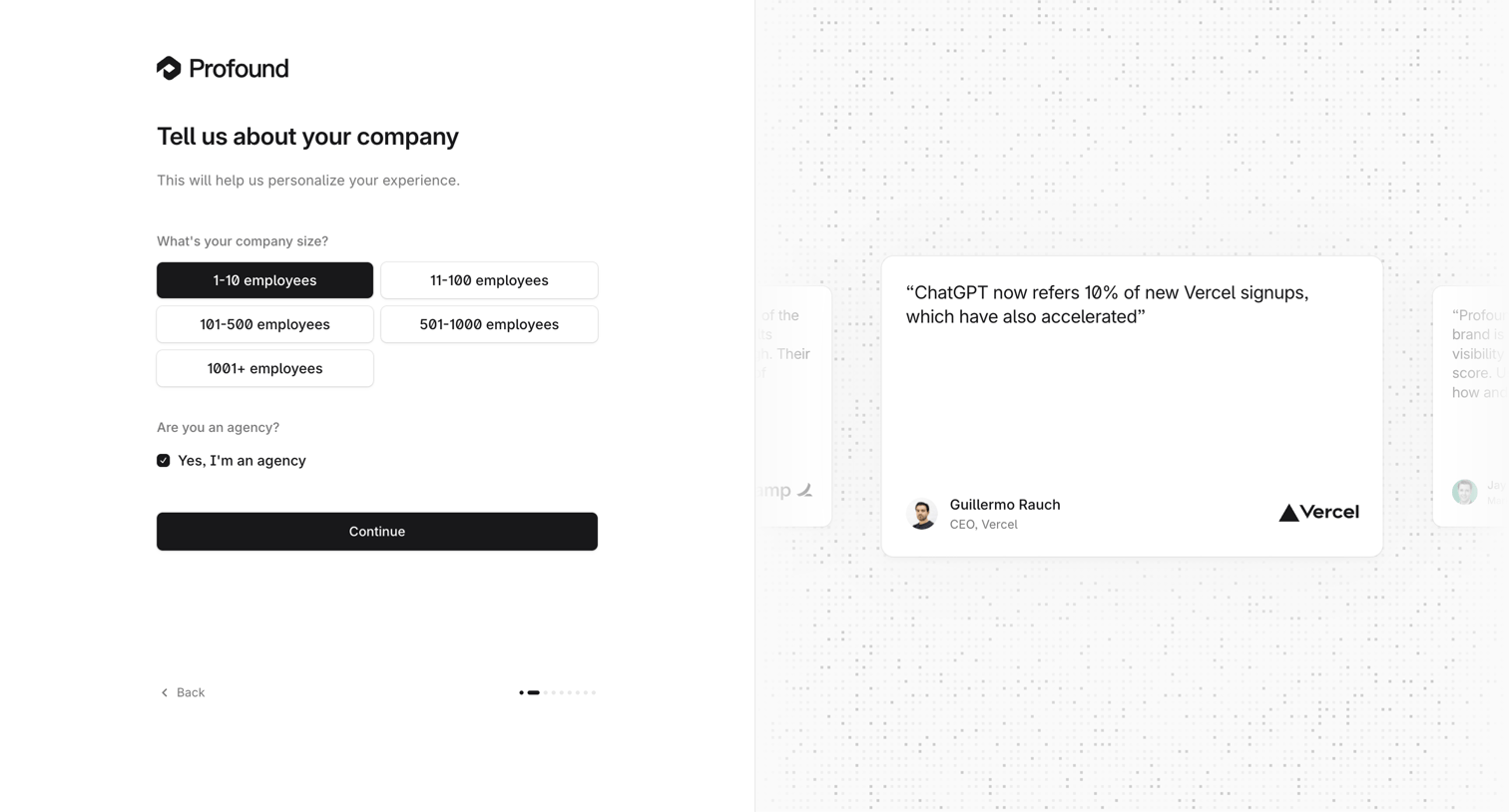
Onboarding step where the user selects their company size and indicates if they are an agency before continuing.
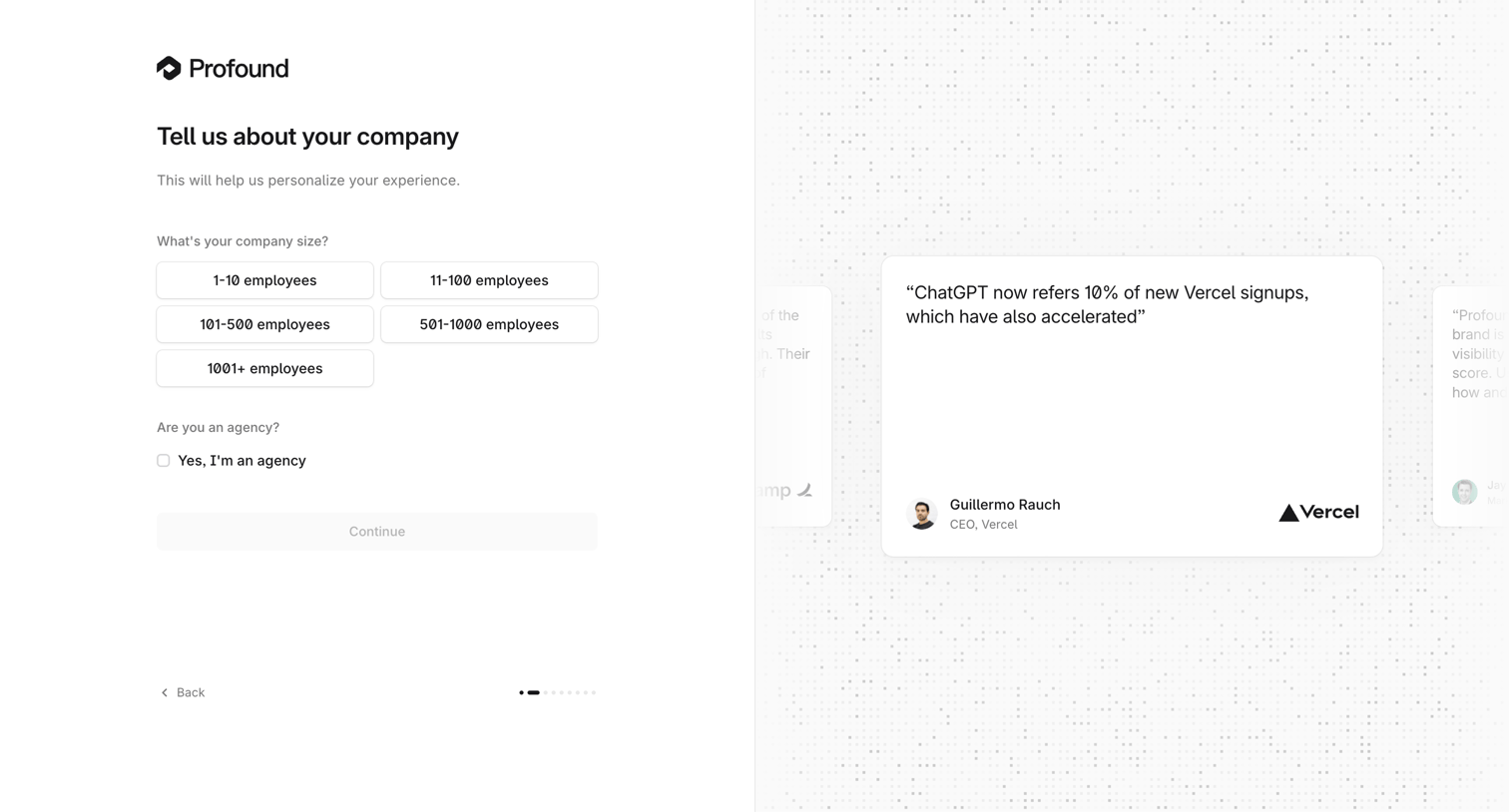
Onboarding step where the user selects their company size and indicates if they are an agency before continuing.
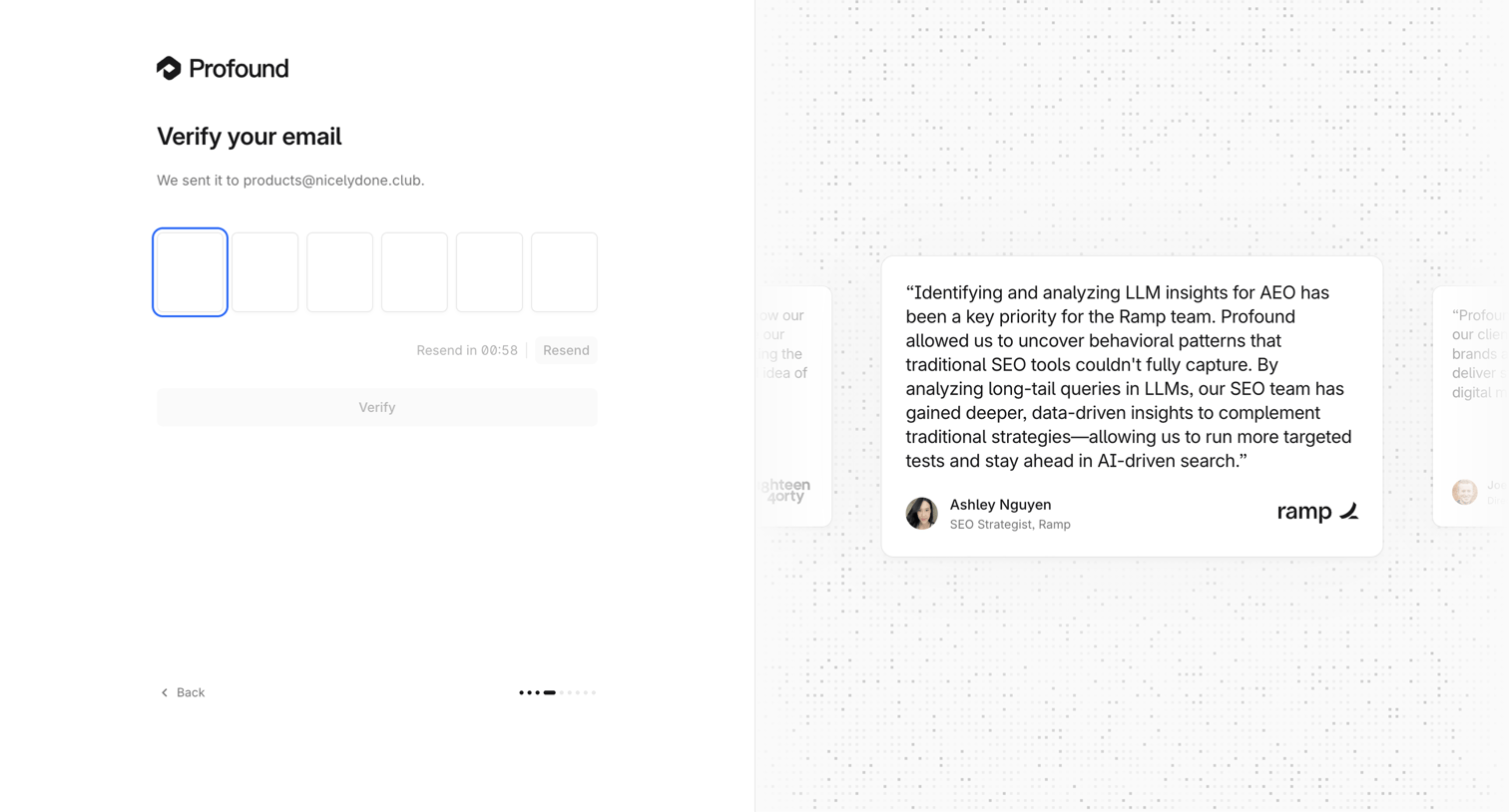
Email verification screen where the user enters a 6-digit code sent to their email, alongside a customer testimonial.
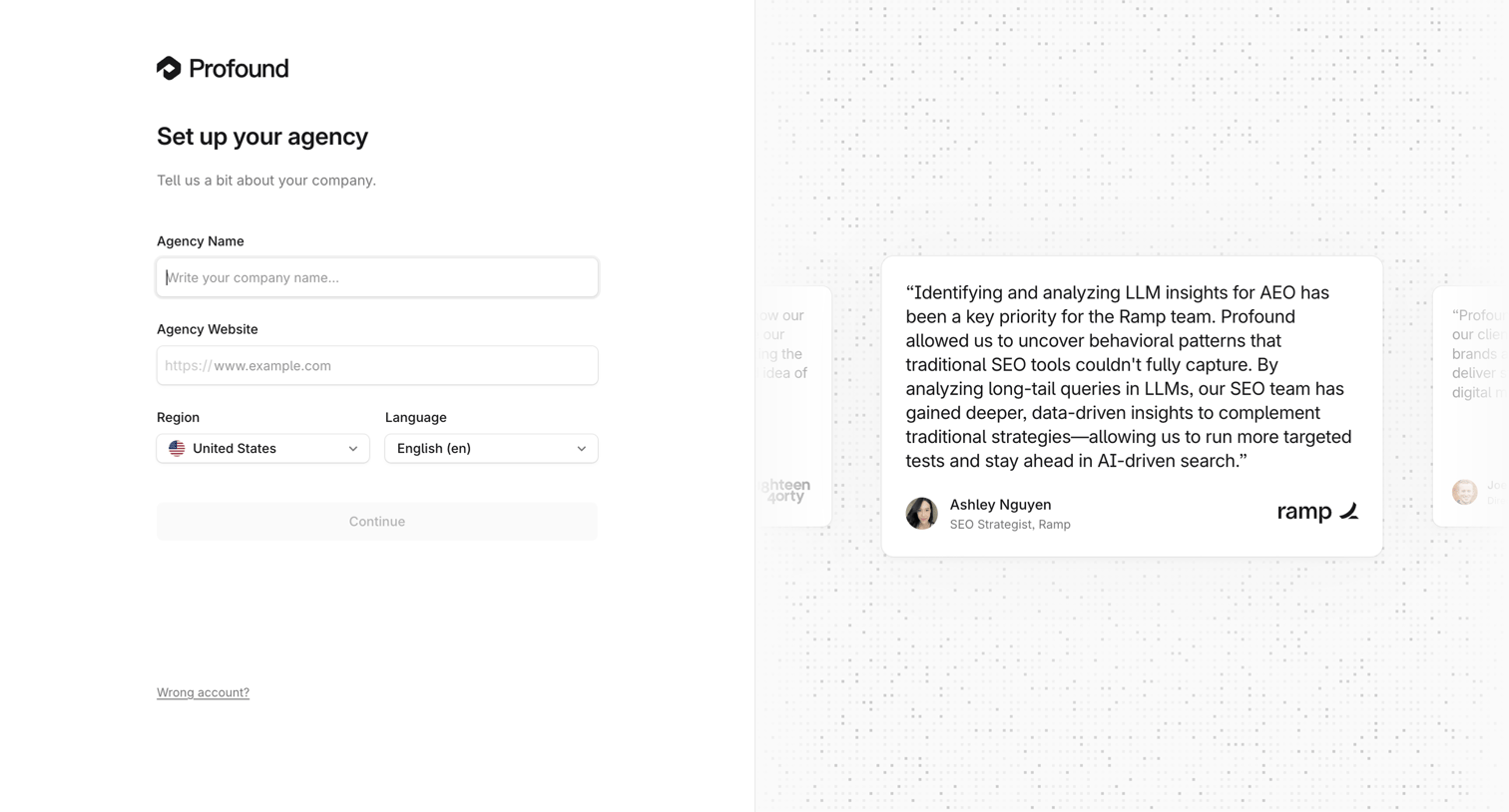
Onboarding step where the user sets up their agency by providing a name, website, region, and language alongside a customer testimonial.
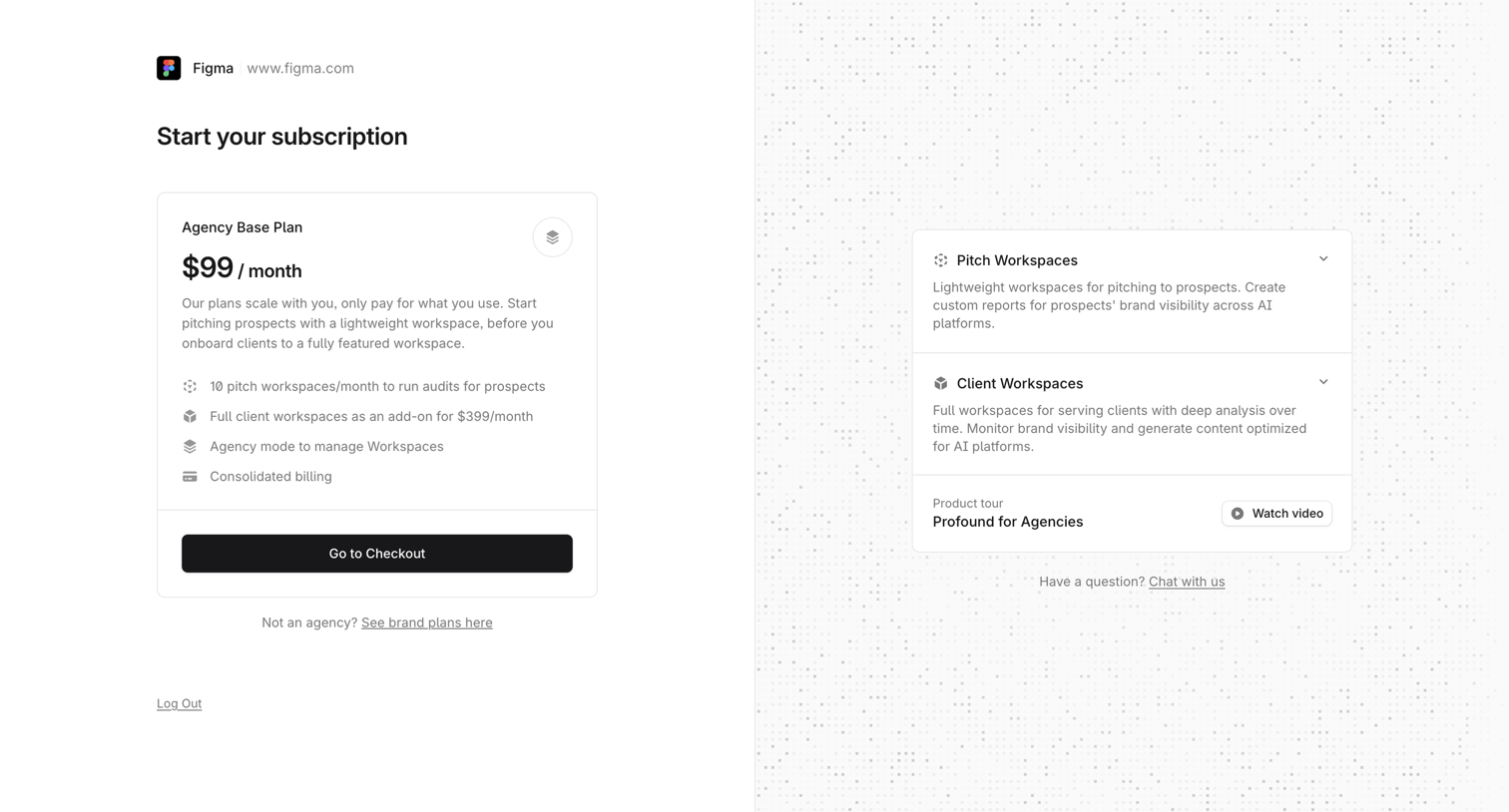
Paywall screen where the user must start an Agency Base Plan subscription to continue, featuring a checkout CTA and workspace feature explanations.
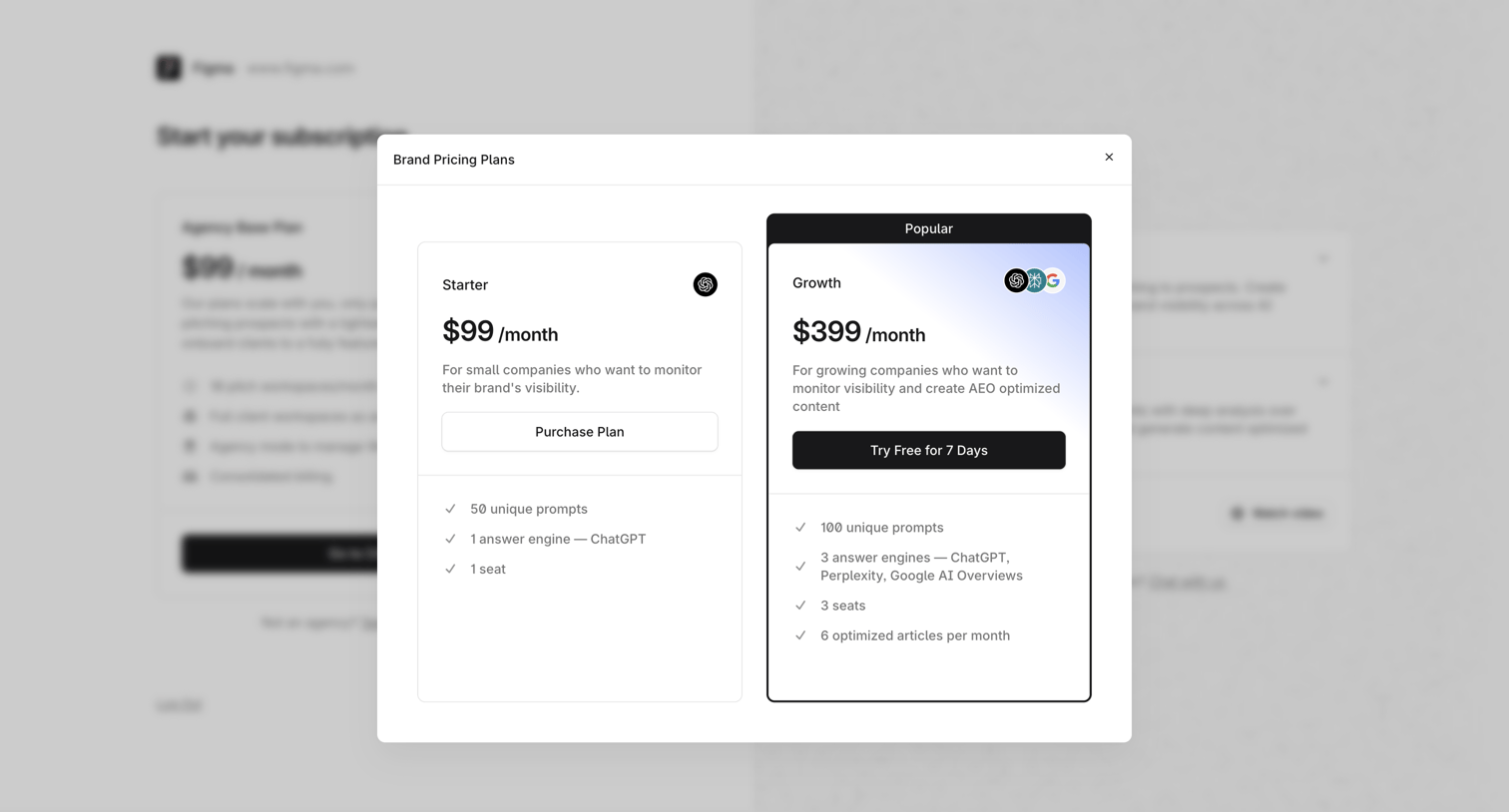
Paywall modal where the user selects between a Starter plan and a Growth plan with a 7-day free trial to monitor brand visibility.
Onboarding step where the system displays a loading state while analyzing the figma.com domain.
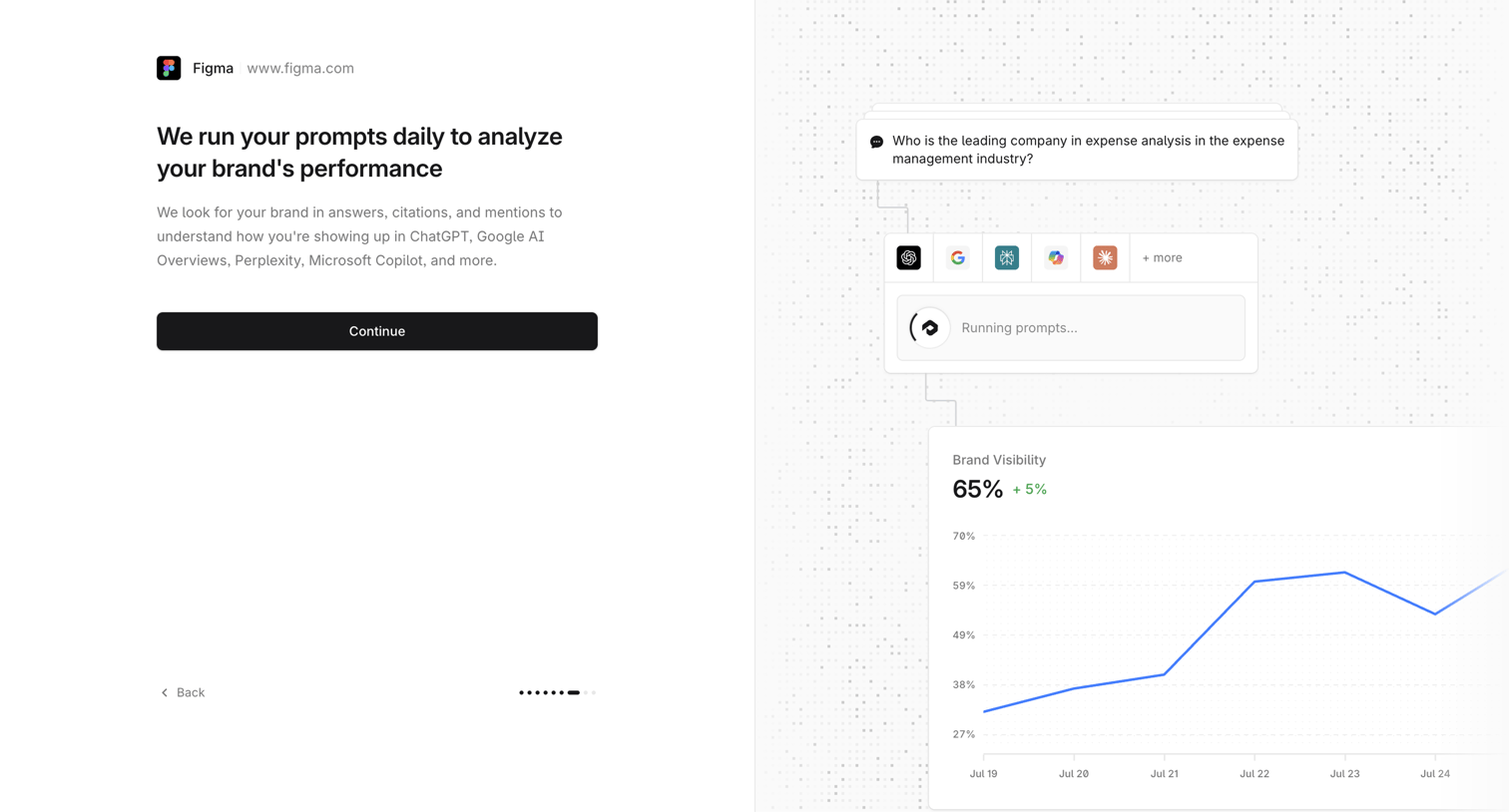
Onboarding step where the user learns how the platform analyzes their brand's performance across various AI models before continuing.
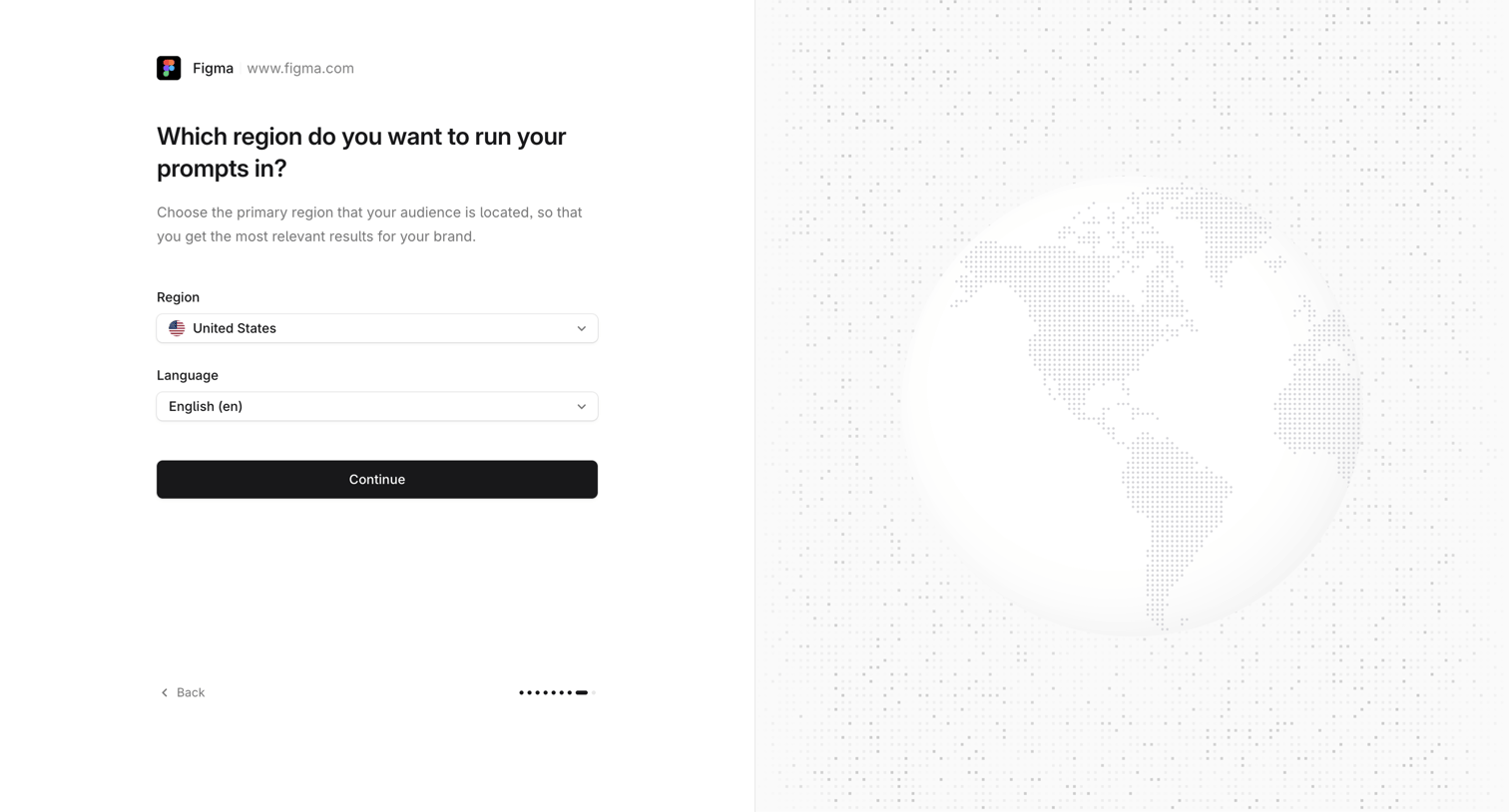
Onboarding step where the user selects their primary region and language for running prompts.
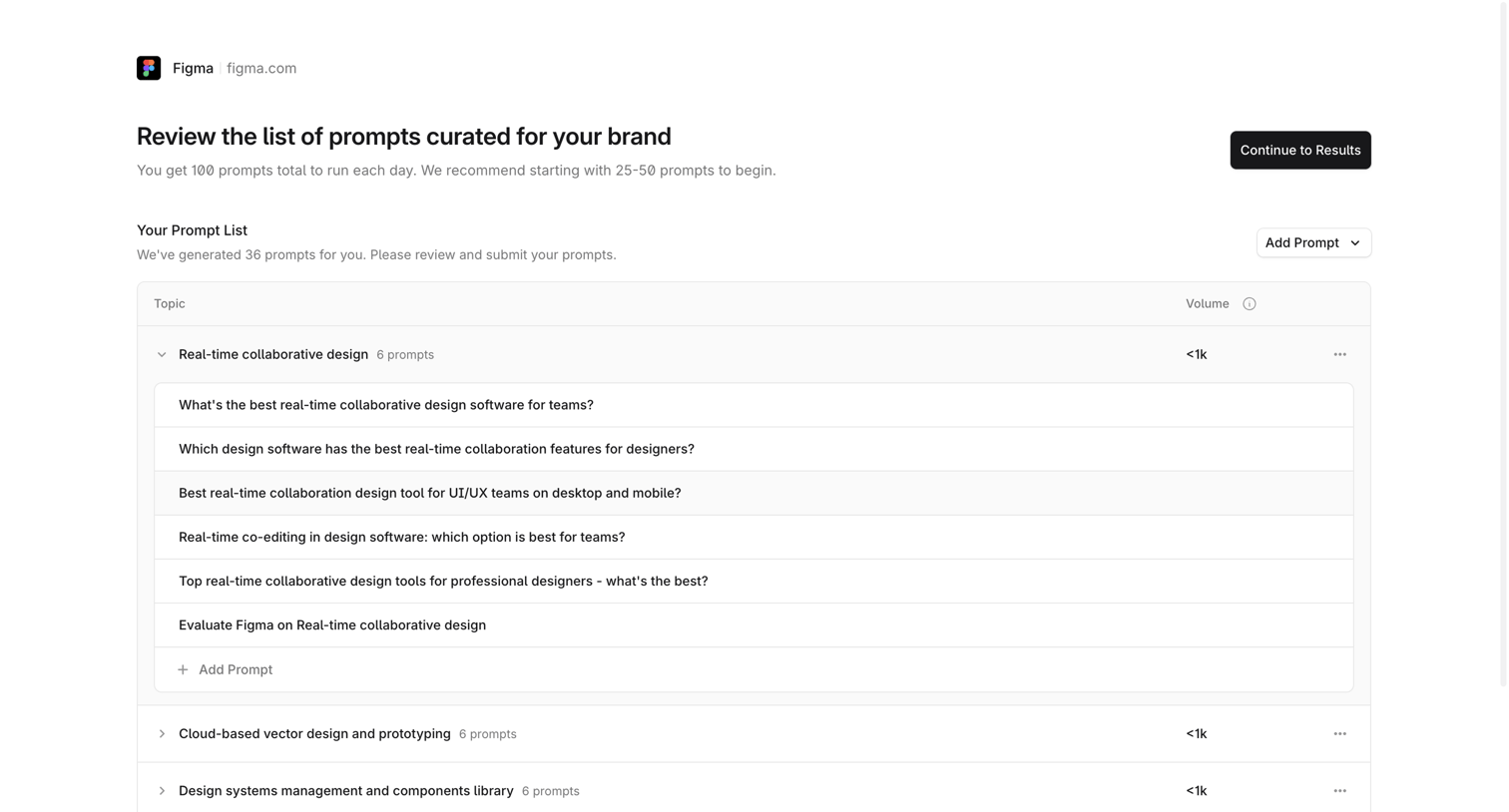
Onboarding step where the user reviews and edits a curated list of generated prompts grouped by topic before continuing to results.
Explore the full SaaS screen library
Upgrade to unlock the full library.
Trusted by the best teams







