Magnific Flow Example: Selecting video to edit
Preview this Magnific user flow: Selecting video to edit. Explore the opening screens.
Preview these flows

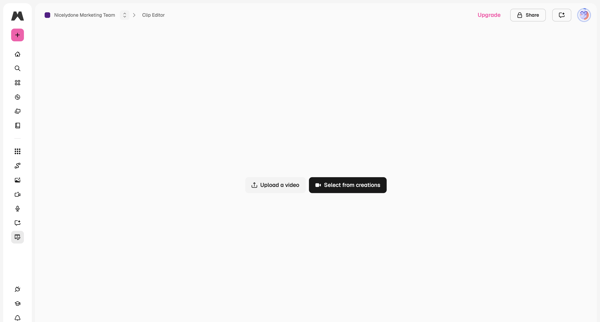
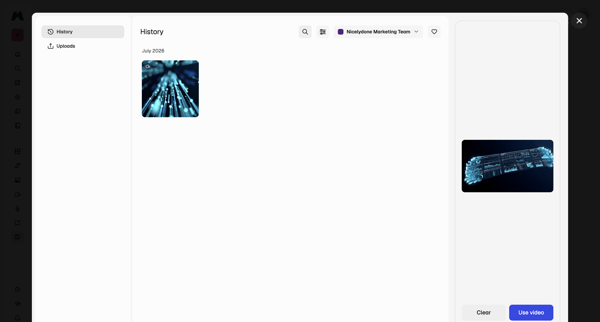
From video editor empty state, open history modal to browse generations, filter by team, preview, and select a video for editing
Related user flows

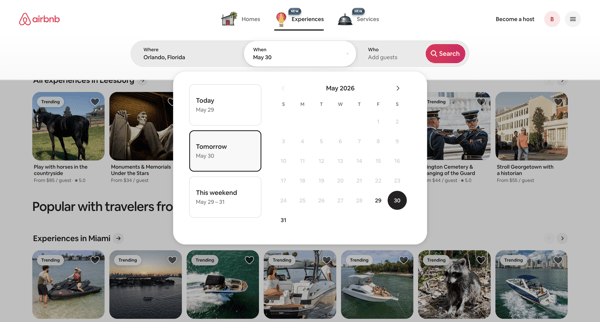
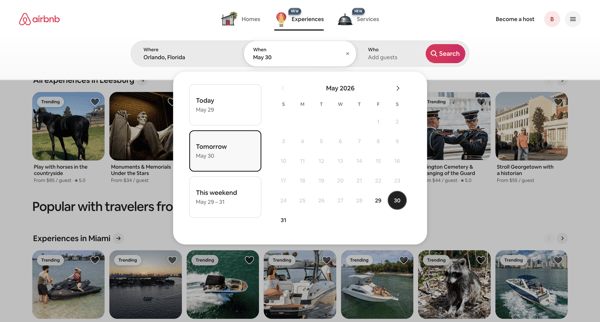
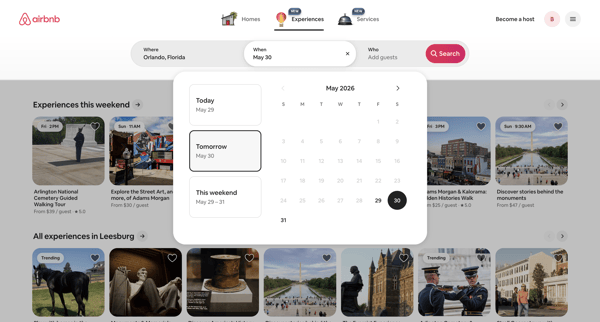
Guest selects date range or quick option in popover calendar to filter Airbnb experiences search results

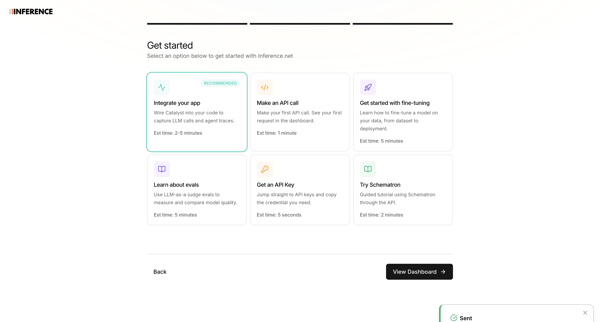
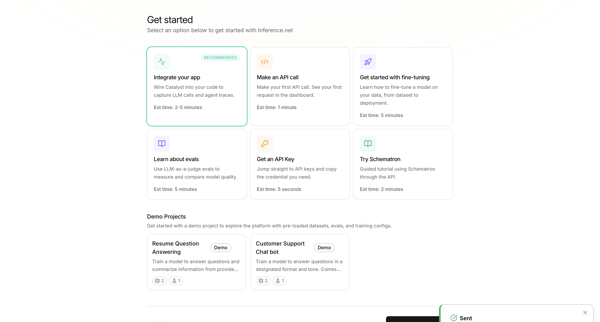
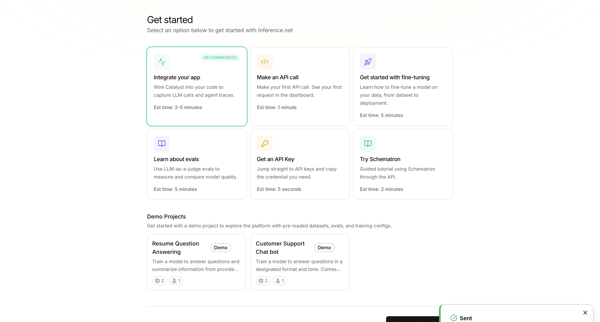
User selects primary goal such as integrating an app or making an API call during onboarding, with a toast confirming teammate invitation

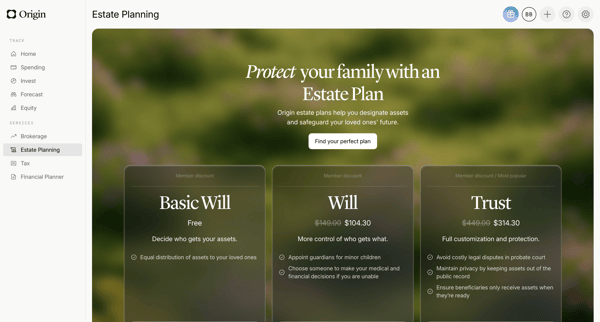
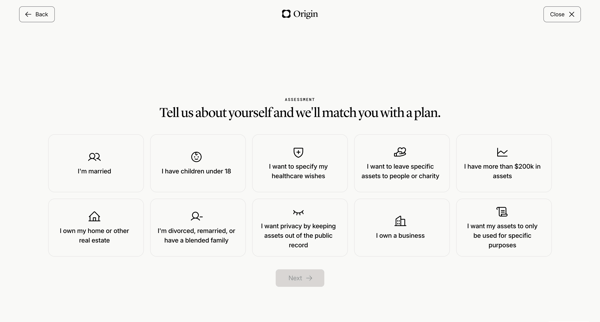
User views estate planning pricing tiers then completes life circumstances questionnaire to match an estate plan

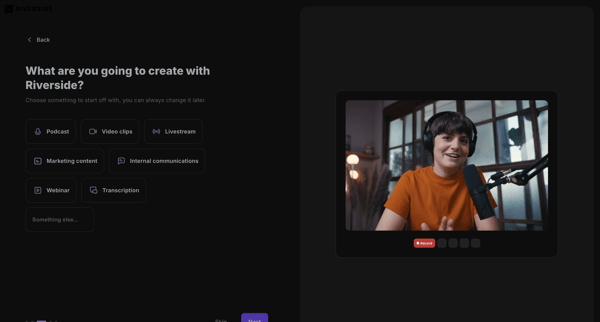
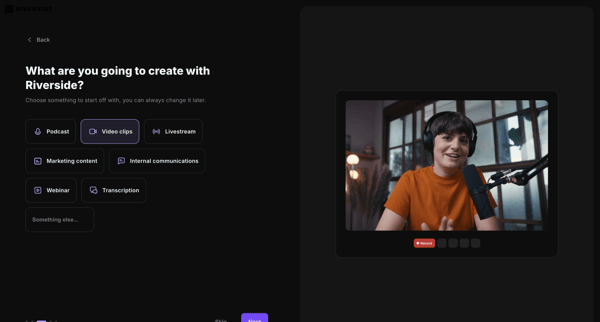
Onboarding flow selecting primary use case to personalize Riverside workspace

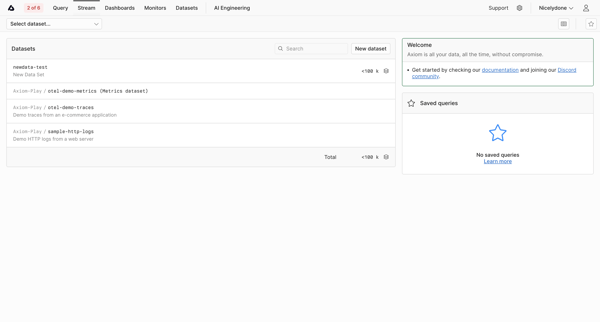
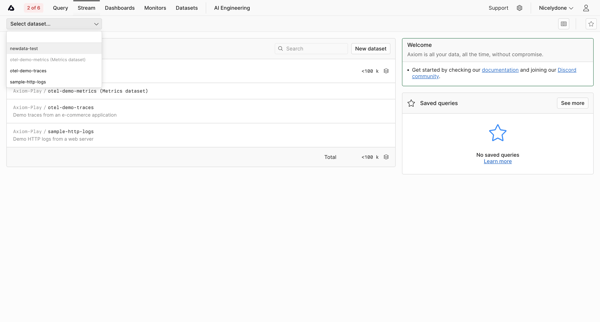
User searches and selects a dataset to stream logs or metrics from a list view that includes onboarding resources and saved queries

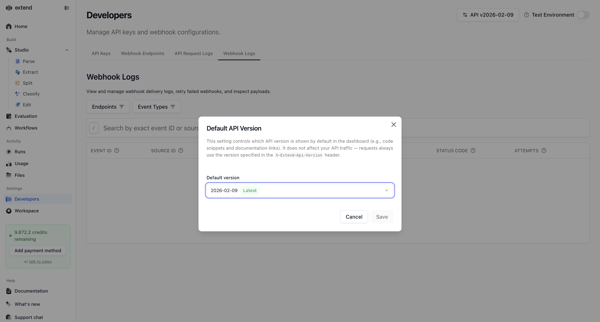
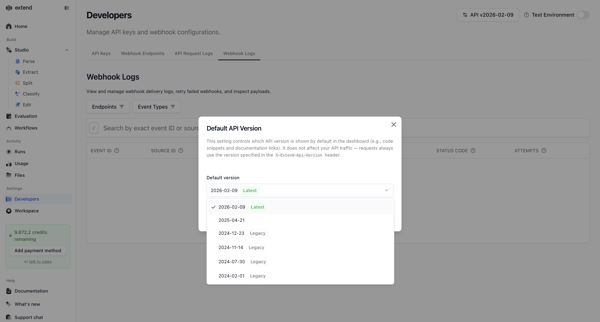

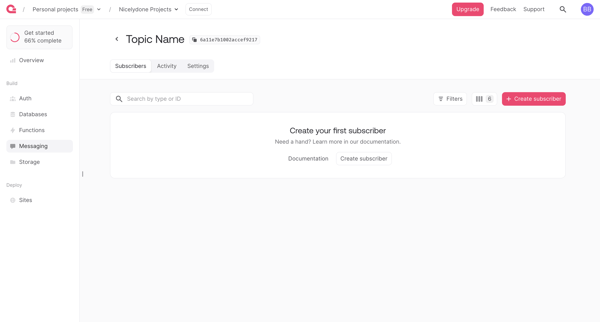
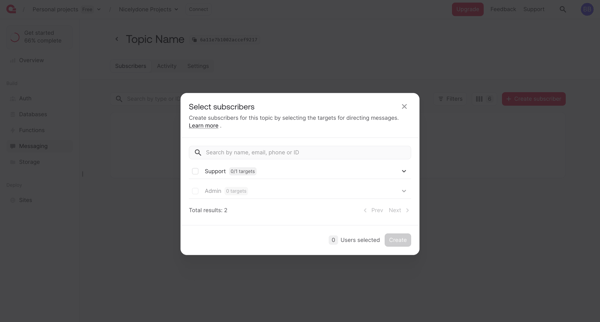
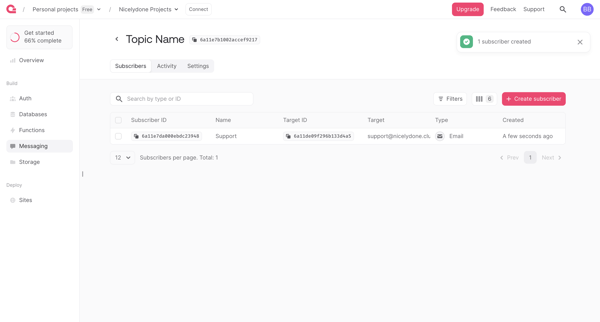

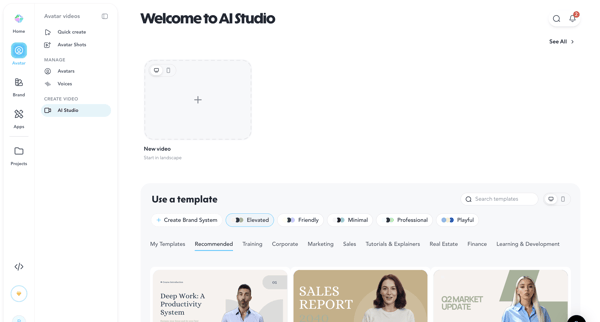
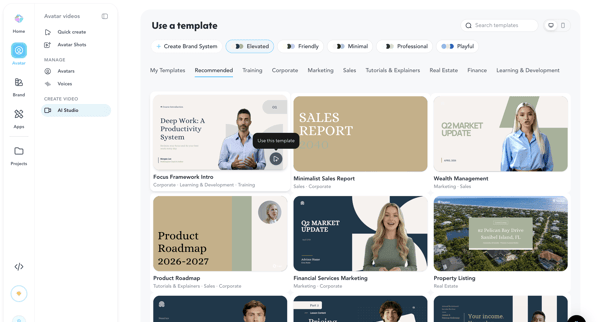
Browsing categorized templates in AI Studio and selecting a pre-designed video layout in HeyGen

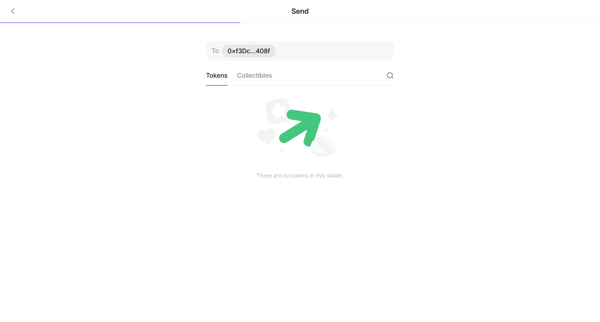
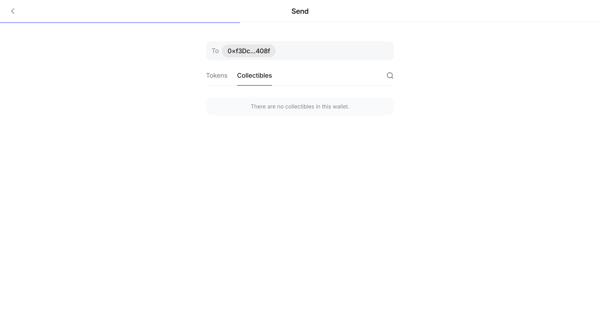
User views empty states while selecting token or collectible in send transaction wizard

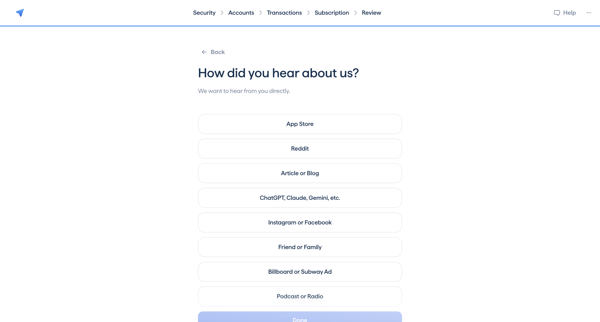
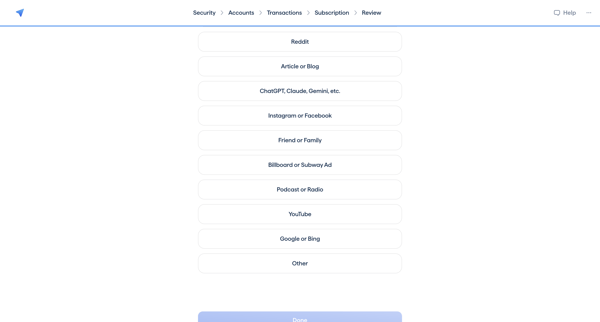
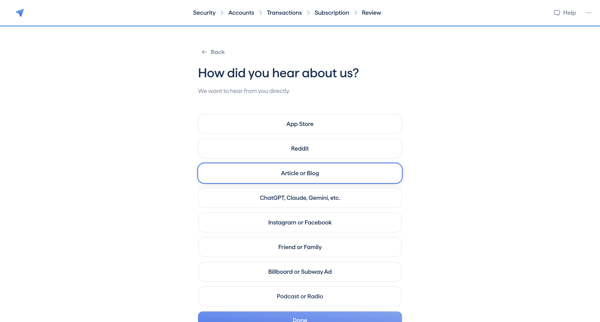
Onboarding attribution survey selecting how the user heard about the Copilot app from a list of channels

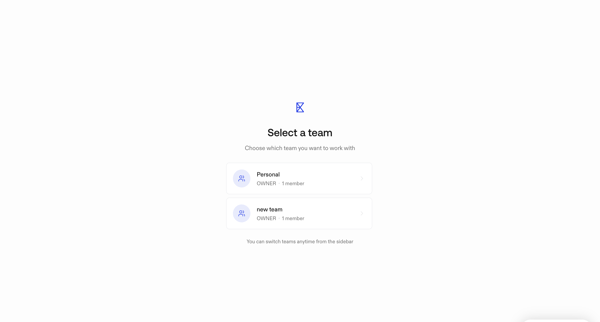
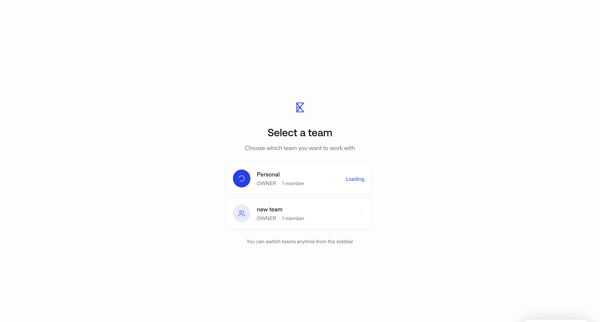
Onboarding user selects a team workspace from list before entering the app, with loading state shown after choice

Explore the full SaaS flow library
Browse the full SaaS flow library.
Trusted by the best teams







