Magnific user flows examples
Explore Magnific user flow examples. Preview the opening screens and steps for each task. The creative platform to direct your best work.
Preview these flows

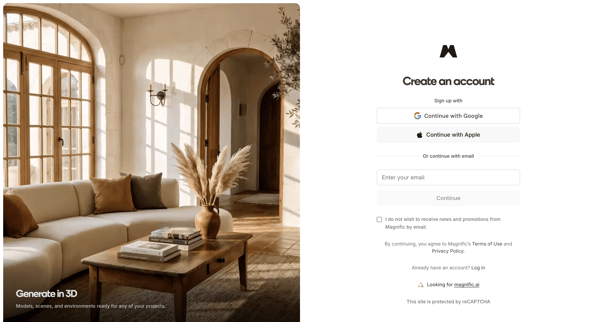
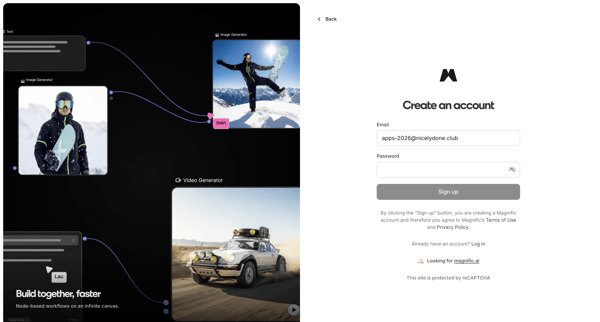
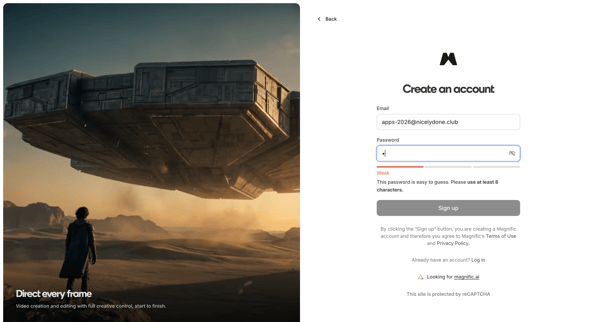
User creates a Magnific account via OAuth providers or email/password on split-screen signup pages with product previews and password strength indicators
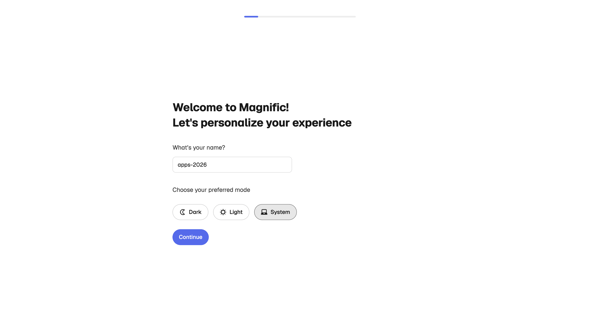
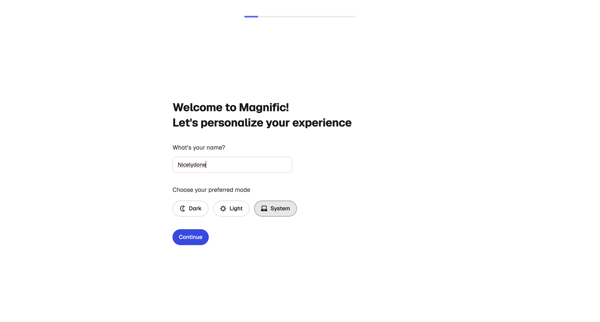
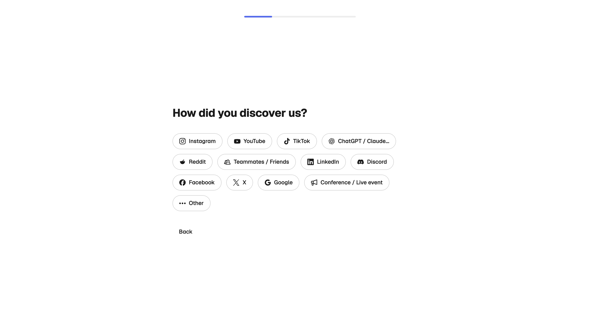
User completes multi-step onboarding in Magnific by personalizing profile, profiling creative needs and experience, selecting use cases, and initializing workspace
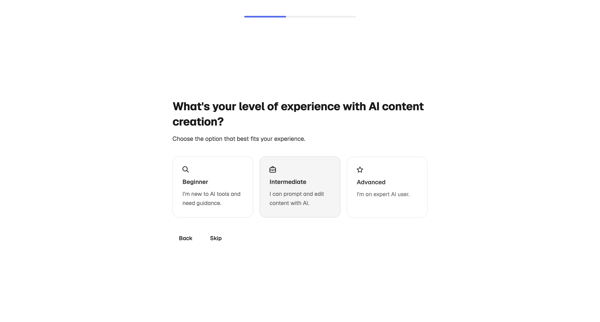
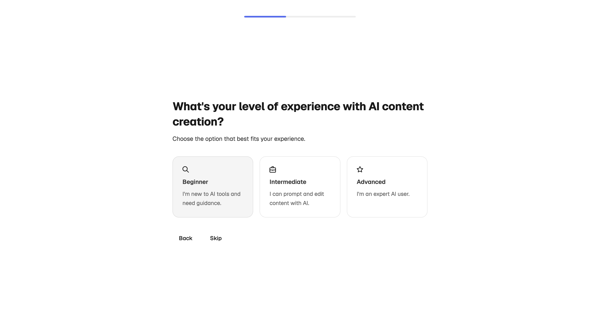
Multi-step onboarding profiling to capture discovery source, experience level, persona, role, use cases, and collaboration preferences for account personalization
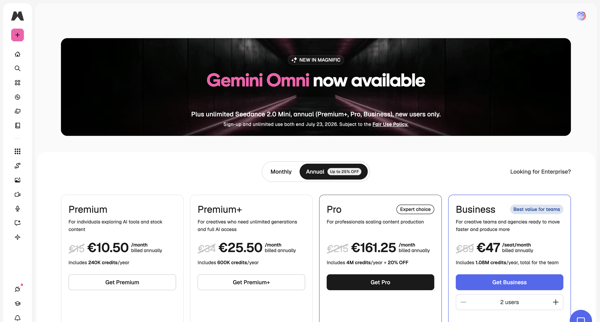
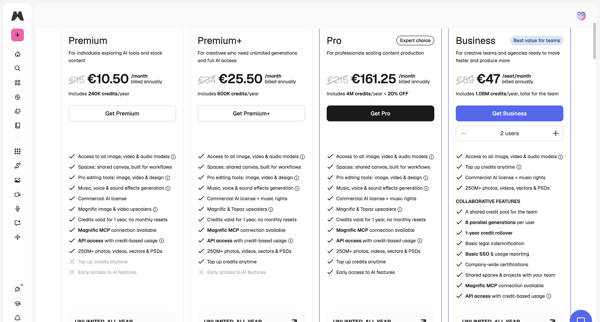
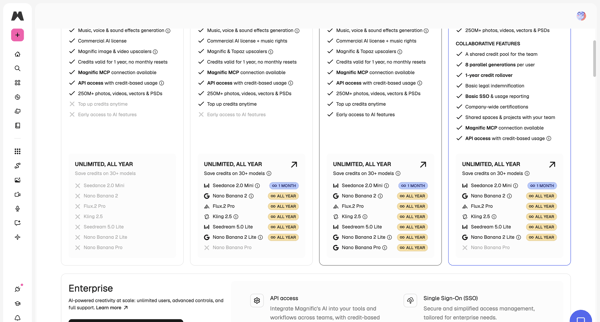
User reviews multiple in-app billing and pricing screens to compare Premium, Pro, and Business tiers with monthly/annual toggles, feature limits, credits, and enterprise options before upgrading.
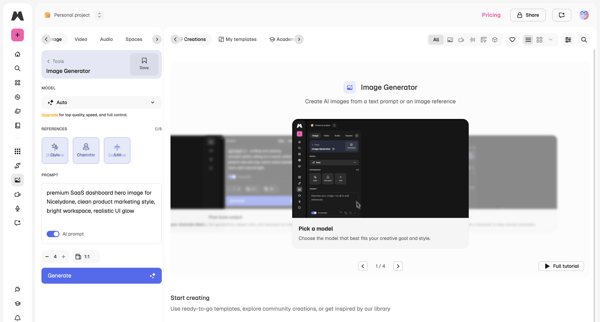
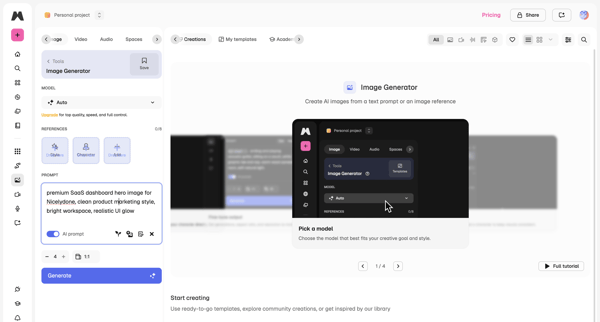
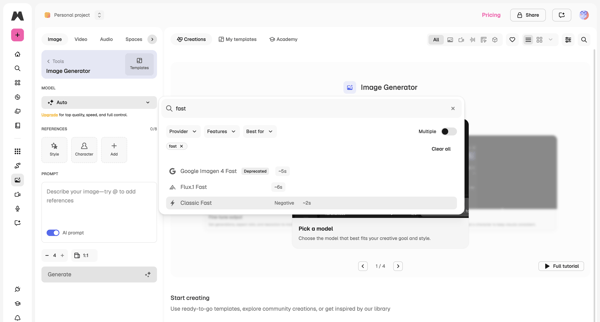
User configures AI model, text prompt, and image references then triggers generation to produce new images in Magnific workspace
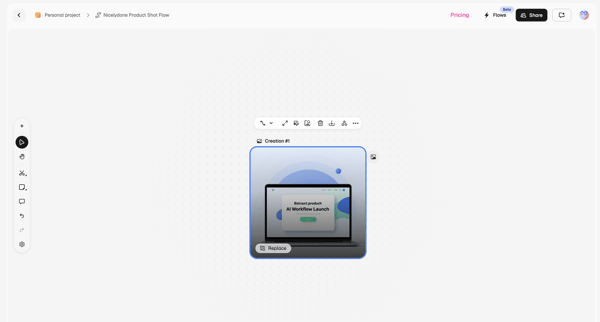
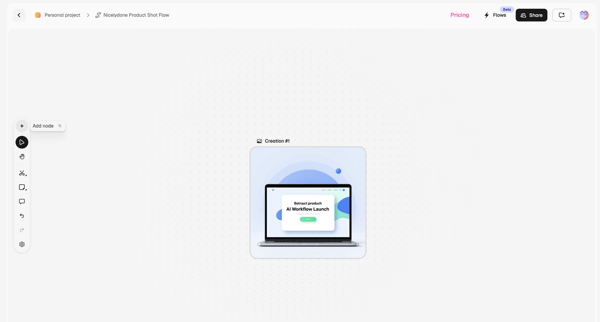
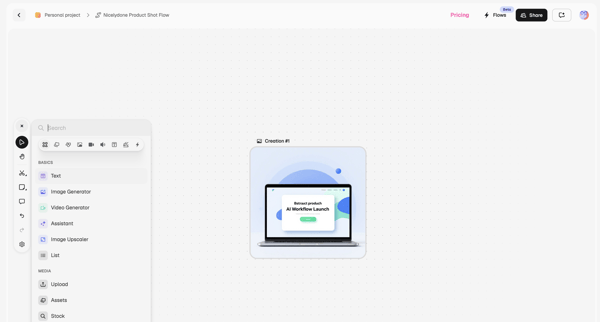
User builds an AI product shot flow by arranging image creation and text nodes on an infinite canvas in Magnific's workflow editor
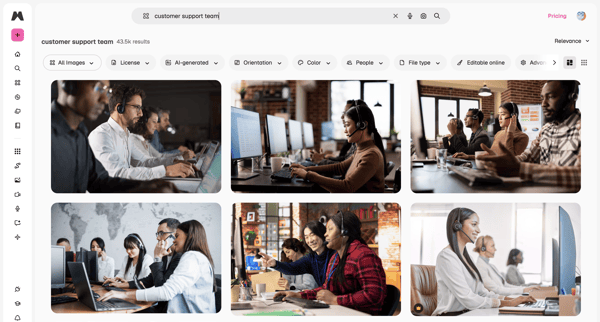
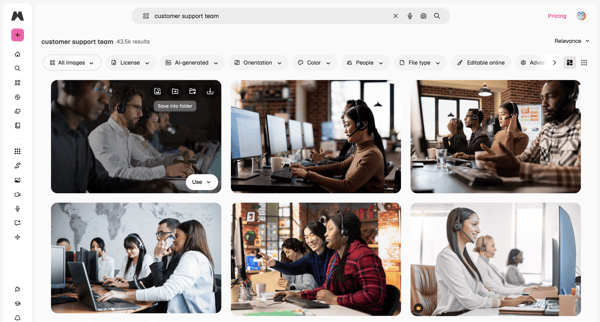
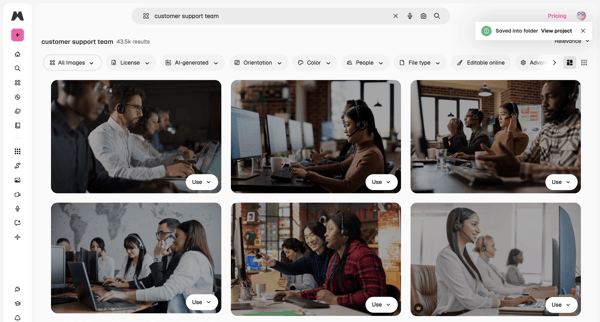
User enters search query for stock images, browses masonry grid results, applies filters by license/orientation/color, views AI suggestions in overlay, and saves or downloads assets
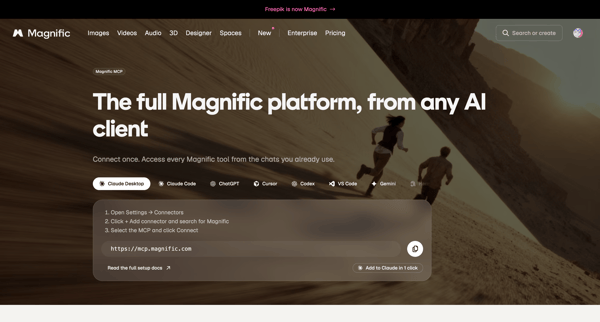
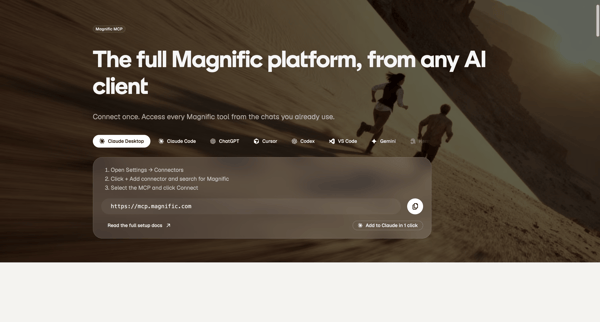
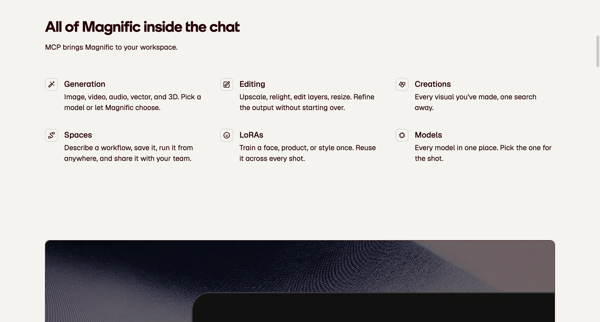
Marketing feature page sequence presenting MCP server URL, setup instructions, capabilities, and FAQ for connecting Magnific to AI clients like Claude and ChatGPT
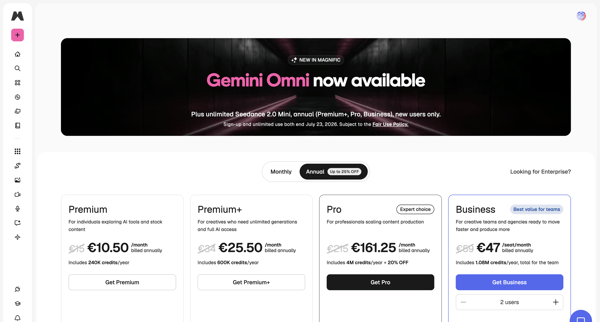
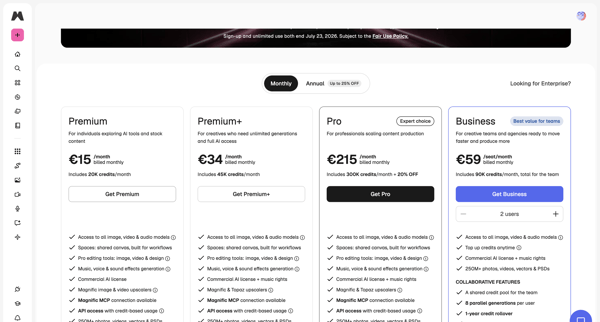
User views in-app pricing tiers, selects plan with monthly or annual billing and seat count, then completes payment in checkout modal to upgrade subscription
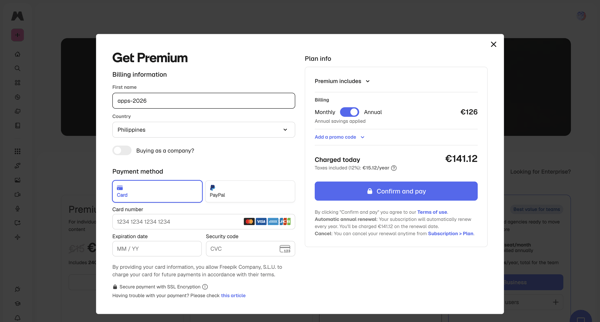
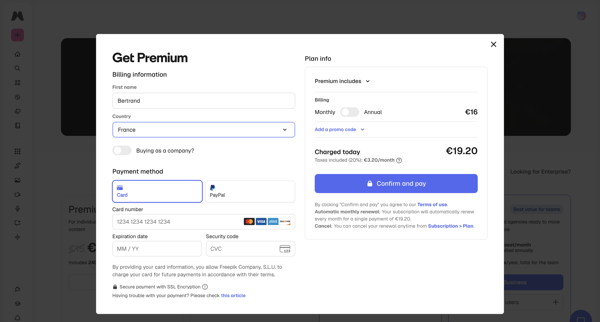
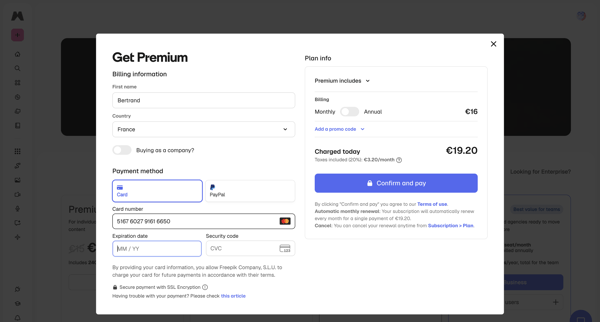
User enters billing details, selects payment method, reviews order summary, and confirms upgrade to Premium plan inside a checkout modal, handling loading and error states
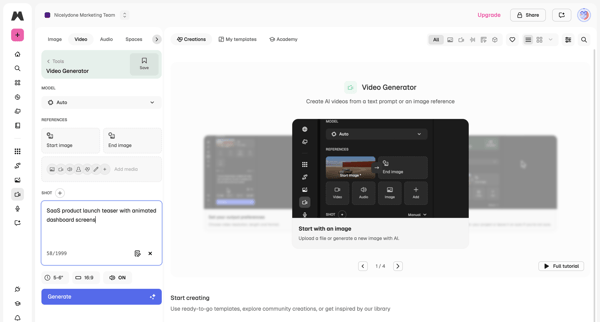
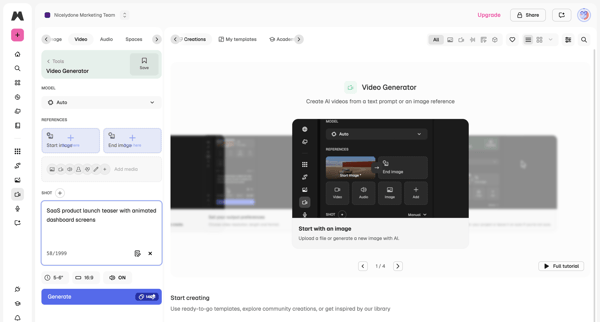
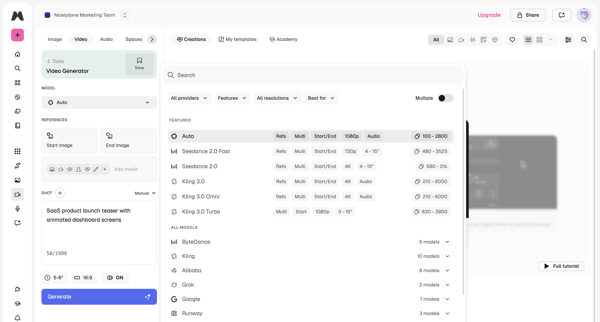
User configures AI model, text prompt, reference images, aspect ratio and duration in workspace then triggers generation and reviews output
Explore the full SaaS flow library
Browse the full SaaS flow library.
Trusted by the best teams







