Skip to content

Magnific product screens examples

Browse Magnific screen design examples. Preview the interface screenshots and explore related UI patterns. The creative platform to direct your best work.

Explore the examples
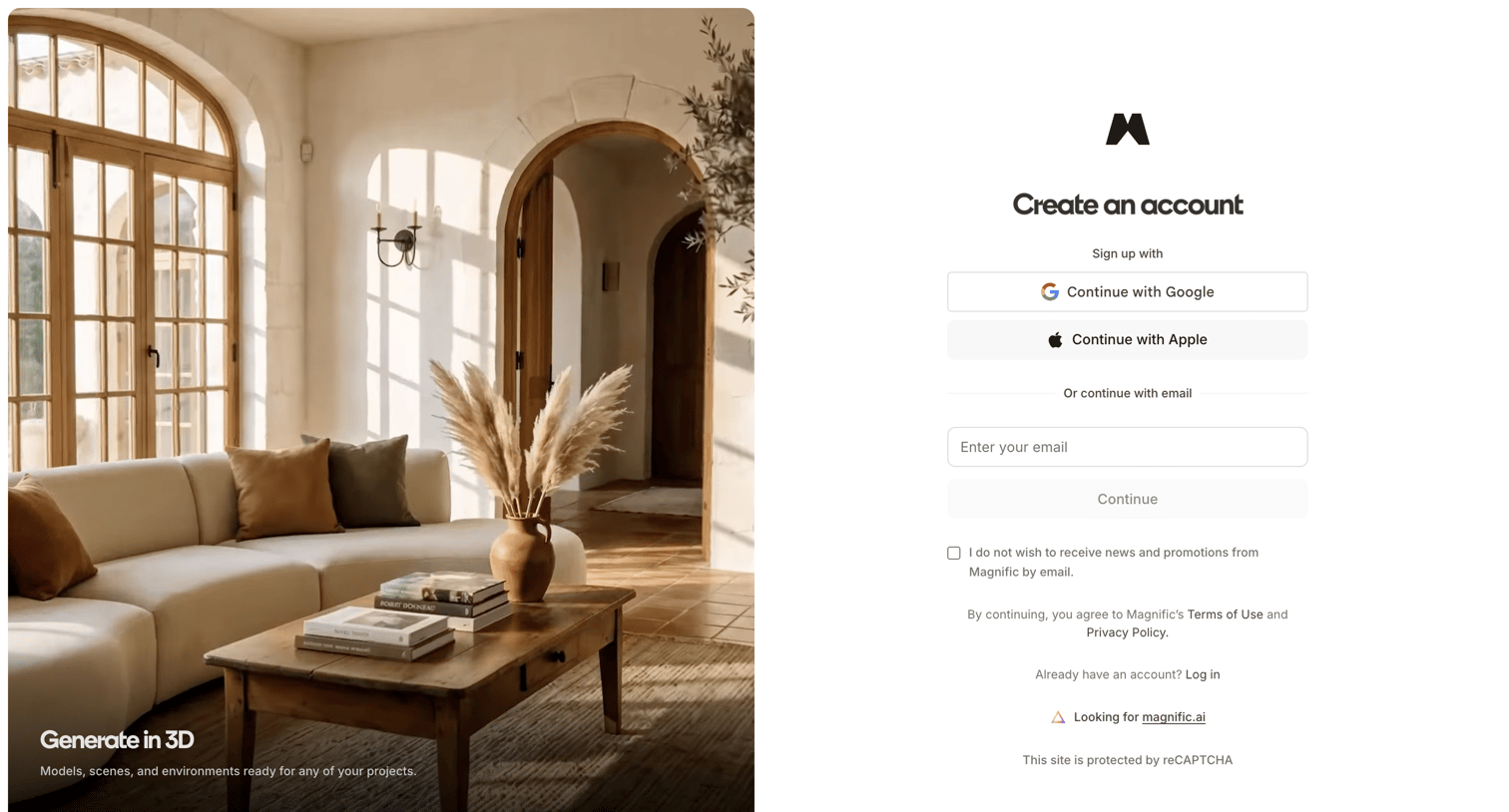
Magnific - magnific.com/sign-up?client_id=magnific&lang=en&cb_url=https://www.magnific.com/user/me screen
Magnific logo
Magnific

Signup screen where the user can create an account using Google, Apple, or email, featuring a showcase of 3D generation capabilities on the left.
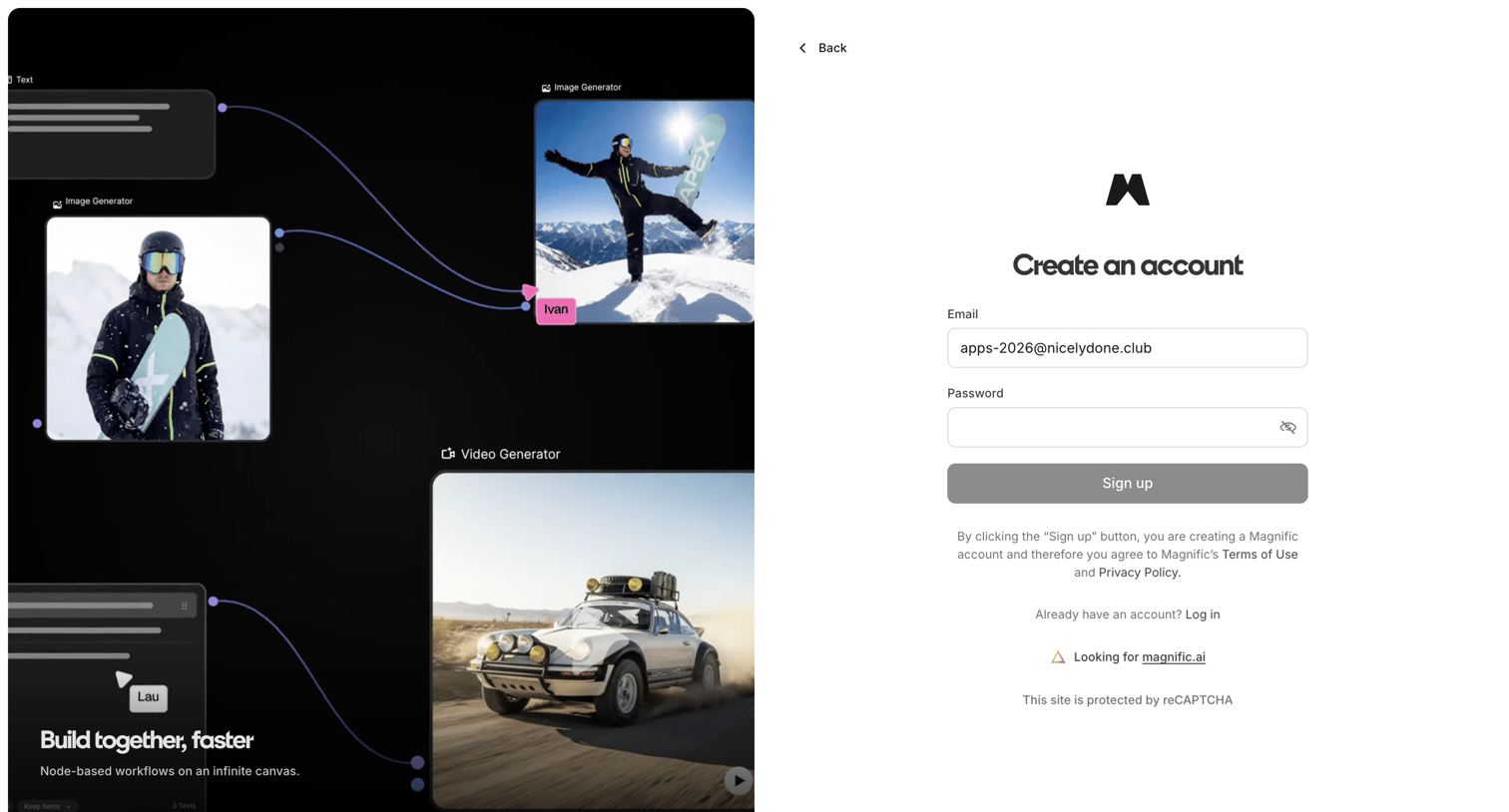
Magnific - magnific.com/sign-up?client_id=magnific&lang=en&cb_url=https://www.magnific.com/user/me screen
Magnific logo
Magnific

Signup page where the user creates an account using their email and password, featuring a node-based workflow product preview on the left panel.
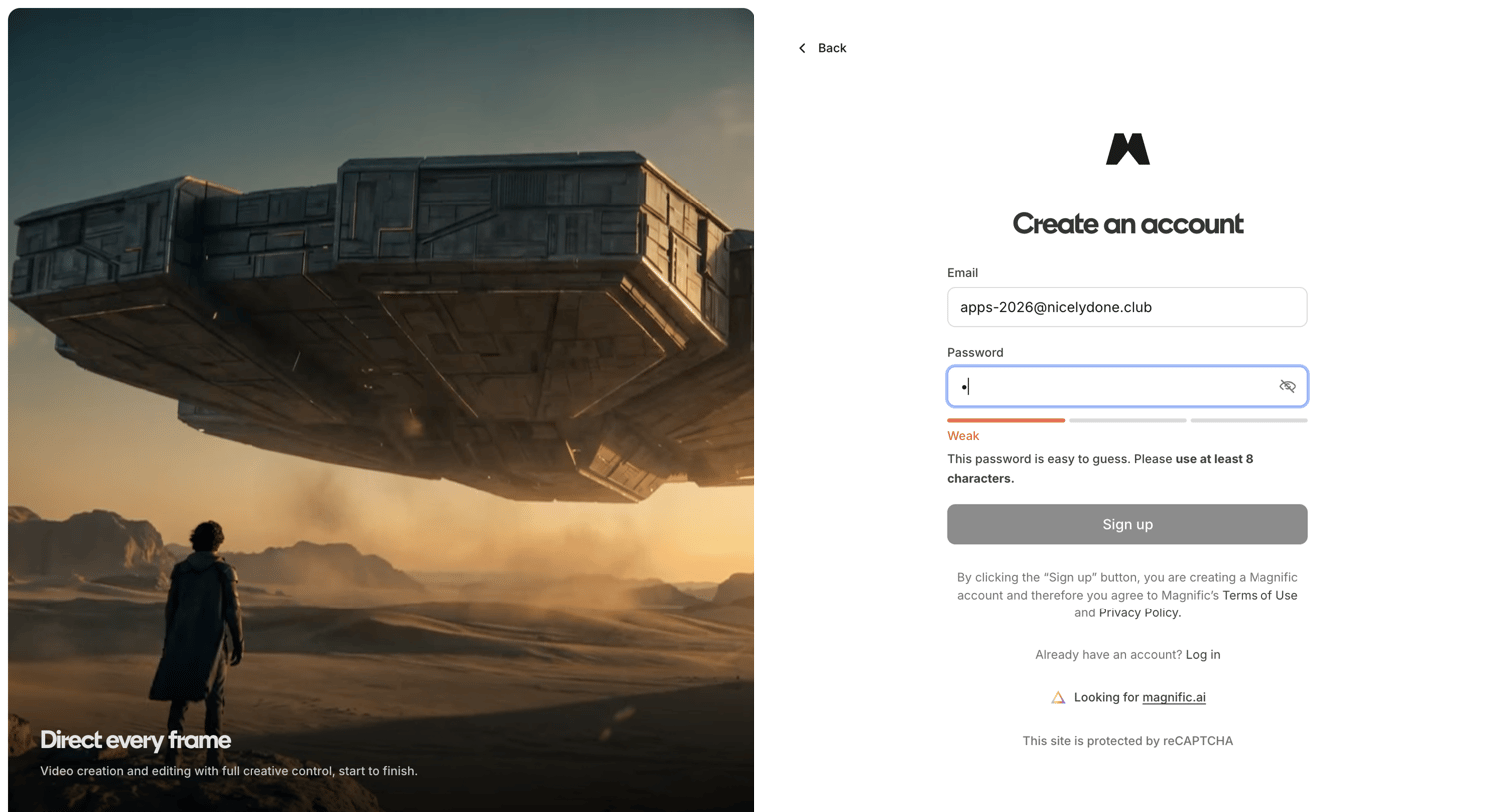
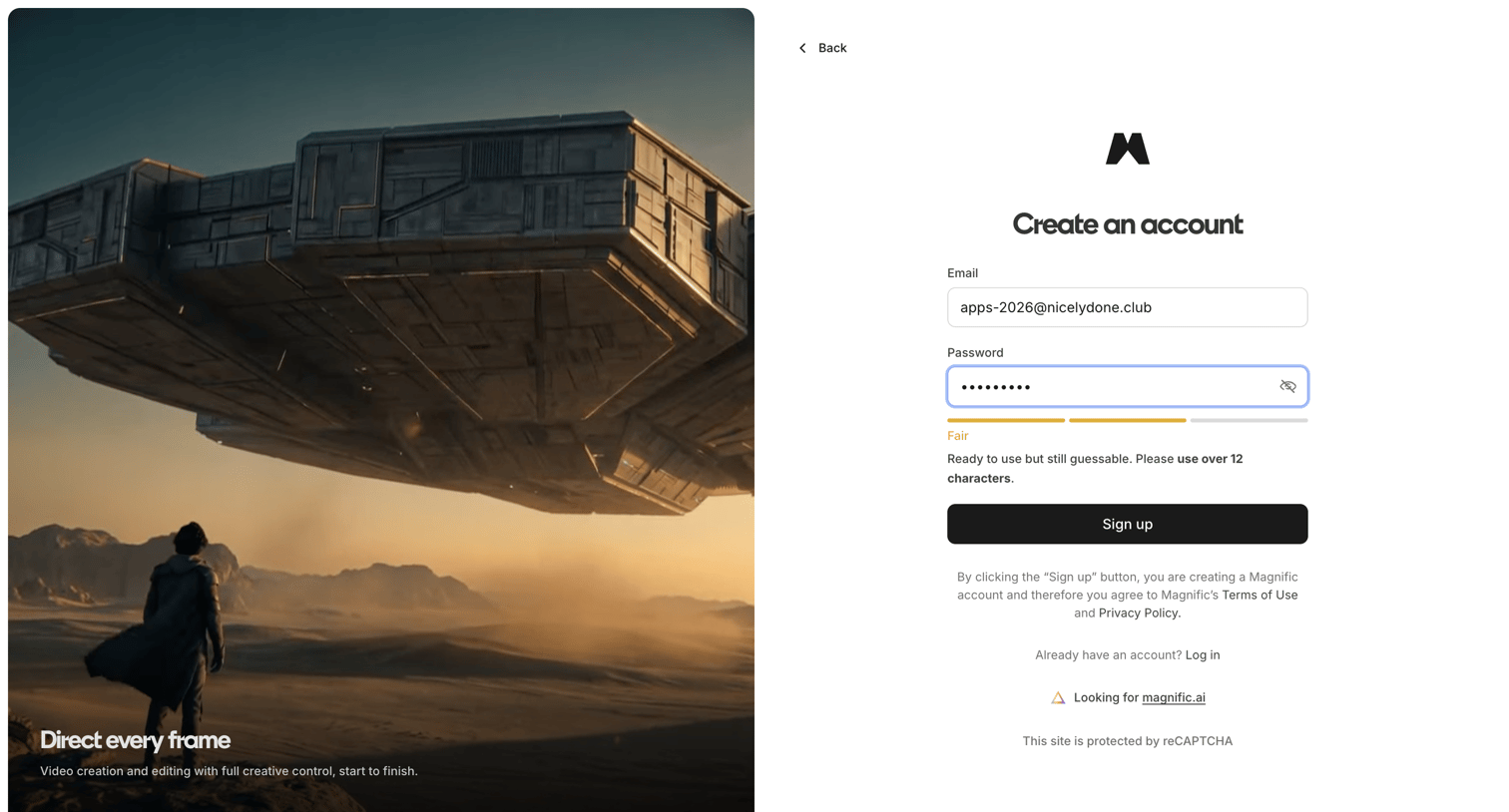
Magnific - magnific.com/sign-up?client_id=magnific&lang=en&cb_url=https://www.magnific.com/user/me screen
Magnific logo
Magnific

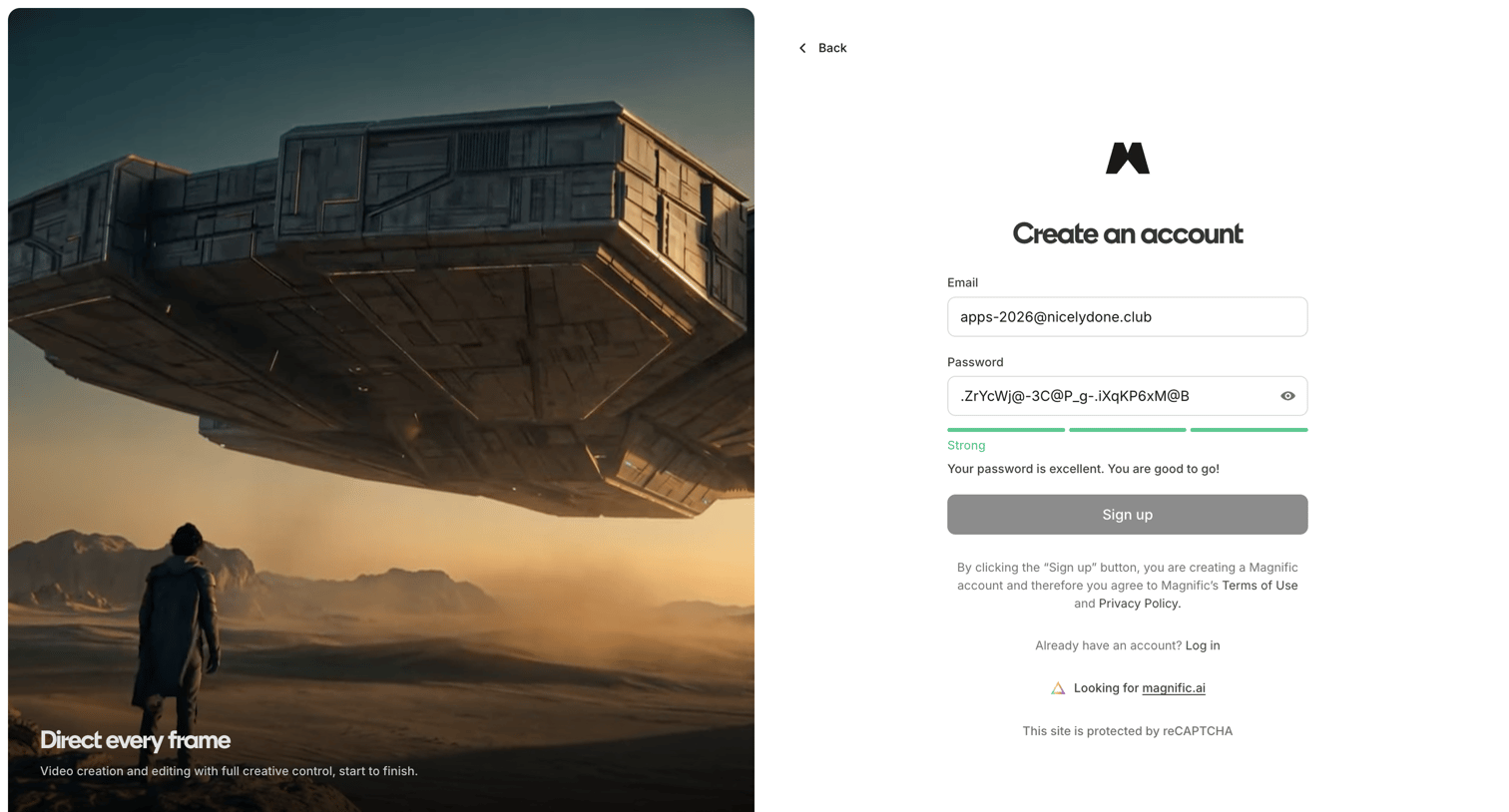
Signup page where the user enters their email and password to create an account, featuring a real-time password strength indicator and a full-height promotional image on the left.

Magnific - magnific.com/sign-up?client_id=magnific&lang=en&cb_url=https://www.magnific.com/user/me screen
Magnific logo
Magnific

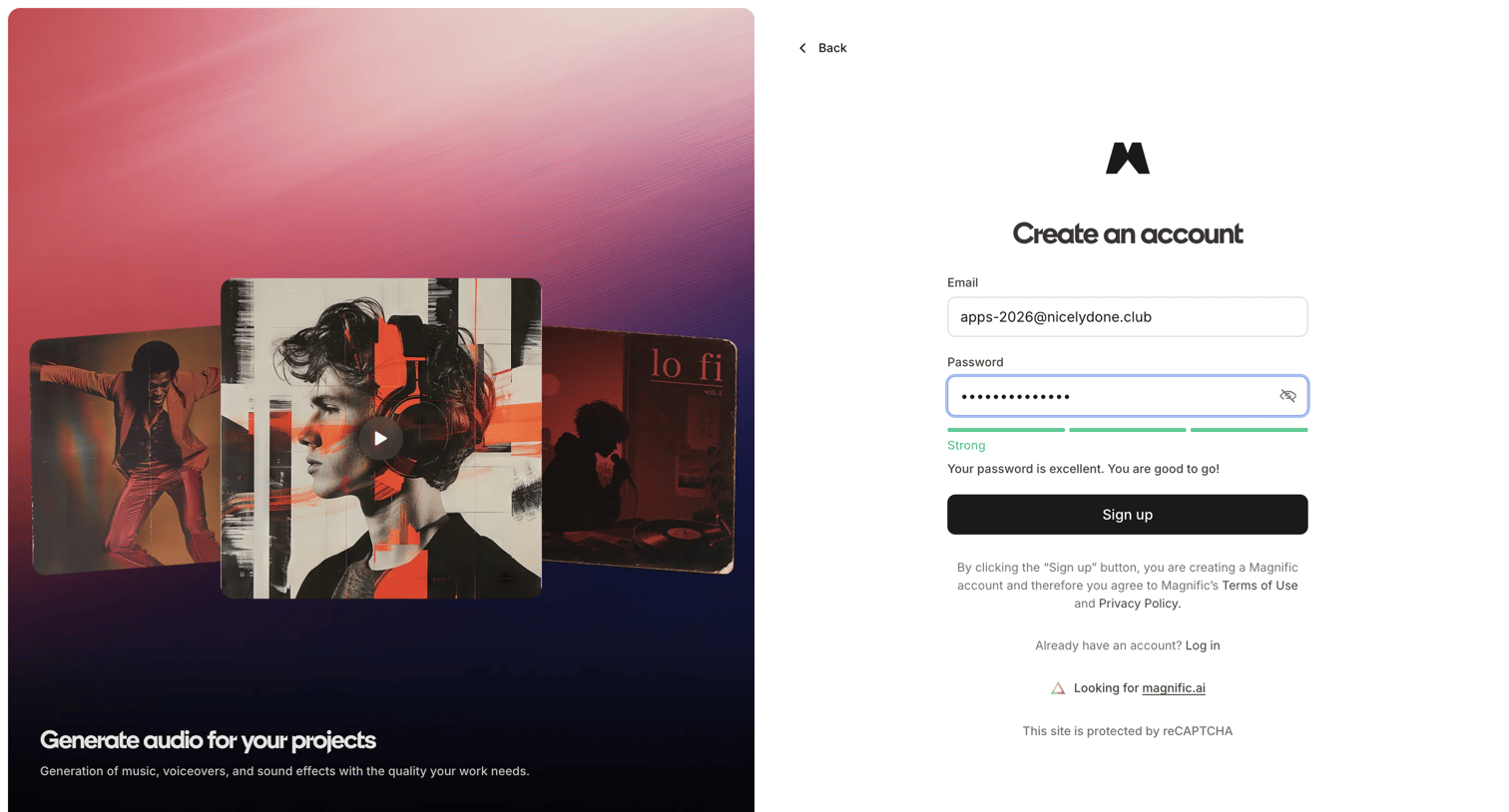
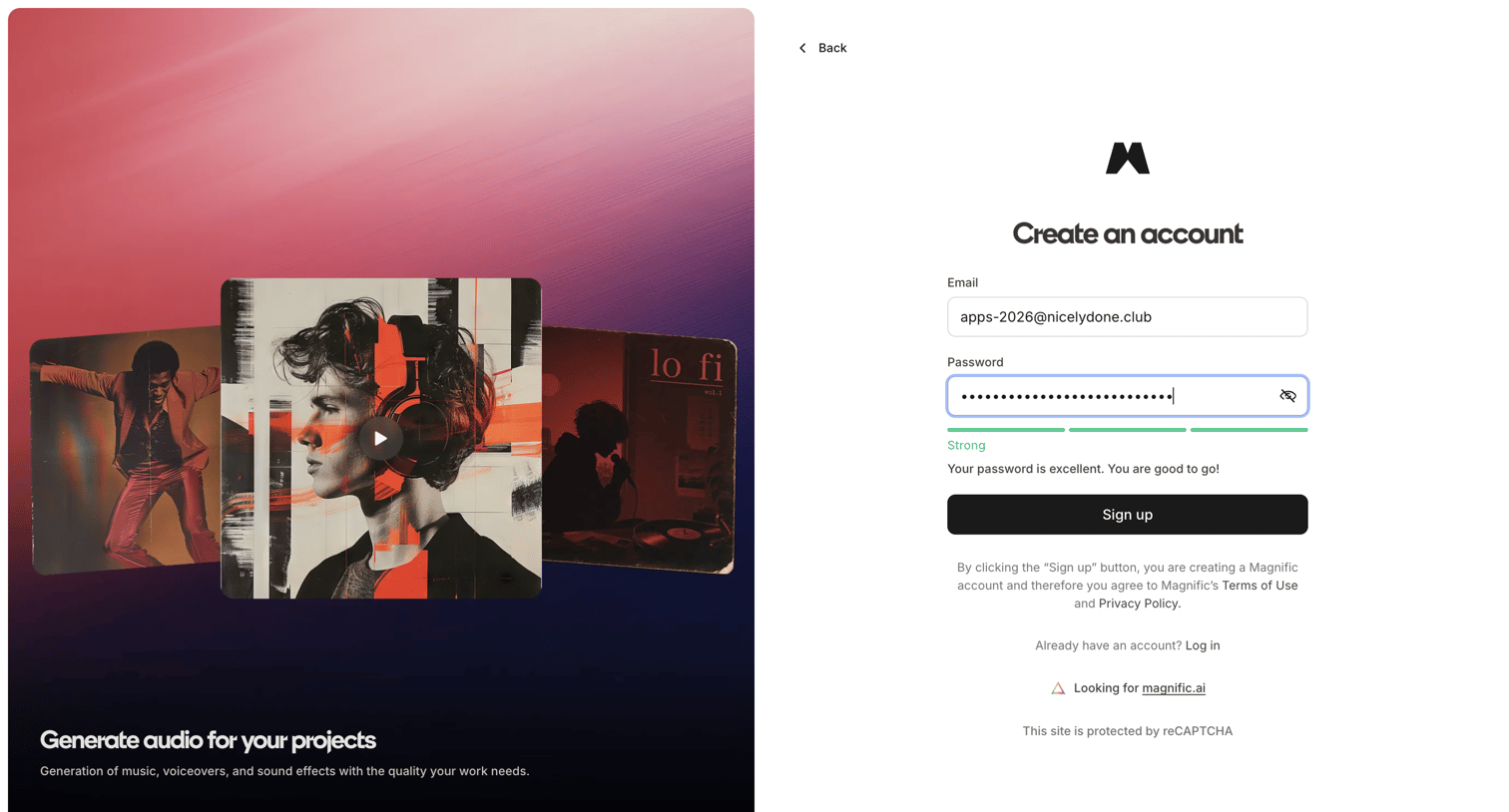
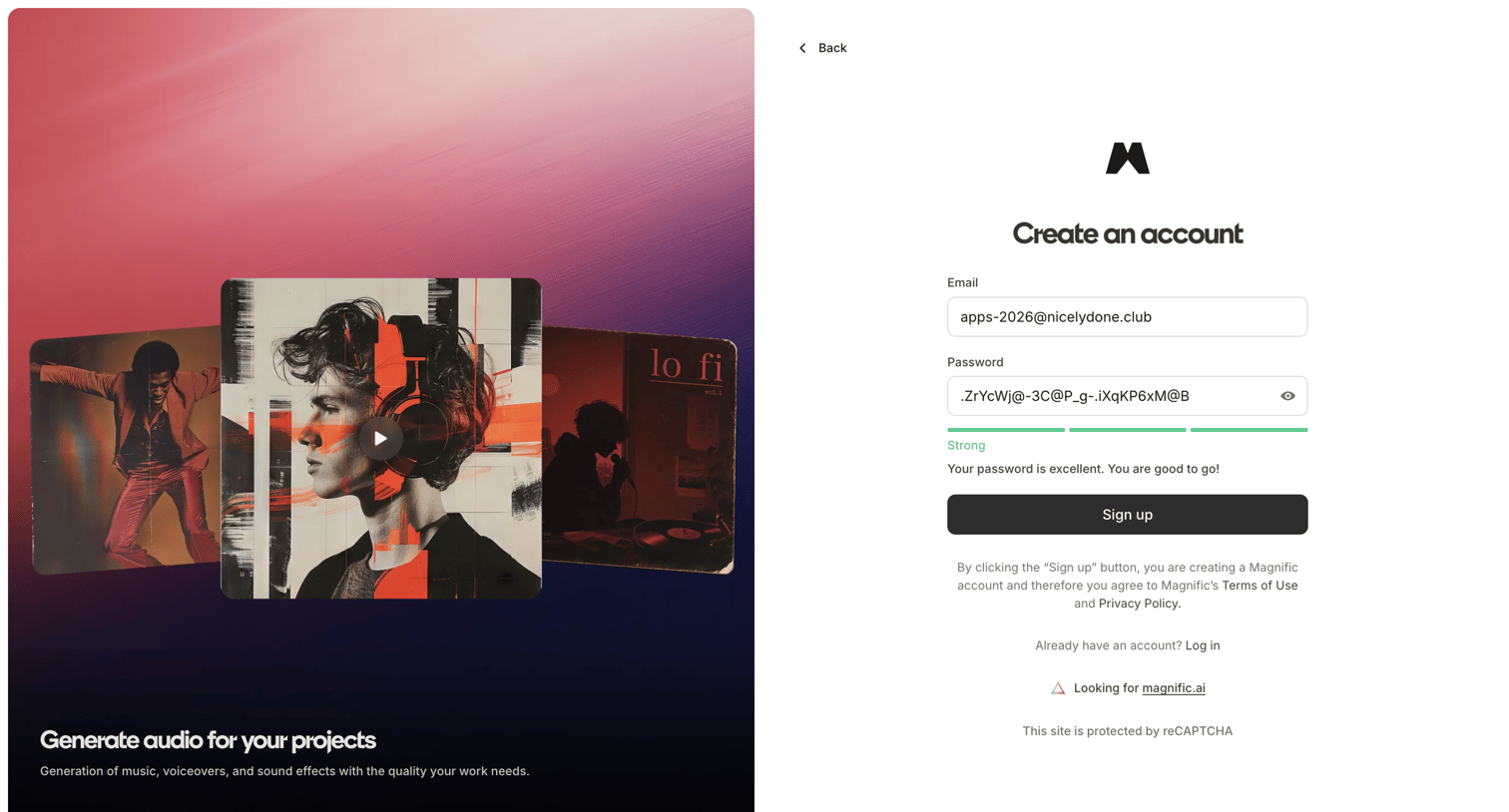
Signup screen where the user creates an account using an email and password, featuring a segmented password strength meter and a feature-showcase image panel.

Magnific - magnific.com/sign-up?client_id=magnific&lang=en&cb_url=https://www.magnific.com/user/me screen
Magnific logo
Magnific

Signup page where the user creates an account with an email and password, featuring a real-time password strength indicator and a promotional carousel highlighting audio generation capabilities.

Magnific - magnific.com/sign-up?client_id=magnific&lang=en&cb_url=https://www.magnific.com/user/me screen
Magnific logo
Magnific

Signup page where the user creates a new account using an email and password, featuring a real-time password strength meter and a promotional carousel.

Magnific - magnific.com/sign-up?client_id=magnific&lang=en&cb_url=https://www.magnific.com/user/me screen
Magnific logo
Magnific

Signup screen where the user enters their email and a password, featuring a segmented password strength indicator and a promotional media panel.

Magnific - magnific.com/sign-up?client_id=magnific&lang=en&cb_url=https://www.magnific.com/user/me screen
Magnific logo
Magnific

Signup page where the user creates an account with email and password, featuring a real-time password strength indicator and a promotional side panel.

Magnific - Magnific | All-in-One AI Creative Suite screen
Magnific logo
Magnific

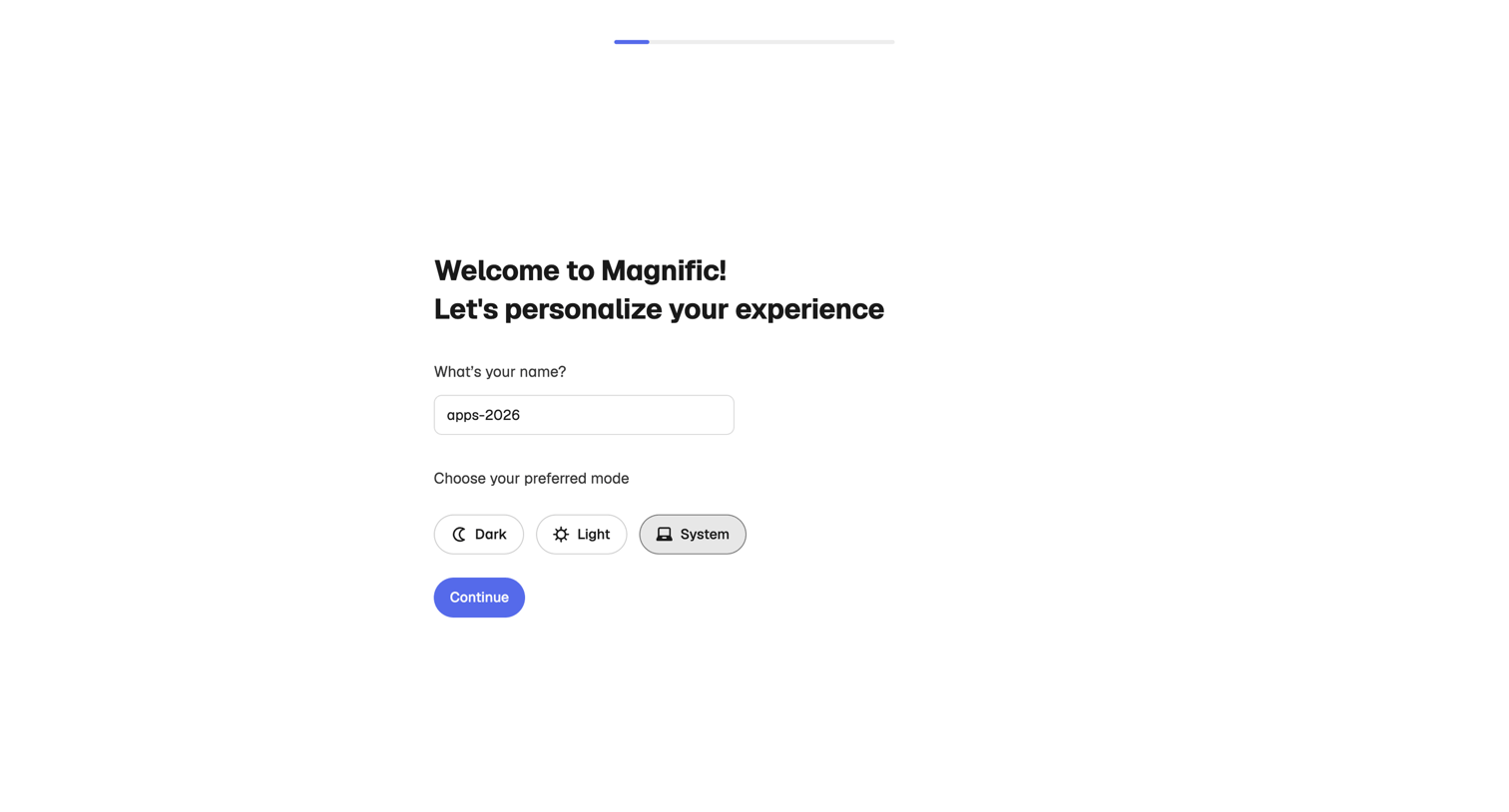
Onboarding step where the user confirms their name and selects a preferred display theme before entering the app.
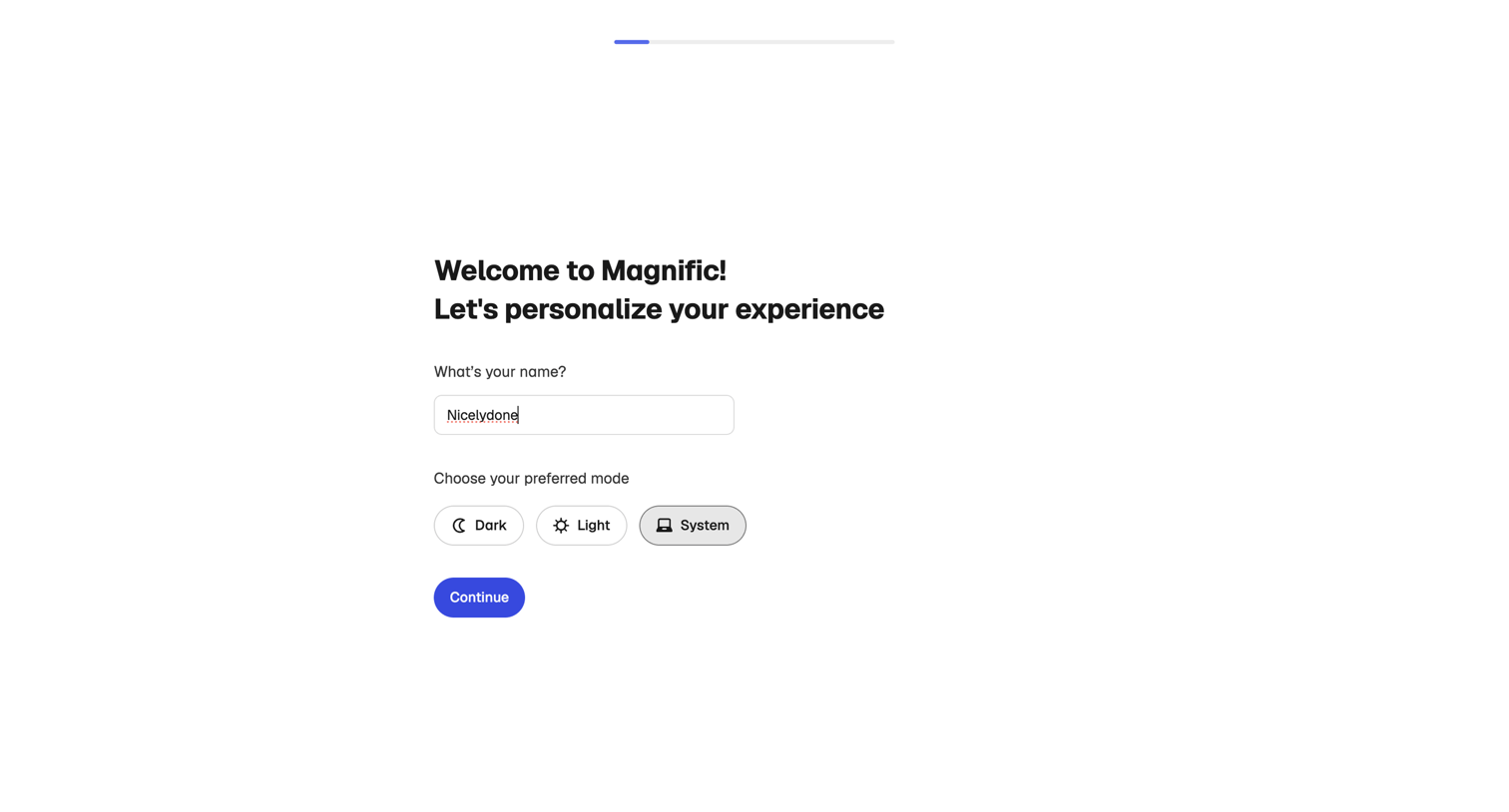
Magnific - Magnific | All-in-One AI Creative Suite screen
Magnific logo
Magnific

Onboarding step where the user enters their name and selects a preferred interface theme to personalize their experience.
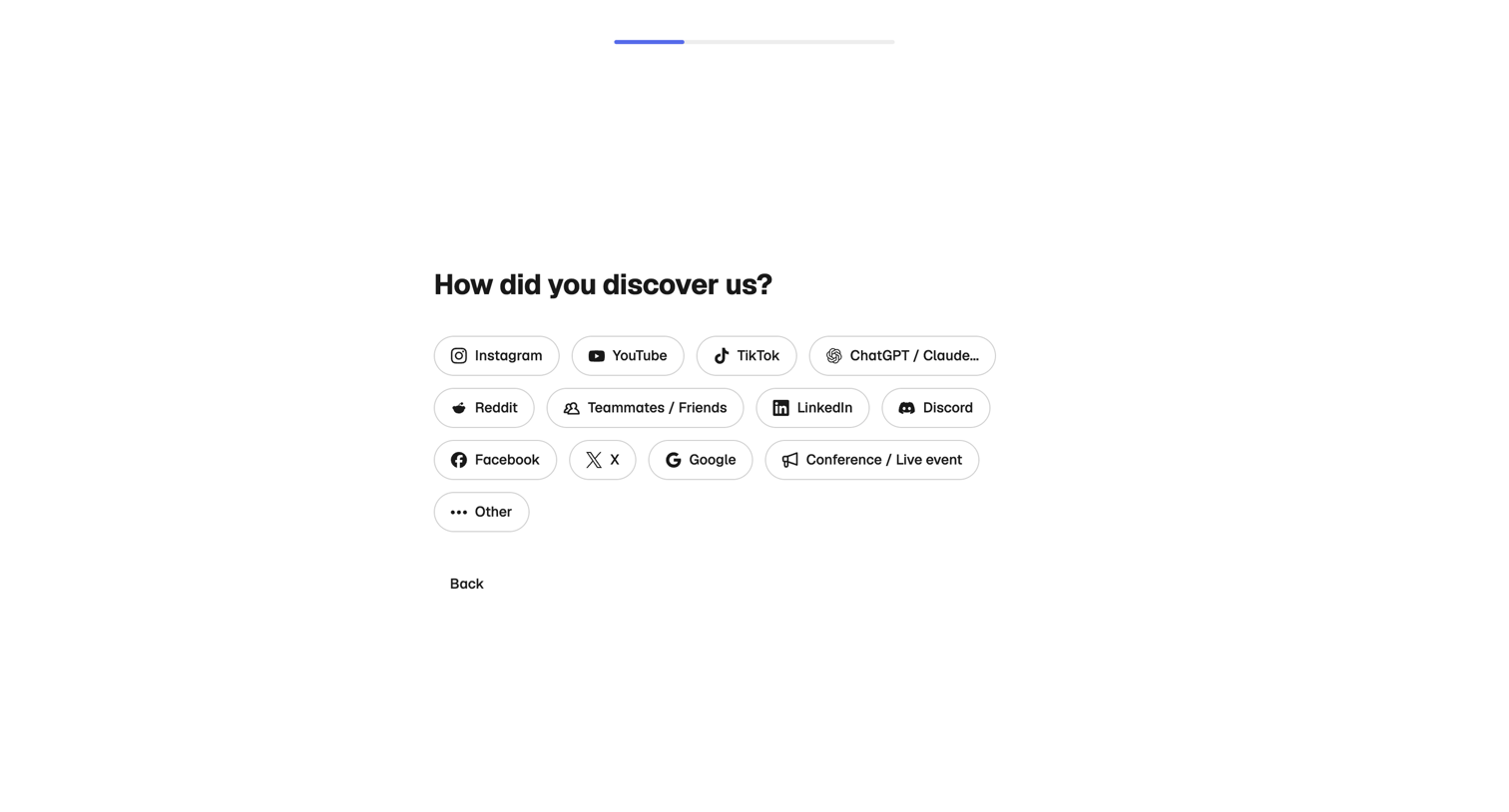
Magnific - Magnific | All-in-One AI Creative Suite screen
Magnific logo
Magnific

Onboarding step where the user indicates how they discovered the product by selecting from a cluster of social media and community pill buttons.
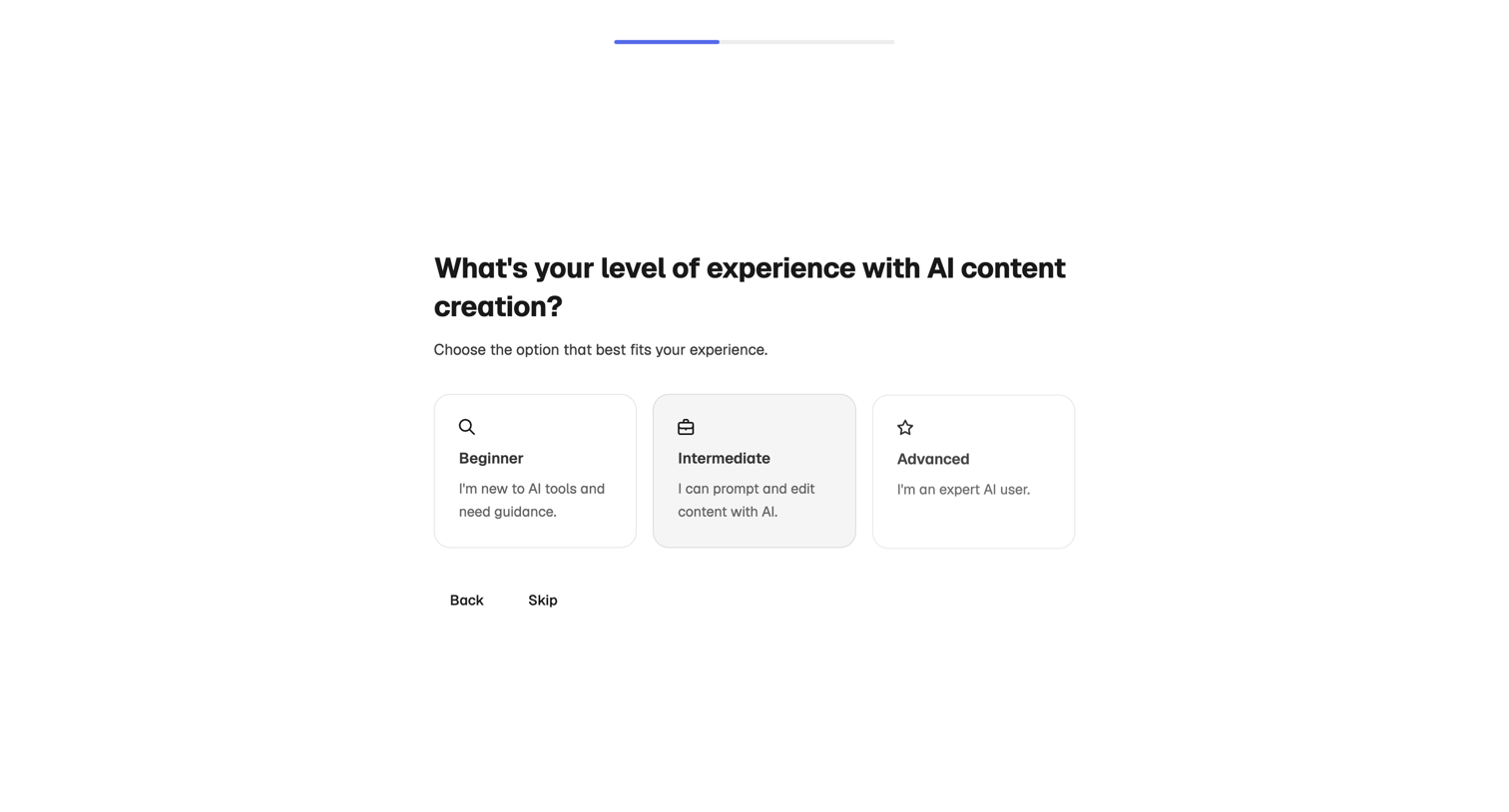
Magnific - Magnific | All-in-One AI Creative Suite screen
Magnific logo
Magnific

Onboarding step where the user selects their AI content creation experience level from beginner, intermediate, or advanced options.

Explore the full SaaS screen library

Upgrade to unlock the full library.

Trusted by the best teams