Comparing subscription plans
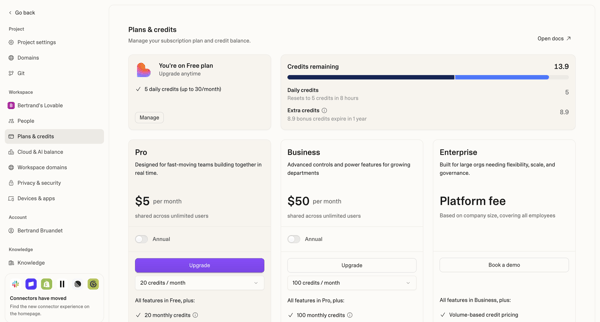
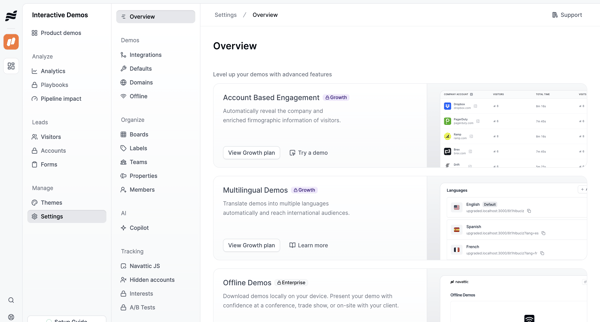
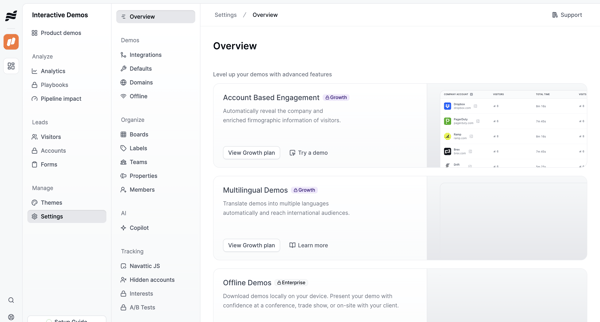
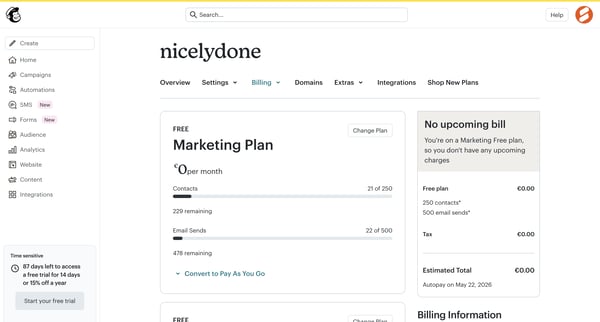
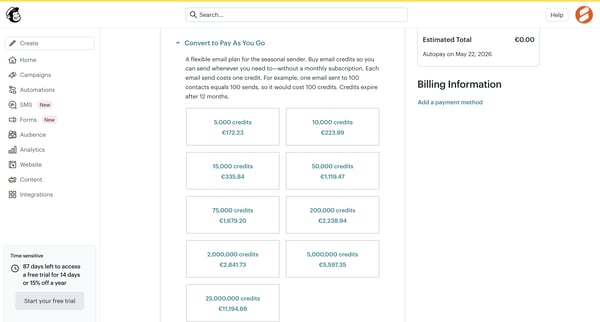
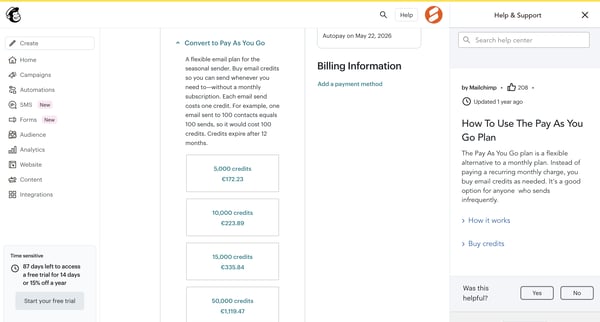
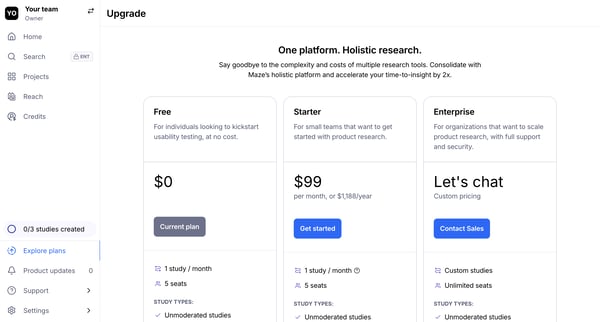
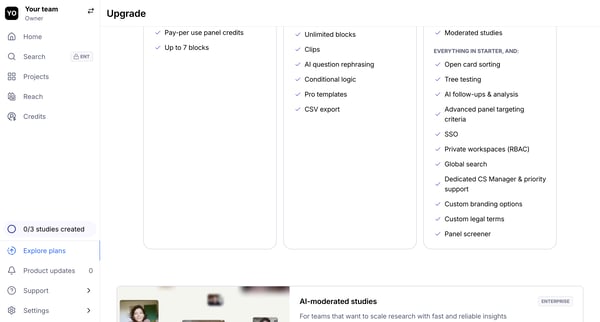
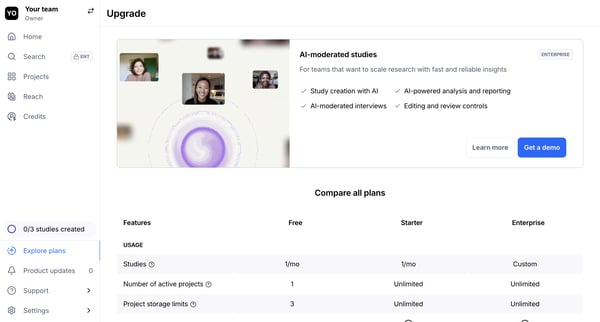
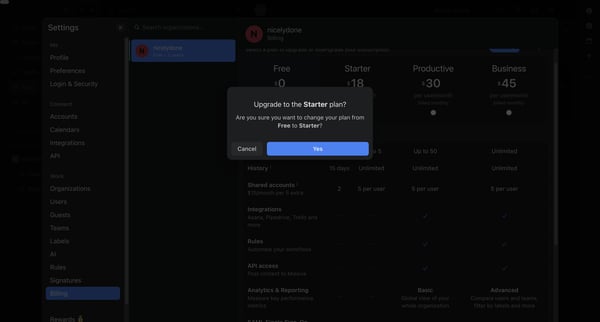
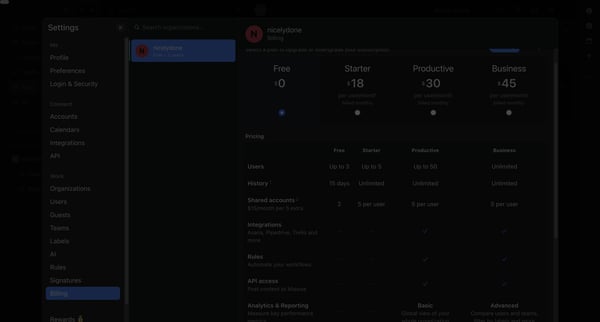
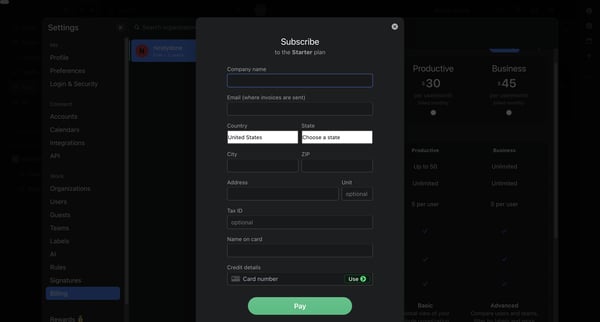
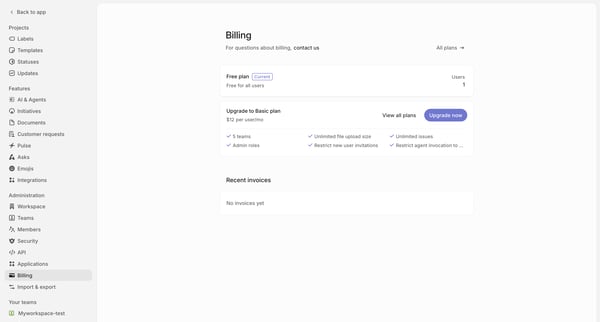
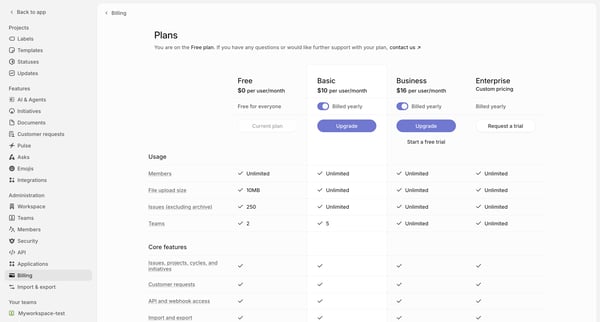
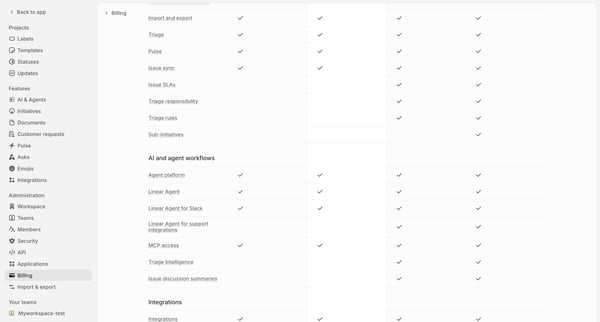
User reviews multiple in-app billing and pricing screens to compare Premium, Pro, and Business tiers with monthly/annual toggles, feature limits, credits, and enterprise options before upgrading.
Preview these flows

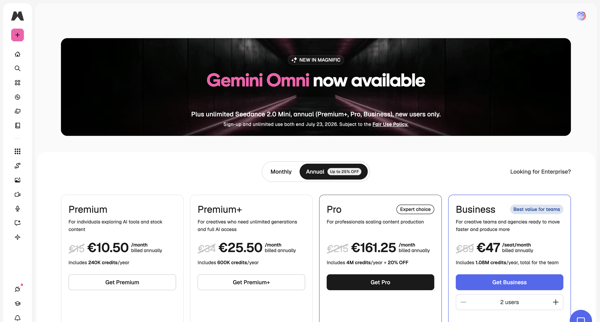
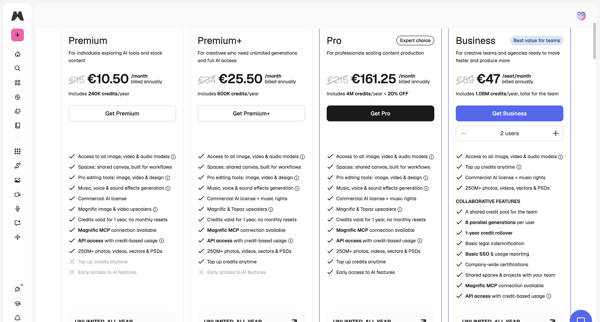
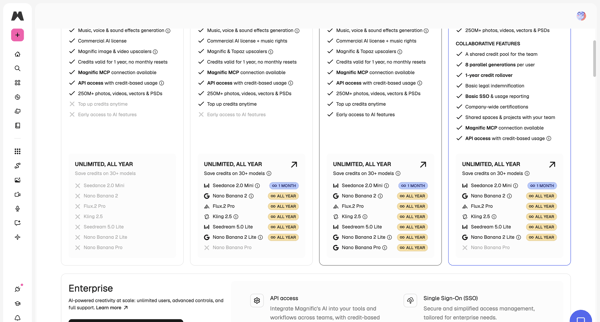
User reviews multiple in-app billing and pricing screens to compare Premium, Pro, and Business tiers with monthly/annual toggles, feature limits, credits, and enterprise options before upgrading.
Related user flows

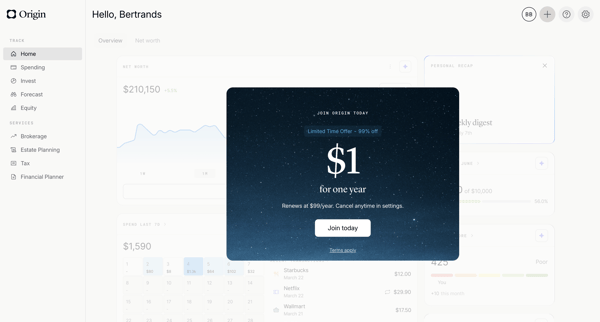
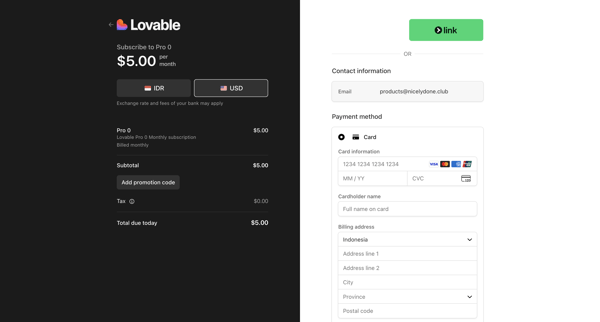
User encounters promotional paywall modals on dashboard, proceeds through Stripe checkout with discounted yearly offer, handles payment entry and errors, completes subscription upgrade

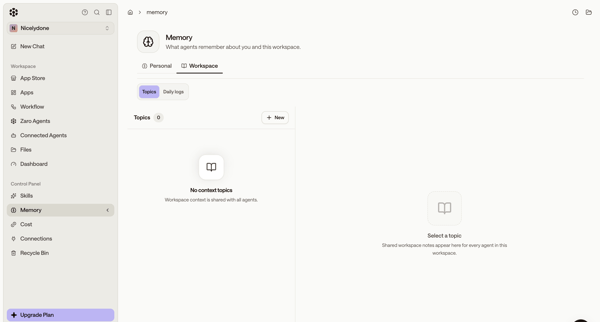
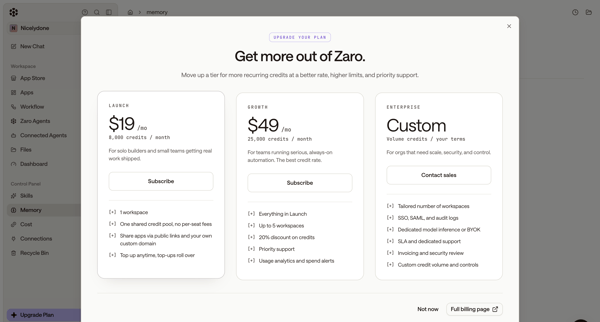
User starts in workspace memory settings, opens upgrade modal from sidebar, selects Launch tier, completes subscription checkout form, sees connecting state, and lands on billing settings page showing new plan and credits.

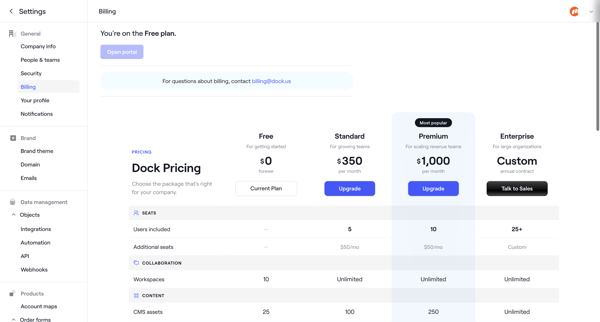
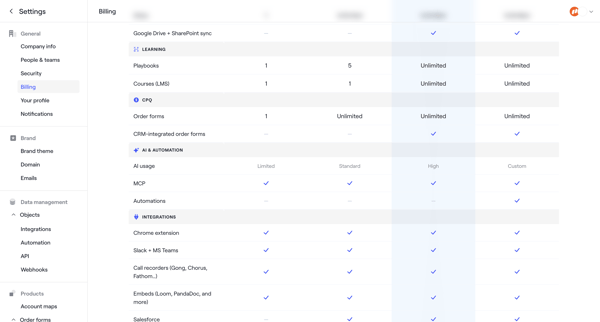
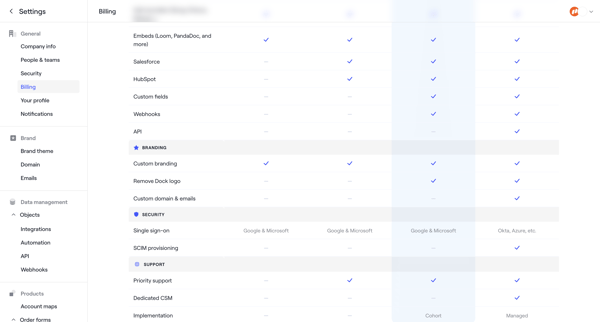
User starts in Billing Settings to compare Free/Standard/Premium/Enterprise plans then completes checkout by entering billing address, payment method, and reviewing order to upgrade.

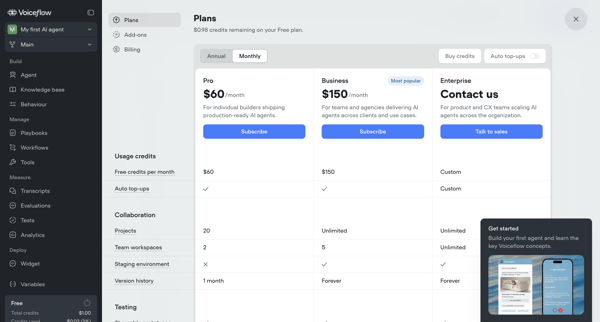
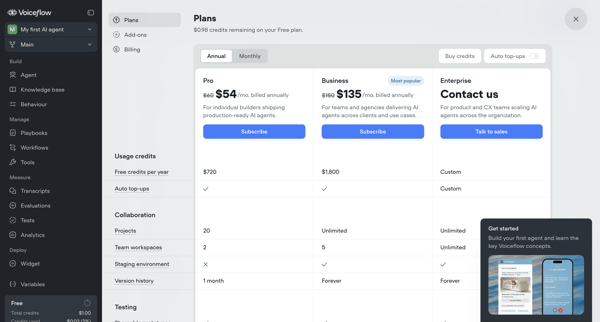
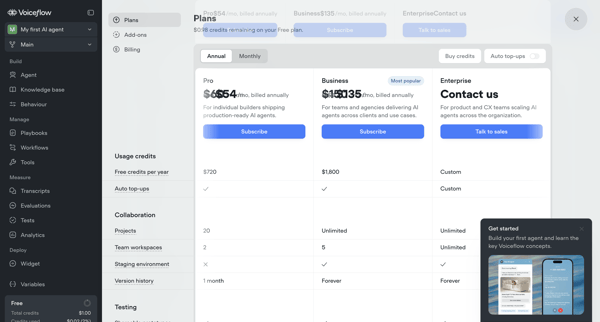
User compares Pro, Business, and Enterprise tiers across billing overlays, modals, and settings pages, toggles annual vs monthly billing, configures add-ons like seats, and manages payment details to complete an upgrade from Free tier.

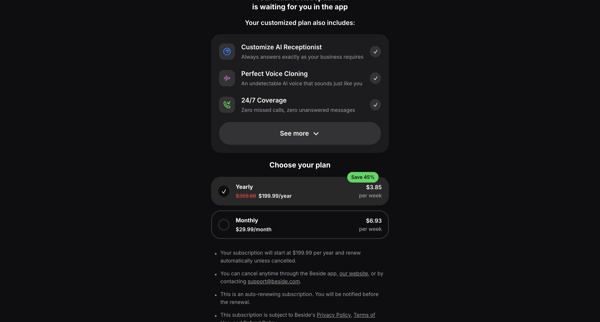
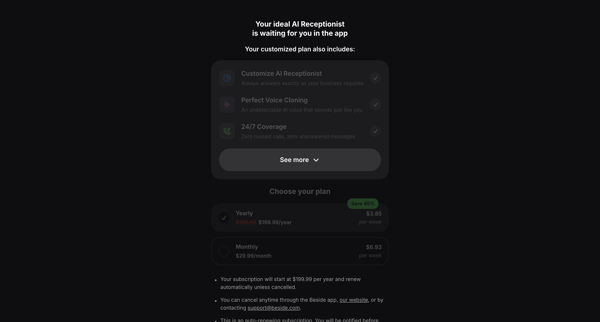
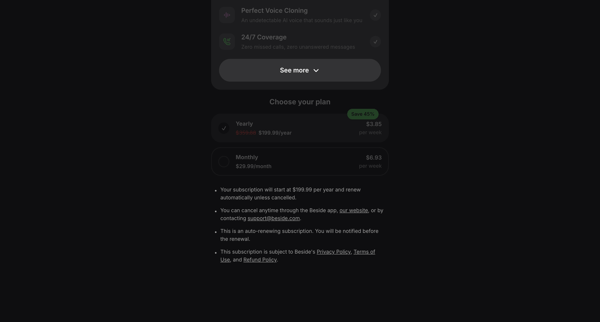
User encounters hard paywalls across auth and app surfaces, selects yearly or monthly plan with discounts, enters payment details, and activates free trial for AI receptionist features

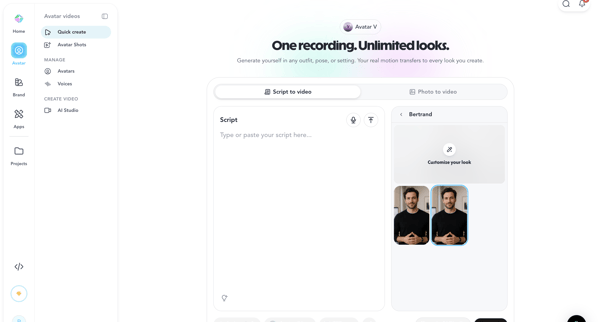
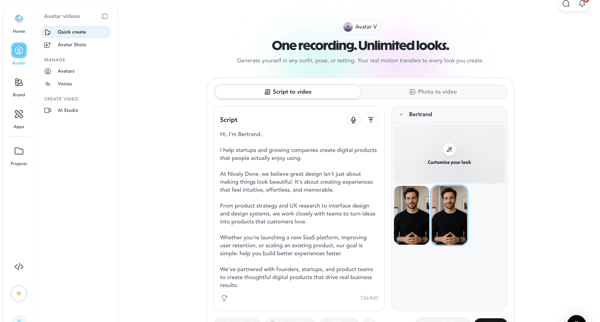
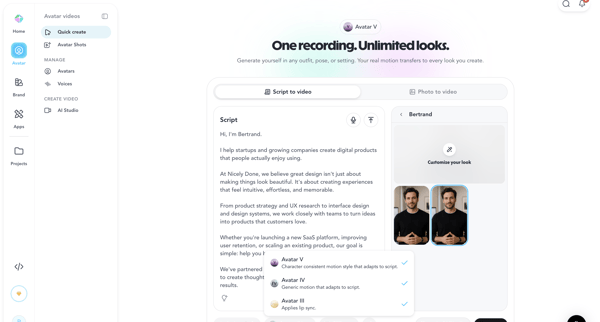
User creates avatar video via script input, avatar/voice selection and AI generation in HeyGen, encountering paywall for advanced features






Explore the full SaaS flow library
Browse the full SaaS flow library.
Trusted by the best teams







