Skip to content

Magnific UI components examples

Browse Magnific UI component design examples. Preview individual interface elements and explore related component categories. The creative platform to direct your best work.

Explore the examples
Magnific — Artificial intelligence component
Magnific logo
Magnific

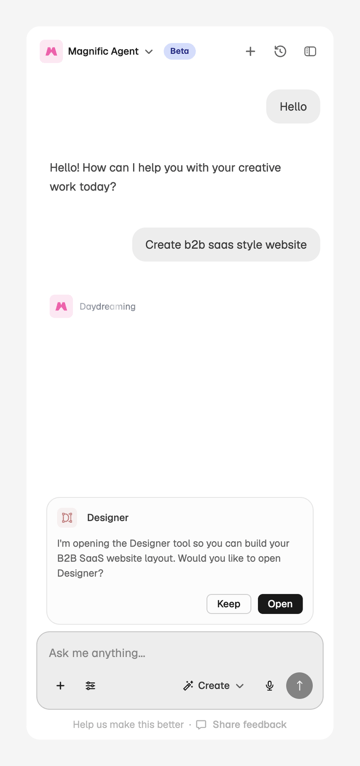
An AI chat interface for creative work and website design, featuring conversational prompts and tool integration.
Magnific — Artificial intelligence component
Magnific logo
Magnific

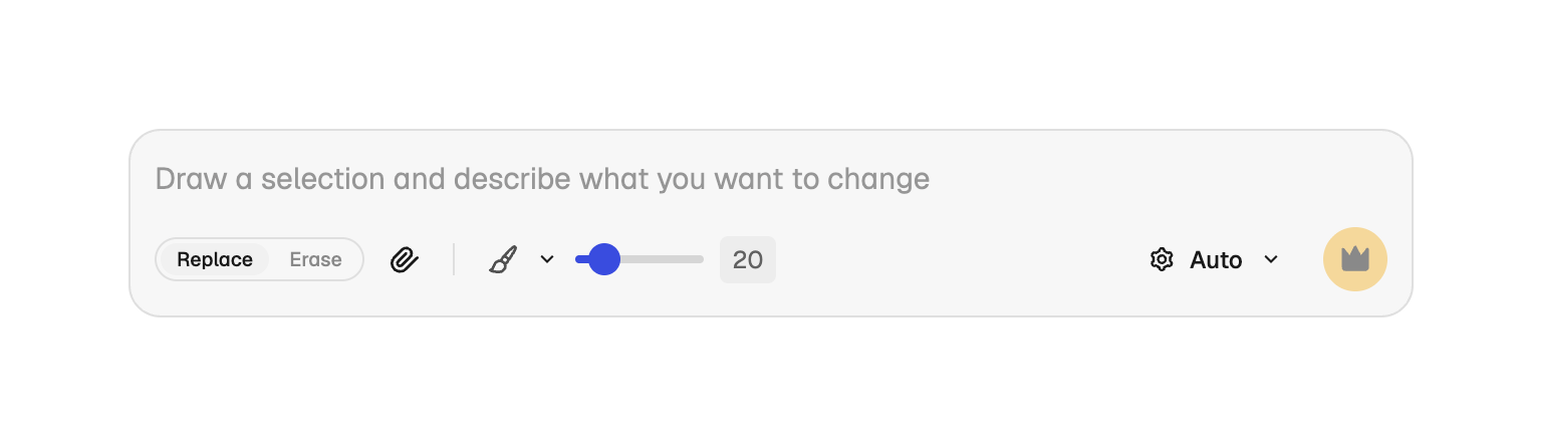
A floating toolbar for image editing with text input, tool selection, and settings.
Magnific — Artificial intelligence component
Magnific logo
Magnific

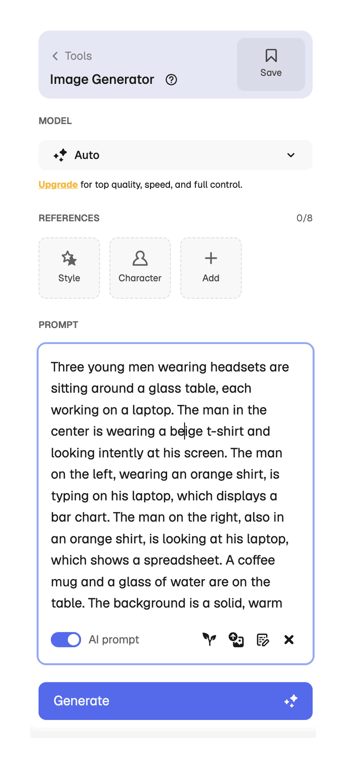
An interface for an image generation tool, featuring prompt input, model selection, and reference options.
Magnific — Tooltip component
Magnific logo
Magnific

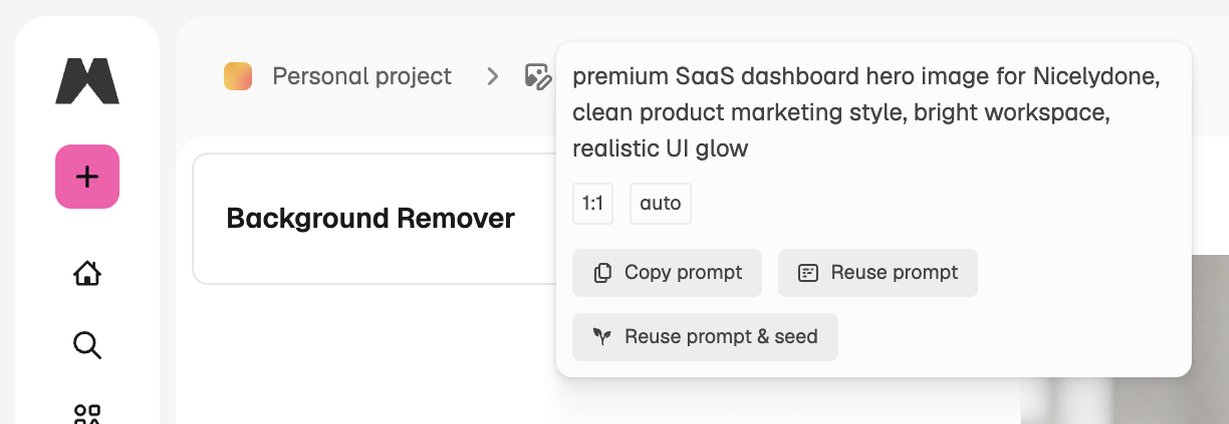
A popover displaying a text prompt with options to copy or reuse it, along with aspect ratio selections.

Magnific — Dropdown menu component
Magnific logo
Magnific

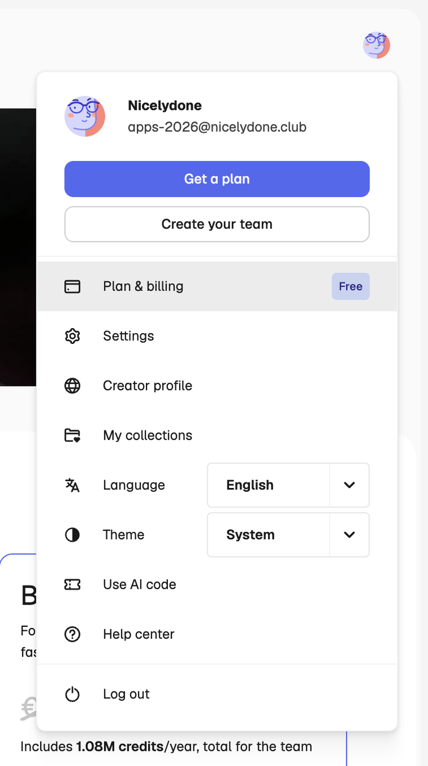
A user account modal displaying profile information, action buttons, and a list of settings and navigation options.
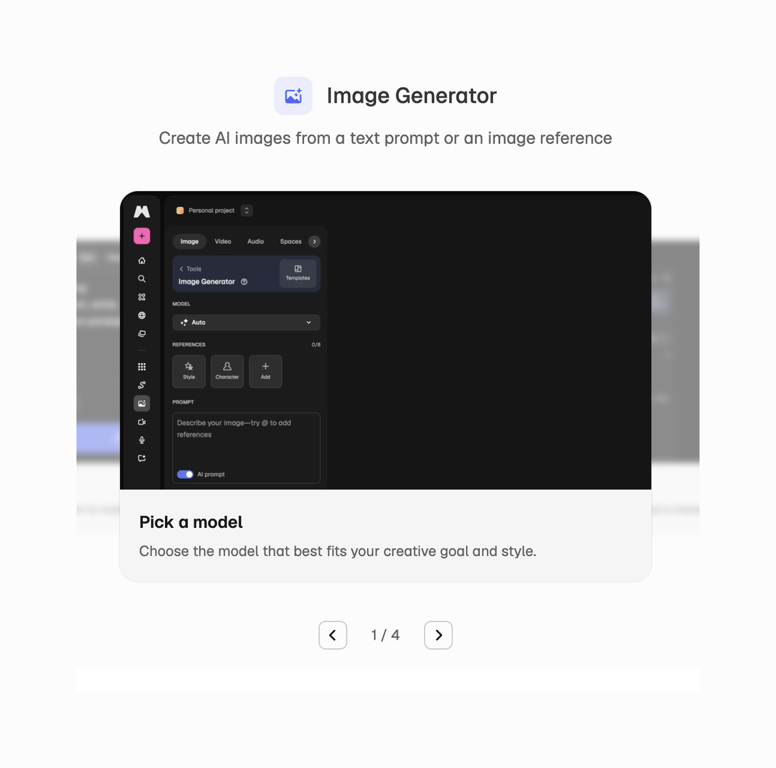
Magnific — Upgrade your plan component
Magnific logo
Magnific

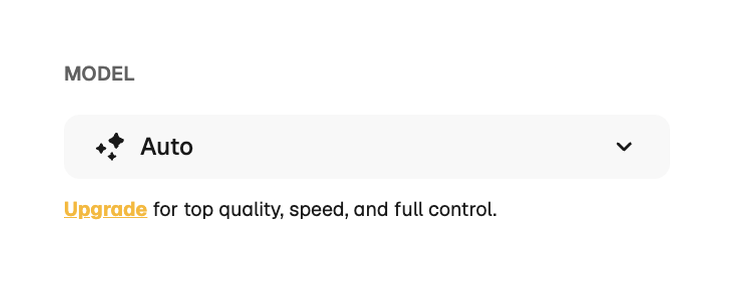
A user interface element for model selection with an upgrade prompt

Magnific — Stepper component
Magnific logo
Magnific

An interface for an AI image generator with options for model selection, references, and a text prompt.

Magnific — Dropdown menu component
Magnific logo
Magnific

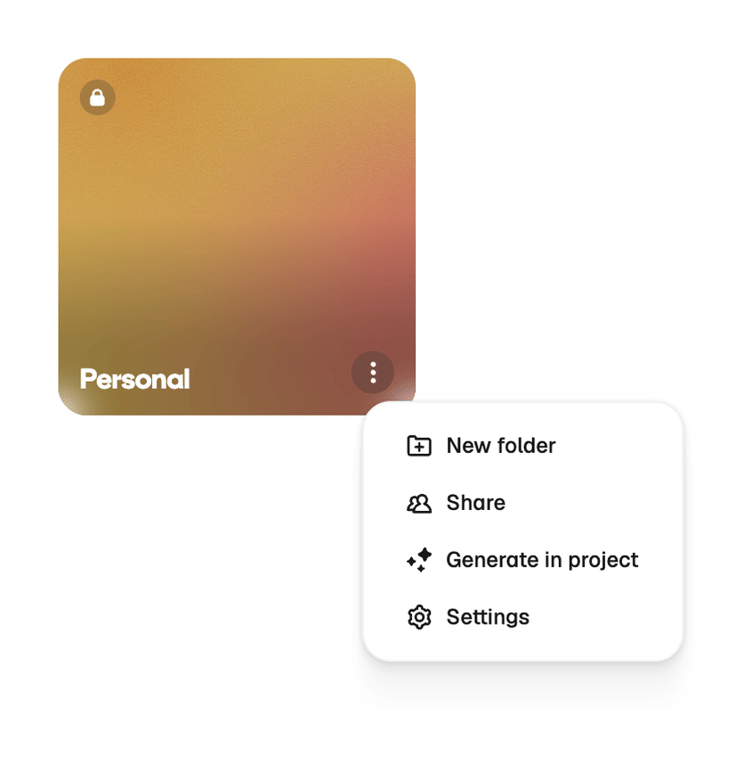
A card representing a personal folder with a context menu displaying actions.

Magnific — Dropdown menu component
Magnific logo
Magnific

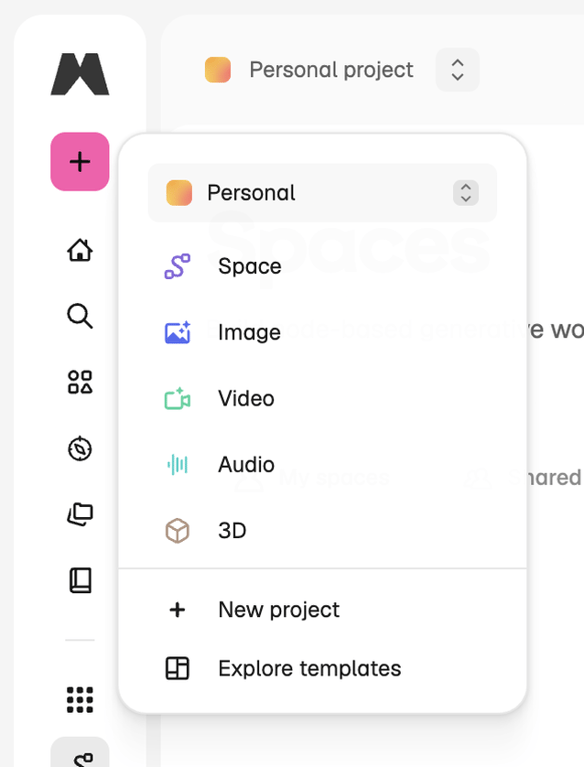
A dropdown menu for creating new projects or exploring templates, categorized by content type, displayed over a sidebar navigation and a main content area.

Magnific — Vertical navigation component
Magnific logo
Magnific

A vertical navigation sidebar featuring a brand logo, a primary action button, and a series of functional icons for various application features.
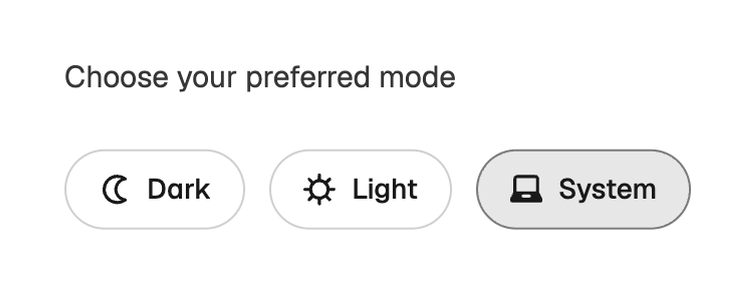
Magnific — Theme settings component
Magnific logo
Magnific

A user interface element for selecting a preferred display mode, offering dark, light, and system options.
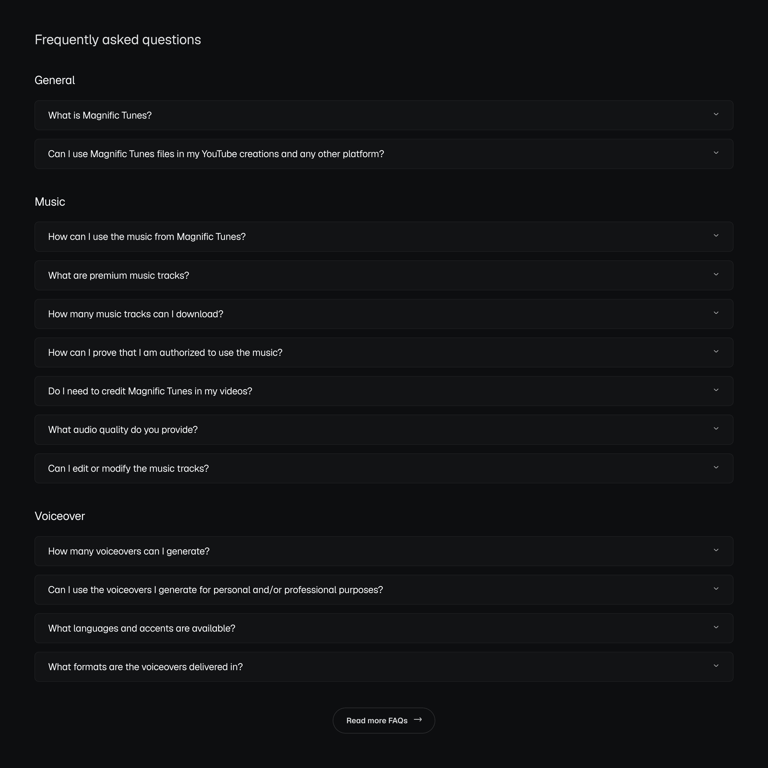
Magnific — FAQ component
Magnific logo
Magnific

A frequently asked questions page with expandable sections categorized by topic.

Browse the full component library

Browse the full UI component library.

Trusted by the best teams