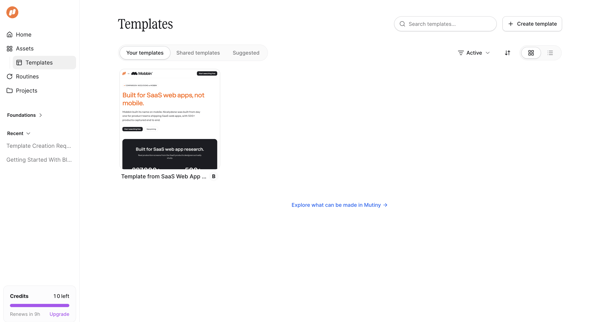
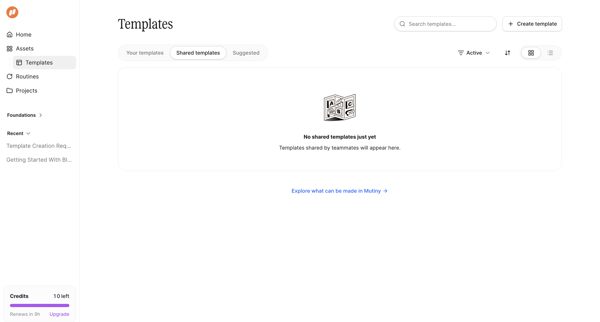
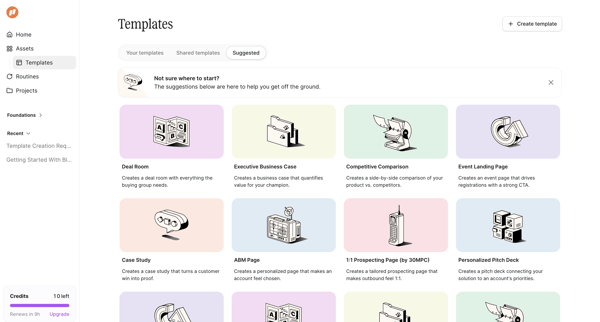
Mutinyhq Flow Example: Browsing templates
Preview this Mutinyhq user flow: Browsing templates. Explore the opening screens.
Preview these flows

Related user flows

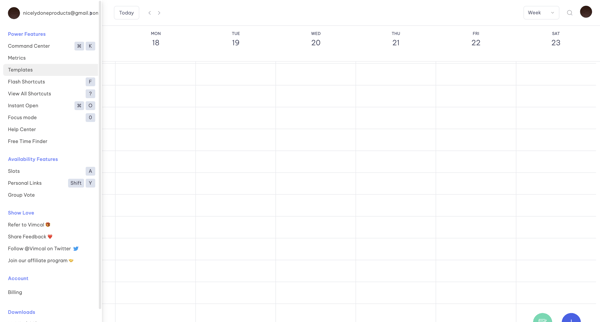
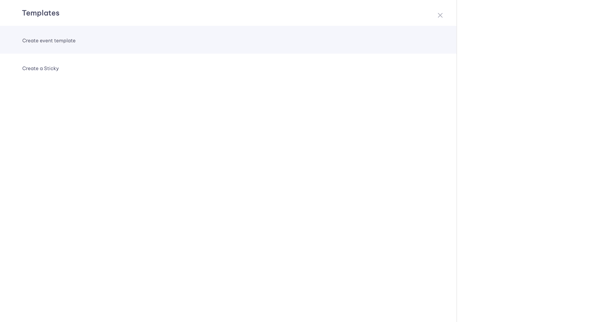
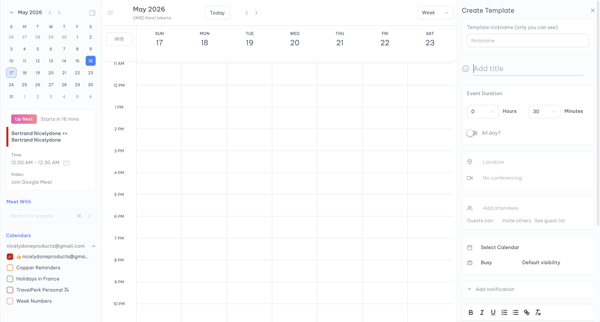
User navigates from weekly calendar view to template menu, selects event template, and populates details in a persistent side panel editor

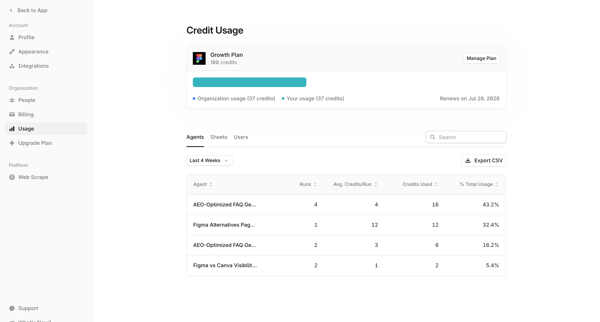
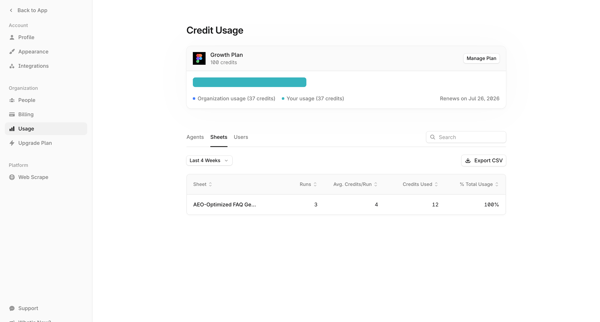
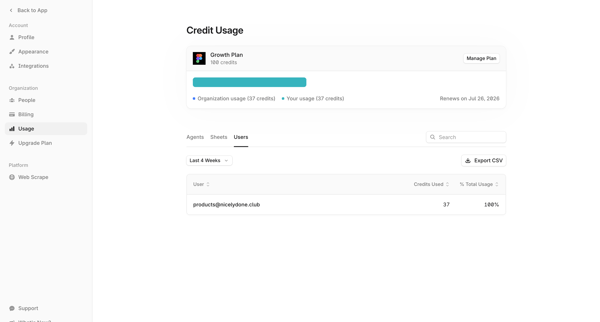
User accesses organization usage settings to view credit consumption breakdown by agents, sheets, and users with filtering, search, and CSV export options

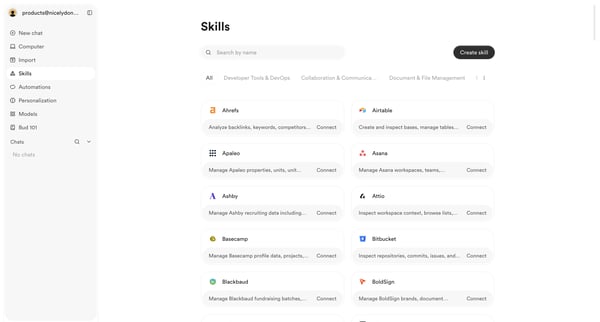
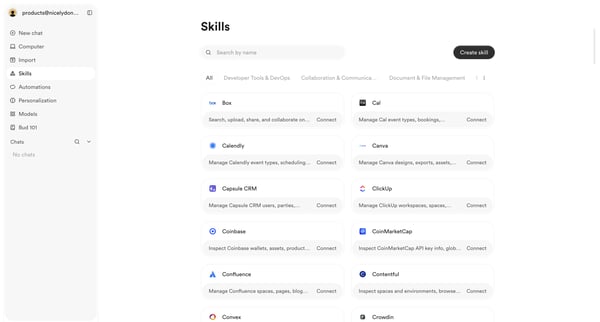
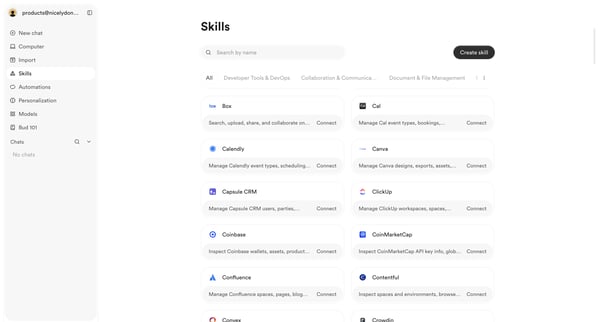
User browses, searches, and filters the skills integrations directory to discover and connect third-party tools

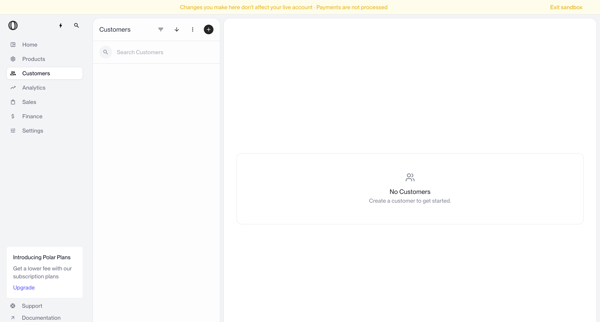
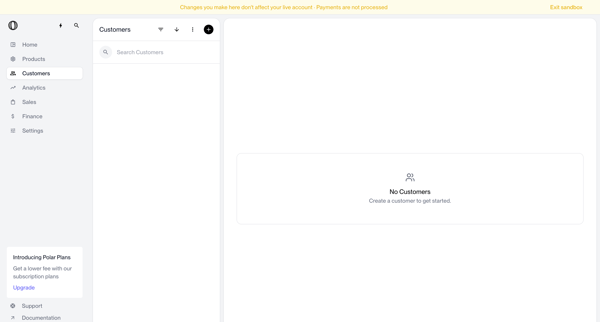
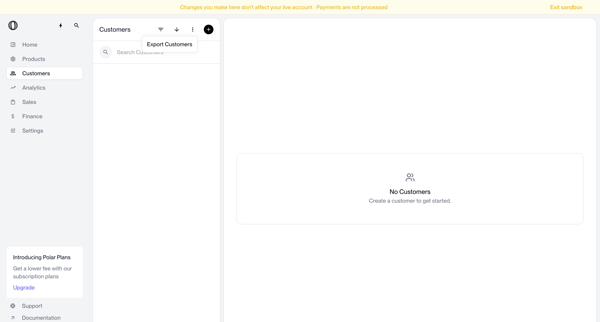
Navigating empty customer list states in sandbox with search bar, filter options, and create prompts visible

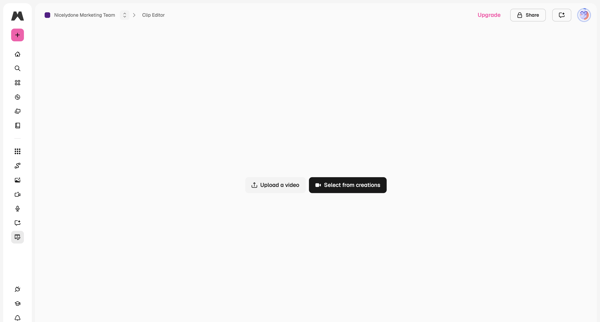
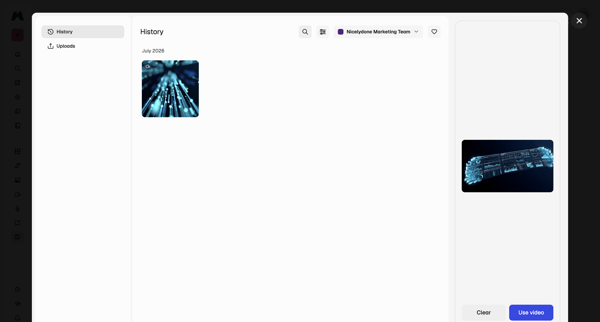
From video editor empty state, open history modal to browse generations, filter by team, preview, and select a video for editing

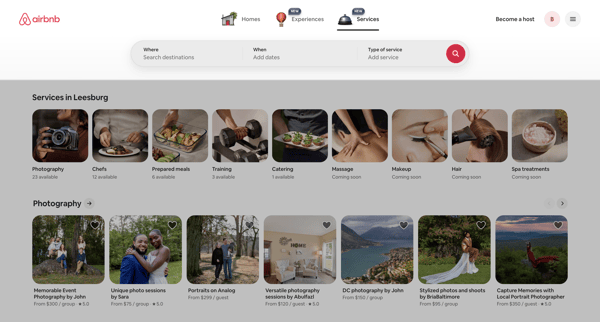
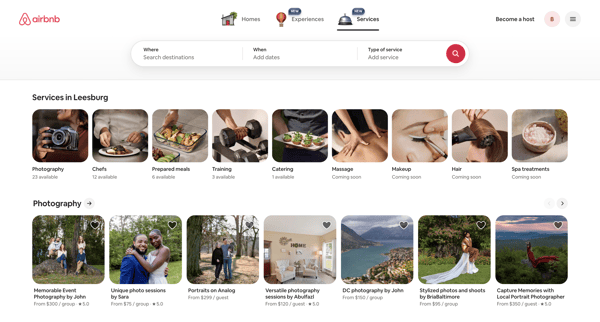
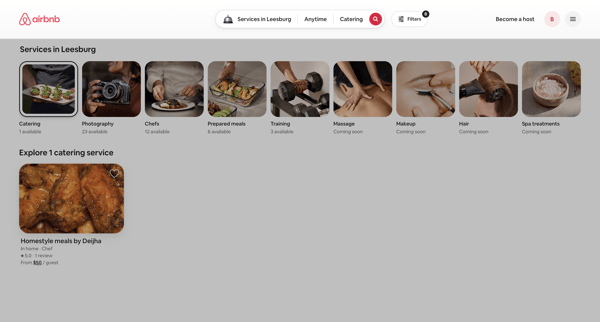
Browsing local services via category carousels and search results grids on Airbnb app

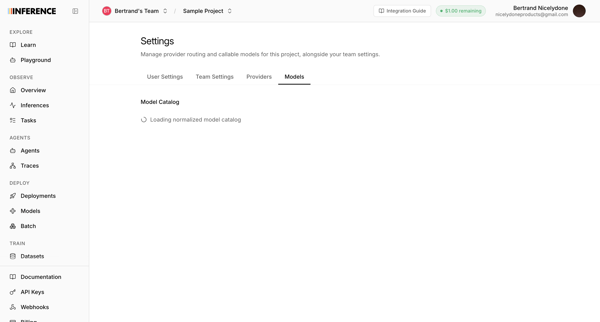
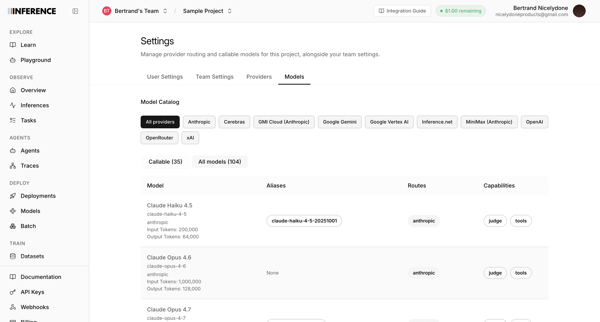
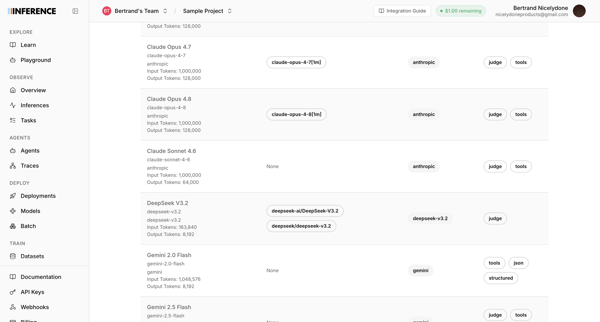
User accesses AI model catalog settings to manage provider routing, filter models by provider, and review token limits and capabilities across multiple list and table views

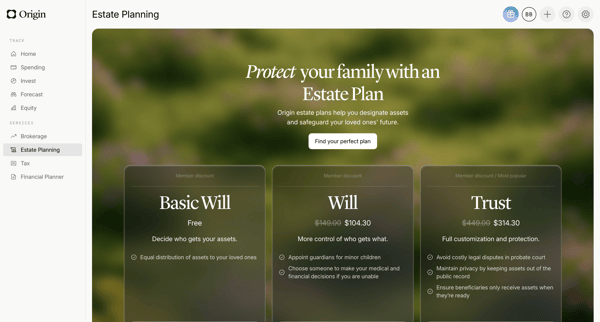
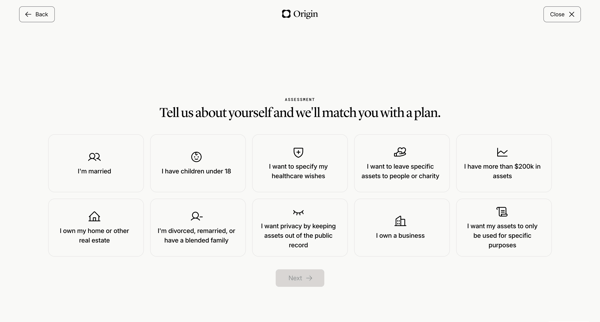
User views estate planning pricing tiers then completes life circumstances questionnaire to match an estate plan



Onboarding flow selecting primary use case to personalize Riverside workspace

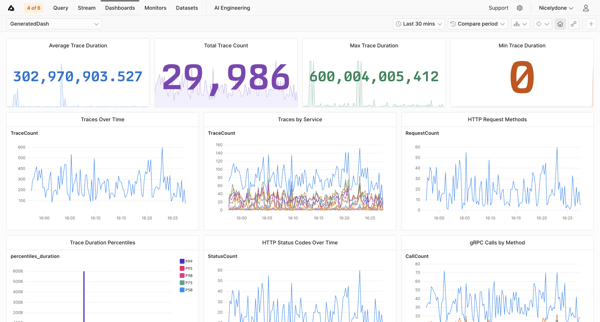
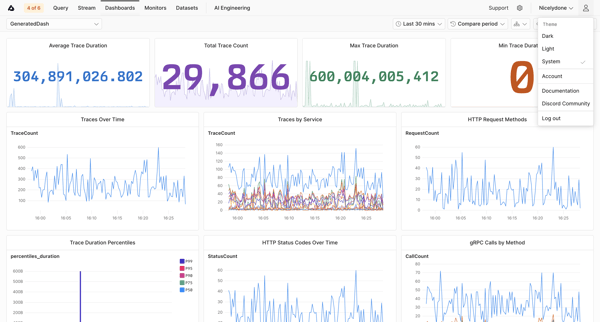
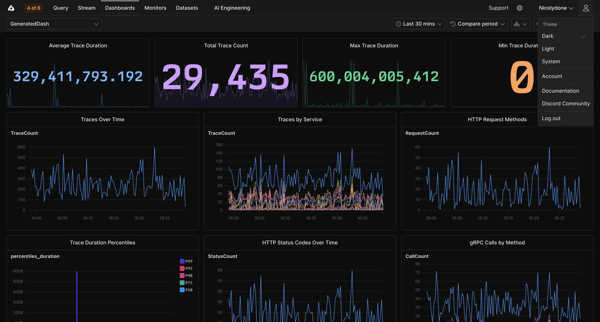
Viewing trace metrics dashboards with KPI tiles and time-series charts for duration, counts, services, and HTTP status in Axiom


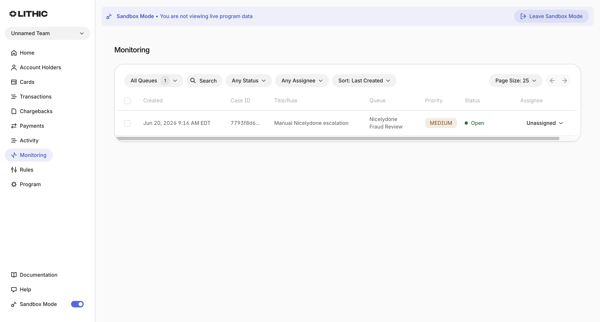
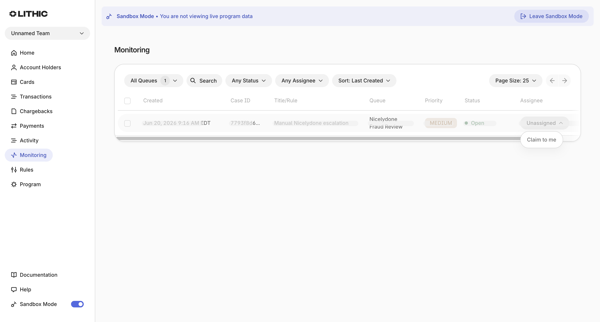
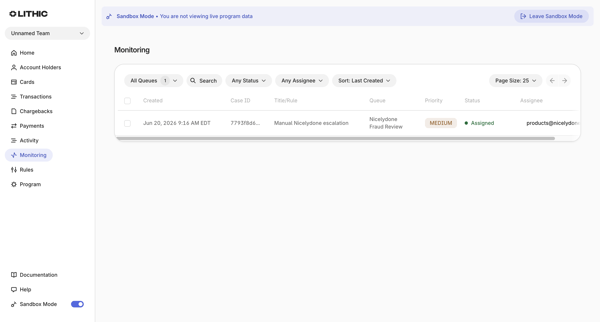
User applies filters for queues, status, assignee, search token, and sort on monitoring cases list in sandbox mode
Explore the full SaaS flow library
Browse the full SaaS flow library.
Trusted by the best teams







