
Mutinyhq product screens examples
Browse Mutinyhq screen design examples. Preview the interface screenshots and explore related UI patterns. AI agent for customer-facing GTM work
Explore the examples
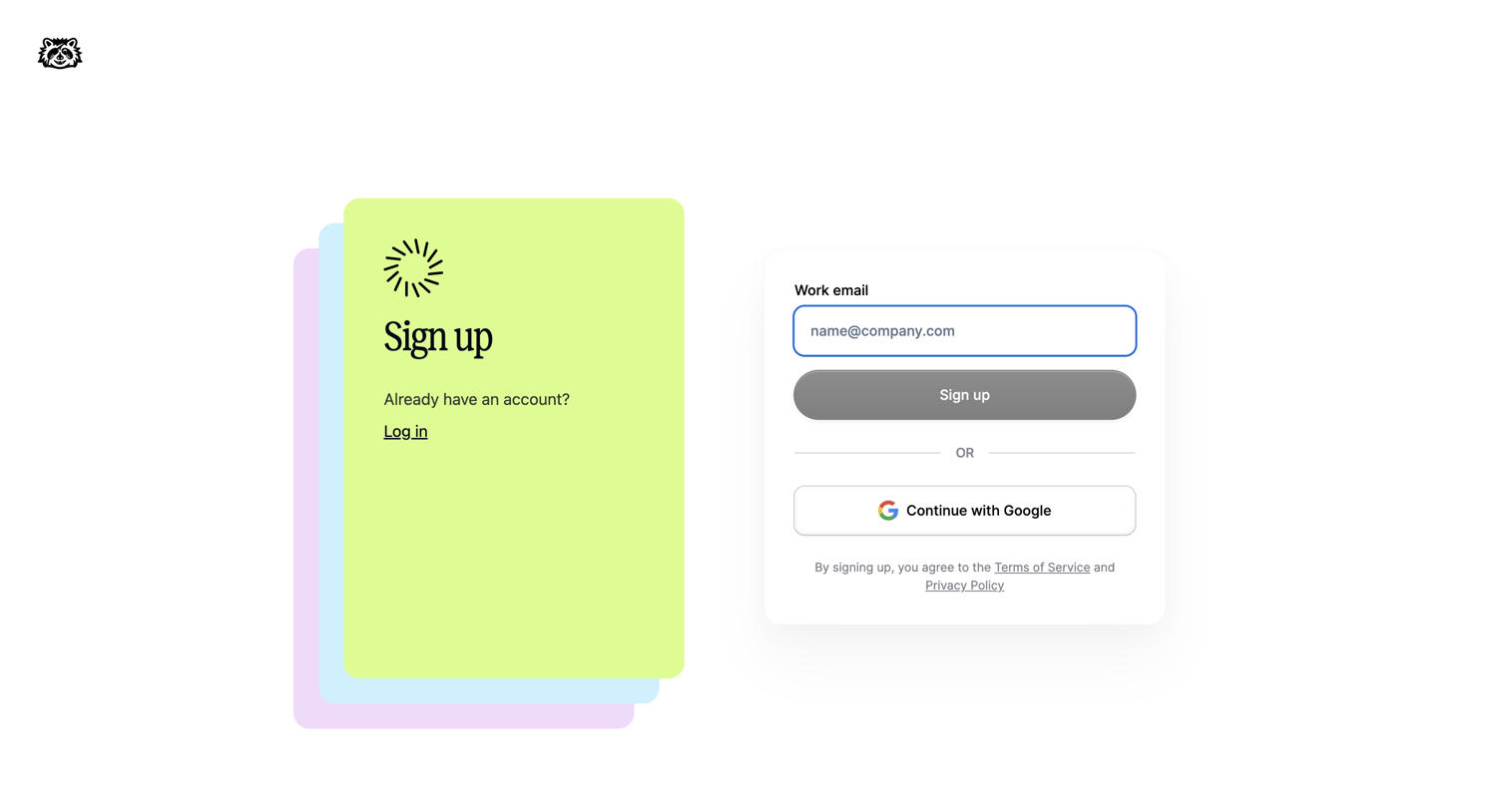
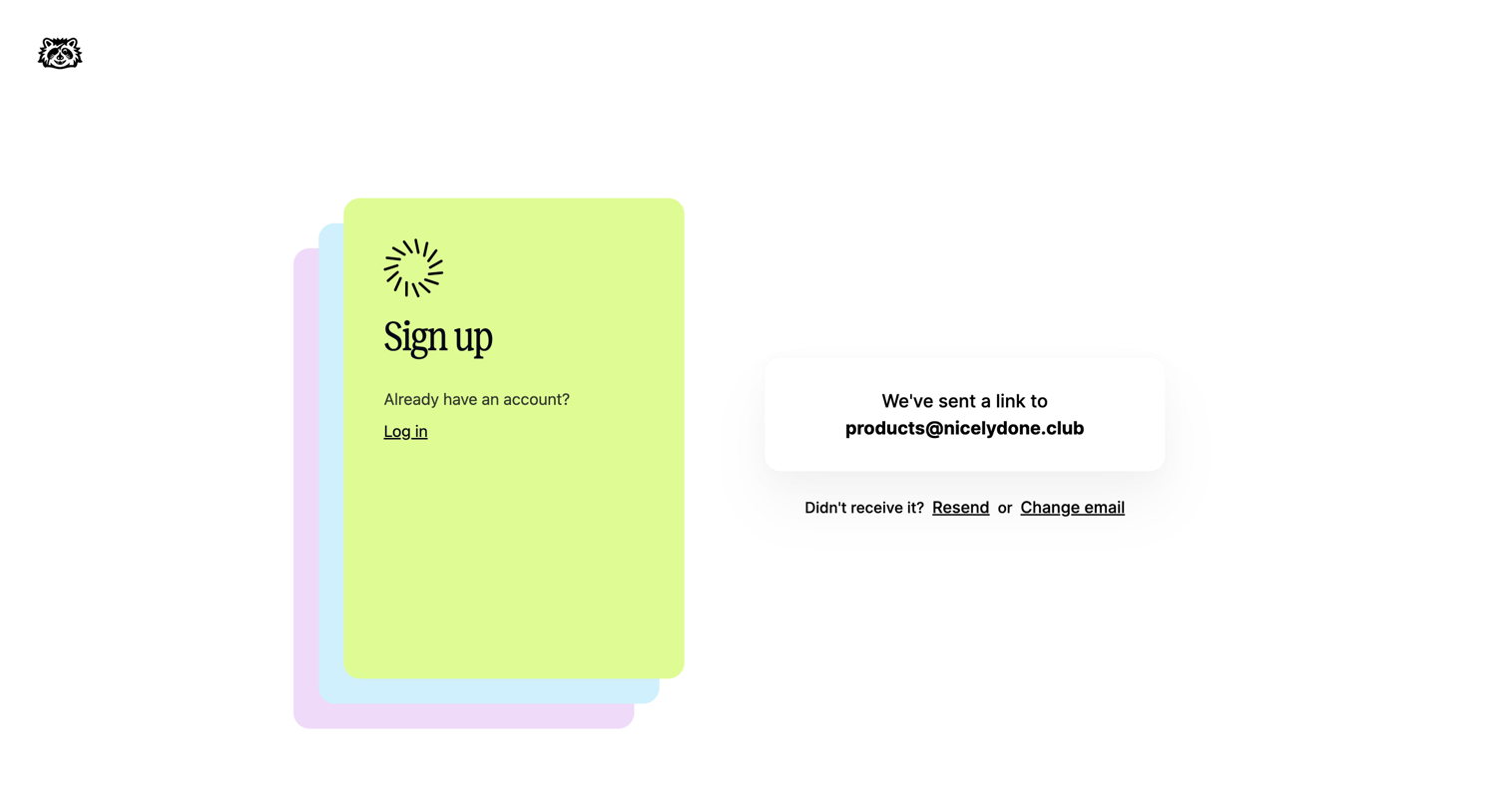
Verification screen where the user is instructed to check their email for a magic link to complete signup, with options to resend the link or change the email address.
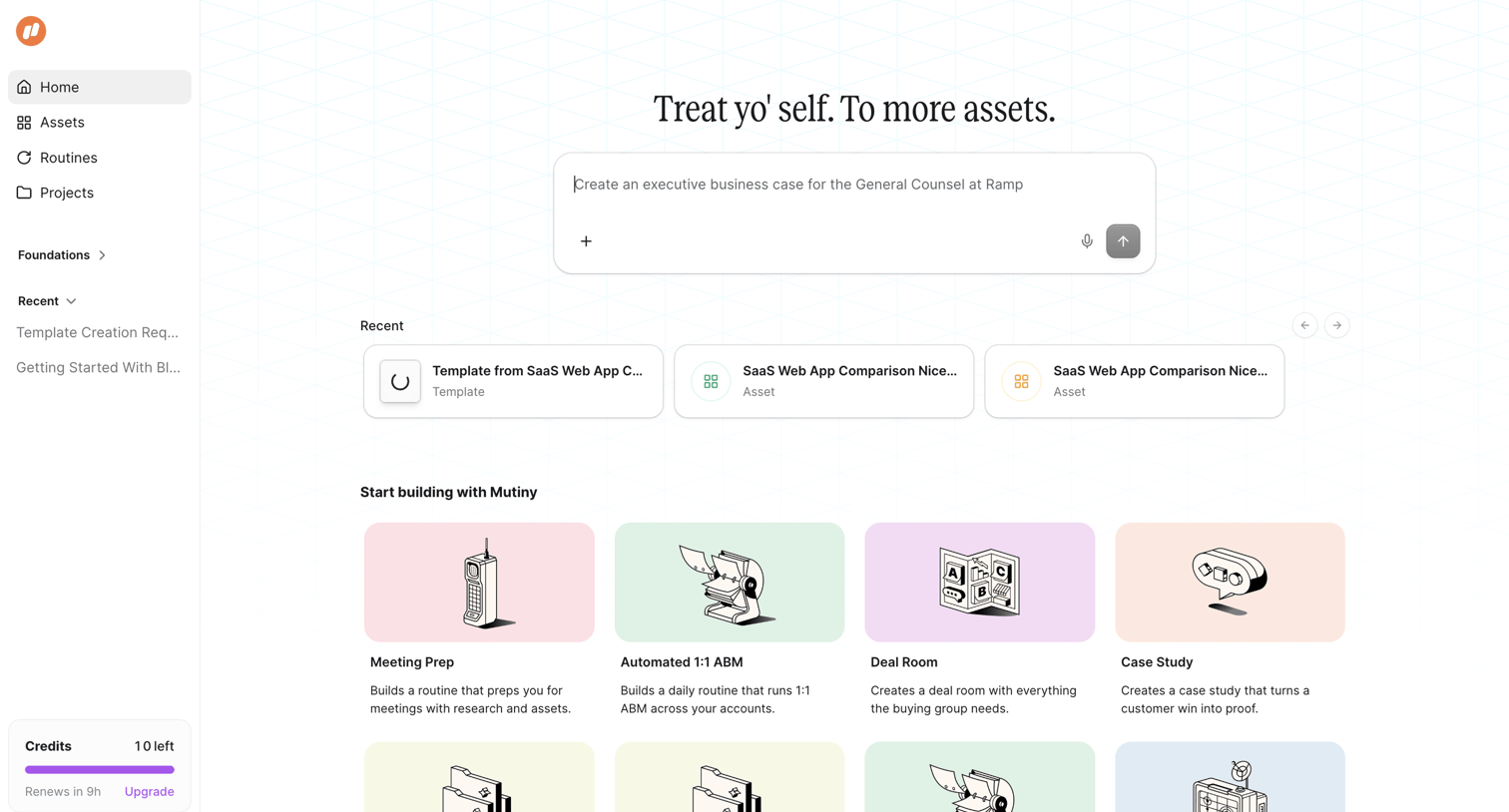
Home screen where the user can generate new assets via an AI prompt, resume recent templates, or start building from predefined routines like meeting prep and deal rooms.
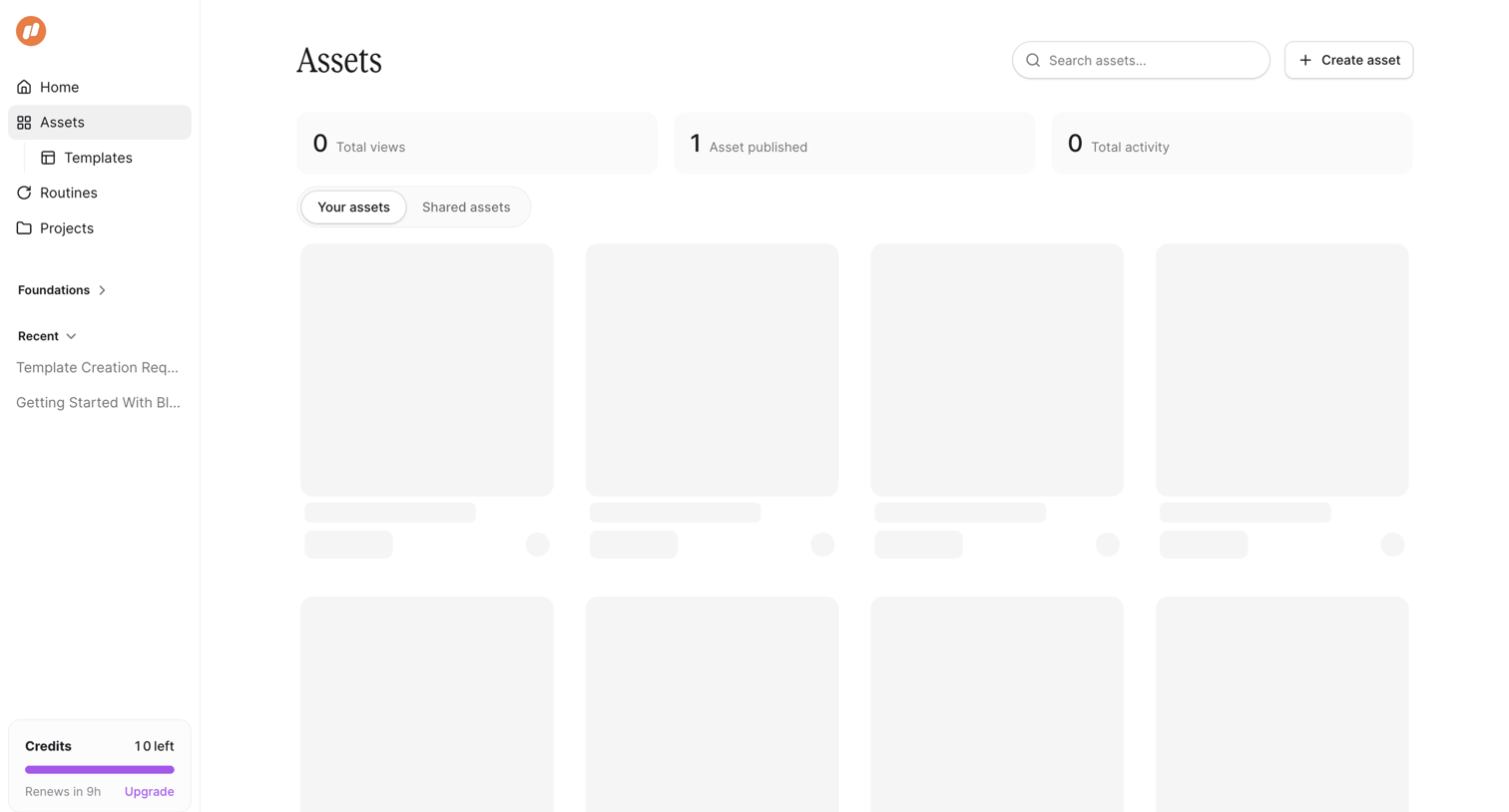
Asset library where the user can view KPI summaries, search for assets, and browse their created or shared templates while the content loads.
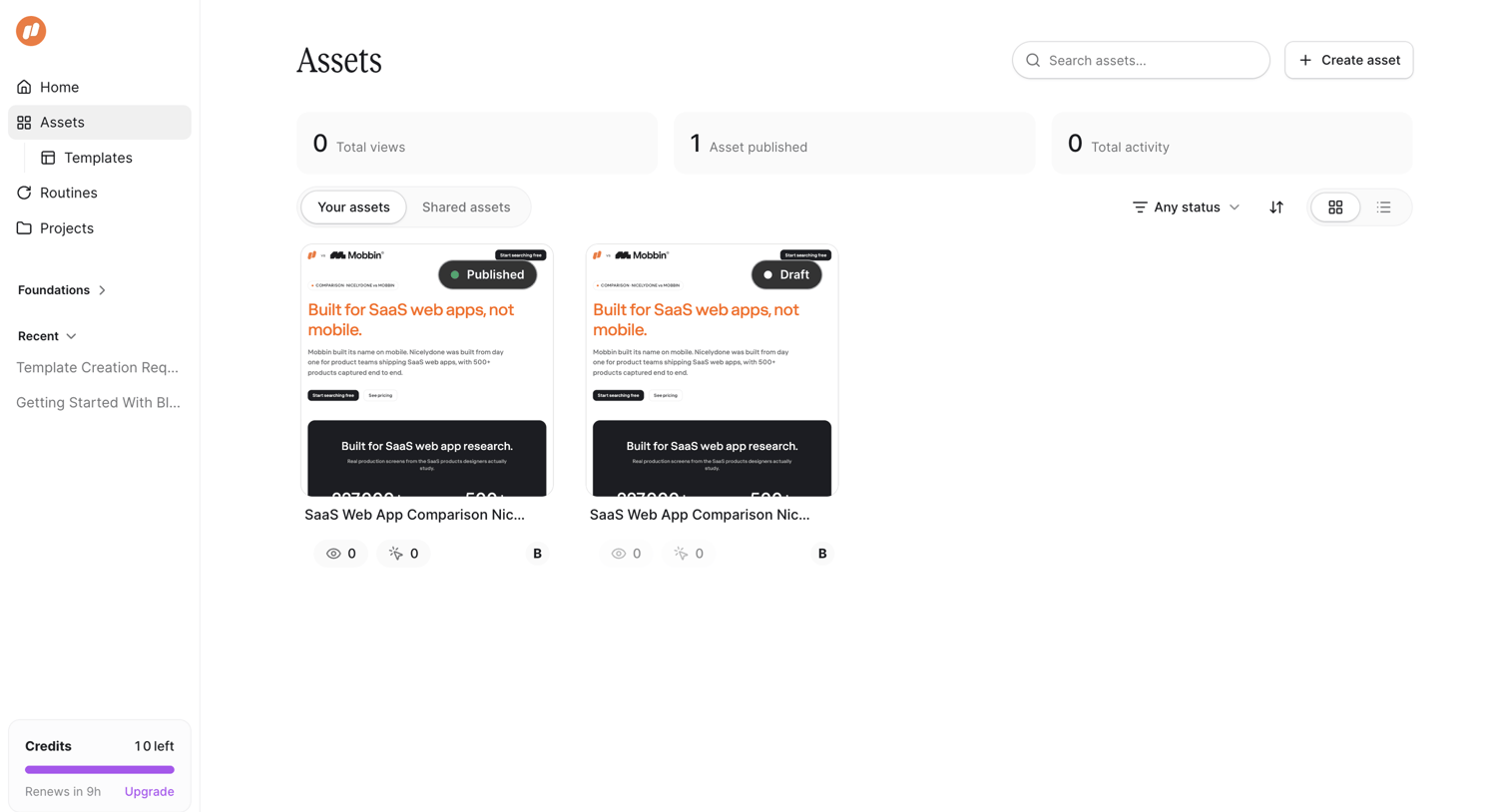
Assets library where the user manages their published and draft web app comparison templates.
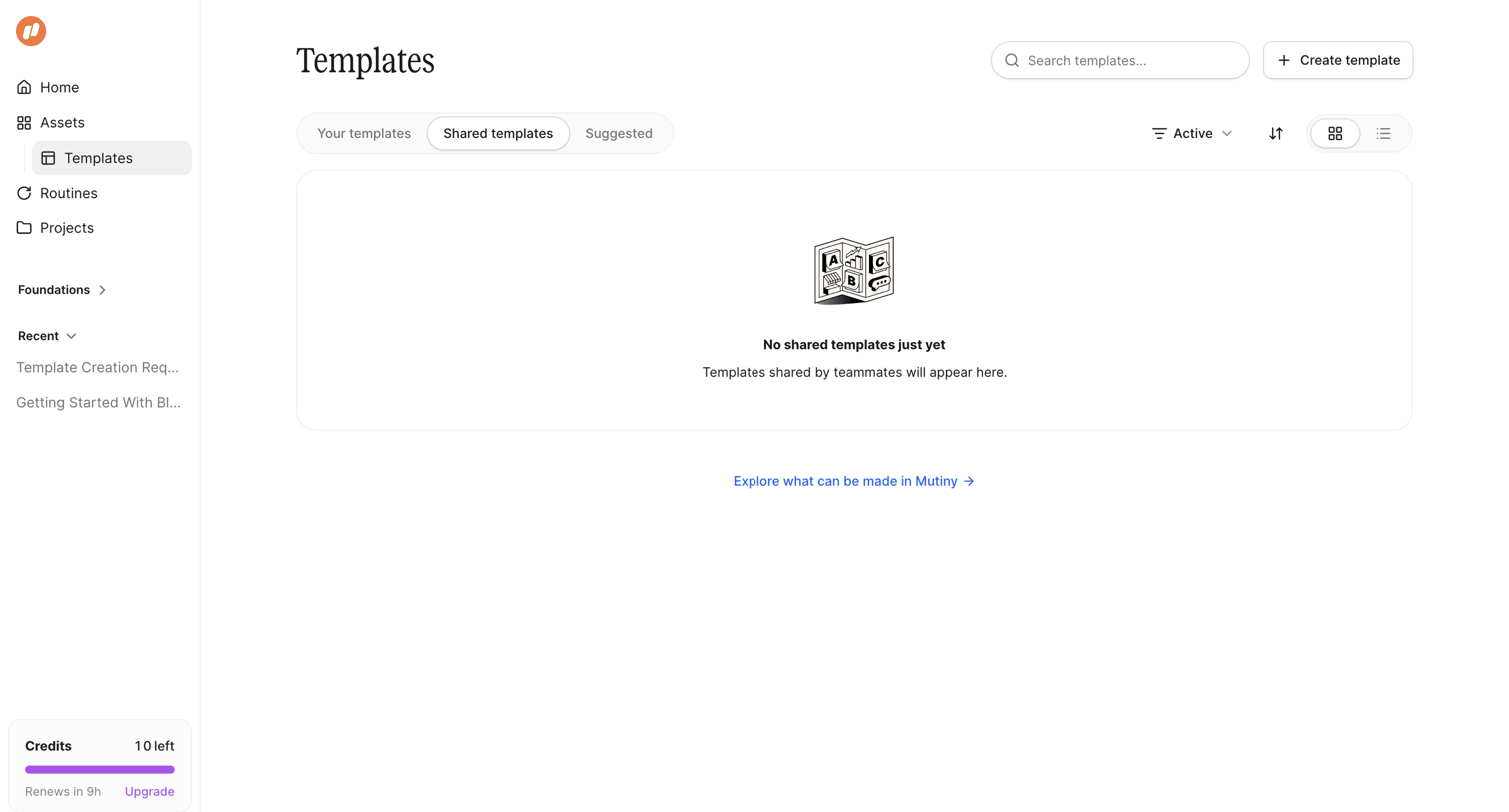
List view showing an empty state for shared templates with options to search, filter, switch views, or create a new template.
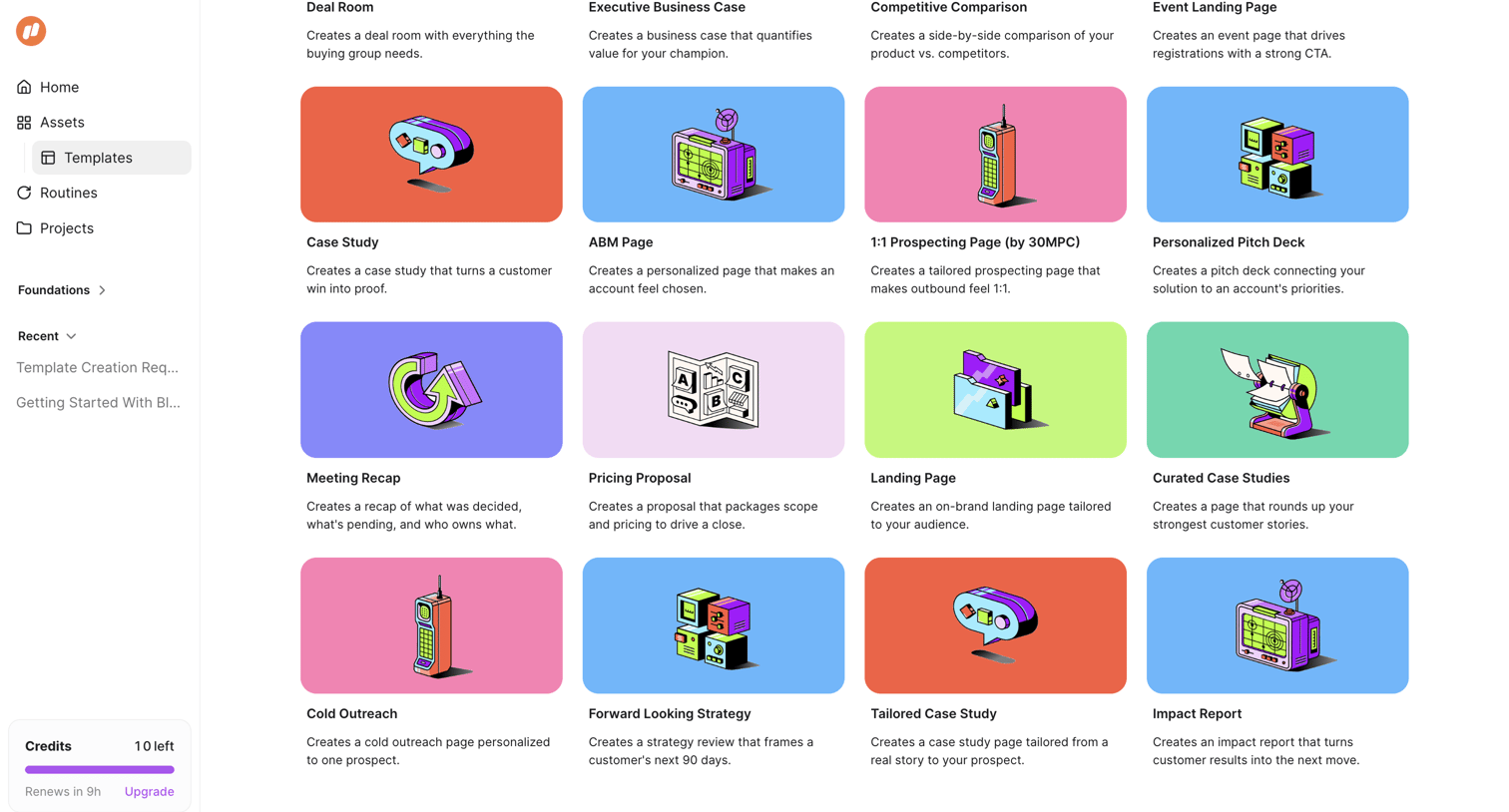
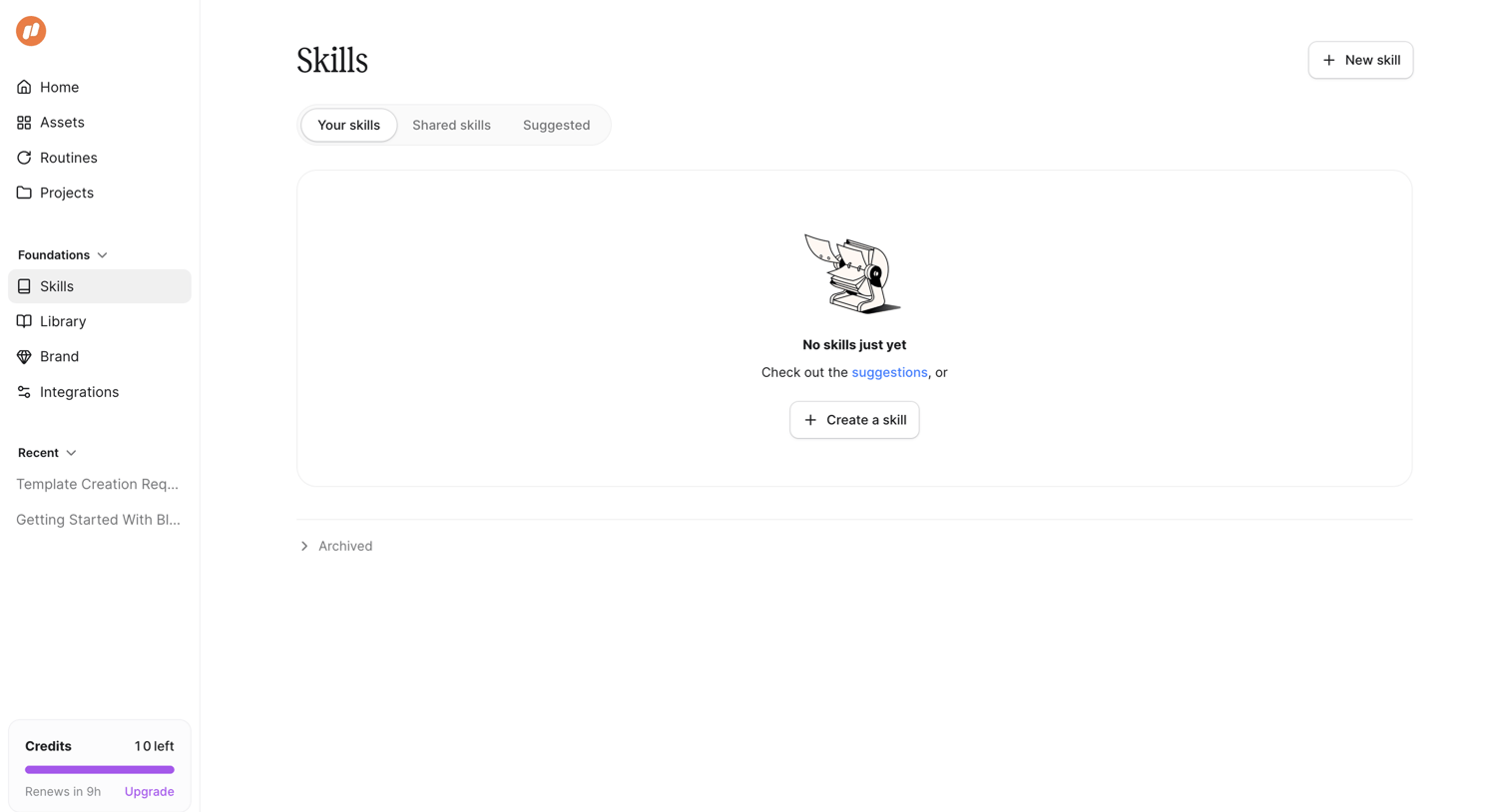
Empty state of a skills library where the user can create a new skill, view suggestions, and monitor credit usage.
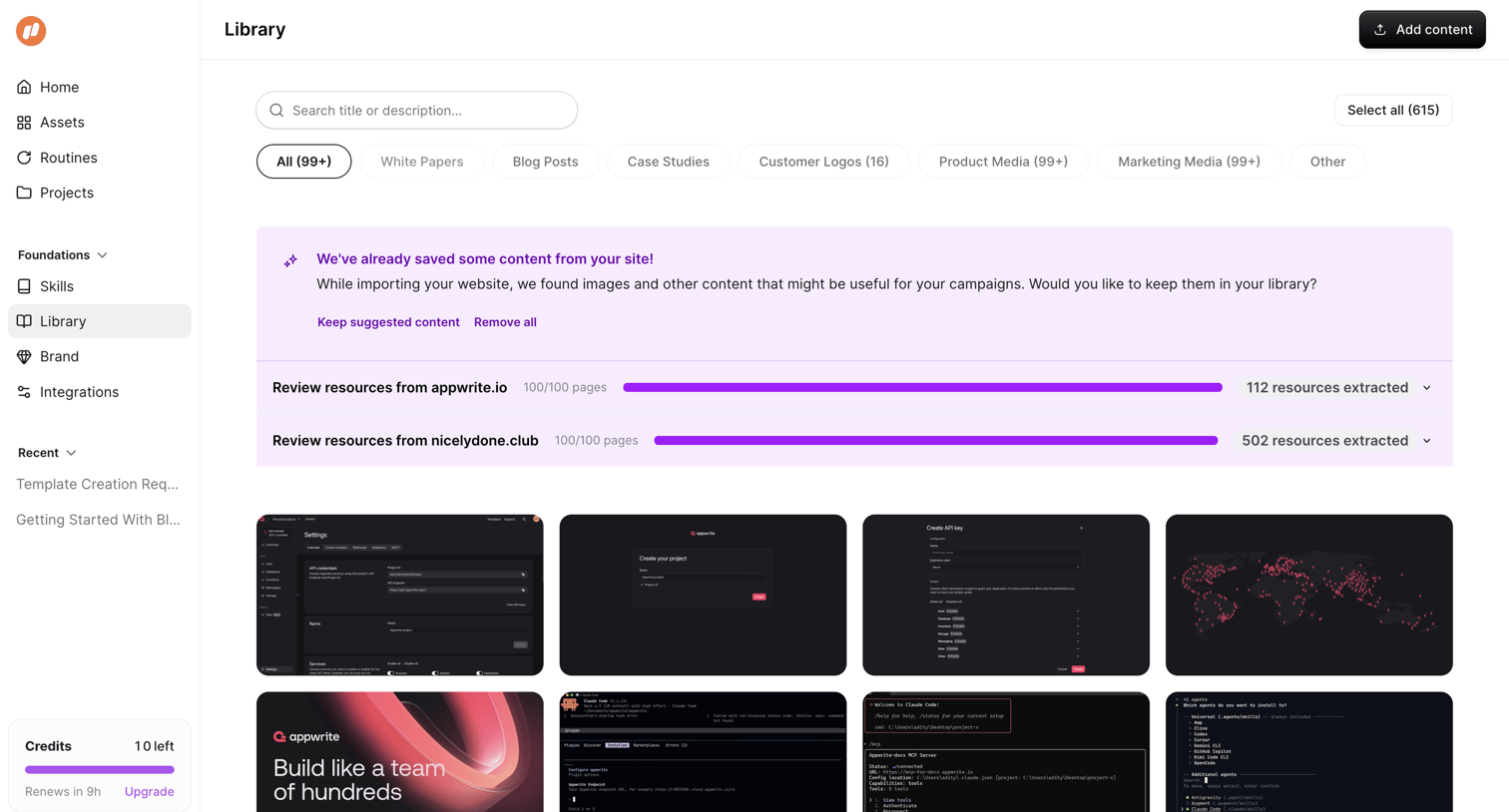
Asset library page where the user can search, filter, and manage media extracted from their imported websites.
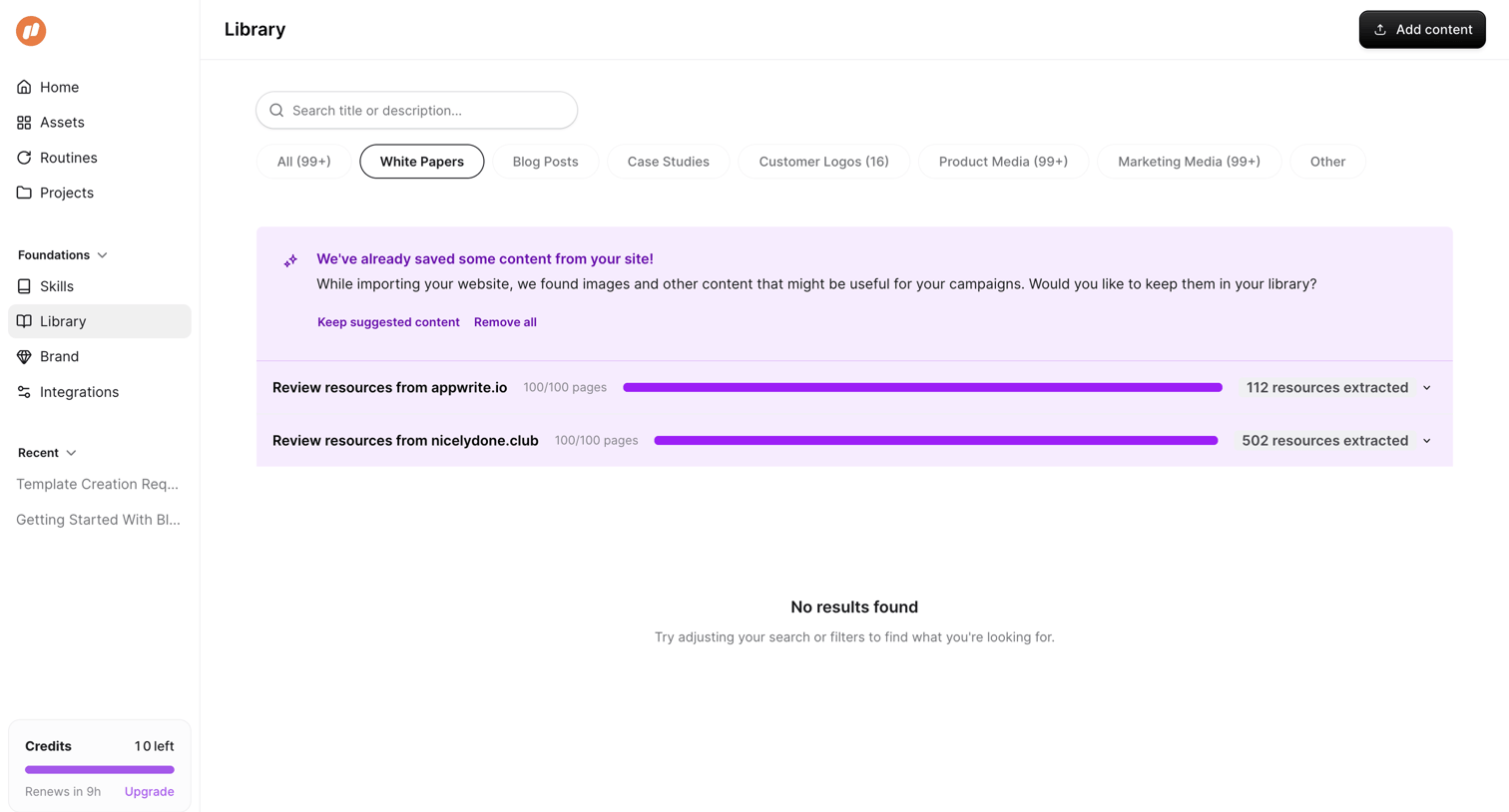
Content library where the user searches and filters through imported marketing assets like white papers and case studies.
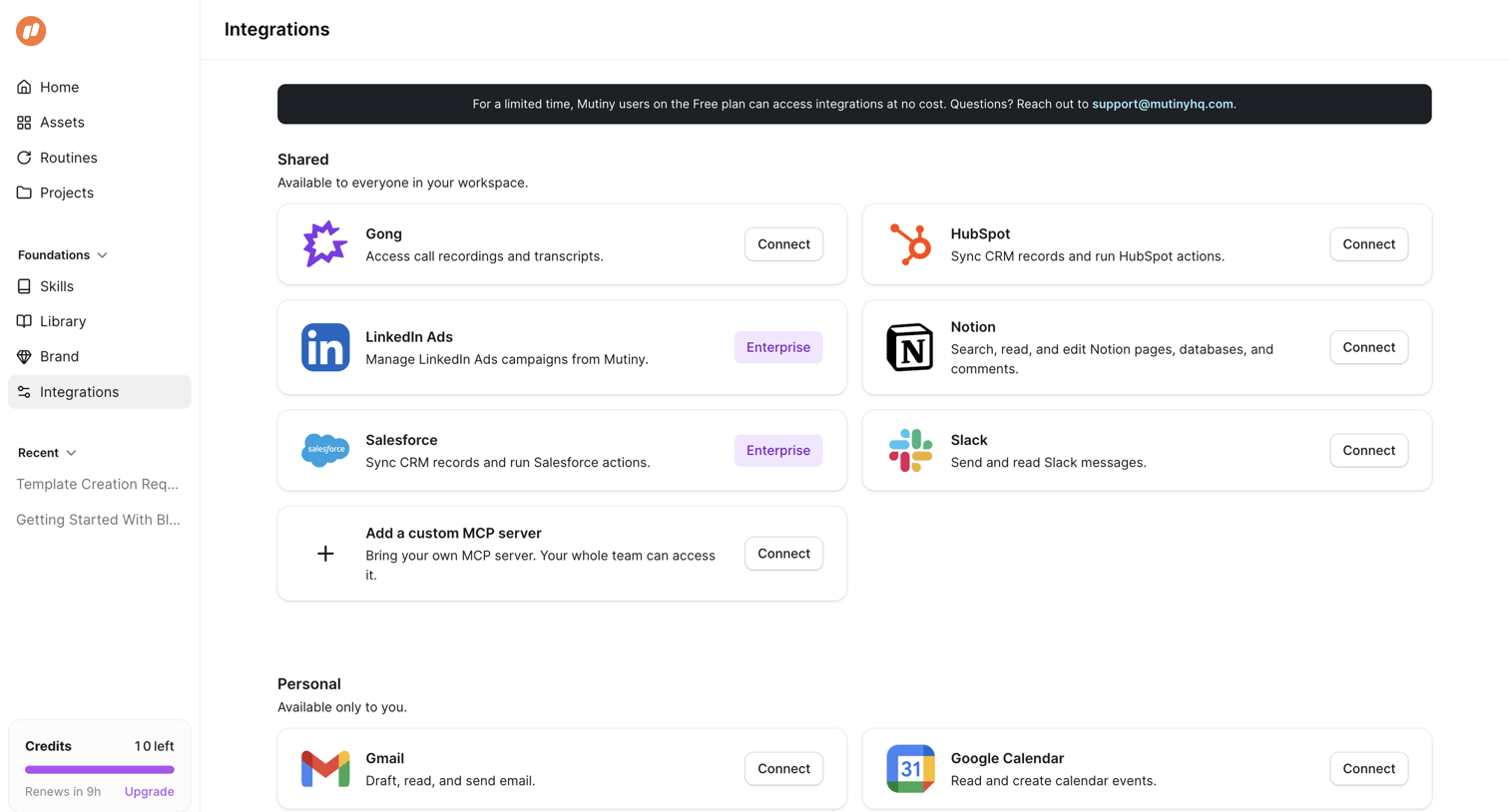
Settings page where the user connects shared and personal integrations like Gong, HubSpot, and Gmail.
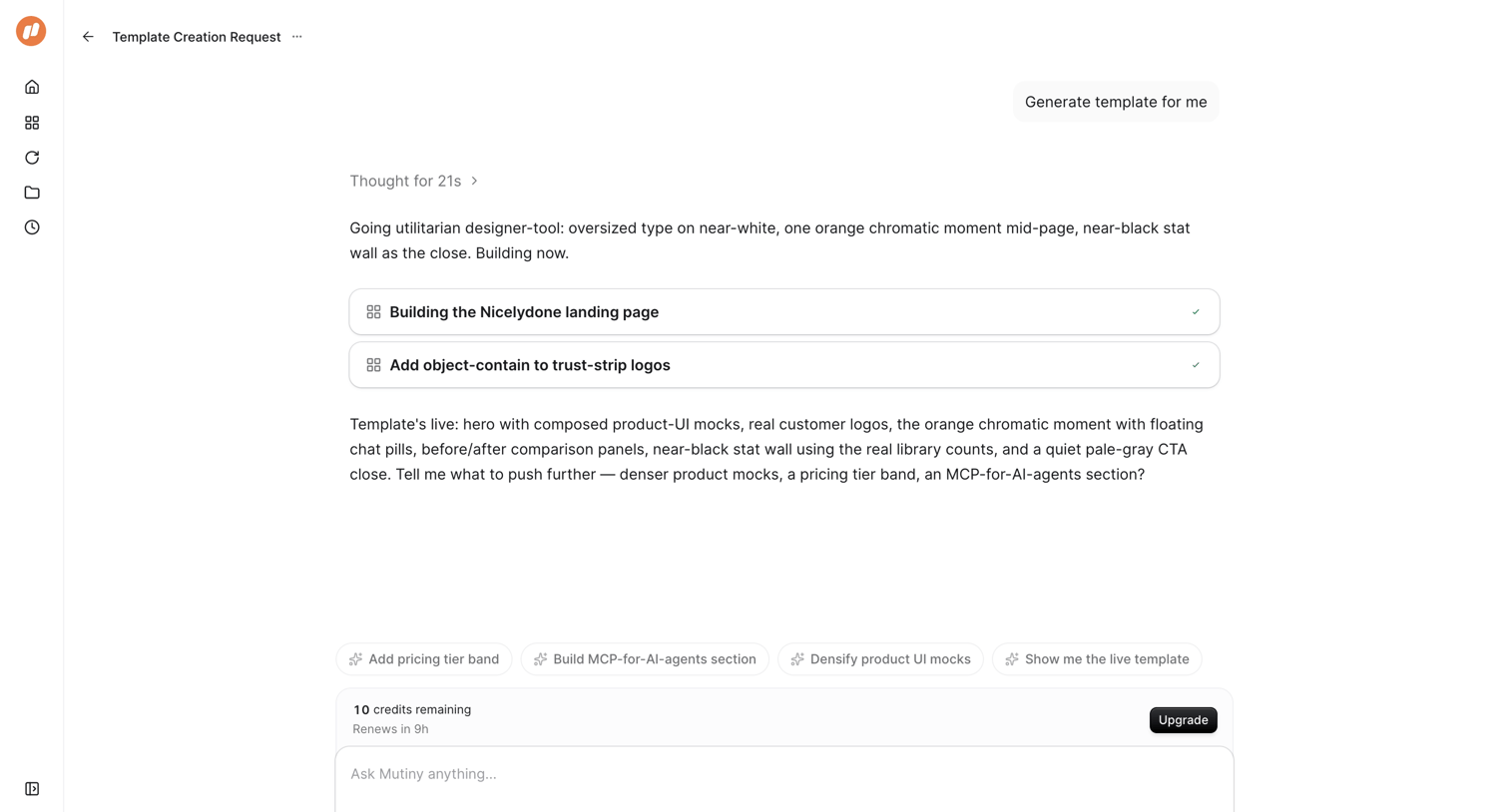
AI chat interface where the user requests a template generation and the AI responds with its thought process, completed agent steps, and suggested follow-up prompts.
Explore the full SaaS screen library
Upgrade to unlock the full library.
Trusted by the best teams







