Skip to content

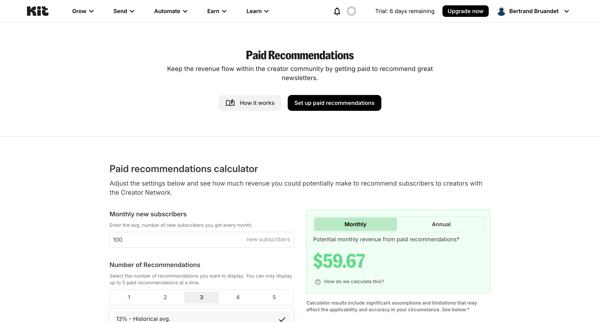
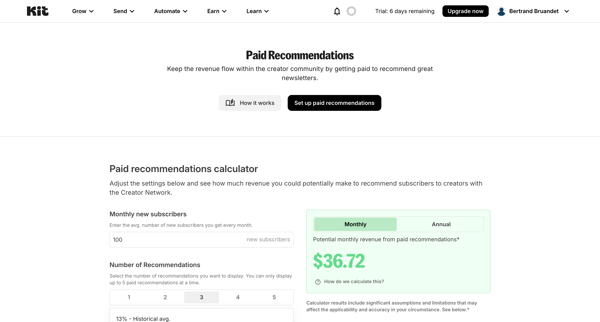
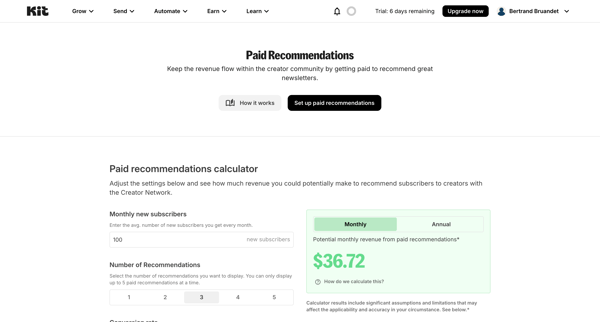
Kit Flow Example: Setting up paid recommendations

Preview this Kit user flow: Setting up paid recommendations. Explore the opening screens.
Polar logo
Nicelydone | Polar screen

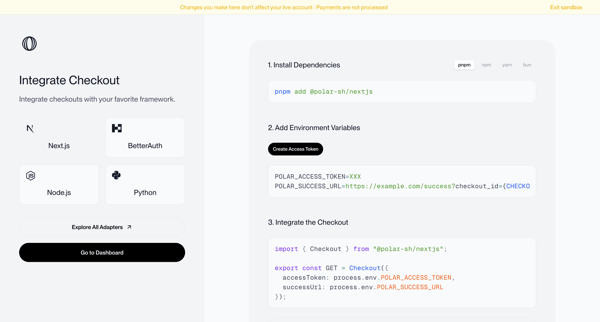
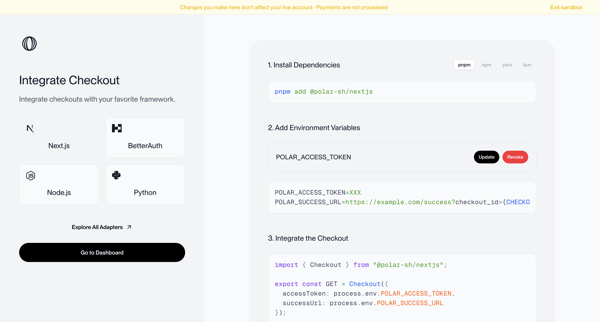
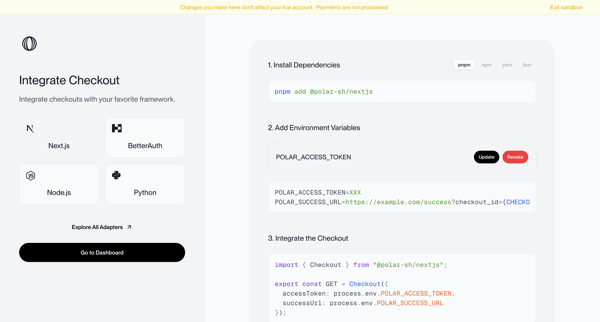
Onboarding journey selecting a framework and following numbered steps to install dependencies, configure environment variables, and integrate checkout code in sandbox mode

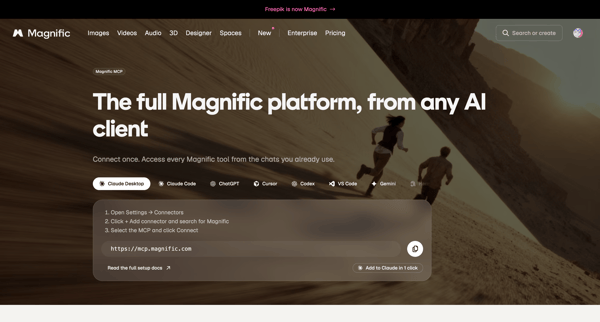
Marketing feature page sequence presenting MCP server URL, setup instructions, capabilities, and FAQ for connecting Magnific to AI clients like Claude and ChatGPT

Onboarding form where user confirms email, enters name, and sets password to finish account creation

User initiates GitHub integration from settings to connect account, select repository, and run setup agent for browser-based app building

Airbnb logo
Messages • Airbnb screen
Profile · Airbnb screen

From empty messages inbox, open profile dropdown to reach profile settings page showing completion prompt and Get started action

User configures AI provider routing, API keys, and model providers like Anthropic and OpenAI across three sequential settings screens.

Onboarding flow prompting user to link primary bank accounts via search or selection for subscription detection and cash flow insights, with skip confirmation modals

Multi-step onboarding questionnaire collecting organization name, role, use cases, and referral source for Steel account setup

Zaro logo
Zaro - The Context Layer for Enterprise AI screen

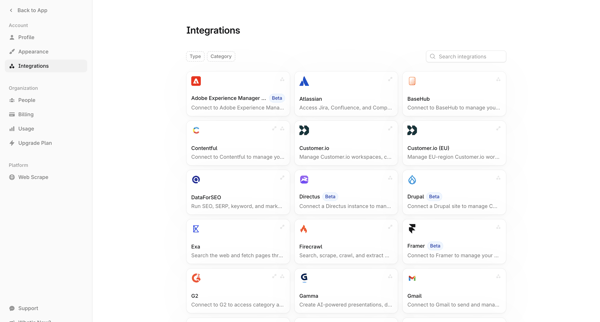
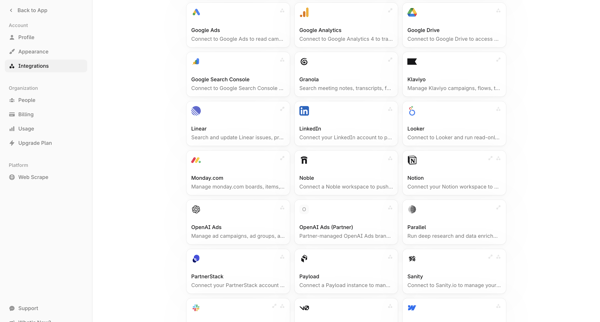
User browses integration directory in settings and connects third-party tools like Atlassian, GitHub, Figma, Asana, Slack for AI agents

User completes onboarding questionnaire selecting role and company size to personalize experience in Axiom

User navigates from integrations settings to connect Stripe or Dodo Payments via API key modals for revenue attribution analytics

User opens Salesforce integration settings and encounters a paywalled upgrade prompt with options to talk to sales or view plans

Explore the full SaaS flow library

Browse the full SaaS flow library.

Trusted by the best teams