Twingate Flow Example: Setting up Twingate account
This user flow guides new users through setting up an account with Twingate to manage secure remote access to networks.

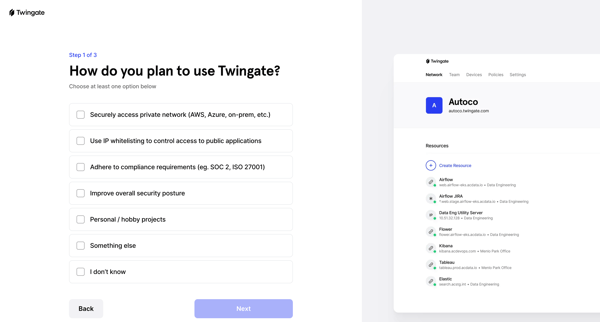
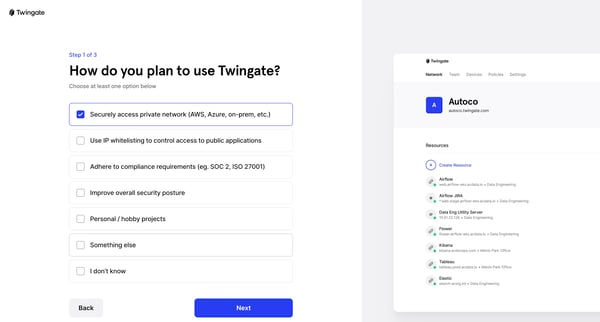
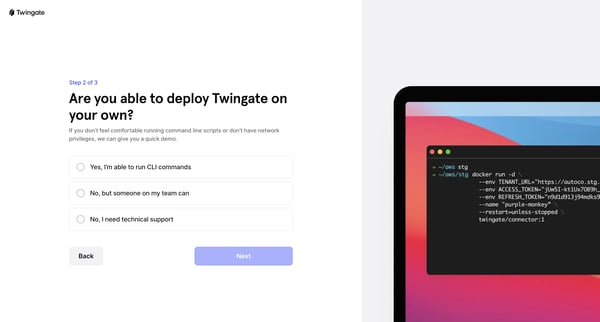
This user flow guides new users through setting up an account with Twingate to manage secure remote access to networks.
Related user flows

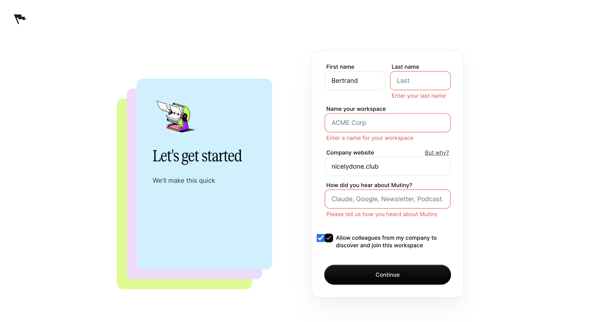
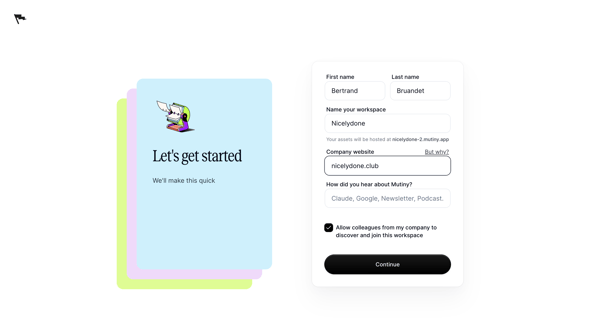
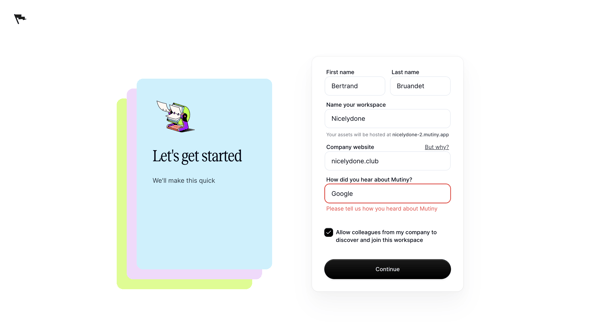

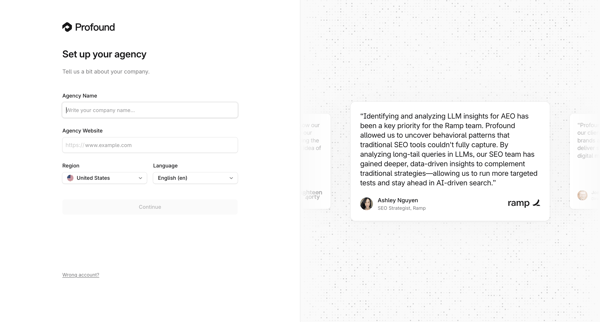
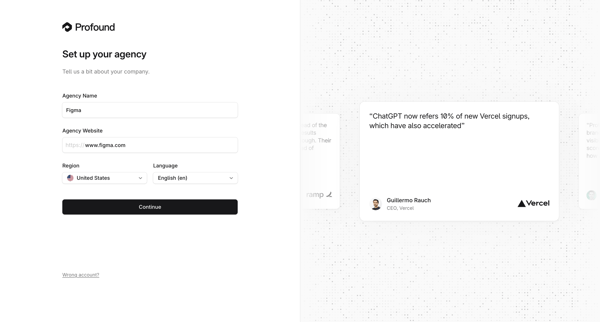
Onboarding form where user enters agency name, website, region, and language during initial workspace creation

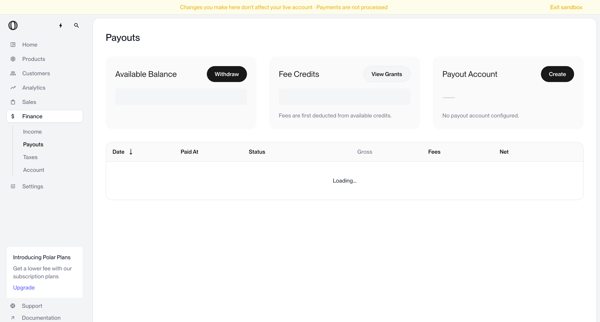
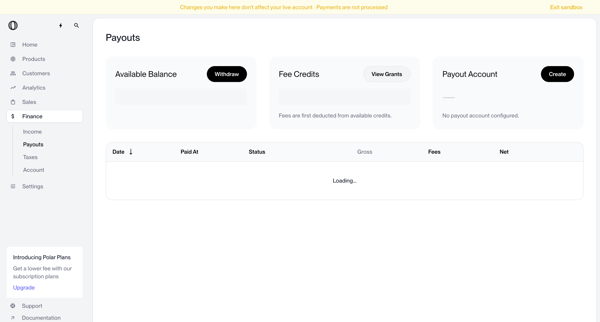
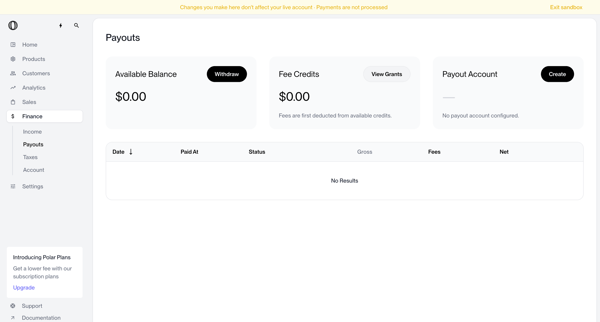
User views payouts dashboard showing no account configured, triggers withdrawal which shows blocked modal, opens create payout account modal, selects country of residence from dropdown, and returns to dashboard with manage button and setup required status

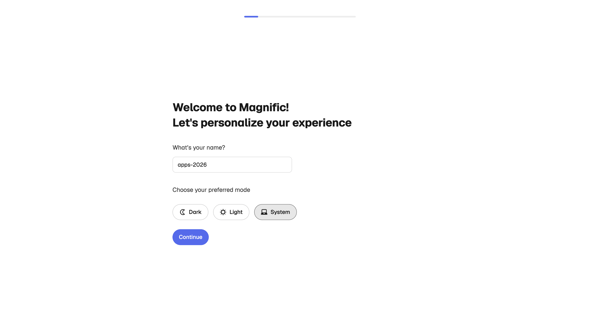
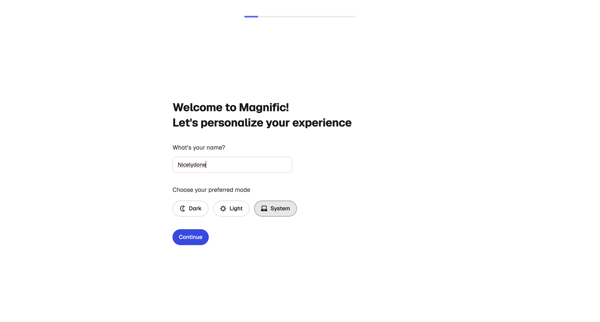
Onboarding personalization step where user enters name and selects display theme before entering the app
Explore the full SaaS flow library
Browse the full SaaS flow library.
Trusted by the best teams







