Twingate user flows examples
Explore Twingate user flow examples. Preview the opening screens and steps for each task. Secure access for fast-growing teams
Preview these flows

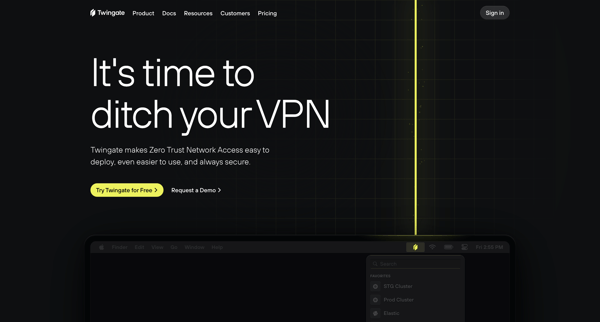
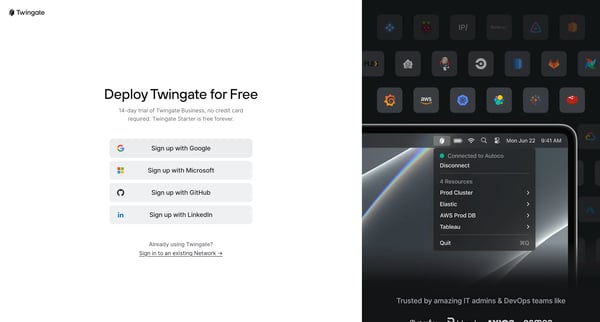
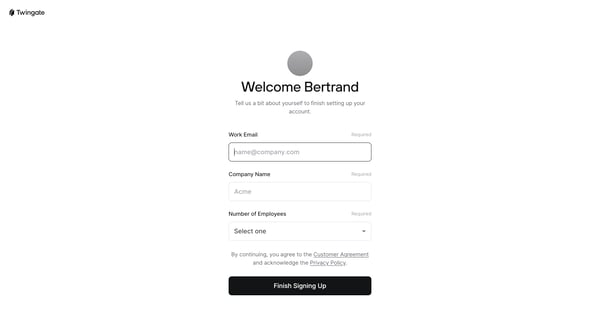
This user flow encompasses the entire process of onboarding a new user onto the Twingate platform, from landing on the introduction page, through signing up and customizing their account, to
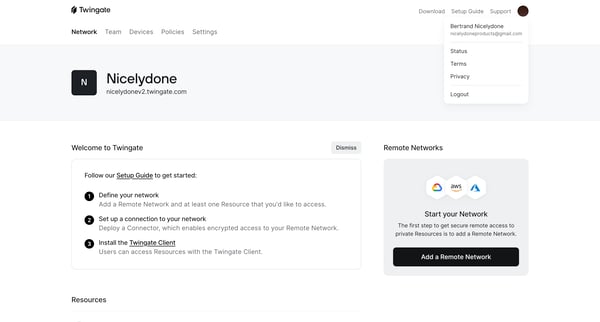
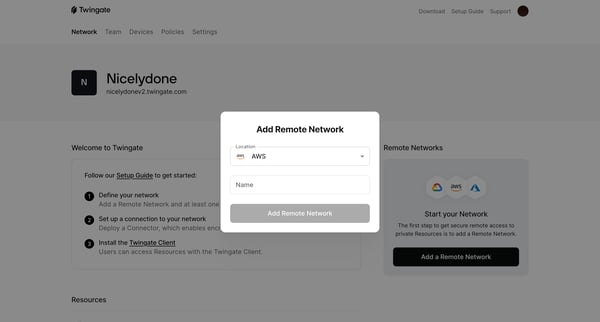
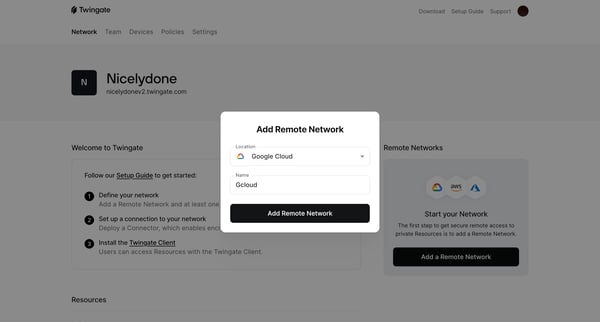
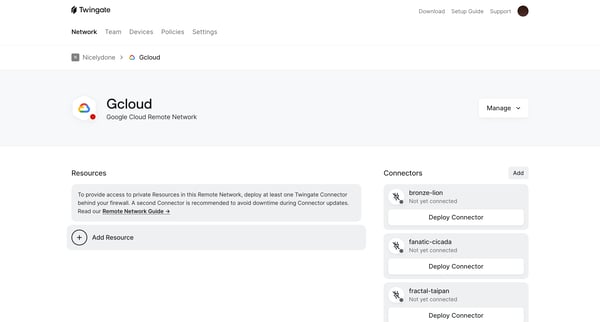
This flow guides the user through the process of setting up a secure remote network by adding a Remote Network, and deploying Connectors to establish encrypted access.
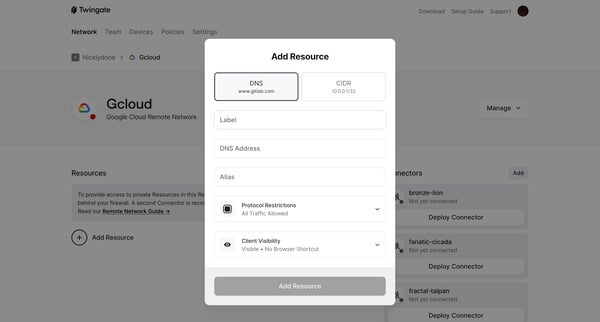
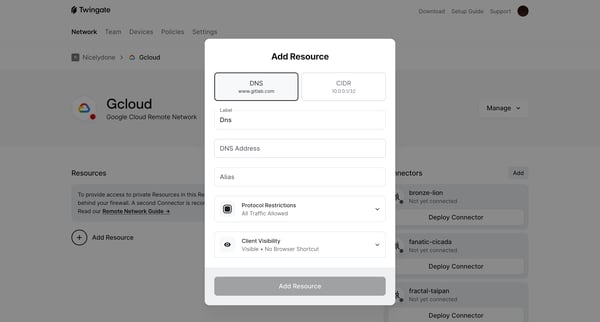
This flow guides the user through the process of configuring and adding network resources in a secure remote network environment, including setting up DNS, protocol restrictions, and granting
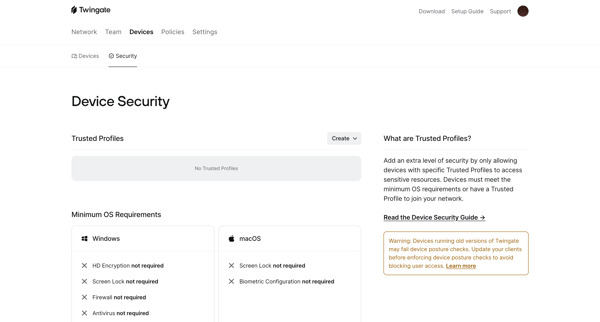
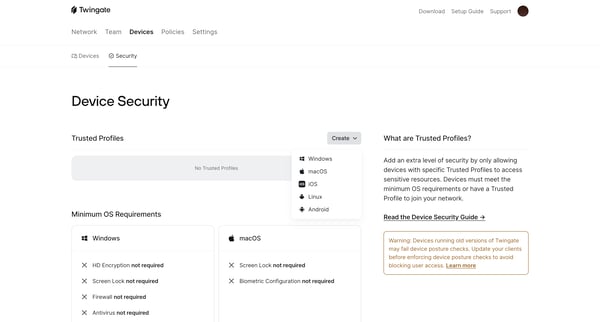
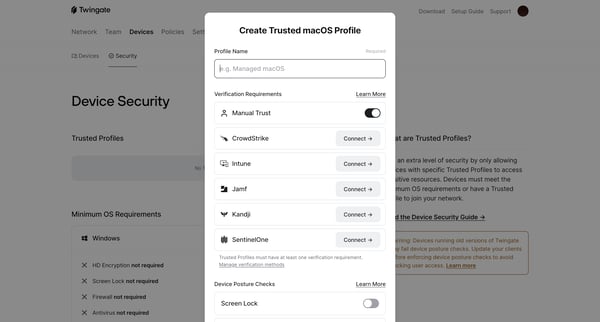
This flow enables the configuration of security profiles to enforce device compliance within a network by specifying trusted profiles, verification methods, and posture checks.
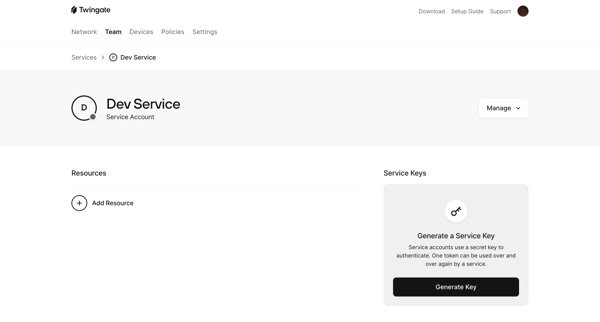
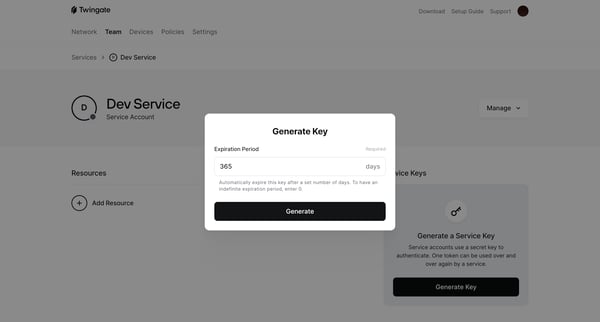
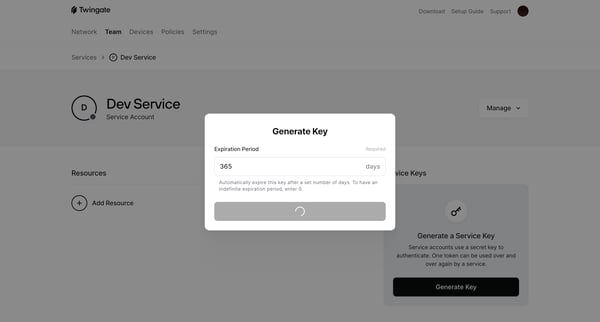
This flow enables the generation of a service key for authenticating service accounts, with the ability to set an expiration period and obtain the necessary details for connecting to Twingate
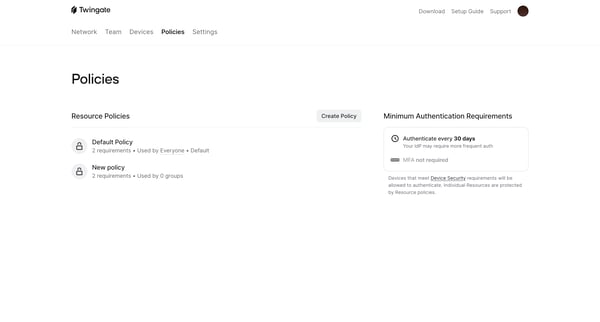
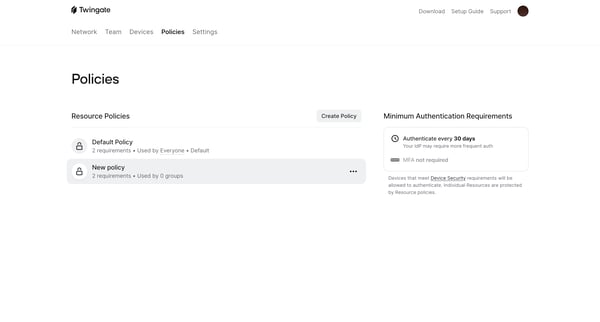
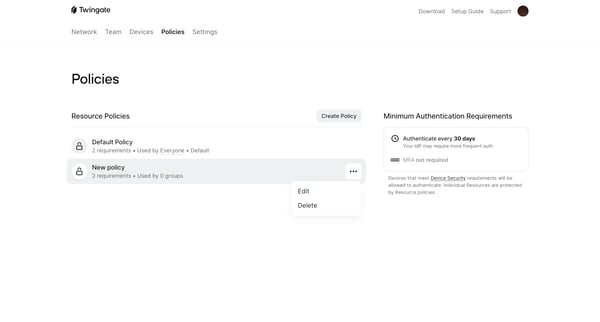
This flow streamlines the process for a user to identify and delete a policy from a list of policies, ensuring any resources previously protected by this policy are reallocated to a default p
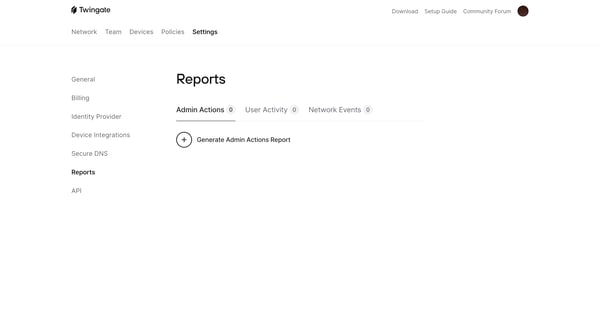
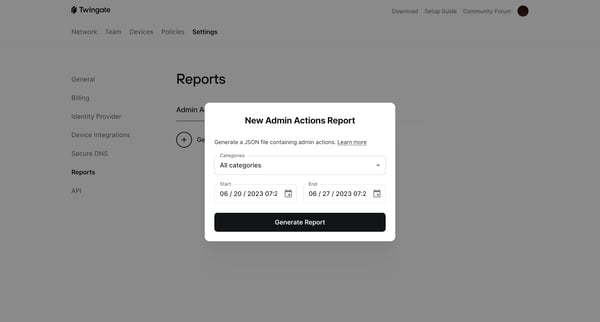
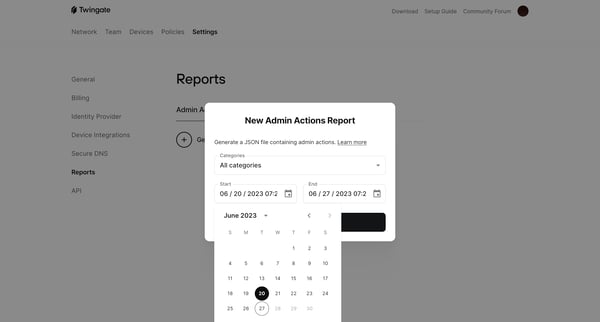
This user flow guides users through the process of generating and exporting an Admin Actions Report in JSON format, based on selected date ranges, within the Twingate platform.
Explore the full SaaS flow library
Browse the full SaaS flow library.
Trusted by the best teams







