Twingate design examples
Explore Twingate UI design examples. Secure access for fast-growing teams
Product screens
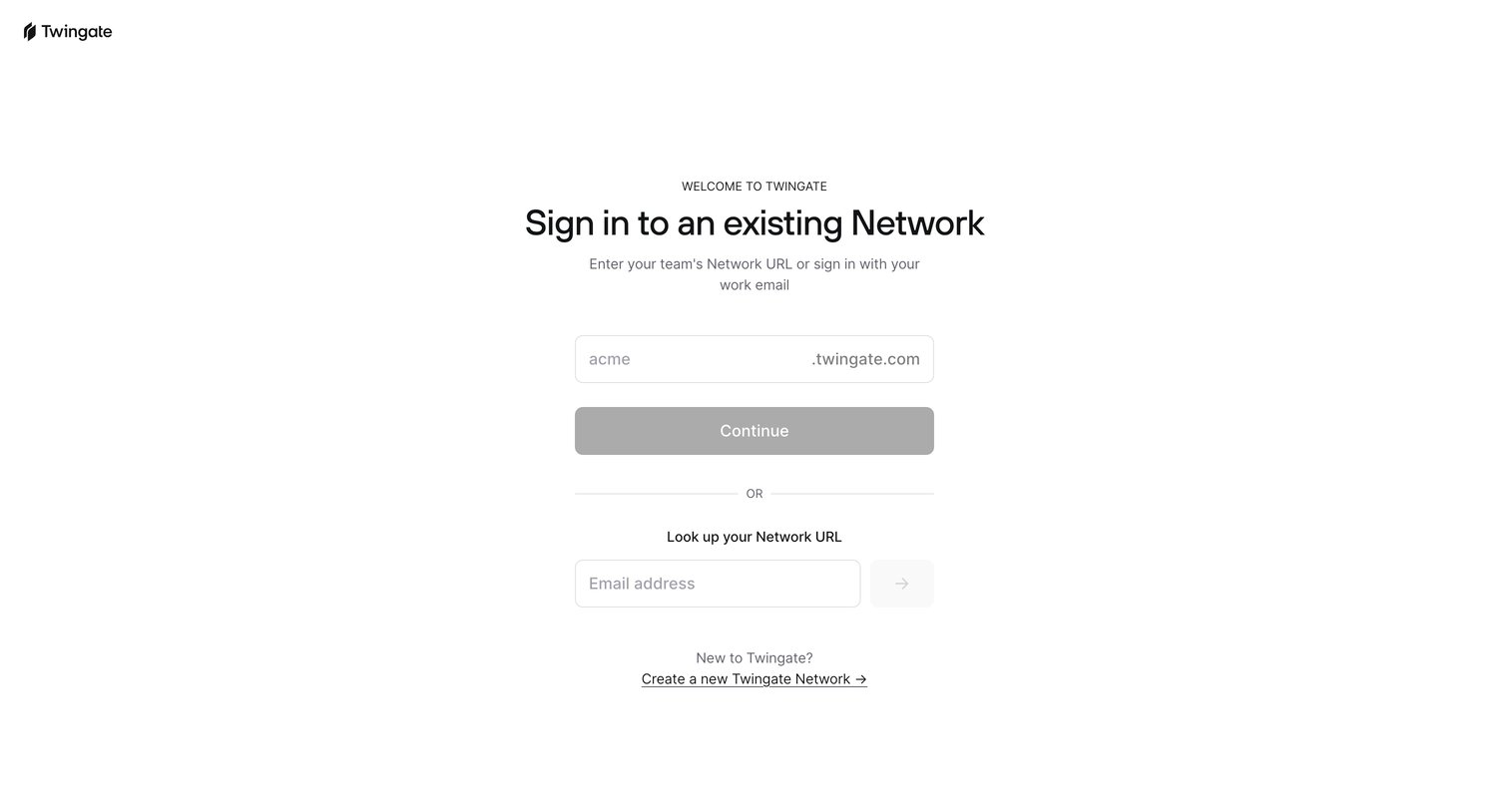
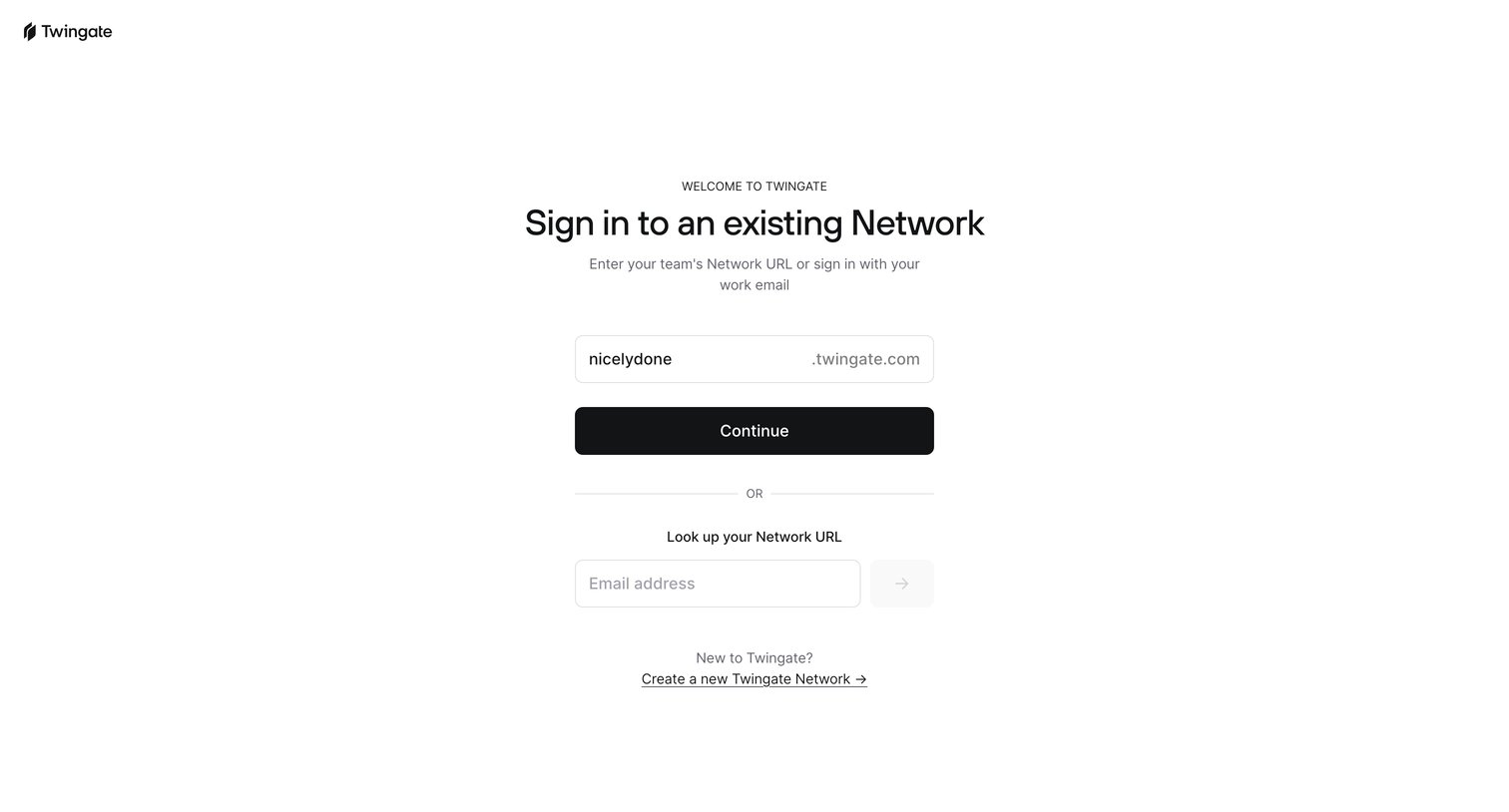
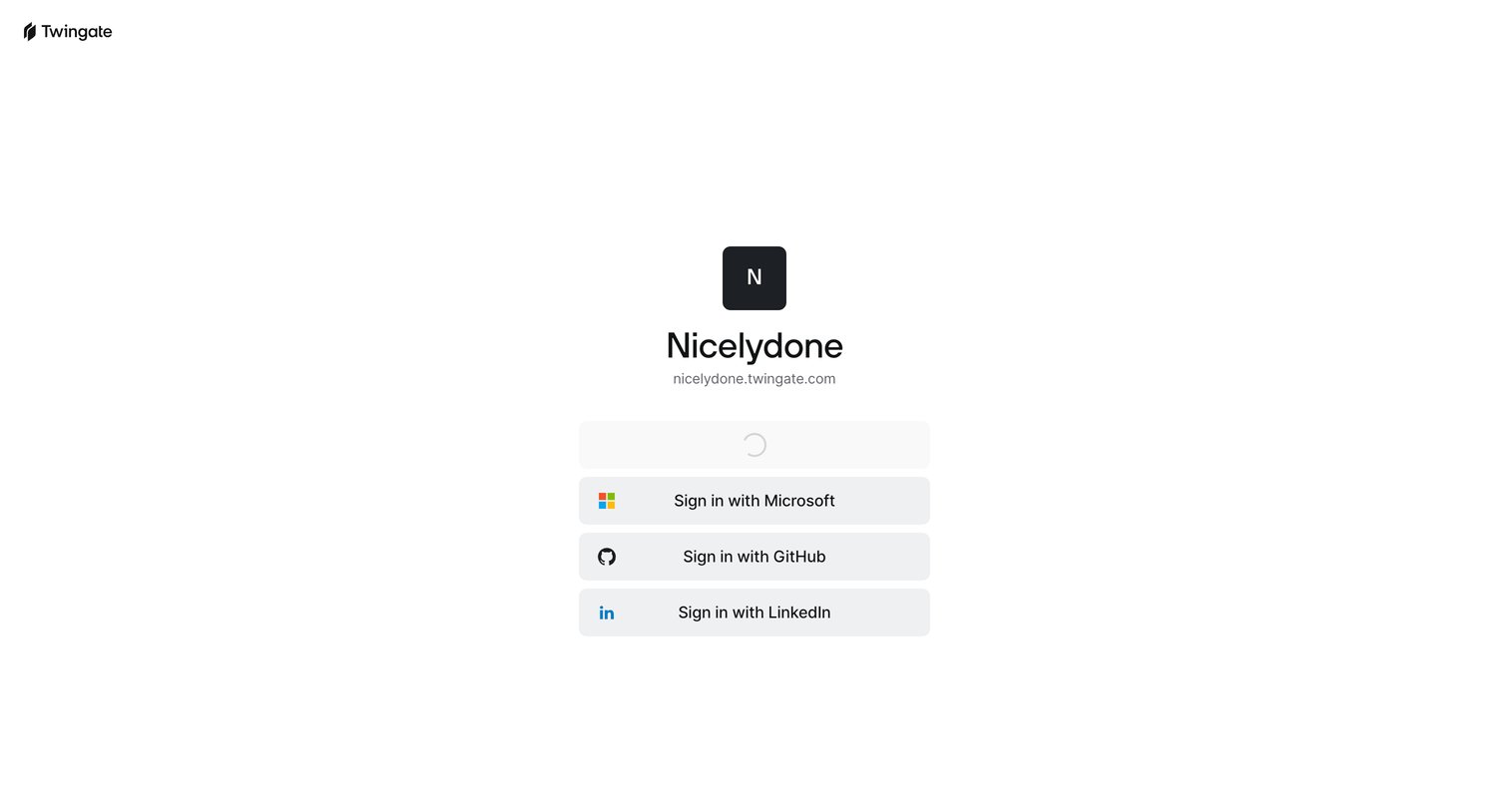
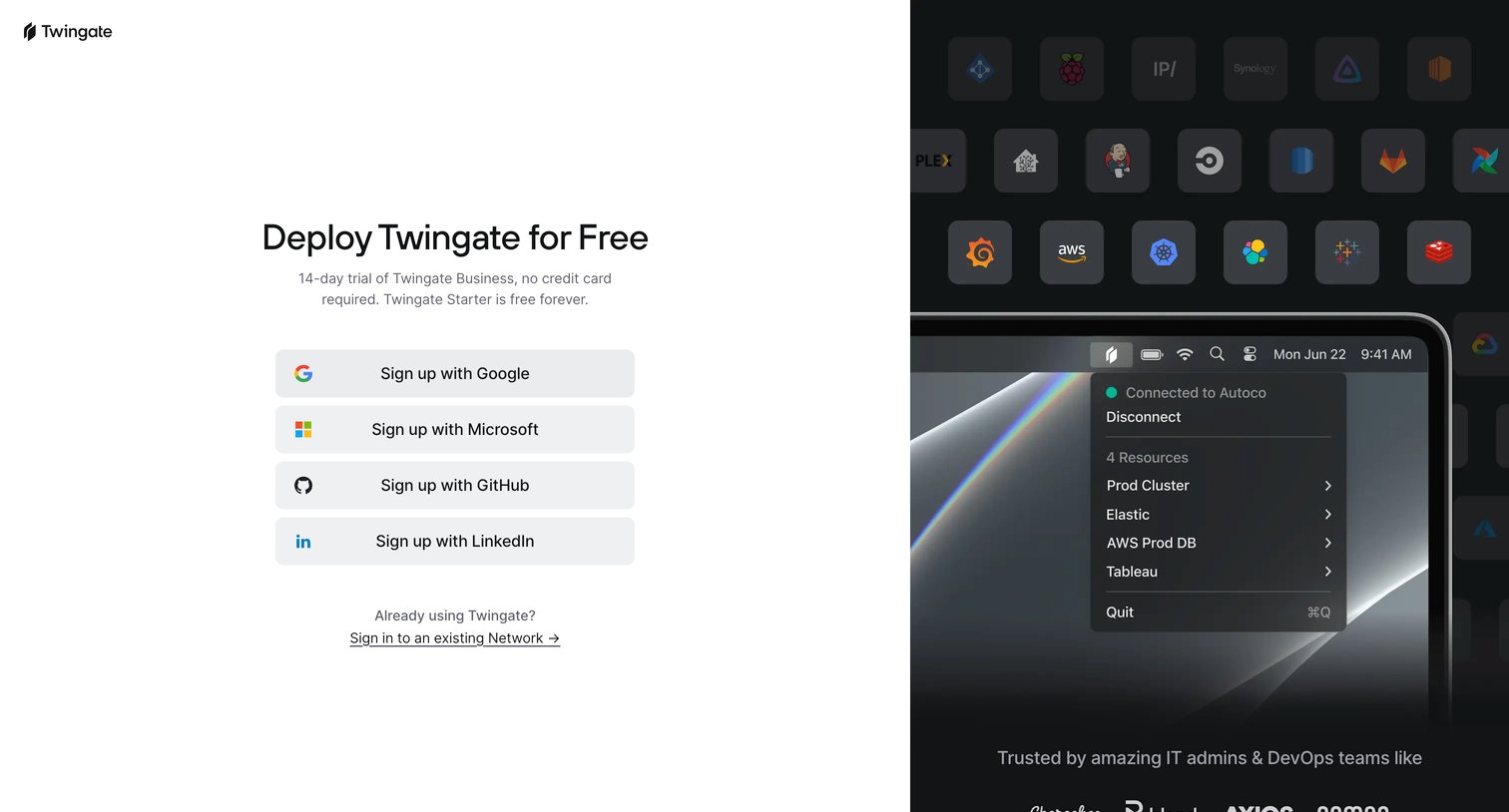
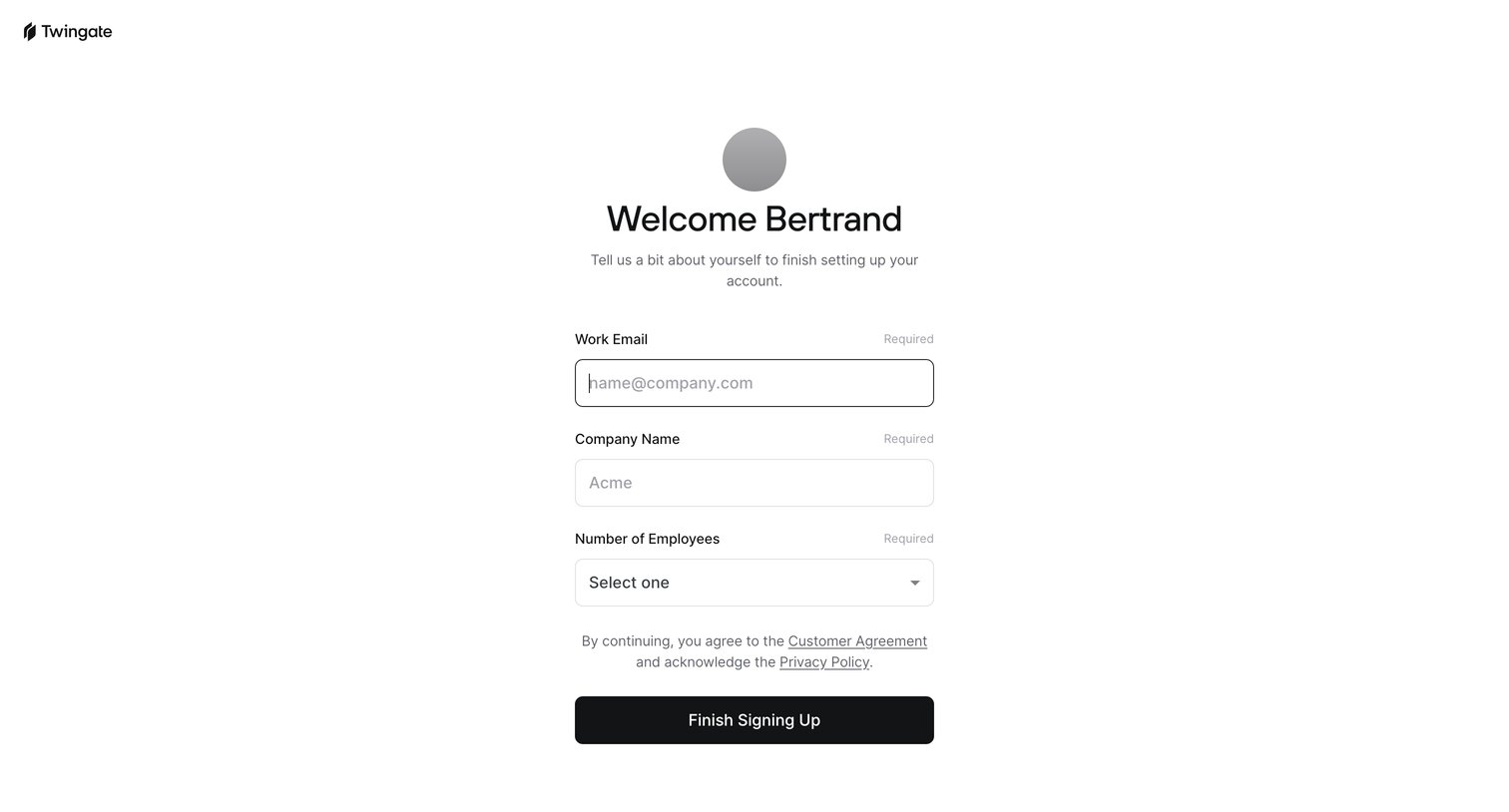

Account creation Onboarding Form Account management Account setup
Signup screen where the user provides their work email, company name, and company size to finish creating their account.
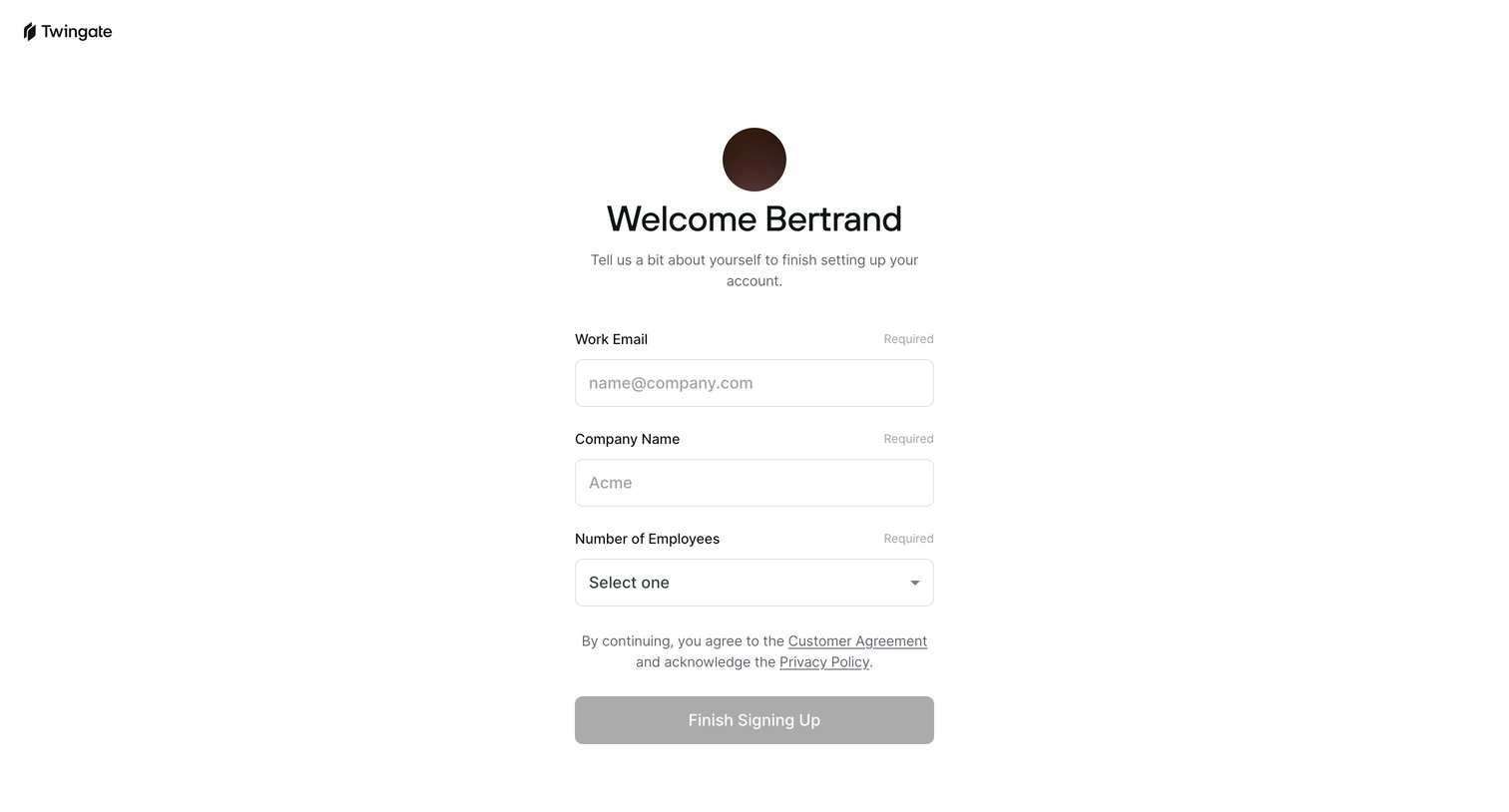
Signup step where the user completes their profile by providing their company name and selecting the number of employees.
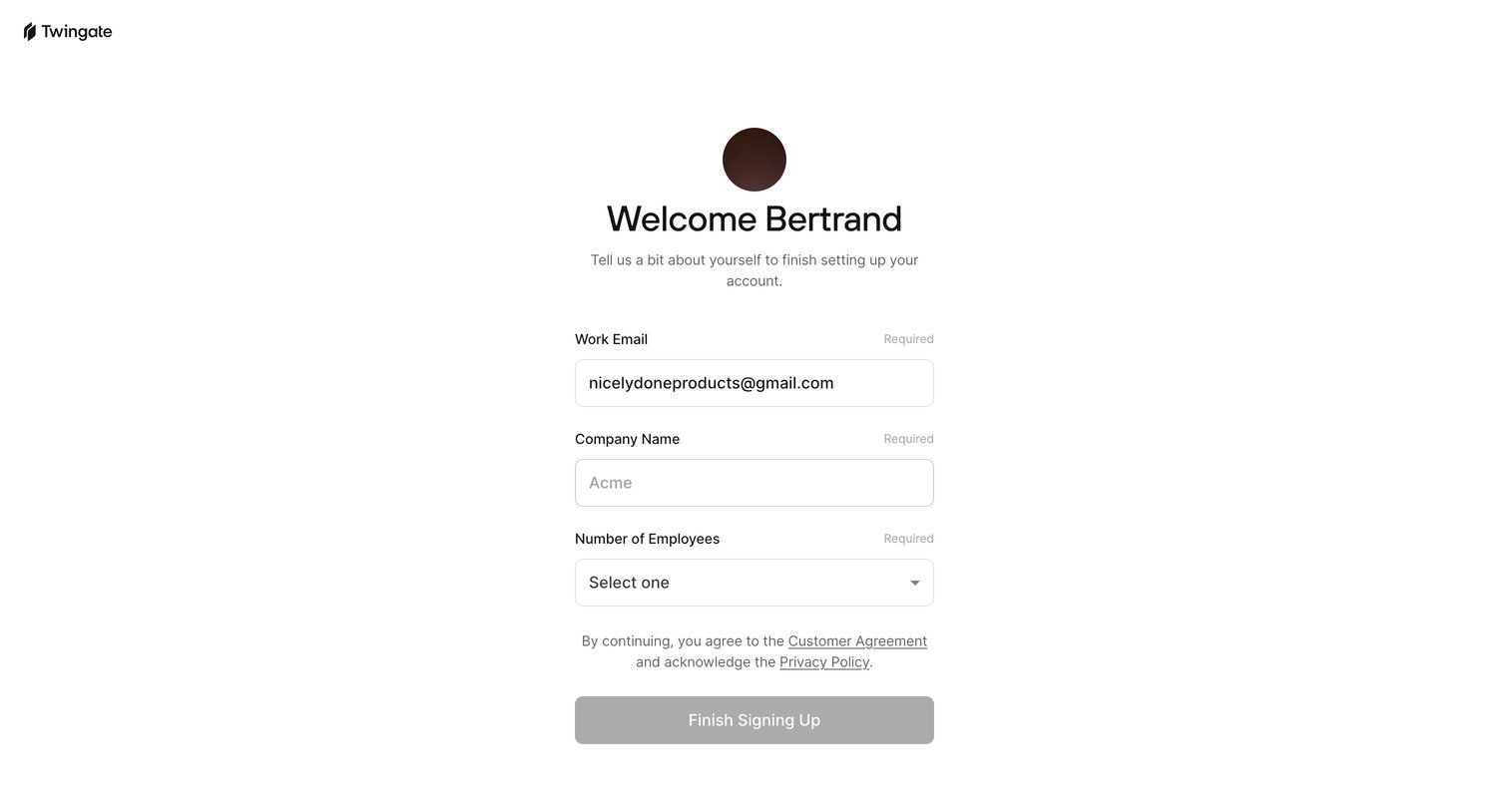
Signup step where the user confirms their work email and provides their company name and employee count to finish account creation.
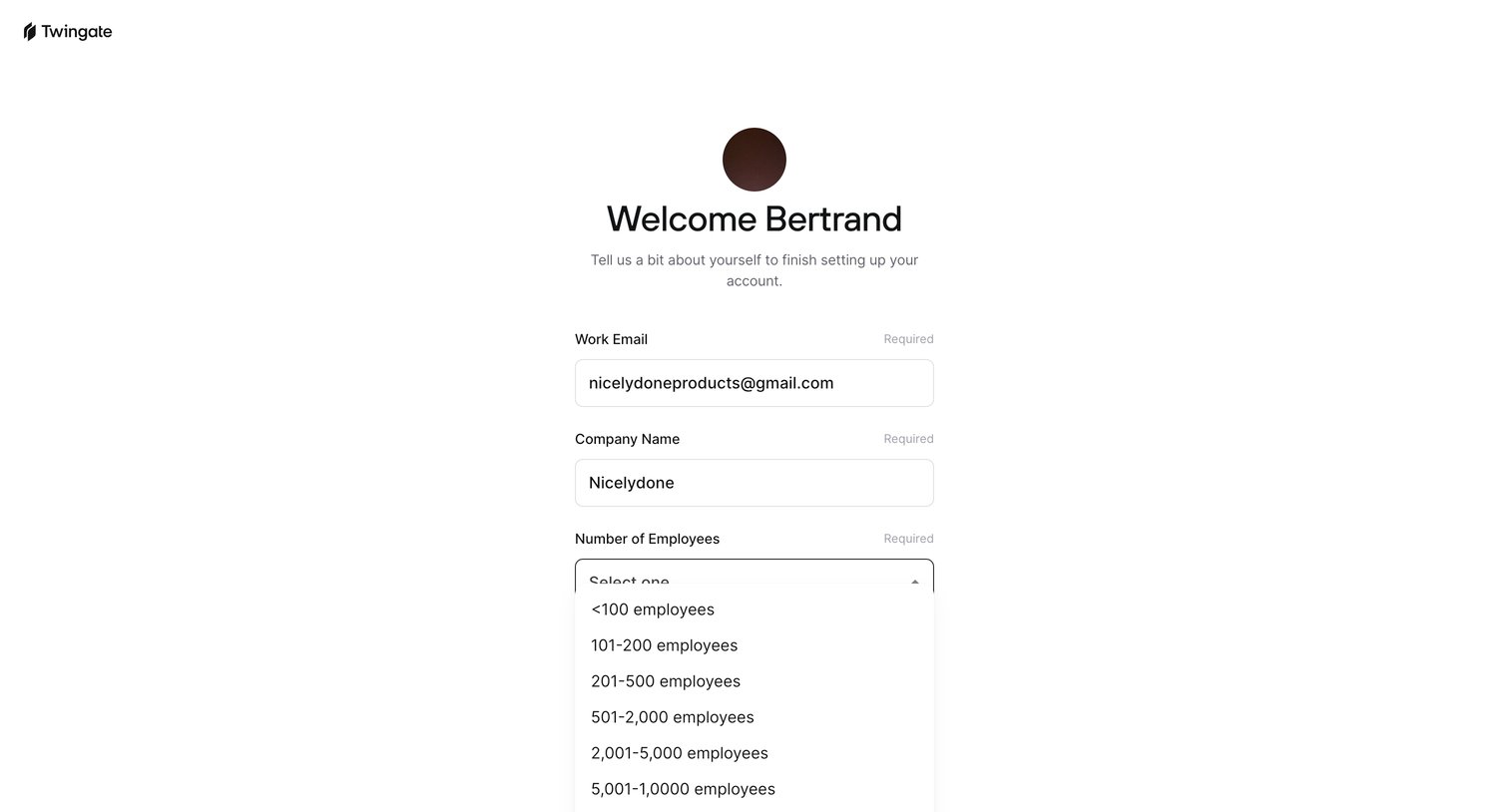
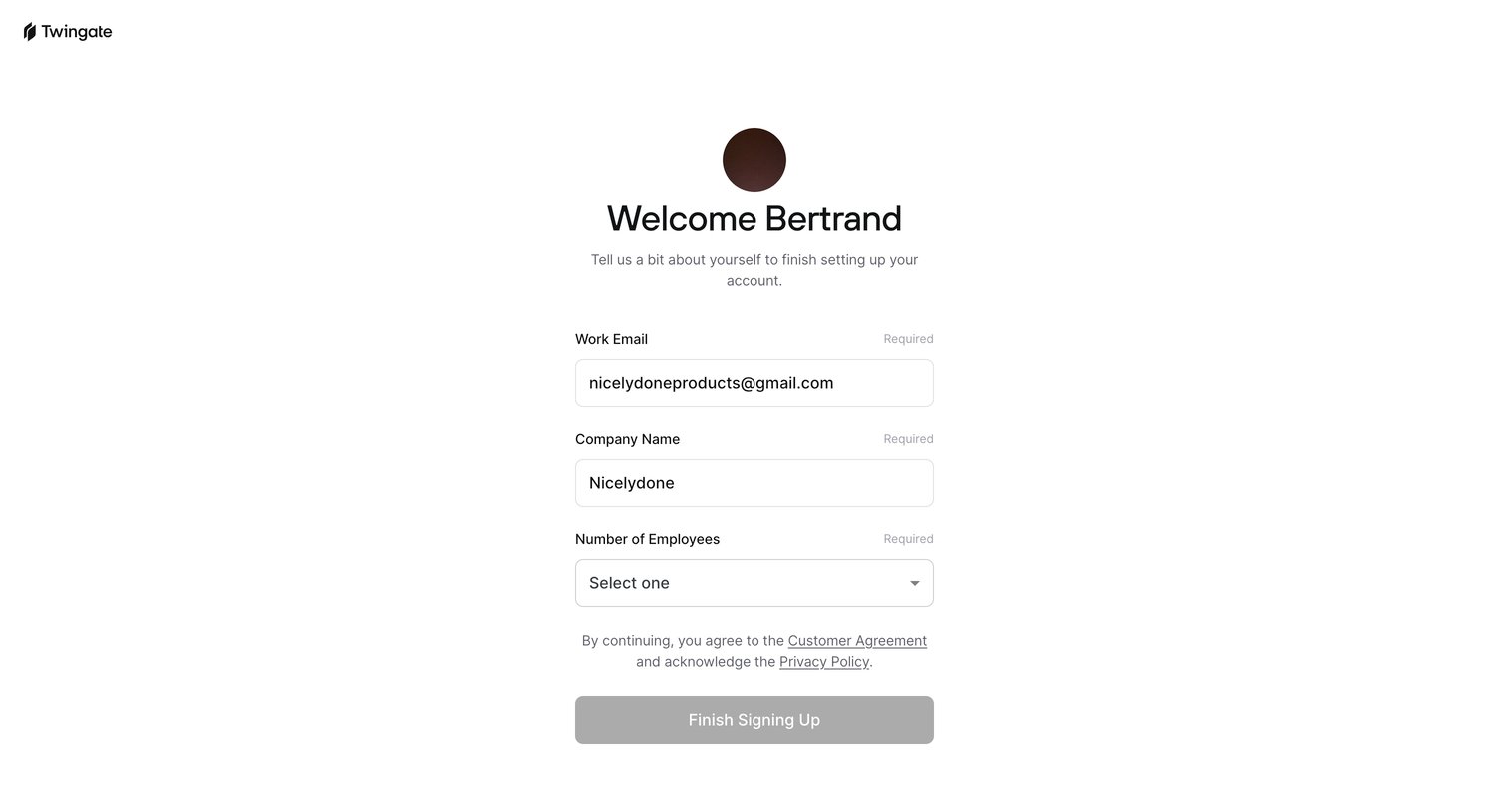
Signup step where the user provides their company name and selects their company size to finish setting up their account.
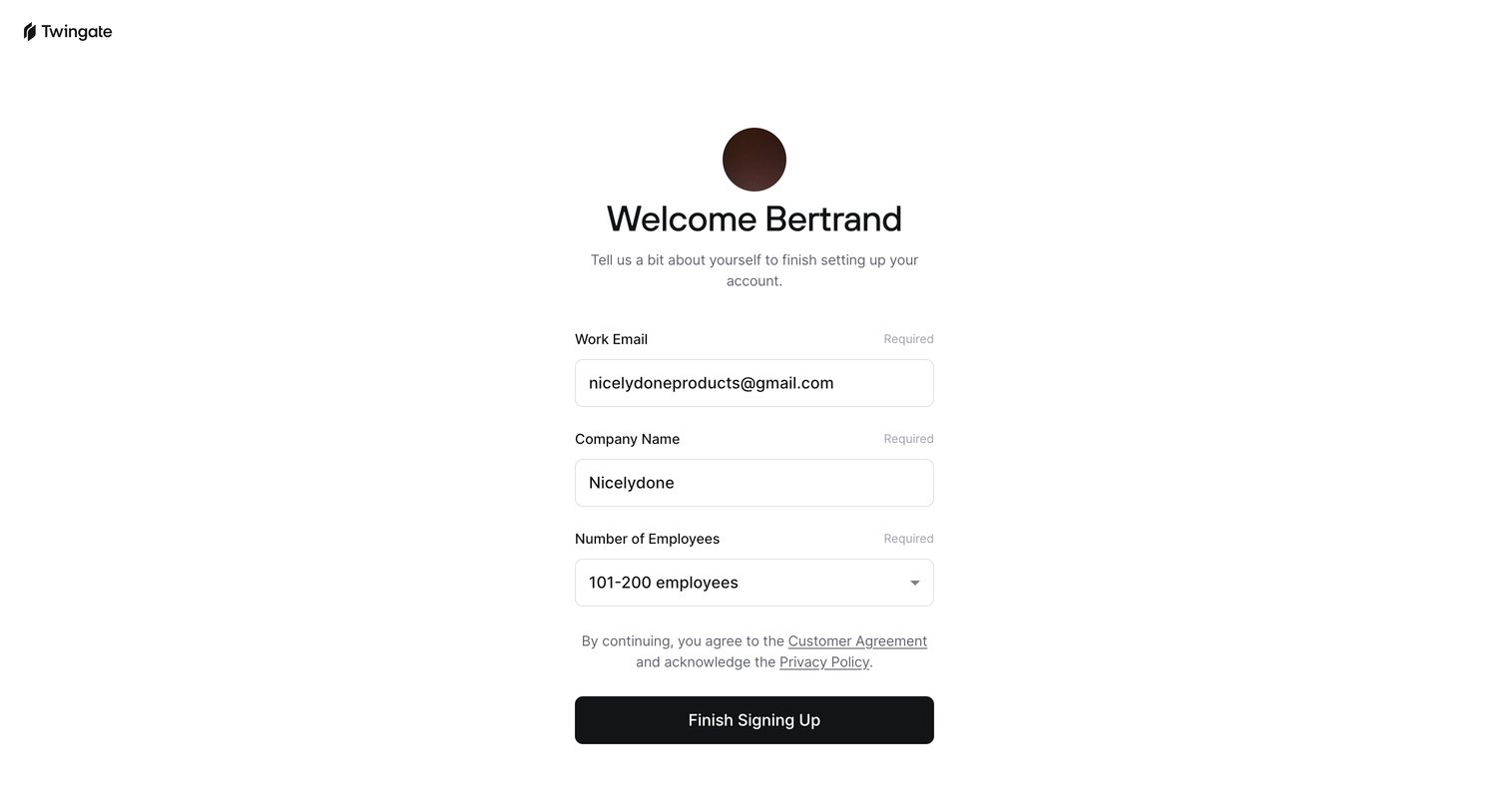
Signup screen where the user completes their profile by confirming their pre-filled work email and providing their company name and size before finishing account creation.
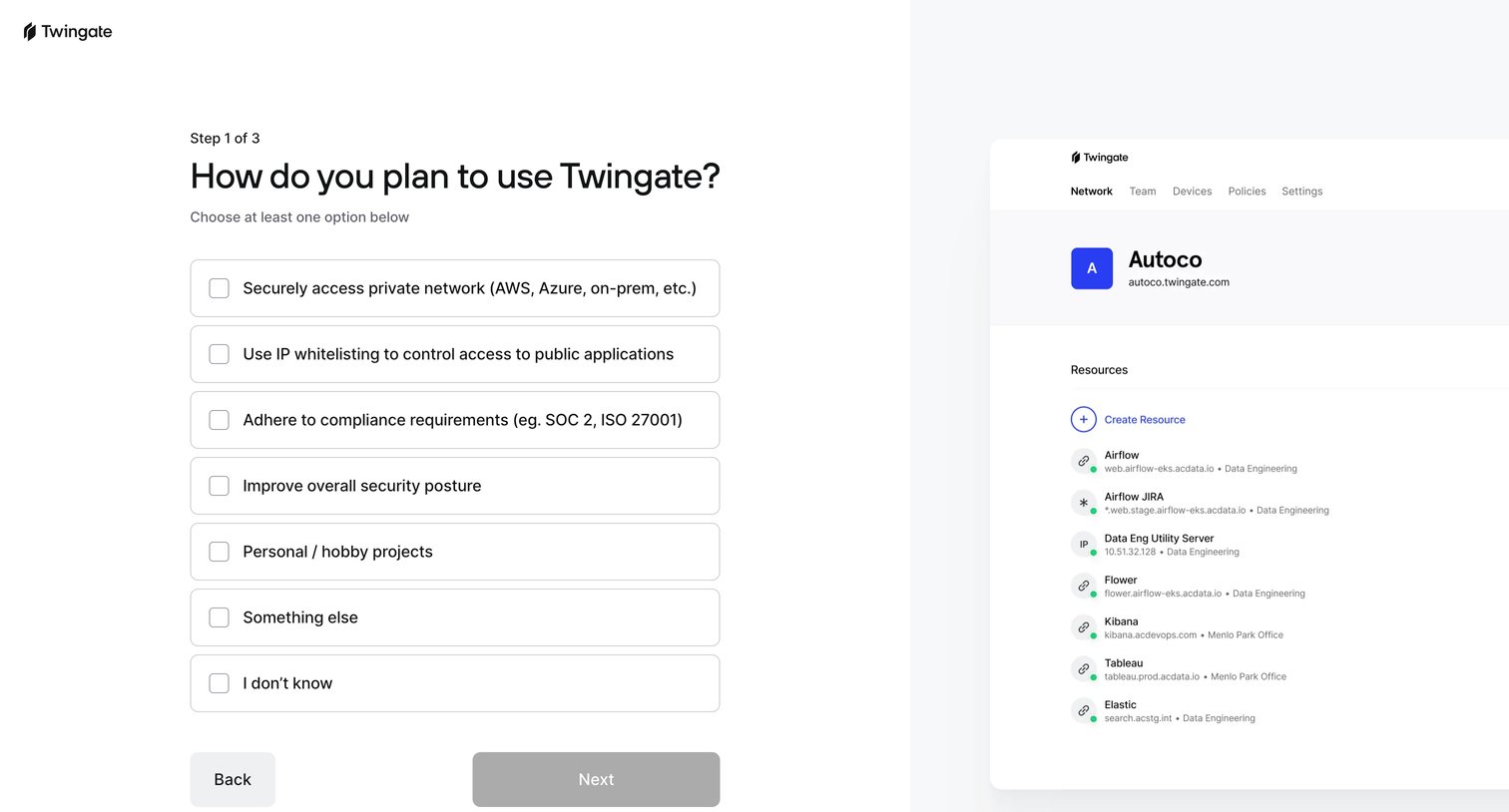
Onboarding step where the user indicates their primary goals, such as securely accessing private networks or adhering to compliance requirements, to tailor their setup.
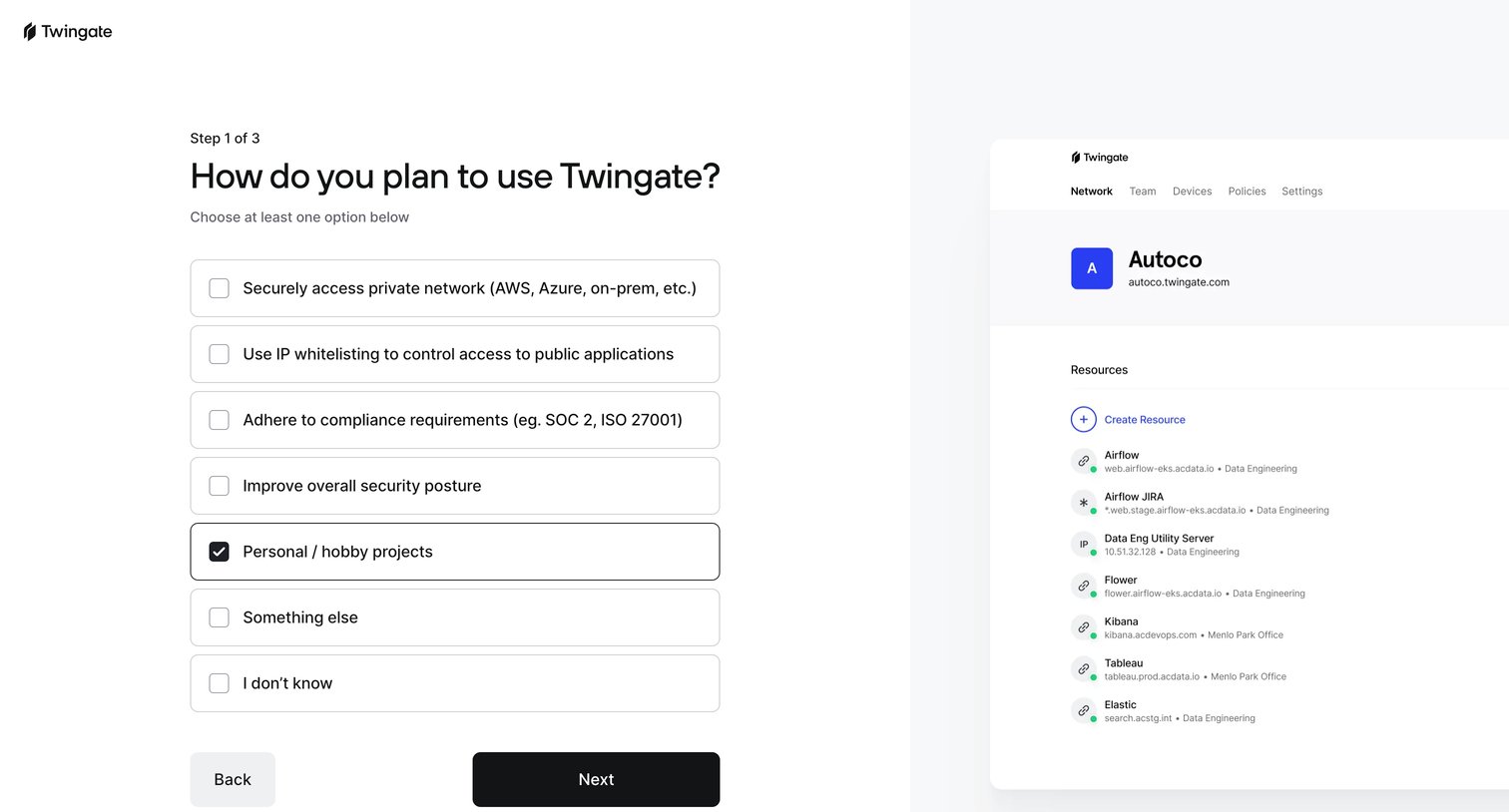
Onboarding step where the user selects their planned use cases for the product from a list of card-styled checkbox options.
Browse the full SaaS app library
Explore real SaaS apps with their product screens, marketing screens, flows, and components.
Trusted by the best teams







